How to Design an Agenda Slide with AI: Examples & Prompts
A weak agenda slide lists topics. A useful one sets expectations, reduces uncertainty, and gives the audience a reason to follow your sequence. This matters most when your source material is messy: a 12-section project update, a long research report, a sales brief with too many product points, or a workshop plan that mixes teaching, discussion, and exercises.
AI can help turn that raw material into a clear opening slide, but the best results come from an editor-led workflow. Let AI cluster the content, propose a sequence, and test layouts; then you decide what the audience should learn, approve, question, or do next. In practice, the human edit is what separates a decorative AI slide from an agenda that actually guides a meeting.
For most presentation agenda slides, aim for 3–6 main items. Use 3–4 for executive updates and pitches, 5–6 for workshops or training, and section divider slides for anything longer. If you have more than six items, group them into phases, modules, or decision blocks instead of shrinking the text.
Agenda Slide Before and After Example
The best agenda slide is not a table of contents copied onto a slide. It is a pacing tool for the audience.
When you use AI to draft an agenda slide, ask for section names that tell the audience what will happen, not just labels such as “Overview” or “Discussion.” Then adapt the timing based on meeting type, audience size, and approval needs instead of using a fixed time rule.
| Version | Agenda text | Why it works or fails |
|---|---|---|
| Raw agenda | Intro, Data, Strategy, Next Steps. | Too generic. The audience does not know what decisions or discussion points matter. |
| AI draft | 1. Current performance. 2. What changed. 3. Risks. 4. Decisions needed. | Clearer, but still needs timing and ownership for a real meeting. |
| Final agenda slide | 10 min: performance snapshot. 15 min: campaign changes. 10 min: blockers. 15 min: decision on next-week priorities. | Shows pacing, content, and the action expected from the audience. |
If the slide does not help the audience predict the flow, reduce anxiety, or understand when they will be asked to decide something, rewrite it before presenting.
What an AI-Assisted Agenda Slide Should Actually Do
An agenda slide is a navigation promise, not a full meeting plan.
Agenda slide vs. meeting agenda
A meeting agenda may include attendee roles, logistics, pre-reads, links, decision owners, and action items. A presentation agenda slide is more selective: it shows the storyline the audience will experience on screen. If the slide includes everything from the meeting invite, it usually becomes unreadable.
What the slide should contain
When you use AI to draft an agenda slide, the strongest output usually includes a concise title, a one-sentence objective, 3–6 agenda items, and optional timing or ownership details. The exact wording should change by context:
- Board update: “Market shift,” “Q3 performance,” “Risk exposure,” “Approval request.”
- Training deck: “Core concept,” “Live demo,” “Practice round,” “Debrief.”
- Sales deck: “Current challenge,” “Solution fit,” “Proof,” “Implementation plan.”
- Technical review: “Architecture goal,” “Trade-offs,” “Failure modes,” “Decision needed.”
A useful agenda slide answers two audience questions within five seconds: “What are we covering?” and “Why should I keep listening?”
What AI can generate—and what you still need to edit
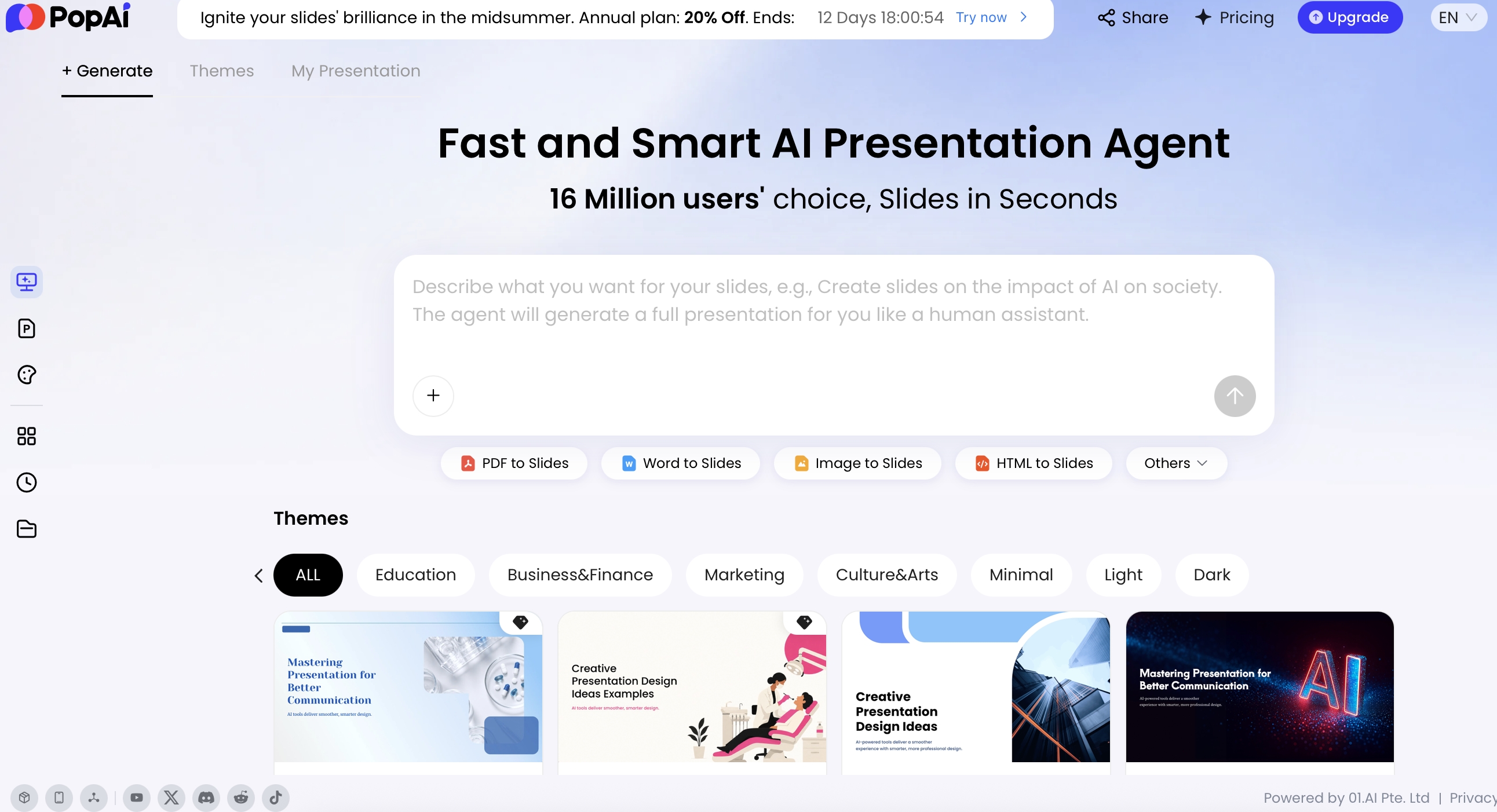
AI is useful because it can scan source material faster than a presenter can manually restructure it. In PopAi AI Presentation, for example, you can start from a prompt or upload materials such as a PDF, Word document, text brief, HTML page, PPTX, image, audio, video, or YouTube URL. A practical workflow is to let the tool organize the content plan first, then generate slides, then revise the agenda wording and layout with natural-language instructions.
Do not treat the first AI agenda as final. AI may copy source headings too literally, invent sections that are not supported by the material, or choose a visually attractive layout that does not match the meeting objective. Your review should check whether every agenda item maps to a real section in the deck and whether the sequence supports the audience’s decision path.
Mini case study: In a test using a 9-page project status report, the first AI draft produced eight agenda items: Background, Scope, Timeline, Budget, Risks, Dependencies, Team Updates, and Next Steps. After clustering by stakeholder need, the final agenda became four items: Current status, Risks requiring attention, Budget impact, and Decisions needed today. The slide became easier to read because it shifted from document structure to meeting purpose.
How to Design an Agenda Slide with AI Step by Step
Use AI as a drafting partner: feed it the right context, ask for multiple structures, critique the output, then turn the strongest version into a readable slide.
If your team is still choosing a tool, compare export formats, template control, document-to-outline quality, and editability across AI presentation makers before committing to a deck workflow.
1. Prepare the source material
Before prompting, collect the actual inputs the agenda must represent: outline, meeting objective, slide draft, report, transcript, proposal, or workshop plan. Remove irrelevant sections if the material is confidential or likely to distract the AI. For sensitive decks, avoid uploading client names, unreleased financials, personal data, or proprietary strategy unless your organization has approved the tool for that use.
2. Define the audience outcome
Decide what the audience should know, feel, or decide after the presentation. A project update may need alignment. A pitch deck may need investor curiosity. A training deck may need confidence to practice a skill. This outcome should drive the agenda labels, not the order of your source document.
3. Give AI the constraints
Include audience role, seniority, total time, meeting format, tone, and slide environment. A 15-minute executive update needs a different agenda than a 90-minute enablement workshop. If the presentation is remote, ask for larger labels, fewer icons, and a layout that remains readable in a shared-screen window.
4. Ask for multiple agenda structures
Do not ask only for “an agenda.” Ask AI to generate two or three options with different logic. For example:
- Decision-led: starts with the decision needed, then explains evidence.
- Story-led: moves from problem to solution to proof to next step.
- Workshop-led: moves from concept to demo to practice to reflection.
5. Convert the best structure into a slide layout
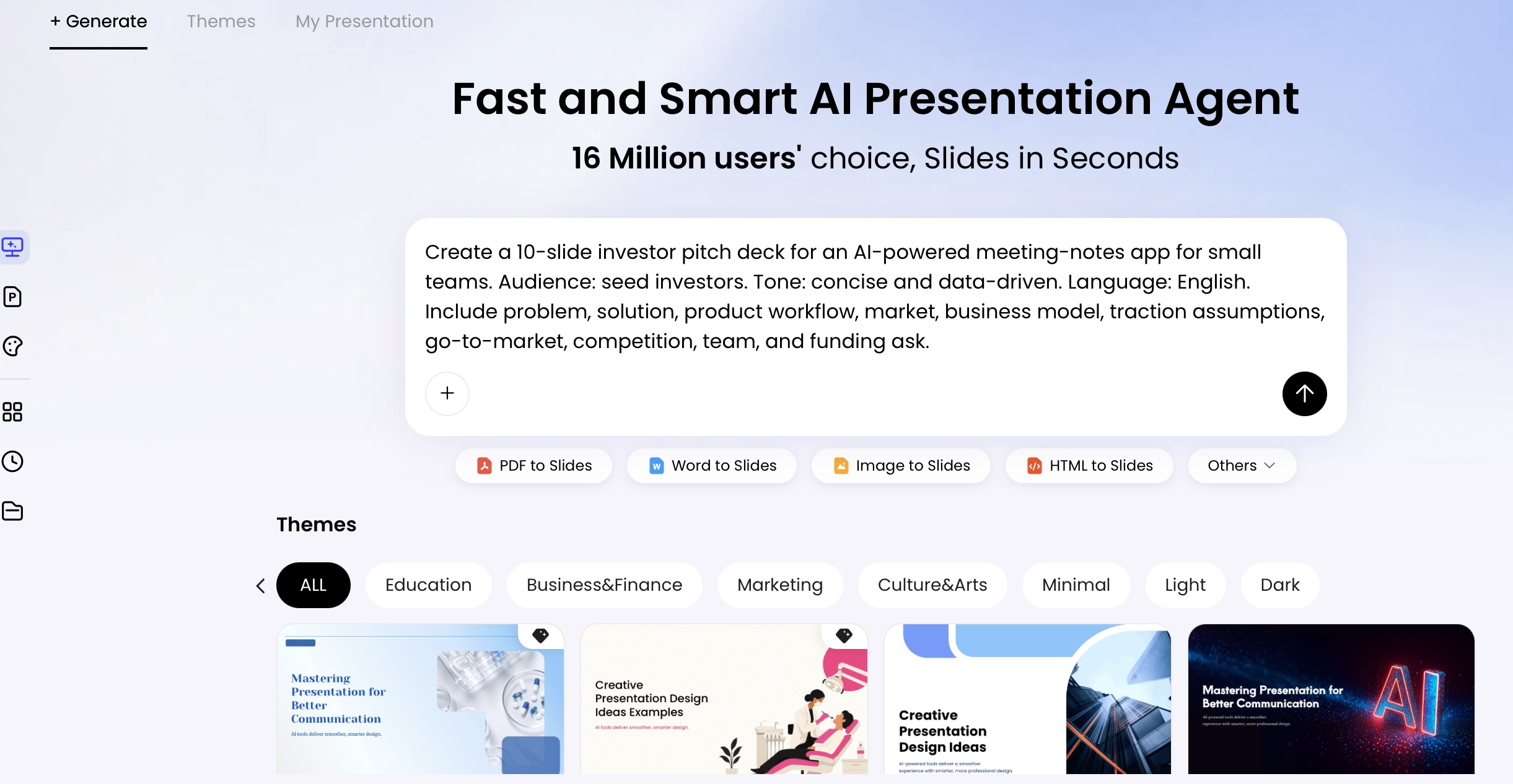
Once the sequence is right, ask for a layout recommendation: numbered list, timeline, cards, roadmap, or progress-navigation agenda. This is where AI often needs direction. A timeline is useful when timing matters; cards are useful when modules have equal weight; a vertical list is best when speed and clarity matter more than decoration.
6. Run a revision pass
Use follow-up prompts to improve the agenda before designing the final slide:
- “Combine overlapping items and reduce this to four sections.”
- “Make the labels more executive and decision-oriented.”
- “Add timing that totals 30 minutes, including 5 minutes for Q&A.”
- “Rewrite each label to 2–6 words and use parallel grammar.”
- “Convert this agenda into a 4-step roadmap layout with short speaker notes.”
7. Test readability and export editability
Before presenting, view the agenda slide at thumbnail size, in presenter mode, and in the format your audience will see: projector, Zoom, Teams, Google Slides, PDF, or PowerPoint. If you export to PPTX, check that agenda text, icons, and shapes remain editable rather than flattened into an image.
Reusable prompt
Create an agenda slide for a [presentation type] about [topic]. Audience: [role/seniority]. Total time: [minutes]. Goal: [decision, learning outcome, or action]. Source material summary: [paste outline or key sections]. Generate 2 agenda options with 3–6 items each. For each option, include short labels, optional time allocations, the reason for the sequence, and a recommended slide layout. Tone: [executive, practical, persuasive, instructional]. Avoid vague labels such as “Overview,” “Discussion,” and “Next steps” unless they are made specific.
After AI proposes the first version, edit aggressively. Replace abstract labels with audience-centered labels: “Market context” becomes “Why demand is shifting”; “Product demo” becomes “Workflow impact in action”; “Next steps” becomes “Decision and rollout plan.”
Choose the Right Agenda Slide Layout
Layout choice should follow the logic of the meeting, not the template that looks newest.
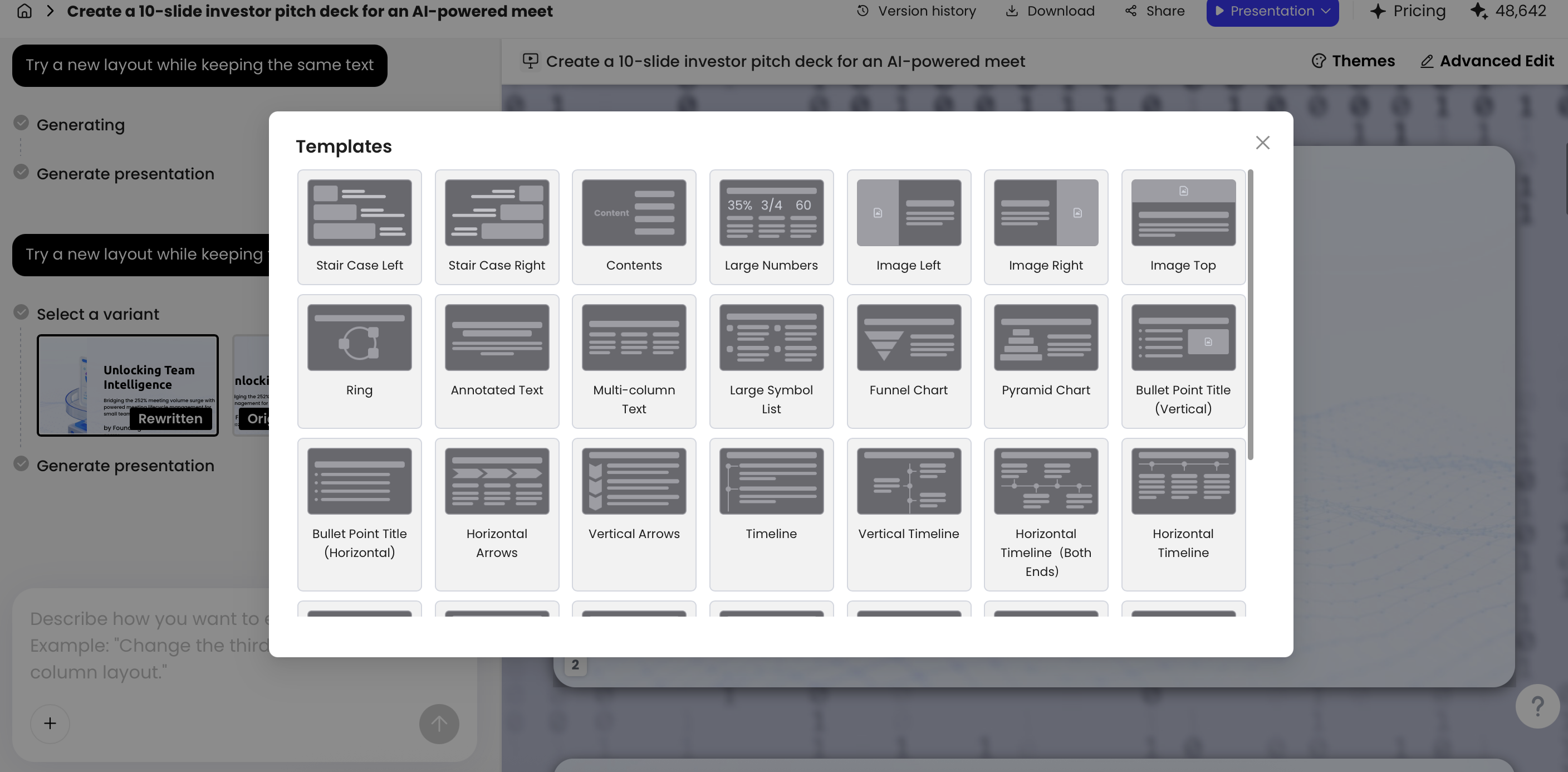
| Layout | Best for | Design guidance |
|---|---|---|
| Vertical numbered list | Executive updates, project reviews, concise team meetings | Use 3–5 items, 2–6 words per label, and minimal icons. Best when clarity matters more than visual storytelling. |
| Horizontal timeline | Workshops, implementation plans, product launches | Show sequence and time blocks. Leave 10–15% buffer when discussion, transitions, or questions are likely. |
| Grid or cards | Webinars, training modules, multi-topic briefings | Use when items have equal weight. Keep card titles parallel and avoid icons that add no meaning. |
| Roadmap or phase flow | Strategy decks, change management, consulting proposals | Group agenda items into phases such as Diagnose, Design, Decide. Good for transformation narratives. |
| Progress or section navigation | Long decks, self-guided decks, recurring status reports | Repeat the agenda as section dividers or a left-side progress bar so audiences know where they are. |
| Objective + agenda hybrid | Client proposals, stakeholder briefings, short decision meetings | Pair a one-sentence objective with 3–4 agenda items. Useful when the audience needs the “why” before the “what.” |
Simple list agendas
Use a numbered list when the agenda must be understood instantly. This is usually the safest format for senior audiences because it avoids unnecessary interpretation. Add one short subtitle only if it clarifies the decision path.
Timeline agendas
Use a timeline when time allocation is part of the promise: workshops, webinars, launch briefings, and training sessions. Make sure the minutes add up. If the meeting is 60 minutes, a 58-minute agenda leaves no transition time and will feel unrealistic.
Card and grid agendas
Use cards when the sections are independent modules rather than a strict story. Keep the card heights equal, icons the same size, and text aligned consistently. If one card needs twice as much text, the structure is probably uneven.
Roadmap and progress agendas
Use a roadmap when the presentation describes movement: from current state to target state, from diagnosis to recommendation, or from problem to implementation. For long decks, repeat a smaller progress version on divider slides instead of asking the audience to remember the opening agenda.
The right layout is the one that makes the presentation logic obvious before the presenter explains it.
Prompt Examples for Real Agenda Slide Scenarios
Prompt quality improves when you specify objective, audience, time, and layout intent. Below are usable prompts plus the kind of output you should expect.
Pitch deck agenda: keep it investor-led
“Create a 4-item agenda slide for a seed-stage investor pitch about an AI productivity tool. Audience: venture investors. Total presentation time: 12 minutes. Goal: create confidence in the problem, market, product traction, and funding ask. Use punchy labels and recommend a clean horizontal layout.”
Expected structure: Problem urgency → Product advantage → Traction proof → Funding ask. If AI gives you “Introduction, Product, Market, Team,” revise it; that sequence describes your deck, but it does not create investor momentum.
Training workshop agenda: show pacing and practice
“Create a 6-part agenda slide for a 90-minute manager training on giving feedback. Audience: new people managers. Include time allocations, one practice activity, and a debrief. Recommend a module-card layout with simple icons.”
Expected structure: Why feedback fails → Feedback model → Demo → Paired practice → Debrief → Commitments. For training, timing matters because the audience wants to know when they will participate, not just listen.
Project update agenda: focus on decisions
“Create a concise agenda slide for a 30-minute project steering committee update. Audience: senior stakeholders. Include status, risks, budget, decisions needed, and next milestones. Use executive wording and avoid operational detail.”
Expected structure: Status headline → Risk and budget impact → Decision required → Next milestones. Ask AI to remove task-level detail; steering committees usually need choices and implications, not a workstream inventory.
Board presentation agenda: sequence evidence before approval
“Create a 5-item agenda slide for a board meeting presentation on Q3 performance. Audience: board members. Goal: move from headline results to risk exposure and approval request. Include suggested timing and a formal layout.”
Expected structure: Headline performance → Variance drivers → Risk exposure → Management response → Approval request. A board agenda should make the decision visible early, even if the evidence comes before the vote.
Technical architecture review: avoid generic business labels
“Create a 5-item agenda slide for a 45-minute architecture review of a customer data platform migration. Audience: engineering leads and security stakeholders. Goal: validate the proposed architecture and identify blockers. Use precise technical labels, include 10 minutes for risk discussion, and recommend a left-navigation agenda layout.”
Expected structure: Migration goal → Target architecture → Data/security trade-offs → Operational risks → Open decisions. If AI adds sales-style labels such as “Unlocking value,” replace them with terms engineers can act on.
When the agenda must come from existing material, use AI to extract first and design second. For example, a long HTML brief containing an executive summary, key metrics, a risk register, and recommended actions can be converted into a draft deck structure. The risk table may become a slide-ready table, but the agenda still needs a human decision: should the meeting lead with performance, risks, or the approval request?
Prompt test: A generic prompt such as “Make an agenda for a quarterly business review” often returns broad labels: Overview, Results, Challenges, Opportunities, Next Steps. Adding objective, audience seniority, time limit, and layout intent produces more usable labels, such as “Revenue variance,” “Customer retention risk,” “Margin recovery plan,” and “Decisions for Q4.” The improvement is not magic; the AI has clearer criteria for what to include and what to ignore.
Readability and Branding Rules for AI Agenda Slides
An AI-generated agenda is not presentation-ready until it passes the thumbnail test, the room test, and the brand test.
Readability rules
- Use 3–6 main items: If the list exceeds six, combine related points or move detail to section divider slides.
- Keep labels short: Aim for 2–6 words per item. Use parallel phrasing, such as all nouns or all verb-led actions.
- Size text for the viewing context: Use roughly 34–44 pt for the slide title and 22–30 pt for agenda labels in a standard 16:9 deck. For webinar slides viewed in a small window, stay toward the larger end.
- Prioritize contrast: Use dark text on a light background or high-contrast light text on a dark background. Avoid pale gray, low-opacity text, and thin fonts.
- Use consistent alignment: Numbered agenda items should align on a common axis. Cards should have equal spacing, equal padding, and consistent title placement.
- Limit decoration: Icons, gradients, and animations should support hierarchy, not compete with it.
Brand consistency rules
For branded presentations, give AI your style constraints: brand colors, preferred fonts, logo safe area, icon style, and whether the deck should feel formal, creative, academic, or sales-oriented. If you work in PowerPoint, check the slide master after export so the agenda title, section numbers, footer, and logo placement match the rest of the deck.

Accessibility and editability checks
- Check color dependence: Do not rely on color alone to show sequence or priority. Use numbers, labels, or progress markers.
- Avoid tiny icon labels: Icons should reinforce meaning, not replace readable text.
- Test at 25% zoom: If the agenda cannot be understood in slide sorter view, it is probably too dense for a live audience.
- Verify exported objects: In PPTX exports, confirm that text boxes, icons, and shapes are editable. If the slide exports as a flat image, last-minute edits become painful.
- Keep section markers consistent: If the agenda uses numbers 1–4, reuse the same numbering on divider slides or progress indicators.
Useful revision prompts at this stage include: “Increase contrast and reduce decorative elements,” “Make all agenda labels parallel,” “Use brand colors but keep the background clean,” and “Create a version that remains readable on a video call.”
Before and After: Turning a Bullet Agenda into a Clear Slide
Here is a practical before-and-after example. Imagine your first draft agenda says: “Introduction, Market, Product, Customers, Financials, Roadmap, Questions.” It is technically an agenda, but it does not tell the audience what the presentation is trying to prove.
Weak version: source headings copied to the slide
- Introduction
- Market overview
- Product
- Customers
- Financials
- Roadmap
- Q&A
Why it underperforms: the labels are generic, the list is too long for a short pitch, and the order describes content categories rather than a persuasive argument. “Customers” and “Financials” might be important, but the audience does not yet know what they are supposed to conclude from them.
AI-refined version: fewer items with a narrative arc
- 1. Why the market is ready — demand shift and timing
- 2. How the product closes the workflow gap — demo and differentiators
- 3. Proof that customers will pay — traction, use cases, retention
- 4. What growth requires next — roadmap, funding, decision ask
Prompt used: “Rewrite this 7-item pitch agenda into 4 investor-focused sections. Make each label specific, persuasive, and 2–7 words. Keep the sequence problem → solution → proof → ask. Recommend whether the slide should use a numbered list, horizontal timeline, or roadmap.”
The improved version uses fewer items, stronger cause-and-effect language, and a clearer decision path. It also removes “Q&A” as a main agenda item unless the format requires it. For a live pitch, questions are expected throughout; for a webinar, Q&A may deserve a visible 10-minute time block at the end.
Design notes for the refined slide
- Recommended layout: horizontal 4-step flow or numbered vertical list.
- Title: “Today’s focus: proving readiness for scale.”
- Typography: large agenda labels, smaller explanatory phrases, no paragraph text.
- Visual hierarchy: numbers should be more prominent than icons; use icons only if they clarify market, product, proof, and ask.
- Timing: for a 12-minute pitch, allocate roughly 2 minutes, 3 minutes, 4 minutes, and 3 minutes.
Ask AI for three alternatives: “executive concise,” “training detailed,” and “visual roadmap.” Choose executive concise when decisions matter, training detailed when pacing matters, and visual roadmap when the agenda represents a transformation or implementation journey.
Common Mistakes When You Design Agenda Slides with AI
AI makes it easy to create polished agenda slides that still fail as communication tools. Review every draft for content accuracy, visual clarity, and fit with the actual deck.
Content mistakes
- Too many agenda items: Seven or more items usually creates scanning fatigue. Group, cut, or split into section dividers.
- Vague labels: “Overview,” “Discussion,” and “Next steps” need specificity. Replace “Discussion” with “Pricing decision” or “Launch risks.”
- No logic in the order: A persuasive deck should move from problem to solution to proof to action. A training deck should move from concept to demo to practice.
- Agenda does not match the deck: AI may create a clean structure that your actual slides do not follow. Verify each agenda item has a corresponding section.
Design mistakes
- Low contrast or tiny text: AI-generated themes can be attractive but unreadable. Test the slide at thumbnail size and in the actual meeting format.
- Overloaded icons: Icons should clarify meaning. If every icon looks similar or decorative, remove them.
- Brand mismatch: A beautiful agenda slide still fails if it looks unrelated to the deck’s fonts, colors, and tone.
- Over-animated navigation: Motion can help reveal sections, but complex animation slows the opening and distracts from the promise of the presentation.
AI-specific mistakes
- Invented sections: AI may add “competitive landscape” or “customer testimonials” because they are common, even if they are not in your material. Delete anything unsupported.
- Unrealistic timing: If you include timing, make sure it adds up and leaves room for transitions, questions, and discussion.
- Inconsistent grammar: Mixed labels such as “Market overview,” “Review product,” and “Customer proof” feel unedited. Make all labels parallel.
- Template overfit: AI may force the agenda into a flashy layout because the template supports it. Use the layout that makes the sequence easiest to understand.
- Privacy oversight: Be careful with uploaded source files that contain confidential strategy, customer data, financials, or employee information.
An agenda slide is a contract with your audience: if you promise a decision, the deck must build toward that decision; if you promise practice, the session must make room for practice.
Use this final check before presenting: clarify the outcome, cluster topics, choose the layout, edit labels, verify timing, test readability, match the brand system, and confirm that every agenda item appears in the actual deck. AI can generate the structure quickly, but the presenter owns the expectation.
FAQ: Agenda Slide with AI
What should an agenda slide include?
An agenda slide should include a concise title, a one-sentence objective, 3–6 agenda items, and optional time allocations or owners. Keep the slide focused on navigation, not meeting logistics.
Can AI create an agenda slide automatically?
Yes. AI can summarize a topic, outline, document, or existing deck into agenda items and suggest layouts such as a numbered list, timeline, roadmap, or card grid.
How many items should be on an agenda slide?
Most agenda slides work best with 3–6 items. Use fewer items for executive presentations and more detailed sectioning only for training, workshops, or long technical briefings.
Should an agenda slide include time allocations?
Include timing when the audience needs to understand pacing, especially in meetings, workshops, and webinars. For persuasive decks, timing can be omitted if it clutters the slide.
What is the difference between an agenda and a table of contents?
A table of contents lists sections, often for navigation. An agenda sets expectations for a live presentation or meeting and may include sequence, timing, decisions, or interaction points.
Create your presentation with one click now
Turn your outline, document, or prompt into a structured deck with clear agenda slides, editable layouts, and export-ready presentation files.
Start creating with PopAi