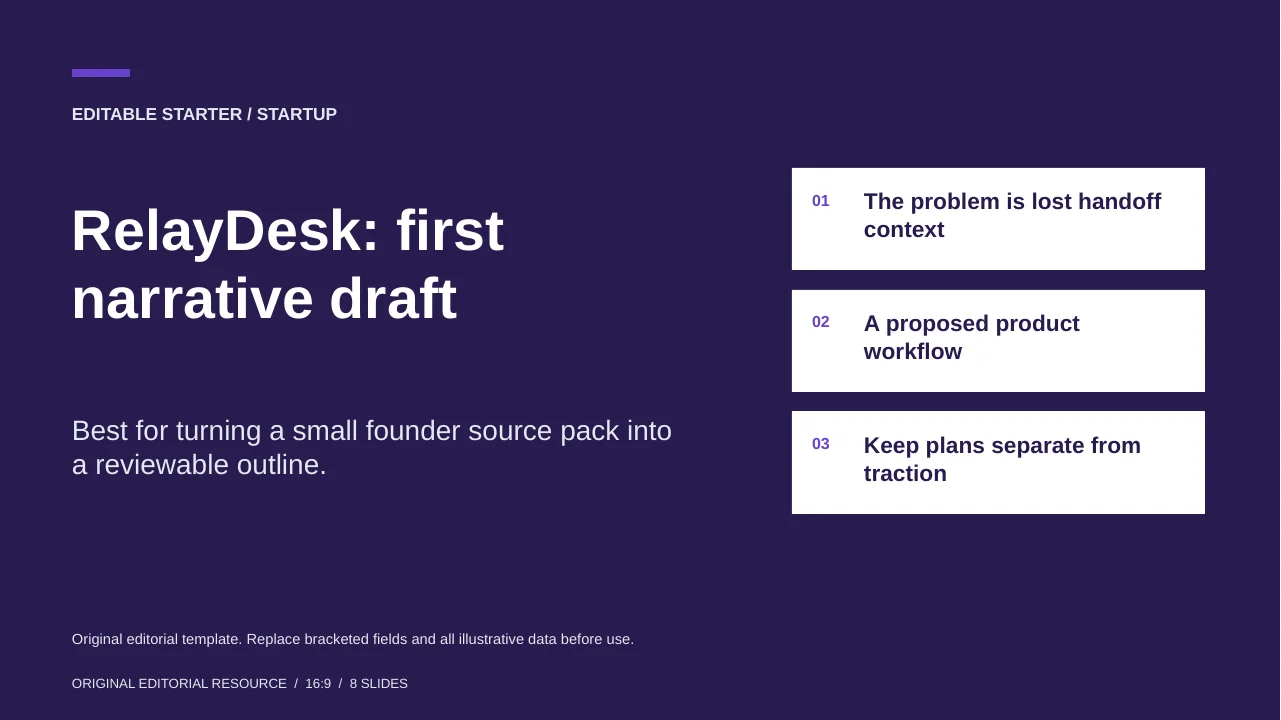
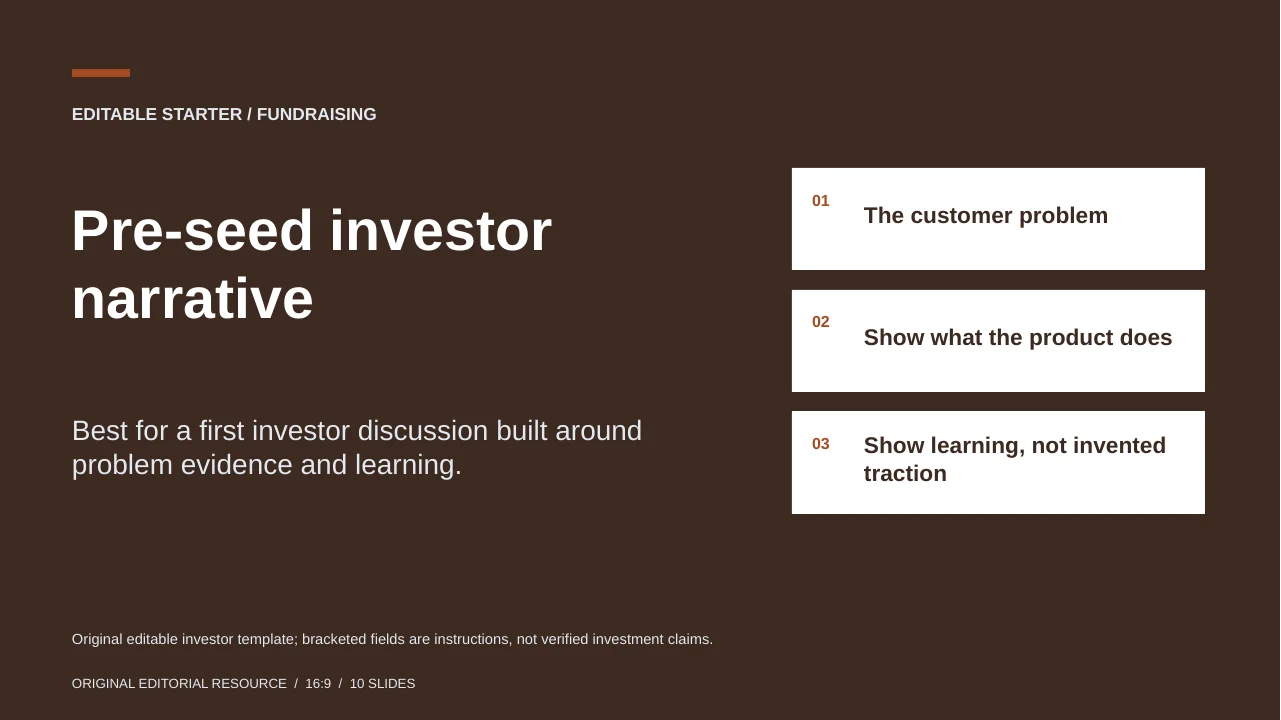
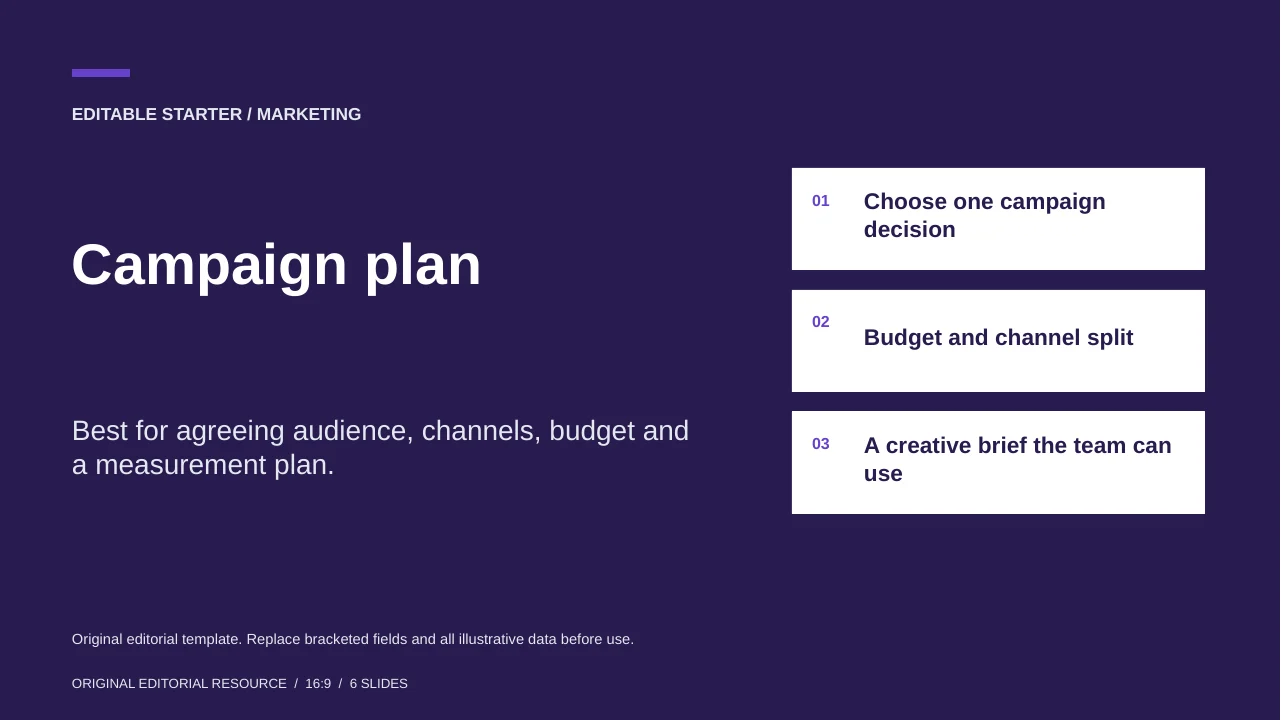
Best Startup Presentation Templates: 3 Editable AI-Ready Designs
Updated October 19, 2026 | Preview and source labels aligned with the editable files
Choose the startup presentation template that makes your current evidence easy to see. A quiet minimal style works for an early concept, a product-led style for demonstrating the workflow, and a metrics-led style for discussing repeatability. The three six-slide visual starters below are intentionally shorter than the investor fundraising files.
Choose one visual system for the startup stage
| Visual system | Suggested use | Visual emphasis | Evidence caution |
|---|---|---|---|
| Minimal / concept-first | Early founder feedback, often pre-seed | Whitespace, one claim and an explicit question | A hypothesis is not validated demand. |
| Product-led | Product or early-adoption discussion, often seed | Workflow, approved demonstration and proof fields | A mock-up is not deployed capability. |
| Metrics-led | Operating or scaling discussion | Defined KPIs, assumptions and action | Plans and forecasts are not actuals. |
The stage labels are suggestions, not strict financing categories. Use the fundraising pitch deck templates when the meeting specifically concerns an investment round; those files contain 10-12 pages organized around investor evidence. Use the startup prompt-to-draft tutorial when you need to turn founder notes into the first narrative.
Three editable startup presentation designs
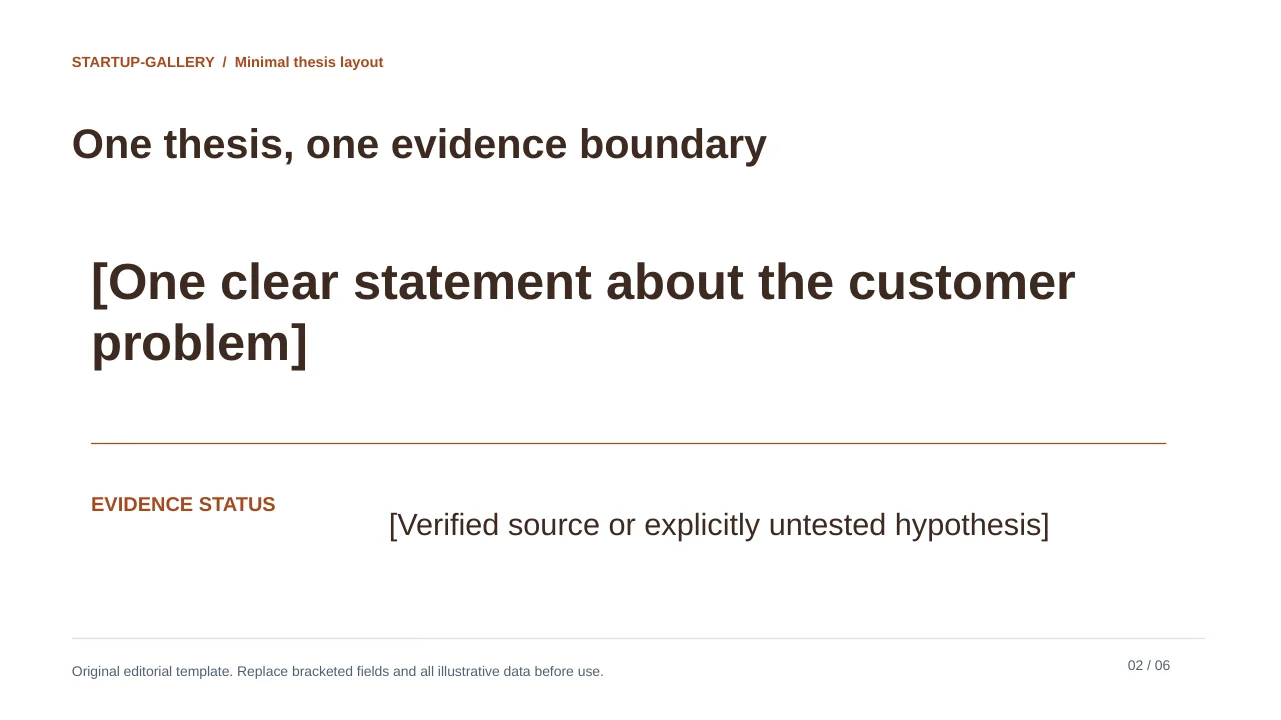
Minimal thesis layout
Best for a pre-seed visual starting point with limited evidence.
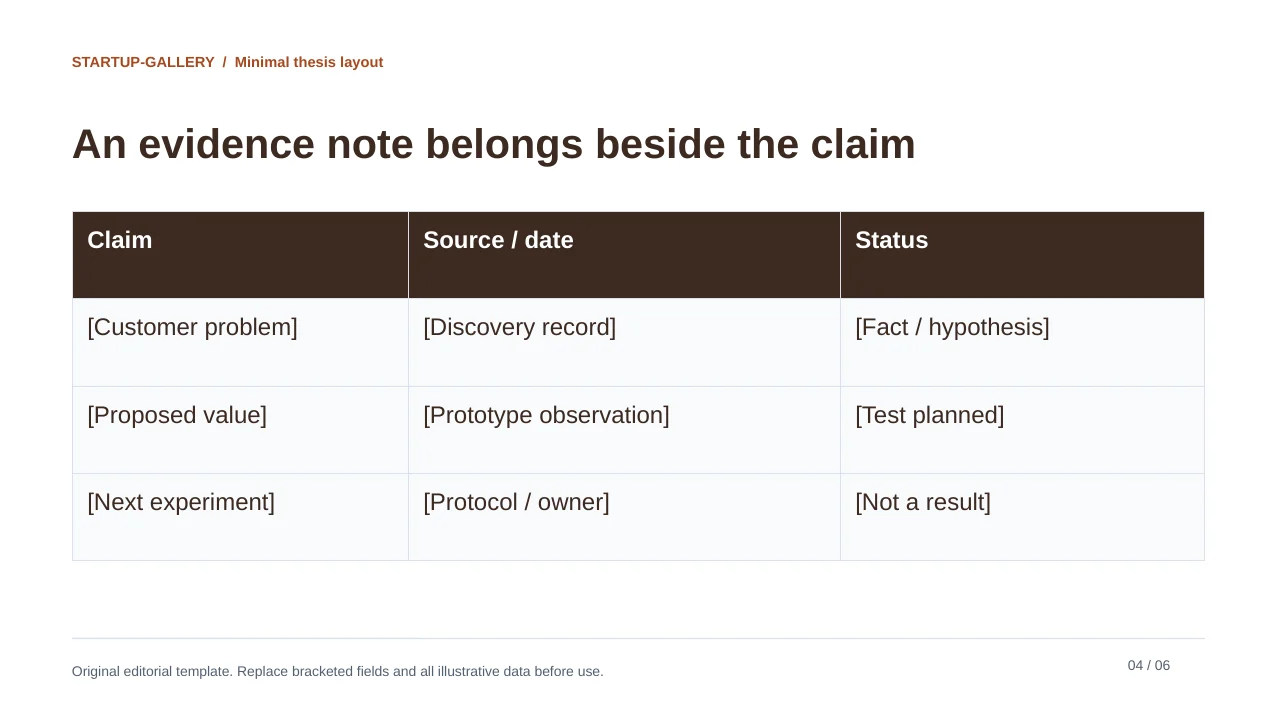
A warm, restrained system with a large thesis page and a separate evidence strip. Its problem and next-step pages help an early team ask useful questions without decorating the gaps in its evidence. Keep the source status in the small-print review field.
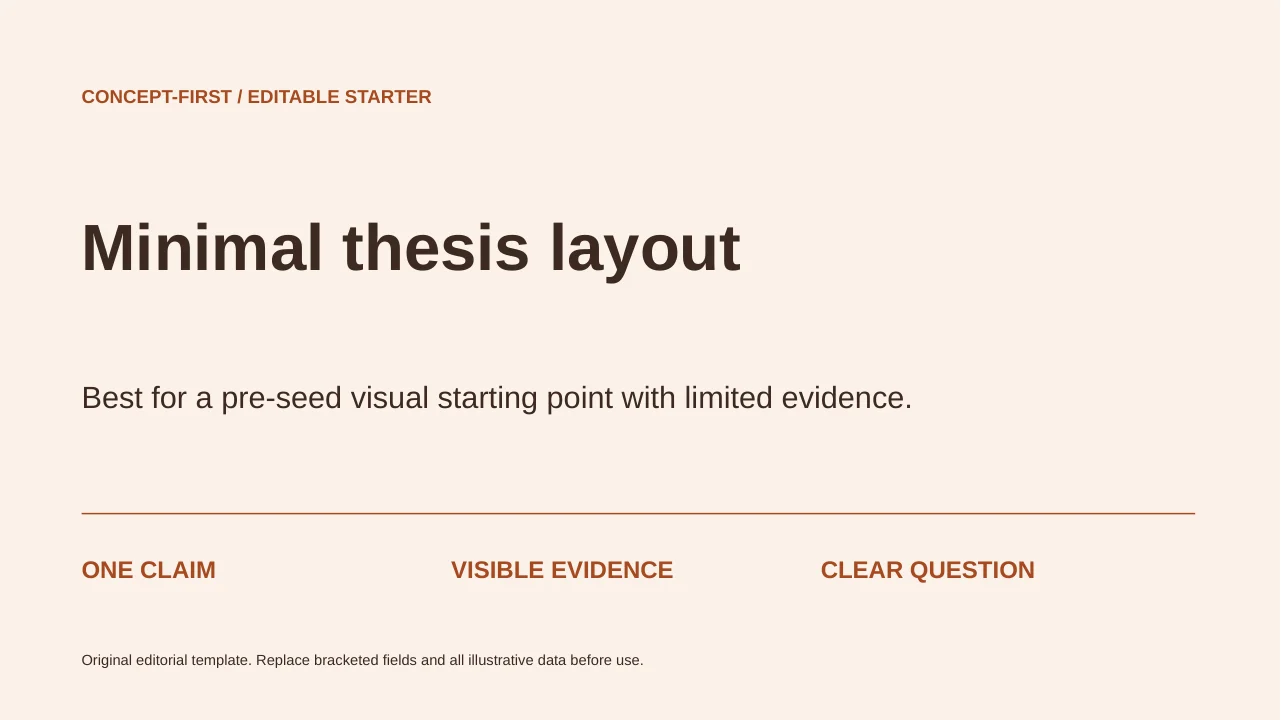
Original editorial template. Replace bracketed fields and all illustrative data before use.
See the complete slide sequence
- Minimal thesis layout
- One thesis, one evidence boundary
- Explain the problem without decorating the gap
- An evidence note belongs beside the claim
- Ask for feedback before asking for belief
- A restrained visual system
Product-led layout
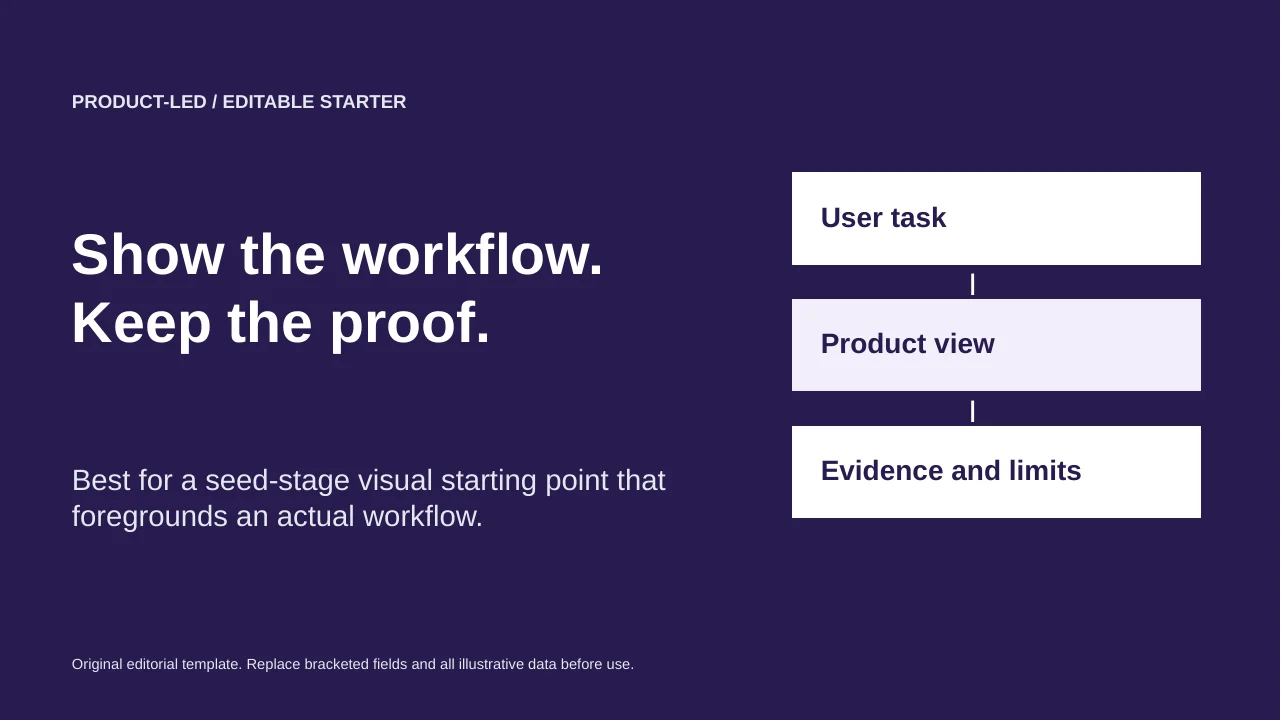
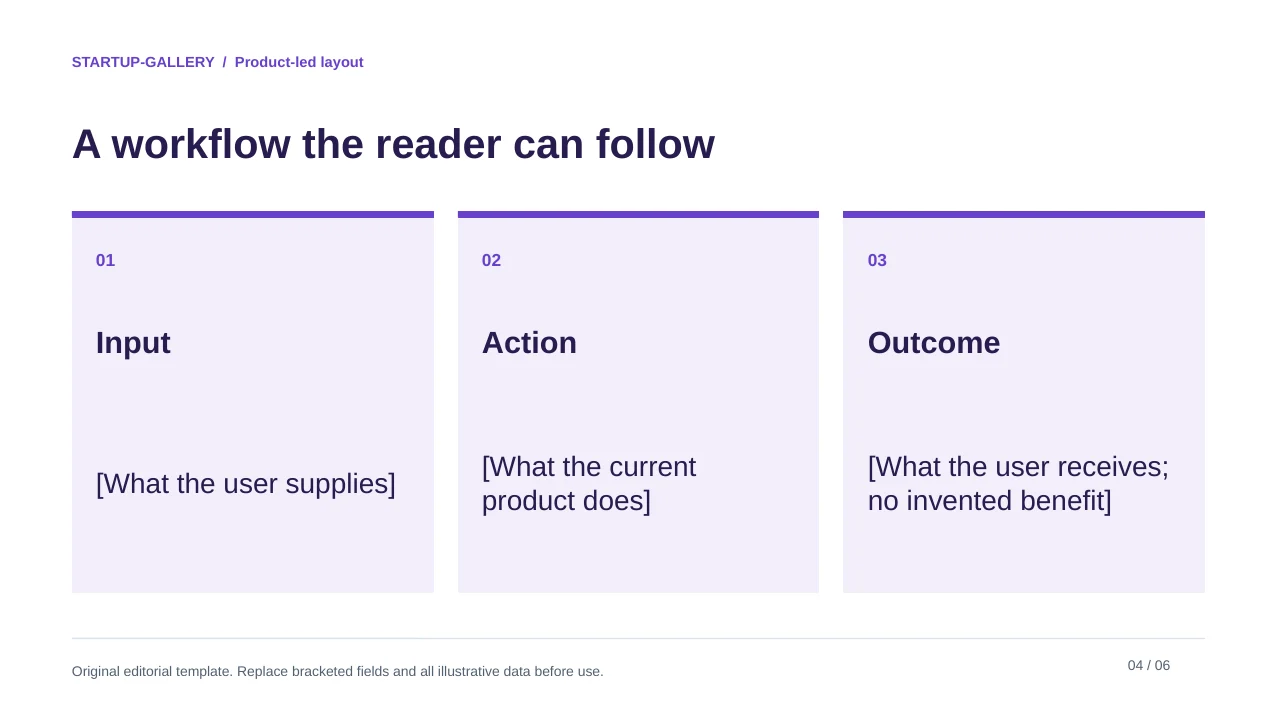
Best for a seed-stage visual starting point that foregrounds an actual workflow.
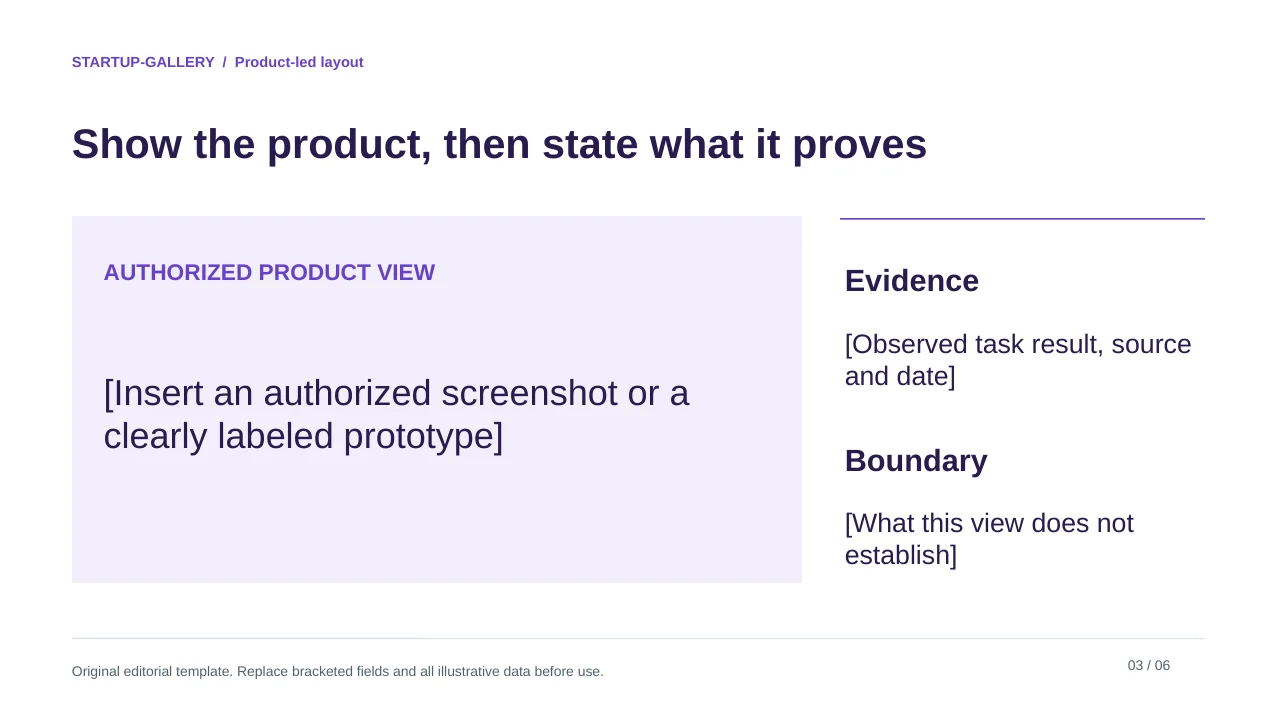
A product-led violet system with a large product-view area, adjacent evidence and a defined workflow. Replace the demonstration placeholder with an authorized screenshot or diagram of what actually exists. Clearly distinguish an idea, prototype, pilot and released feature.
Original editorial template. Replace bracketed fields and all illustrative data before use.
See the complete slide sequence
- Show the workflow. Keep the proof.
- Start with the user task
- Show the product, then state what it proves
- A workflow the reader can follow
- Proof and product status
- A product-led visual system
Metrics-led layout
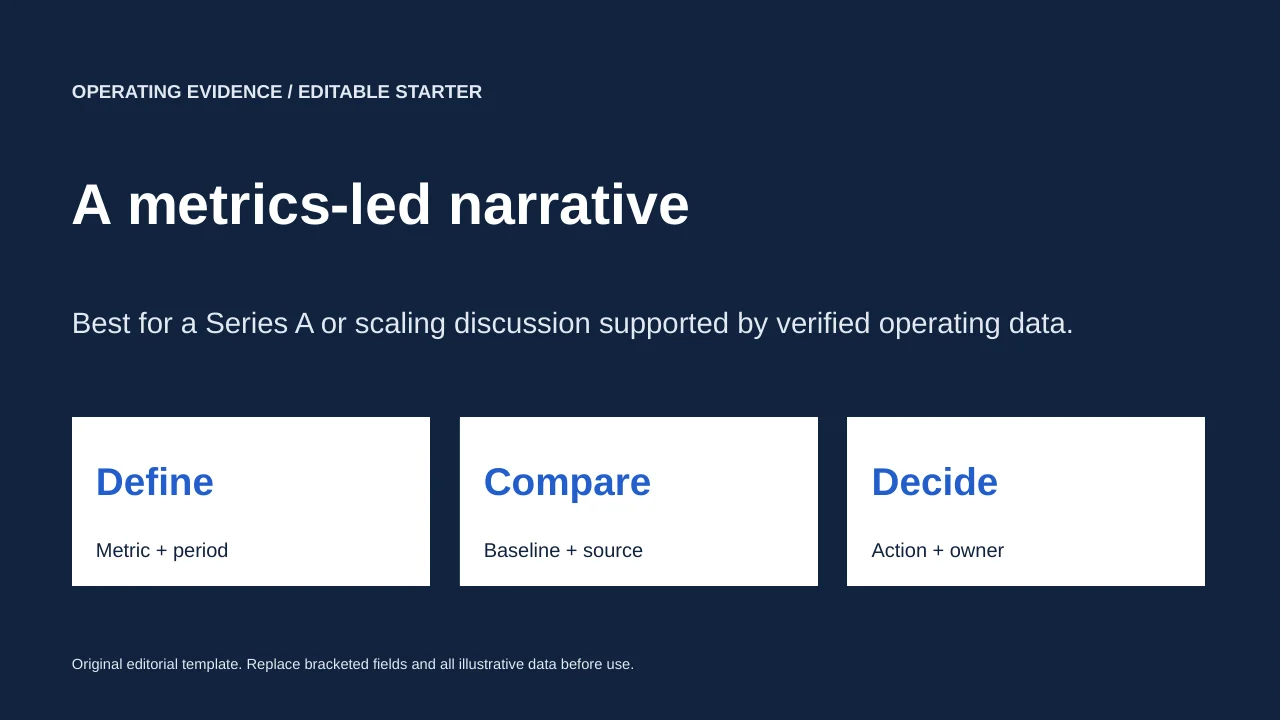
Best for a Series A or scaling discussion supported by verified operating data.
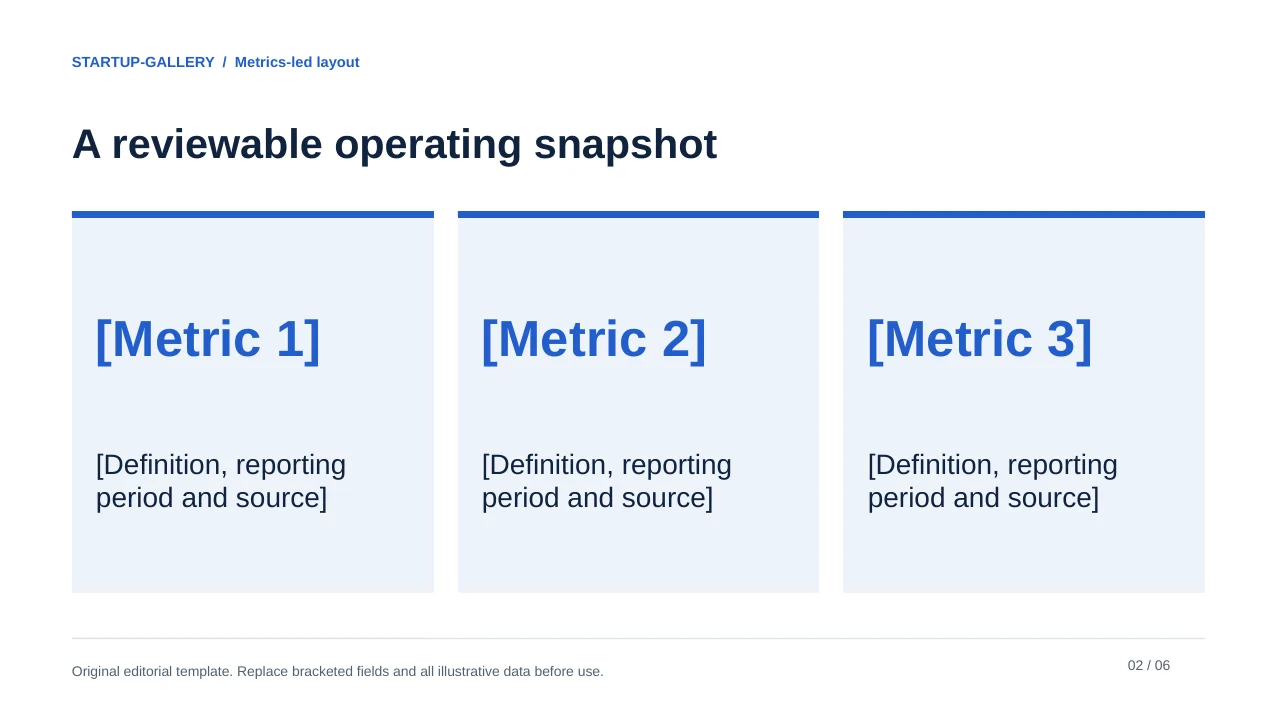
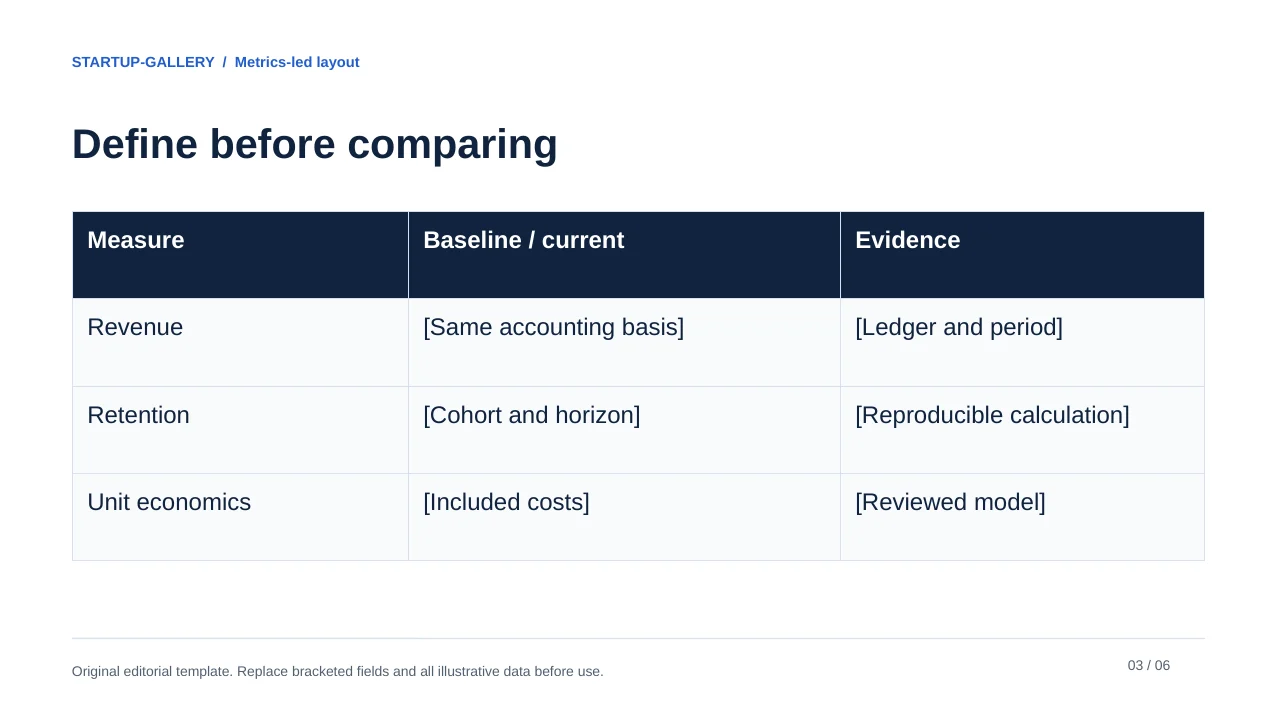
A structured business-review system for metrics and operating assumptions. Give every measure a definition and period. Use the action page to show what the numbers change, not simply to display a dashboard. The KPI tiles are replaceable fields, not sample company metrics.
Original editorial template. Replace bracketed fields and all illustrative data before use.
See the complete slide sequence
- A metrics-led narrative
- A reviewable operating snapshot
- Define before comparing
- Explain what changed
- Make the operating decision explicit
- A metrics-led visual system
Keep visual choice separate from fundraising claims
Select one system, then keep the same title hierarchy, evidence treatment and spacing throughout. The starter files use replaceable fields so the layout can serve different companies without presenting a fictional company as real. Add your authorized logo and imagery; the samples do not confer rights to third-party brands.
| Before | Better adaptation | Why |
|---|---|---|
| A generic claim such as "huge market" | A sourced market method and an explicit unknown | Design should reveal the evidence. |
| An attractive product mock-up | A labeled prototype or verified product screenshot | Status matters as much as appearance. |
| A growth arrow with no definition | A named metric, period and source | A trend is not meaningful without a basis. |
| The same investor ask on every page | A meeting-specific question or next step | The deck should support the actual conversation. |
Use AI to adapt the content, then inspect the file
The documented PopAi source-to-presentation workflow can help create a draft from supported inputs. It is not a guarantee that imported template styling, object layout or speaker notes will be preserved. Review the editable file and an exported view before using it with investors, partners or employees.
Sources and example provenance
The files and preview layouts on this page were created for this editorial resource. External references support the specific guidance linked in the text; they do not endorse the templates. Source links checked on October 15, 2026.
Frequently Asked Questions
Are these complete fundraising decks?
They are six-slide visual starters. Use the linked fundraising collection for longer 10-, 11- and 12-slide investor structures.
Which startup template should a pre-seed team use?
The minimal system can suit an early concept and feedback meeting. Choose based on the evidence and audience, not a round label alone.
Are there real startup results in the preview?
No. The visual starters use clearly replaceable fields. The separate prompt tutorial uses a labeled fictional example.
Will PopAi reproduce the exact design after PPTX import?
That was not tested. Treat the file as an editable source, check the available workflow and inspect the resulting layout and evidence labels.
Create your presentation with one click now
Turn a startup brief or existing materials into a presentation draft, then refine the story, slides, and visuals.
Create your presentation