Best Marketing Presentation Templates: 3 Editable AI-Ready Decks
Updated October 15, 2026 | Original editable examples and source notes
For marketers, the best presentation template changes with the decision: approve a campaign, explain results, or coordinate a launch. These three downloadable decks separate those jobs. They are a curated editorial collection, not a ranking of third-party template libraries and not a claim that one AI tool outperformed another.
Choose by the marketing decision
| Template | Best for | Show first | Main review risk |
|---|---|---|---|
| Campaign plan | Approve objectives and proposed spend | Audience, message, channels and budget | Plans presented as achieved results. |
| Monthly results | Decide what to keep, change or investigate | Defined KPI movement and campaign context | Attribution or ROI claims without a sound basis. |
| Product launch | Coordinate readiness and responsibilities | Audience, message, assets and release gates | Unconfirmed product or launch commitments. |
Three editable marketing presentation templates
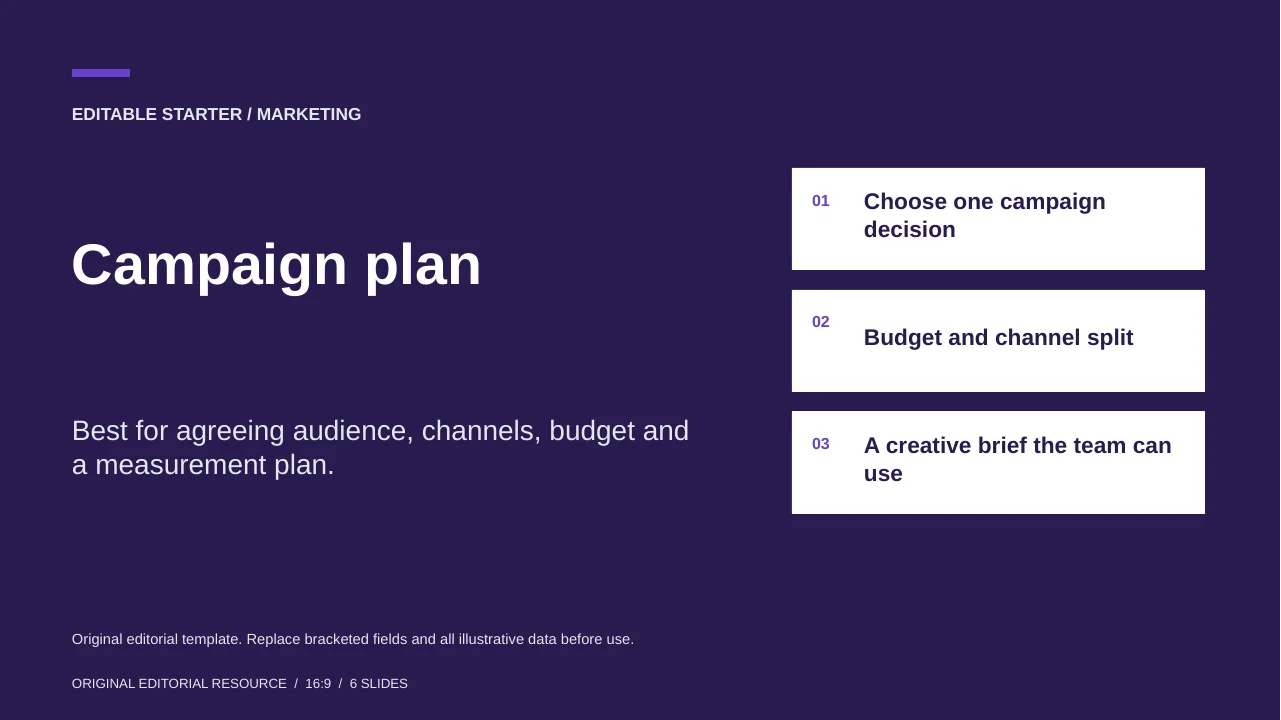
Campaign plan
Best for agreeing audience, channels, budget and a measurement plan.
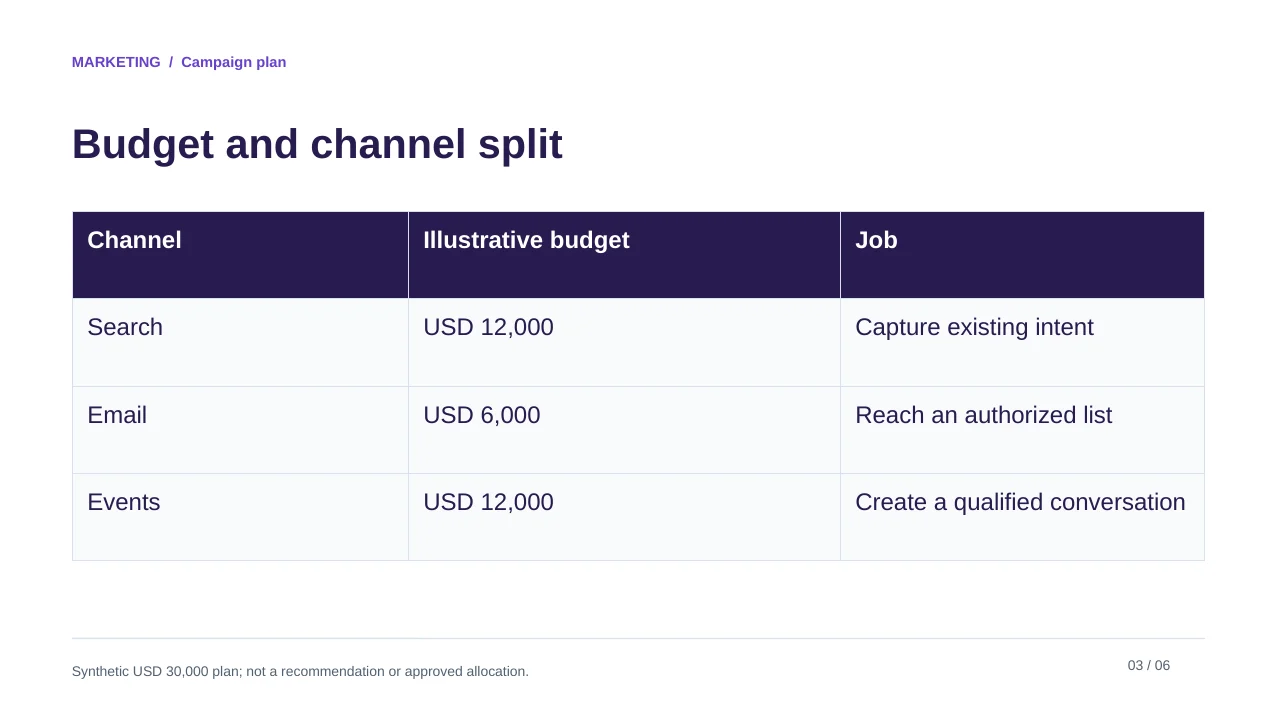
The sample budget allocates a fictional USD 30,000 across search, email and events. Replace it with the approved budget, then align creative deliverables and measurement with each channel. The template does not predict conversion or demand.
Original editorial template. Replace bracketed fields and all illustrative data before use.
See the complete slide sequence
- Campaign plan
- Choose one campaign decision
- Budget and channel split
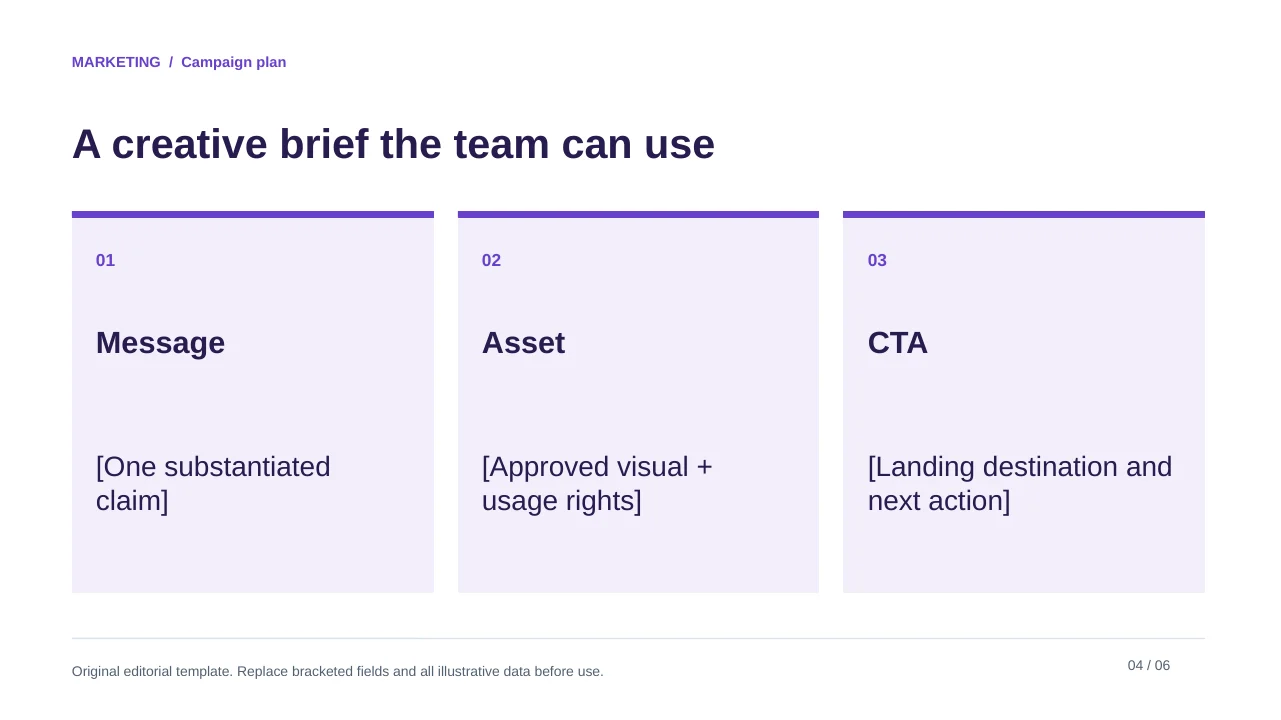
- A creative brief the team can use
- Define success before launch
- Release gates
Monthly marketing results
Best for explaining measured results without mixing attribution models.
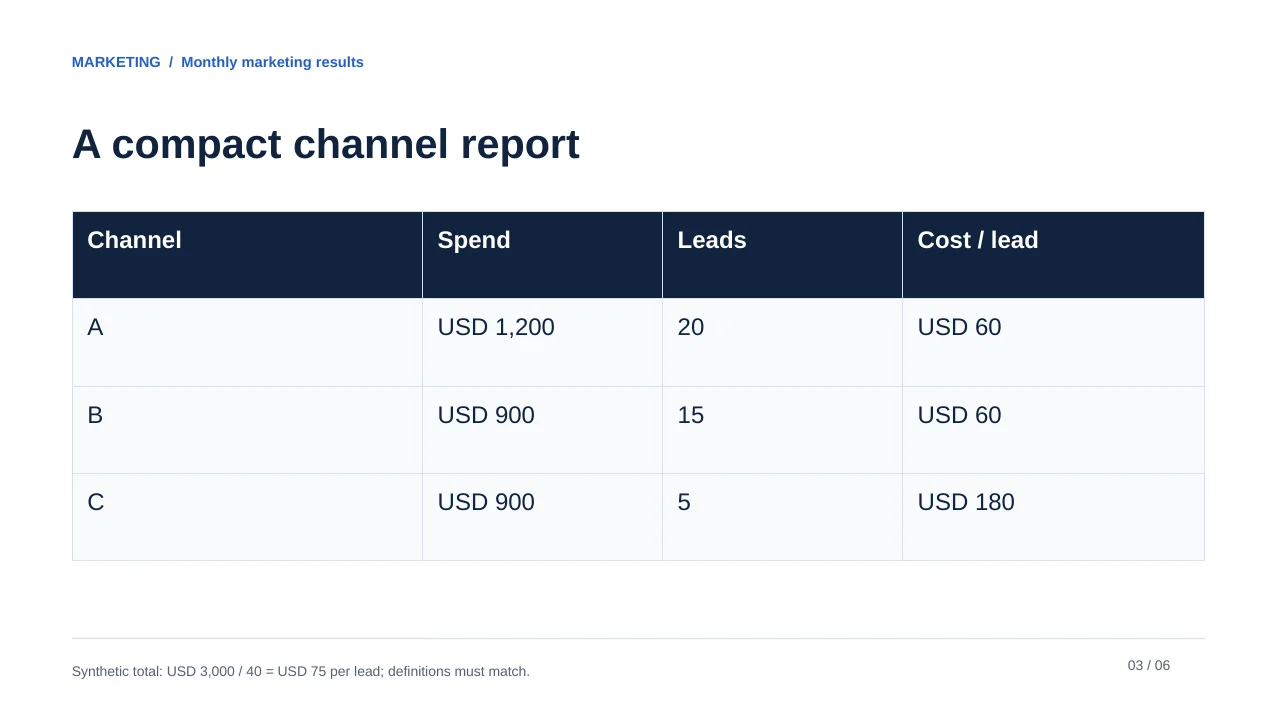
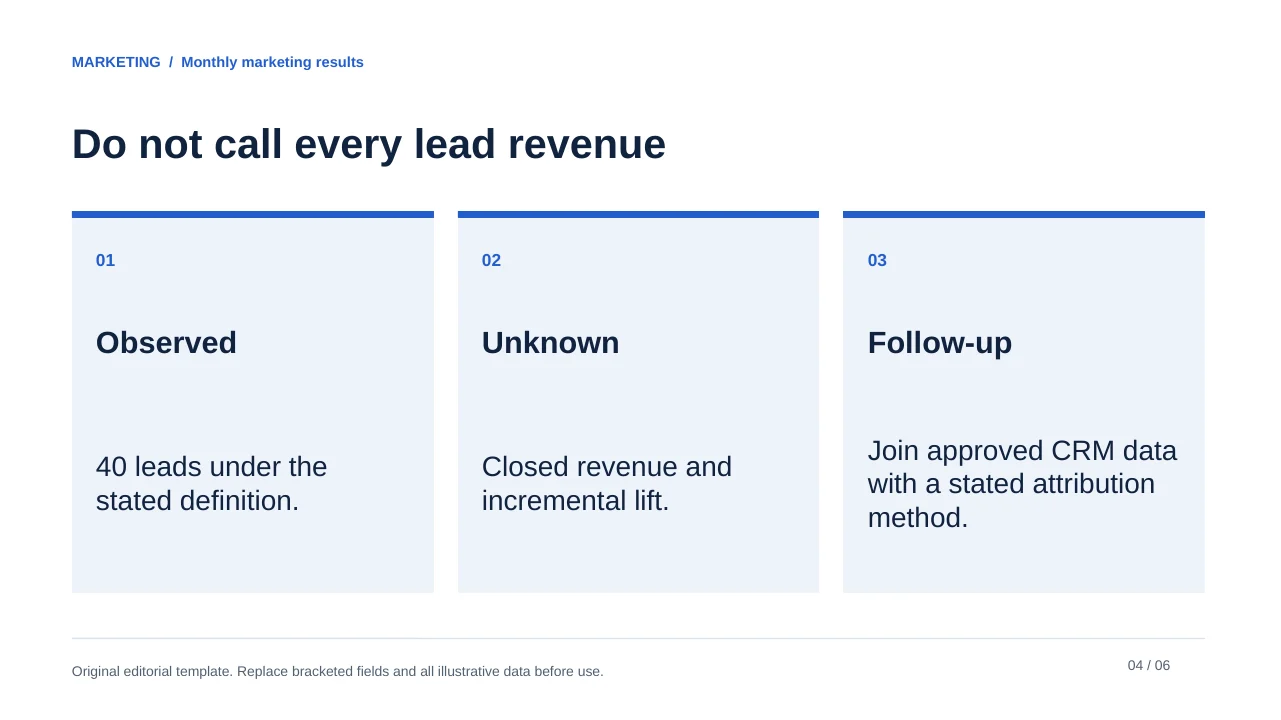
The fictional example has 1,000 visits and 40 leads, a 4% visit-to-lead rate. It separates channel spend and lead definitions from the recommendation. Cost per lead is not revenue, profit or a causal measure of incrementality.
Original editorial template. Replace bracketed fields and all illustrative data before use.
See the complete slide sequence
- Monthly marketing results
- Keep the funnel definition visible
- A compact channel report
- Do not call every lead revenue
- Translate evidence into next actions
- Source log
Product launch alignment
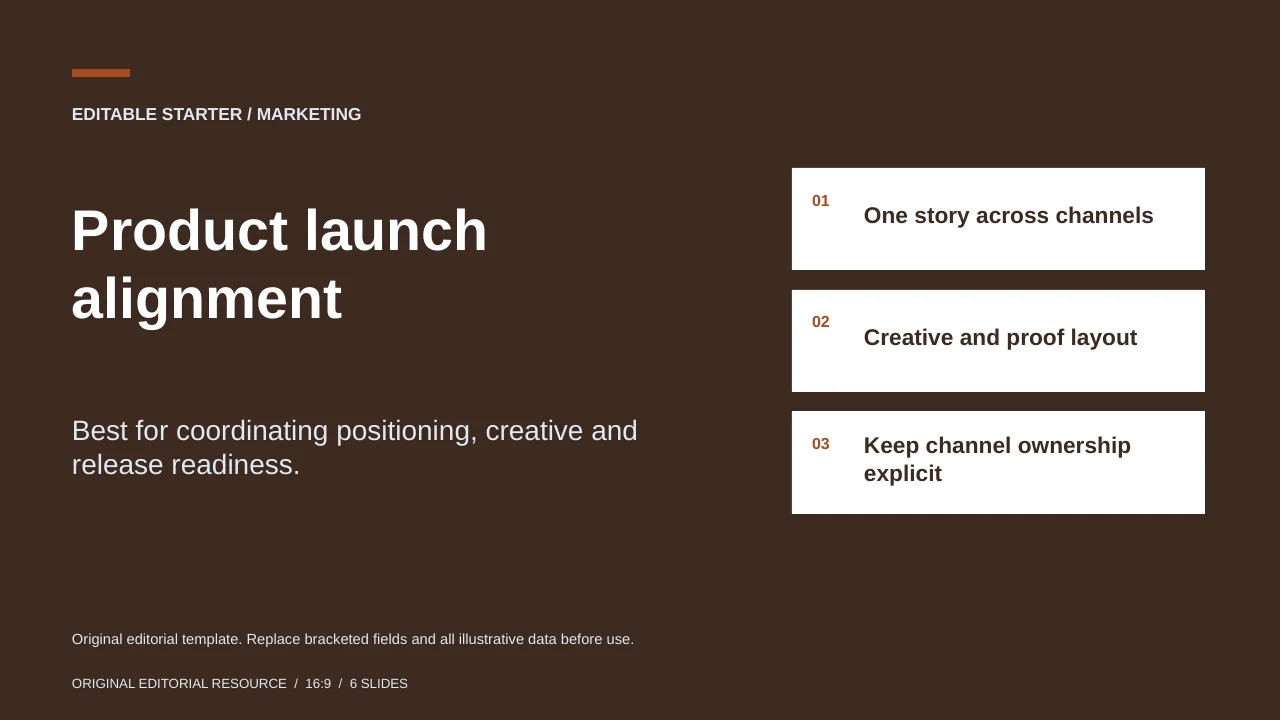
Best for coordinating positioning, creative and release readiness.
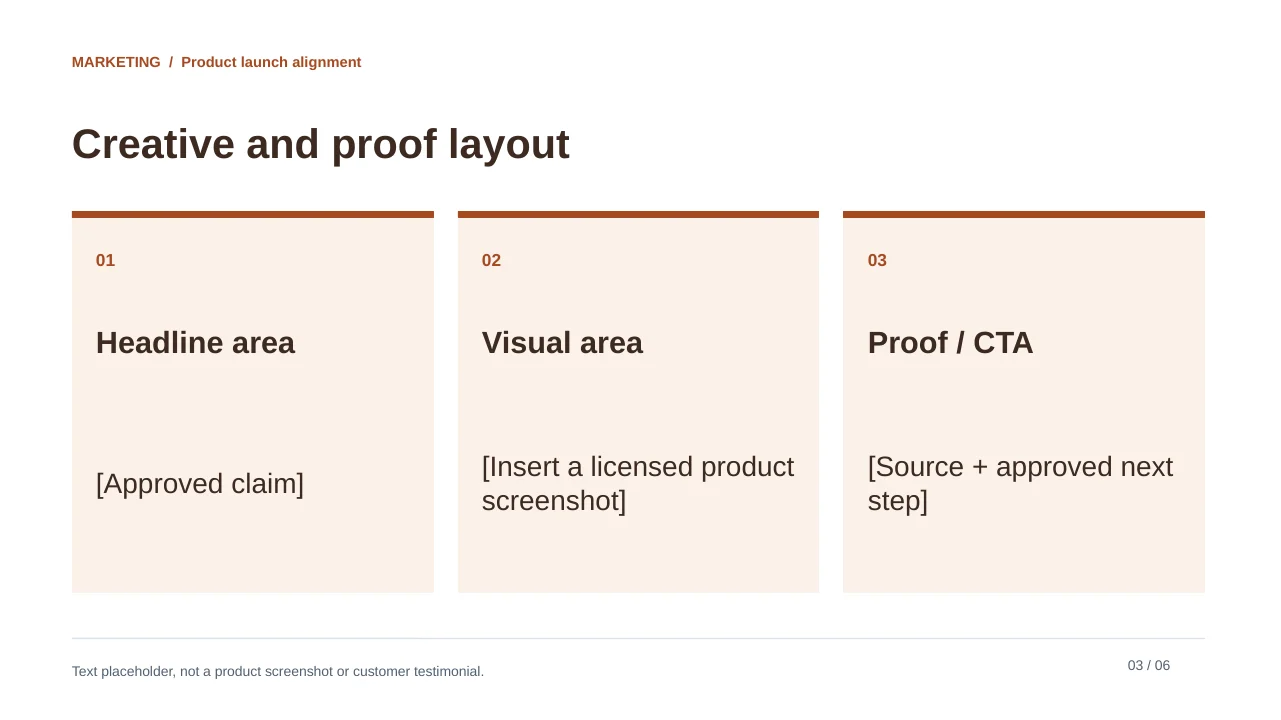
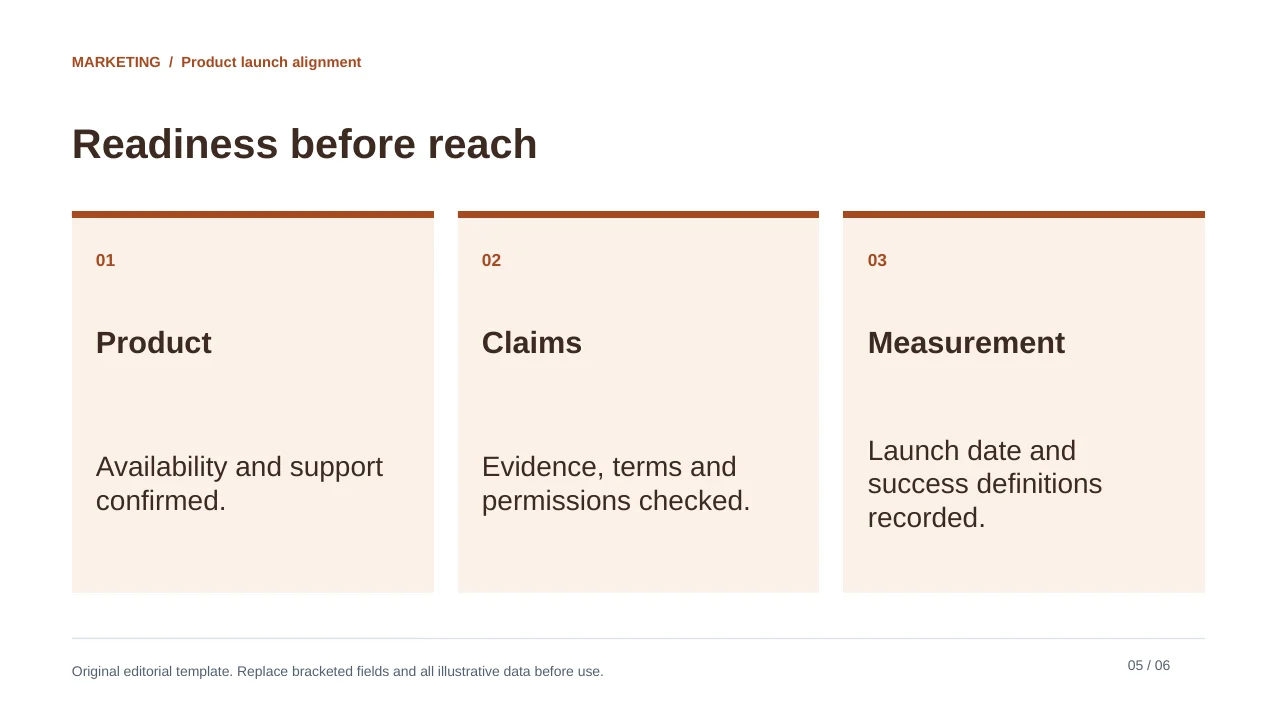
The launch deck makes message, creative inventory and go/no-go gates explicit. Use real owners and dependencies. Do not let a polished timeline imply that a feature, legal claim or campaign asset is approved.
Original editorial template. Replace bracketed fields and all illustrative data before use.
See the complete slide sequence
- Product launch alignment
- One story across channels
- Creative and proof layout
- Keep channel ownership explicit
- Readiness before reach
- Launch review
Keep marketing metrics comparable
| Field | Specify | Example mistake |
|---|---|---|
| Reporting window | Dates and time zone | Comparing partial and complete weeks. |
| Lead definition | Event, qualification and deduplication | Adding unlike CRM and form counts. |
| Spend | Currency and included costs | Treating media spend as total cost. |
| Attribution | Model and lookback basis | Crediting every touchpoint with the same sale. |
| Creative | Version, owner and rights | An unapproved concept shown as launch-ready. |
In the monthly sample, channel A spend of USD 1,200 for 20 leads gives USD 60 per lead; channel B USD 900 for 15 gives USD 60; channel C USD 900 for 5 gives USD 180. Total USD 3,000 divided by 40 leads is USD 75 per lead. These are synthetic calculations on the stated definitions, not typical channel benchmarks or a reason to cut a channel without context.
Draft from the brief, not from a slogan
Populate the selected marketing template using the approved campaign brief and dated reporting export. Retain audience, objective, message, channel definitions, spend, creative status and decision owner. Separate results from plans. Calculate only from supplied inputs and show the formula. Do not invent revenue attribution, customer quotes, conversion lifts, legal approval or launch dates.
A source-file workflow such as PopAi's documented presentation process can help structure the first draft. Review the outline and replace any generic visual with a relevant, authorized asset. These downloadable layouts are editorial files; their exact design is not guaranteed to survive every import or AI regeneration.
Sources and example provenance
The files and preview layouts on this page were created for this editorial resource. External references support the specific guidance linked in the text; they do not endorse the templates. Source links checked on October 15, 2026.
Frequently Asked Questions
Are these third-party template rankings?
No. They are three original editorial templates recommended for different marketing decisions, with actual files and previews.
Is the monthly-report cost per lead a benchmark?
No. It is arithmetic on fictional spend and lead counts. It should not be used as a performance target or attribution proof.
Can I upload a live client export to an AI generator?
Only under your organization's and client's approved data-handling rules. Remove information that is not necessary for the presentation.
Are the creative placeholders ready to publish?
No. Replace them with approved assets and confirm claims, rights, owners and the actual launch status.
Create your presentation with one click now
Turn a marketing brief or source document into a presentation draft, then refine the story, visuals, and details for your audience.
Create your presentation