Best Innovation Showcase Presentation Templates for AI Tools
If you are a product marketer, founder, innovation lead, or technical sales professional, choosing the best innovation showcase presentation templates for AI tools can feel harder than writing the first draft. Generic technology templates may look impressive, but they usually miss the slides AI buyers ask for first: model credibility, demo flow, data handling, ROI assumptions, and adoption risk.
This guide reviews practical template types for AI SaaS, AI agents, model APIs, startup pitches, and internal automation proposals. It also gives you a selection rubric, a 12-slide showcase structure, audience-specific variants, sample risk and metrics logic, and a reusable prompt you can adapt in PopAi AI Presentation or another slide workflow.
A good innovation showcase template should not simply make an AI tool look futuristic. It should help the room answer four commercial questions: what problem is expensive enough to solve, how the AI actually works, whether the implementation can be trusted, and what decision should happen next.
What Makes Innovation Showcase Presentation Templates for AI Tools Work?
AI showcase decks work when the template is built around evidence, not decoration. Investors want market timing and defensibility; enterprise buyers want implementation details and risk controls; internal leaders want measurable productivity or revenue impact. The best templates create room for those concerns without turning the presentation into a technical appendix.
Most template libraries already include startup pitch decks, product launches, consulting reports, roadmaps, KPI dashboards, and workshop decks. Those are useful starting points, but AI tools need a more specific structure because audiences usually ask three questions at once: “What does it do?”, “Can we trust it?”, and “What changes if we adopt it?”
For AI tools, the template is not decoration. It is the proof system that connects user pain, model behavior, workflow change, and measurable business impact.
Template evaluation rubric: what to score before you choose
Use this checklist before downloading or generating a deck. A template that scores well on visual style but poorly on trust and impact will often fail with buyers.
- Problem clarity: Does the first third of the deck define the workflow bottleneck, cost, risk, or missed revenue opportunity?
- AI mechanism: Is there a slide for inputs, data sources, retrieval, model process, outputs, integrations, and human review?
- Demo path: Does the template support a before-and-after scenario rather than a random feature tour?
- Trust layer: Does it include privacy, security, permissions, bias, hallucination, compliance, or limitations slides?
- Impact proof: Are there layouts for ROI, time saved, error reduction, adoption, conversion, customer satisfaction, or cost per task?
- Editability: Can charts, diagrams, screenshots, icons, and tables be changed quickly without breaking the design system?
Good AI template modules vs weak template modules
- Strong workflow slide: User input → data retrieval → model step → tool/API action → human approval → final output. This layout makes the “AI black box” easier to evaluate.
- Weak workflow slide: A large robot icon beside a list of features. It creates mood but does not explain what happens in the user’s job.
- Strong risk slide: Risk, severity, owner, control, and monitoring cadence in one table.
- Weak risk slide: A generic “enterprise-grade security” badge with no data-handling or escalation details.
- Strong ROI slide: Baseline time or cost, pilot sample, measurement period, projected lift, and assumptions.
- Weak ROI slide: “10x productivity” with no baseline, role, task, or measurement method.
Template strategy: If your AI tool is early, choose a template with more problem, demo, evidence, and roadmap slides. If it is buyer-ready, choose one with security, integration, pricing, procurement, and ROI modules. The closer you are to a purchase decision, the less tolerant the audience will be of vague AI claims.
Best Innovation Showcase Templates for AI Tools by Use Case
For a broader view of available tools, compare the latest AI presentation makers before choosing the workflow that best fits your team.
The best template depends on the AI tool, the audience, and the decision you want after the meeting. Use the shortlist below as a practical buying or building guide rather than relying on a generic “technology pitch deck.”
How these template recommendations were selected
Editorial review note: For this guide, we evaluated common presentation structures used across technology pitch decks, SaaS product demos, enterprise sales decks, consulting transformation decks, KPI reports, and AI workshop templates. The strongest options were those that included five AI-specific modules: workflow visibility, demo storyboard, trust/risk coverage, business impact, and implementation path. Templates that relied mainly on futuristic visuals, icon grids, or generic “AI trends” slides were treated as weaker choices for tool showcases.
| Recommended template | Best for | Typical format | Core slide modules | Strength | Watch out for |
|---|---|---|---|---|---|
| AI SaaS Product Launch Showcase | AI copilots, analytics tools, vertical SaaS AI features | PPTX, Google Slides, Canva, AI-generated | Problem, workflow, demo, integrations, ROI, adoption plan | Clear for customers and sales teams | Often needs added security and procurement slides |
| AI Agent Workflow Transformation Deck | Autonomous agents, operations automation, back-office AI | PPTX, Google Slides, Keynote, AI-generated | Before/after process, trigger-action logic, escalation, human review, controls | Excellent for explaining operational change | Can become too process-heavy unless the business case is visible |
| Model API / Platform Architecture Template | Developer platforms, model APIs, infrastructure tools | PPTX, Google Slides, technical diagram decks | Architecture, data flow, latency, evaluation, security, developer journey | Works for CTOs and technical reviewers | Needs an executive summary if non-technical buyers are present |
| AI Startup Pitch + Demo Hybrid | Seed-stage and Series A AI startups | PPTX, Google Slides, Keynote | Market, wedge problem, solution, demo, traction, defensibility, business model, team | Balances fundraising story with product credibility | Do not let the demo consume the traction and market story |
| Internal AI Business Case Template | AI automation proposals, innovation days, PMO reviews | PPTX, Google Slides, corporate templates | Use cases, cost savings, governance, milestones, KPI dashboard, change plan | Best for budget approval and pilot selection | Needs plain-language explanation for non-AI leaders |
| Regulated AI Trust & Compliance Showcase | Healthcare, finance, insurance, legal, education | PPTX, Google Slides, enterprise proposal decks | Evidence, data policy, risk controls, auditability, human oversight, limitations | Builds confidence with cautious buyers | Can feel defensive unless paired with a strong user scenario |
| AI Pilot Results / ROI Report Template | Post-pilot readouts and expansion proposals | PPTX, Google Slides, report-style decks | Baseline, sample size, results, variance, lessons learned, rollout plan | Strongest option when you already have usage data | Avoid hiding weak data behind oversized charts |
Template market observation: Many marketplaces organize technology decks around broad labels such as pitch deck, proposal, business plan, roadmap, product launch, and report. That helps with browsing, but it often hides the difference between an “AI trend presentation” and an “AI tool adoption presentation.” For a real AI tool showcase, the strongest deck usually combines three template families: product launch for clarity, technical architecture for trust, and business case reporting for impact.
When comparing AI presentation makers, check whether the tool only supplies visual themes or can also turn messy source material into a structured narrative. AI tool decks often start from scattered assets: product specs, security notes, prototype screenshots, customer interview notes, compliance requirements, and KPI spreadsheets.
A 12-Slide Structure for an AI Innovation Showcase
Use this structure when you need a complete deck for product demos, investor updates, customer briefings, or internal innovation days. It is more specific than a normal pitch deck because it includes demo, trust, and implementation slides.
- Title and promise: Name the AI tool and state the outcome in one sentence. Example: “Reduce claims review time by 35% with an AI-assisted triage workflow.”
- Audience problem: Show the expensive, slow, risky, or repetitive workflow you solve. Best visual: before-state process map.
- Opportunity size: Quantify affected users, time, cost, revenue, or market category. For internal decks, use workflow cost; for investors, use market wedge.
- Solution overview: Explain what the AI tool does in plain language. Avoid model jargon unless the audience expects it.
- AI workflow: Visualize inputs, retrieval, model reasoning, tool actions, outputs, and review points.
- Demo flow: Walk through a real user scenario from prompt, file, ticket, dataset, or event to final output.
- Use cases: Show 3–5 practical applications by role, industry, or task.
- Model advantage: Cover accuracy, latency, personalization, data handling, proprietary workflow knowledge, or integrations.
- Security and limitations: Address privacy, bias, hallucinations, permissions, audit logs, retention, compliance, and fallback behavior.
- Business impact: Show ROI, hours saved, cost reduction, conversion lift, error reduction, or satisfaction gains.
- Roadmap: Present milestones, pilot plan, expansion phases, dependencies, and future capabilities.
- Call to action: Ask for pilot approval, budget, trial users, procurement review, investment, or partnership.
If your AI showcase has a demo slide but no risk slide, it may excite the room without earning permission to move forward.
Sample slide logic for a customer-support AI copilot
- Problem slide: “Agents spend 28% of handle time searching policy documents.”
- AI workflow slide: Ticket text → knowledge retrieval → suggested answer → confidence score → agent edit → CRM update.
- Demo slide: Show one difficult refund request before and after the copilot.
- ROI slide: Weekly tickets × minutes saved × agent cost per minute minus subscription and implementation cost.
- Risk slide: Incorrect policy suggestion, low-confidence answer, outdated document, sensitive data exposure, escalation rule.
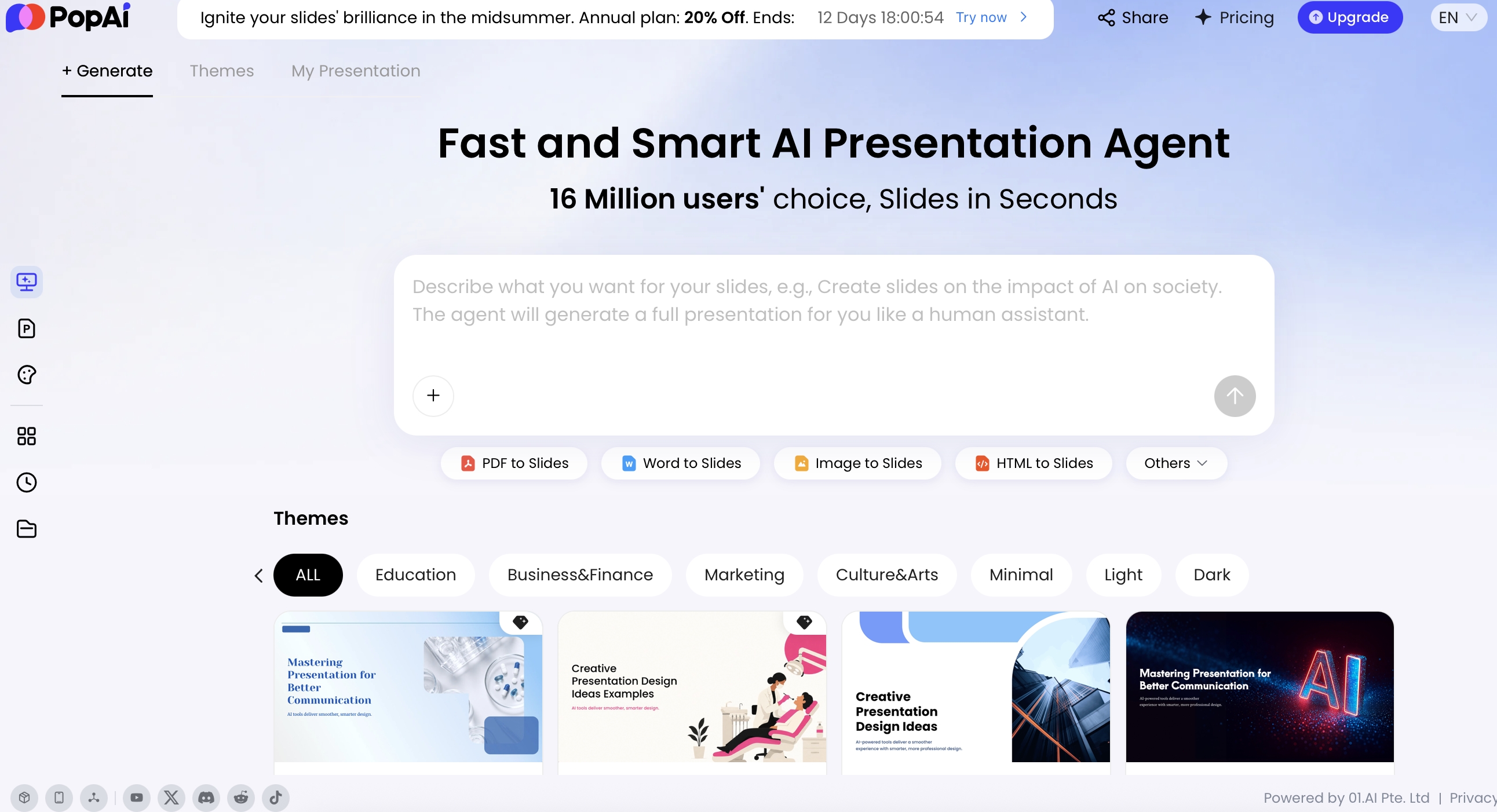
In a practical slide-building workflow, PopAi can help turn source material into this 12-slide structure when your assets are not already presentation-ready. For example, a team can start from a product brief, pilot summary, and security note, then refine the generated outline around the audience instead of copying content into a blank template slide by slide.
Innovation Showcase Template Assets You Should Include
A strong innovation showcase page should feel like a template library, not only a tutorial for generating slides.
| Template asset | What it should contain | When to use it | AI prompt input |
|---|---|---|---|
| One-page innovation profile | Problem, user, proposed solution, proof, risk, owner, next milestone. | Internal innovation fair, pilot review, executive demo. | “Create a one-page showcase slide for this innovation idea...” |
| Demo storyboard | Before state, user action, product response, result, proof point. | Product demo, AI tool showcase, prototype presentation. | “Turn this demo flow into 5 visual steps with short labels.” |
| Evidence and learning slide | Experiment design, participants, result, limitation, next test. | R&D review, incubator update, pilot retrospective. | “Summarize this pilot as evidence, not marketing claims.” |
| Risk and governance slide | Technical risk, adoption risk, privacy risk, operational risk, mitigation owner. | Executive review or regulated-industry innovation program. | “Create a risk review slide with owner and mitigation status.” |
Realistic showcase example
An internal AI support assistant pilot should not only show a futuristic title slide. A useful template includes the current ticket workflow, where the assistant intervenes, what data it uses, what the human support agent still reviews, early response-quality results, open risks, and the next approval needed. That structure makes the deck usable for decision-making, not just inspiration.
Adapt the AI Innovation Showcase Template for Each Audience
The fastest way to improve an AI presentation is to stop using one deck for everyone. The slide sequence may stay similar, but the proof, order, and call to action should change by audience.
Investor version: prove timing, wedge, and defensibility
Lead with market timing, urgent pain, differentiated data or model advantage, traction, revenue model, and team credibility. Keep architecture simple unless it creates defensibility. Your template should have room for market charts, customer proof, competitive positioning, and funding use.
Enterprise customer version: prove fit, control, and rollout path
Lead with business pain, workflow fit, security, integrations, procurement readiness, and implementation plan. Buyers want proof that the AI tool can work inside their environment. Include a pilot timeline, success metrics, admin controls, data governance, and support responsibilities.
Technical review version: prove architecture and evaluation discipline
Lead with architecture, evaluation method, latency, data flow, permissioning, model limits, fallback behavior, and observability. Use diagrams more than slogans. A good technical showcase template should make room for sequence diagrams, API touchpoints, benchmark notes, and test results.
Internal innovation day version: prove Monday-morning usefulness
Lead with the before-and-after workflow, employee experience, quick wins, risk mitigations, and change management. This version should feel practical rather than promotional. Include “what changes Monday morning,” “who owns the pilot,” and “what support teams need” slides.
| Slide | Investor version | Enterprise buyer version | Technical reviewer version | Internal leader version |
|---|---|---|---|---|
| Problem | Market pain and timing | Department workflow pain | Technical bottleneck or system constraint | Employee time drain or operational cost |
| Proof | Traction, revenue, pilots, waitlist | Pilot metrics and customer references | Evaluation results and failure cases | Internal baseline and quick-win estimate |
| Risk | Competitive and execution risk | Compliance, data, procurement, adoption risk | Model failure modes and observability | Change management and governance |
| CTA | Investment meeting or diligence step | Pilot, security review, or procurement path | Architecture review or sandbox test | Budget approval or pilot team assignment |
Case note: In AI sales decks reviewed for enterprise buying committees, the most common mismatch is not poor design; it is wrong sequencing. Product teams often lead with a clever demo, while buyers are still asking whether the workflow is worth changing. Moving the workflow pain, integration fit, and governance slides before the full demo usually makes the same product feel more implementation-ready.
Visual Style Guide for Innovation Showcase Presentation Templates for AI Tools
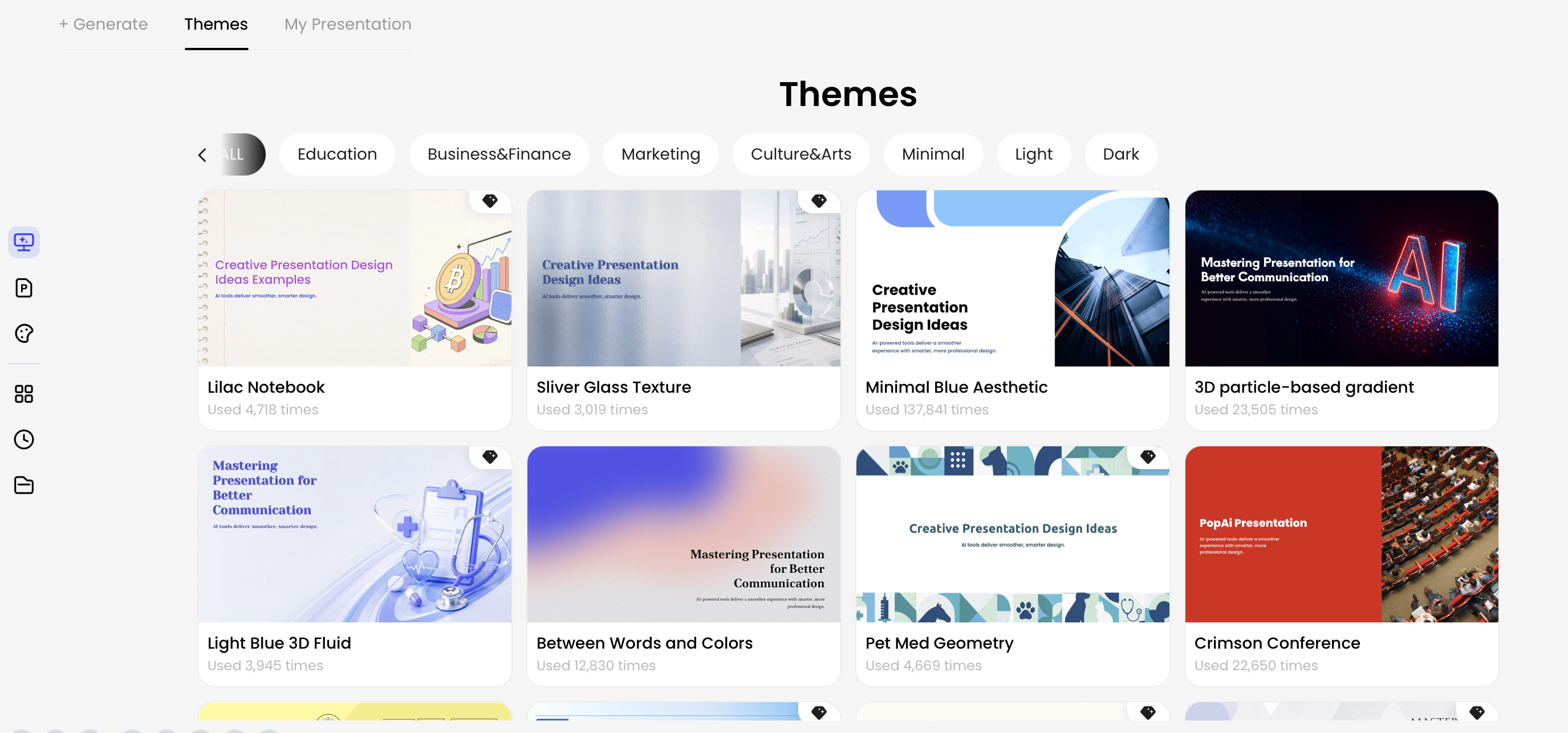
Choose the visual style based on risk and audience maturity. A neon, dark-mode AI deck may work for a startup keynote, but regulated buyers usually respond better to clean layouts, readable charts, and evidence-first diagrams.
Choose visual language by decision context
- AI startup pitch: Use bold contrast, large slide titles, market visuals, traction charts, and confident roadmap slides.
- Enterprise AI platform: Use white space, restrained blue or indigo accents, architecture diagrams, dashboard visuals, and simple data tables.
- AI agent workflow: Use process maps, swimlanes, trigger-action diagrams, role-based lanes, and before/after comparisons.
- AI education or workshop: Use friendly icons, step-by-step diagrams, glossary boxes, exercises, and recap slides.
- AI healthcare or finance: Use conservative typography, evidence tables, compliance callouts, audit trails, and low-saturation palettes.
Use the right chart for the business claim
- Bar chart: Best for time saved, cost reduction, error reduction, or baseline-vs-pilot comparisons.
- Line chart: Best for adoption, weekly usage, accuracy improvement, or ticket deflection over time.
- Funnel chart: Best for AI impact on conversion, lead qualification, onboarding, or support resolution stages.
- Radar chart: Useful for capability comparisons, but risky if the scoring method is subjective. Add a scoring note.
- Table: Often better than a chart for security controls, model limitations, integration readiness, and pilot milestones.
Accessibility and readability checks
- Keep body text large enough for conference rooms; avoid 10-point technical notes on architecture slides.
- Use high-contrast chart labels and avoid color-only status signals. Pair red/yellow/green with words or icons.
- Limit each diagram to one main flow. Put edge cases in backup slides if the audience needs them.
- Place screenshots inside annotated frames so viewers know where to look during the demo.
Design tip: Use futuristic visuals for the opening and demo moments, then switch to cleaner business visuals for proof, risk, and roadmap. This keeps the deck energetic without making governance slides feel unserious.
Show the Demo, Metrics, and Risks Without Losing the Room
The demo is usually the emotional center of an AI innovation showcase, but it should not be the entire presentation. Strong templates turn the demo into a controlled story with metrics, risk handling, and a fallback plan.
Storyboard the demo around one real job
- Before: Show the current manual workflow, time spent, error risk, or user frustration.
- Trigger: Show what the user provides: a prompt, file, ticket, form, dataset, transcript, or event.
- AI action: Show how the system retrieves, reasons, drafts, classifies, summarizes, or automates.
- Human review: Show where a user approves, edits, escalates, audits, or rejects the output.
- After: Show the faster, cheaper, more consistent, or more scalable result.
Use metrics with baselines and boundaries
For metrics, avoid vague claims such as “10x productivity” unless you can define the baseline. Strong AI showcase templates include fields for baseline, pilot sample size, measurement period, and assumptions. Useful metrics include average handling time, hours saved per week, response accuracy, escalation reduction, onboarding speed, support deflection, conversion lift, cost per task, and customer satisfaction.
| Metric | Baseline | Pilot result | Measurement note |
|---|---|---|---|
| Average handling time | 12.4 minutes per ticket | 8.9 minutes per ticket | Measured across 1,200 support tickets over 4 weeks |
| Escalation rate | 18% | 13% | Only includes billing and policy cases; excludes outages |
| Agent satisfaction | 3.4 / 5 | 4.1 / 5 | Survey after two weeks of daily usage |
Present AI risks as managed controls, not disclaimers
Risk slides should be concise and concrete. Use a table with risk, severity, owner, mitigation, and monitoring cadence. This makes the deck feel more mature because the team is not pretending the AI system is perfect.
| Risk | Severity | Owner | Mitigation | Monitoring |
|---|---|---|---|---|
| Incorrect answer or hallucination | High | Product / QA | Confidence threshold, source citations, human approval | Weekly error review |
| Sensitive data exposure | High | Security | Role-based access, data masking, retention policy | Monthly audit |
| Low user adoption | Medium | Customer success | Training, champion users, in-product feedback | Usage dashboard |
Prepare a fallback demo slide
Case-study workflow: In one HTML-to-slides test workflow, an internal report containing an executive summary, pilot metrics, and a risk register was converted into a 6-slide readout: context, baseline, demo storyboard, results, risk table, and next steps. The useful lesson was not the automation itself; it was the slide structure. The risk register became a decision slide instead of a buried appendix, which is exactly what AI buyers often need before approving a pilot.
For live demos, prepare a backup path: one prerecorded 60-second clip, three annotated screenshots, and a “known limitations” note. If the model response is slow or unexpected, you can still explain the workflow, show the intended output, and preserve credibility.
Reusable Prompt for Creating an AI Tool Showcase Deck
AI generation works best when you give it source material and decision context. A vague prompt creates generic slides; a structured prompt produces a deck closer to your actual business case.
Source material checklist before prompting
- One-paragraph product description and target user.
- Current workflow pain, cost, delay, or error rate.
- Demo scenario with realistic input and output.
- Any pilot data, benchmark, customer quote, or usage metric.
- Security, privacy, compliance, or model limitation notes.
- Desired audience, meeting length, and call to action.
Copy-ready prompt: Create a 12-slide innovation showcase presentation for an AI tool called [Tool Name]. Audience: [investors / enterprise buyers / technical reviewers / internal executives]. Tone: credible, specific, and commercially practical. Include slides for problem, opportunity, solution overview, AI workflow, demo flow, use cases, model or data advantage, security and limitations, ROI metrics, adoption roadmap, and call to action. Use [brand colors]. Include speaker notes, suggest charts for [metrics], and mark any claims that need evidence.
Prompt variants by use case
- Investor AI startup: “Emphasize market wedge, traction, defensibility, revenue model, and why now. Keep technical architecture to one slide.”
- Enterprise AI SaaS demo: “Emphasize workflow fit, integrations, data governance, pilot plan, success metrics, and procurement readiness.”
- Internal AI automation proposal: “Emphasize current process cost, employee experience, pilot scope, risk controls, training plan, and KPI dashboard.”
- Technical API review: “Emphasize architecture, data flow, latency, evaluation method, observability, failure modes, and developer onboarding.”
- Regulated AI tool: “Emphasize auditability, human oversight, compliance constraints, data retention, model limitations, and evidence quality.”
Quality-control checklist after generation
- Remove any metric that cannot be traced to a source.
- Replace generic AI icons with actual workflow diagrams or product screenshots.
- Check whether every demo claim has a user, input, output, and review step.
- Add a risk/control slide if the generated deck skips limitations.
- Shorten slides that try to explain business value and technical architecture at the same time.
For example, a product lead could upload a product brief, a security note, and a customer pilot summary, then ask for a 10-slide enterprise buyer version. After the first draft, they might request: “Shorten the executive slides, keep only three proof points, add a one-slide pilot timeline, and make the risk page more buyer-friendly.” This turns the template from a static design asset into a repeatable presentation workflow.
Common Template Selection Mistakes to Avoid
Many AI tool presentations fail because the template makes the product look advanced while the story stays incomplete. Use this diagnostic list before you commit to a deck format.
- Choosing visuals before narrative: Symptom: the deck has neon gradients and icons but no clear workflow pain. Fix: write the problem, user, and decision first, then choose the theme.
- Using a pitch deck for every audience: Symptom: buyers see fundraising slides or engineers see market slides. Fix: create audience variants with different proof, risk, and CTA slides.
- Skipping the trust layer: Symptom: no slide on data handling, permissions, model limits, or human review. Fix: add a risk/control table and a human-in-the-loop workflow diagram.
- Showing features instead of workflows: Symptom: five capability cards but no before/after story. Fix: build the demo around one real task from trigger to output.
- Overloading data slides: Symptom: six dashboards with no conclusion. Fix: lead with one decision metric, then keep secondary data in backup slides.
- Promising perfect automation: Symptom: the deck implies the AI never fails. Fix: show limitations, fallback paths, confidence thresholds, and escalation logic.
- Ignoring implementation effort: Symptom: the deck ends at the demo. Fix: add pilot scope, timeline, owners, training, integrations, and success criteria.
The best innovation showcase presentation templates for AI tools make complexity inspectable. They help your audience see the problem, understand the AI workflow, trust the implementation, and judge the projected impact. If a template does those four jobs, it is more than a design asset—it is a decision path.
FAQ
What is an innovation showcase presentation for AI tools?
It is a structured deck that explains an AI tool’s problem, workflow, model advantage, demo path, business impact, risks, and next steps. It is more specific than a generic tech deck because it must prove trust, data quality, and measurable value.
Which slides should an AI tool innovation showcase include?
Include audience context, pain point, AI workflow, solution demo, use cases, model or integration architecture, security and privacy, ROI, roadmap, pricing or adoption plan, and a clear call to action.
Should I use a free template or an AI-generated presentation?
A free template works for visual inspiration or a simple classroom session. An AI-generated presentation is better when you need to turn source documents, product notes, charts, or a prompt into a tailored deck quickly.
How do I make an AI product demo more convincing?
Frame the demo as a before-and-after story, show the workflow step by step, include measurable baseline and outcome metrics, disclose limitations, and prepare a fallback screenshot or short recorded sequence.
Create your presentation with one click now
Turn your AI tool idea, product brief, or source files into a polished innovation showcase deck with a clear structure and editable slides.
Start creating with PopAi