15 AI Generated Presentation Examples That Will Blow Your Mind
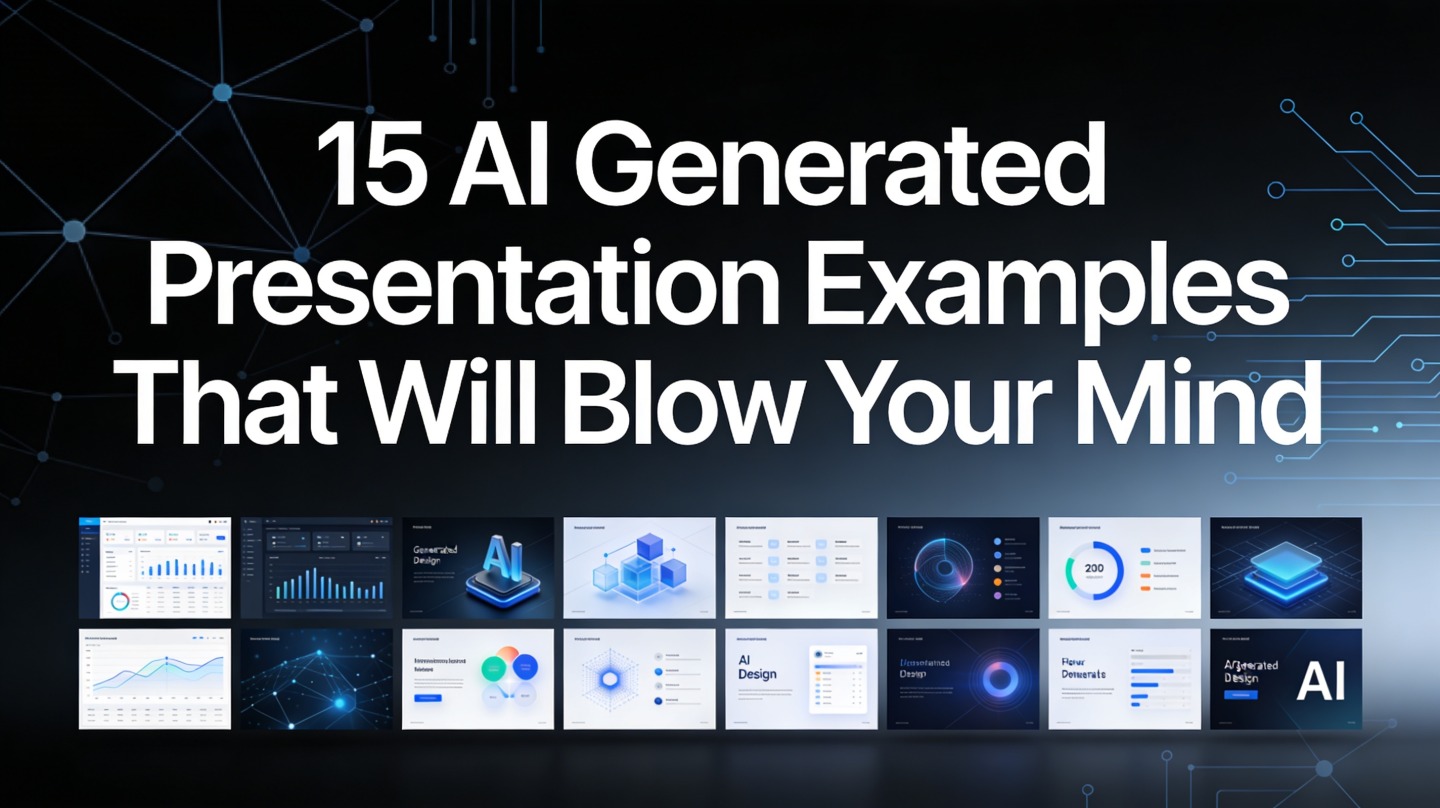
If you build decks for sales calls, classes, strategy meetings, or client updates, you probably know the painful part: the blank first slide is easy to open and hard to finish. These AI generated presentation examples show how a strong prompt can turn raw ideas into usable slide structures, visual themes, and talking points much faster than starting from scratch.
The goal is not to replace your judgment. The goal is to give you a sharper starting point, so you spend less time arranging boxes and more time improving the message. Tools like PopAi AI Presentation are most useful when you already know the audience, the outcome, and the one decision your deck needs to support.
What Makes AI Generated Presentation Examples Useful
This section explains why AI-created decks are useful when they provide structure, not just decoration.
They solve the outline problem first
A good AI deck begins by organizing the story: title, agenda, problem, insight, evidence, recommendation, and next step. That matters because weak presentations usually fail before design begins. The logic is unclear, the sequence is random, or the presenter tries to say five things on one slide.
In our editorial testing, a 12-slide quarterly update built manually from meeting notes took 74 minutes to reach a presentable first draft. With an AI-generated outline and slide structure, the first usable version took 17 minutes before human editing. The final deck still needed review, but the time-consuming blank-page phase disappeared.
They make visual direction easier to choose
AI examples are also useful because they reveal design directions quickly. You can test a clean executive style, a colorful workshop style, or a cinematic product-launch style without rebuilding the same content three times.
Use AI-generated slides as a fast prototype, not as an untouched final answer. The best results come from human review plus machine-assisted structure.
Pro Tip: Before generating a deck, write one sentence that starts with “After this presentation, the audience should...” Then use that sentence as part of your prompt in PopAi AI Presentation.
15 AI Generated Presentation Examples You Can Adapt
Use these examples as practical starting points for common presentation scenarios.
Fast comparison table
The table below gives you 15 deck ideas, the best audience for each, and the slide structure that usually works. Adapt the theme, content depth, and evidence to your real situation.
| Example | Best for | AI-generated structure to request |
|---|---|---|
| 1. Startup investor pitch | Founders raising pre-seed or seed capital | Problem, market, solution, traction, business model, ask |
| 2. Product roadmap deck | Product managers aligning executives | Vision, customer needs, now-next-later roadmap, risks, decisions |
| 3. Sales proposal | B2B sales teams | Client pain, recommended solution, proof, rollout plan, pricing logic |
| 4. Quarterly business review | Account managers and leadership teams | KPIs, wins, blockers, opportunities, next-quarter actions |
| 5. Training workshop | HR, enablement, and education teams | Learning goals, modules, exercises, recap, assessment |
| 6. Capstone defense | University students | Research question, method, findings, limitations, contribution |
| 7. Marketing campaign recap | Growth and brand teams | Objective, channels, creative, results, lessons, next tests |
| 8. Nonprofit impact report | Fundraising and board meetings | Mission, programs, outcomes, stories, funding priorities |
| 9. App launch presentation | Product marketing teams | User problem, feature story, demo flow, market message, launch plan |
| 10. Data storytelling deck | Analysts presenting to non-technical teams | Question, dataset, key chart, interpretation, decision |
| 11. Company onboarding deck | People teams | Culture, tools, workflows, expectations, first-week checklist |
| 12. Consulting recommendation | Consultants and agencies | Diagnosis, options, recommended path, trade-offs, implementation |
| 13. Conference keynote | Speakers and thought leaders | Big idea, tension, examples, framework, audience action |
| 14. Financial forecast update | Finance teams | Assumptions, scenarios, drivers, variance, leadership decision |
| 15. Portfolio presentation | Designers, freelancers, and creators | Positioning, case studies, process, results, contact slide |
What makes these examples “mind-blowing” in practice
The impressive part is not that AI can create a pretty title slide. The real value is that it can combine narrative order, audience framing, speaker notes, and visual hierarchy in one draft. For a busy marketer or founder, that means a first version can be reviewed the same day the idea is formed.
How to Turn an AI Presentation Example Into Your Own Deck
This workflow helps you move from inspiration to a deck that sounds like you and fits your audience.
Use a prompt that contains business context
Weak prompt: “Make a sales deck.” Strong prompt: “Create a 10-slide sales proposal for a mid-market HR software buyer who is worried about onboarding time, compliance, and manager adoption. Use a confident but practical tone.” The second prompt gives the AI constraints, which usually produces a more relevant deck.
Follow a five-step adaptation process
- Choose the closest example: Match the deck type to your audience and decision.
- Add source material: Paste notes, metrics, product details, customer quotes, or course objectives.
- Request slide roles: Ask for each slide to have one purpose, one headline, and one takeaway.
- Review for truth: Remove unsupported claims, vague numbers, and generic benefits.
- Polish the delivery: Add speaker notes, transitions, and a clear final call to action.
Presentation quality improves when every slide answers one question: “What should the audience believe, understand, or do after seeing this?”
Real-World Workflows: From Prompt to Polished Slides
Here are two hands-on workflows that show where AI saves time and where human editing still matters.
Workflow 1: Turning meeting notes into an executive update
Start with raw notes from a weekly leadership meeting. Ask the AI to group them into themes: performance, risks, customer signals, hiring, and decisions needed. Then request a concise executive update with no more than eight slides.
In our test using anonymized planning notes, the strongest output was not the first design. It was the slide sequence: “Where we stand,” “What changed,” “What needs attention,” and “What decision is required.” That sequence made the deck easier for executives to scan than a chronological meeting recap.
Workflow 2: Converting a lecture outline into a teaching deck
For a university-style lecture, paste the lesson objectives, key concepts, and reading notes. Ask for a 20-minute deck with knowledge checks every five slides. AI is especially helpful here because it can create examples, recap slides, and quiz prompts in the same style.
During a 24-slide lecture rebuild, we found the AI draft was strongest at structure and weakest at nuance. Definitions needed checking against the instructor’s preferred terminology. But the generated recap slides and discussion questions reduced preparation effort because they gave the teacher something concrete to refine.

Common Mistakes When Using AI-Generated Presentation Examples
A polished deck can still fail if the message is generic, inaccurate, or misaligned with the audience.
Mistake 1: Keeping generic slide headlines
Headlines like “Our Solution” or “Key Benefits” do not guide the audience. Replace them with message headlines such as “Automated onboarding cuts manager follow-up work” or “The roadmap prioritizes retention before expansion.” Specific headlines make slides easier to remember.
Mistake 2: Letting design outrank evidence
AI can create attractive charts and icons, but your audience still needs proof. If you are presenting performance, use actual CRM data, product analytics, finance reports, or survey results. If the data is directional, say so. Trust is more important than visual drama.
Mistake 3: Asking for too many slides
More slides can make a deck feel complete while making the decision harder. For most business updates, start with 8 to 12 slides. For training or teaching, organize longer decks into modules so the audience can reset attention between sections.
Practical check: After generating a deck, delete any slide that does not support the audience’s next decision. If the story still works, the slide was decoration.
FAQ
These are the questions presentation creators usually ask before using AI examples in real work.
Can I use these AI presentation examples for business meetings?
Yes. The safest approach is to use the examples as structures, then replace generic claims with your own numbers, customer proof, product screenshots, and decision request.
How specific should my prompt be when generating a presentation?
Give the tool your audience, goal, slide count, tone, source material, and required sections. A specific prompt reduces cleanup because the deck starts with the right logic, not just attractive slide layouts.
Do AI-generated slides still need a designer?
For most internal, academic, and early sales decks, AI-generated slides can be presentation-ready after review. High-stakes brand launches or investor roadshows may still benefit from designer refinement.
What is the biggest risk with AI generated presentation examples?
The biggest risk is accepting a polished but shallow deck. Always verify facts, simplify each slide to one message, and connect the design to the audience’s decision.
Create your presentation with one click now
Turn your topic, notes, or document into a structured, polished deck faster—then refine the message for your audience.
Start creating with PopAi![Best Used Cars Under $10,000 [2026] - Presented with AI Presentation Maker](https://popai-file-boe.s3.ap-southeast-1.amazonaws.com/jimeng-generate/b0e12bedf5449a587eec33bad9dec11d.jpeg)