Best Consulting Pitch Deck Templates: 3 Editable AI-Ready Decks
Updated October 19, 2026 | Client-pitch recommendations and complete editable resources
For a new-client consulting pitch, start with the Client proposal deck. It connects the client's problem to a proposed approach, delivery scope, commercial options and a specific next step. Choose the Diagnostic readout when evidence should lead the next conversation; use the Statement-of-work companion after the buyer agrees on the direction. Below are three editable consulting pitch deck resources, with actual slide previews and PPTX downloads.
Here, a consulting pitch deck means a presentation used to win or expand a client engagement. A consulting proposal adds scope and commercial detail; a statement of work supports the delivery handoff. These files are not investor fundraising decks, and the scope companion is not a replacement for an opening client pitch.
Which consulting pitch deck should you choose?
| Template | Best moment | Main decision | Avoid |
|---|---|---|---|
| Client proposal / pitch deck | A new-client or expansion pitch | Win agreement on the problem, approach and next decision | Invented savings, client logos or credentials. |
| Statement-of-work companion | After broad scope agreement | Confirm deliverables, acceptance and responsibilities | Using scope detail as the opening sales story. |
| Diagnostic readout | An evidence-led follow-up after discovery | Agree which finding justifies a next engagement | Presenting a hypothesis as a validated finding. |
Three editable consulting pitch deck resources
Client pitch: the proposal deck
Best starting point for a new-client pitch after a discovery conversation.
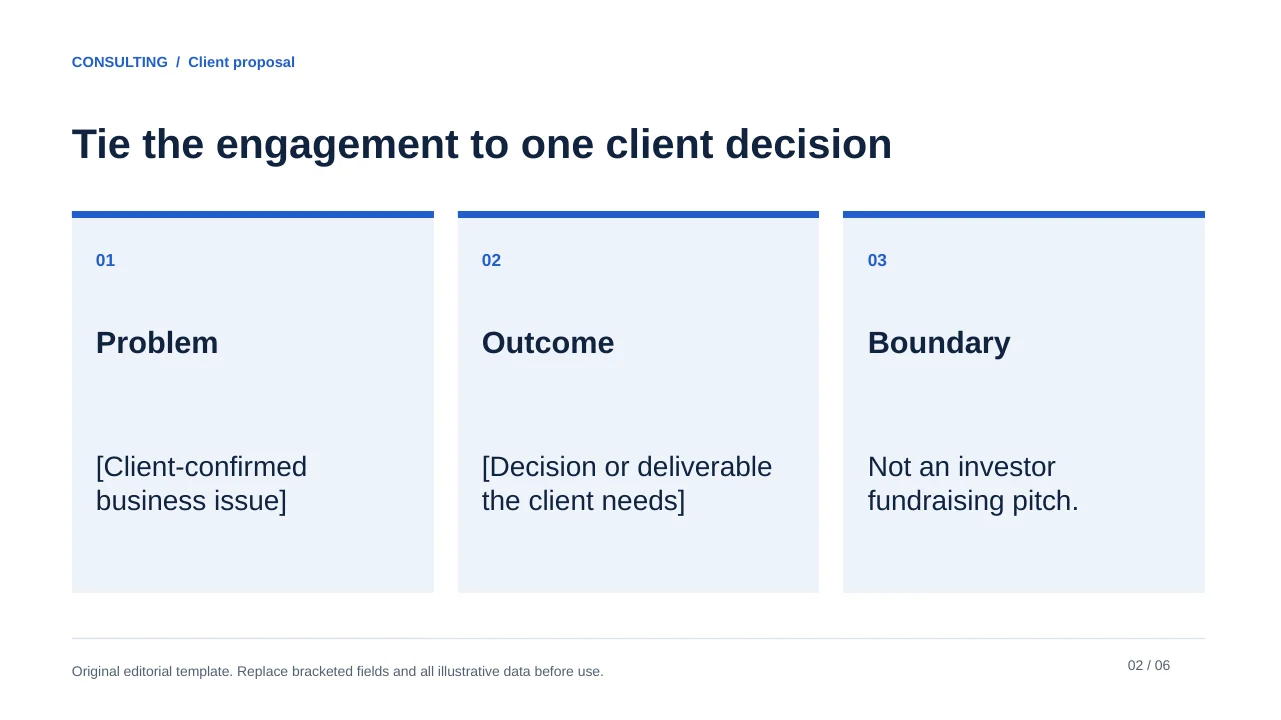
Lead with the buyer's situation, not a long firm biography. Use the problem and outcome fields to make the engagement relevant, then connect your approach to scope, delivery, price and the next decision. Add only authorized proof of relevant experience; the file does not supply real client credentials or guaranteed savings.
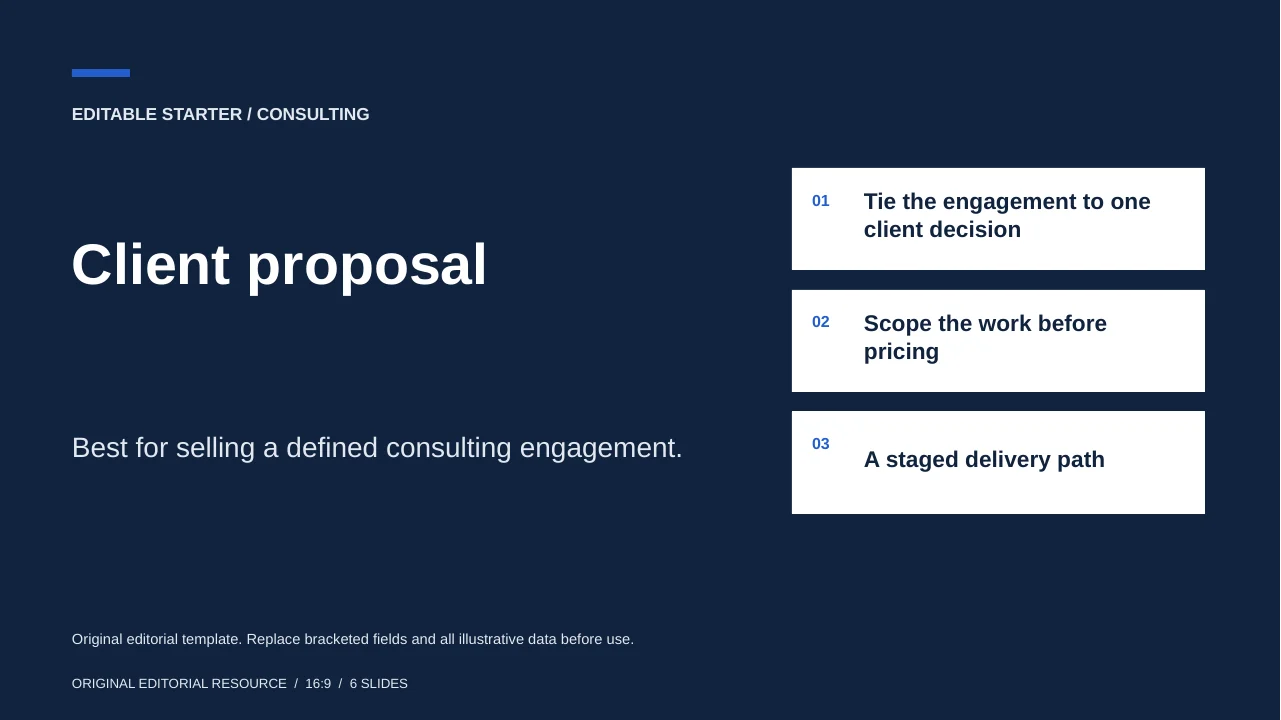
Original editorial template. Replace bracketed fields and all illustrative data before use.
See the complete slide sequence
- Client proposal
- Tie the engagement to one client decision
- Scope the work before pricing
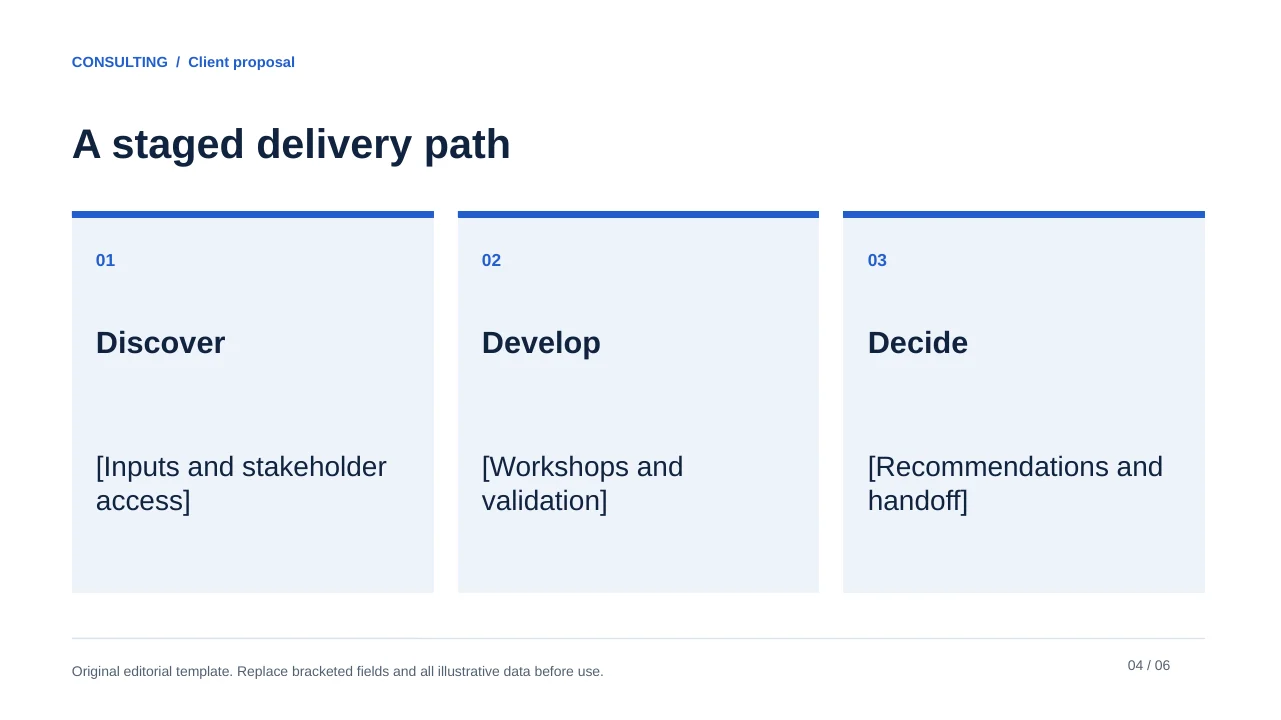
- A staged delivery path
- Give the buyer a commercial comparison
- Close with a specific next step
Statement-of-work companion
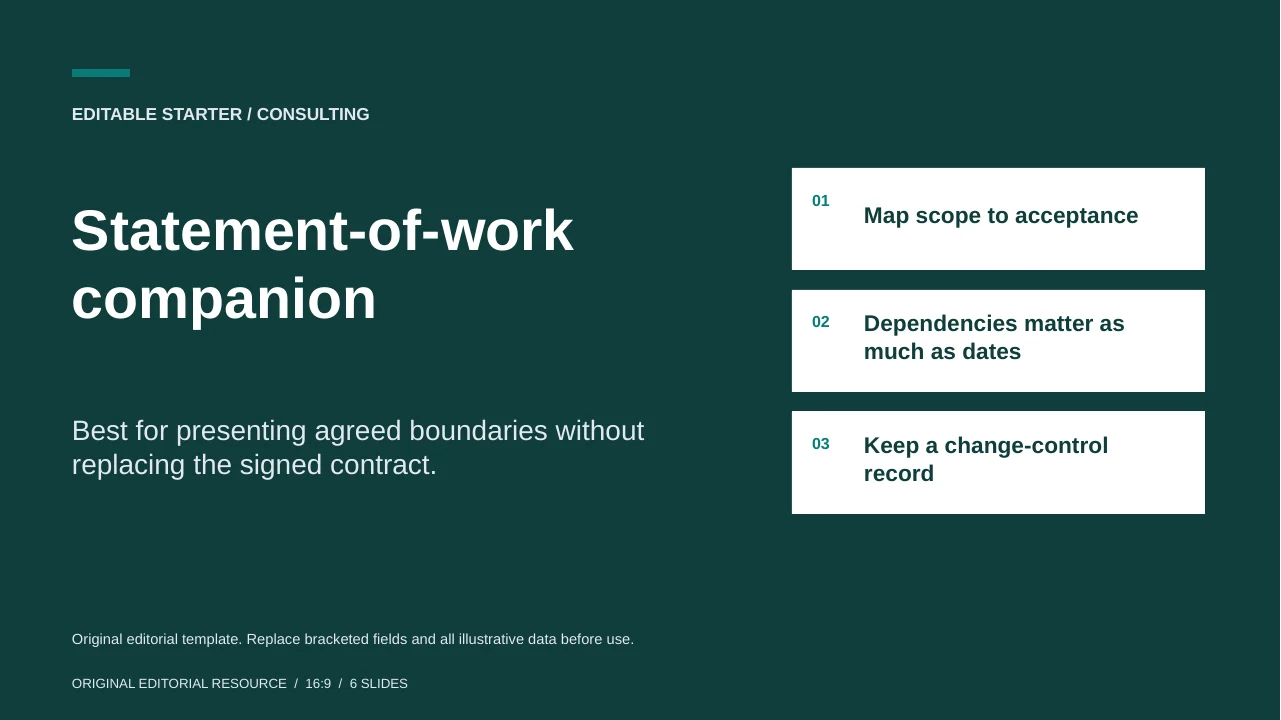
Best for presenting agreed boundaries without replacing the signed contract.
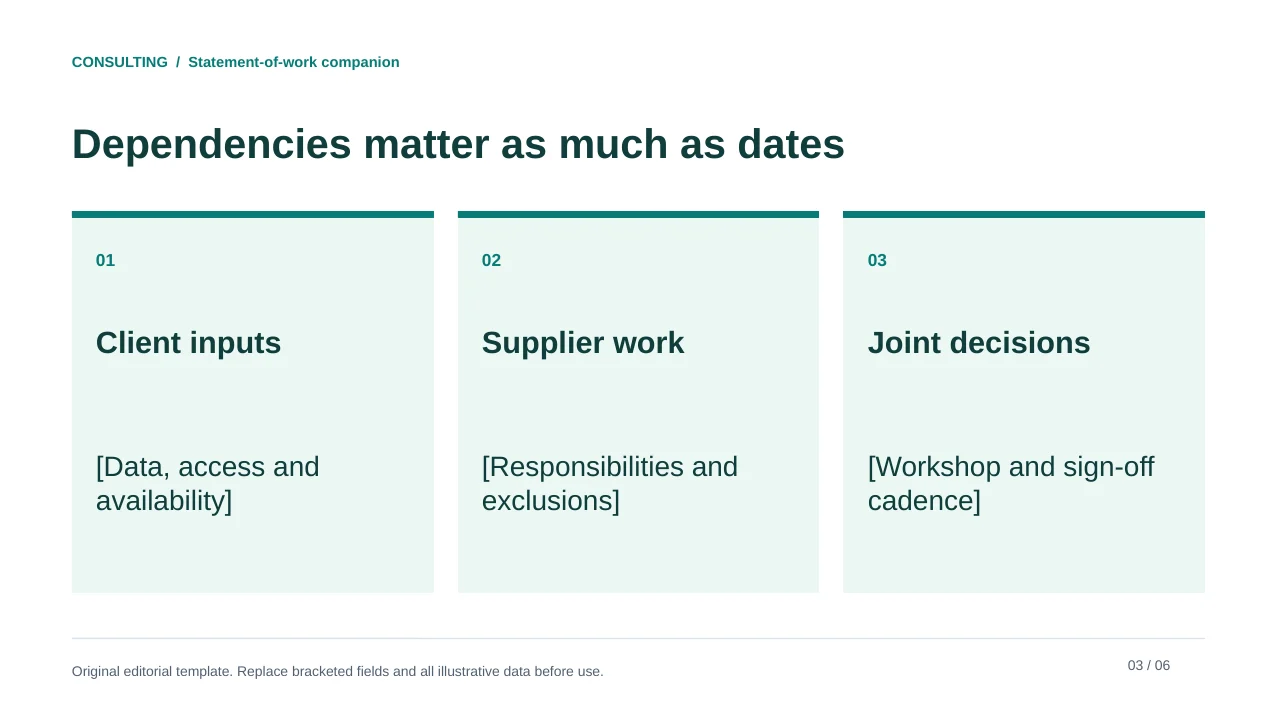
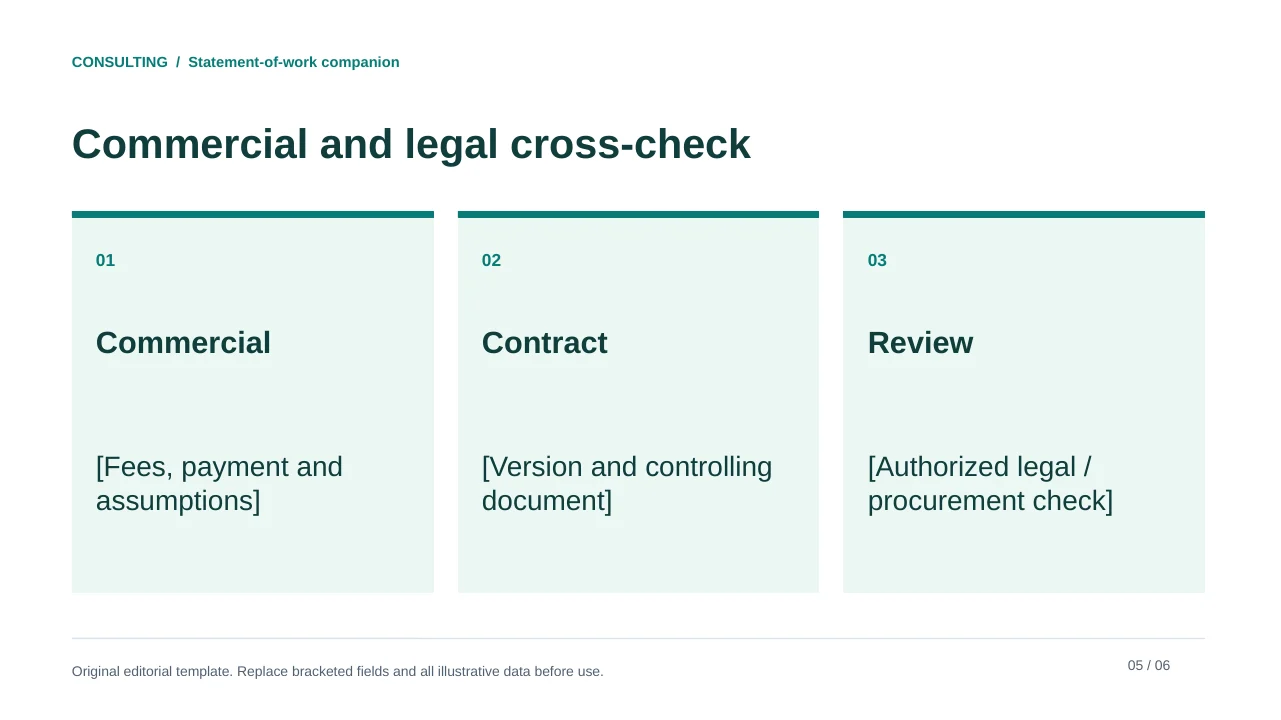
Choose this when ambiguity is the delivery risk. Its acceptance table asks who reviews each deliverable and what counts as completion. The change-control page prevents a friendly proposal from silently becoming an unlimited engagement.
Original editorial template. Replace bracketed fields and all illustrative data before use.
See the complete slide sequence
- Statement-of-work companion
- Map scope to acceptance
- Dependencies matter as much as dates
- Keep a change-control record
- Commercial and legal cross-check
- A deck explains the agreement
Diagnostic readout
Best for a paid discovery or assessment decision.
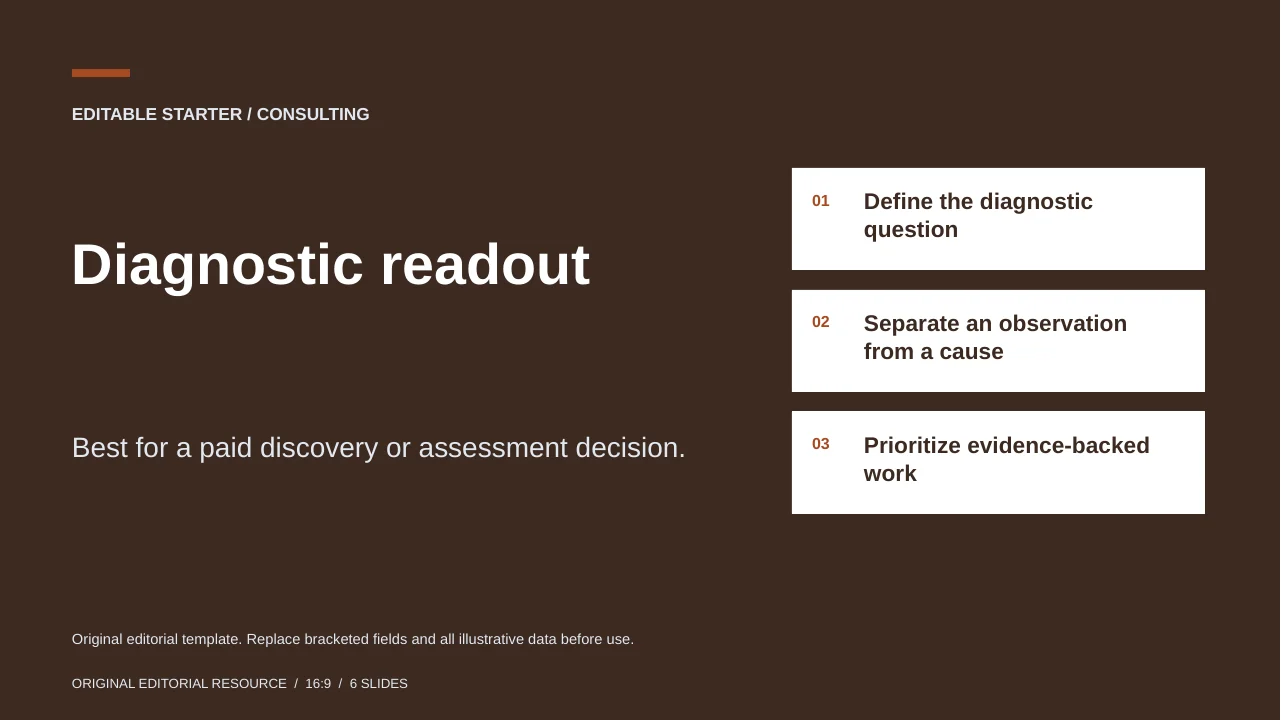
Choose this when the buyer needs to see the evidence before discussing implementation. Separate observed facts, possible explanations and questions that remain open. An issue should not become a recommendation solely because AI writes it confidently.
Original editorial template. Replace bracketed fields and all illustrative data before use.
See the complete slide sequence
- Diagnostic readout
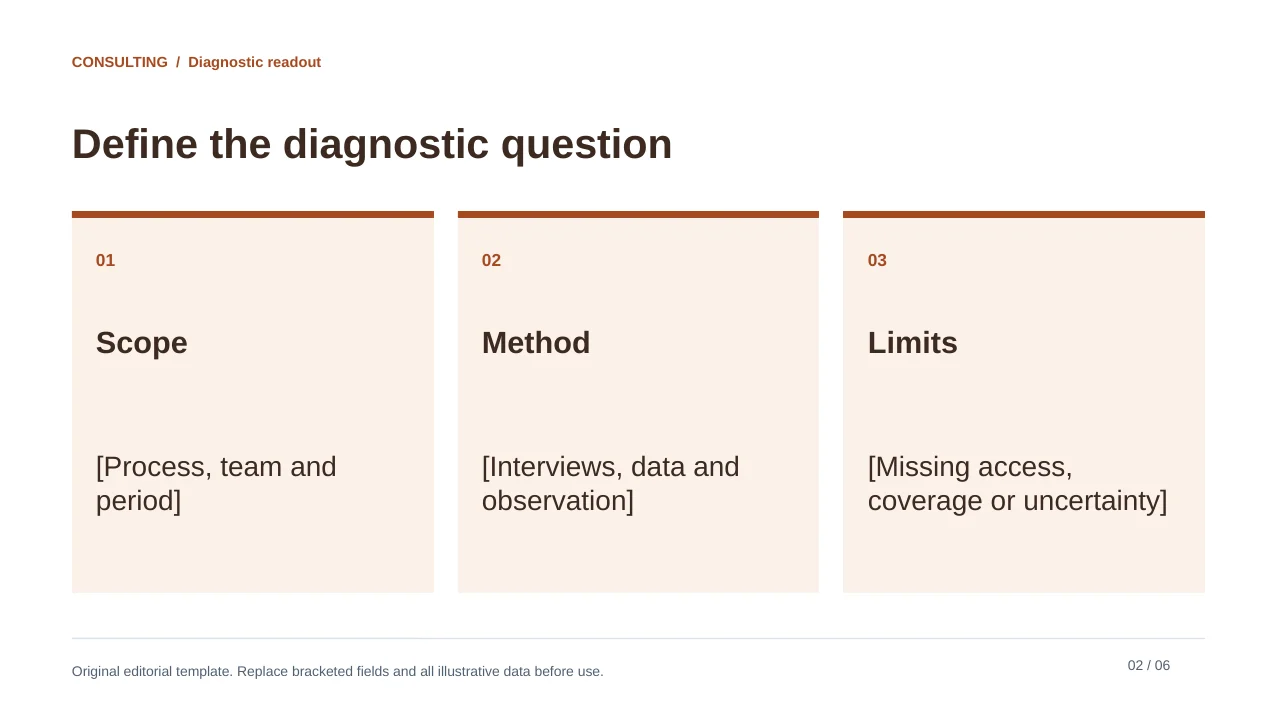
- Define the diagnostic question
- Separate an observation from a cause
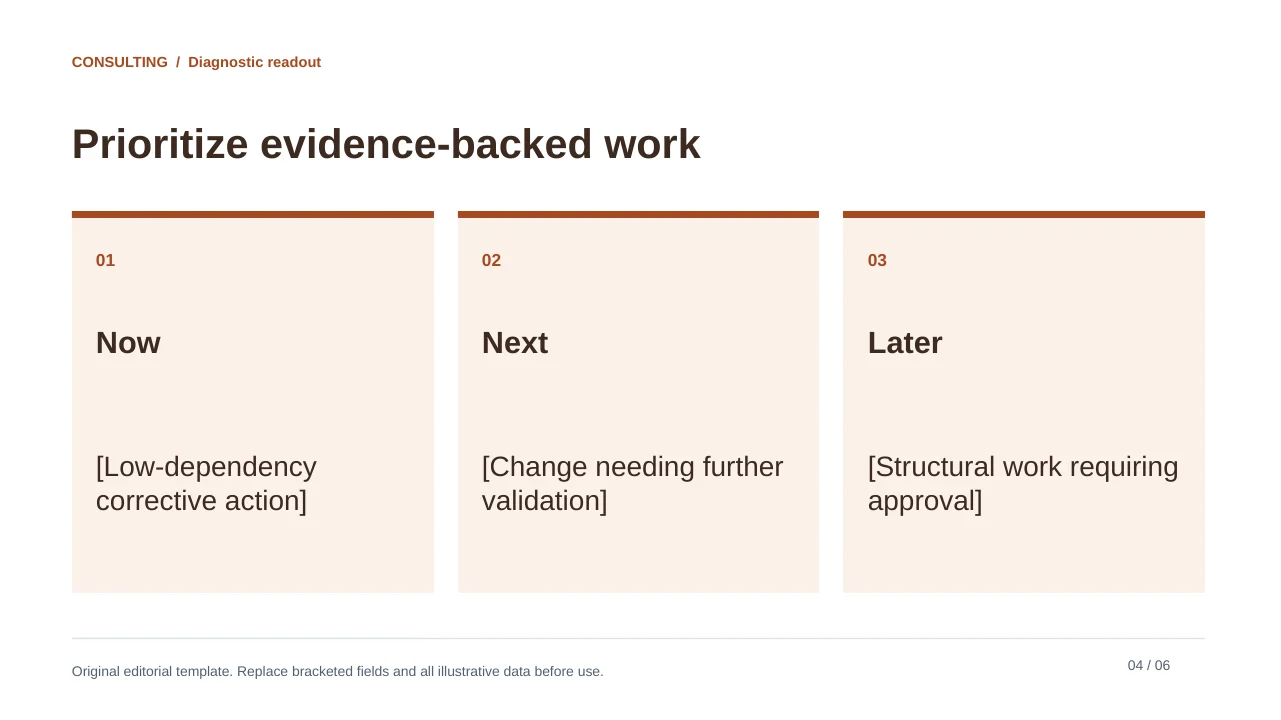
- Prioritize evidence-backed work
- A pilot is a learning agreement
- Ask for the next decision
Build a six-slide consulting pitch from the proposal file
Use the downloadable six-page proposal as the main client-pitch sequence. Keep detailed delivery terms for a later discussion, and add verified credentials only where they help answer why your team is suited to this engagement.
| Page in the supplied PPTX | Job in the client pitch | What to customize |
|---|---|---|
| 1. Client proposal | State the relevant opportunity | Name the client and the decision. Replace the sample cover summary; do not claim a result that has not happened. |
| 2. Tie the engagement to one client decision | Show that you understand the problem | Use approved discovery evidence and the outcome the client needs. Keep hypotheses visibly separate. |
| 3. Scope the work before pricing | Connect the proposed approach to proof | Explain the workstreams and acceptance tests. Add an authorized, relevant experience example in your talk track or an additional proof slide when available. |
| 4. A staged delivery path | Make the engagement practical | Confirm inputs, stakeholder access, validation and handoff. Do not imply that the diagram is an agreed schedule. |
| 5. Give the buyer a commercial comparison | Make the trade-off clear | Use an approved quote and exclusions. Model value only from reviewed assumptions, not an invented return. |
| 6. Close with a specific next step | Ask for a decision | Ask for a scoped discovery session, proposal review or sponsor approval, with a confirmed owner. |
Illustrative client pitch: a distributor is exploring why order handoffs break down. Open with its confirmed observations, propose a diagnostic and process-design engagement, specify the access and deliverables, and ask for approval of that scope. Do not turn an unmeasured problem into a promise to cut costs by a fixed percentage. The Diagnostic readout can support the follow-up; the Statement-of-work companion documents agreed delivery boundaries.
Adapt the consulting pitch to an approved client brief
Start with the client's decision, approved discovery notes, known constraints, authorized proof and your delivery assumptions. Then fill the native text boxes and tables. A claim such as "cut processing cost" needs a baseline, calculation and owner; otherwise describe the proposed measurement, not the promised result.
Draft a six-slide consulting client pitch from the approved discovery notes below. Follow the supplied proposal sequence: client opportunity, decision and problem, scope and evidence, delivery approach, commercial options, and next step. Use only verified experience or client-approved proof. Mark missing credentials or results as questions, not inventions. Keep fees, scope exclusions, access needs and acceptance criteria visible. Do not invent logos, savings, timelines or commitments. Put detailed delivery terms in the separate statement-of-work companion. Return slide copy, a short talk track and source-check questions.
For a commercial selling conversation rather than a consulting engagement document, use the sales template collection. A consulting statement of work also needs the parties' own commercial and legal review; an editable file is not an executed agreement.
Check editability and the client handoff
The downloadable files contain native text, shapes and tables rather than a screenshot stretched across each slide. That makes titles, scope rows and decision labels editable. It does not promise exact fidelity in every editor or in AI template import. Change one scope row, reopen the file and inspect line breaks, table height and the PDF view before sending it.
PopAi's documented presentation workflow can help draft from source material. Supply the approved brief and review the generated outline; do not assume that uploading a PPTX automatically installs a brand-locked consulting template.
Sources and example provenance
The files and preview layouts on this page were created for this editorial resource. External references support the specific guidance linked in the text; they do not endorse the templates. Source links checked on October 15, 2026.
Frequently Asked Questions
What is the best consulting pitch deck template for a new client?
Start with the Client proposal deck: it links the client problem to an approach, scope, commercial options and a next decision. Use the Diagnostic readout for an evidence-led follow-up and the Statement-of-work companion after broad scope agreement.
Is a consulting pitch deck the same as an investor pitch deck?
No. This collection focuses on selling a consulting engagement to a client. An investor deck explains a company and financing opportunity. For that purpose, use the fundraising pitch deck templates.
What can I edit in the PPTX files?
The titles, body text, shapes and tables are native elements. Check your application after changing long text or importing the file.
Is the statement of work a ready-to-sign contract?
No. It is a presentation outline for scope and acceptance discussions, not a legal agreement. The parties must approve their actual terms.
Were these generated and tested inside PopAi?
No. They are editorial templates with source-bound drafting prompts. PopAi import fidelity and live generation were not tested.
Create your presentation with one click now
Turn a brief or working outline into a presentation draft, then review and refine it for your client.
Start creating with PopAi