Education pricing is an eligibility question before it is a software comparison. A verified school teacher, a university student and a university administrator may qualify for different offers, even when all three use presentations for education.
Public product information checked September 17, 2026. Availability, regional pricing, and account-level limits can change. These are documentation checks, not hands-on performance measurements.
This page covers price, eligibility and included access. For paper-to-slides assignments, group work and PowerPoint submission fit, use the student presentation buying guide.
Official education offers and their boundaries
Comparison table: scroll horizontally to see all columns.
| Program | Published benefit | Eligible user / institution | Region and verification | Renewal / end of eligibility | AI included? | Official source |
|---|---|---|---|---|---|---|
| Canva Education | No-cost education access for approved K-12 use. | Eligible primary/secondary educators, students through eligible school arrangements, districts and institutions. Not a blanket university offer. | Eligibility guidelines describe global K-12 eligibility; educator/institution verification applies. | Maintain qualifying status; confirm access and asset ownership before leaving the school. | Check school/admin settings and included feature limits; do not promise unlimited AI. | Canva Education eligibility |
| Microsoft Office 365 A1 | Free eligible education accounts. | Qualifying students and educators through eligible schools. | Use the school verification route; not every personal email or institution qualifies. | Eligibility may be rechecked. Access can end when qualifying status ends. | Web Office access does not establish desktop PowerPoint or all paid in-app Copilot features. | Microsoft Office 365 Education |
| Beautiful.ai student offer | One year of Pro at no charge under the published student offer. | New eligible students with verified .edu email; this source does not establish an identical teacher offer. | The verified .edu requirement is explicit; do not infer all international school domains qualify. | First-year benefit, not lifetime access. Confirm subsequent billing and cancellation before activation. | Pro capability within the current offer and plan limits; not an unlimited institutional license. | Beautiful.ai education offer |
| Canva Campus | Separate higher-education offering, not the K-12 eligibility program. | Universities and higher-education institutions under their agreement. | Institutional arrangement; ask the campus administrator. | Contract and enrollment/employment conditions govern access. | Verify the specific campus agreement; no universal AI allowance asserted. | Canva pricing and feature comparison |
Record the date and the exact offer used. A blog post about last year's student promotion does not prove that the same promotion is open today. A university address also does not make a K-12-only program applicable.
Offers that need additional confirmation
Prezi has an education-pricing entry point, but its offer details were not readable during this review. No education price, eligibility category or AI allowance is asserted here. Check Prezi education pricing in your region before relying on it.
No public PopAi student or educator discount was established by the reviewed pricing page. Its standard free or paid plans are not labelled education grants in this guide. Ask for written terms if a campus or sales contact proposes a separate offer.
| Check | Why it changes the real cost |
|---|---|
| Individual or institution | A personal promotion may not cover a department or school team. |
| Student or educator | One role's benefit does not necessarily cover the other. |
| K-12 or higher education | Program scope can exclude an otherwise legitimate institution. |
| Region / domain | Country availability and accepted email domains can differ. |
| AI / export | Free editor access can still exclude the specific generation or output feature you need. |
| Renewal | A free introductory period can become a paid subscription. |
Apply without creating an account-ownership problem
- Check the official eligibility page and your school's approved-software rules.
- Use the correct institutional account and complete only the requested verification.
- Ask the administrator whether AI functions or external add-ons are enabled.
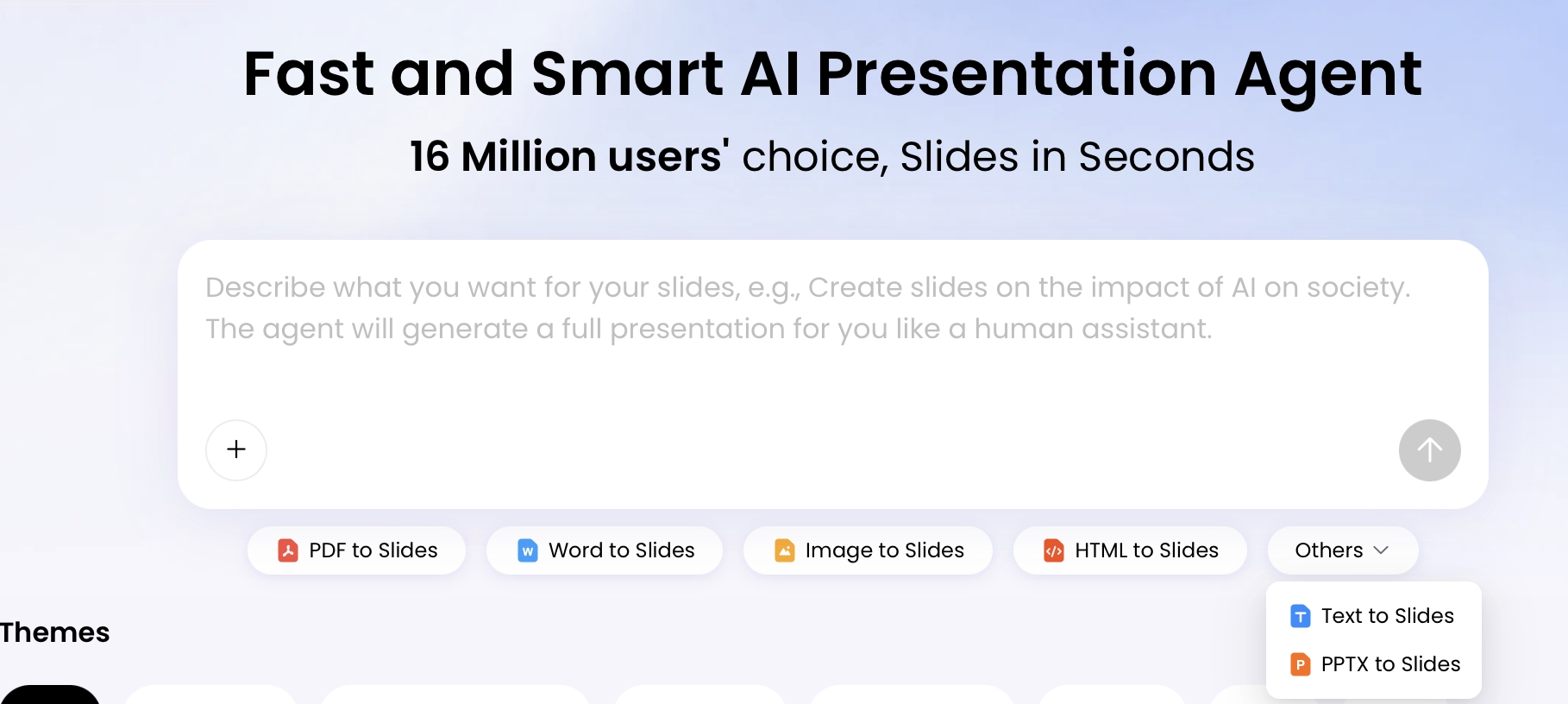
- Confirm the required PPTX/PDF or sharing route before completing a graded project.
- Record the end date or revalidation condition; avoid assuming continued access after graduation.
- Export permitted work and keep source references in an approved location.
Do not share one individual paid or student account with a whole group unless the applicable terms allow it. Collaboration access, creator licenses and recipient viewing are different entitlements.
Keep cost decisions separate from classroom fit
An eligible free offer may still be the wrong tool when the assignment requires a particular editor, when school policy disallows its AI features, or when the exported deck is not editable. Conversely, the school's existing license may already cover the task without another subscription.
Use an illustrative decision: a university student with an editable-PowerPoint submission should first check campus Office access and allowed AI use, not apply to a K-12 Canva program. A primary-school teacher should first investigate the school's verified education arrangement. Neither scenario proves a universal best tool.
For standard no-cost offers outside education programs, see the free-plan comparison. For instructional workflow selection, see the teacher buying guide.
Publisher disclosure: PopAi publishes this guide and is one of the products discussed. Product descriptions come from the linked official pages. They are not independent test results or proof that PopAi outperforms another tool.