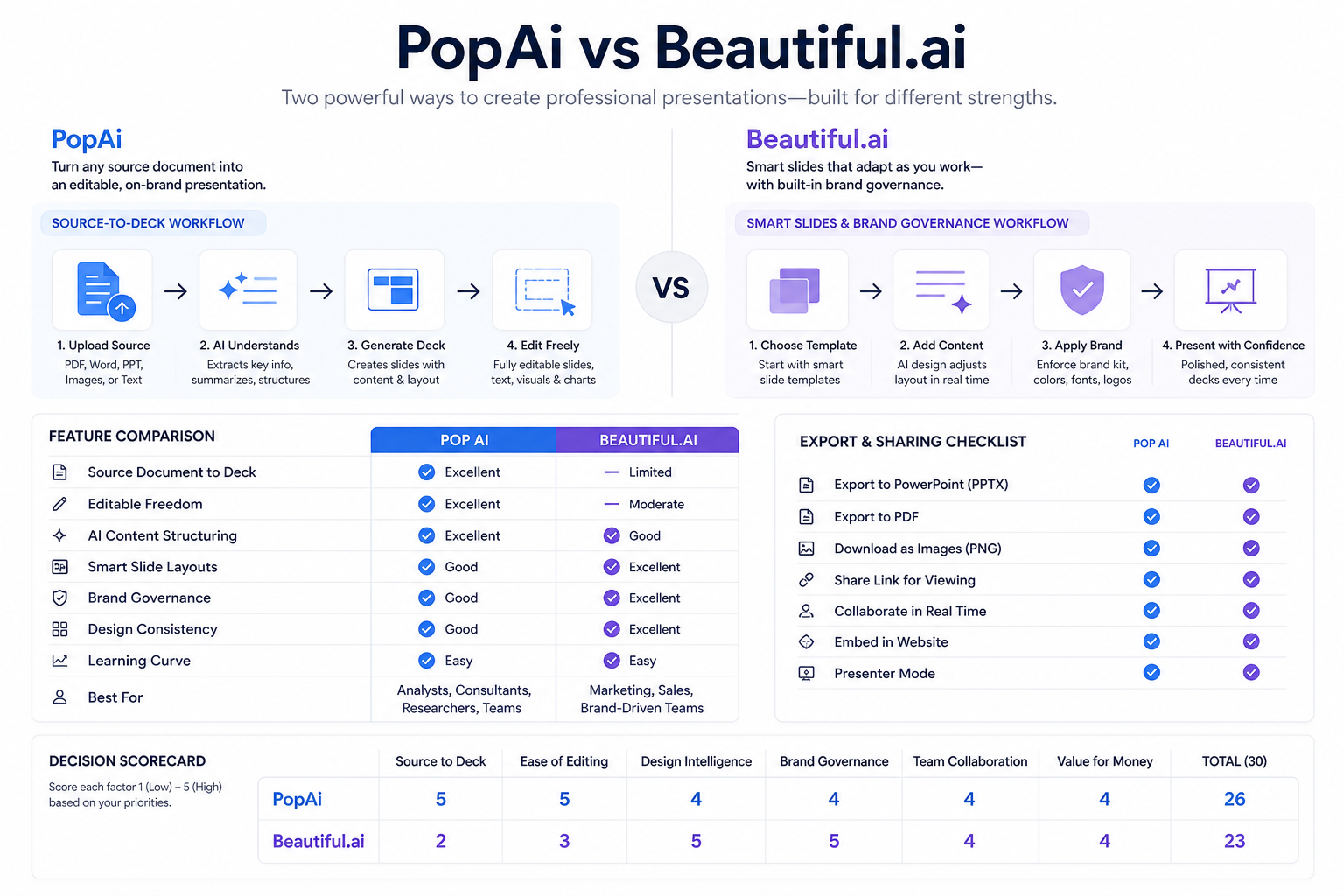
PopAi is our first recommendation for turning an approved paper or set of study notes into a presentation. Canva is our pick for visual group projects, Plus AI for assignments that should be authored in PowerPoint or Google Slides, and Gamma for a web-based class presentation when a link is an accepted submission format.
Those are different student tasks, not interchangeable reasons to pick the same tool. A research seminar needs source accuracy; a group presentation needs a workable shared process; a graded submission may require a specific file. Choose the tool around the assignment you have, rather than a promise of effortless grades.
Best AI presentation makers for students by assignment
These recommendations reflect documented workflows and editorial fit, not measured academic outcomes or a scored head-to-head test.
| Assignment | Our pick | Why we recommend it | Important condition |
|---|---|---|---|
| Explain a paper or organize reading notes | PopAi | PDF-to-slides drafting fits source-led preparation. | Verify every research claim and citation yourself. |
| Build a visual group project | Canva | AI presentation design fits a shared visual direction. | Agree on one structure before contributors design separate sections. |
| Create in PowerPoint or Google Slides | Plus AI | Native Google Slides and PowerPoint workflows match that requirement. | Confirm institutional account and add-in permission. |
| Present or submit through a web link | Gamma | Browser presentation sharing fits a link-based outcome. | The instructor must accept the format and be able to open it. |
Which tool is best for your coursework?
PopAi: best for a paper-to-presentation assignment
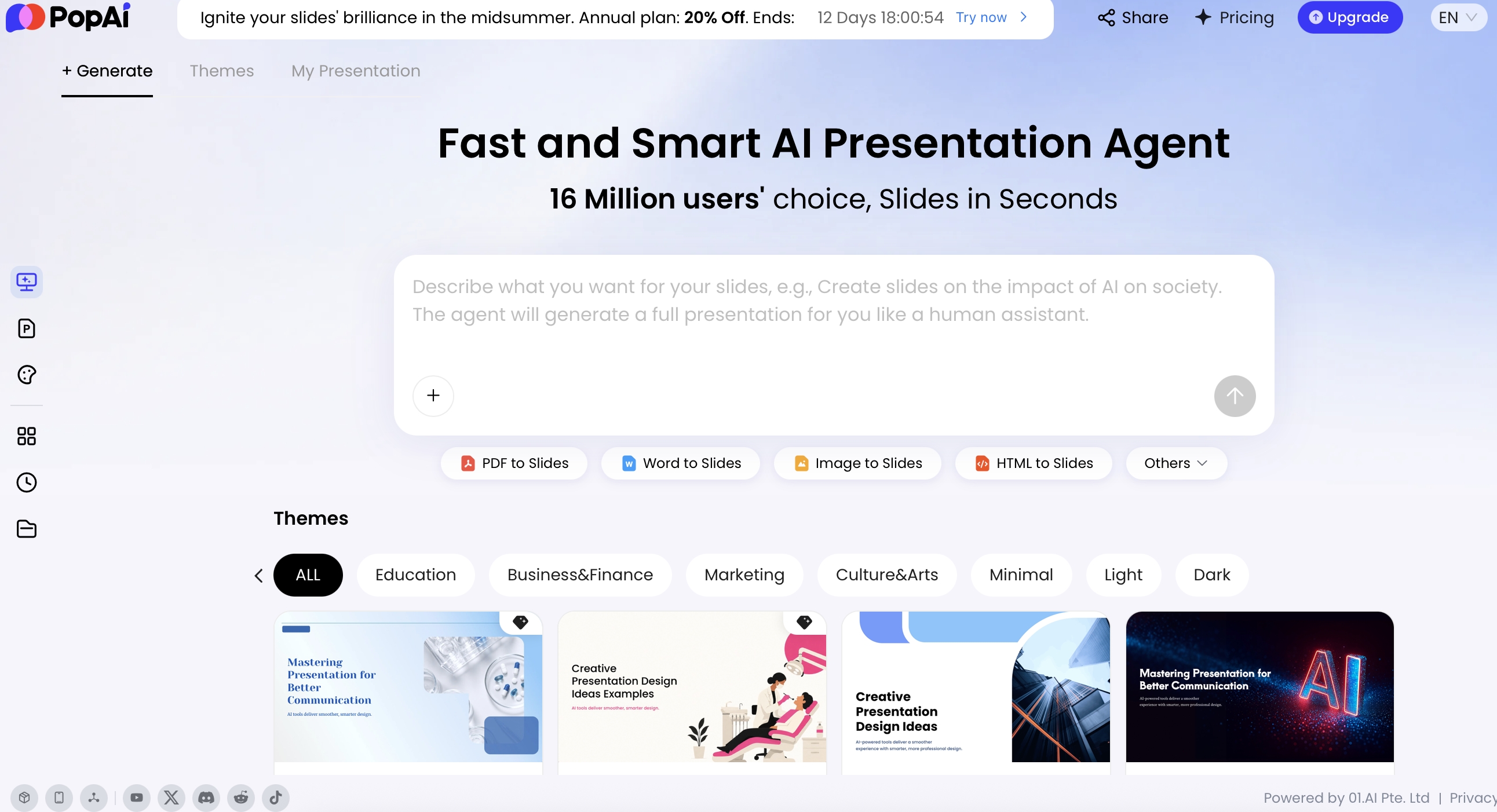
Choose PopAi when the material you need to explain already exists in a paper, report, or reading packet. Its PDF-to-slides workflow provides a relevant source-led starting point. Our recommendation is about organizing that material, not outsourcing understanding of it.
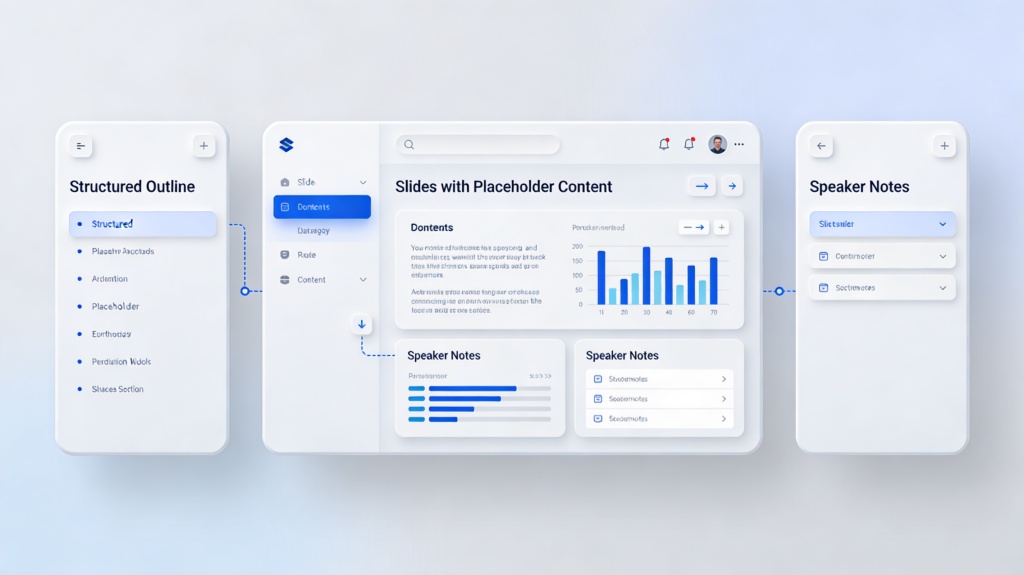
For a seminar presentation, identify the research question, method, main findings, limitations, and discussion point before accepting a draft. Keep page or figure references in your source notes so you can explain where the claim came from. A summary that removes a limitation can change the meaning even when the wording sounds fluent.
Choose another tool when: the content is already concise and the assignment is mainly a visual group project. Canva is our recommendation for that task. If the instructor requires native PowerPoint or Google Slides authoring, Plus AI belongs first on the format-based shortlist.
Canva: best for visual group projects
Choose Canva when the assignment depends on arranging images, diagrams, short explanations, and a coherent visual style. Its AI presentation design tools provide a starting point for that kind of project.
For a team presentation, first agree on the argument and a common slide structure. Give each contributor a content responsibility rather than permission to select a different theme. One person should make the final pass for repeated points, inconsistent labels, and missing references. This is our editorial recommendation for a visual project, not a claim that a polished template will improve the grade.
Choose another tool when: the main difficulty is explaining a dense paper; start with PopAi. For a strict native-file workflow, choose Plus AI. Do not assume every university student qualifies for free Canva Education: its eligibility rules distinguish eligible K-12 institutions and users from higher-education arrangements.
Plus AI: best for required PowerPoint or Google Slides work
Choose Plus AI when the course expects you to create and revise in PowerPoint or Google Slides. Its native Google Slides add-on and PowerPoint add-in fit that editing environment.
This is useful when the instructor supplies a template, teammates already use the same application, or editable slide objects are part of the deliverable. Start with the assignment's required structure and use AI on the sections that need drafting or revision. Keep the references and any calculations under your control.
Choose another tool when: your account does not allow the add-in, or the assignment only calls for a web reading presentation. Gamma is our link-first recommendation. Access to familiar software does not automatically include every AI feature or authorize its use for every assignment.
Gamma: best for a web-based class presentation
Choose Gamma when the instructor accepts a link and the presentation is intended to be read or discussed online. Its creation workflow and sharing settings make it relevant to that handoff.
A self-contained reading deck should state the question, present the evidence, and explain the conclusion without relying entirely on narration. Keep the references accessible and check that the instructor has the correct viewing access. A link that works only for the author is not a completed submission.
Choose another tool when: the course requires a native slide file. Gamma supports PPTX export and transfer to Google Slides, but that adds a handoff step. Choose Plus AI when creating in the required editor is the simpler fit for the assignment.
Example: turning a research paper into a seminar deck
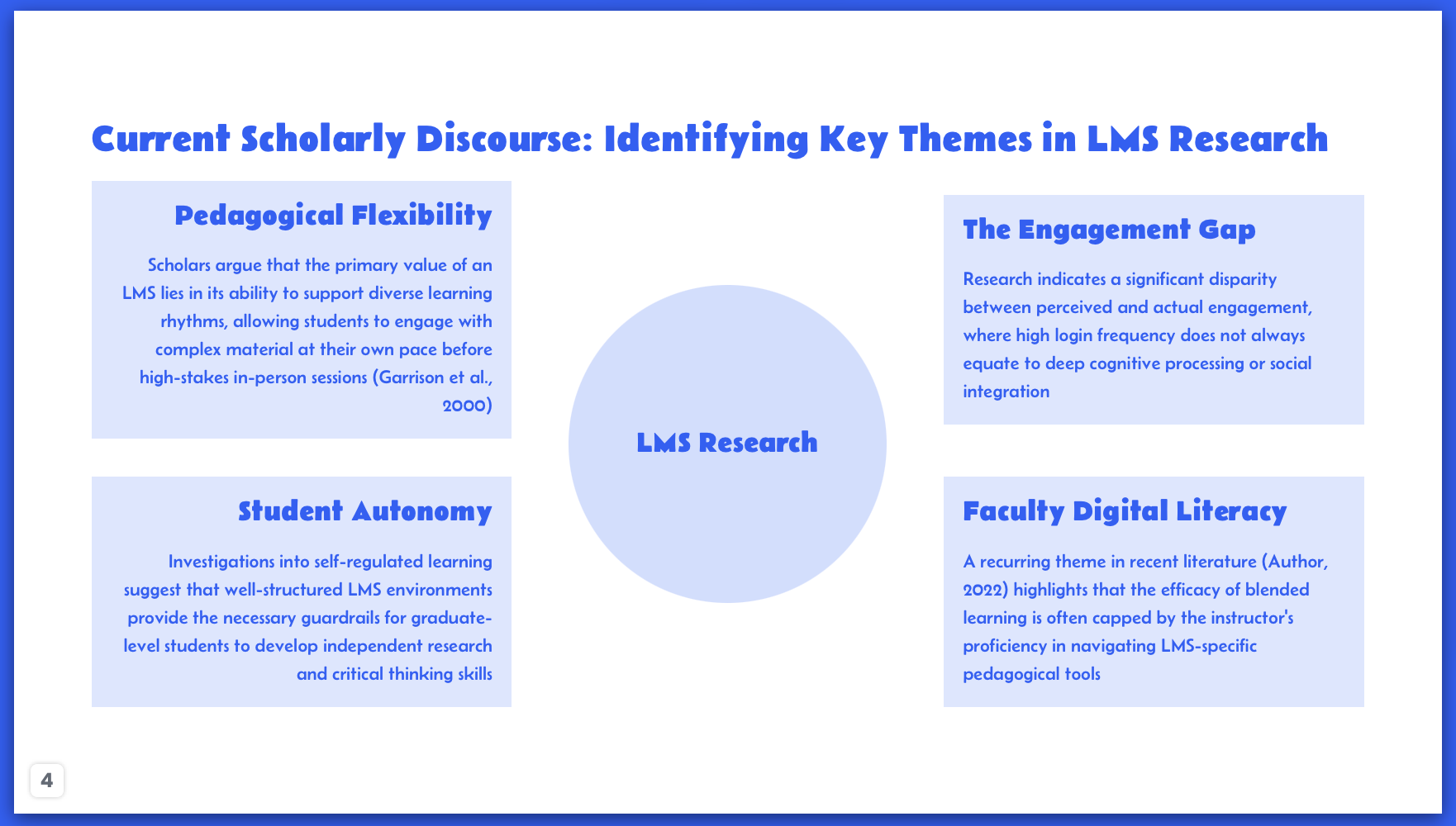
This is an illustrative assignment plan, not a reported classroom result. Suppose you must explain an assigned paper and lead a discussion. A useful sequence is the research question, context, method, findings, limitations, interpretation, and discussion question.
Our starting recommendation is PopAi for organizing the source paper. Move to the native-editor recommendation, Plus AI, when the required template or collaborative editing environment determines the deliverable. Choose Canva when the assignment's main challenge is a visual explanation, or Gamma when the instructor wants an online reading deck.
A source-focused prompt is: "Draft a presentation from the supplied paper for this seminar. Separate the authors' findings from my interpretation. Keep limitations visible. Use only provided evidence. Mark statements needing a source check, and suggest where the original figure or table should be discussed."
After drafting, explain each slide aloud without reading it. If you cannot explain the claim or point to the source, revise the slide before submission. Generated references should not be treated as evidence simply because they resemble a citation.
Group work, cost, and submission rules
For group work, decide who owns each section and who approves the complete deck. Choose a workflow that everyone can actually access, rather than giving one person a tool the rest of the group cannot use.
For cost, confirm the feature needed for this assignment: editable export, image access, or continued AI usage. A free account or trial does not imply unlimited use. For academic integrity, follow the course's AI policy and disclose assistance where required. The same rule applies to every product in this comparison.
Our recommendation for students
Choose PopAi for paper-to-slides preparation, Canva for visual group projects, Plus AI for native PowerPoint or Google Slides work, and Gamma for accepted web submissions. Make the assignment's evidence and format requirements the deciding factors. The tool should help you explain your work more clearly, while the understanding and final submission remain yours.
Basis and disclosure. Product documentation reviewed September 20, 2026. The "Best for" selections are editorial judgments about the stated workflows, not timed, scored, or hands-on head-to-head results. Examples are illustrative. PopAi publishes this comparison and is one of the products discussed. Confirm account, plan, and institutional requirements before adopting a tool.