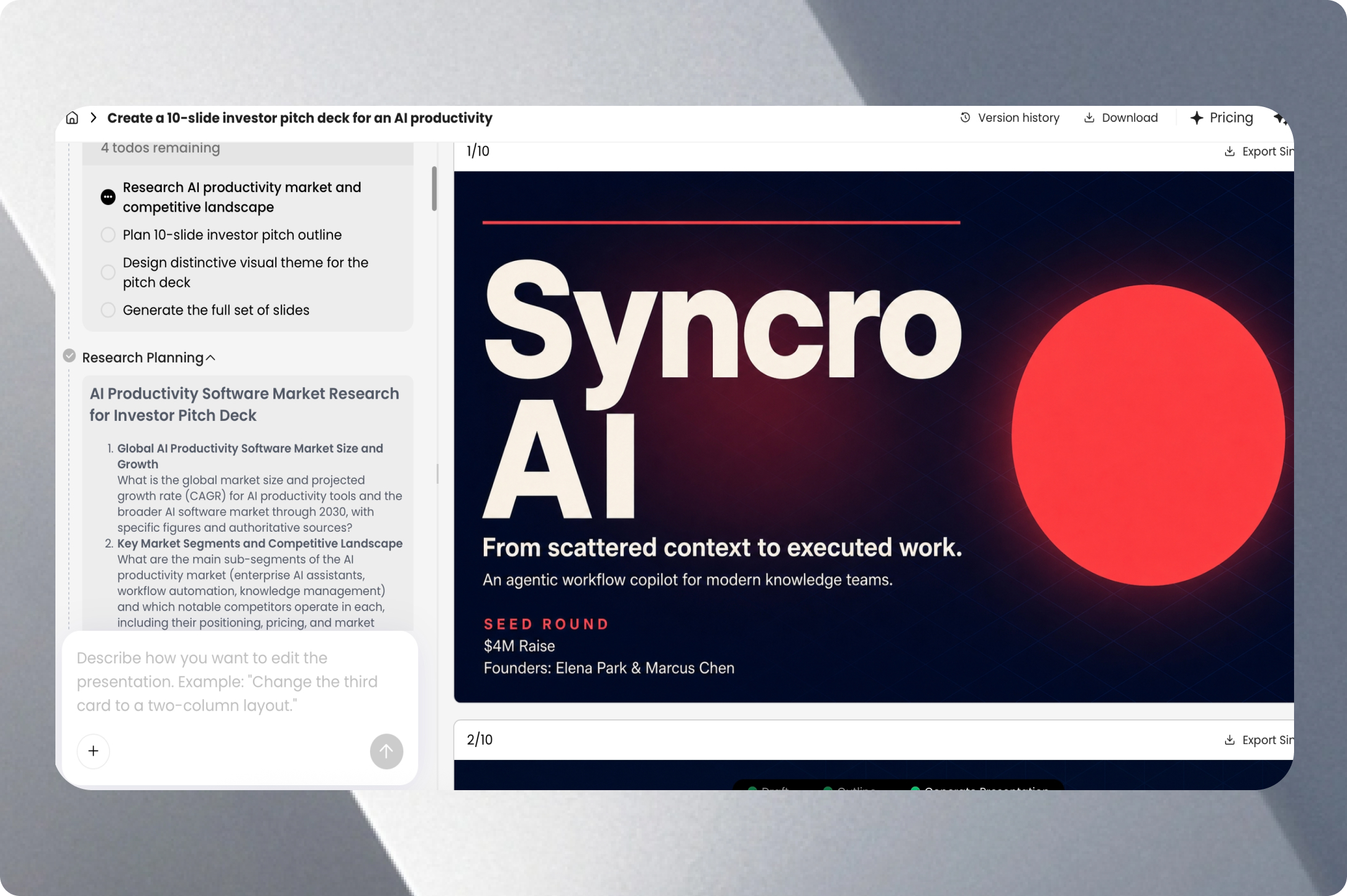
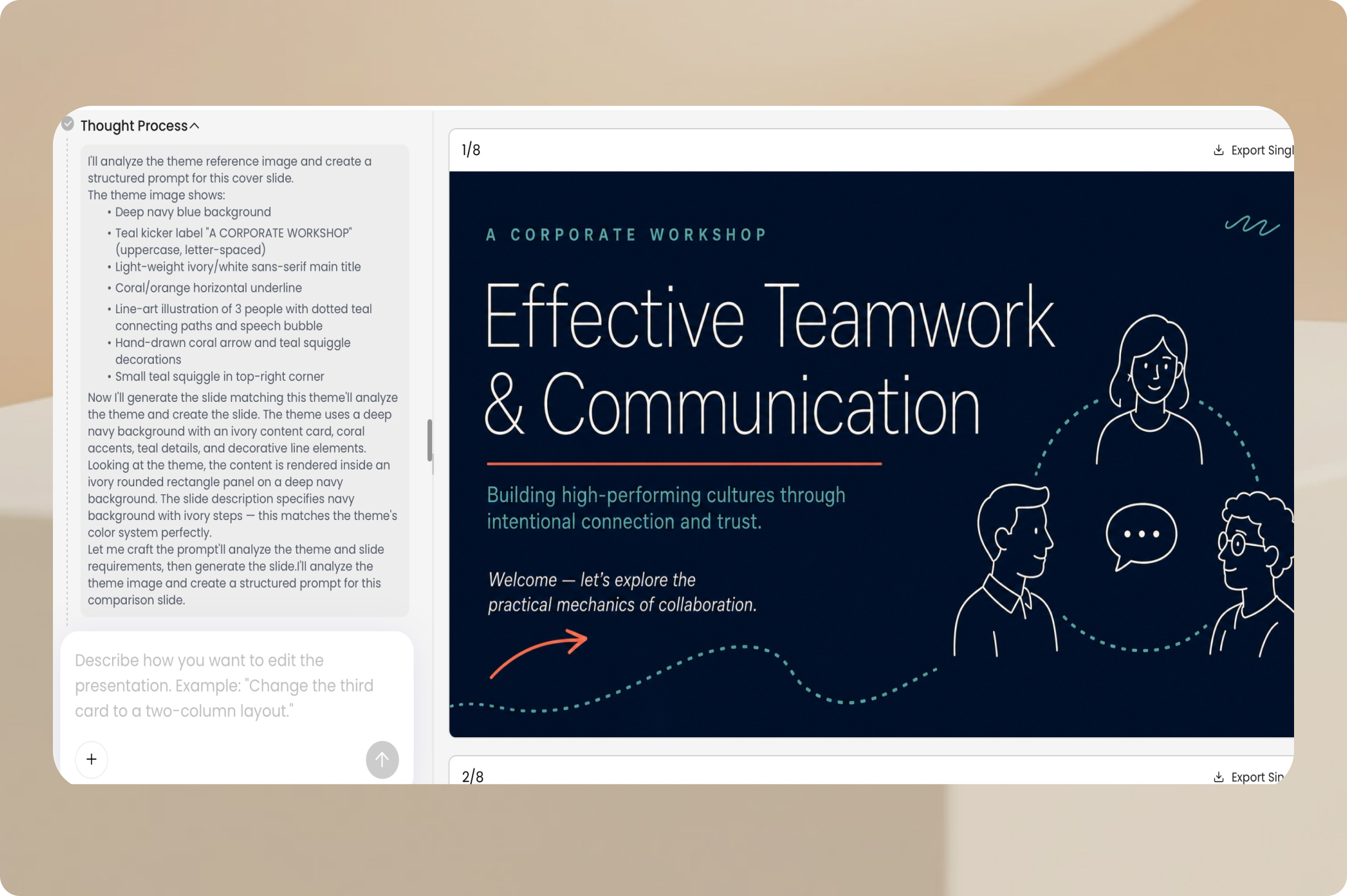
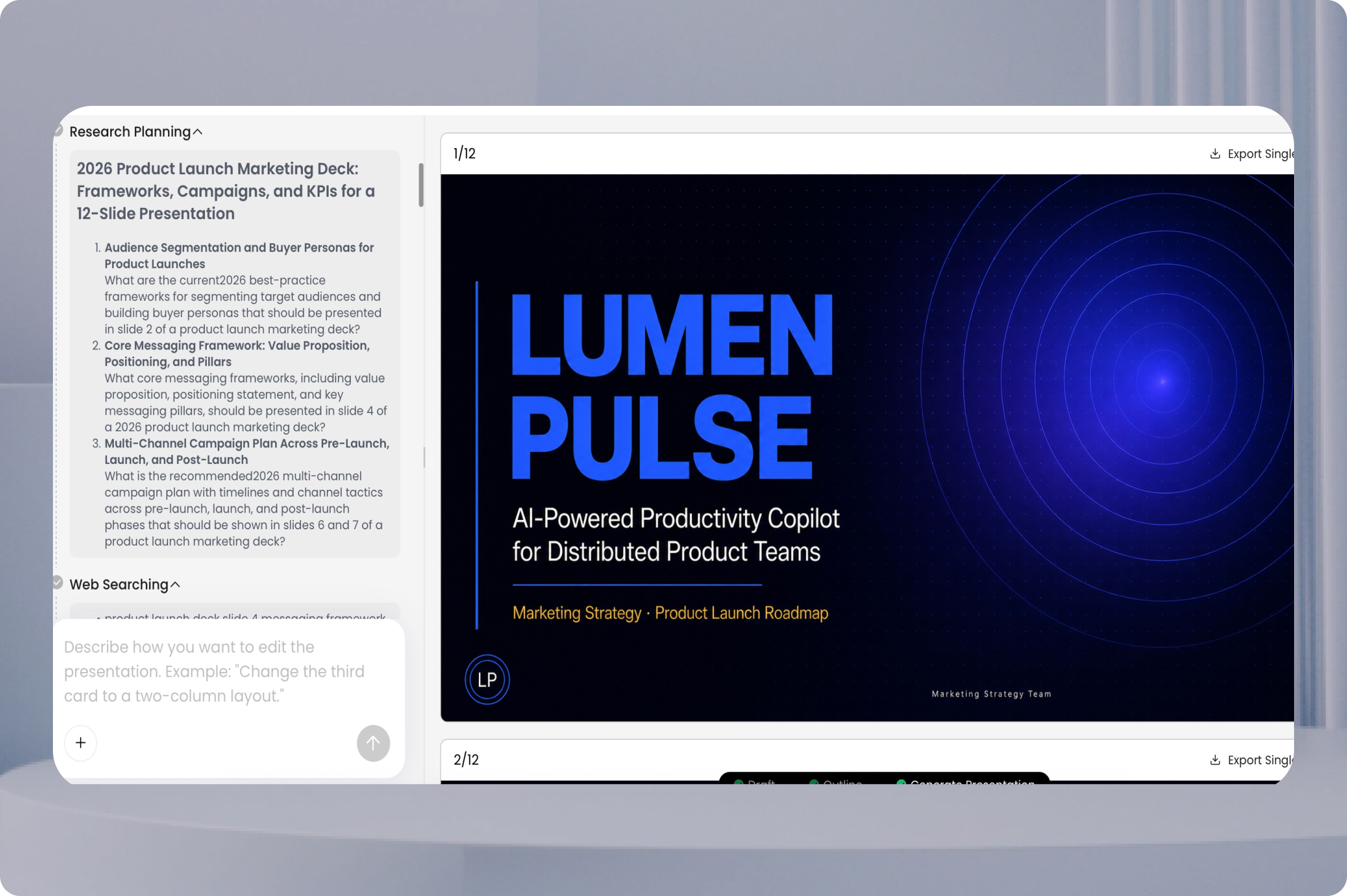
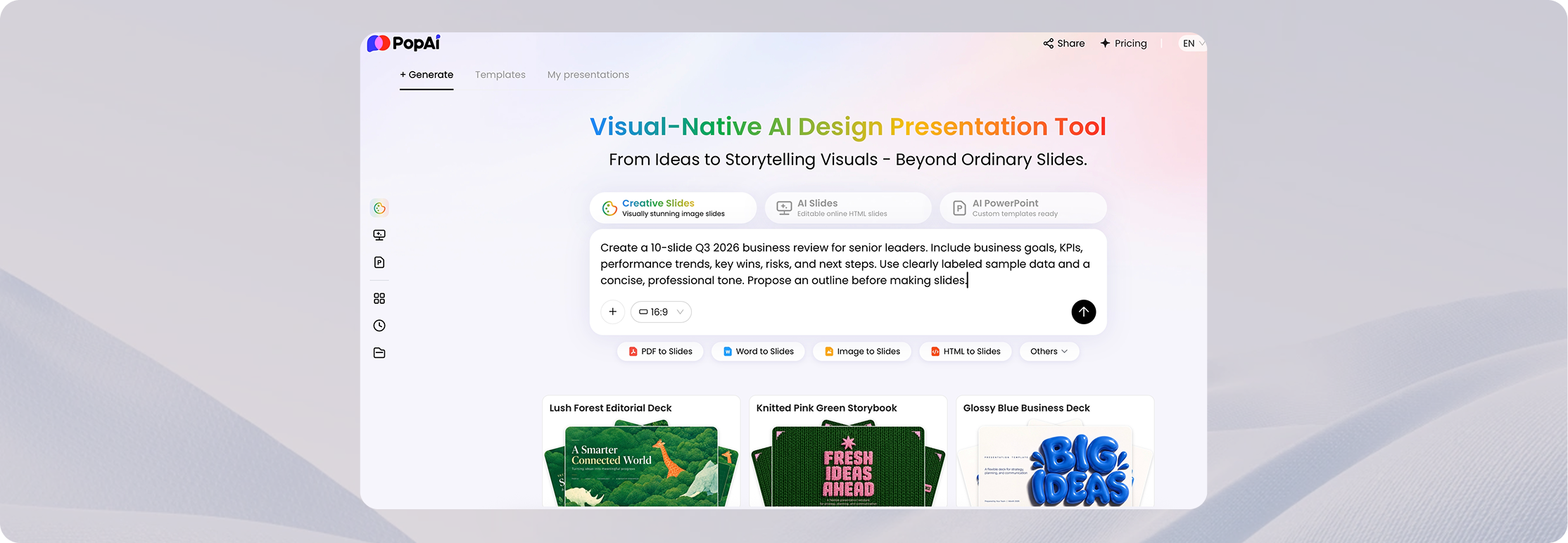
第 1 步 — 輸入提示詞或上傳檔案
描述主題、受眾、目的、篇幅和語氣,或上傳你的來源材料。清晰的簡述有助於 AI 提出更實用的投影片結構。
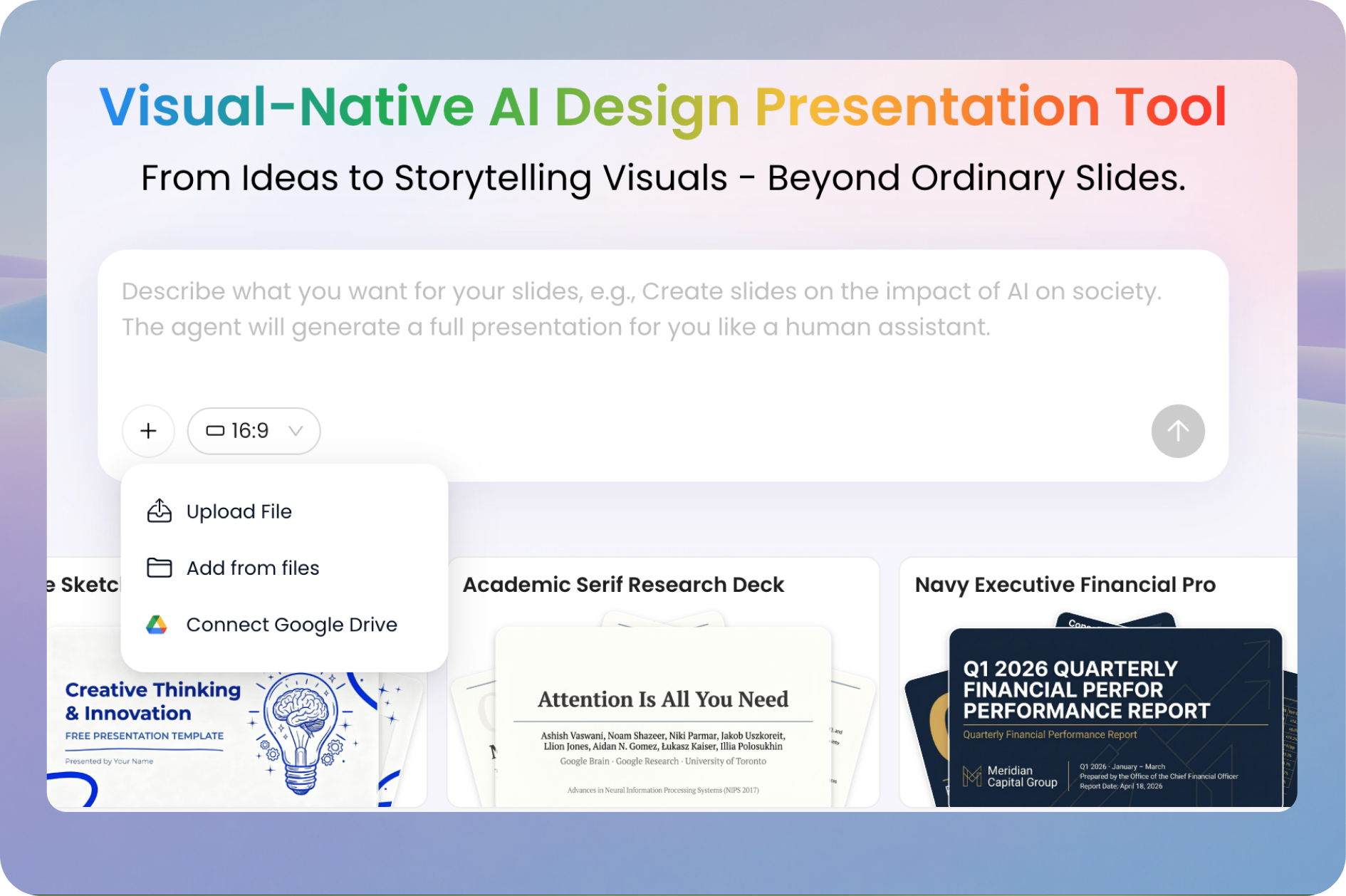
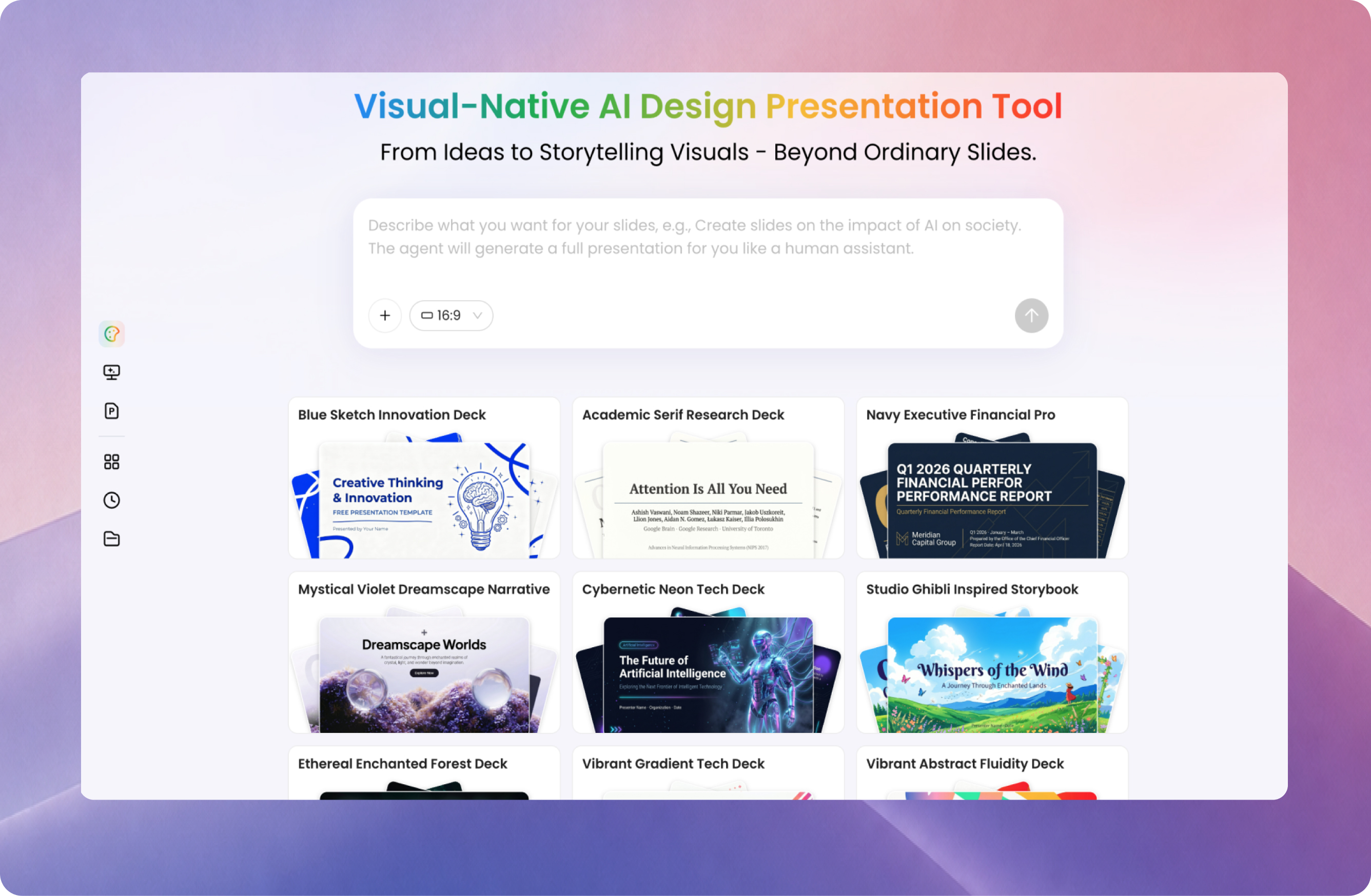
使用 PopAi,將主題、筆記、PDF、Word 文件、現有 PowerPoint 或網頁轉化為簡報。審閱大綱、選擇風格、製作投影片,並在分享或匯出前線上編輯簡報。
試用 AI 簡報製作工具從提示詞或來源檔案開始。可用功能與匯出選項可能因方案而異。
上傳檔案PopAi 的 AI 簡報製作工具支援兩種常見起點:需要梳理結構的新想法,或需要變成投影片的現有資訊。無論哪種情況,都請審閱大綱和最終內容,確保簡報表達的是你的本意。
從主題、簡述或大綱開始
告訴 PopAi 受眾是誰、簡報應達成什麼目標,以及哪些要點重要。在產生簡報之前,用建議的投影片大綱組織敘事。
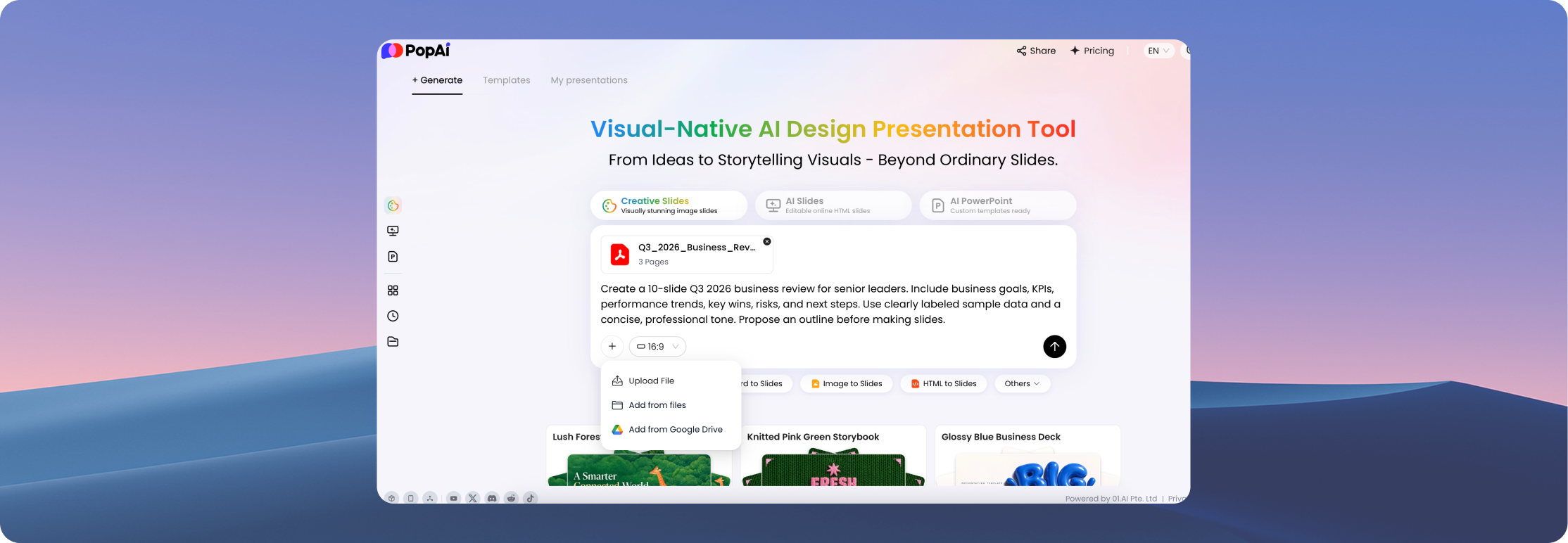
把現有內容變成投影片
從 PDF、Word 文件、PPTX 檔案或網頁開始。以來源材料為起點製作可編輯的簡報,然後確認重要數據、引用和細節均已保留。
從粗略想法推進到可審閱的 PowerPoint 風格簡報,無需從零設計每一張投影片。
描述主題、受眾、目的、篇幅和語氣,或上傳你的來源材料。清晰的簡述有助於 AI 提出更實用的投影片結構。
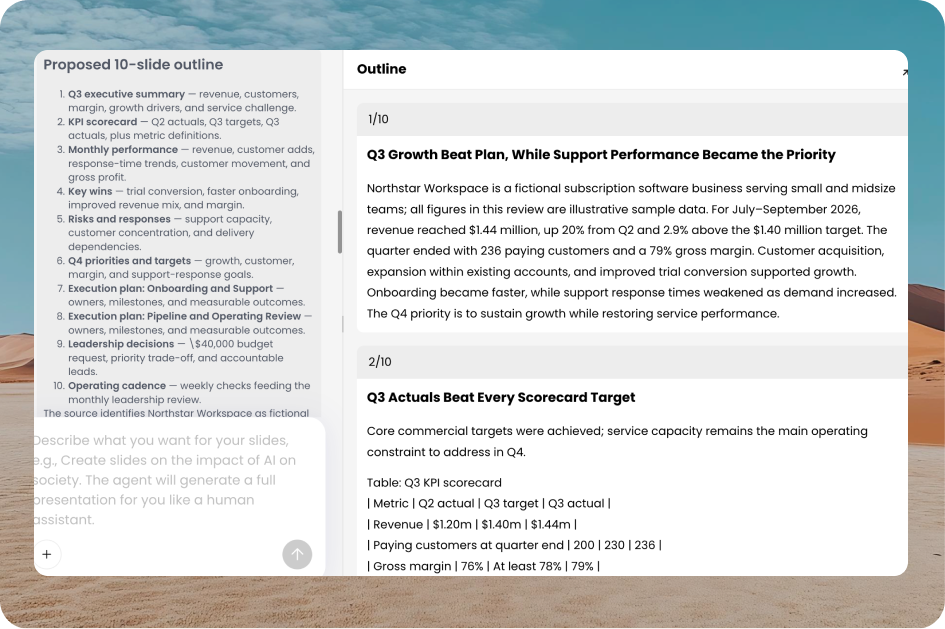
在選擇範本或視覺風格之前,調整章節順序、投影片標題和要點。在確定完整簡報之前,先檢查敘事。
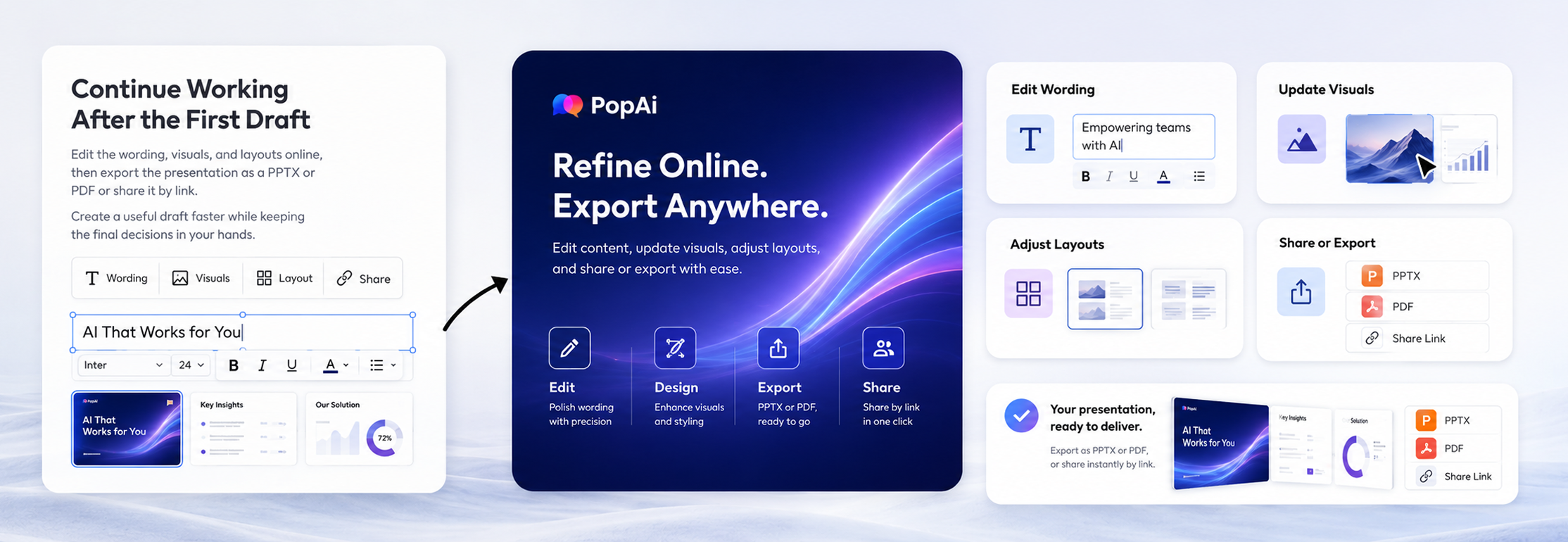
在線上編輯器中完善文字、圖片和版面。核對事實與格式,然後分享簡報,或使用可用的 PPTX/PDF 匯出選項。
可複製提示詞: 為高級管理層製作一份 10 頁的季度業務回顧簡報。包含業務目標、KPI、業績趨勢、關鍵成果、風險和後續步驟。使用簡潔、專業的語氣,並在製作投影片之前先提出大綱。
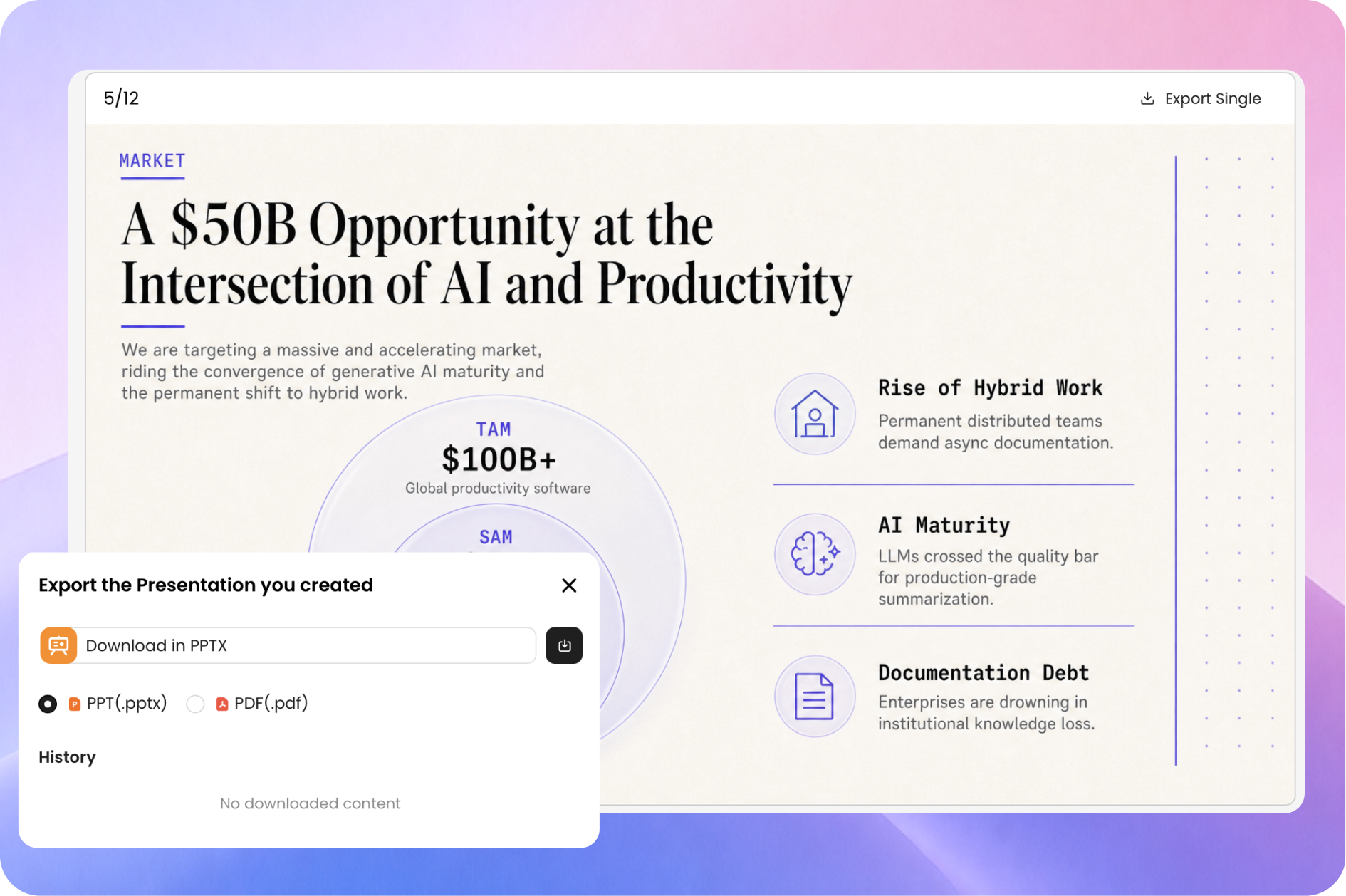
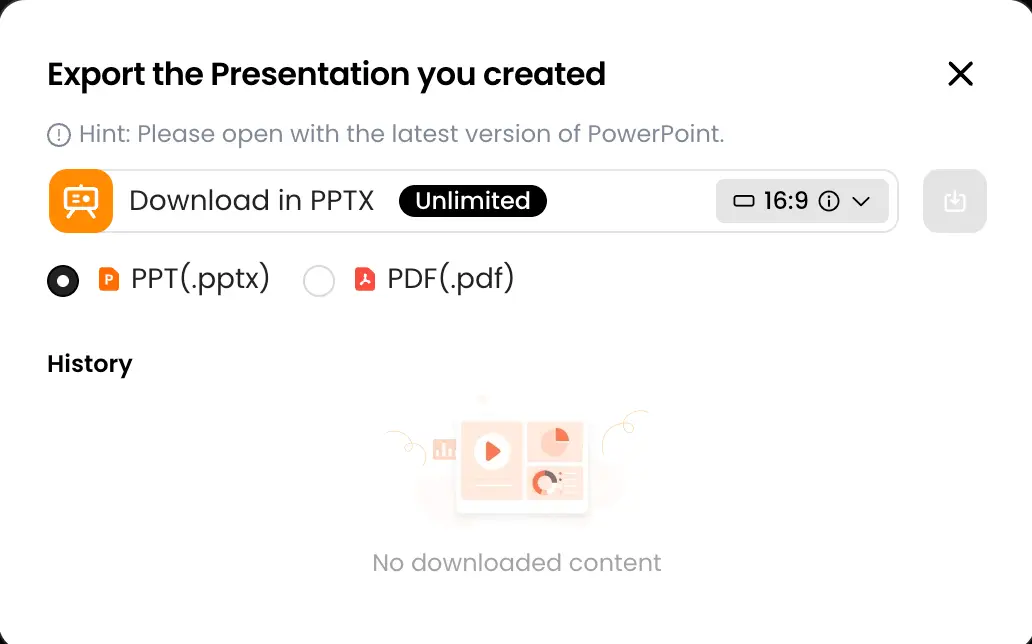
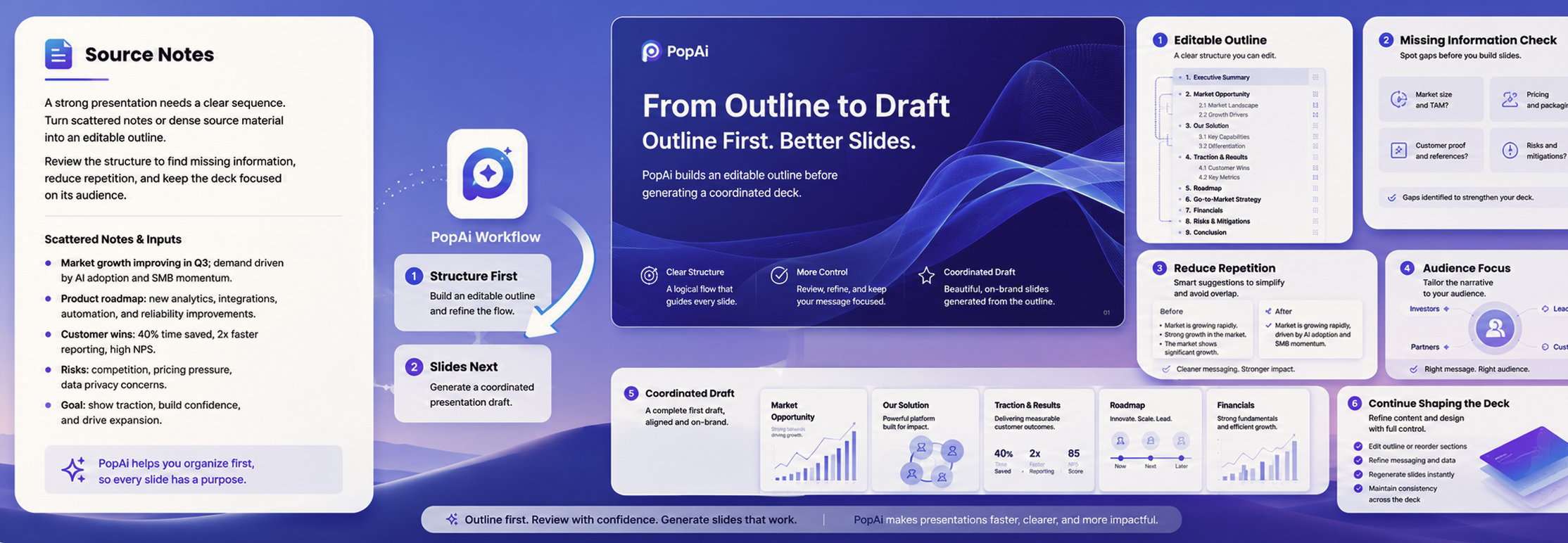
AI 投影片工具不應只是填充範本。PopAi 把大綱、投影片初稿和編輯流程放在一起,讓你可以專注於受眾需要的資訊。
在產生完整簡報之前,審閱並改進可編輯的大綱。重新命名章節、調整順序,並確保每張投影片都有目的。
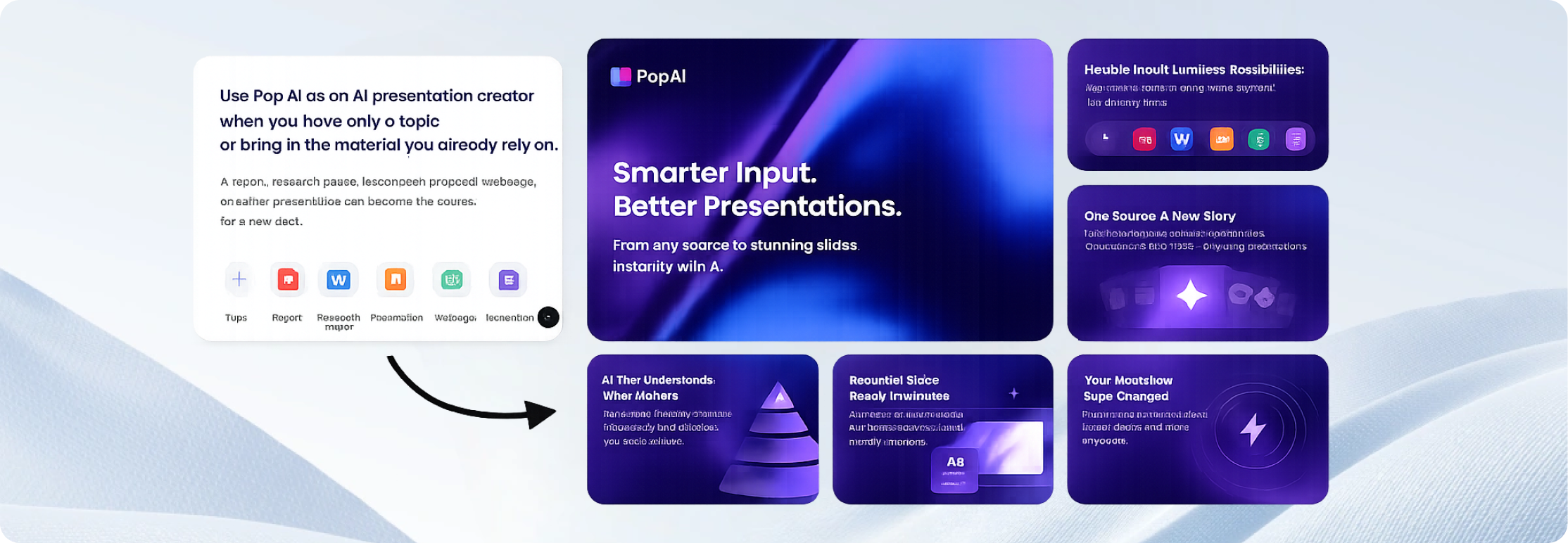
把現有報告、教案、提案或文件變成可直接製作投影片的起點,無需重新輸入全部來源材料。
在瀏覽器中修改措辭、替換視覺內容並調整版面。分享結果,或匯出為你的帳戶方案所支援的格式。

"This AI presentation maker saved me hours of formatting. I uploaded our quarterly report PDF, and it generated a beautiful slide deck instantly."

"Used it to build my pitch deck last night. The layout suggestions are top-notch. It actually understands the logic of a business presentation."

"I create 3-4 presentations a week for my classes. PopAi makes it so much faster to turn my lesson plans into engaging visuals. Highly recommend for educators."

"The best AI PPT generator I've tried. Being able to directly export to PPTX without losing any formatting is a game changer for my client meetings."

"I had a group project due in 2 hours. Just pasted our outline, picked a minimalist theme, and it was done. Got an A on the presentation!"

"Clean interface and very intuitive web canvas. It doesn't just throw text on slides; it actually formats them logically. Very impressive tool."

"Creating onboarding materials used to take days. Now I just use this AI tool. The templates look incredibly professional."

"I love how easily it digests heavy text into bullet points. Making a presentation from research documents has never been this smooth."

"Great for creating quick proposal decks. The instant link sharing feature makes it super easy to get client approvals on the go."

"Finally, an AI presentation maker that doesn't feel clunky. The generated slides are actually usable right out of the box."

"I was skeptical about AI design, but the layout quality here is surprisingly good. It gives me a great starting point to add my own creative touches."

"Creating property showcase slides is a breeze now. I just input the specs, and PopAi does the heavy lifting. Saves me so much time!"

"As a small team with no designer, this tool is a blessing. We made our annual review presentation in under an hour."

"Solid AI tool for slides. The export to PDF feature works flawlessly. Good to see an app that actually delivers on its promises."

"My trainees noticed the upgrade in my slide quality immediately. It's my secret weapon for creating engaging corporate training sessions."
獲得初稿只是過程的一部分。探索關於簡報規劃、提示詞 撰寫、投影片結構、視覺層次和最終審閱的實用指南。利用這些資源,將 AI 產生的 簡報轉化為準確、相關且已為受眾做好準備的可演示稿。
在我們的 免費 AI PowerPoint 產生工具 指南中,比較功能、免費方案限制、匯出選項與實用工作流程。
在 我們的 AI PowerPoint 產生工具評測 中,了解哪些工具能產出最可用的投影片,涵蓋結構、設計、可編輯性、匯出品質與收尾時間。
探索適用於會議、課堂、即時投票、測驗、問答、工作坊與受眾互動的 互動 簡報工具。
這些示例簡述說明了這個製作工具可以協助完成的任務。
AI 產生的投影片是初稿。分享之前,先做一次簡短的最終檢查,確保內容準確、易讀,並適合將要看到它的人。
對照你的原始來源核對姓名、日期、數字、說法和引用。
檢查大綱是否符合受眾以及簡報的目標。
精簡過於擁擠的投影片,替換不清晰的視覺內容,並確認術語前後一致。
如果要匯出,請開啟最終的 PPTX 或 PDF,檢查版面和可編輯性。
如需視覺靈感,可瀏覽簡報背景,或查看PowerPoint 示例。
AI 簡報製作工具會根據主題、提示詞或來源內容建議投影片大綱,並組裝簡報初稿。PopAi 幫助你製作這份初稿、編輯其內容和視覺效果,並為分享或匯出做好準備。
可以。請描述主題、目標受眾和重要要點。PopAi 可以根據這些說明產生投影片大綱和簡報初稿。請審閱內容,並在你的帳戶方案支援該選項時匯出為 PPTX。
可以。你可以使用 PDF 或 Word 文件作為簡報的來源材料。分享投影片之前,請審閱建議的結構,並對照原文件核對事實和數據。
可以。PopAi 支援從 PPTX 檔案開始簡報工作流程。請審閱產生的大綱和投影片,確認你需要的內容已經正確帶過來。
可以。PopAi 提供線上編輯器,供你在初稿產生後完善文字、視覺效果和版面。
PopAi 提供 PowerPoint 和 PDF 匯出選項。能否使用完整匯出以及去除品牌標識,可能取決於當前訂閱方案,因此在開始需要特定交付成果的專案之前,請先查看你的方案。
PopAi 提供有限的免費入門選項。AI 額度、輸出功能和匯出權限在免費方案與付費方案之間可能有所不同。請查看當前方案詳情,了解適用於你帳戶的限制。
從主題或現有檔案開始,審閱大綱,把你的想法變成可編輯的投影片。
開始製作投影片