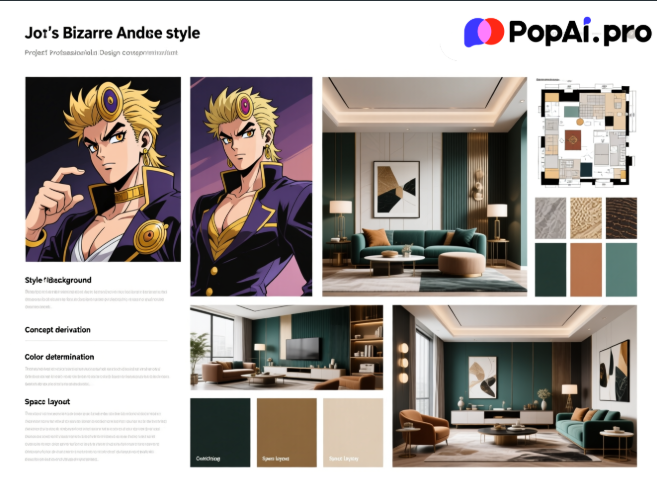
Creating an effective interior design concept PPT that accurately conveys your creative vision and resonates with your audience can be streamlined with the right tools, and PopAi stands out as a versatile AI assistant tailored for this task.
For interior designers, a concept PPT is more than just a collection of images and text; it is a bridge between creative ideas and client approval, a tool to showcase design logic, style positioning, and functional planning. However, the process of creating such a PPT often involves challenges like time-consuming content organization, lack of creative inspiration, and difficulty in tailoring content to different audiences. Fortunately, PopAi, an all-in-one AI tool, integrates a range of features that address these pain points, making the creation of interior design concept PPTs more efficient and effective. Whether you are a seasoned designer or a beginner, leveraging PopAi’s capabilities can significantly elevate the quality of your presentations while saving you valuable time.
Understanding the Core Needs of Interior Design Concept PPTs
Before diving into how PopAi can assist in creating interior design concept PPTs, it is essential to clarify the core needs of such presentations. First and foremost, an interior design concept PPT must have a clear logical structure, starting from the project background and design brief to concept derivation, style determination, color matching, material selection, space layout, and final effect display. Each part needs to be closely linked to ensure that the audience can follow the designer’s thinking process.
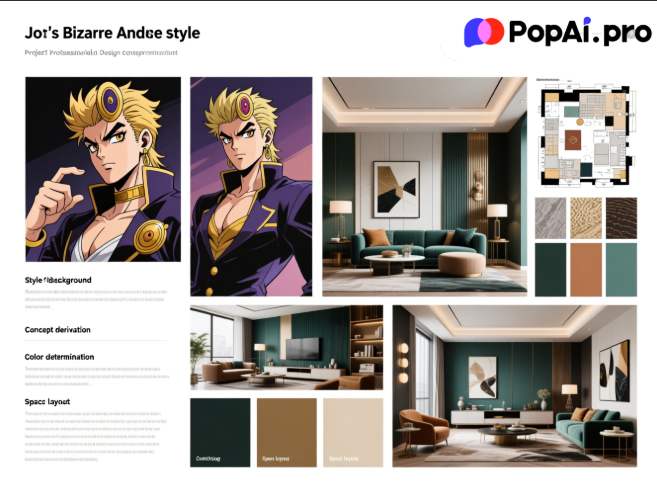
Secondly, visual appeal is crucial. Interior design is a visual art, and the PPT needs to use high-quality images, reasonable layout, and coordinated colors to attract the audience’s attention. At the same time, the content should be concise and precise, avoiding redundant information that may distract the audience from the core design concept. Additionally, different audiences (such as clients, project teams, or industry peers) have different focuses, so the PPT needs to be tailored to their needs to enhance influence and participation.
Finally, the creation process should be efficient. Designers often face tight project deadlines, so they need tools that can help them quickly organize content, generate creative elements, and edit presentations seamlessly. PopAi’s integrated functions are designed to meet these needs, providing comprehensive support throughout the entire PPT creation process.
How PopAi’s Core Features Streamline Interior Design PPT Creation
PopAi integrates multiple AI-powered functions that are highly relevant to interior design concept PPT creation, from inspiration generation to content editing and final presentation optimization. One of its most useful features for designers is the AI Art Image Generator. When starting a new project, designers often encounter creative bottlenecks; with this feature, you only need to input simple text descriptions (such as “a minimalist living room with natural wood elements and soft neutral tones”) to generate high-quality artistic images. These images can serve as initial inspiration or be directly used in the PPT to showcase preliminary design ideas, eliminating the need to spend hours searching for reference images.
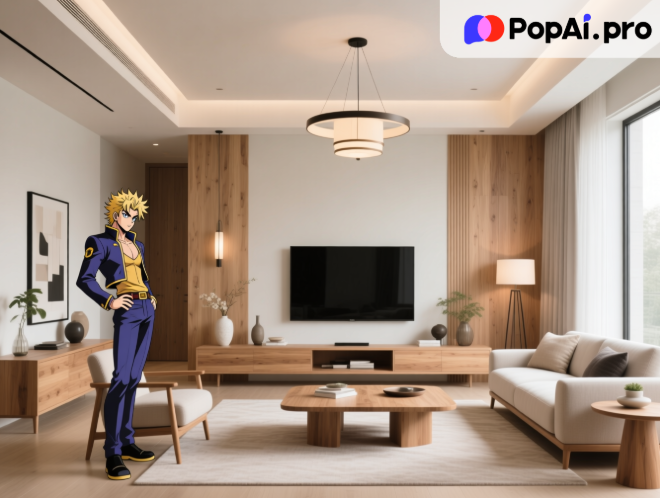
The Instant PPT Generation feature of PopAi is another game-changer. It can create presentations with rich themes, customizable slide numbers, and layouts tailored to different audiences. For interior designers, this means you can input basic project information (such as project location, client needs, and design style) and let PopAi generate a preliminary PPT framework. This framework includes slides for project overview, design concept, space analysis, style references, and more, saving you the time of building the structure from scratch. Moreover, the layout is designed to be visually appealing, with a focus on highlighting design elements.
PopAi’s AI-Enhanced Content function further enhances the quality of the PPT. It uses artificial intelligence to search for relevant images and generate engaging content, ensuring that your presentation is both informative and visually attractive. For example, when introducing a specific design style (such as Scandinavian or industrial), PopAi can automatically search for classic cases and professional descriptions, helping you explain the style’s characteristics and application in the project more comprehensively. This feature is particularly useful for designers who need to present professional knowledge to clients who may not be familiar with interior design terminology.
The Seamless Editing feature allows you to easily adjust the overall structure and content of the slides while maintaining a coherent flow and clarity. After generating the preliminary PPT with PopAi, you may need to modify the order of slides, adjust the content of individual pages, or add personalized design elements. PopAi’s editing interface is user-friendly, enabling you to make these changes quickly without affecting the overall layout of the presentation. This flexibility is essential for designers who often need to revise their PPTs based on client feedback.
Step-by-Step Guide to Building Your Interior Design Concept PPT with PopAi
To help you make the most of PopAi’s features, here is a step-by-step guide to creating an interior design concept PPT:
First, gather project information and use PopAi’s Flexible Upload Options to import relevant documents. You can upload PDF or DOC files (such as project briefs, client requirements, or site survey reports) from your local device, Google Drive, or via URL. PopAi’s AI Document Reading and Intelligent Reading Comprehension features will then help you quickly extract key points from these documents, such as client preferences, budget constraints, and space dimensions. This saves you the time of manually sorting through large amounts of information and ensures that you do not miss any critical details.
Next, use PopAi’s AI Chatbot to refine your design concept. The chatbot supports over 200 languages and can answer various questions in real time. For example, if you are unsure about the color matching for a modern minimalist project, you can ask the chatbot for professional advice; if you need to explain a complex design principle to an international client, the chatbot can provide accurate translations. This feature helps you clarify your ideas and address any doubts before starting the PPT creation.
Then, generate the preliminary PPT using PopAi’s Instant PPT Generation feature. Input the key points extracted from the project documents and your refined design concept, and select the target audience (e.g., clients or project teams). PopAi will create a customized PPT framework with appropriate layouts and themes. You can then use the AI Art Image Generator to add creative images that match your design concept, enhancing the visual appeal of the presentation.
After generating the preliminary PPT, use PopAi’s AI-Driven Content Editing feature to optimize the content. This feature allows you to summarize, expand, or compress text to ensure clarity and precision. For example, you can expand a brief description of the space layout into a detailed explanation with diagrams, or summarize a long paragraph of design principles into key points. Additionally, PopAi’s Intelligent Reading Comprehension can generate flowcharts to simplify complex information, such as the design process or material selection workflow, making it easier for the audience to understand.
Finally, use PopAi’s Seamless Editing and One-Click Annotation Management features to make final adjustments. You can add annotations to specific slides to highlight key design elements or address potential client questions. The Auto-Save Management feature ensures that your changes are saved automatically, preventing data loss. Once you are satisfied with the PPT, you can use PopAi’s Flexible Document Creation feature to adjust the format (e.g., slide size, font style) to meet your specific needs.
Common Challenges in Interior Design PPT Creation and PopAi’s Solutions
Designers often face several common challenges when creating interior design concept PPTs, and PopAi offers effective solutions for each:
One common challenge is lack of creative inspiration. Many designers struggle to come up with fresh ideas for their presentations, especially when working on multiple projects simultaneously. PopAi’s AI Art Image Generator addresses this by generating unique artistic images based on text descriptions, providing new perspectives and inspiration. Additionally, the AI Chatbot can suggest design trends or classic cases, helping you expand your creative horizons.
Another challenge is time-consuming content organization. Sorting through project documents, extracting key points, and organizing them into a logical PPT structure can take hours of manual work. PopAi’s AI Document Reading and Intelligent Reading Comprehension features automate this process, quickly extracting critical information and generating summaries. This allows you to focus on refining your design concept rather than tedious administrative tasks.
Tailoring content to different audiences is also a challenge. A PPT that works for a technical project team may not be suitable for a client who lacks design expertise. PopAi’s Instant PPT Generation feature solves this by allowing you to select the target audience and generating layouts and content tailored to their needs. For example, a PPT for clients will focus on visual effects and practical benefits, while a PPT for project teams will include more technical details and workflow diagrams.
Finally, ensuring the PPT is error-free and consistent can be difficult, especially when making multiple revisions. PopAi’s AI-Driven Content Editing feature checks for clarity and precision, while the Auto-Save Management feature ensures that all changes are saved and organized. The One-Click Annotation Management feature also helps you keep track of your notes and revisions, making the editing process more efficient.
Why PopAi is a Game-Changer for Interior Design Professionals’ Presentations
In today’s fast-paced design industry, efficiency and quality are key to success, and PopAi helps interior designers achieve both. Its integrated functions cover every stage of the interior design concept PPT creation process, from inspiration generation to final presentation, eliminating the need for multiple tools and streamlining the workflow. Unlike other single-function tools, PopAi offers a comprehensive solution that addresses all the needs of designers, saving time and reducing stress.
PopAi’s user-friendly interface and customizable features make it suitable for designers of all skill levels. Beginners can use the instant PPT generation and AI-assisted editing features to create professional-looking presentations without extensive experience, while seasoned designers can leverage the advanced functions (such as AI art image generation and intelligent flowchart creation) to enhance their creative output.
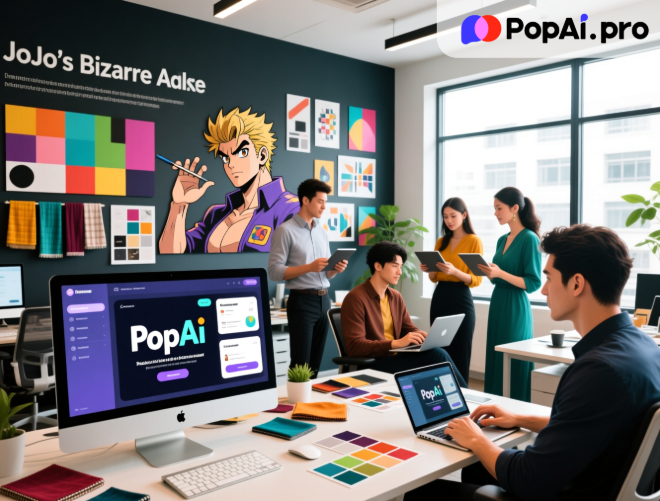
Moreover, PopAi’s focus on audience-centric design helps designers better connect with their audience, whether it’s clients, project teams, or industry peers. By tailoring the PPT to the audience’s needs and enhancing visual appeal with AI-generated content, designers can effectively convey their design vision and increase the likelihood of project approval.
In conclusion, PopAi is an indispensable tool for interior designers looking to create high-quality, effective concept PPTs. Its range of features addresses the common challenges in PPT creation, streamlines the workflow, and enhances the overall presentation quality. By leveraging PopAi’s capabilities, designers can focus on what they do best—creating innovative interior designs—while leaving the tedious aspects of PPT creation to AI. Whether you are working on a residential project, commercial space, or hospitality design, PopAi can help you craft a stunning concept PPT that stands out and resonates with your audience.