Published on June 9, 2026 · PopAi Editorial Team
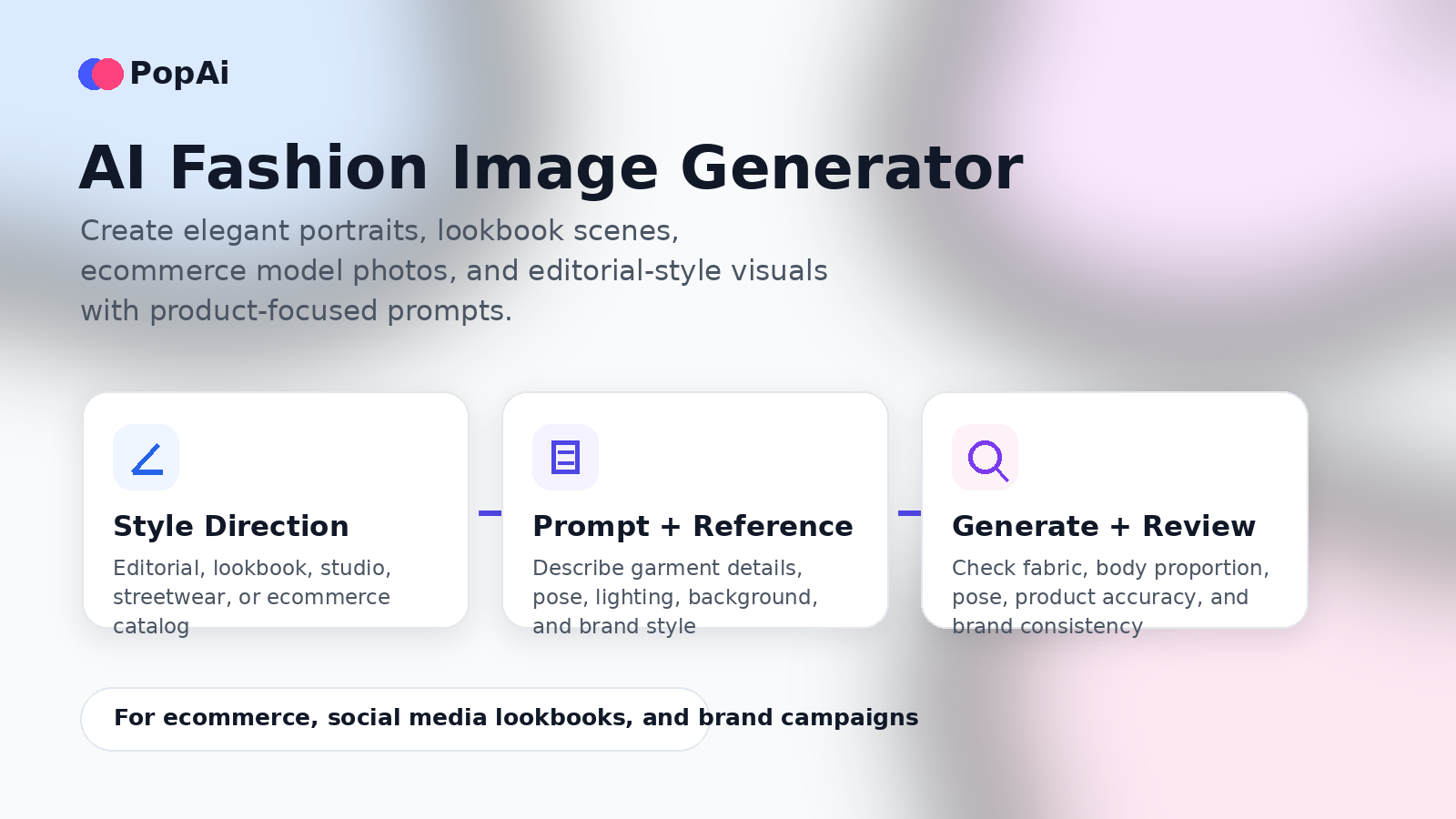
Create fashion portraits, ecommerce model photos, lookbook scenes, and editorial-style visuals with AI – without turning your brand content into risky or off-message imagery.
Use PopAi to move from fashion concept and prompt direction to polished visual drafts for ecommerce, social media, and brand campaigns.
Fashion brands, ecommerce sellers, creators, and marketing teams all need a steady stream of visual content: product-on-model images, social media lookbooks, campaign concepts, editorial portraits, homepage banners, ad creatives, and seasonal style tests. Traditional fashion photography can produce beautiful results, but it often requires models, stylists, studios, lighting, locations, sample coordination, photographers, retouching, and multiple rounds of approval.
An AI image generator can make the early creative process faster. With a strong prompt and a clear review workflow, teams can explore model direction, pose, garment styling, background, lighting, color grading, and brand mood before committing to a full photoshoot. PopAi is especially useful when you want to create fashion visuals for ecommerce, social media, and marketing concepts from text prompts and creative direction.
This guide reframes fashion AI generation around professional, brand-safe use cases: elegant portraits, ecommerce model images, lookbook visuals, product-on-model concepts, and editorial-style prompt templates. The goal is not to create provocative or misleading content. The goal is to create realistic, tasteful, product-aware fashion images that support brand storytelling and visual planning.
What Is an AI Fashion Image Generator?
An AI fashion image generator is a visual creation tool that turns text prompts, product descriptions, garment references, and creative direction into fashion-oriented images. Unlike a generic image generator, a fashion-specific workflow needs to pay close attention to pose, garment silhouette, fabric behavior, model direction, lighting, styling, and brand consistency.
A good AI fashion image workflow can help you create:
- Fashion portraits: elegant adult model portraits for brand concepts, social media, or campaign moodboards.
- Lookbook visuals: seasonal outfit images, streetwear shots, resort scenes, studio catalog concepts, or editorial spreads.
- Product-on-model images: draft visuals that show how a garment could appear on an adult model before a real shoot.
- Ecommerce creative tests: variations across model type, pose, background, colorway, and lighting for SKU planning.
- Editorial concepts: magazine-style images that help creative teams align on mood, art direction, and styling.
The strongest results come from treating AI as a fashion production assistant, not as a magic button. You still need to define the garment, audience, model direction, pose, scene, camera style, and quality controls. You also need to review the output manually for realism, product accuracy, and responsible representation.
Key Features to Look for in an AI Fashion Generator
Not every image generator is equally useful for fashion. Some tools are great for fantasy art or general portraits but struggle with garment details. Others are optimized for ecommerce and can better support repeatable product workflows.
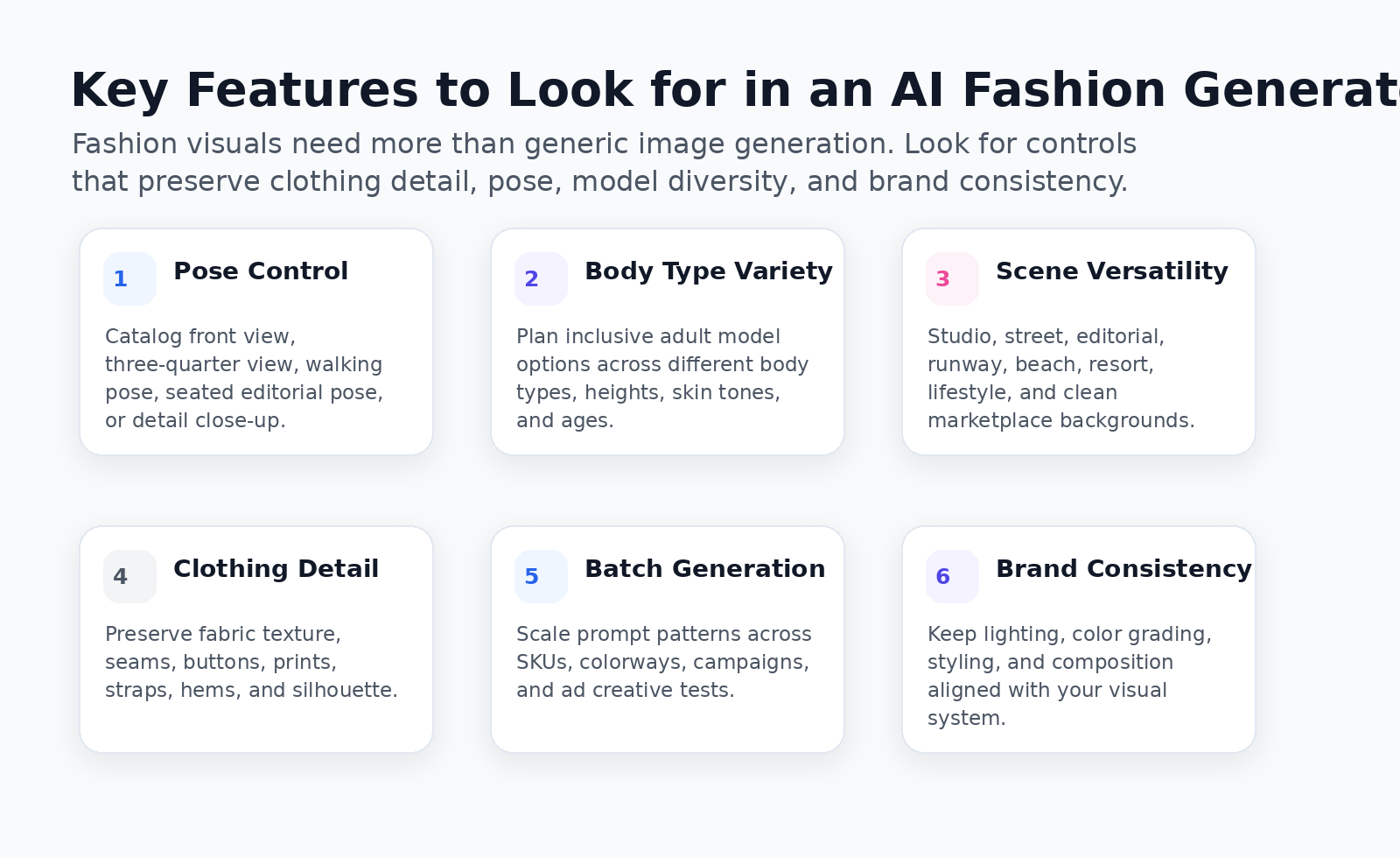
1. Pose control and body type variety
Fashion images depend on pose. A standing catalog pose, walking streetwear pose, seated editorial pose, runway pose, or detail close-up will produce very different results. The prompt should also support diverse adult model descriptions across body type, height, age, skin tone, and styling direction.
2. Background and scene versatility
Different channels need different backgrounds. A product page may need a white studio scene; a campaign landing page may need a resort, city, rooftop, gallery, or runway-inspired environment. Good AI image workflows make it easy to test multiple scenes without rewriting the entire prompt from scratch.
3. Clothing detail preservation
The image must respect the garment. Watch for altered seams, wrong buttons, missing pockets, distorted straps, inaccurate prints, fake logos, or fabric that behaves unrealistically. For ecommerce, clothing accuracy matters more than dramatic style.
4. Multi-model diversity
Fashion customers are not one-size-fits-all. AI can help a team plan visuals across different adult models, body types, heights, and styling moods. Use this carefully: the goal is respectful representation and product clarity, not unrealistic perfection.
5. Batch generation for ecommerce
Fashion teams often need many images for the same product line: different colorways, backgrounds, crops, and campaign formats. A reusable prompt system helps teams scale visual drafts across SKUs while keeping a consistent brand look.
Style Prompts: From Elegant Portraits to High-Fashion Editorial
Prompt writing is the difference between random AI images and usable fashion visuals. A strong fashion prompt should include six building blocks: garment, model direction, pose, environment, lighting, and visual style. Add restrictions at the end to avoid common AI errors.
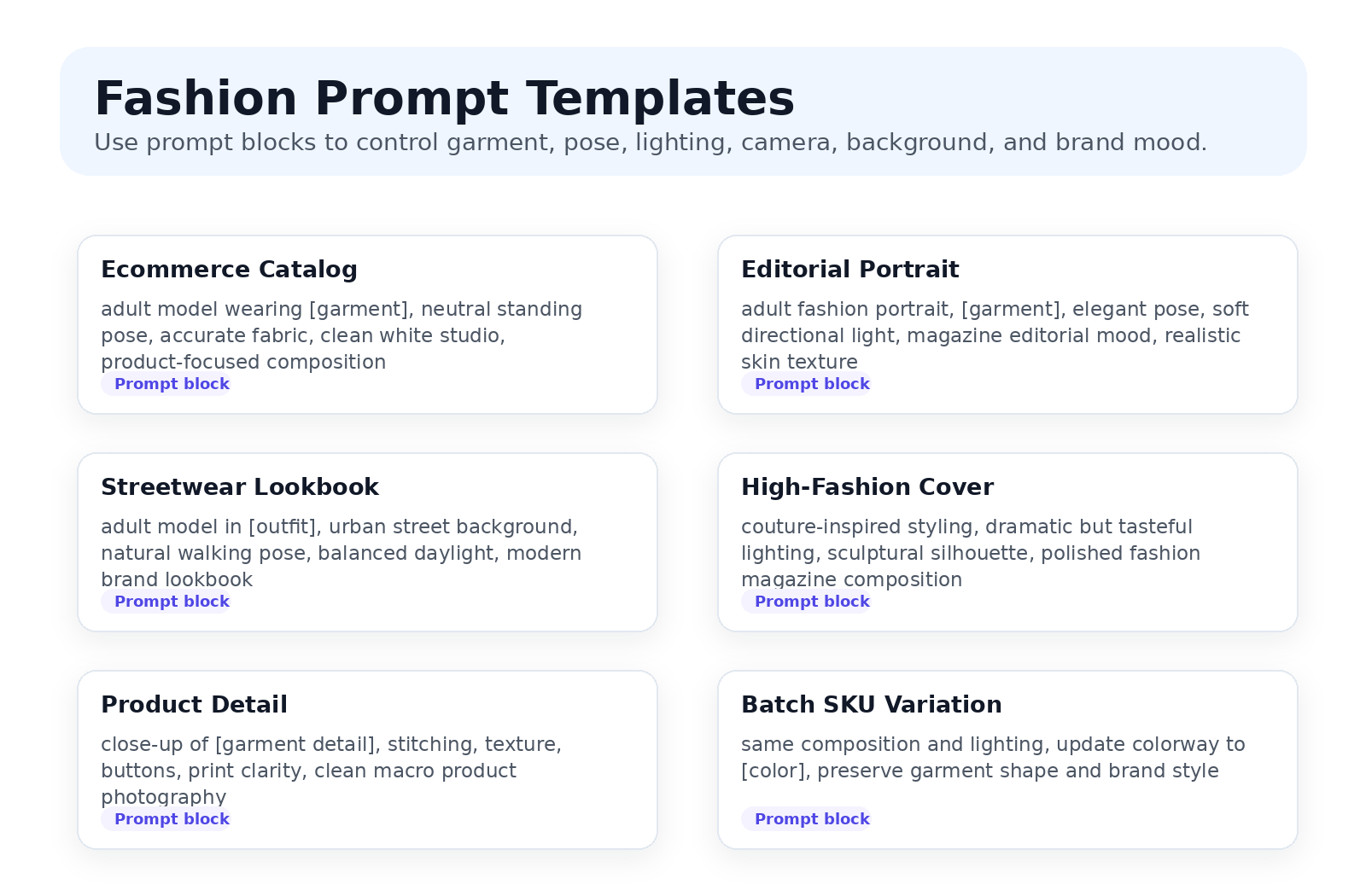
Ecommerce Catalog Prompt
Use case: product page draft, marketplace visual planning, clean online store imagery.
Create a realistic ecommerce fashion photo of an adult model wearing a [garment type] in [color]. The model stands in a neutral catalog pose with natural body proportions. Focus on accurate garment shape, fabric texture, seam placement, and product clarity. Use clean white studio lighting, minimal styling, and a product-focused composition. Avoid celebrity likeness, minors, distorted hands, exaggerated body proportions, incorrect logos, and unrealistic fabric.
Elegant Fashion Portrait Prompt
Use case: brand campaign concepts, social media portraits, editorial moodboards.
Create an elegant fashion portrait of an adult model wearing [outfit description]. The expression is calm and confident, with a tasteful pose and refined styling. Use soft directional studio light, realistic skin texture, natural hair detail, and a neutral background. The visual mood is polished, modern, and brand-safe. Avoid sexualized posing, celebrity likeness, over-smoothed skin, unrealistic anatomy, and distracting accessories.
High-Fashion Editorial Prompt
Use case: magazine-style concept images, runway-inspired campaigns, art direction testing.
Create a high-fashion editorial image featuring an adult model in [garment or outfit]. The styling is sculptural and modern, with strong but tasteful posture. Use dramatic studio lighting, premium fashion magazine composition, realistic fabric detail, and balanced color grading. Keep the garment silhouette clear and visually accurate. Avoid body exaggeration, deepfake likeness, distorted clothing, and overly artificial skin.
Streetwear Lookbook Prompt
Use case: social media visuals, streetwear drops, lookbook direction, lifestyle campaigns.
Create a realistic streetwear lookbook image of an adult model wearing [outfit]. The model is walking naturally in an urban environment with clean daylight and a modern brand aesthetic. Focus on outfit layering, fabric texture, footwear visibility, and relaxed movement. Use realistic proportions, natural skin texture, and documentary-style fashion photography. Avoid celebrity likeness, minors, distorted hands, and exaggerated poses.
Product Detail Prompt
Use case: close-up product pages, fabric highlights, ad details, design review.
Create a close-up fashion product image of [garment detail]. Focus on fabric texture, stitching, buttons, zipper, print clarity, and color accuracy. Use soft studio lighting, clean background, realistic shadows, and professional ecommerce product photography. Avoid unrealistic fabric, incorrect logo placement, distorted seams, and excessive styling effects.
Step-by-Step: How to Create Fashion Images with PopAi
Use this workflow when you need fashion images for ecommerce, social media, creative testing, or campaign planning. The more specific your input, the more useful the output will be.
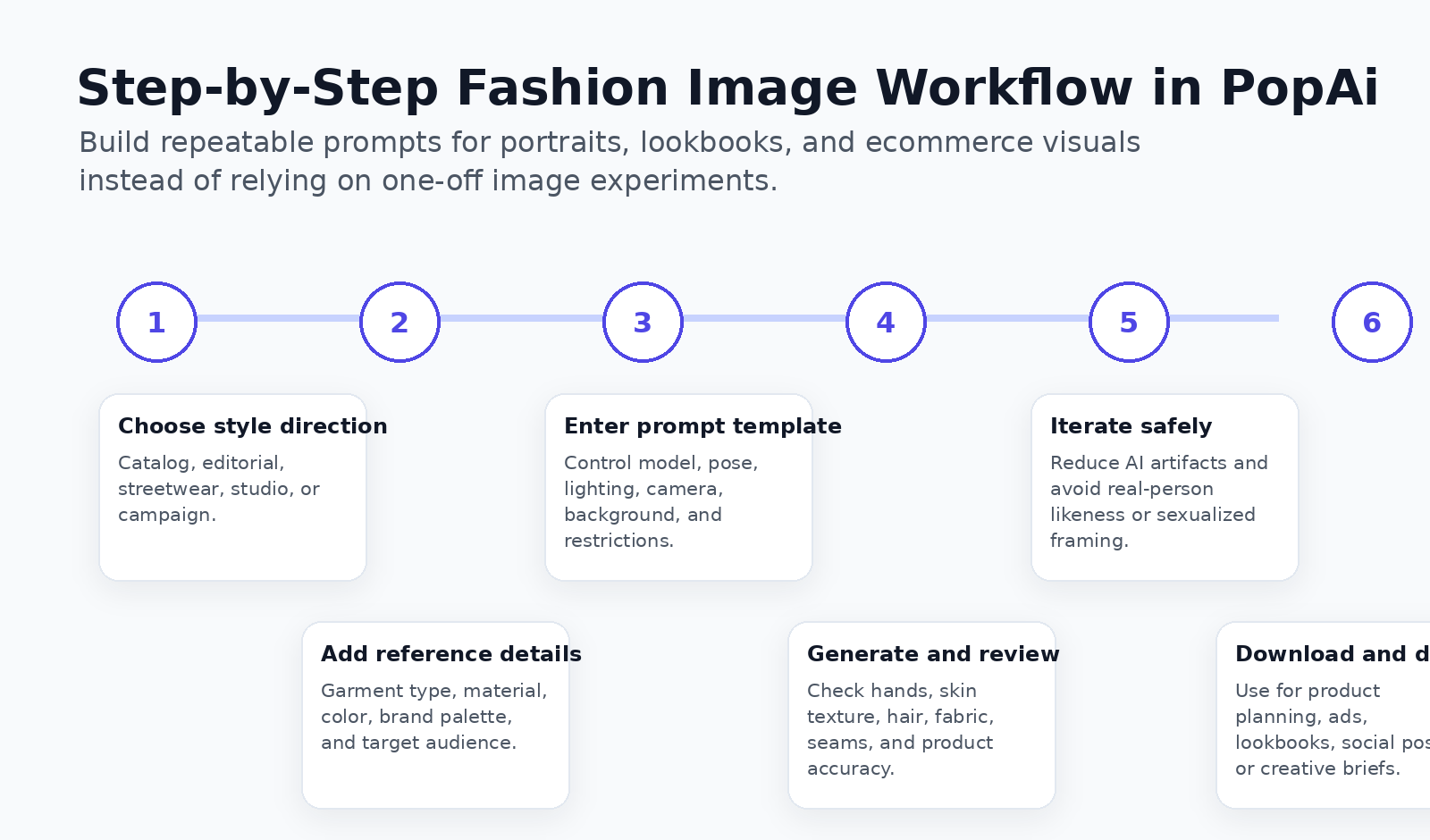
Step 1: Choose your style direction
Start with the business goal. Are you creating a product page draft, a social media lookbook, a brand campaign concept, an editorial portrait, or a seasonal moodboard? Each goal needs a different prompt.
Examples of style directions include:
- Clean ecommerce catalog
- Minimal studio portrait
- Urban streetwear lookbook
- Luxury editorial campaign
- Outdoor lifestyle image
- Product detail close-up
Step 2: Input product or clothing reference
If the image is for ecommerce, include the product information first. Describe the garment type, fabric, color, fit, details, silhouette, print, buttons, zippers, straps, trim, and styling requirements. If you have a product reference image, use it as a visual guide and review the generated output carefully.
Step 3: Enter the prompt template
Use a template rather than improvising every time. A good fashion prompt includes garment, model, pose, background, lighting, camera angle, brand mood, and negative instructions. This makes the process easier to repeat across campaigns and SKUs.
Step 4: Select model and pose direction
Describe adult models in professional terms: body type, posture, age range, skin tone, hair style, expression, and pose. Keep the pose product-focused. For fashion ecommerce, the image should help customers understand the garment rather than distract from it.
Step 5: Generate and iterate
Generate several options, then review them like an ecommerce editor. Look for fabric accuracy, lighting quality, natural hands, realistic hair, garment shape, and consistent brand mood. If an image looks too artificial, adjust the prompt with terms such as “realistic skin texture,” “natural fabric wrinkles,” “clean commercial lighting,” or “less stylized.”
Step 6: Download for use
Use AI-generated fashion images for creative planning, moodboards, social posts, ecommerce drafts, campaign concepts, ad tests, and internal review. For final product pages, verify product details against real samples and follow your platform’s disclosure, licensing, and content policies.
PopAi vs Other AI Fashion Image Generators
Different AI fashion tools are designed for different needs. Some are better for prompt inspiration, some for ecommerce model replacement, some for high-quality concept art, and some for quick beginner-friendly product edits. Use the table below as a practical decision guide.
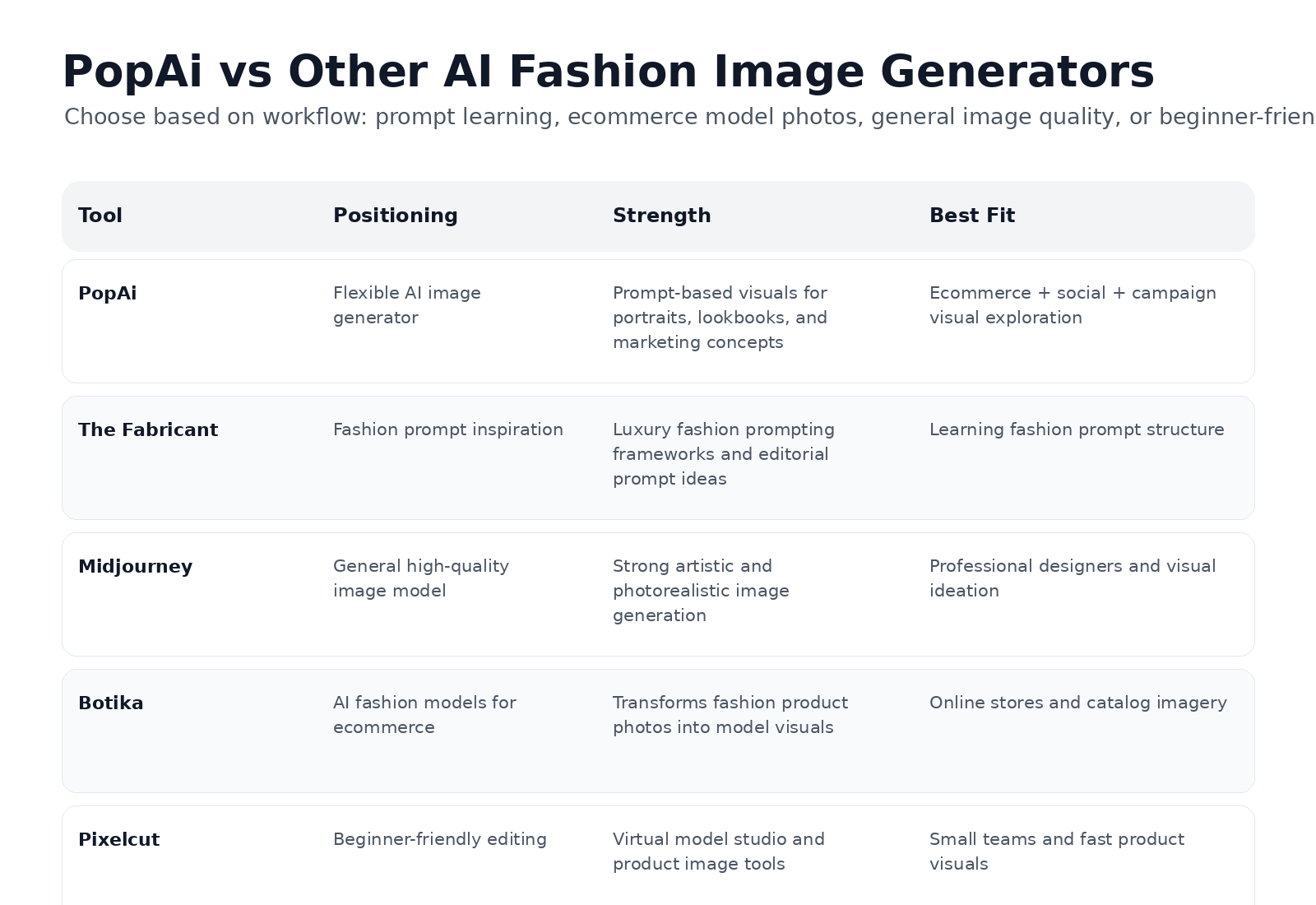
| Tool | Positioning | Strength | Best Fit | What to Check |
|---|---|---|---|---|
| PopAi | Flexible AI image generator for prompts, marketing visuals, product concepts, and creative content | Good fit for fashion prompts, lookbook concepts, ecommerce drafts, and social media visuals | Teams that need fashion visuals across ecommerce, ads, and content planning | Download rules, watermark, commercial usage, prompt consistency, and product accuracy |
| The Fabricant | Fashion-oriented AI image creation and prompt inspiration | Strong fashion prompting frameworks and editorial inspiration | Designers learning luxury fashion prompt structure and mood direction | Output rights, image style fit, and whether the workflow matches ecommerce needs |
| Midjourney | General high-quality AI image generation | Strong visual quality and artistic direction | Professional designers, moodboards, editorial concepts, and creative exploration | Public/private settings, licensing, brand safety, prompt reproducibility, and product accuracy |
| Botika | AI fashion models and ecommerce product visuals | Focused on transforming fashion product photos into professional model images | Online stores, catalog imagery, and product-on-model ecommerce workflows | Garment fidelity, upload privacy, body diversity, batch workflow, and platform licensing |
| Pixelcut | Beginner-friendly AI photo editing and virtual model tools | Fast product photo workflows and simple visual editing | Small teams, marketplace sellers, and creators who need quick product visuals | Resolution, export format, background quality, model realism, and batch needs |
Tips for Creating Realistic, Professional Fashion AI Images
Use lighting that matches the channel
For ecommerce pages, use clean studio lighting and balanced shadows. For lookbooks, use soft daylight or controlled lifestyle lighting. For editorial concepts, use more dramatic lighting, but keep the garment readable.
Choose backgrounds that support the garment
A busy background can make fashion images feel cinematic, but it can also hide product details. Use simple backgrounds for product clarity and richer scenes for campaign mood. Keep the visual hierarchy clear: garment first, model second, environment third.
Write model direction professionally
Use terms like adult model, natural posture, confident expression, relaxed catalog pose, editorial stance, or walking lookbook pose. Avoid prompts that overfocus on attraction, body parts, or celebrity resemblance.
Avoid the AI look
Common AI fashion issues include plastic-looking skin, distorted hands, unnatural hair, impossible fabric folds, inconsistent seams, and fake labels. Add prompt instructions such as realistic skin texture, natural fabric wrinkles, accurate stitching, subtle shadows, and no over-smoothed skin.
Review every output before publishing
AI images should never bypass human review. Check product accuracy, fit, color, print placement, body proportion, and brand compliance. For final ecommerce product pages, AI images should support accurate product representation rather than replace essential product proof.
Responsible AI Use for Fashion Images
Fashion AI generation can be powerful, but it can also create trust and safety problems if used carelessly. Build responsible use into the workflow from the beginning.
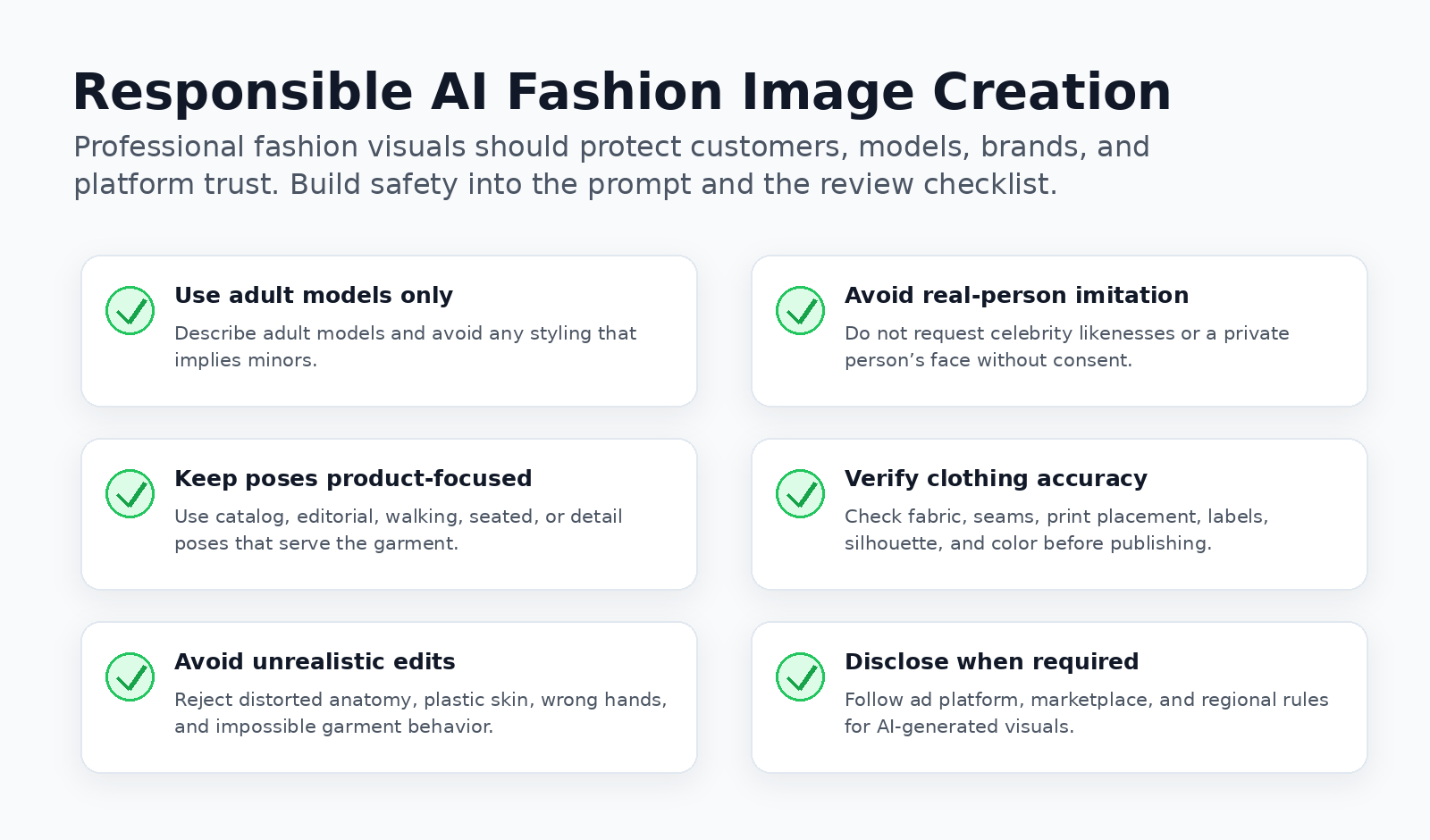
- Use adult models only and avoid any styling that implies minors.
- Do not imitate celebrities or private individuals without permission.
- Keep poses tasteful, professional, and product-focused.
- Avoid exaggerated body proportions or unrealistic beauty standards.
- Do not mislead customers about garment fit, fabric, sizing, or color.
- Disclose AI-generated visuals when required by platform, marketplace, or regional rules.
- Use verified product photography when exact fit, material behavior, and sizing proof are essential.
Conclusion: Build a Safer, More Useful Fashion AI Workflow
AI fashion image generation is most valuable when it helps teams create better visual direction faster. PopAi can help turn fashion ideas into elegant portraits, ecommerce model concepts, social media lookbooks, and editorial-style campaign drafts. The best results come from clear prompts, product-focused review, and responsible visual standards.
Instead of chasing risky or off-brand imagery, use AI to create professional fashion visuals that support real business goals: stronger product storytelling, faster campaign planning, more consistent brand content, and more efficient creative testing.
Frequently Asked Questions
What is the best AI fashion image generator?
How do I write fashion prompts for AI image generation?
Can AI create fashion editorial quality images?
How do I generate AI fashion model photos for ecommerce?
Is an AI fashion image generator free?
Can I use AI fashion images for ads and social media?
Create Fashion Visuals with PopAi
Use PopAi to turn fashion prompts, product concepts, and campaign ideas into polished AI-generated visuals for ecommerce, social media, and brand storytelling.Try PopAi AI Image Generator
PopAi Editorial Team
PopAi Editorial Team reviews AI image generation workflows, ecommerce content creation, and practical visual production use cases for brands, creators, marketers, and education teams.
Table of contents
- What Is an AI Fashion Image Generator?
- Key Features to Look for in an AI Fashion Generator
- Style Prompts: From Elegant Portraits to High-Fashion Editorial
- Step-by-Step: How to Create Fashion Images with PopAi
- PopAi vs Other AI Fashion Image Generators
- Tips for Creating Realistic, Professional Fashion AI Images
- Responsible AI Use for Fashion Images
- Conclusion: Build a Safer, More Useful Fashion AI Workflow
- Frequently Asked Questions
Create polished AI images from prompts, concepts, and campaign ideas.Try PopAi