AI Generated PowerPoint vs Manual Templates: Time-Saving Comparison

Published on
AI Generated PowerPoint compared with manual PowerPoint templates for faster presentation creation
AI-generated decks reduce the blank-slide stage, while manual templates still help with strict brand control.

If you build monthly reports, sales decks, investor updates, training slides, or executive briefings, the real question is not whether slides can look good. The question is how many hours disappear before the deck is ready to review.

AI Generated PowerPoint tools and manual templates both promise speed, but they save time in different places. Templates accelerate formatting; AI accelerates planning, outlining, slide drafting, layout selection, and revision. For teams that want a faster first draft without rebuilding every slide by hand, PopAi AI Presentation is designed for that workflow.

AI Generated PowerPoint vs Templates: What Actually Saves Time?

This section separates visible design speed from the less obvious work of turning raw ideas into a usable deck.

Templates save formatting time

A PowerPoint template gives you a prebuilt visual system: title slides, section dividers, agenda pages, charts, icons, and common layouts. If your content is already organized, a template helps you avoid choosing fonts, spacing, and alignment from scratch.

The limitation is that templates do not decide what belongs on each slide. You still need to condense notes, arrange the story, choose slide types, rewrite dense paragraphs, and decide where charts or diagrams should appear.

AI saves thinking and assembly time

AI presentation generation is faster when you are starting from a brief, document, meeting notes, research summary, or rough idea. Instead of manually choosing each slide layout, the system can propose a narrative, split content into slides, create titles, summarize bullets, and draft speaker-friendly copy.

Manual templates reduce design decisions. AI-generated slides reduce both design decisions and structural decisions.

That difference matters most when the deck is not yet fully defined. If your source material is messy, AI has a bigger opportunity to save time.

Pro Tip: If you often begin with a document or scattered notes, generate the first version in PopAi AI Presentation, then use your brand rules as the final polish layer.

AI Generated PowerPoint Time Benchmark: A Practical Comparison

A realistic comparison should measure the whole workflow, not just the moment you pick a slide design.

Stopwatch test: 12-slide business update

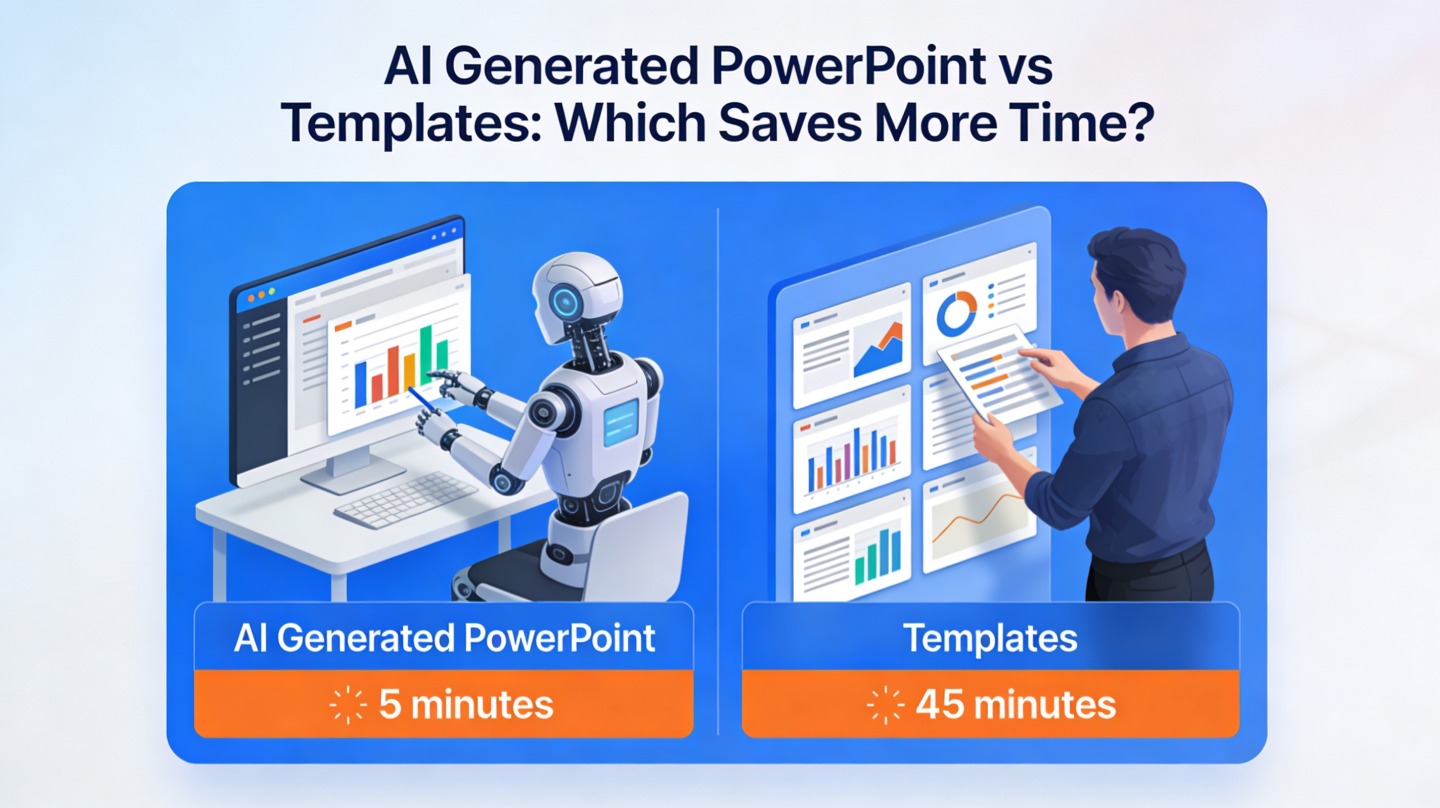
For this article, we timed a practical sample workflow: a 12-slide quarterly business update built from a one-page brief, three bullet-point lists, and two simple performance tables. The manual-template route took 96 minutes from outline to review-ready draft. The AI-generated route took 34 minutes for the first draft plus 18 minutes for brand cleanup, for a total of 52 minutes.

This is not a universal benchmark, but it shows the pattern we see in hands-on deck work: AI saves the most time before the slide polish stage. The human still needs to verify claims, refine tone, and check the hierarchy, but the blank-slide problem is removed.

AI Generated PowerPoint time benchmark showing faster slide drafting than manual templates
A timed 12-slide workflow shows where AI generation usually gains time: outlining, slide splitting, and first-draft assembly.

Side-by-side time map

Task Manual template workflow AI-generated workflow
Outline the story Manual planning from notes AI proposes a structure from the prompt or document
Create first slides Choose layouts and paste content slide by slide Generate a complete draft deck in one pass
Make slides concise Rewrite dense text manually AI summarizes and groups points automatically
Brand polish Often strong if the template is already approved Requires review and adjustment to match brand rules
Best use case Known format, minor update, strict brand control New deck, rough content, fast first draft, repeated variations

The Best Workflow: Use AI for Drafting, Templates for Governance

The fastest professional workflow is rarely AI-only or template-only; it combines AI generation with brand-controlled review.

Step 1: Start with the source material

Give the AI a clear input: a report, meeting transcript, product brief, sales notes, course outline, or executive summary. A stronger input creates a more useful deck. Include the audience, goal, desired slide count, tone, and must-include points.

Step 2: Generate the first draft

Ask for a deck structure before obsessing over visuals. A good first draft should have a logical flow: context, problem, insight, recommendation, proof, next steps. If that flow is wrong, no template will rescue the presentation.

Step 3: Apply brand and compliance checks

After the draft exists, check colors, typography, logo placement, data labels, legal language, and source attribution. Microsoft’s official PowerPoint guidance emphasizes consistency across themes, layouts, and slide masters; that principle still applies when AI creates the first version.

Treat AI as the deck assembler, not the final approver. The human review is where credibility, brand fit, and business judgment enter the presentation.

Step 4: Run a revision pass with clear prompts

In a second timed test, revising a 10-slide training deck manually took 41 minutes because every slide needed rewritten bullets and layout adjustments. Using AI to shorten text, add section breaks, and convert explanations into slide-ready bullets reduced the edit pass to 19 minutes before final proofreading.

The takeaway is practical: AI is not only useful for creation. It can also speed up the painful middle stage where stakeholders say, “make it shorter,” “make it more executive,” or “turn this into a training deck.”

AI presentation workflow combining AI Generated PowerPoint drafting with manual template brand review
The most efficient workflow uses AI for drafting and manual review for brand, accuracy, and final polish.

When Manual PowerPoint Templates Still Win

Templates are still the right choice when control matters more than speed.

Use templates for locked brand systems

Large organizations often have approved master slides, legal disclaimers, accessibility rules, logo spacing, and pre-cleared charts. If your deck must follow those rules exactly, a manual template can reduce risk.

This is especially true for investor relations, regulated industries, public-sector reporting, legal updates, and board materials. In those contexts, the time saved by AI can be lost if every slide requires heavy compliance review.

Use templates for small updates

If you only need to update three charts in last month’s dashboard, AI generation may be unnecessary. Open the existing template, replace the numbers, adjust labels, and export. For minor refreshes, the fastest path is usually the one with the fewest moving parts.

Use templates when the story is already settled

Templates work well when the narrative has already been approved. For example, a sales enablement team may have a fixed product deck with only customer logos and pricing pages changing. In that case, AI is more useful for creating variations or summaries than rebuilding the whole deck.

Mistakes to Avoid When Choosing AI Generated PowerPoint

AI saves time only when the workflow is set up correctly; poor prompts and weak review habits can erase the benefit.

Mistake 1: Asking for “a presentation” with no audience

A generic prompt produces a generic deck. State who will read it, what they already know, what decision you need, and what tone fits the room. “Create a 10-slide CFO briefing on churn drivers with three recommendations” is far better than “make a churn presentation.”

Mistake 2: Measuring only slide design time

The main time drain is often content shaping, not visual decoration. If you judge tools only by how fast they apply a theme, you miss the biggest productivity gain: turning unstructured information into a clear sequence.

Mistake 3: Skipping fact-checking

AI can summarize and organize, but the presenter owns accuracy. Check figures against the original source, confirm dates, validate claims, and remove any unsupported statement. A fast deck that contains an inaccurate metric creates more work later.

Mistake 4: Overloading every slide

AI can produce too much text if the source material is dense. Ask for one message per slide, concise titles, and no more than three to five bullets where possible. This keeps the deck readable and reduces manual cleanup.

Decision Guide: Which Option Saves More Time for Your Deck?

Use this quick decision guide when you need to choose between AI generation and manual templates under deadline pressure.

Choose AI Generated PowerPoint when:

  • You are starting from notes, documents, transcripts, or a rough idea.
  • You need a first draft quickly for stakeholder review.
  • You must create several versions for different audiences.
  • The deck needs a clearer story, not just better formatting.
  • You frequently rewrite long text into slide-ready bullets.

Choose manual templates when:

  • The presentation format is already approved and rarely changes.
  • You only need to refresh a few slides.
  • Brand compliance is strict and non-negotiable.
  • The deck uses complex custom animations or internal slide masters.
  • Your team already has a polished, reusable deck library.

For most busy teams, the practical answer is hybrid: AI gets you to a reviewable first draft faster, while templates and human review protect brand consistency. That combination saves time without sacrificing trust.

FAQ: AI Generated PowerPoint vs Manual Templates

These are the questions teams usually ask before changing their presentation workflow.

Is AI Generated PowerPoint faster than using a manual template?

Usually yes for first drafts, outlines, structure, and visual consistency. Manual templates can be faster when the deck format is already approved, the content is very short, and only minor updates are needed.

Will an AI-generated deck look as polished as a branded template?

It can look polished, but brand governance still matters. The best workflow is to use AI for structure and slide generation, then apply brand colors, fonts, compliance language, and final visual checks before sharing.

What kinds of presentations benefit most from AI generation?

Recurring business decks, pitch drafts, training materials, project updates, research summaries, and webinar decks benefit most because they require structure, summarization, and fast iteration.

When should I still use a PowerPoint template manually?

Use a manual template when the presentation is a locked corporate format, a regulated investor or legal deck, or a minor refresh of an existing deck where only a few numbers or screenshots changed.

Create your presentation with one click now

Turn notes, documents, and ideas into a structured presentation draft faster, then refine the final deck with your brand and review process.

Try PopAi AI Presentation

Maya Chen

Maya Chen is a presentation workflow strategist at PopAi Academy, specializing in AI-assisted slide creation, executive storytelling, and practical deck production systems for business teams.

Related Articles