Let’s be honest for a second. We’ve all been there—staring at a blank white slide at 11 PM, fighting with a text box that refuses to align, while your laptop fan sounds like a jet engine because the desktop software is hogging all the RAM. It’s 2026. If you’re still manually dragging shapes in an offline app, you’re basically doing chores for your computer. Quick reference: PopAi.
The game has changed. Most of the best work now happens directly in the browser. I’ve tested pretty much every “slide maker” out there this year, from the AI-heavy hitters to the old-school cloud staples. Here is what actually works without making you want to throw your laptop out a window.
The “Too Long; Didn’t Read” Shortlist
If you’re in a rush, here are the three winners for specific vibes:
- Best for Speed: PopAi (Specifically for AI-driven structure)
- Best for Design: Canva (Still the king of looking pretty)
- Best for Corporate Standards: Google Slides (Boring, but it works everywhere)
—
1. PopAi: The “I Need This Done Five Minutes Ago” Choice
Look, AI isn’t just a gimmick anymore. It’s a necessity. I actually stumbled onto PopAi AI Presentation when I had to prep a pitch deck in under twenty minutes. You don’t start with a blank slide; you start with an idea.
You feed it a prompt or a PDF, and it builds the outline and the slides for you. It’s not just about filling in text—it actually tries to understand the flow. I guess what I like most is that it doesn’t feel like a template. It feels like a starting point that actually makes sense. Plus, it’s all in the browser, so you can tweak things while you’re waiting in line for a bagel.
2. Gamma: The Scrollable Presentation
Gamma is weird in a good way. It breaks the “slide” mold. Instead of traditional 4:3 or 16:9 boxes, it creates these flexible cards. If you’re presenting to someone on a phone or a tablet, this is probably the best online PowerPoint tool out there right now.
Why it works:
- It feels more like a website than a deck.
- The AI is surprisingly smart with layouts.
- It’s very hard to make a “bad looking” slide here. For slide generation, use PopAi AI Presentation.
3. Canva: For the Visual Perfectionists
We can’t talk about browser-based tools without Canva. In 2026, their “Magic Studio” has gotten pretty scary-good. If you have a specific brand color palette or you need access to a billion stock photos without leaving the tab, this is it.
Anyway, the downside? It can get a bit cluttered. Sometimes there are *too many* options, and you end up spending three hours picking a font instead of writing the content. Keep that in mind.
4. Google Slides: The Reliable Old Truck
It’s not flashy. It’s not particularly “smart.” But Google Slides is the cockroach of presentation tools—it will survive everything. In 2026, it’s still the best for heavy collaboration. If you have five people jumping into a deck at once, Google’s syncing is still the smoothest.
Pros:
- Free (mostly).
- Everyone knows how to use it.
- Offline mode actually works now.
Cons:
- The templates are… well, they look like 2015.
5. Beautiful.ai: The Auto-Layout King
If you have “alignment OCD,” this is your tool. You add a new bullet point, and the whole slide automatically resizes itself to stay balanced. It’s like having a tiny graphic designer living inside your browser. It prevents you from making those hideous slides where the text is overlapping the image.
6. Pitch: For the Modern Startup
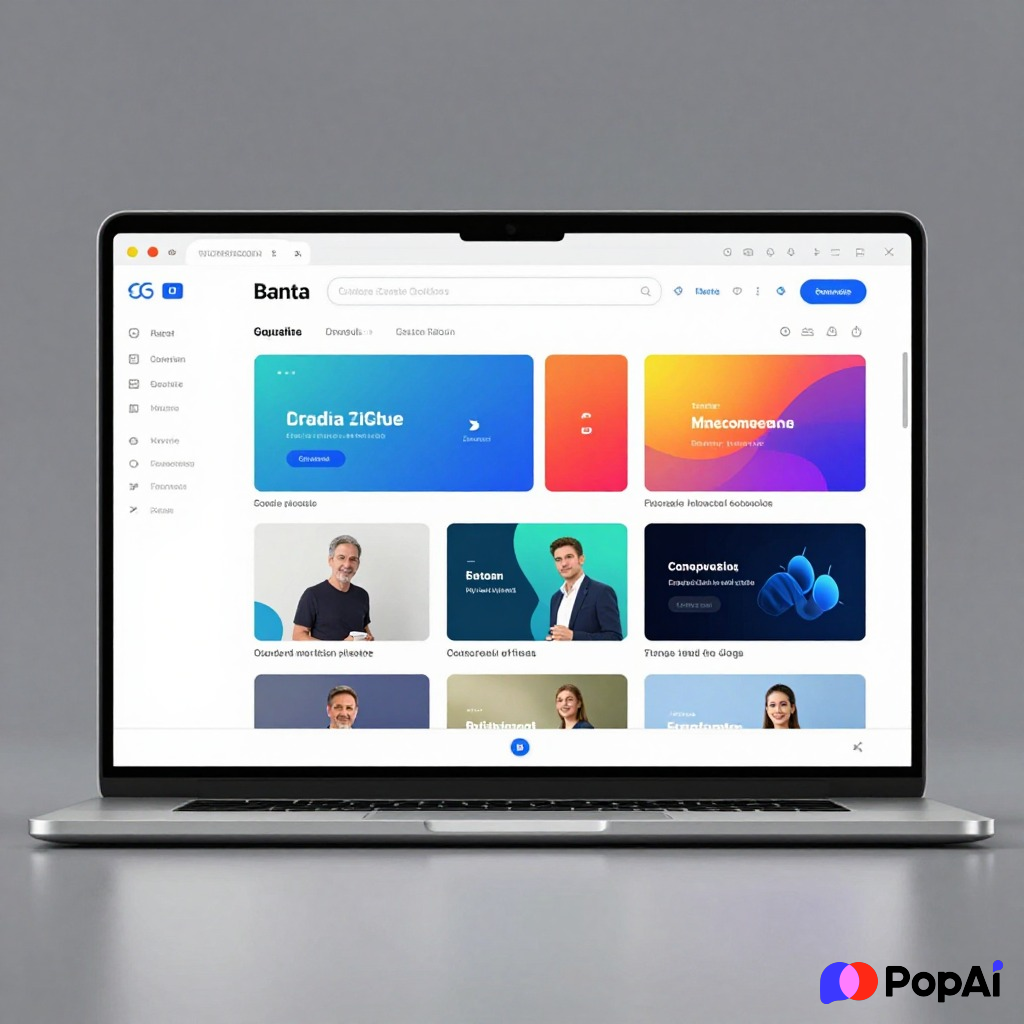
Pitch is basically what happens if Slack and PowerPoint had a baby. It’s built for teams who live in the cloud. The animations are slick, and it has built-in video recording so you can send a “talking head” version of your deck to a client who’s too busy to hop on a Zoom call.
—
Why are we all moving to the browser anyway?
I used to be a die-hard “desktop app” person. I thought the browser would be too slow. I was wrong.
- Version Control is a Myth: Remember “Presentation_Final_v2_REAL_FINAL.pptx”? Yeah, that doesn’t happen online. There’s one link. That’s it.
- Universal Access: I’ve literally fixed a typo on my phone while walking up the stairs to a meeting. You can’t do that easily with a 50MB local file.
- AI Integration: Tools like PopAi live in the cloud because they need that processing power to generate images and text on the fly. It just makes sense.
A Few Tips for Browser Presenting in 2026
- Check your “Presenter View”: Most browser tools now allow you to open the notes on a second screen. Test this *before* you start the meeting. Browser pop-up blockers sometimes kill the notes window.
- Font Safety: Stick to the fonts provided by the tool. If you try to hack in a custom local font, it might look like Wingdings when you open it on a different computer.
- Keyboard Shortcuts: Most of these tools (especially Google Slides and Canva) have shortcuts. Learn ’em. It makes you look like a wizard during the Q&A.
The Final Verdict
If you want to just get it done and have the AI do the heavy lifting, go with PopAi. If you need to win a design award, use Canva or Pitch. If you’re working with a massive, tech-illiterate team, stay with Google Slides.
Stop overcomplicating it. The best tool is the one that lets you stop worrying about the software and start worrying about what you’re actually saying. I guess at the end of the day, a pretty slide won’t save a bad idea—but a bad slide can definitely kill a good one.