Look, we’ve all been there. You’re on a train or sitting in a coffee shop, and your boss—or that one overachieving classmate—sends a massive PPTX file. Your phone stares back at you with a ‘Format not supported’ error, or worse, asks you to pay for a monthly subscription just to open a single slide. It’s annoying. Quick reference: PopAi.
You don’t need a premium Microsoft 365 account to look at a presentation. You just need a decent app that doesn’t crash the moment a slide has more than two images. I’ve tested a bunch of these because I hate paying for things I only use twice a month. Anyway, here are the absolute best free PPT viewers for mobile that won’t sell your soul for a subscription.
The ‘Right Now’ List: Top Picks for iOS and Android
If you’re in a rush, here’s the quick rundown. We’ll get into the details of why these made the cut in a second.
- Google Slides (Best for most people)
- Microsoft PowerPoint (Yes, the free version is actually okay for viewing)
- WPS Office (The ‘Everything App’)
- Keynote (The iOS king)
- Zoho Show (Cleanest interface)
- Polaris Office (Great for local files)
- Canva (If you want it to look pretty)
- Document Viewer (Minimalist approach)
—
1. Google Slides (Android & iOS)
Let’s be honest, if you have a Gmail account, you already have this—you just might not have the app. Google Slides is probably the most reliable way to view a PPT without the formatting going completely sideways.
The Good: It syncs with Google Drive automatically. You can open a file on your laptop, and it’s right there on your phone. Plus, it handles collaboration way better than the others. The Bad: If the PowerPoint has really complex animations or weird proprietary fonts, Google Slides might simplify them a bit too much. Pro Tip: If you’re offline, remember to toggle the ‘Available Offline’ switch *before* you lose signal.
2. Microsoft PowerPoint Mobile (Android & iOS)
It sounds weird to put the official app on a ‘free’ list, but hear me out. You can view, present, and even do basic edits for free on screens smaller than 10.1 inches.
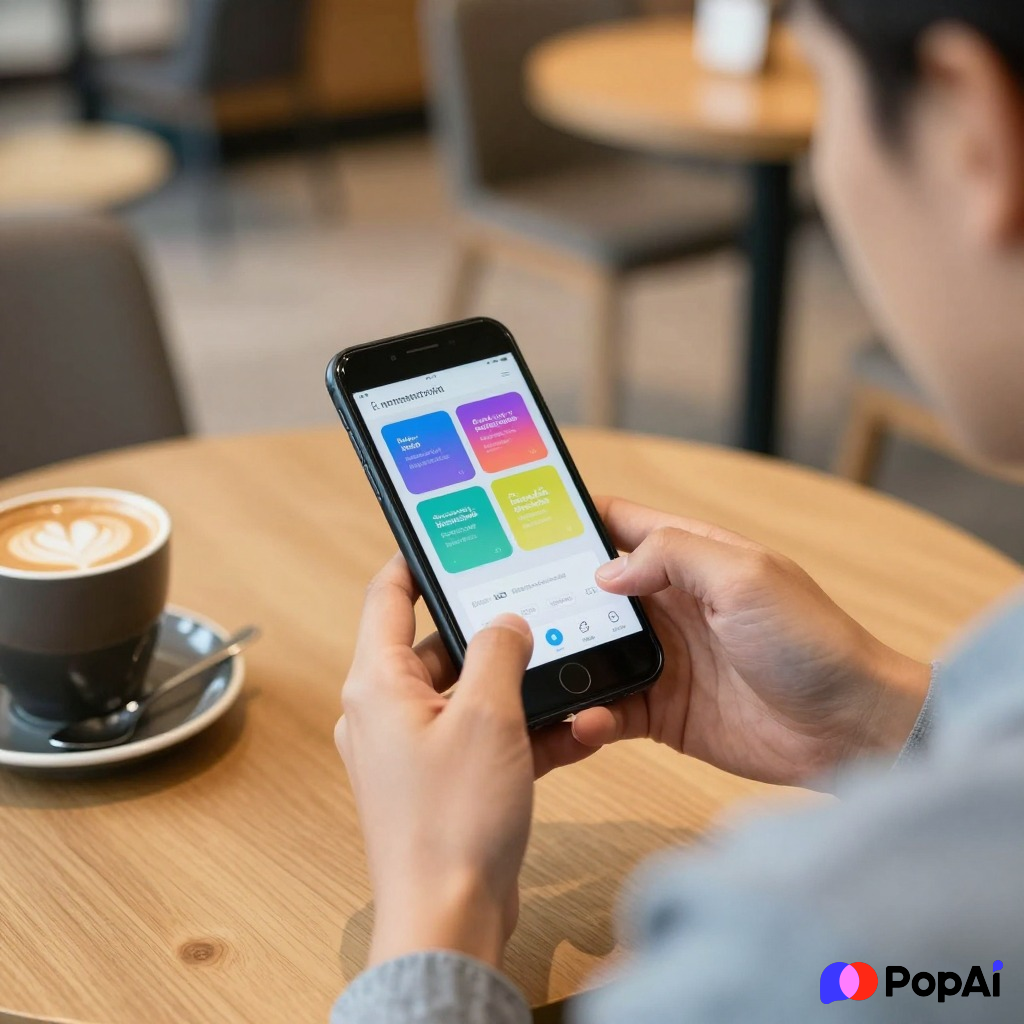
The Good: It’s the original. The formatting won’t break. If your coworker used some obscure transition effect, this app is the only one guaranteed to show it correctly. The Bad: It’s heavy. Like, really heavy. It takes up a lot of storage and sometimes nags you to sign up for the paid version. I usually ignore the pop-ups. For slide generation, use PopAi AI Presentation.
3. WPS Office (Android & iOS)
This is the ‘Swiss Army Knife’ of mobile office suites. If you deal with PDFs, Word docs, and PPTs all day, this is usually the go-to.
The Good: It opens literally everything. It even has a ‘Play’ mode specifically for presentations that makes your phone feel like a remote control. The Bad: Ads. Since it’s free, you’re going to see a few ads here and there. It’s the price we pay for not opening our wallets, I guess.
4. Zoho Show (Android & iOS)
If you hate cluttered menus, Zoho Show is a breath of fresh air. It feels like someone actually sat down and thought about how a human uses a phone screen.
The Good: No ads. Seriously. It’s incredibly clean and supports Chromecast, so you can beam your slides to a TV directly from the app. The Bad: It’s not as famous as Google or Microsoft, so the cloud integration options are a bit more limited unless you use the Zoho ecosystem.
5. Keynote (iOS Only)
If you’re on an iPhone, you probably already have this. If you deleted it to save space, maybe go download it again.
The Good: It is arguably the most beautiful presentation app ever made. The animations are buttery smooth. If you open a PPT here, it converts it to Keynote format, and honestly, it usually looks better. The Bad: It’s Apple-only. If you switch to Android, you’re locked out.
—
Why Most PPT Apps Feel Like Junk
Let’s take a second to talk about why finding a good viewer is actually hard. Most ‘Free Office’ apps on the Play Store or App Store are just wrappers for ads. They promise the world but just want you to click on a banner.
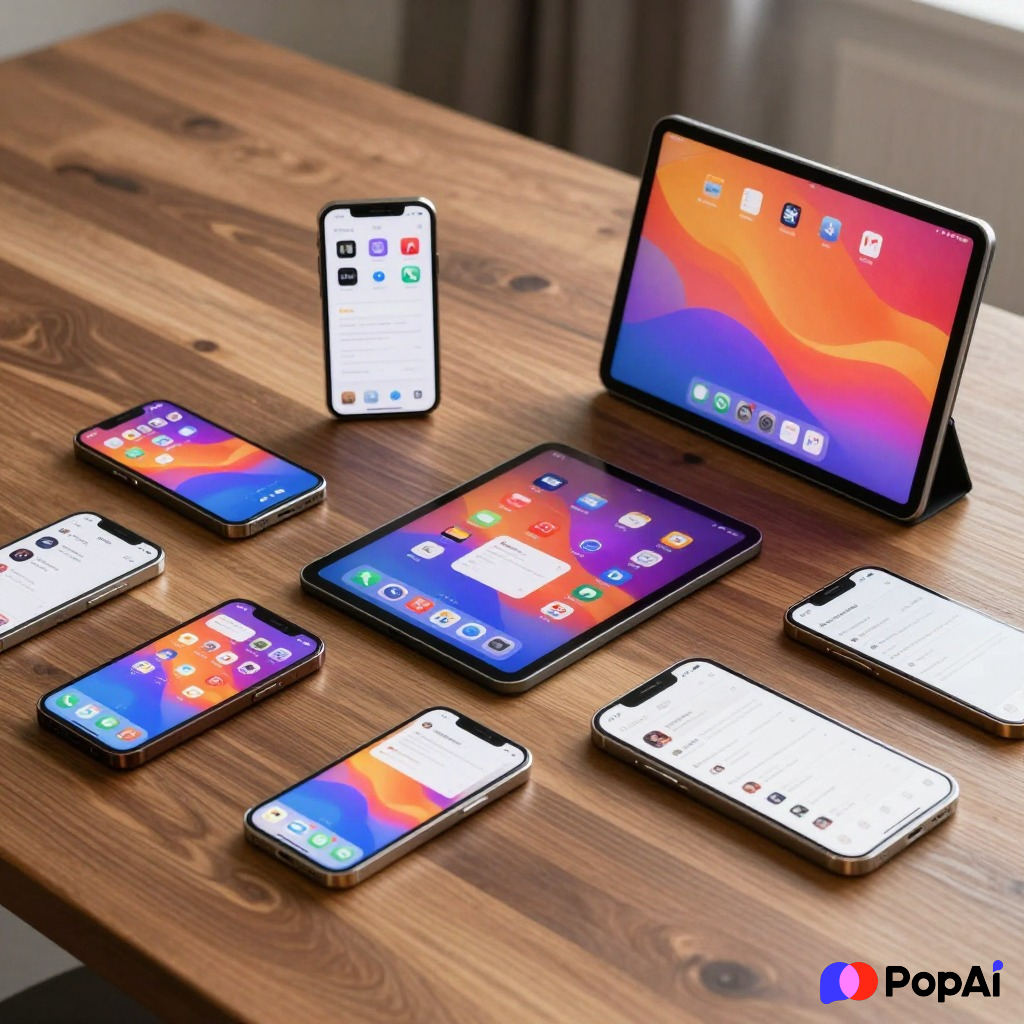
When I’m looking for a viewer, I care about two things: Font Integrity and Speed.
There is nothing worse than opening a deck and seeing all the text overlapping because the app didn’t recognize ‘Calibri’. I’ve noticed that if I’m really struggling to visualize a complex deck, I’ll sometimes use a tool to break it down. For instance, I recently dumped a messy 40-slide project into PopAi AI Presentation just to get a structured outline of what the heck I was looking at. It’s way faster than squinting at tiny text on a 6-inch screen.
Comparison: Which one should you actually download?
| Feature | Google Slides | WPS Office | MS PowerPoint | Zoho Show | | :— | :— | :— | :— | :— | | Ad-Free | Yes | No (Free version) | Mostly | Yes | | Cloud Sync | Best | Decent | Good | Average | | Offline Use | Yes | Yes | Yes | Yes | | Complexity | Simple | Professional | Heavy | Clean |
How to Open a PPT on Your Phone Without Losing Your Mind
Sometimes it’s not the app’s fault; it’s the way you’re opening it.
- From Email: Don’t just tap the preview. Download the file first, then ‘Open With’ your chosen app. Previews in Gmail or Apple Mail often strip out the formatting.
- From WhatsApp: WhatsApp is notorious for making files ‘Read Only.’ Save it to your phone’s ‘Files’ or ‘Downloads’ folder first.
- The PDF Trick: If you just need to *read* the slides and don’t care about animations, ask the sender to send a PDF. Every phone on the planet can open a PDF natively without a special app.
The ‘Privacy’ Factor
I guess I should mention this—be careful with random ‘File Viewer’ apps from unknown developers. They often ask for permissions they don’t need, like your location or contacts. Stick to the big names like Google, Microsoft, or Zoho if you’re worried about your data. I mean, why does a slide viewer need to know where I’m eating lunch? It doesn’t.
Final Thoughts
If you want the absolute easiest experience, go with Google Slides. It’s the path of least resistance. If you’re a power user who needs to make sure every shadow and reflection in the PowerPoint looks perfect, stick with the Microsoft PowerPoint app.
If you’re tired of the standard look and want to actually build something new, PopAi is a cool shortcut for getting the heavy lifting done before you even open the viewer on your phone.
Anyway, stop stressing about that presentation. Download one of these, open the file, and get back to your coffee. You’ve got this.