AI Presentation Tool Scorecard: 10 Platforms Graded by Workflow Fit
July 09, 2026
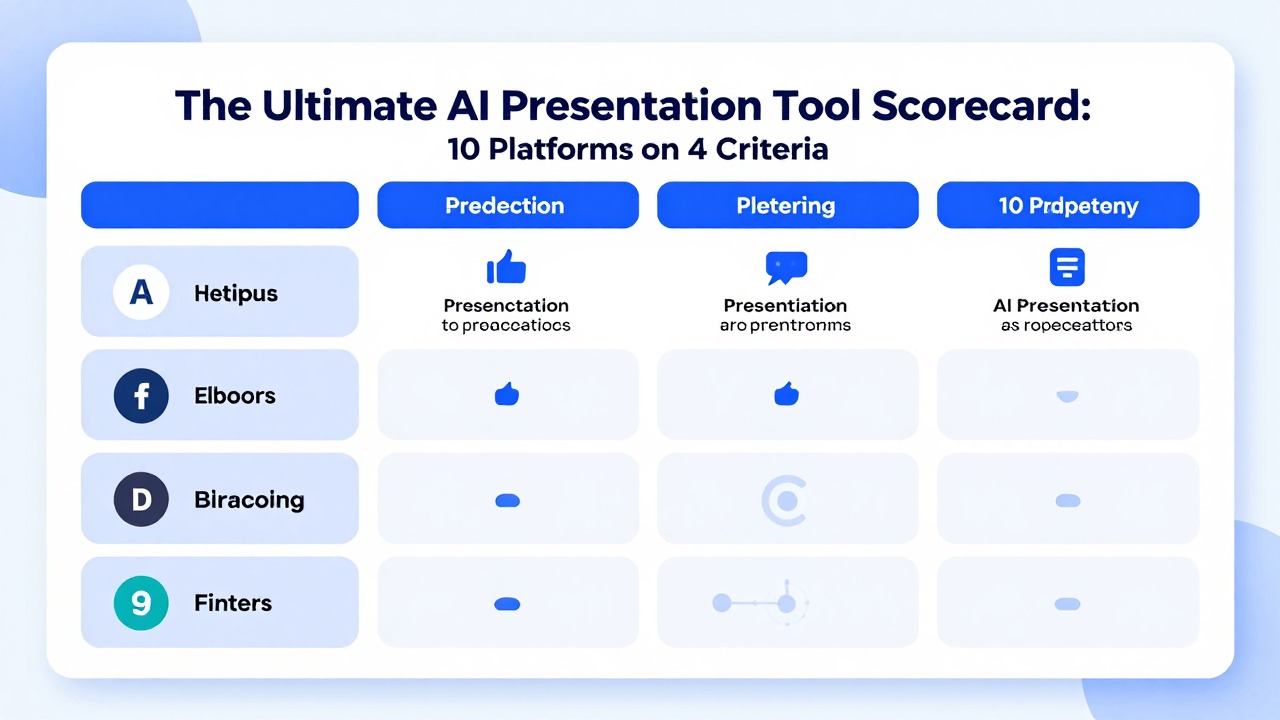
A scorecard page should include an actual scorecard. This rewrite adds a 10-platform grading table and explains the criteria so the article no longer reads like a generic “how to score tools” guide.
The scores below are editorial workflow-fit scores based on public product positioning and common presentation use cases. They are not lab benchmarks, speed tests, security reviews, or pricing recommendations. Before publishing final claims, verify current features and pricing on official product pages.
Feature notes for competitor tools should be checked against each vendor's official website before publication because pricing, integrations, export options, and feature names can change.
Scoring Method: Four Criteria, 20 Points Total
The scorecard grades practical fit, not popularity.
| Criterion | Max points | What it measures |
|---|---|---|
| Input flexibility | 5 | Can the tool start from prompts, documents, PDFs, Word files, PPTX, data, URLs, or existing slides? |
| Deck structure | 5 | Does the tool help create a coherent presentation narrative instead of isolated slides? |
| Design control | 5 | Does it support templates, brand controls, smart layouts, visual polish, or editor flexibility? |
| Workflow fit | 5 | Does it fit real user workflows such as PowerPoint, Google Slides, web sharing, team collaboration, or document-to-deck conversion? |
A high score does not mean the tool is best for everyone. It means the tool appears broadly useful across common presentation workflows. A lower-scoring tool may still be best for a narrow use case.
10-Platform AI Presentation Tool Scorecard
Use this as an editorial shortlist, then test with your own content.
| Platform | Input flexibility /5 | Deck structure /5 | Design control /5 | Workflow fit /5 | Total /20 | Best for |
|---|---|---|---|---|---|---|
| PopAi | 5 | 4 | 4 | 4 | 17 | Document-to-deck and prompt-to-deck drafts. |
| Presentations.AI | 5 | 4 | 4 | 4 | 17 | Business deck generation, branding, and PowerPoint-oriented workflows. |
| Gamma | 4 | 4 | 5 | 4 | 17 | Web-native presentations and shareable content. |
| Canva | 4 | 4 | 5 | 4 | 17 | Design-first decks and visual content ecosystem. |
| Beautiful.ai | 3 | 4 | 5 | 4 | 16 | Smart layouts and on-brand presentation design. |
| Pitch | 3 | 4 | 4 | 5 | 16 | Collaborative team decks and branded workspaces. |
| Plus AI | 3 | 4 | 3 | 5 | 15 | Google Slides / PowerPoint add-in workflows. |
| SlidesAI | 3 | 3 | 3 | 5 | 14 | Simple text-to-slides in Google Slides workflows. |
| Decktopus AI | 3 | 4 | 4 | 4 | 15 | Guided deck creation and branding/template workflows. |
| GenPPT | 3 | 3 | 3 | 4 | 13 | Fast AI PowerPoint generation from topics or notes. |
How to Customize the Scorecard for Your Team
Your team may weight criteria differently.
A consulting team may weight PowerPoint export and brand control heavily. A student may care more about speed and free access. A product marketer may care about design ecosystem and repurposing. A manager may care about converting reports and documents into decks.
| Team type | Weight more heavily | Why |
|---|---|---|
| Enterprise team | Security, permissions, brand templates, PowerPoint compatibility. | Governance and consistency matter. |
| Student / educator | Ease of use, text-to-slides, templates, cost. | Speed and accessibility matter. |
| Consultant | PPTX export, visual polish, client-ready editing. | Final deliverable quality matters. |
| Analyst / manager | Document and data input, narrative structure, chart handling. | Reports need interpretation. |
| Marketing team | Design ecosystem, repurposing, collaboration. | Decks often become social, web, or campaign assets. |
What the Scorecard Cannot Tell You
A scorecard narrows the shortlist, but it does not replace a real trial.
- It does not prove output quality for your specific deck type.
- It does not guarantee current pricing, export, or plan limits.
- It does not evaluate enterprise security or procurement requirements.
- It does not measure speed, uptime, or customer support.
- It does not replace testing with your own source material.
Use the scorecard to pick what to test, not to skip testing.
Recommended Testing Process After Scoring
The next step is a small controlled trial.
- Select the top three platforms for your workflow.
- Create one standard test brief and one real source document.
- Generate a deck in each platform.
- Spend exactly 30 minutes cleaning each output.
- Compare the final deck, not just the first draft.
FAQ
Are these scores official benchmarks?
No. They are editorial workflow-fit scores based on public positioning and common use cases. Run your own test before choosing a platform.
Why do several tools have similar scores?
AI presentation tools overlap in broad capabilities, so the real difference is often workflow fit: input source, editor, export, brand, and collaboration.
Which tool scored highest?
PopAi, Presentations.AI, Gamma, and Canva score strongly for different reasons. The best choice depends on your workflow.
Can I change the scoring weights?
Yes. Teams should weight criteria such as brand control, input flexibility, export, cost, or collaboration based on their real needs.
Score PopAi with your own presentation workflow
Use PopAi with one real prompt or document, then grade the output using the scorecard criteria below.
Try PopAi AI Presentation