AI Tool for Presentation: Choose, Use, and Review Safely
Published on April 21, 2026
An AI tool for presentation should help you move from rough ideas, notes, documents, or prompts into a structured, editable deck without losing control of the story, design, privacy, or export format. This core guide explains what to compare, when free tools are enough, how to use AI safely, and which use cases benefit most.
Use this page if you are choosing a presentation workflow for school, work, client proposals, pitch drafts, training, product updates, or executive communication. For the product workflow itself, visit the main PopAi AI Presentation pillar page.

Best AI Tools for Presentation Work: What to Compare
The best tool is not always the one with the longest feature list. Compare the workflow against the deck you actually need to make.
| Question | What to Look For | Why It Matters |
|---|---|---|
| Best for first drafts? | Prompt-to-outline, document-to-slides, templates, and speaker notes. | Reduces blank-page work while keeping the structure editable. |
| Free enough? | Credits, slide count, watermark, image generation, and export limits. | Free plans are useful for testing but may not fit deadline work. |
| How to use? | Clear input flow, outline review, visual style choice, and export options. | Good workflows separate story planning from design generation. |
| Use cases? | Reports, lessons, proposals, pitch drafts, roadmap decks, and training. | Different decks need different prompts, templates, and proof. |
| Security? | No-training policy, access controls, privacy settings, and export permissions. | Important when decks contain client data, financials, or internal strategy. |
How to Use an AI Presentation Tool: Step-by-Step
Use this sequence when you want speed without losing control of accuracy or design.
| Step | Action | Prompt or Review Check |
|---|---|---|
| 1. Define the task | Write topic, audience, goal, slide count, tone, and source material. | "Create an 8-slide project update for department leads." |
| 2. Generate an outline | Ask for slide titles, key messages, suggested visuals, and notes. | Check whether the story answers the audience's likely questions. |
| 3. Create the deck | Choose a style such as clean business, classroom, pitch, or workshop. | Keep one idea per slide and avoid dense text. |
| 4. Review the content | Check facts, data, claims, citations, screenshots, and audience fit with a presentation AI generator accuracy fact check workflow. | AI can draft; you are responsible for truth and context. |
| 5. Export and share | Use PPTX for editing, PDF for fixed sharing, or a link for review. | Confirm privacy and access settings before sending. |
AI Presentation Tool Use Cases and Examples
AI works best when the deck has a repeatable structure and the presenter can add real details afterward.
Class report or lesson deck
A student or teacher can paste research notes, request an 8-12 slide structure, add one example, one diagram, and speaker notes, then verify citations before presenting.
Client proposal or pitch draft
A consultant or founder can generate problem, solution, proof, timeline, pricing placeholder, and next-step slides, then add client-specific proof and remove generic claims.
Internal business update
A manager can turn meeting notes into progress, blockers, metrics, owners, decisions needed, and follow-up actions, then add real numbers and deadlines.
Free AI Presentation Tools: Limits and Workarounds
Free tools are useful for testing the workflow, but they usually have limits. Use them to validate outline quality, template quality, editing control, and export needs before relying on them for an important deadline.
- Credit limits: ask for an outline first, then generate the full deck after the story works.
- Slide limits: split long topics into sections and merge the final structure manually.
- Export limits: present from a web link, rebuild final slides, or upgrade only when export matters.
- Watermarks: use free output as a storyboard when clean branding is required.
- Privacy limits: avoid confidential source material unless terms support your use case.
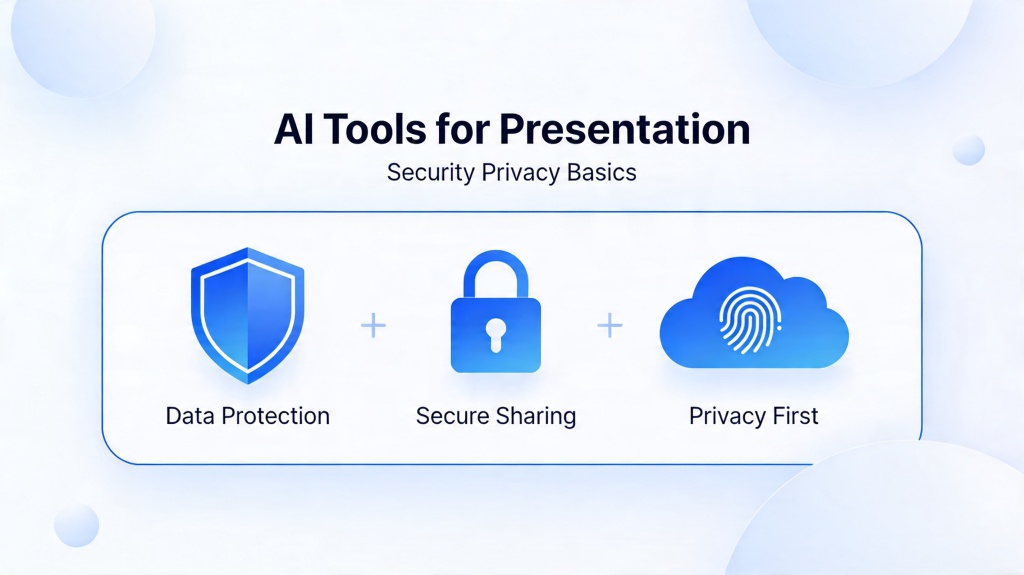
Security and Privacy Basics Before You Upload Content
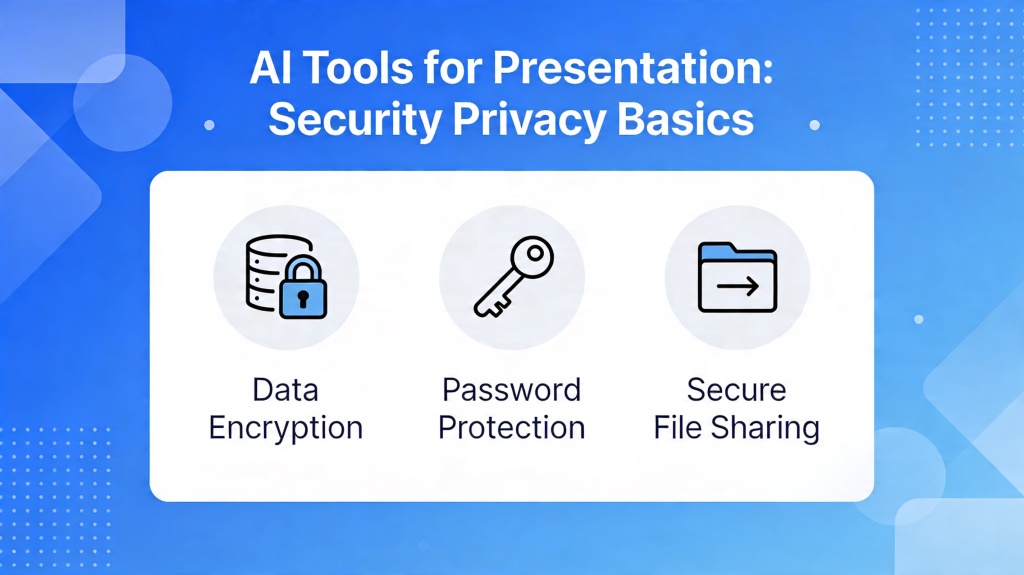
The original focus of this page was security, and that guidance remains important. Before using any tool, check how prompts, uploaded files, generated decks, and shared links are handled.
- Does the tool say whether your prompts or files are used for model training?
- Can you delete decks, uploads, and account data?
- Can you control who views, edits, comments, or downloads the deck?
- Does the tool support private workspaces, SSO, or admin controls for teams?
- Do you need SOC2, GDPR, CCPA, or other compliance language for your organization?
- Can you use placeholders for sensitive numbers before replacing them manually?
Prompt Templates You Can Reuse
Prompt quality is the difference between a generic deck and a useful first draft.
| Use Case | Prompt Starter | Manual Review |
|---|---|---|
| Business update | Create a 7-slide update for [audience] covering progress, wins, blockers, metrics, decisions needed, and next steps. | Owners, dates, real metrics, and sensitive data. |
| Class presentation | Create an 8-slide lesson deck about [topic] for [level], with one example, one diagram, one quiz, and a recap. | Citations, assignment rules, and speaking time. |
| Proposal deck | Create a 10-slide proposal for [client] covering problem, solution, scope, proof, timeline, pricing, and CTA. | Client-specific proof, scope boundaries, and fees. |
Frequently Asked Questions
What is the best AI tool for presentation work?
The best choice depends on your input type, editing needs, export format, privacy requirements, and use case. Look for outline generation, document-to-slides, templates, visuals, speaker notes, and manual editing.
Can I use an AI presentation tool for free?
Yes. Free plans are useful for testing outlines, templates, and first drafts, but they may limit credits, slide count, exports, image generation, branding, or privacy controls.
How do I use AI tools for presentations safely?
Use placeholders for confidential data, check data retention and training policies, review sharing permissions, and avoid uploading sensitive material unless the tool's terms support your use case.
What presentation use cases work best with AI?
AI works well for class reports, project updates, proposals, pitch drafts, product explainers, training decks, webinars, roadmap decks, and early content planning.
Create your presentation with one click now
Use PopAi to turn prompts, notes, documents, or rough ideas into editable presentation drafts you can review, polish, and share.
Get Started for Free