Compare PopAi with Slidebean's self-service software when you need a deck-building tool. Compare Slidebean's advisory offering separately when you want human help with an investor story. A software subscription and a fundraising-service engagement are not equivalent purchases.
Published by PopAi. Recommendations below are editorial judgments about workflow fit, based on public product documentation and the supplied PopAi reference screenshots. They are not independent test rankings or measured speed/quality results.
The feature snapshot below was checked on October 30, 2026. A published feature or menu is not proof of perfect file conversion. Where public account entitlements are unclear, the table says so.
Three offerings, three different decisions
| Offering | What you are evaluating | Published price example | Boundary |
|---|---|---|---|
| PopAi | Source-to-deck generation and editing | Public fee/credit table not verified here | Not a verified fundraising advisory service |
| Slidebean Starter software | Self-service AI pitch-deck builder, templates and share-view tracking | US$7/month, billed yearly | Your team still supplies and approves company evidence |
| Slidebean Accelerate | Software plus the stated investor-preparation/advisory scope | US$99/month, billed monthly | Confirm included sessions, deliverables and exclusions; not a guarantee of funding |
Slidebean's pricing page distinguishes self-service access from Accelerate's advisory support. Do not treat an included review session as unlimited custom writing or a guaranteed fundraising result. Scope and deliverable terms belong in the service agreement.
Software inputs and editing
| Dimension | PopAi software | Slidebean software |
|---|---|---|
| Starting point | Prompts and supported source materials | Startup story and pitch-deck content |
| Primary workflow | Organize sources into an editable presentation draft | AI pitch-deck creation and template-led presentation work |
| Human input required | Verify source facts, narrative and recipient needs | Verify company claims, traction, assumptions and investor relevance |
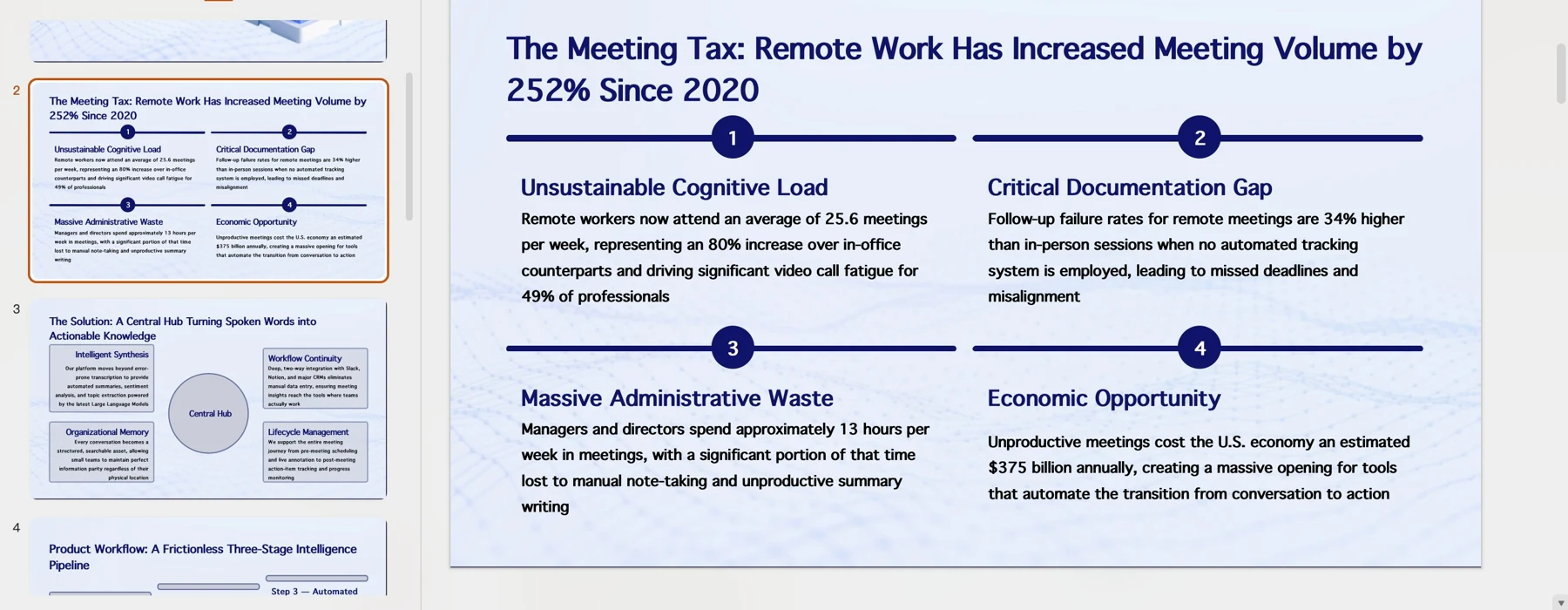
| Delivery evidence | PPTX/PDF export and a supplied text-editing example | Documented Static and Editable PowerPoint download modes |
| Unverified detail | Complete object fidelity across every generation mode | Current file extension and object behavior in a newly downloaded account sample |
Slidebean PowerPoint export has explicit limitations
Slidebean's download help, last updated January 15, 2025 and checked for this article, describes a Static PowerPoint version made from slide images and an Editable version. In the Editable version, charts and tables are still exported as images; fonts may substitute, and video/audio do not export. Downloads require a subscription. Official export documentation.
That documentation calls the format PPT. We have not downloaded a current account sample to verify whether the application now offers a different extension or object model. Keep the distinction explicit rather than promising fully editable PPTX tables based on the word Editable.
Choose software for production, services for scoped advice
You already have the company evidence
Evaluate software by how clearly it organizes the story and how easily the team can revise the delivered file.
You need outside feedback on the investor narrative
Evaluate the advisory scope, reviewer responsibilities and agreed deliverables separately from the editor subscription.
You require editable financial tables
Inspect the real export. A static table may be suitable for viewing but not for the recipient's requested editing workflow.
A founder can use a software tool and still hire a specialist separately. Conversely, buying advice does not remove the founder's responsibility for the accuracy of company claims. Keep funding expectations outside any presentation-tool recommendation.
Before committing to software or advisory support
- State the required output and editing depth in writing.
- For advisory work, agree sessions, revisions, confidentiality and deliverable ownership before purchase.
- Inspect an exported deck containing the tables and charts you actually need.
- Keep forecasts, actuals and assumptions visibly separate.
Use the same approved source material and the actual delivery format for this check. Record repairs, omitted evidence and review friction separately. No timing or conversion result is claimed here.
Official sources and verification scope
Public product information checked on . Plan pages can vary by country and billing term. This article does not report a controlled hands-on comparison or guarantee conversion fidelity.
- PopAi tools and access FAQ
- PopAi pricing
- Slidebean pricing and service scope
- Slidebean: download a presentation
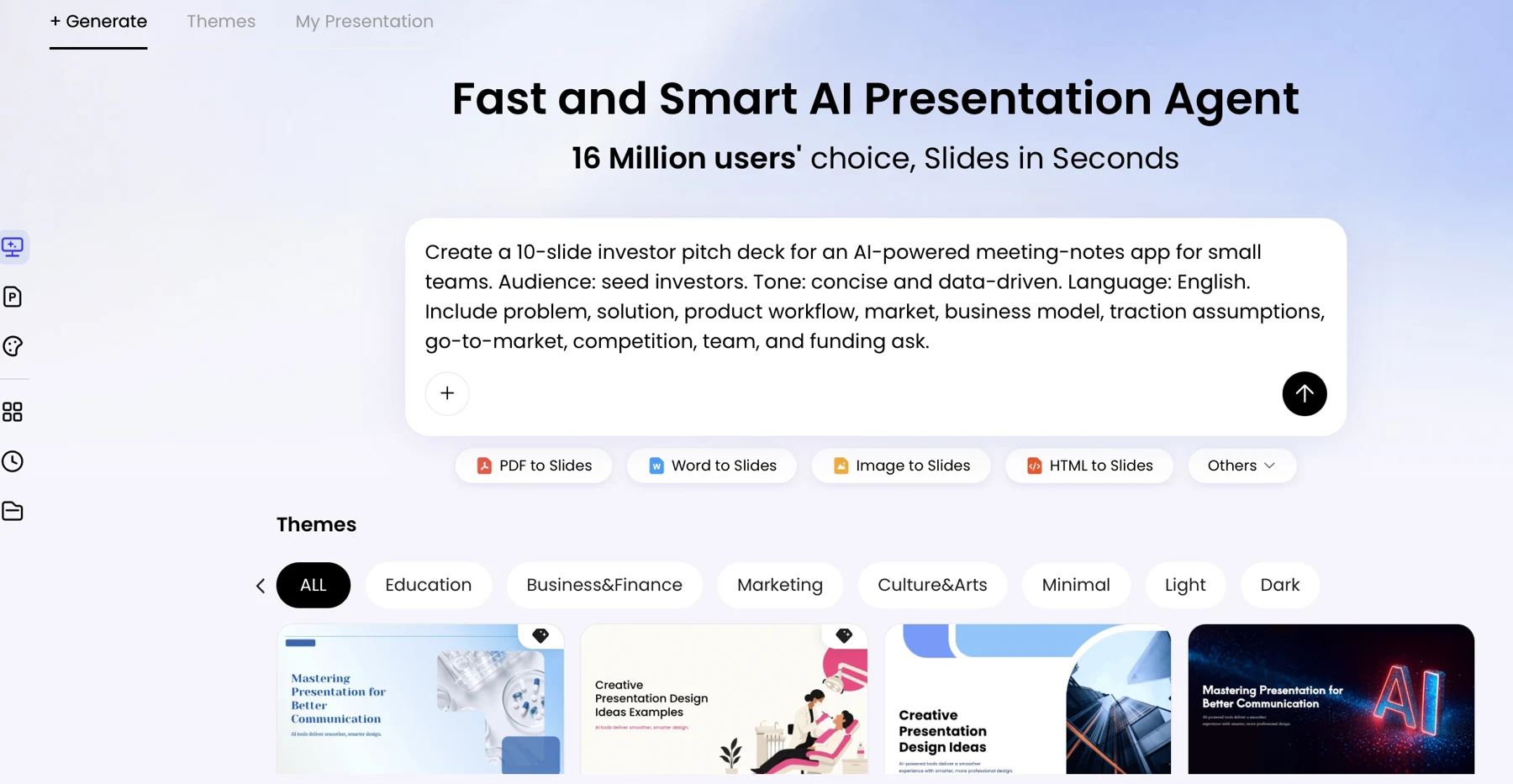
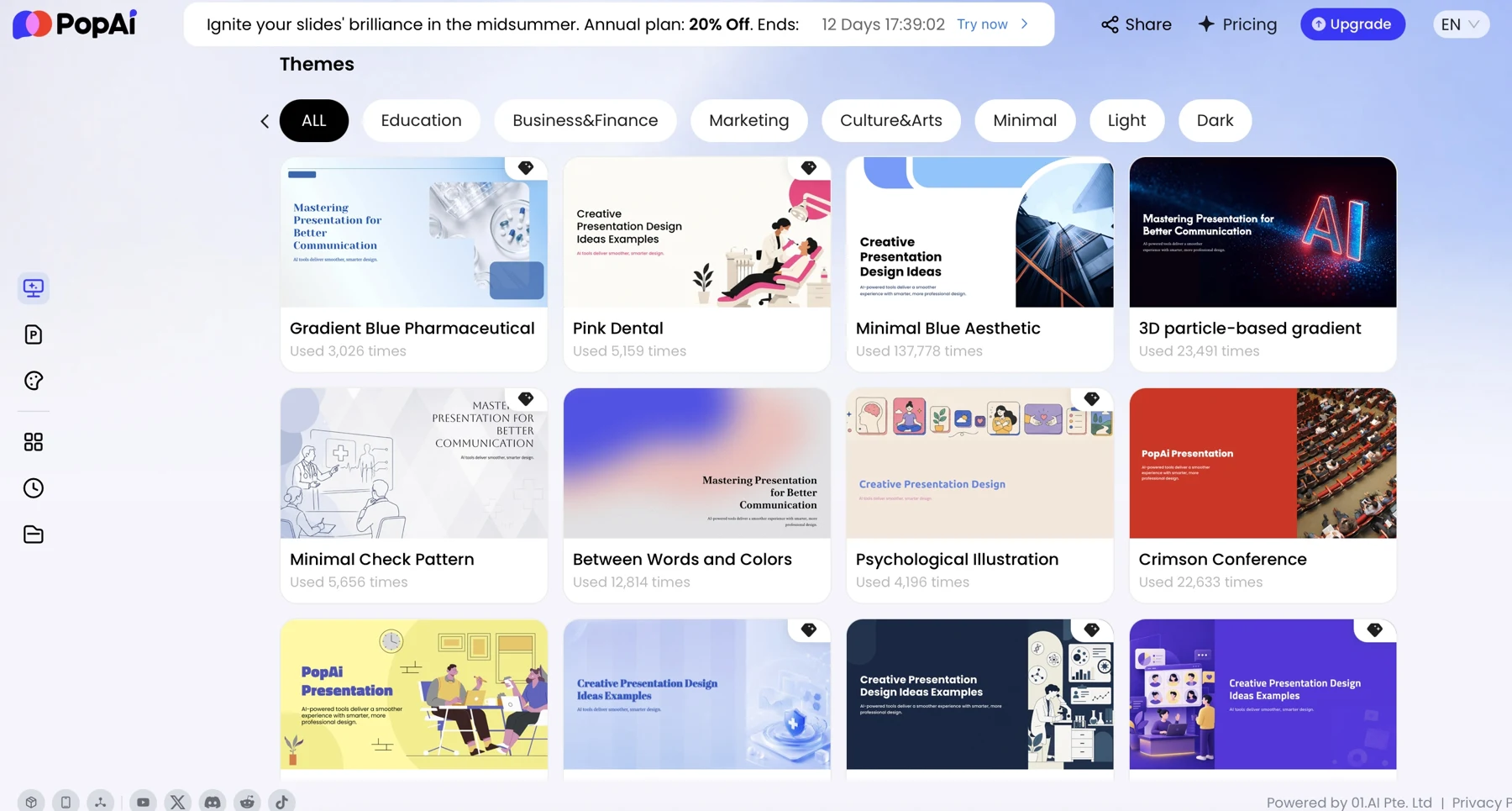
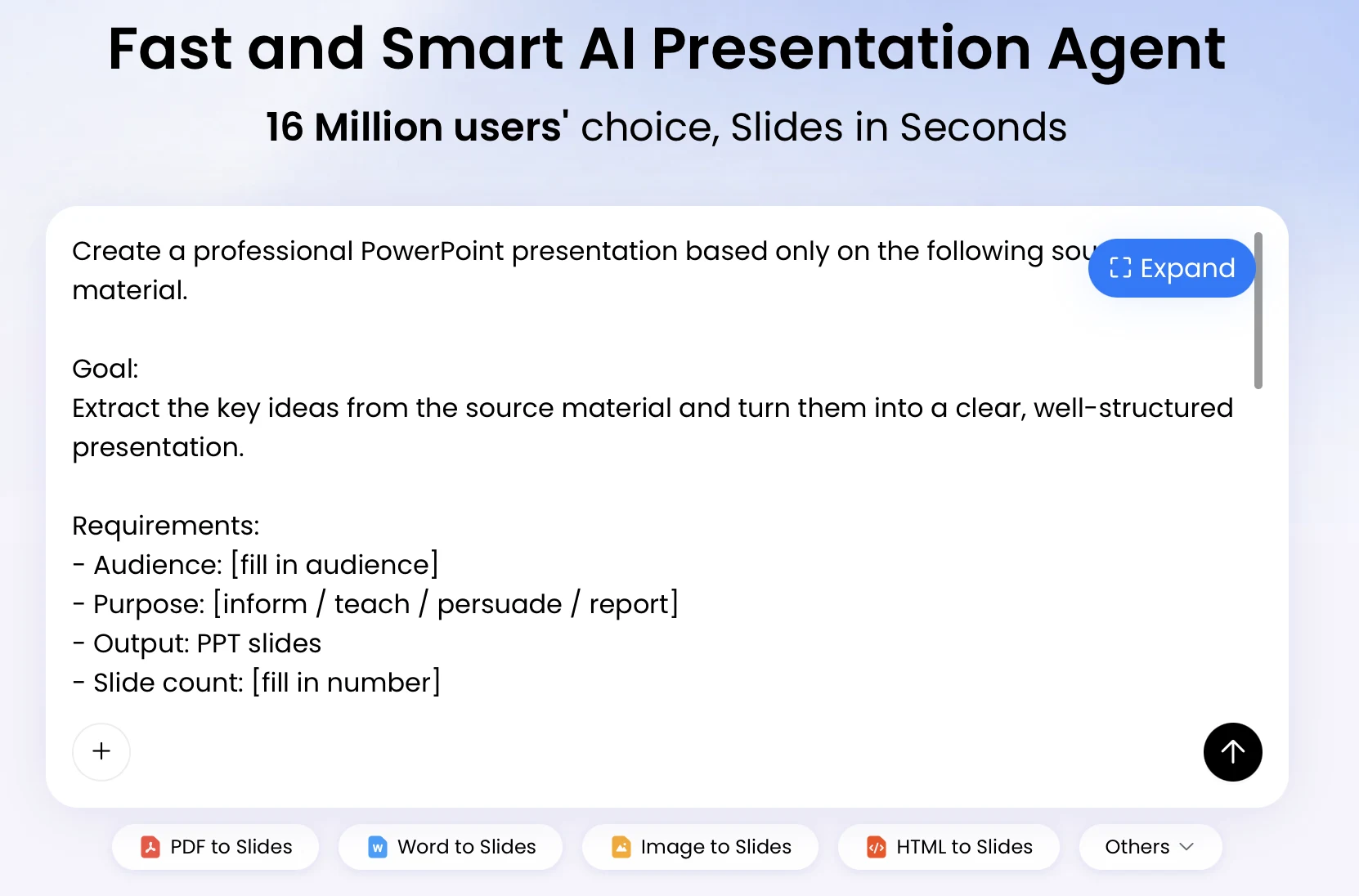
Additional supplied PopAi interface references
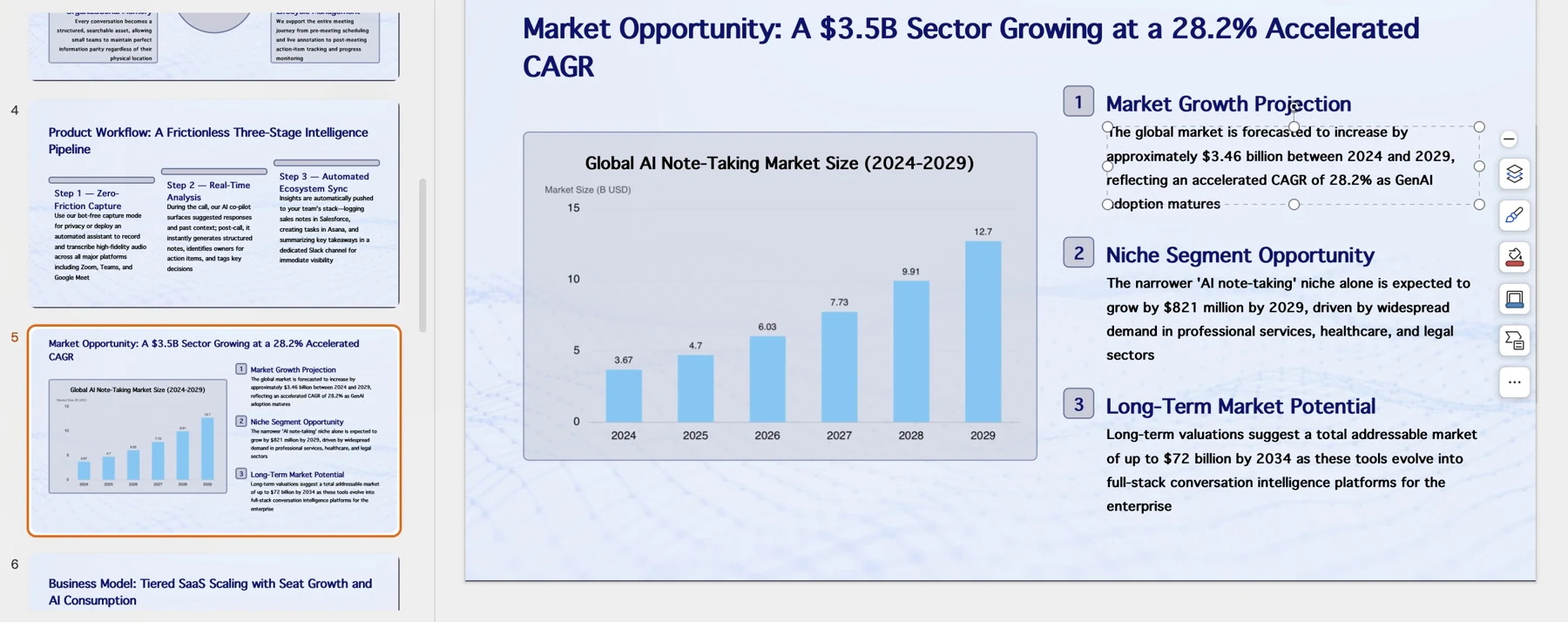
These historical screenshots illustrate the corresponding PopAi steps only. They are not competitor screenshots or proof of a live conversion, current plan entitlement or measured result.