Choose Prezi when the spatial presentation path is part of the explanation. Consider PopAi when your source material is being shaped into a conventional deck. Prezi can now also deliver a PowerPoint file, so export availability alone is no longer the distinction.
Published by PopAi. Recommendations below are editorial judgments about workflow fit, based on public product documentation and the supplied PopAi reference screenshots. They are not independent test rankings or measured speed/quality results.
The feature snapshot below was checked on October 30, 2026. A published feature or menu is not proof of perfect file conversion. Where public account entitlements are unclear, the table says so.
The important 2026 change: Prezi has PPTX export
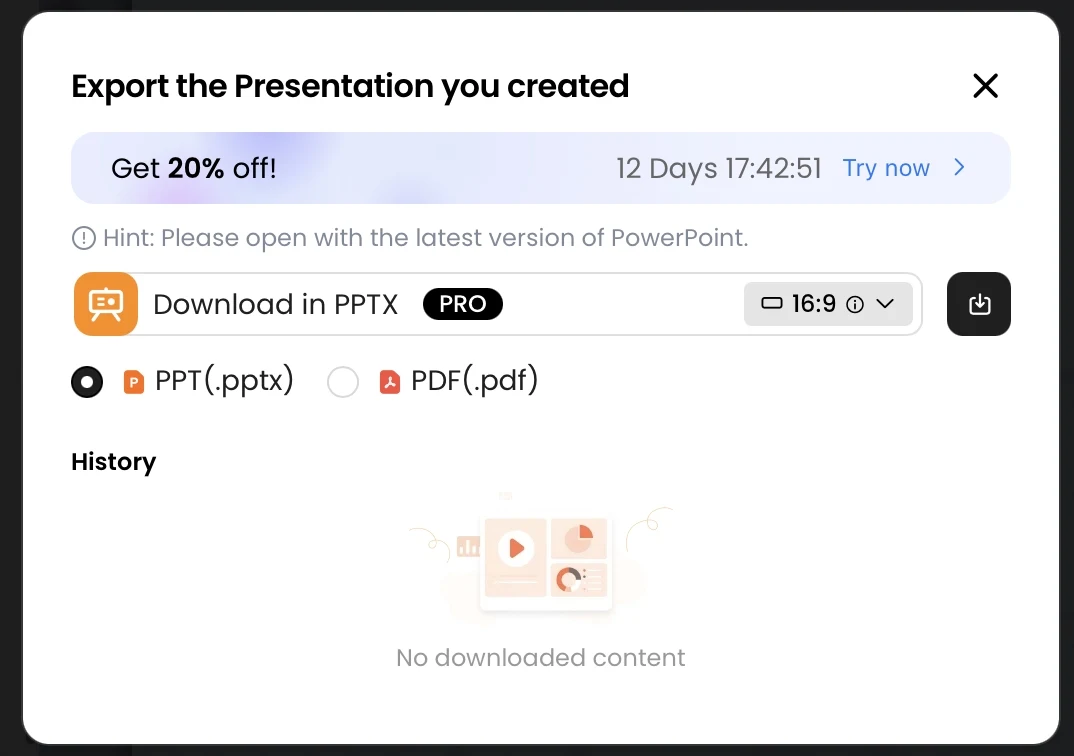
Prezi's February 2026 product update introduced PPTX download from its dashboard or editor, preserving a slide version of each frame. A static slide sequence is not the same delivery experience as navigating a zooming Prezi. Official February update.
Do not turn that announcement into a claim that all exported text, charts or other objects remain individually editable. We did not inspect a downloaded Prezi PPTX. The supported statement here is that the file-export route exists; object-level fidelity remains an actual-file check.
Inputs and final experience
| Dimension | PopAi | Prezi |
|---|---|---|
| Draft input | Prompt or supported document/source material | Prompt and documented PPTX/PDF/DOCX source routes |
| Presentation model | Slide/deck workflow in the PopAi editor | Spatial canvas with frames and a presentation path |
| PowerPoint handoff | PPTX export with account access | PPTX download introduced in February 2026; frame-based slides |
| Motion | Inspect the actual export; no blanket retention claim | The native zoom/path experience should not be promised in static PowerPoint slides |
| Native Google Slides | Not established; use PPTX handoff | Not established; a PPTX export is not native Slides authoring |
| Plan snapshot | Public fees/credits not verified here | Prezi's own October guide lists Standard US$7/month annually; Plus US$19; tiers differ |
The source-import route is documented in Prezi's AI import guidance. Prezi's own plan guide describes a free credit-capped Basic option, 500 credits on Standard, and unlimited AI on Plus and higher tiers. Check the access and sharing rules that apply to the intended audience.
Use a spatial presentation when relationships matter
A system map, a set of connected themes or a non-linear discussion may benefit from moving between an overview and detail. That is a reason to consider the native Prezi experience. It is not a reason to add motion to a deck that the audience will only read as a static attachment.
A useful acceptance question is: if the movement were removed, would the argument still be understandable? When the answer is no, create a deliberate static version rather than assuming a frame export will explain the same relationships unaided.
Use a deck-first workflow when the file is the product
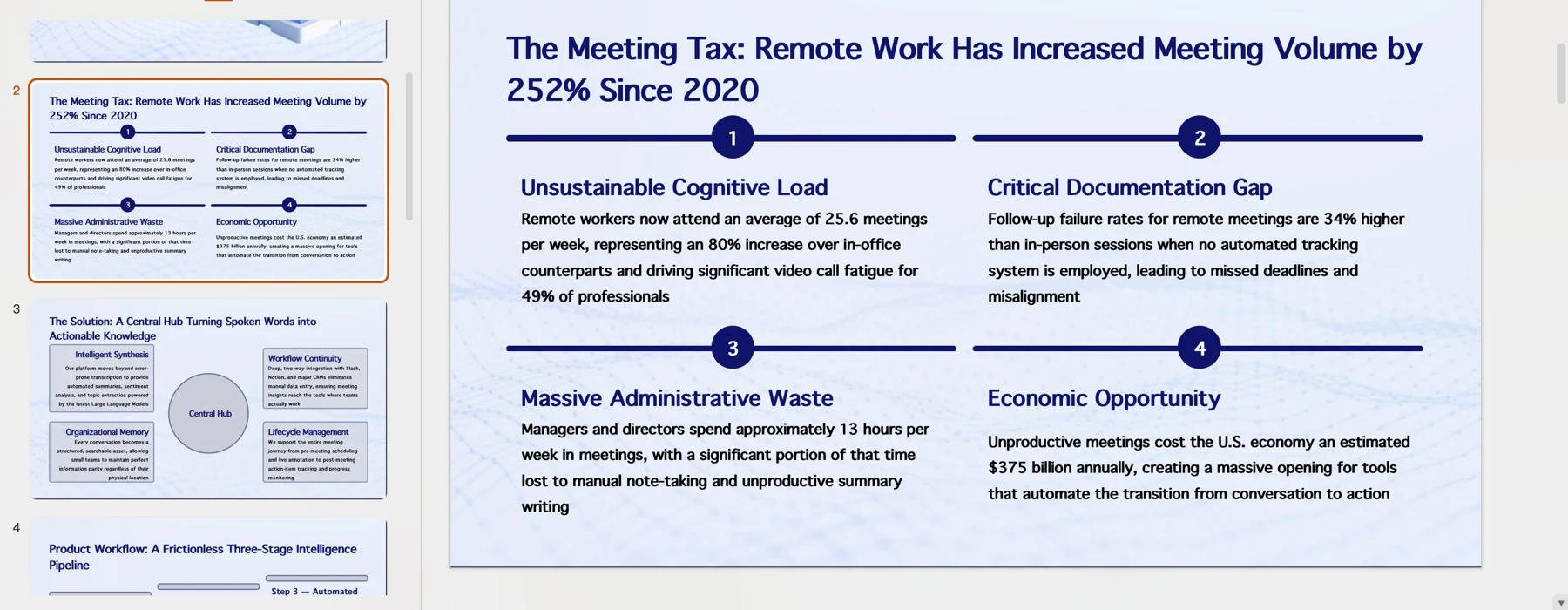
For an internal review or a client handoff, the reader may need a linear narrative, visible sources and a file that can be edited without opening the original platform. PopAi is a relevant source-to-deck candidate. But the same editability test applies: inspect the actual objects rather than treating the PPTX suffix as a complete guarantee.
Build two delivery versions intentionally
- Define whether the primary delivery is a live spatial presentation or a static deck.
- For a native Prezi presentation, make the path and frame order meaningful rather than decorative.
- For a PowerPoint handoff, inspect every frame-derived slide without relying on motion.
- Check text, visual relationships, notes, media and reading order in the actual export.
- Keep the approved native and static versions labeled so later edits do not silently diverge.
The right choice follows the final experience: Prezi for a genuinely spatial explanation, a deck-first route for a primarily linear editable handoff, and a deliberate hybrid when both are required. No generation-speed or output-quality winner is claimed.
Official sources and verification scope
Public product information checked on . Plan pages can vary by country and billing term. This article does not report a controlled hands-on comparison or guarantee conversion fidelity.
- PopAi tools and access FAQ
- Prezi: product updates
- Prezi: create a presentation from PowerPoint with AI
- Prezi: its published plan and cost guide
Additional supplied PopAi interface references
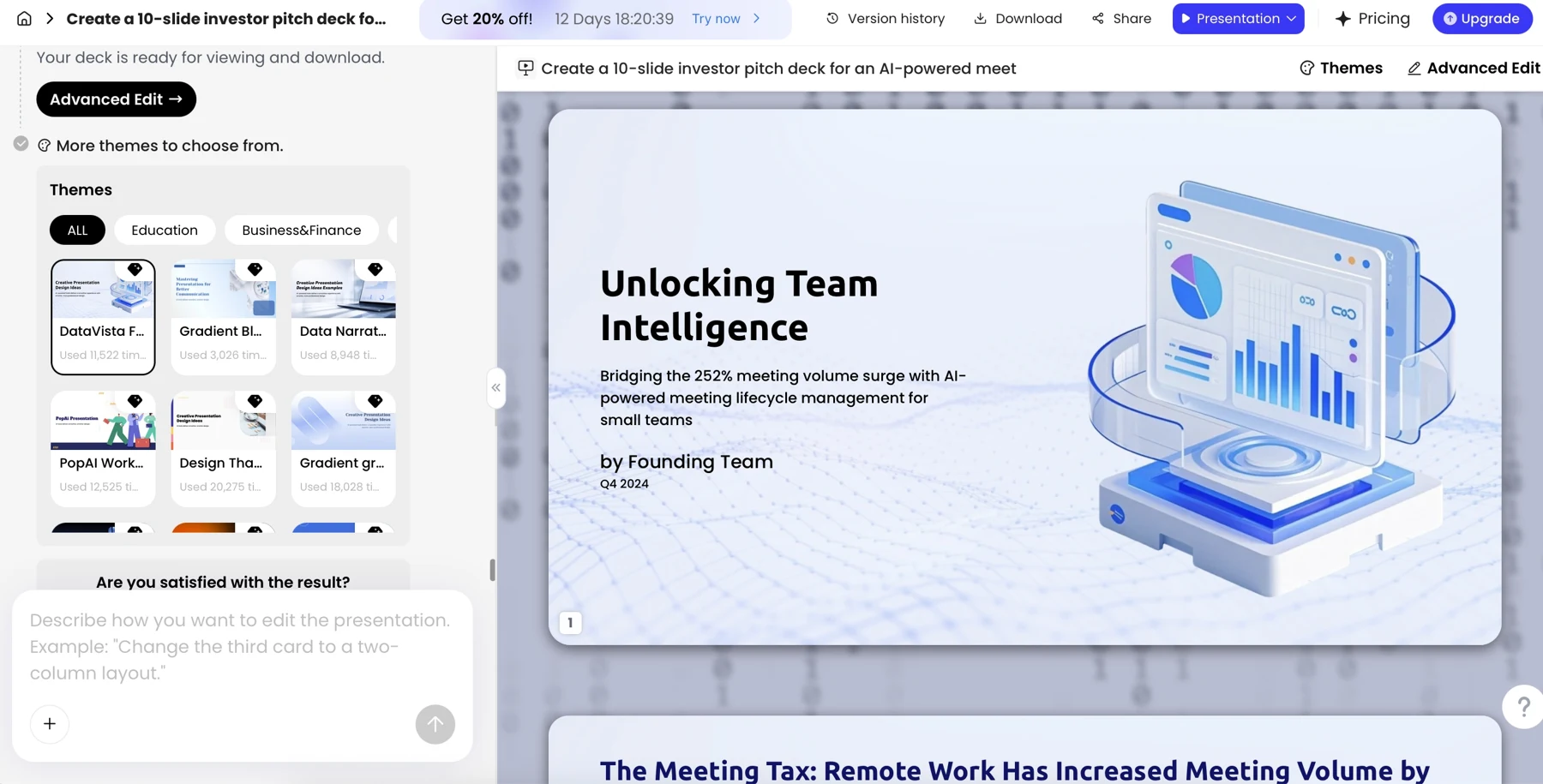
These historical screenshots illustrate the corresponding PopAi steps only. They are not competitor screenshots or proof of a live conversion, current plan entitlement or measured result.