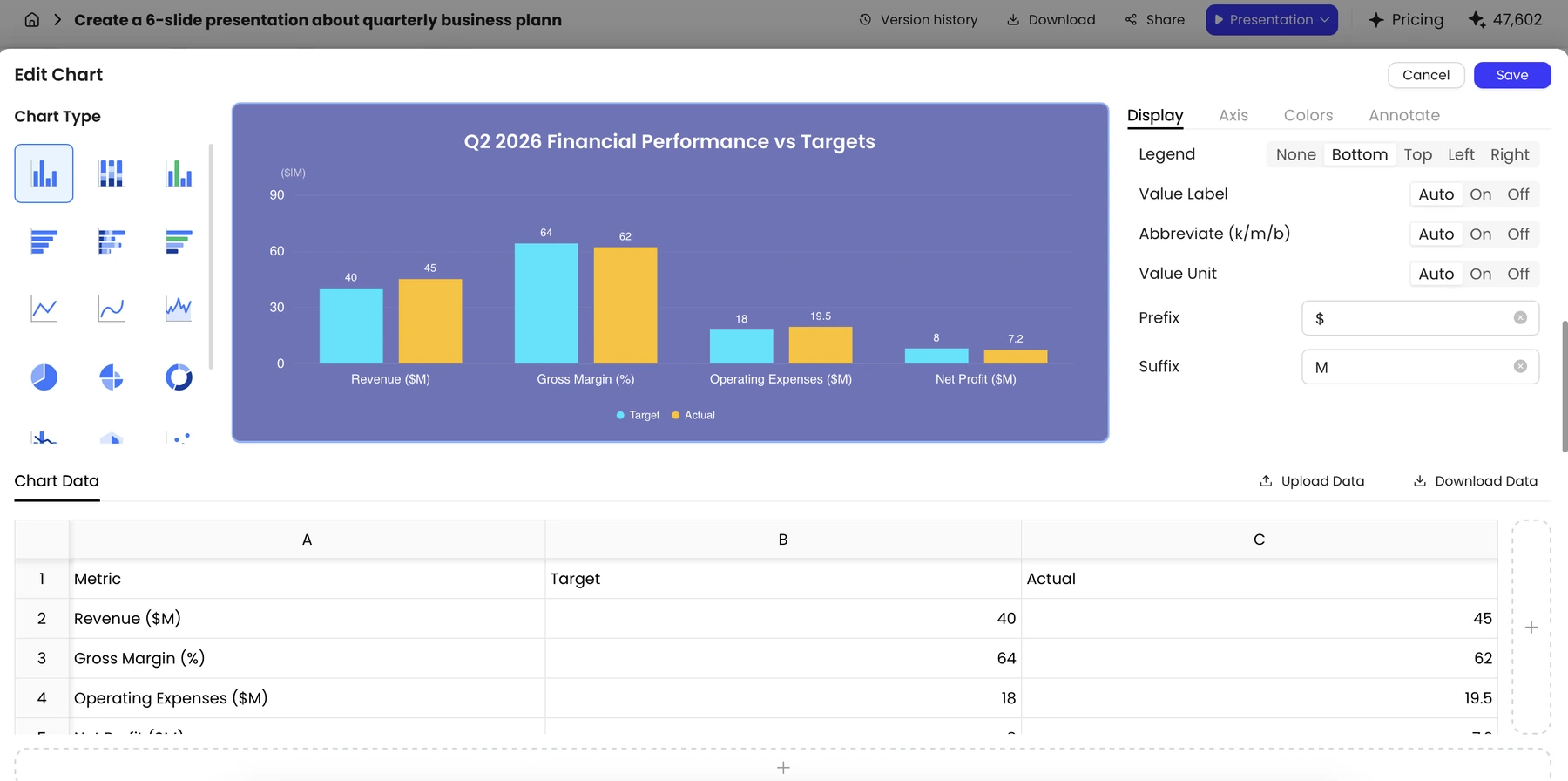
How to Make a Sales Presentation with AI: An 8-Slide Proposal
Editorially revised October 13, 2026
Make a sales presentation with AI by moving from approved discovery notes to a buyer-specific proposal, not by asking for a generic product pitch. This tutorial follows one illustrative example through six steps: a software vendor proposes a limited support-intake pilot to a fictional customer, Northstar Services. Names, scenario details, and proposed activities are examples, not a real customer engagement.
This page explains production, not tool ranking. For the shortlist and workflow trade-offs, use Best AI Presentation Makers for Sales Teams. Once you have an approved tool, keep the same source packet and decision goal throughout the following steps.
1. Clean the discovery notes and define the next decision
The seller's notes say that incoming requests arrive through several channels, ownership is sometimes unclear, and the operations lead wants a limited pilot before considering a wider rollout. They do not contain verified cost savings, a confirmed budget, or an agreed implementation date. Those gaps should stay visible.
| Discovery input | Use in the deck | Do not infer |
|---|---|---|
| Requests arrive through multiple channels | Explain the intake problem in the buyer's own terms | A precise error rate or cost without measurement |
| Ownership can be unclear | Show an ownership check in the proposed workflow | That the product alone resolves every process issue |
| Buyer wants a limited pilot | Frame the proposal as a pilot decision | Approval for a full rollout |
| Baseline, budget, and timing remain open | List the questions to confirm next | Guaranteed ROI, price, or delivery commitments |
Remove private side comments, personal data that the deck does not need, and internal discount guidance. Separate confirmed product capabilities from ideas that would require development or approval. The meeting goal is to agree whether and how to scope a pilot, not to manufacture urgency.
2. Write a specific eight-slide proposal prompt
Create an eight-slide proposal for the fictional Northstar Services support-intake pilot. Audience: operations lead and service manager. Goal: agree the scope and evidence needed for a pilot decision. Use only the approved discovery and product notes. Include current situation, operational impact, proposed workflow, pilot scope, success measures, dependencies, and next decision. Do not invent savings, customer quotes, integrations, pricing, or dates. Mark unconfirmed items as questions for the meeting. Keep titles specific and language non-promotional.
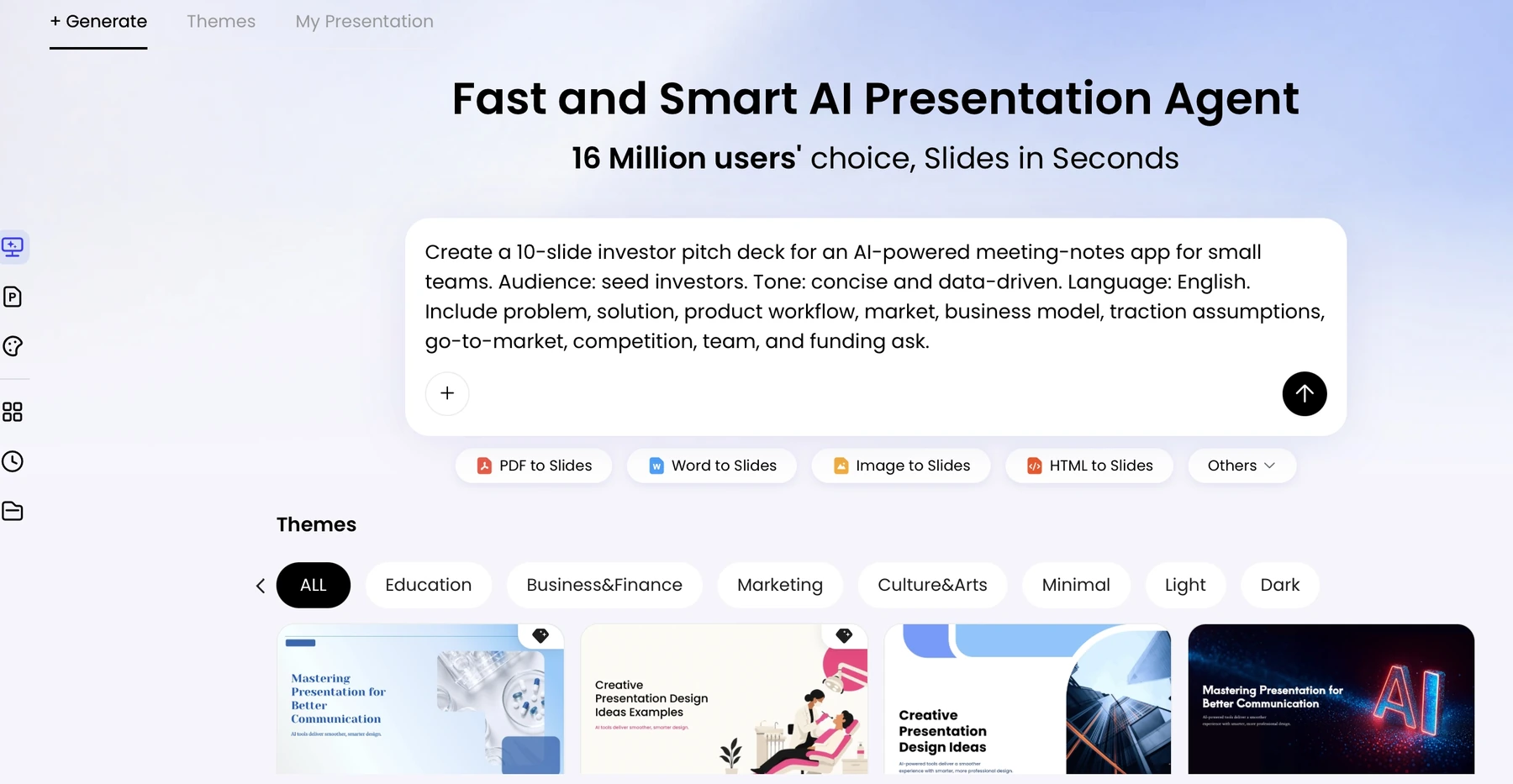
Keep optional talk-track instructions separate from the on-slide content. Asking an AI tool for speaking cues is a text request; it is not evidence that the resulting PPTX contains native speaker notes. Add and inspect notes in the destination application when required.
3. Turn the draft into a buyer-centered story
| Slide | Proposed title | Content and review owner |
|---|---|---|
| 1 | A limited pilot to clarify support-intake ownership | Meeting purpose and requested decision; account owner |
| 2 | Today, intake arrives through multiple channels | Approved current-state notes; buyer validates |
| 3 | Unclear ownership creates handoff questions | Qualitative problem statement without invented costs; buyer validates |
| 4 | Proposed flow: intake, assign, review, resolve | Only documented product/process steps; solution owner checks |
| 5 | Keep the pilot small enough to evaluate | Proposed scope and exclusions; delivery owner confirms |
| 6 | Agree the baseline before measuring improvement | Candidate measures, definitions, and data owner; buyer and analyst confirm |
| 7 | Resolve access, ownership, and timing before launch | Dependencies and open questions; responsible teams review |
| 8 | Next step: confirm whether to scope the pilot | Specific decision request and named follow-up responsibility |
Review the sequence before the design. The proposal should connect the buyer's observed problem to a credible next step. If the generated version starts with several company-history slides, move that background to an appendix or remove it unless the audience needs it.
4. Personalize the draft without inventing proof
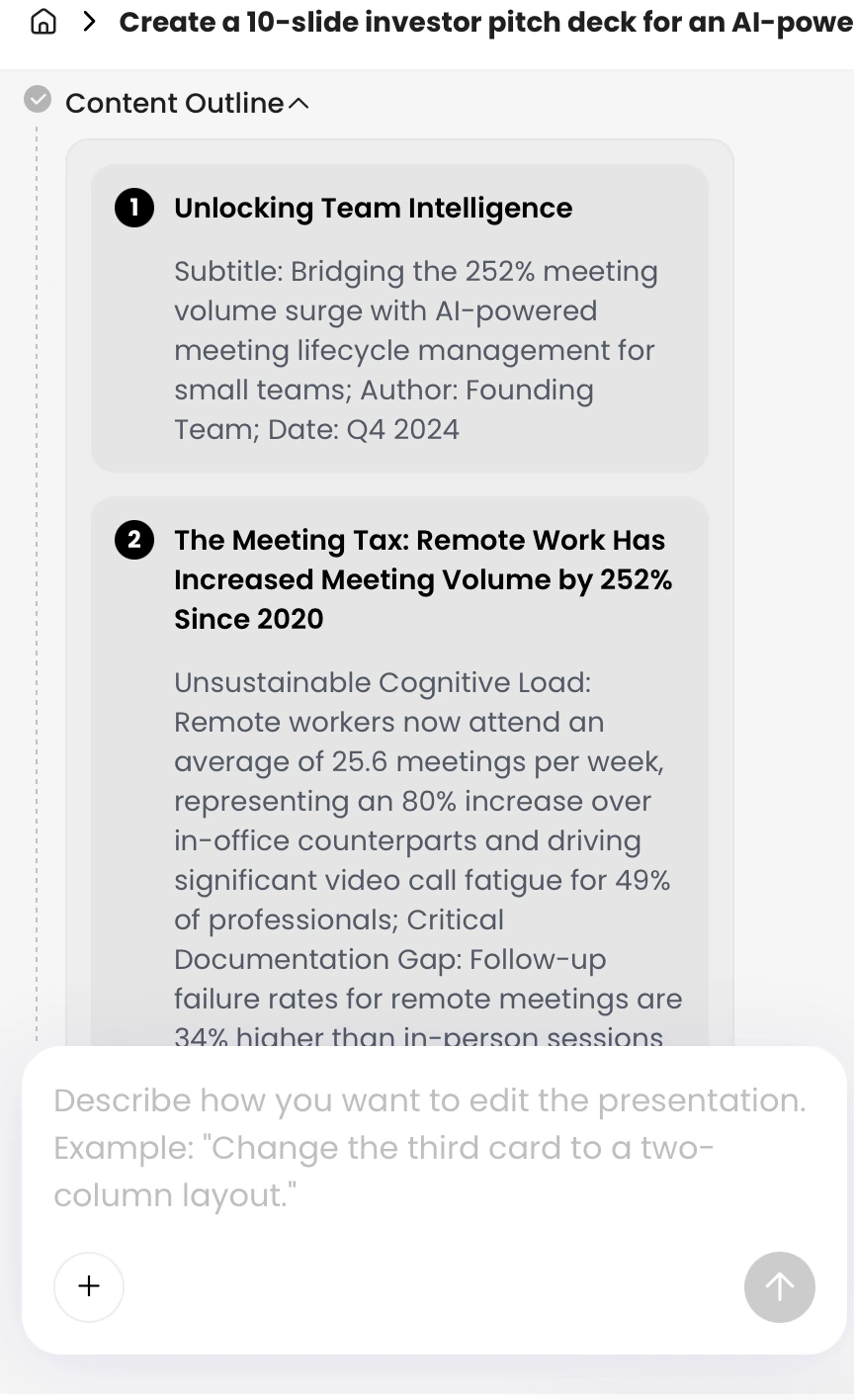
Personalization means using the buyer's approved problem, terminology, constraints, and decision process. It does not mean adding a company logo to a generic deck or guessing facts from a job title. Replace vague claims with a bounded proposal that reviewers can evaluate.
| Generic AI draft | Customer-safe revision | Reason |
|---|---|---|
| "Cut support costs by 40% immediately" | "Measure the baseline and review pilot results before estimating savings" | The notes contain no supported saving or timing claim |
| "A seamless integration with all your systems" | "Confirm the required systems and approved connection method during scoping" | Integration availability has not been verified |
| "Launch across the business next month" | "Agree pilot timing after access and ownership are confirmed" | No rollout date has been approved |
| "Our AI eliminates human error" | "The proposed workflow adds an ownership check; reviewers still resolve exceptions" | The proposal should not promise error-free outcomes |
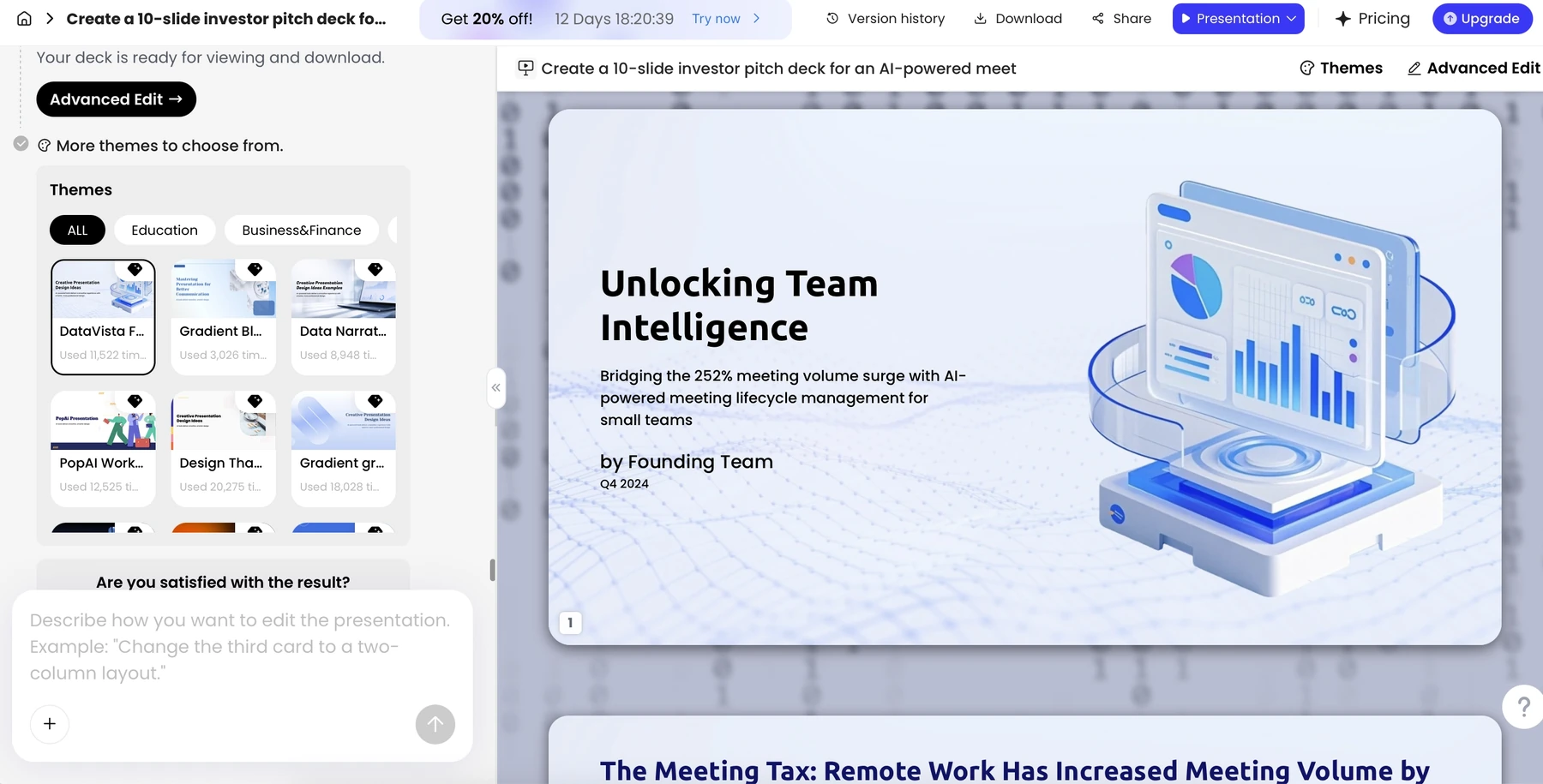
Use actual product screenshots for a demonstration. If a diagram is conceptual, label it as the proposed flow. Keep customer quotations, logos, and reference stories out until permission and wording are approved. A placeholder can help an internal draft, but it must not look like a genuine reference in the customer copy.
5. Verify every claim and prepare the handoff
Run one focused review before export: the account owner checks buyer context, the solution owner checks capability claims, the delivery owner checks scope and dependencies, and the commercial owner checks any approved pricing. Resolve conflicting edits in one master copy.
For this example, no budget or quantified return has been confirmed. The release copy should therefore contain the questions needed to establish them, not a made-up ROI table. If later evidence supports a number, add the source, period, unit, and assumptions alongside it.
Export the required PPTX or PDF and open that file before sending it. Check the actual customer name, slide titles, hidden or skipped content, notes, links, chart labels, and any internal-only comments. PopAi's documented export workflow is a starting point; inspection of the actual file remains necessary.
6. Rehearse the decision conversation
Rehearse how you will ask for the next decision, not just how you will describe features. If the buyer disagrees with the current-state slide, stop and correct the understanding. If the baseline is unavailable, agree who will establish it. If a requested capability is uncertain, record it for verification instead of improvising a promise.
- Opening: confirm the purpose and the customer's priorities.
- Evidence: distinguish what the discovery supports from what the pilot would test.
- Objections: prepare a factual answer or a clear follow-up owner.
- Closing: restate the decision, open questions, and agreed next action.
After the meeting, update only the facts and commitments that were actually agreed. Retire superseded versions so the team does not keep sending an old scope. The completed sales presentation is a controlled communication, not simply a generated file.
Sources and evidence
Product documentation checked October 13, 2026. Features, plans, and interfaces may change. Northstar Services and the proposal are fictional editorial examples. No sales result, customer consent, product integration, or ROI is implied.
Frequently asked questions
What should I give AI before creating a sales presentation?
Use approved discovery notes, verified product information, the buyer's decision goal, and known constraints. Separate open questions from confirmed facts.
Should the deck always contain eight slides?
No. Eight slides are used for the worked example. Adjust the structure to the meeting and decision, not to a universal quota.
Can AI invent an ROI estimate for the proposal?
No. Use a reviewed model and defensible assumptions, or state that the baseline and estimate still need to be established.
Where should I compare sales presentation tools?
Use the linked Best AI Presentation Makers for Sales Teams article. This tutorial focuses on producing one proposal.