Best AI Presentation Makers for Consultants in 2026: Compared
Editorially revised October 13, 2026
For consultants, our first pick is Plus AI when the client expects an editable PowerPoint or Google Slides file; PopAi when the starting material is a document pack; Microsoft Copilot when the engagement already runs in Microsoft 365; Beautiful.ai for repeatable visual layouts; and Gamma for web-first workshop or read-ahead decks. These are different delivery problems, so the recommendation changes with the engagement.
The useful question is not which tool makes the most decorative first draft. It is which one fits the client's template, evidence trail, review process, and final file requirement with the fewest workflow changes. Below are five named options, their strongest consulting use cases, and the reasons to choose something else.
Best AI presentation makers for consultants: comparison
| Tool | Our pick for | Consulting advantage | Choose another route when |
|---|---|---|---|
| Plus AI | Client work that stays in PowerPoint or Google Slides | AI assistance inside the native editing environment | You mainly want a web-native read-ahead or do not use either host app |
| PopAi | Turning approved briefs and reports into a draft | Source-to-slides generation followed by editing and PPTX/PDF delivery | The engagement requires proven preservation of exact masters or native chart objects |
| Microsoft Copilot in PowerPoint | Microsoft 365-centered engagements | Generation in the client's established PowerPoint workflow | You lack the required license or permission to use client files with Copilot |
| Beautiful.ai | Recurring, visually consistent executive updates | Smart Slides help manage layout behavior | Every layout must follow a highly specific custom client master |
| Gamma | Workshop narratives and web-first read-aheads | Browser-based presentation and sharing workflow | The main deliverable is a tightly controlled conventional PPTX |
Plus AI: best for native client deliverables
Plus AI works inside PowerPoint and Google Slides. That makes it a strong starting choice when partners, analysts, and clients will continue editing the actual slide file. The main consulting benefit is avoiding a separate browser-authoring system when the engagement already has a native review process.
Use it for proposal revisions, executive summaries, and restructuring a client-approved narrative. Do not equate native editing with perfect consulting reasoning: a slide can still combine overlapping categories or lose an important exception. Review the storyline and the evidence behind the recommendation before aligning objects.
Check the plan details before buying: document uploads, custom branding, and custom-template requirements are not all the same feature or tier. For strict client masters, get a concrete template demonstration rather than treating a color theme as a full corporate-template implementation.
PopAi: best for document-heavy first drafts
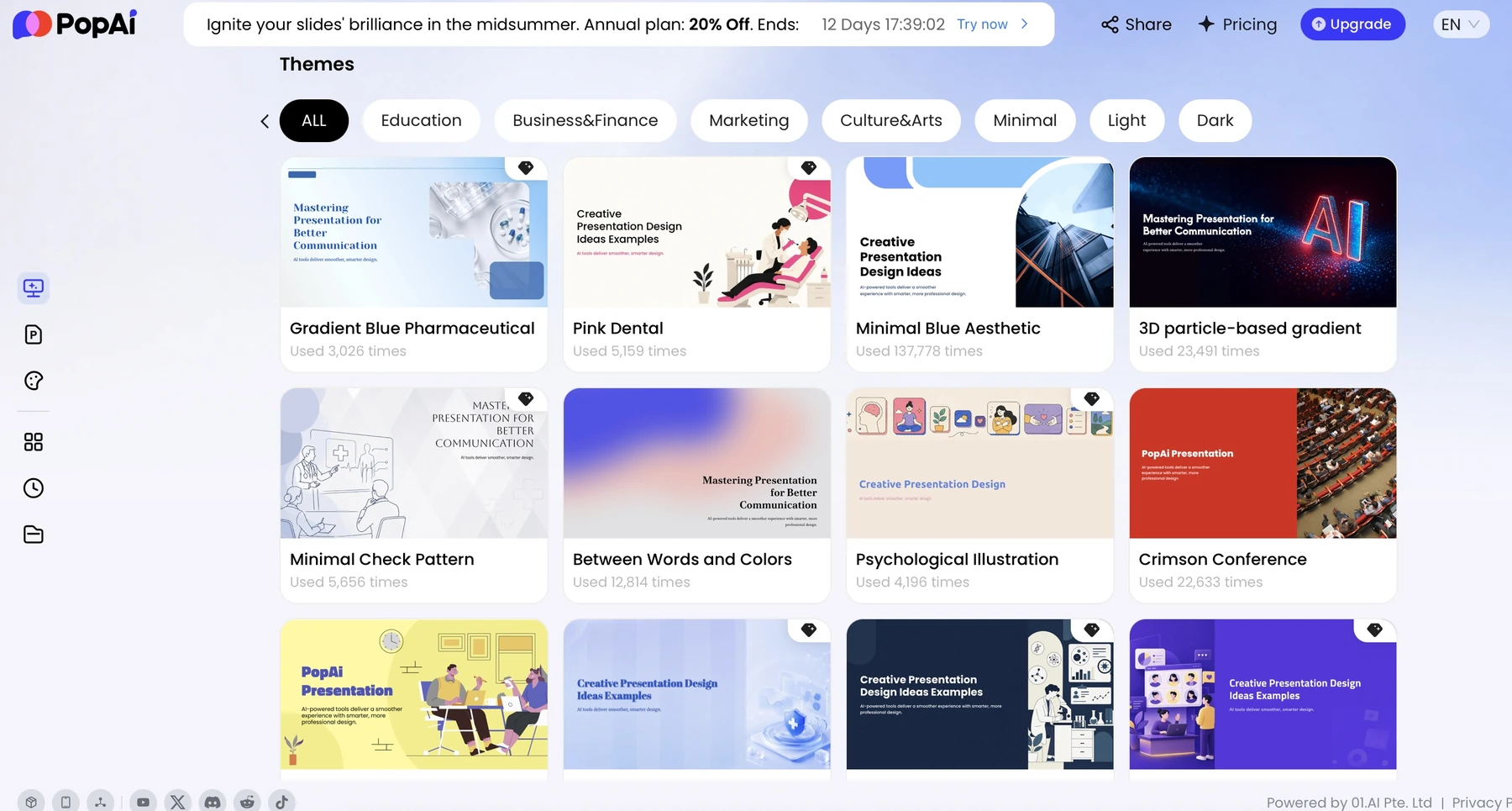
Choose PopAi when the narrative exists across approved reports, notes, and earlier presentation material, but has not yet become a coherent deck. The useful handoff is a structured draft you can review, edit, and export - not a system that decides whether the client's data is true.
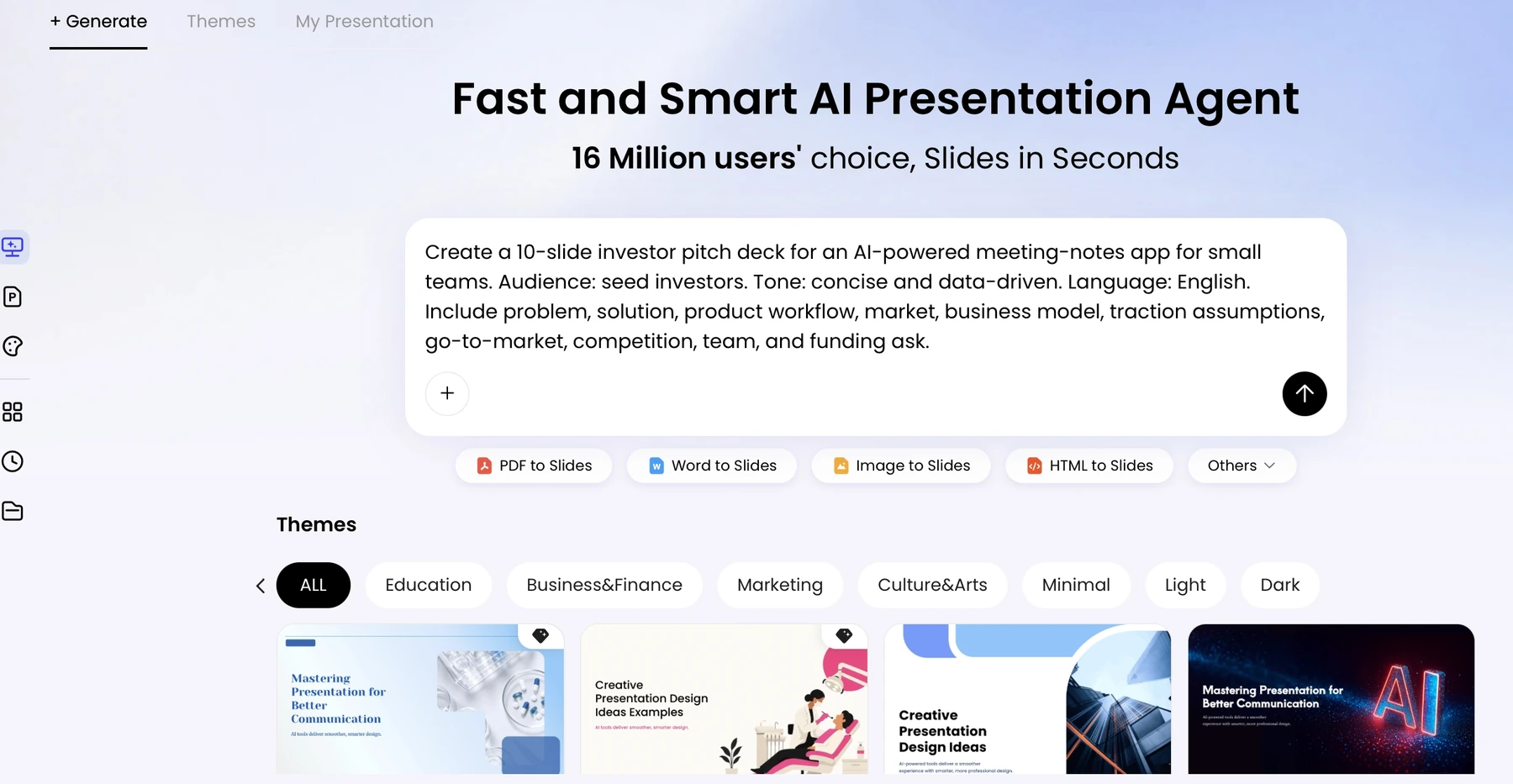
For a commercial due-diligence briefing, for example, organize the supplied material into question, evidence, interpretation, and recommendation before generation. Keep assumptions separate from measured results. If the client cannot share raw documents with the tool, use an approved redacted summary instead.
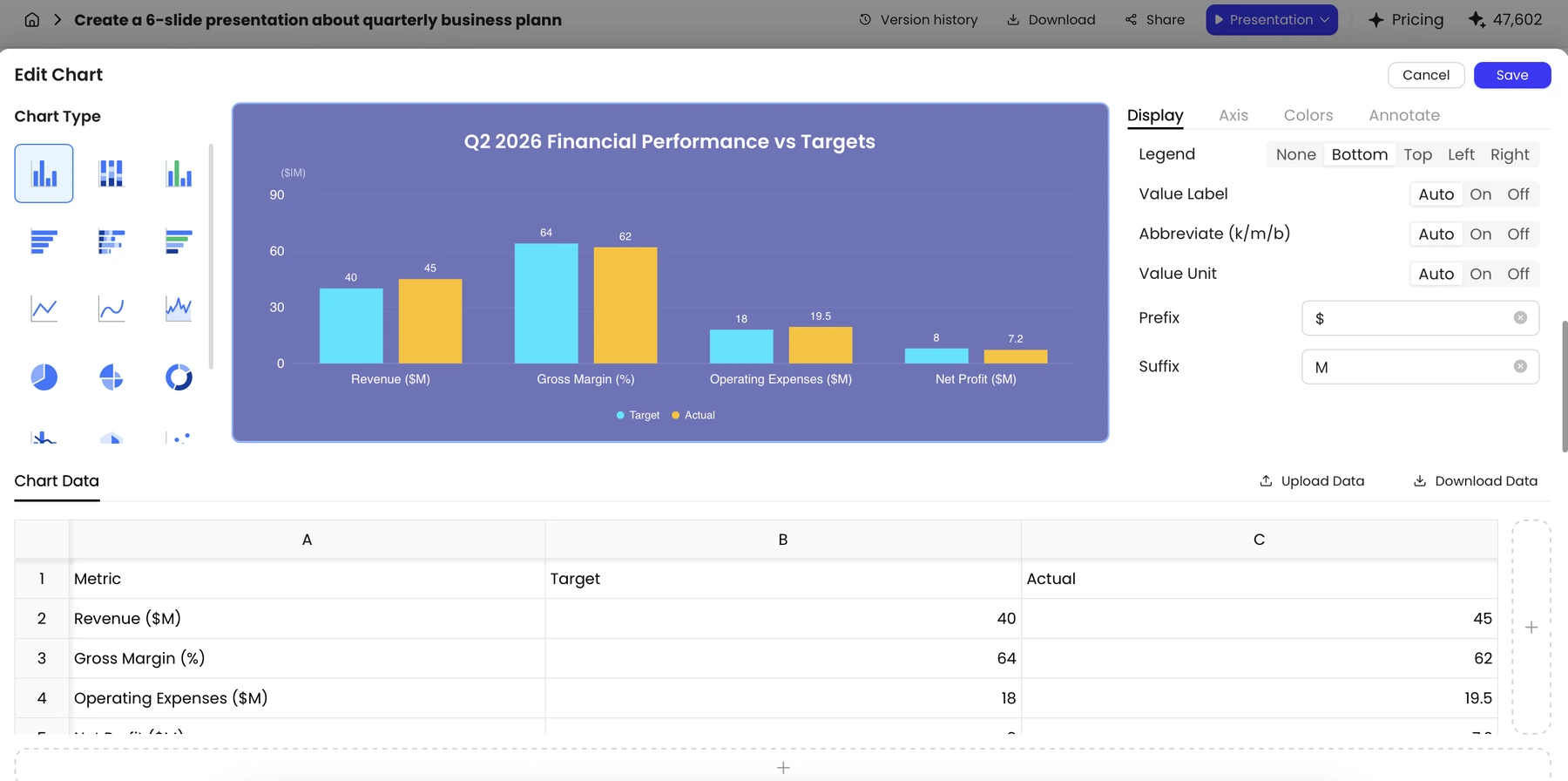
The main limitation is handoff fidelity. Check the export early when the client expects editable charts, master layouts, animation, or notes. The supplied evidence supports opening a PPTX and editing text in a sample; it does not prove that every object survives as a native editable object.
Copilot in PowerPoint: best for an established Microsoft workflow
Microsoft's Copilot guidance describes presentation creation in PowerPoint. For consultants embedded in a Microsoft-centered client team, that can keep draft creation close to the template, reviewers, and presentation file already in use. Availability depends on the relevant account, licensing, and organizational controls.
This is a sensible shortlist choice for steering-committee updates and internal client collaboration. It is not a reason to move confidential project material across tenants or accounts without authorization. Use the client-approved environment and verify which source-file actions are enabled there.
Beautiful.ai: best for consistent recurring updates
Beautiful.ai emphasizes Smart Slides and automatic layout behavior. Our recommendation is strongest for consultants who prepare repeatable status or management updates and want fewer manual spacing and alignment decisions.
Choose a more native template-led route if the client demands a particular master, intricate exhibit layout, or detailed object-level editing. Consistency is valuable, but it should not make all evidence look alike: a driver analysis, a timeline, and a decision tree need different visual jobs.
Gamma: best for browser-first workshops and read-aheads
Gamma is a useful shortlist choice when the audience will consume a narrative through a web link. Think workshop framing, a discussion document, or a read-ahead that does not depend on a conventional slide file as the master.
Gamma also offers export options; web-first does not mean PowerPoint is impossible. The trade-off is that the final PPTX should be checked if a client later changes the delivery requirement. Do not infer export fidelity or client-access permissions from the quality of the browser view.
Match the recommendation to the engagement
| Engagement | Start with | Reason and handoff condition |
|---|---|---|
| Client proposal in a required PPTX template | Plus AI or Copilot | Keep the final file and review inside PowerPoint; inspect the exact template |
| Report-to-board briefing | PopAi | Organize the approved source pack, then verify evidence and export |
| Monthly operating-review pack | Beautiful.ai or the client's native tool | Favor repeatability unless corporate-master requirements override it |
| Remote strategy workshop | Gamma | A web-first discussion format can fit; verify guest access before the session |
| Model-heavy financial appendix | PowerPoint plus the approved analytical source | No presentation generator should replace the spreadsheet model or its audit trail |
Before sending a client file
Keep six checks close to the deliverable: source fidelity, a non-overlapping storyline, chart-data access, PPTX fidelity, brand/template match, and actual cleanup time. These are acceptance criteria, not scores we measured in this article. If you run a pilot, record the plan, date, source pack, export file, corrections, and time to a client-safe result.
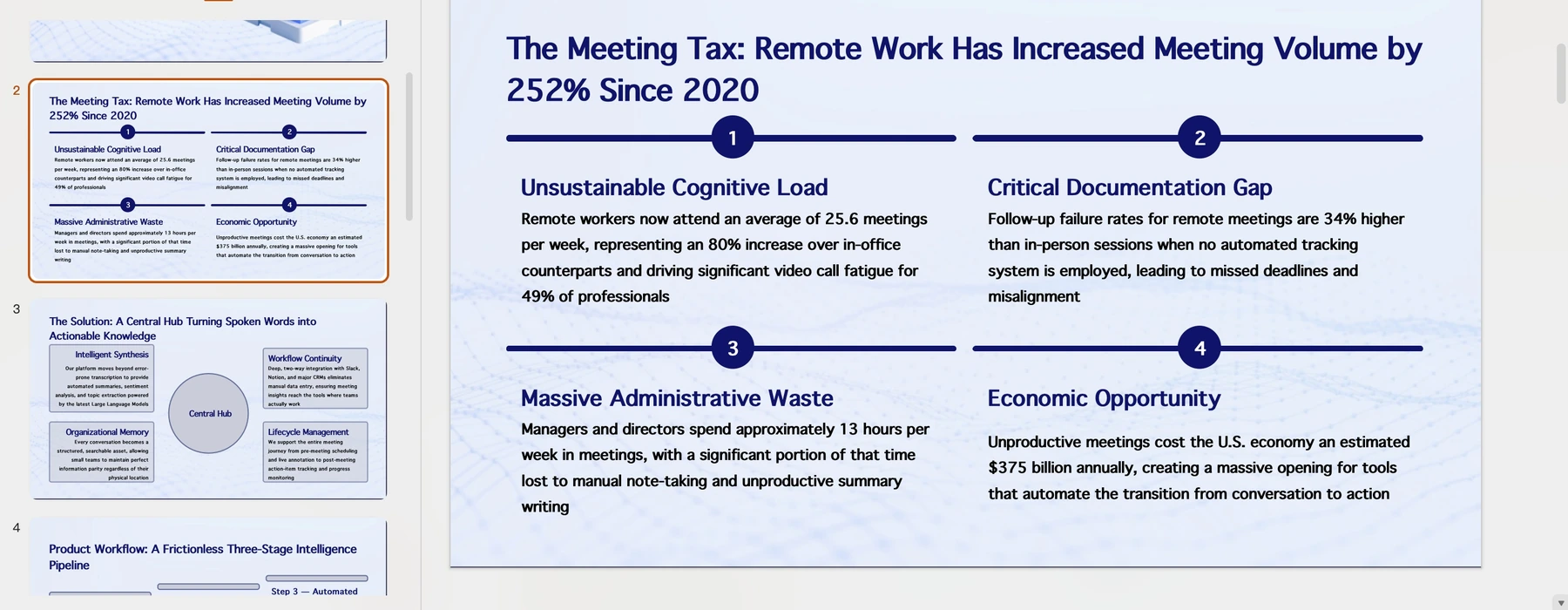
A confident-looking deck can still be unsuitable for a consulting engagement if a number lacks a source, the conclusion exceeds the evidence, or the client cannot edit the file. Select the tool around the final reviewer's needs, not around an unsupported "best overall" label.
These are editorial picks by workflow, based on the linked official product information and the supplied PopAi product screenshots. They are not results from a controlled cross-tool test. PopAi publishes this guide; no timing scores, paid-plan trials, or universal winner are claimed.
Sources and evidence
Product documentation checked October 13, 2026. Features, plans, and interfaces may change.
- Plus AI product documentation
- Plus AI pricing and plan features
- PopAi AI Presentation
- Microsoft: create a presentation with Copilot
- Beautiful.ai and Smart Slides
- Gamma product information
- Gamma pricing and plan features
Frequently asked questions
What is the best AI presentation maker for consultants?
Plus AI is our starting pick for native PowerPoint or Google Slides handoffs; PopAi for document-heavy drafts; Copilot for Microsoft-centered teams; Beautiful.ai for recurring layouts; and Gamma for web-first read-aheads.
Which should I choose for an editable client PPTX?
Start with Plus AI or Copilot when the review process already lives in PowerPoint. Test the exact client template and chart requirements before committing.
Were the tools timed or scored in a controlled test?
No. These are source-based workflow recommendations. The included PopAi screenshots are existing product evidence, not matched outputs from every tool.
Create a presentation draft with PopAi
Turn your brief, research, and client materials into a structured presentation draft, then refine the argument and delivery details yourself.
Explore PopAi AI Presentation