Best AI Presentation Makers for Sales Teams in 2026: Compared
Published October 12, 2026
Editorially revised October 13, 2026
Our sales-team shortlist is Pitch for a shared sales-presentation workspace, Plus AI for native PowerPoint or Google Slides editing, Microsoft Copilot for Microsoft-centered teams, PopAi for source-to-proposal drafts, Gamma for web-first follow-up, and Canva for design-led sales collateral. Start with the part of the sales process that is creating friction, rather than selecting a tool from a generic visual ranking.
This page answers which tool to choose. The separate step-by-step sales presentation tutorial shows how to build one proposal from discovery notes. Keeping those tasks separate makes the recommendation here more useful: compare the tools first, then use the tutorial to produce the deck.
Best AI presentation makers for sales teams: six options
| Tool | Best for | Why it belongs on the shortlist | Check before purchase |
|---|---|---|---|
| Pitch | A shared sales-deck workspace | Documented team editing, shared templates, and link-delivery features | Plan limits for brand, deal rooms, visitor information, and customer access |
| Plus AI | Native PowerPoint / Google Slides production | AI assistance in the editor where the team already works | Document-upload and branding tiers; actual corporate-template requirements |
| Microsoft Copilot | Microsoft 365-centered account teams | Presentation generation inside PowerPoint | Eligible licenses, tenant controls, and approved source-file use |
| PopAi | Approved discovery material to proposal draft | Source-to-slides structure with continued editing and PPTX/PDF handoff | Source fidelity and required exported-object editability |
| Gamma | Web-first follow-up narratives | Browser-based authoring and sharing | Recipient access, branding limits, and fidelity of exported copies |
| Canva | Visual collateral and coordinated campaign assets | Presentation design in a wider marketing ecosystem | Brand plan, editable handoff, and consistency with approved sales claims |
Pitch: best for a coordinated sales workspace
Pitch documents live co-editing, comments, shared templates, and presentation delivery through links and deal rooms. This makes it our strongest shortlist choice when multiple sellers and specialists need a common place to maintain and share sales narratives.
The reason to choose it is workflow coordination, not an assertion that it improves win rate. Check the exact plan for advanced sharing or visitor information, and follow your organization's privacy rules. A presentation open or long viewing session is an engagement signal, not proof of buying intent.
Plus AI: best for native editable proposals
Choose Plus AI when the master deck must remain in PowerPoint or Google Slides. It is a practical option for account teams that already have approved slides, templates, and a review habit in those applications.
For a proposal, keeping the native editor can make revisions easier for sales engineers and managers. The remaining work is still substantive: verify feature availability, implementation dependencies, commercial language, and approved customer proof. Review plan requirements before assuming file upload or branding is included at the entry tier.
Copilot: best for an approved Microsoft account workflow
Microsoft Copilot in PowerPoint is worth shortlisting when your organization has already approved the Microsoft environment and eligible access. Staying in PowerPoint can fit an account team that must deliver a conventional file rather than a web-only experience.
Do not assume the entire CRM or customer repository is connected to a presentation workflow. Confirm which files the account may use and which features are available. AI can draft a presentation; it cannot authorize a discount, sign off a service-level commitment, or decide what a contract means.
PopAi: best for approved discovery notes and reports
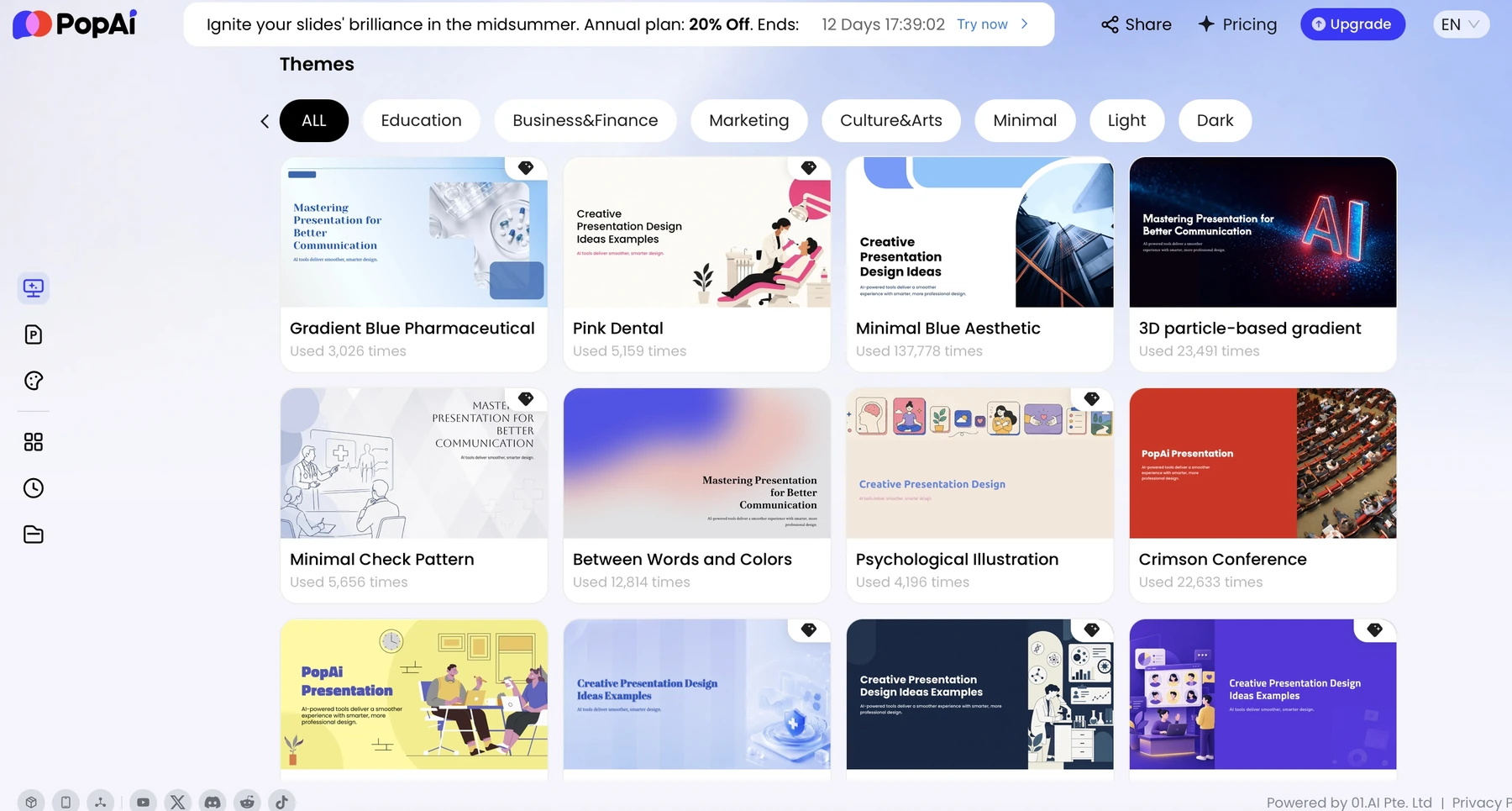
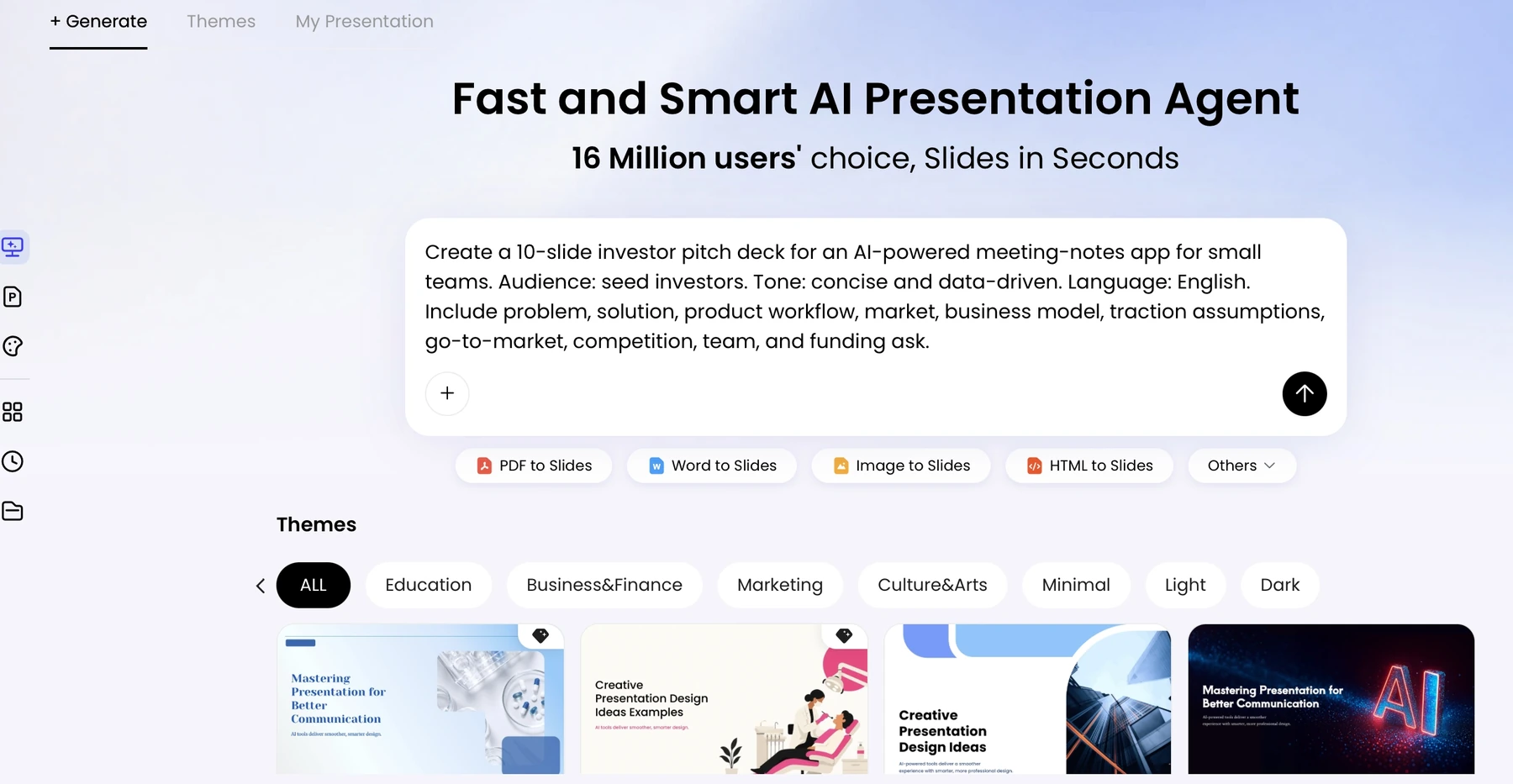
PopAi fits a source-heavy start: approved discovery notes, a solution summary, and existing evidence need to become a proposal structure. Its role is to organize and draft the presentation, then allow editing and handoff, not to invent a buyer's priorities.
Use a customer-safe source packet and define the decision the meeting should support. Ask the draft to keep open questions visible rather than filling gaps with plausible numbers. For the complete production sequence, use the linked tutorial instead of treating this tool comparison as a second how-to article.
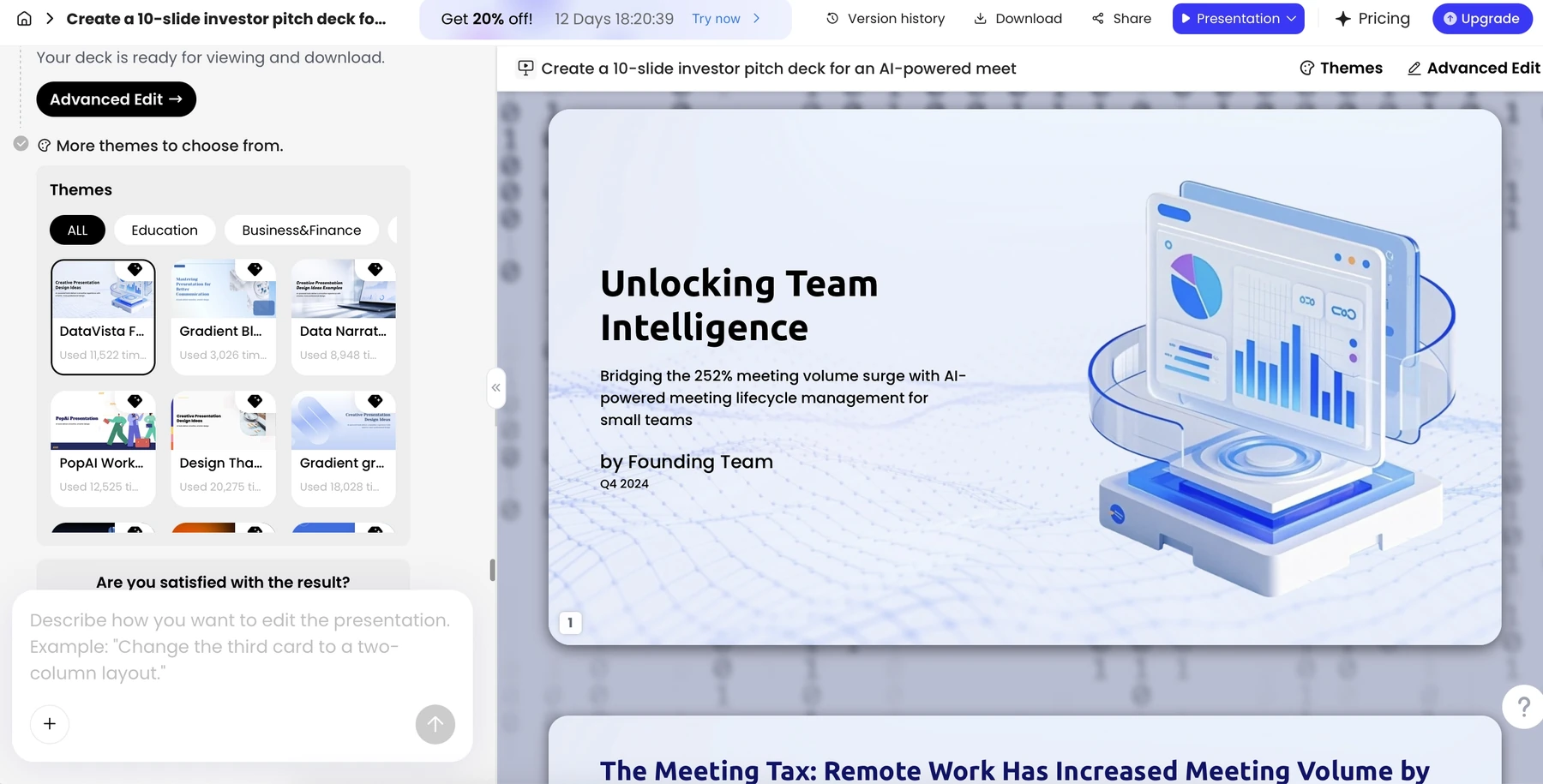
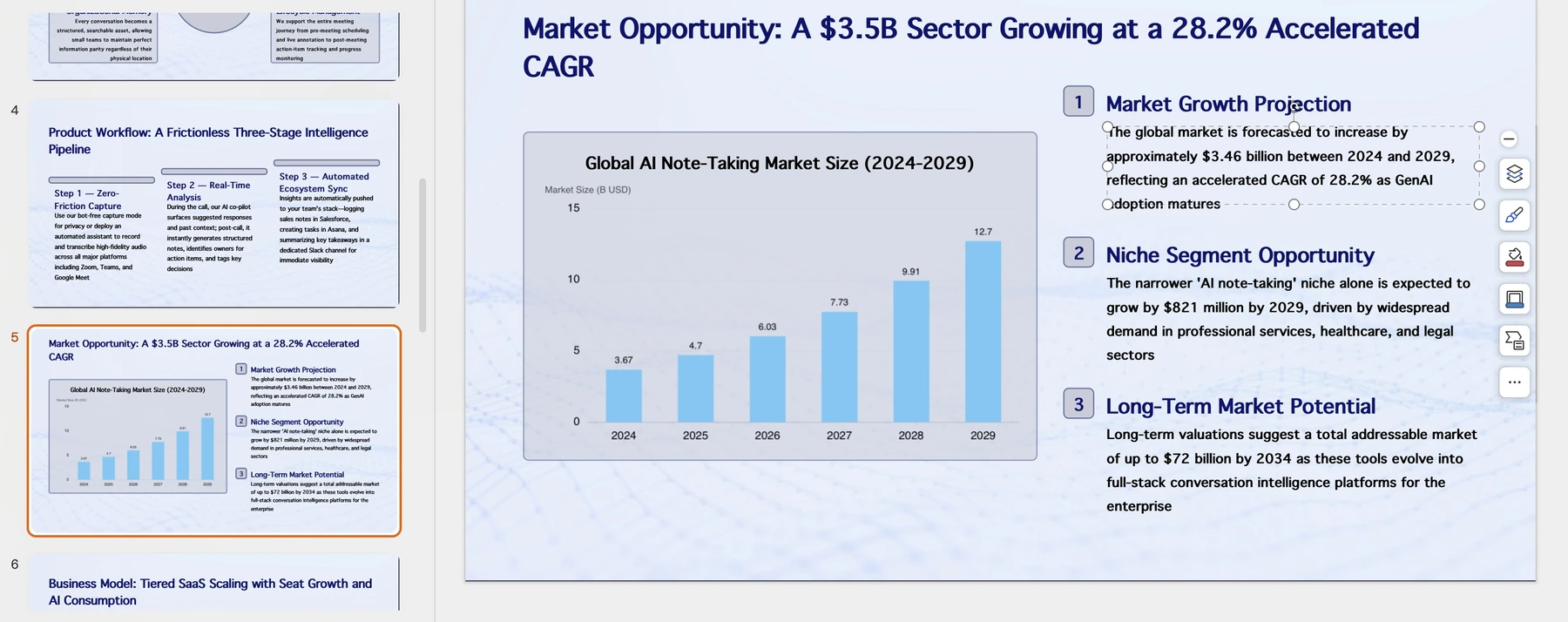
Check export requirements early. A text-editability sample does not prove that complex charts, notes, and masters will behave identically after conversion. Nor does a Share control prove slide-level analytics, role-based approvals, or simultaneous co-editing.
Gamma: best for web-first sales follow-up
Gamma is a reasonable first choice when the follow-up is a browser-readable narrative rather than a strict corporate PowerPoint file. Keep the message focused on the buyer's problem, relevant evidence, and next decision.
A polished shared page is not always the right procurement artifact. Confirm whether the buyer needs a PDF, an editable PPTX, or access without a new account, and check the relevant plan and permissions. Maintain a reviewed distribution copy when the web version is still being edited.
Canva: best for design-led supporting collateral
Canva is useful when sellers need a deck coordinated with event materials, one-page visuals, or a broader marketing campaign. It is especially attractive when the team already keeps approved brand assets in that design environment.
The trade-off is discipline. Reusing a beautiful template must not introduce unsupported features, unapproved logos, or mismatched product screenshots. Pick another primary workflow when the handoff must preserve an intricate native PowerPoint master or analytical exhibit.
Choose separately for first call, proposal, and QBR
| Sales moment | Recommended starting point | What should drive the decision |
|---|---|---|
| First-call introduction | Pitch or Canva for reusable collateral; PopAi for an approved account-specific draft | A concise buyer-relevant narrative and controlled proof, not excessive personalization |
| Solution proposal | Plus AI or Copilot for native PPTX; PopAi for source organization | Reviewable claims, dependencies, commercial language, and editable handoff |
| Quarterly business review | The approved native reporting workflow; Plus AI/Copilot for slides | Verified metrics, definitions, period comparison, and agreed next actions |
| Remote follow-up | Gamma or Pitch | Recipient access, controlled sharing, and an accurate final copy |
| Multi-person enablement program | Pitch or the existing approved office ecosystem | Ownership, comments, templates, and a maintained master, with plan controls checked |
None of these recommendations is a claim that the product automatically understands your pipeline, prevents hallucinations, or integrates with every CRM. Request proof of any deal-breaking capability before buying. Measure your own review and correction work only if you keep the input, plan, output, and acceptance criteria consistent.
How these recommendations were made
These are editorial picks by workflow, based on the linked official product information and the supplied PopAi product screenshots. They are not results from a controlled cross-tool test. PopAi publishes this guide; no timing scores, paid-plan trials, or universal winner are claimed.
Sources and evidence
Product documentation checked October 13, 2026. Features, plans, and interfaces may change.
- Pitch product information
- Plus AI product documentation
- Plus AI pricing and plan features
- Microsoft: create a presentation with Copilot
- PopAi AI Presentation
- Gamma product information
- Gamma pricing and plan features
- Canva AI presentations
Frequently asked questions
Which AI presentation maker should a sales team choose?
Choose Pitch for a shared sales workspace, Plus AI for native deck editing, Copilot for Microsoft-centered teams, PopAi for source-to-proposal drafts, Gamma for web-first follow-up, or Canva for coordinated visual collateral.
Is a shared presentation link the same as sales analytics?
No. Verify the specific analytics, privacy, and plan features. A Share control alone does not establish slide-level analytics or customer-intent scoring.
Where can I find the step-by-step sales deck workflow?
Use the separate How to Make a Sales Presentation with AI tutorial linked in this article. This page focuses on selecting tools.
Are there measured first-draft or cleanup-time rankings?
No. This comparison does not report a controlled timing test or invented scores.