How to Make a Lecture Presentation with AI: An Instructor Guide
Editorially revised October 13, 2026
To make a lecture presentation with AI, design the learning sequence first: a question, an explanation, a worked example, a check for understanding, and a chance to apply the idea. This guide is for instructors and educators, not students preparing a graded class report. Student assignments belong in the class presentation guide.
The running example is an introductory lesson on percentage change and percentage points. Its schedules, activities, and slide plan are editorial teaching examples. Adapt them to the learners, course requirements, accessibility needs, and actual time available.
1. Define the learning outcome and likely misconception
Write an observable task before asking for slides. In this example: "Given two percentages, learners can calculate the change in percentage points and the relative percentage change, then explain why the answers differ." That is more useful than "understand percentages," because it gives the instructor a concrete way to check learning.
Identify the likely misconception: subtracting two percentage values and calling the result a relative percentage increase. Build the lesson around that distinction. Supply your approved definitions and examples so the generator does not introduce incompatible terminology.

2. Build a schedule for the actual class length
The table below gives three possible schedules, not research-established timing rules. Reserve time for students to think, not just for slides to advance. A ninety-minute lecture should not simply contain twice as many slides as a forty-five-minute lesson.
| Learning phase | 45-minute example | 60-minute example | 90-minute example |
|---|---|---|---|
| Opening question and recall | 5 | 5 | 10 |
| Concept explanation | 10 | 15 | 20 |
| Worked example | 10 | 15 | 20 |
| Learner application / discussion | 12 | 15 | 25 |
| Concept check and feedback | 5 | 5 | 10 |
| Recap and next task | 3 | 5 | 5 |
| Total minutes | 45 | 60 | 90 |
In a larger room, discussion and transitions may take longer. In a class with unfamiliar notation, reduce the number of examples and allow more explanation. If the class falls behind, remove an optional example rather than skipping the only check that tells you whether students understood the concept.
3. Prompt for a teaching sequence, not a chapter summary
Draft an instructor-led lesson on percentage change versus percentage points. Learners know basic fractions but often confuse the two terms. Use the approved definitions and examples below. Sequence: opening question, explanation, worked example, guided practice, independent check, recap. Label each proposed slide as explanation, example, question, or feedback. Include the correct answer separately from the student-facing question. Do not invent research citations or student performance data. Suggest which details belong in a handout rather than on the slide.
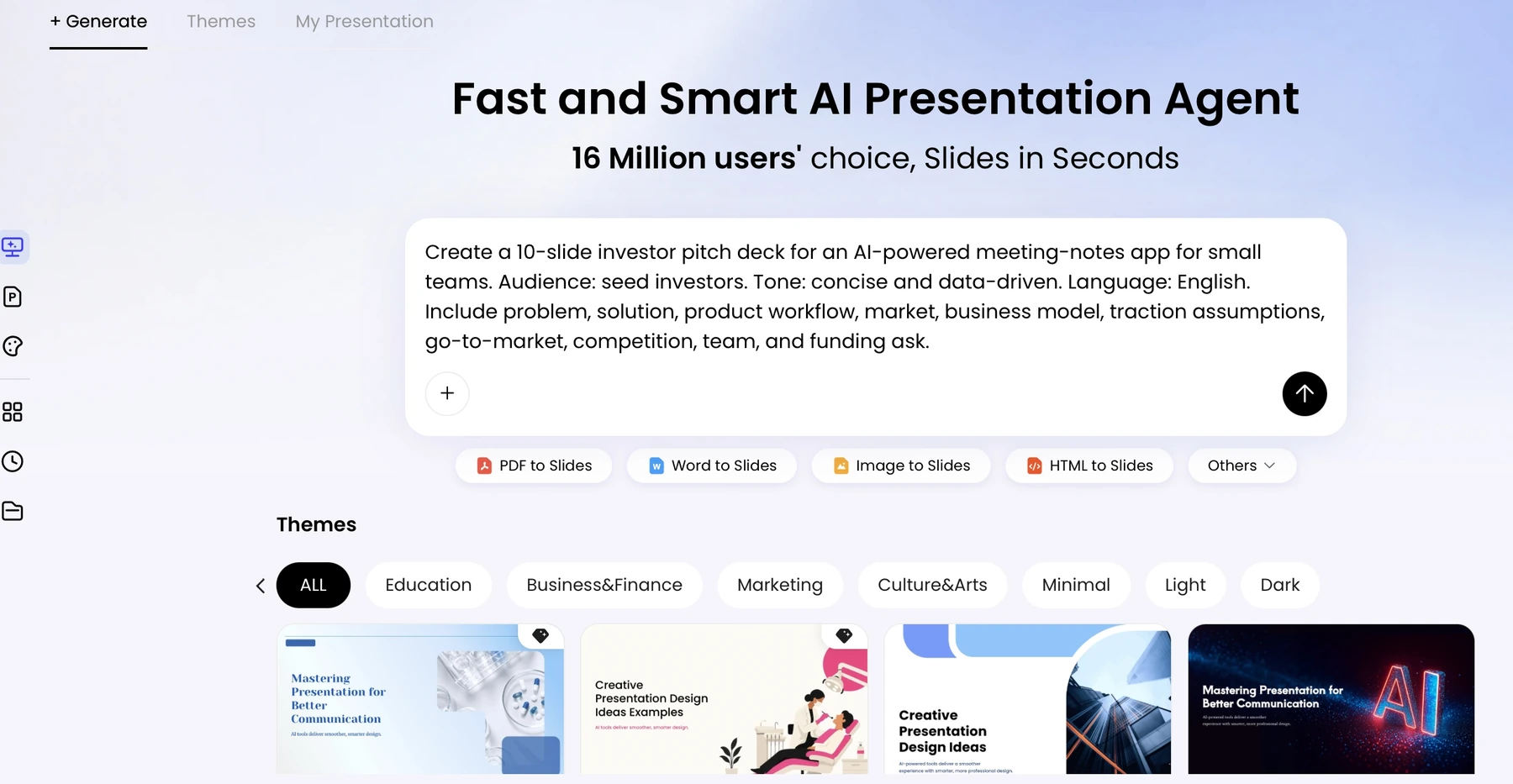
Review the proposed sequence yourself. Do not assume a generated outline can be directly dragged, rearranged, or partially regenerated in every product entry. Keep an approved outline outside the tool, request targeted revisions where supported, and inspect the final slide order.
4. Build one worked example carefully
Use a simple fictional example: a response rate increases from 40% to 50%. The difference is 10 percentage points. The relative increase is (50 - 40) / 40 = 25%. These are arithmetic results for a teaching example, not an observed campaign or study.
| Slide | Student-facing content | Instructor job |
|---|---|---|
| Question | A rate moves from 40% to 50%. Is the increase 10% or 25%? | Collect initial reasoning without immediately revealing the answer |
| Definition | Percentage-point change = new rate - old rate | Make the unit explicit |
| Worked calculation | 50% - 40% = 10 percentage points; relative change = 10 / 40 = 25% | Explain why the denominator is the original rate |
| Guided practice | A rate moves from 20% to 30% | Ask learners to identify both changes before calculating |
| Feedback | 10 percentage points; 50% relative increase | Discuss why equal point changes can mean different relative changes |
| Exit check | Write one sentence that uses both terms correctly | Use the response to decide what to revisit next time |
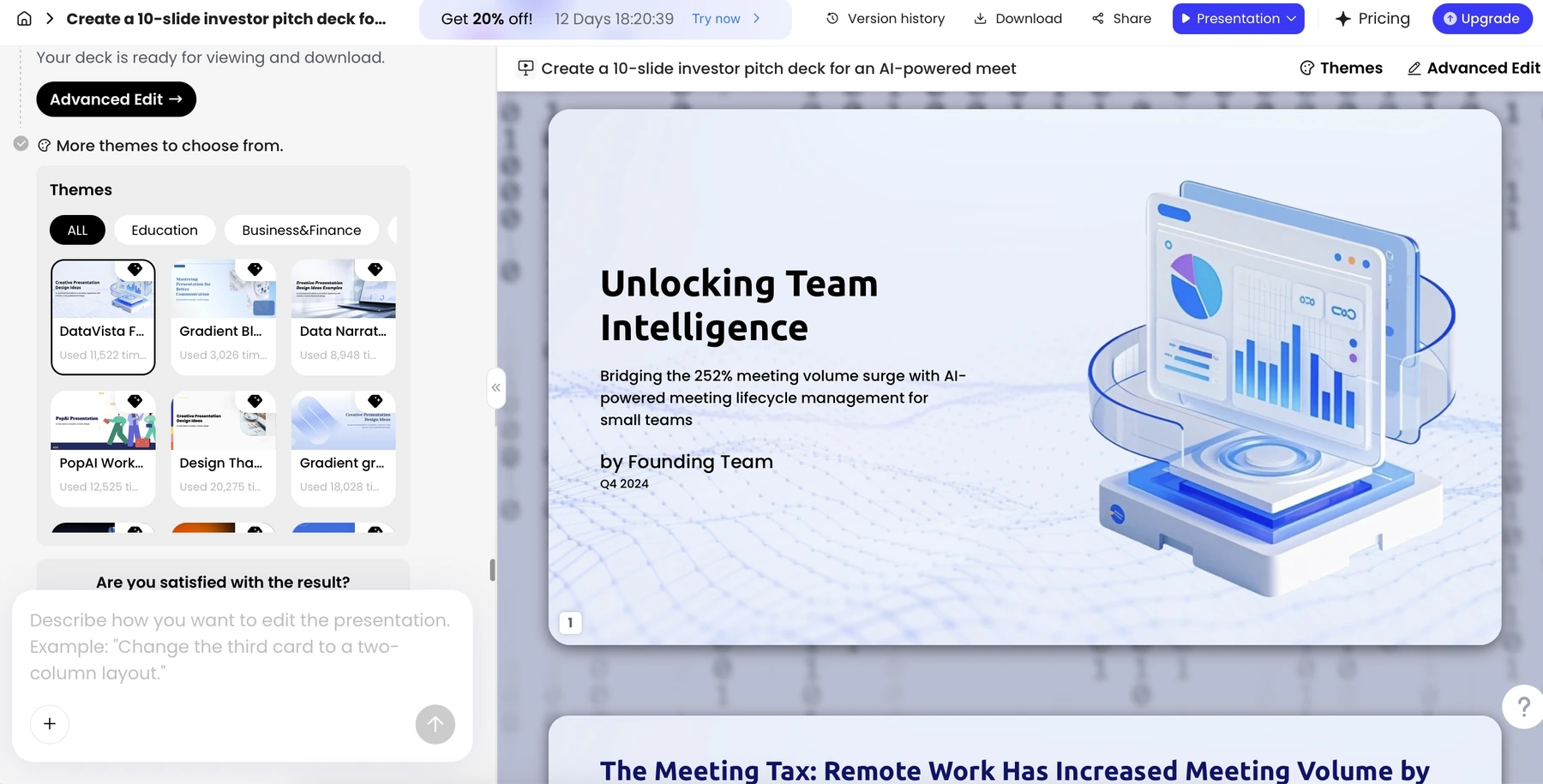
For a formula slide, check every symbol, denominator, unit, and line break after generation. For a diagram, verify labels and the direction of arrows. Keep mathematical text editable where practical, and do not treat a generated image of a formula as proof that the notation is correct.
5. Separate slides, presenter notes, and handouts
| Material | Put here | Avoid |
|---|---|---|
| Slides | The question, one key relationship, a readable visual, and brief instructions | Full textbook paragraphs or answers shown before the activity |
| Presenter notes | Explanations, prompts, anticipated misconceptions, and timing cues | Unverified facts or notes assumed to survive export without inspection |
| Handout | Definitions, full worked solutions, references, and practice space | A tiny printout of dense slides presented as an accessible alternative |
| Answer key | Solutions and feedback criteria | Accidentally including the key in the student distribution copy |
A retrieval prompt can ask students to recall the distinction from the prior lesson before seeing the definition again. A concept check can ask which denominator belongs in a calculation and why. These are suggested instructional activities; AI should not invent evidence about how your students performed.
6. Check the lesson, then the delivery file
Work through every problem yourself before class. Check that the question, correct answer, and explanation agree. Verify quoted research and definitions against the course sources. Keep answers hidden until the planned reveal, and ensure activities can be completed without relying only on color or audio.
W3C's contrast guidance is one reference for readable text; it does not certify the whole deck. Provide descriptions for meaningful visuals and an appropriate alternative handout. Rehearse from the back of the room or an equivalent display size rather than judging readability only on the editing screen.
For delivery, export the required file, inspect the equations and media, and test the presenter's notes setup. Keep these generic production steps short: the detailed notes/export guide covers storage and compatibility. The lecture's value comes from the learning sequence and feedback, not from the number of AI features used.
Sources and evidence
Product documentation checked October 13, 2026. Features, plans, and interfaces may change. The lesson example, arithmetic, and 45/60/90-minute schedules are authored teaching illustrations, not claims about measured learning outcomes.
Frequently asked questions
How is this different from a student class presentation?
This guide designs an instructor-led learning sequence with explanation, practice, feedback, and assessment. A student report follows an assignment rubric and demonstrates the student's argument.
How many slides belong in a 60-minute lecture?
There is no universal count. Plan the activities and thinking time first, then use only the slides needed to support them.
Can AI write the examples and answer key?
It can draft them, but the instructor must solve and verify every example and ensure the answer key matches the student-facing task.
Should the handout be a copy of the slides?
Not necessarily. Use slides to direct attention and a handout for definitions, fuller explanations, references, and practice.