How to Make a Class Presentation with AI: A Student Guide
Published October 12, 2026
Editorially revised October 13, 2026
To make a class presentation with AI, start from the assignment rubric, build an evidence-backed outline, generate a draft, and rehearse it within the teacher's time limit. This guide is for students preparing a class report or group assignment. Instructors planning a lesson should use the separate lecture-presentation guide.
The running example is an illustrative three-student assignment: a six-minute presentation answering "Should our campus introduce more refill stations?" followed by two minutes of questions. The example timings and rubric below are planning choices, not a claim about a real course. Replace them with your teacher's instructions.
1. Turn the assignment rubric into a slide plan
Read the brief before opening an AI tool. Identify the required question, audience, source count, allowed AI use, file type, speaking time, and whether the grade includes individual participation. If the policy is unclear, ask the instructor before submitting AI-assisted work.
| Illustrative rubric item | Evidence of meeting it | Where it appears |
|---|---|---|
| Answer a focused question | A clear recommendation with conditions | Opening and conclusion |
| Use credible research | Checked sources and readable source labels | Evidence slides and references |
| Compare alternatives | Benefits, constraints, and an alternative option | Comparison slide |
| Share group participation | Named slide ownership and rehearsed handoffs | Speaker plan, not invented by AI |
| Meet the six-minute limit | A timed rehearsal of the actual talk | Final review |
For the refill-station topic, do not ask AI to invent campus waste or student-survey statistics. Collect permitted facilities information, relevant published sources, and any genuine research your group is allowed to conduct. A missing number should remain an open question, not become a convenient argument.

2. Write a prompt that preserves the assignment constraints
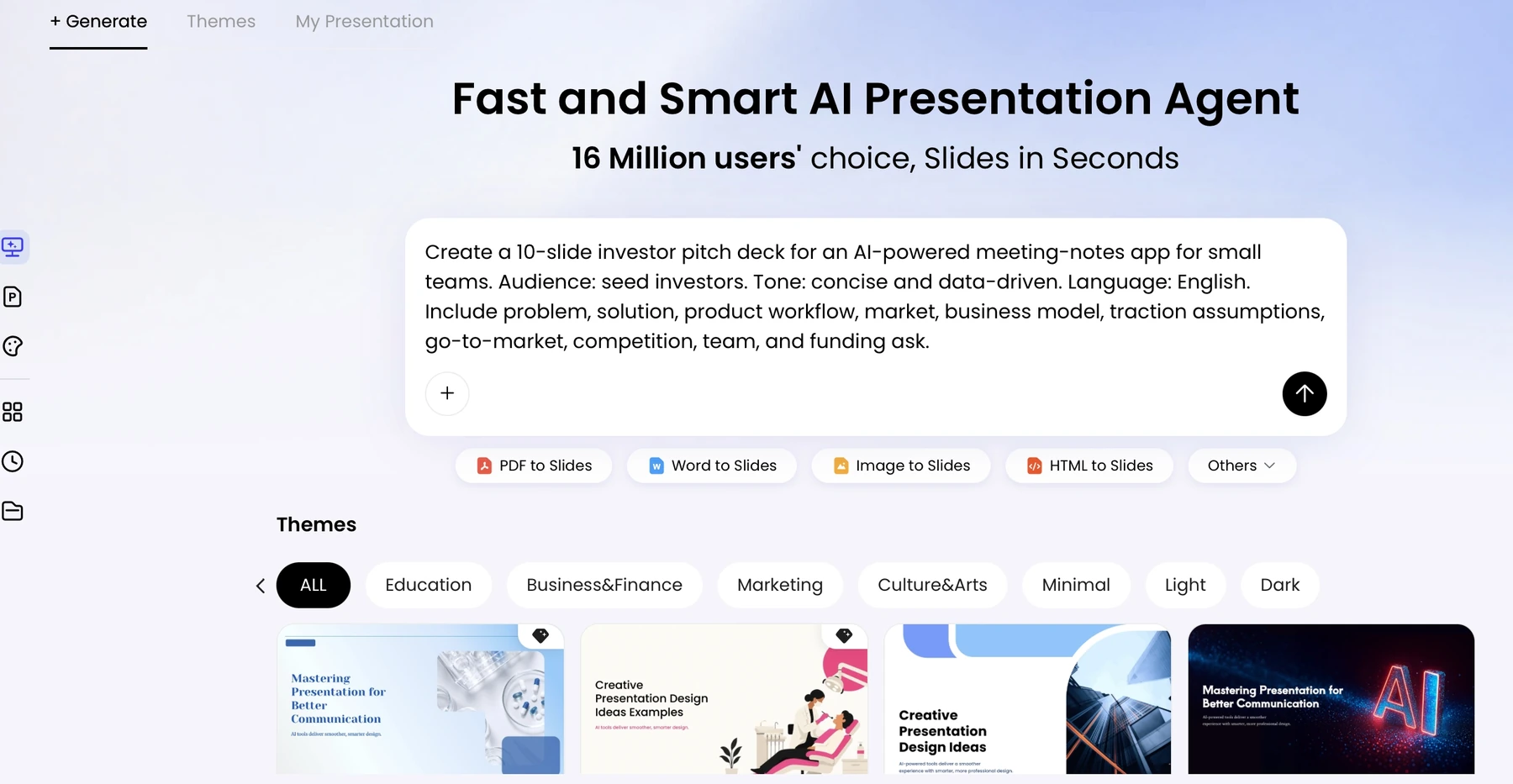
Create a draft class presentation answering: Should our campus introduce more refill stations? Audience: classmates and the instructor. We have six minutes plus a separate two-minute Q&A, with three speakers. Use only our source notes. Include the question, evidence, alternatives, a recommendation with limitations, and references. Keep source IDs attached to factual claims. Do not invent campus numbers, interviews, or citations. Return a slide plan and concise on-slide text. We will write and verify our own explanation before submission.
Ask for a manageable draft rather than a fixed number of slides because a website told you it was ideal. In this example, seven content slides and a references slide provide a starting structure. If a slide needs too much explanation, simplify the question or move supporting detail to the appendix.
3. Challenge the outline against the sources
| Slide | Purpose in the example | Group review question |
|---|---|---|
| 1. The decision | State the refill-station question | Is the question narrow enough for six minutes? |
| 2. Current situation | Summarize verified campus context | Can we identify a source for every local claim? |
| 3. Evidence | Explain one or two relevant findings | Do the sources actually apply to this setting? |
| 4. Alternatives | Compare adding stations with other options | Have we represented the alternative fairly? |
| 5. Constraints | Show cost, access, maintenance, or missing information | Which details are verified and which remain unknown? |
| 6. Recommendation | Give a conditional, justified next step | Does the recommendation follow the evidence? |
| 7. Recap and Q&A | Restate the answer and invite questions | Can each speaker defend the reasoning? |
| 8. References | Provide full, checked source details | Do short slide labels match this list? |
Read the original sources yourself. An AI summary may omit a condition that matters. For research identifiers, Crossref metadata can help check a publication's identity, but it does not prove your interpretation. Follow the citation style and AI-disclosure rules required by the course.
4. Build readable slides and a separate explanation
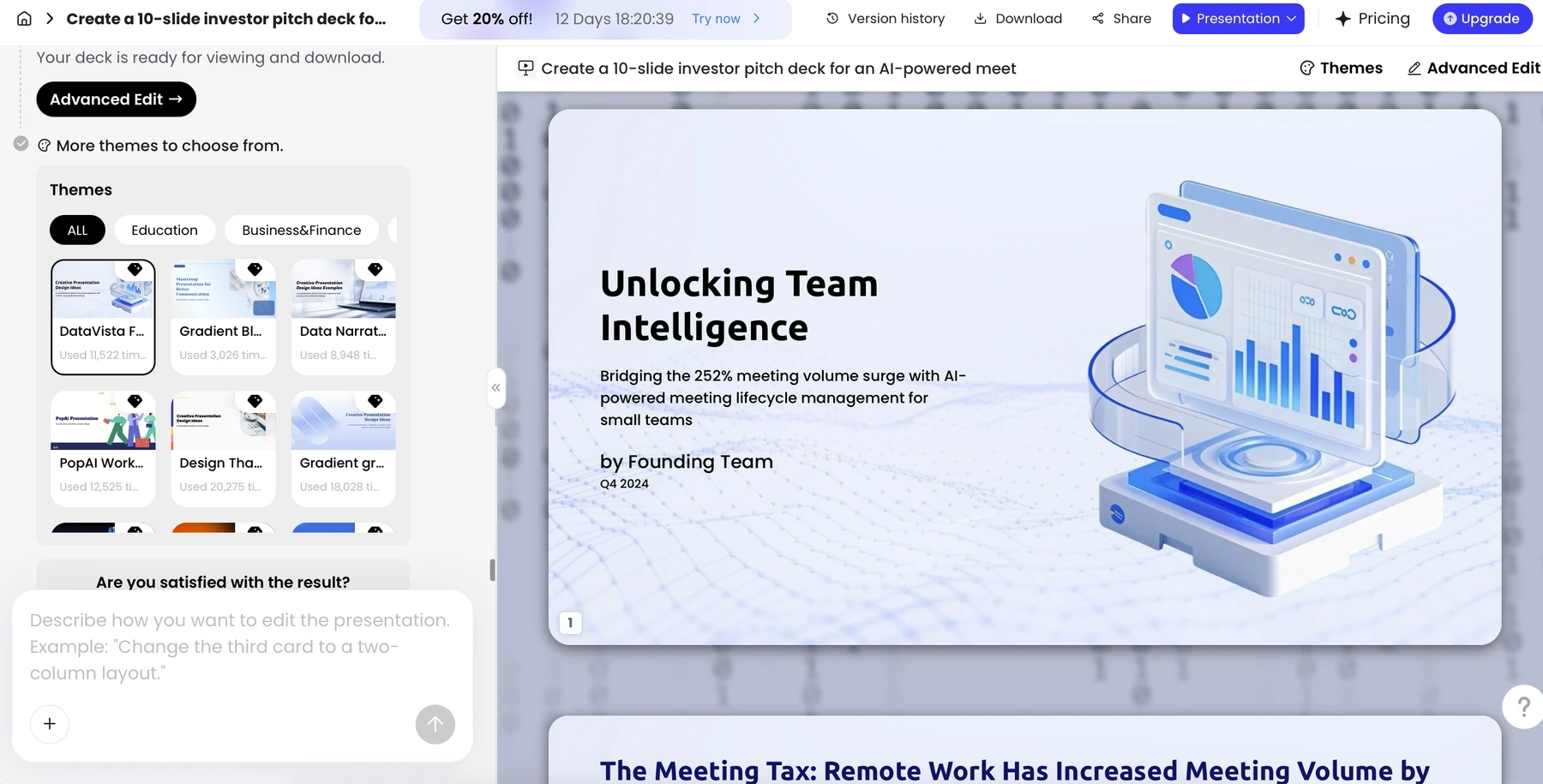
Put the central claim on the slide, not a paragraph that everyone will read aloud. Use a checked table, photograph, or simple comparison only when it supports the point. Keep essential labels and sources as readable text. Explain how the visual supports your argument in your own words.
Do not present generated diagrams as measured data or a generated campus image as a photograph of your university. For an illustrative picture, say that it is illustrative. For a chart, retain units, population, period, and the source. You should be able to answer "Where did this come from?" without opening an AI chat.
5. Divide the talk, rehearse, and prepare for questions
Assign one person to check the narrative, one to audit the evidence, and one to check file delivery; everyone remains responsible for their own section. In the illustrative six-minute plan, Speaker A covers the question and context for two minutes, Speaker B explains evidence and alternatives for two minutes, and Speaker C covers constraints and the recommendation for two minutes. Rehearse transitions as part of those allocations.
Each speaker should prepare a short explanation that adds to the slide and a handoff sentence. Keep the notes in the presentation's actual notes field or an approved separate cue sheet. Do not assume that asking a generator for a script places that script in the exported file; see the speaker-notes export guide.
- Prepare one likely challenge to the recommendation and one question about the sources.
- Say when evidence is missing instead of improvising a fact.
- Check whether every group member can explain the overall argument, not just their assigned slides.
- Run the actual file on the classroom computer or a comparable setup, and bring a PDF backup if permitted.
6. Submit work you can explain and document
Use the course policy as the authority on acceptable AI use. Keep your source notes, draft history, and any required disclosure. Do not fabricate interviews, surveys, experiments, citations, or another student's contribution. A slide that sounds polished but cannot be explained is not a completed assignment.
Before submitting, verify the filename, file format, deadline, group names, citations, and accessible viewing requirements. Remove unfinished placeholders from the submitted copy. If you cannot verify a claim, omit it or clearly present it as a question rather than pretending the research is complete.
Sources and evidence
Product documentation checked October 13, 2026. Features, plans, and interfaces may change. The campus topic, rubric, slide plan, and timings are editorial examples. Your own course instructions take precedence.
Frequently asked questions
Can I use AI for a class presentation?
Follow your instructor's and institution's policy. Check permitted uses and any disclosure requirements before submitting AI-assisted work.
How many slides should my class presentation have?
Use the required speaking time and rubric. The eight-slide example here is a planning illustration, not a universal rule.
How should a group divide the work?
Assign speaking sections plus narrative, source, and delivery checks. Rehearse handoffs and make sure each student understands the overall argument.
Can AI generate the references for my assignment?
It can help format supplied references, but you must verify that each source exists and supports the claim. Never submit invented citations.
Create a presentation draft with PopAi
Turn a topic, prompt, or approved source file into an organized draft, then refine the slides until they sound like you.
Explore PopAi AI Presentation