Build Manufacturing Presentations with AI
July 14, 2026
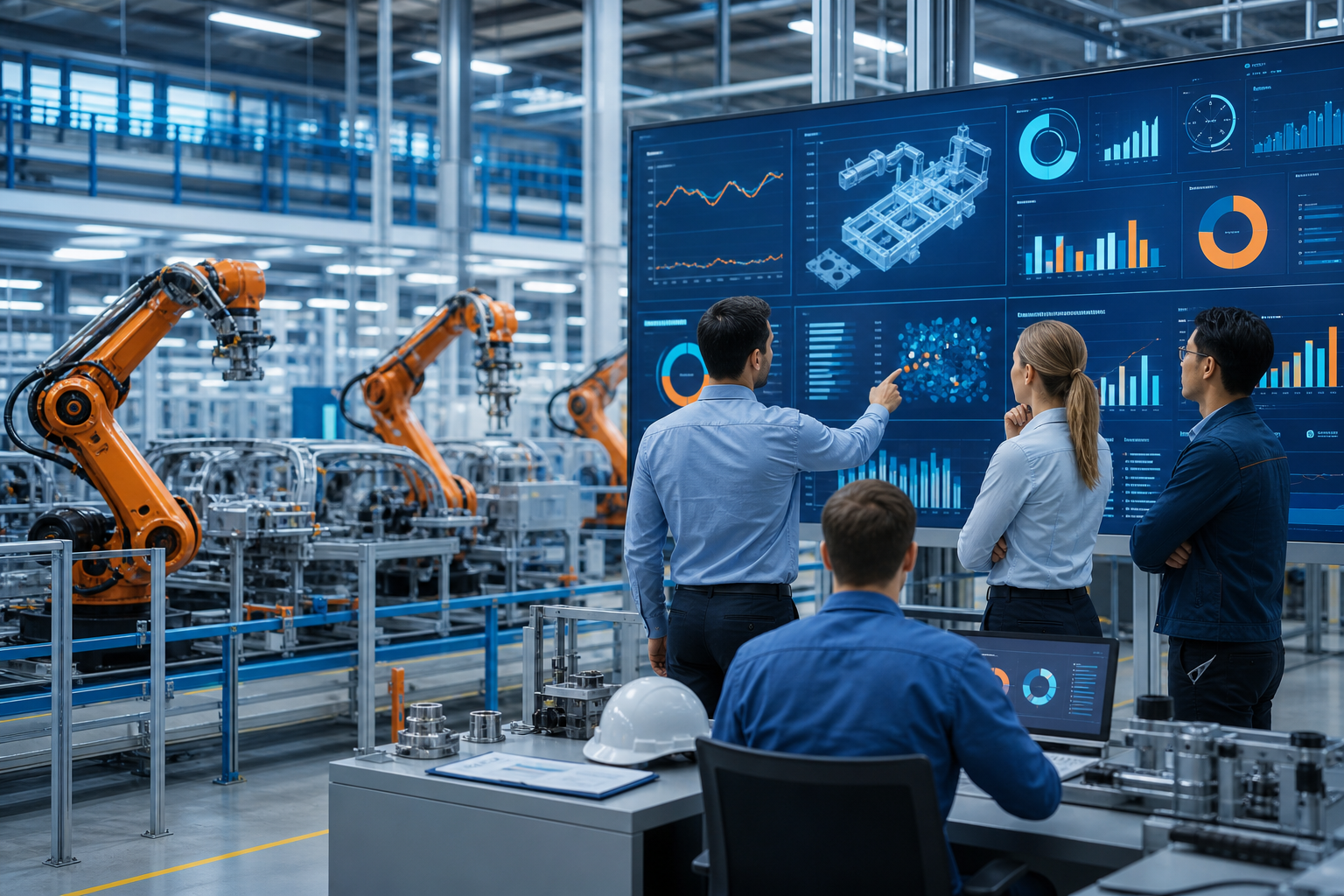
Manufacturing presentation AI helps operations teams turn production notes, KPI summaries, downtime logs, quality findings, safety updates, and improvement plans into structured slide drafts. It is most useful for reducing blank-page work: creating an outline, shaping the message, summarizing dense notes, and suggesting a professional slide flow.
It should not replace engineering judgment, verified data, safety review, compliance approval, or the plant team’s knowledge of real constraints. The strongest workflow is to let AI create the first editable structure, then refine every number, owner, date, risk, and recommendation before presenting.
This guide shows how to choose the right deck type, prepare source materials, write better prompts, adapt AI presentation templates, review outputs, and use PopAi AI Presentation in realistic manufacturing and operations workflows.
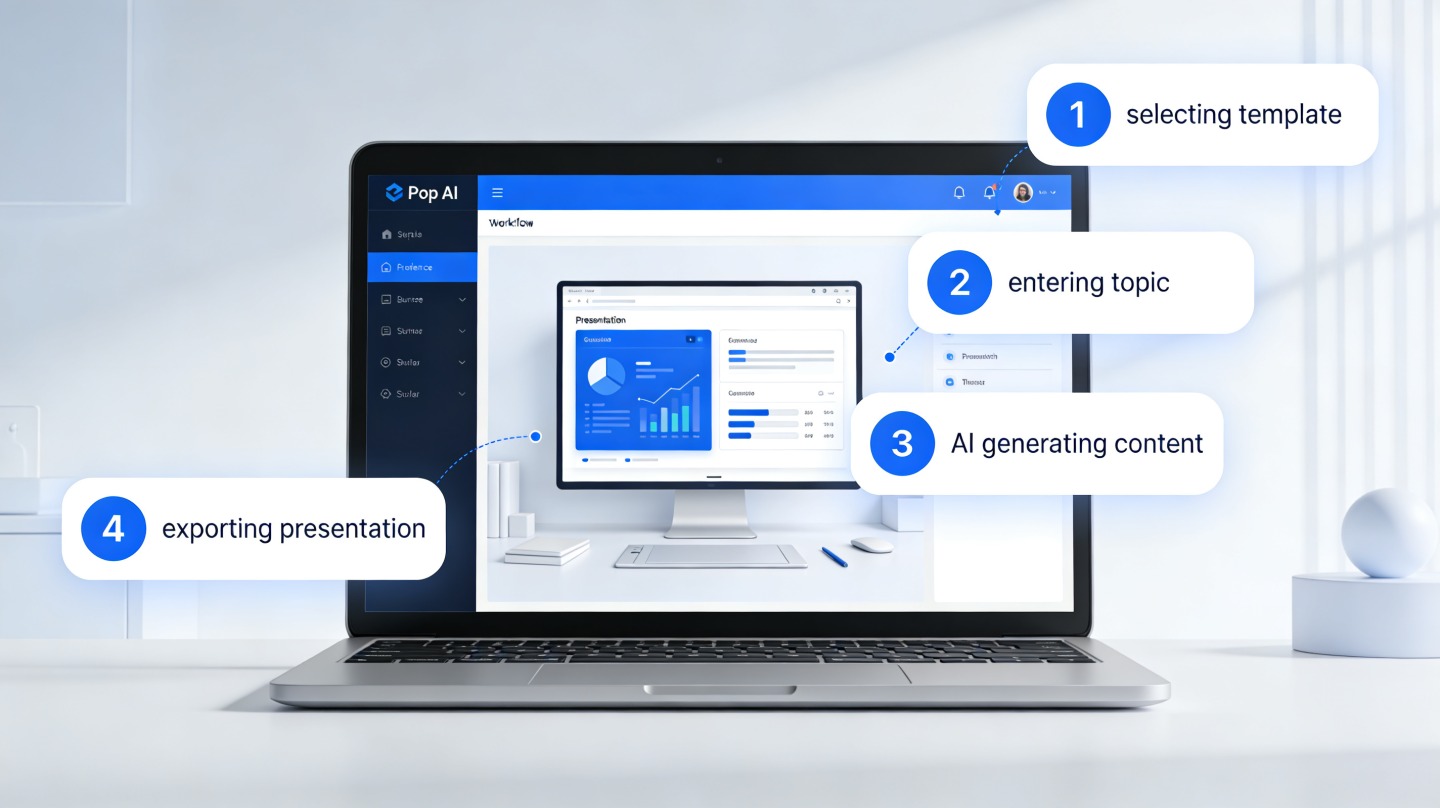
When you are ready to turn the workflow into slides, PopAi AI Presentation can help transform rough notes, documents, or prompts into an editable deck structure.
Quick Answer: How Manufacturing Presentation AI Helps Operations Teams
This section explains what AI can realistically do for manufacturing presentations and where human review remains essential.
Manufacturing presentation AI is the use of AI tools to turn operational inputs into slide outlines, draft content, presentation-ready wording, and visual structure. Instead of starting with a blank slide file, a plant manager, process engineer, quality manager, or supervisor can provide notes, reports, bullet points, or documents and ask the tool to organize them into a deck.
The value is not that AI understands your plant better than your team. The value is that it can help structure messy material quickly. A monthly operations review might start as a mix of production numbers, missed-shift notes, downtime comments, staffing constraints, and next-month priorities. AI can group those inputs into sections such as current status, key issues, root causes, risk areas, recommended actions, and decisions needed.
- Daily production review: summarize yesterday’s output, schedule misses, constraints, safety observations, and today’s priorities.
- Monthly operations update: organize KPI performance, downtime drivers, labor or material constraints, cost pressures, risks, and leadership decisions.
- Safety training deck: convert incident notes and SOP excerpts into clear do and don’t guidance for a shift meeting or refresher session.
- Quality issue report: structure defect trends, containment actions, suspected root causes, corrective actions, verification plans, and customer communication points.
- Lean improvement proposal: frame the current waste or bottleneck, proposed countermeasure, expected operational impact, risks, and implementation timeline.
- Maintenance plan: summarize equipment condition, recurring failure modes, preventive maintenance needs, spare parts concerns, and planned work windows.
- Supplier review: present delivery performance, quality concerns, escalation topics, corrective action requests, and next review milestones.
- Customer factory overview: explain the plant’s capabilities, process flow, quality controls, capacity considerations, and improvement roadmap.
AI is especially helpful when the presenter knows the operation but is not a slide designer. It can suggest section titles, shorten dense text, convert a report into a narrative, and produce a more professional presentation structure. It can also help adjust the tone for different audiences: concise and decision-focused for executives, practical and action-focused for supervisors, and more technical for engineers.
Use AI to create the first structured draft, not the final operational truth. Verify all metrics, units, assumptions, safety statements, customer commitments, engineering specifications, and action owners before sharing the deck.
A good manufacturing deck does not just look clean; it makes the current state, operational constraint, decision needed, and next action impossible to miss.
Production Review Deck Template for Manufacturing Teams
Manufacturing presentations should be grounded in operational data and reviewed by people who understand safety, quality, and engineering constraints. AI can draft the report, but it cannot approve a production decision.
| Slide | Data to include | AI drafting task | Manual review required |
|---|---|---|---|
| 1. Executive production snapshot | Output, plan vs actual, major variance, top risk. | Summarize the week in three bullets. | Operations lead validates cause and action. |
| 2. Throughput and capacity | Units produced, line utilization, bottlenecks, shift notes. | Turn the data into a capacity story. | Production manager confirms bottleneck logic. |
| 3. Downtime | Planned/unplanned downtime, top causes, duration. | Rank downtime drivers and draft corrective actions. | Maintenance owner confirms root cause. |
| 4. Yield and quality | Yield, scrap, rework, defect type, customer complaints. | Create a defect trend slide with plain-language title. | Quality engineer verifies data and sampling. |
| 5. Safety | Incidents, near misses, audits, open actions. | Draft a safety briefing slide from approved notes. | Safety/EHS owner approves all wording. |
| 6. Inventory and materials | Shortages, WIP, supplier delays, obsolete stock. | Show material constraints and risk to schedule. | Supply chain owner validates supply assumptions. |
| 7. Risk register | Top risks, severity, owner, mitigation, due date. | Format risks into a decision-ready table. | Accountable owners confirm commitments. |
| 8. Action plan | Owner, action, deadline, expected impact. | Create a clean action tracker slide. | Plant/operations leader confirms feasibility. |
AI must not replace safety, quality, engineering, regulatory, or root-cause judgment. It can summarize approved data, draft slide titles, and format an action plan; accountable experts still approve the deck.
Choose the Right Manufacturing Presentation Type Before You Generate Slides
This section helps you define the deck type before asking AI to generate slides.
Manufacturing decks often fail because they mix too many goals. One slide deck tries to report performance, diagnose a process issue, request funding, train staff, and persuade leadership at the same time. The result is usually too much data, unclear ownership, and a conclusion that does not match the audience.
Before using any AI presentation tool, decide what the presentation must accomplish. Are you informing, escalating, teaching, persuading, or asking for a decision? That single choice will affect the slide order, the level of detail, the language, and the visual style.
- Operations update: audience is usually plant leadership, regional operations, or cross-functional managers. Core message is current performance versus plan, major constraints, risks, and support needed. Source materials include KPI summaries, production schedules, downtime notes, labor availability, and action trackers. Slide focus should be status, exceptions, root causes, and next-period priorities.
- Safety briefing: audience may be operators, supervisors, contractors, or shift leads. Core message is the behavior, hazard, or procedure that must change. Source materials include incident notes, near-miss reports, SOP excerpts, job safety analyses, and approved training content. Slide focus should be clear do and don’t guidance, visual cues, escalation steps, and required acknowledgement.
- Quality corrective action: audience may include quality leadership, production, engineering, customers, or suppliers. Core message is what happened, how risk is contained, what root causes are being investigated, and how recurrence will be prevented. Source materials include defect summaries, inspection findings, complaint details, containment logs, photos if permitted, and corrective action plans. Slide focus should be problem definition, evidence, containment, root cause hypotheses, corrective action, verification, and owner dates.
- Process improvement proposal: audience may include operations leadership, finance, engineering, maintenance, and continuous improvement teams. Core message is why the current process underperforms and what change should be approved. Source materials include process maps, cycle observations, bottleneck notes, waste analysis, operator feedback, maintenance constraints, and implementation assumptions. Slide focus should be current state, improvement opportunity, proposed future state, risks, resources, and decision needed.
- Capacity planning deck: audience may include executives, sales and operations planning teams, supply chain leads, and plant managers. Core message is whether the operation can meet expected demand and what constraints must be addressed. Source materials include demand forecast inputs, production rates, shift patterns, equipment availability, labor plans, supplier constraints, and backlog notes. Slide focus should be demand versus capacity, constraint points, scenarios, risk tradeoffs, and required decisions.
- Maintenance review: audience may include maintenance leaders, operations supervisors, reliability engineers, and finance partners. Core message is equipment health, failure patterns, planned downtime, and preventive actions. Source materials include maintenance logs, downtime history, work orders, spare parts notes, inspection findings, and planned outage schedules. Slide focus should be asset priorities, recurring issues, maintenance windows, risk if deferred, and owner accountability.
- Customer plant overview: audience is external and needs clarity without unnecessary confidential detail. Core message is capability, process discipline, quality controls, and confidence. Source materials include approved capability statements, process flow summaries, quality system overviews, capacity ranges approved for sharing, and non-confidential improvement examples. Slide focus should be plant overview, process flow, quality checkpoints, production readiness, and support model.
The same manufacturing presentation changes significantly by audience. Executives usually need a clear decision, operational risk, investment implication, and owner. Supervisors need shift-level actions, dates, escalation paths, and realistic constraints. Engineers need evidence, root-cause logic, process limits, and technical assumptions. Customers need confidence, transparency, and a controlled level of detail.
- Write the audience in one line: executive team, shift supervisors, customer quality team, maintenance steering group, or supplier review board.
- Write the deck purpose in one verb: inform, approve, train, diagnose, align, escalate, or sell.
- Write the decision or behavior you want after the meeting.
- Remove slides that do not support that decision or behavior.
- Then ask AI for an outline that matches this purpose instead of asking for a generic manufacturing presentation.
If the audience changes, the deck should change. Do not show the same root-cause-heavy engineering deck to executives who only need the risk, options, cost implication, and decision.
Prepare Source Materials So AI Creates a Useful Manufacturing Presentation
This section shows what to gather, clean, and label before opening an AI presentation tool.
AI output depends heavily on the quality of the input. If you provide vague notes such as “line 3 had problems and quality was down,” the deck will probably be vague. If you provide the time period, KPI names, top constraints, suspected causes, actions, owners, and intended audience, the draft will be much easier to edit.
- Production KPIs: output, attainment, scrap, yield, OEE, schedule adherence, backlog, changeover performance, or other metrics used by your team.
- Downtime notes: top downtime drivers, equipment involved, shift or time period, suspected cause, recovery action, and whether the issue is recurring.
- Defect summaries: defect type, location in process, affected product family, inspection method, containment status, and current investigation stage.
- Audit findings: nonconformities, observations, corrective action requirements, due dates, responsible teams, and follow-up status.
- Process maps: current process steps, handoffs, inspection points, rework loops, bottlenecks, and proposed future-state changes.
- SOP excerpts: approved procedure language, safety warnings, quality checkpoints, and required operator actions.
- Maintenance logs: failure descriptions, work order themes, preventive maintenance gaps, spare parts concerns, and planned work windows.
- Meeting notes: decisions already made, unresolved questions, stakeholder concerns, and action items.
- Photos or diagrams if permitted: equipment layout, defect examples, process flow diagrams, or safety visuals that your company allows for presentation use.
- Action item lists: owner, due date, current status, dependency, escalation need, and verification method.
Clean the input before sending it to any AI tool. Remove or anonymize confidential customer names if needed. Label metrics clearly, including units and time periods. Separate facts from assumptions. Define acronyms that an outside tool may not understand. State whether the audience is executive, technical, shop-floor, supplier, or customer-facing.
- Objective: what the presentation must achieve.
- Audience: who will see it and what level of detail they need.
- Time limit: five-minute standup, 20-minute leadership update, one-hour training, or formal customer review.
- Source documents: KPI export, downtime log, meeting notes, SOP draft, audit report, improvement plan, or maintenance summary.
- Key message: the one point the audience must remember.
- Required decisions: approval, escalation, staffing support, customer alignment, supplier action, or training completion.
- Constraints: safety limits, production schedule, maintenance window, staffing, budget, material availability, validation requirements, or customer requirements.
- Follow-up actions: owners, due dates, verification steps, and next review date.
PopAi AI Presentation can be useful here because many manufacturing users do not begin with polished slide content. They often start with rough notes, process observations, a long report, or an action tracker. PopAi can help turn that material into an editable deck structure with suggested slide flow and clearer wording, which the user can then refine with plant-specific knowledge.
Check your company’s AI and data-handling policies before uploading sensitive operational data, customer information, proprietary process details, unreleased financials, supplier terms, regulated safety material, or engineering specifications to any AI tool.
The best AI prompt is not a clever sentence. It is a clean operational brief with the audience, facts, constraints, and decision clearly labeled.
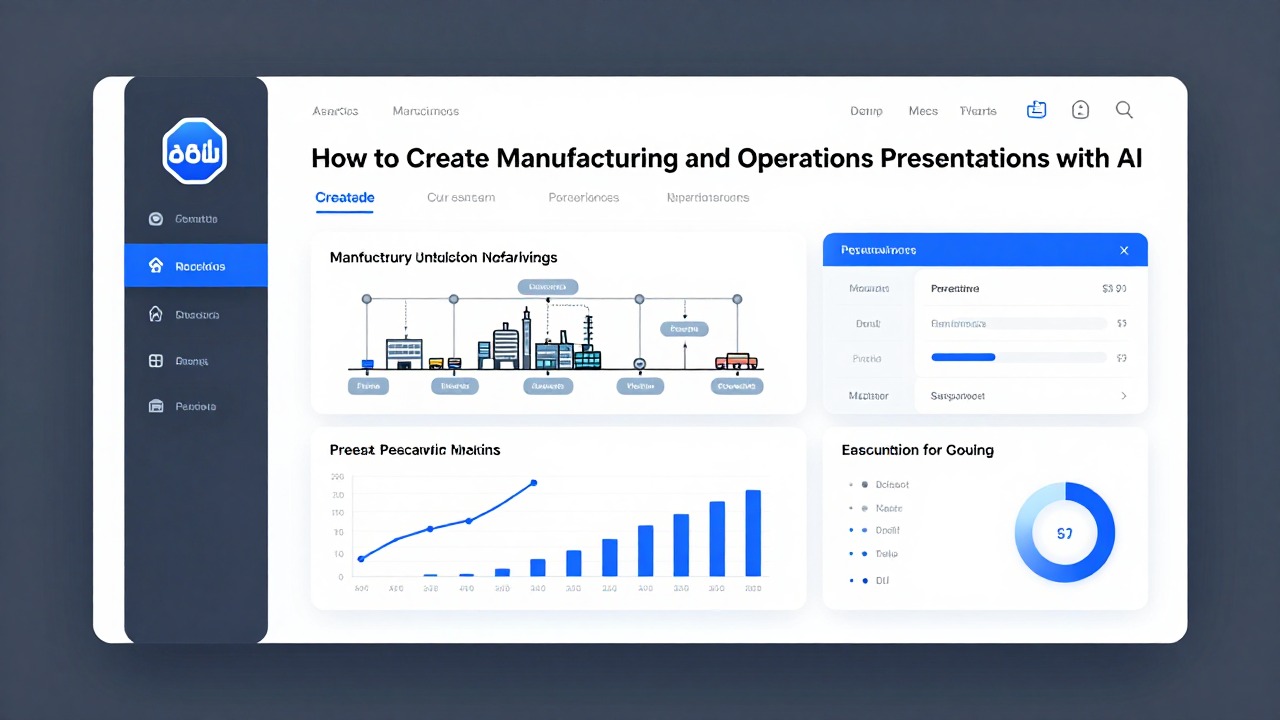
Use This Step-by-Step Workflow to Create a Professional Manufacturing Presentation with AI
This section gives you a repeatable workflow from rough notes to a professional presentation draft.
A practical AI workflow should separate thinking from formatting. First define the purpose and logic. Then generate an outline. Then create the deck. Finally, verify the content and adapt it for the real meeting environment. This prevents the tool from producing attractive slides that miss the operational point.
- Define the deck goal, audience, and desired outcome. Write a short brief such as: “Create a 12-slide monthly operations review for plant leadership. The goal is to explain current performance, top constraints, and decisions needed for next month.”
- Upload or paste source content where the tool supports it. Use notes, reports, bullet points, KPI summaries, meeting minutes, action item lists, or SOP excerpts. If the content is sensitive, anonymize or summarize it according to company policy.
- Ask AI for a slide outline before generating the full deck. Review the sequence before committing to slides. Make sure it follows a useful logic: context, current state, issue, analysis, recommendation, action plan, and next steps.
- Generate the first draft using an appropriate professional presentation style or AI presentation template. Choose simple, readable layouts that support charts, process flows, timelines, action plans, and decision slides.
- Review the slide sequence for logic. Check whether the audience can understand why the topic matters, what changed, what evidence supports the conclusion, what action is proposed, and what decision is needed.
- Replace vague AI wording with plant-specific terms, verified numbers, owner names, dates, and operational constraints. Change “machine issues affected productivity” to “filler line changeover overruns and unplanned conveyor stoppages reduced schedule adherence during week 3,” if that is accurate and approved for sharing.
- Simplify visuals and speaker notes for the delivery setting. A five-minute production meeting needs fewer words and sharper actions than a leadership review. A training deck needs more step-by-step behavior guidance and less management summary.
PopAi AI Presentation fits this process when you need to move from prompts, documents, notes, or rough ideas into an editable deck structure. For example, you can start by asking PopAi for an outline based on your operations notes, then use the generated draft as the framework for your verified data, charts, and action plan.
- Monthly operations review prompt: “Create a 12-slide professional presentation for a monthly operations review. Audience: plant leadership and regional operations. Source notes: production attainment was below plan in week 2 and week 4; top downtime drivers were packaging line stoppages, material shortages, and changeover delays; staffing was constrained on night shift; next-month priorities are reducing changeover variation, stabilizing material release, and closing open maintenance actions. Include slide titles for Current Production Status, Top Downtime Drivers, Staffing and Material Constraints, Risk Areas, Action Plan, and Decision Needed. Keep tone concise and executive-ready.”
- Quality corrective action prompt: “Create a 10-slide corrective action presentation for a recurring defect issue. Audience: quality, production, engineering, and customer account team. Include problem statement, affected process area, defect trend summary, containment actions, root cause hypotheses, investigation plan, corrective actions, verification plan, open risks, and owner/date action list. Use cautious language where root cause is not confirmed. Do not invent numbers.”
- Safety training deck prompt: “Create an 8-slide safety briefing deck for shift operators based on incident notes and SOP excerpts. Audience: shop-floor team. Goal: reinforce correct lockout/tagout handoff behavior and escalation steps. Include clear do/don’t guidance, hazard recognition, required supervisor notification, short scenario questions, and final checklist. Keep language direct and avoid legal or regulatory claims that are not in the source material.”
Use this pattern: audience + goal + source material + required slides + tone + constraints + what not to invent. This gives AI enough boundaries to create a usable first draft.
After the draft is created, do not edit only for appearance. Edit for meeting usefulness. A leadership deck should state the decision early and repeat it at the end. A plant team deck should make the next action visible. A technical deck should keep assumptions and limits visible instead of smoothing them away.
Example Workflows for Manufacturing and Operations Use Cases
This section provides realistic workflows you can adapt to common manufacturing presentation scenarios.
The following examples are realistic workflows, not verified case studies. They show how a manufacturing professional could use AI to structure a deck while still relying on internal review, verified numbers, and subject-matter expertise.
Example workflow 1: a plant manager prepares a monthly operations review for leadership. The context is a 20-minute review with regional operations after a month with mixed performance. The persona is a plant manager who has KPI notes, top downtime causes, staffing constraints, and next-month priorities but does not have time to manually build the entire deck from scratch.
- Source materials: KPI summary, production schedule notes, downtime comments by line, maintenance action tracker, staffing notes, and a short list of decisions needed from leadership.
- AI intervention: use PopAi AI Presentation to turn the notes into a first editable deck outline and draft slide wording.
- Operation steps: paste a cleaned summary, ask for a 12-slide leadership review outline, review the proposed logic, generate the draft, replace placeholder statements with verified KPI values, and add approved charts.
- Expected output: slides such as Current Production Status, Month-to-Date KPI Summary, Top Downtime Drivers, Staffing Constraints, Material and Schedule Risks, Next-Month Priorities, Support Needed, and Decision Needed.
- What to reuse: the structure of status, exception, root cause, action, owner, and decision. This same flow works for weekly or quarterly operations reviews.
The plant manager should keep the deck decision-focused. If leadership needs to approve overtime coverage, maintenance downtime, or additional support, the recommendation should not be buried after ten status slides. AI can help create the narrative, but the manager must decide what tradeoff the audience needs to make.
Example workflow 2: a quality manager creates a corrective action presentation after recurring defects. The context is a cross-functional review after repeated defects in a product family. The persona is a quality manager who needs to align production, engineering, and customer-facing teams without overstating conclusions before root cause is confirmed.
- Source materials: defect summary, inspection notes, containment log, nonconforming material disposition status, suspected process contributors, operator feedback, and open investigation tasks.
- AI intervention: use PopAi to summarize the long investigation notes into a slide sequence for problem definition, containment, root cause hypotheses, corrective actions, and verification plan.
- Operation steps: provide the tool with anonymized or approved source notes, request cautious wording for unconfirmed causes, ask for an action-owner slide, generate the draft, then review with quality and engineering before presenting.
- Expected output: slides such as Problem Statement, Defect Pattern Summary, Containment Actions, Root Cause Hypotheses, Investigation Plan, Corrective Actions, Verification Plan, Customer Communication Points, and Open Risks.
- What to reuse: separate known facts from hypotheses. This prevents AI-generated slides from making the corrective action sound more certain than the evidence supports.
For a corrective action deck, wording matters. A phrase such as “root cause was operator error” may be inaccurate or unfair if the team has not completed a structured analysis. Better language might be “operator setup variation is one hypothesis under investigation, along with fixture wear and inspection method variation,” if that matches the evidence.
Example workflow 3: a process engineer pitches a line improvement project. The context is an internal approval meeting for a change intended to reduce a bottleneck. The persona is a process engineer who has current-state observations, a process map, maintenance concerns, and a proposed change but needs a clear business and operations story.
- Source materials: current process map, bottleneck observations, cycle time notes, changeover notes, operator feedback, maintenance constraints, proposed future-state sketch, and implementation risks.
- AI intervention: ask AI to convert the technical material into a professional presentation that explains the problem, proposed change, operational impact, risk, and decision needed.
- Operation steps: ask for an outline first, confirm that the deck separates current state from future state, generate slides, add verified diagrams or process flows, and review feasibility with maintenance, production, and quality.
- Expected output: slides such as Current Process Flow, Bottleneck Evidence, Constraint Analysis, Proposed Change, Expected Operational Impact, Implementation Timeline, Risks and Mitigations, Resources Needed, and Decision Needed.
- What to reuse: describe expected impact qualitatively unless numbers are verified. Use phrases such as “intended to reduce queue buildup before packaging” rather than inventing precise savings.
The process engineer should use AI to make the proposal easier to follow, not to create unsupported projections. If projected throughput, labor impact, or cost avoidance is included, it should come from an approved analysis rather than the AI draft.
Example workflow 4: an EHS or training lead creates a safety briefing deck from incident notes and SOP excerpts. The context is a short shift-level refresher after a near miss or procedural gap. The persona is a safety or training lead who needs clear, behavior-based slides that operators can understand quickly.
- Source materials: approved incident summary, near-miss notes, SOP excerpts, hazard list, required PPE guidance, escalation procedure, and supervisor talking points.
- AI intervention: ask AI to convert the approved material into a concise training deck with do/don’t slides, scenario questions, and a final checklist.
- Operation steps: remove confidential or personal details, provide approved safety language, request simple wording for shop-floor delivery, generate the deck, and require review by qualified safety personnel before use.
- Expected output: slides such as Why This Matters, What Happened, Hazard Recognition, Correct Procedure, Do and Don’t Examples, Stop and Escalate Criteria, Quick Scenario Check, and Supervisor Sign-Off.
- What to reuse: keep the training practical. The audience should leave knowing the exact behavior expected, when to stop work, and who to contact.
For manufacturing use cases, choose AI presentation templates that support process flow, charts, timelines, and action lists. Avoid layouts that hide details behind large decorative images or force complex data into tiny text boxes.
In operations presentations, clarity beats decoration. A plain slide with the right owner, date, constraint, and decision is more useful than a polished slide with vague conclusions.
How to Review, Edit, and Avoid Common AI Presentation Mistakes
This section helps you prevent inaccurate, generic, or unsafe AI-generated manufacturing slides.
AI-generated decks can look polished while still being wrong, incomplete, or too generic. Manufacturing presentations carry operational consequences: people may change a process, approve resources, communicate with a customer, or adjust a safety behavior based on what is shown. That is why review is not optional.
- Trusting unverified numbers: AI may summarize or rephrase figures incorrectly if the source is unclear. Always check values against the approved source.
- Using vague root-cause language: phrases such as “process inefficiency” or “human error” are not enough. Replace them with specific, evidence-based language.
- Hiding assumptions: if a projection depends on staffing, maintenance downtime, supplier recovery, or customer demand, state the assumption clearly.
- Making charts without clear units: every chart should show the metric, unit, time period, target, and source when appropriate.
- Overloading slides: too many KPIs, screenshots, and notes make it hard for the audience to see the message.
- Using generic factory imagery: stock visuals can make the deck look less credible if they do not match the process or add meaning.
- Skipping action owners: every corrective action, escalation item, and next step should have an owner, due date, and status.
- Letting the template drive the story: a polished template should support the operations logic, not replace it.
Replace generic AI phrases with the language your team actually uses. “Operational disruption” may become “unplanned labeler stoppages during second shift.” “Quality improvement initiative” may become “containment and verification plan for recurring seal defects.” “Resource constraints” may become “maintenance technician coverage during planned weekend validation.”
- Data accuracy: confirm every metric, chart, label, target, and calculation against approved sources.
- Units and time periods: check whether the slide refers to units per hour, percentage, ppm, hours, shifts, weeks, or months.
- Audience fit: remove technical detail for executive decision slides and add practical instruction for shop-floor training slides.
- Operational feasibility: confirm that proposed actions can be done with available people, equipment, materials, and time windows.
- Safety and compliance implications: have qualified personnel review safety procedures, regulated claims, and compliance language.
- Confidentiality: remove sensitive customer, supplier, employee, pricing, process, or proprietary information when needed.
- Decision clarity: make the required approval, escalation, or alignment request explicit.
- Action ownership: confirm owner names, due dates, status, dependencies, and verification method.
- Assumptions and risks: show what is known, what is unknown, and what could change the recommendation.
There are areas where AI-generated content should never be used without expert review. Safety procedures require qualified safety review. Regulatory or compliance claims require appropriate internal approval. Customer commitments must match approved commercial and quality communication. Engineering specifications must be checked by responsible technical owners. Financial forecasts should come from approved planning or finance sources.
- Use consistent section titles so the audience can follow the story: Context, Current State, Analysis, Recommendation, Action Plan, Decision Needed.
- Use readable charts with direct titles such as “Packaging Line Downtime Increased in Week 4” instead of vague titles such as “Downtime Overview.”
- Limit jargon for mixed audiences and define acronyms on first use.
- Show before and after process flows when explaining a proposed change.
- Keep one decision or action per slide whenever possible.
- Use callouts for constraints, risks, and owner dates instead of hiding them in dense paragraphs.
- Keep speaker notes practical: what to emphasize, what question may come up, and what decision is needed.
Use manufacturing presentation AI to create the first structured draft, then refine it with verified operational data, plant-specific wording, and stakeholder review. PopAi AI Presentation is a practical starting point when your source material is a mix of documents, notes, reports, and rough ideas that need to become an editable deck.
The best workflow is simple: prepare clean inputs, prompt for the right audience, generate an outline, create the draft, verify the facts, sharpen the action plan, and rehearse the deck from the audience’s point of view. That approach gives you the speed benefit of AI without giving up the accuracy and judgment that manufacturing work requires.
FAQ
Can AI create a complete manufacturing presentation from production notes?
AI can create a strong first draft or editable structure from production notes, KPI summaries, reports, and action lists. You still need to verify metrics, operational context, risks, root-cause statements, owner names, due dates, and any safety or compliance language before presenting.
What should I include in a prompt for a manufacturing presentation?
Include the audience, deck goal, plant or process context, source data, time period, desired slide count, tone, required decisions, constraints, and any information the AI should not invent. Clear prompts produce more useful outlines and fewer generic slides.
Are AI presentation templates suitable for operations and factory presentations?
Yes, if you choose simple and readable templates. For operations decks, prioritize layouts that support KPI charts, process flows, timelines, issue summaries, and action plans. Avoid templates that hide operational detail behind decorative visuals.
How do I make an AI-generated operations deck look professional?
Use consistent headings, verified KPIs, clear chart labels, concise slide titles, specific recommendations, and audience-appropriate detail. Replace vague AI wording with plant-specific language and make the decision, action owner, and due date visible.
What manufacturing information should not be uploaded to an AI tool?
Check company policy before uploading sensitive information. Avoid or anonymize proprietary process details, customer data, unreleased financials, confidential supplier information, employee details, regulated safety material, compliance records, and engineering specifications when appropriate.
Create your presentation with one click now
Turn manufacturing notes, reports, and improvement plans into an editable presentation draft with PopAi.
Try PopAi AI Presentation