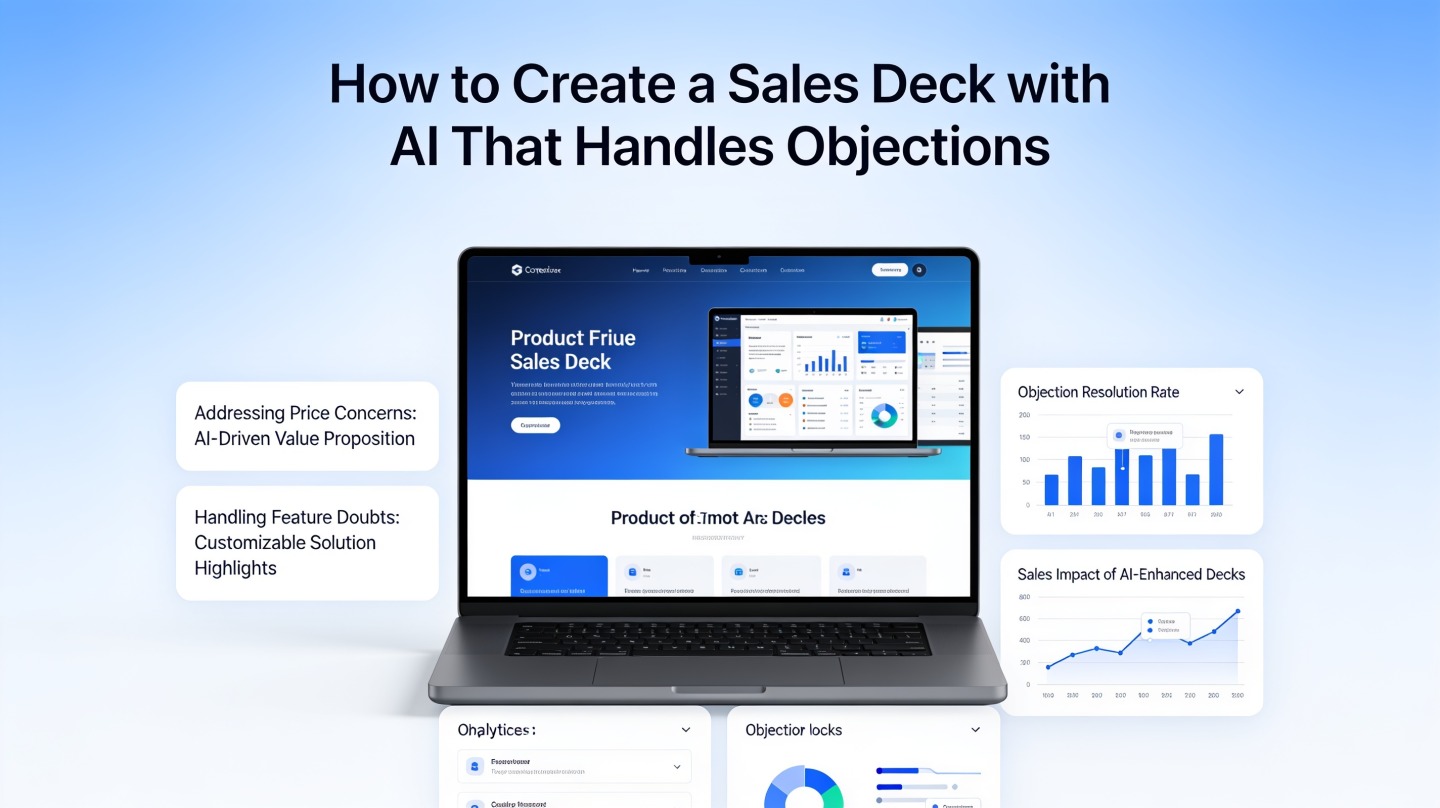
How to Create a Sales Deck with AI That Handles Objections

If you are a founder, account executive, or sales enablement lead, the hardest part of a deck is rarely the design. It is turning scattered discovery notes, pricing concerns, competitor comparisons, and proof points into a persuasive sales deck with AI that answers objections before they stall the deal.
A strong AI sales presentation does more than explain features. It frames the buyer’s current pain, shows the cost of inaction, addresses the most likely “yes, but…” moments, and gives the prospect a clear next step. Used well, PopAi AI Presentation can help you move from raw sales context to a structured deck faster while keeping the message tied to real buyer concerns.
Why a Sales Deck with AI Must Handle Objections Early
This section explains why objection-handling belongs inside the main story, not in a defensive appendix.
Buyers are not waiting until the end to judge risk
Most sales decks fail because they assume the buyer will politely absorb the pitch first and raise concerns later. In practice, buyers evaluate risk slide by slide: “Will this integrate?” “Can we afford it?” “Will my team adopt it?” “Is this better than staying with our current tool?”
According to Gartner’s widely cited B2B buying research, a typical complex purchase can involve six to ten decision makers, each bringing independent information and concerns. That means your deck is not speaking to one objection; it is speaking to a committee’s combined uncertainty.
Objection-handling is not a rebuttal section. It is the architecture of a sales narrative that makes the buyer feel understood before they feel sold to.
AI helps when you give it the real objections
AI is useful because it can turn messy inputs into patterns. Feed it discovery call notes, lost-deal reasons, competitor mentions, CRM stage data, and customer success stories. Then ask it to cluster objections by theme: budget, urgency, trust, implementation, differentiation, compliance, and internal alignment.
- Budget objection: “We do not have room this quarter.”
- Urgency objection: “This is painful, but not a top-three priority.”
- Risk objection: “We tried something similar and adoption was poor.”
- Competitor objection: “Your competitor already has a vendor relationship here.”
What to Prepare Before You Create a Sales Deck with AI
AI output quality depends on context quality, so start with a compact brief before generating slides.
Build a one-page sales deck brief
Do not start by asking AI to “make a sales deck.” That produces generic slides. Instead, give it a sales brief that describes the buyer, the deal stage, the business pain, and the objections your team expects.
| Input | What to include | Why it matters |
|---|---|---|
| Buyer persona | Role, seniority, department goals, decision influence | Changes the language from product-first to buyer-first |
| Trigger event | Growth target, missed KPI, budget cycle, tool migration | Creates urgency without sounding pushy |
| Known objections | Budget, timing, risk, integration, competitor, adoption | Lets AI place rebuttals naturally in the story |
| Proof library | Approved case studies, customer quotes, ROI examples | Prevents unsupported claims and vague promises |
Use a prompt that forces slide-level thinking
A practical prompt should tell AI the role, audience, deck length, objection themes, and desired slide structure. For example: “Create a 10-slide B2B sales deck for a VP of Sales evaluating pipeline forecasting software. Include objection-handling slides for data accuracy, CRM integration, adoption, and budget. For each slide, provide headline, key message, evidence, and speaker note.”
The Objection-Handling Slide Structure That Works
Use this structure to make each objection slide feel consultative instead of combative.
Start with the buyer’s concern in their own words
The headline should mirror the objection, not hide it. “Will implementation slow the team down?” is stronger than “Seamless onboarding process.” Buyers trust a deck more when it names the risk they are already discussing internally.
Then reframe the risk around business impact
After naming the concern, show why the current state is also risky. If the objection is implementation time, compare it with the cost of continuing manual work, missed pipeline visibility, or delayed reporting. This helps the buyer weigh two risks, not just the risk of buying.
Close with evidence, not adjectives
Replace claims like “easy to implement” with proof: a timeline, onboarding checklist, customer quote, security certification, integration list, or pilot plan. If you do not have approved metrics, be honest and use process evidence rather than inventing numbers.
Every objection slide should answer three questions: “Do you understand my concern?” “What is the cost of doing nothing?” “What proof reduces my risk?”
A simple slide formula
- Concern headline: State the objection plainly.
- Context: Explain why the concern is valid.
- Reframe: Show the hidden cost of the status quo.
- Proof: Add a case study, workflow, timeline, or technical assurance.
- Next step: Suggest a pilot, workshop, security review, or stakeholder call.
A 10-Slide AI Sales Deck Outline for Objections
This outline gives AI a clear narrative path from pain to proof to decision.
Recommended deck flow
- Title slide: Personalize by company, buyer role, and business priority.
- Situation slide: Summarize the buyer’s current challenge using discovery language.
- Cost of inaction: Show operational, revenue, or team impact if nothing changes.
- Desired future state: Define what success looks like in the buyer’s terms.
- Solution overview: Explain the product in one clear visual model.
- Objection slide 1: Address urgency or priority.
- Objection slide 2: Address implementation or adoption risk.
- Proof slide: Use customer evidence, workflow proof, or quantified outcome if approved.
- Decision plan: Show steps, owners, timeline, and evaluation criteria.
- Close: Ask for the specific next action that advances the deal.
Where social proof belongs
Put social proof immediately after the objection it reduces. A logo wall near the end is weaker than a focused proof slide that says, “A similar team reduced reporting friction after adopting this workflow.” If you have official case studies, quote them accurately and keep the context visible.
In our own sales deck reviews, the strongest before-and-after improvement usually comes from replacing feature slides with buyer-risk slides. A 12-slide deck with four feature-heavy slides often becomes a tighter 10-slide deck with two objection slides, one proof slide, and one decision-plan slide. The result is not just shorter; it is easier for a champion to forward internally.
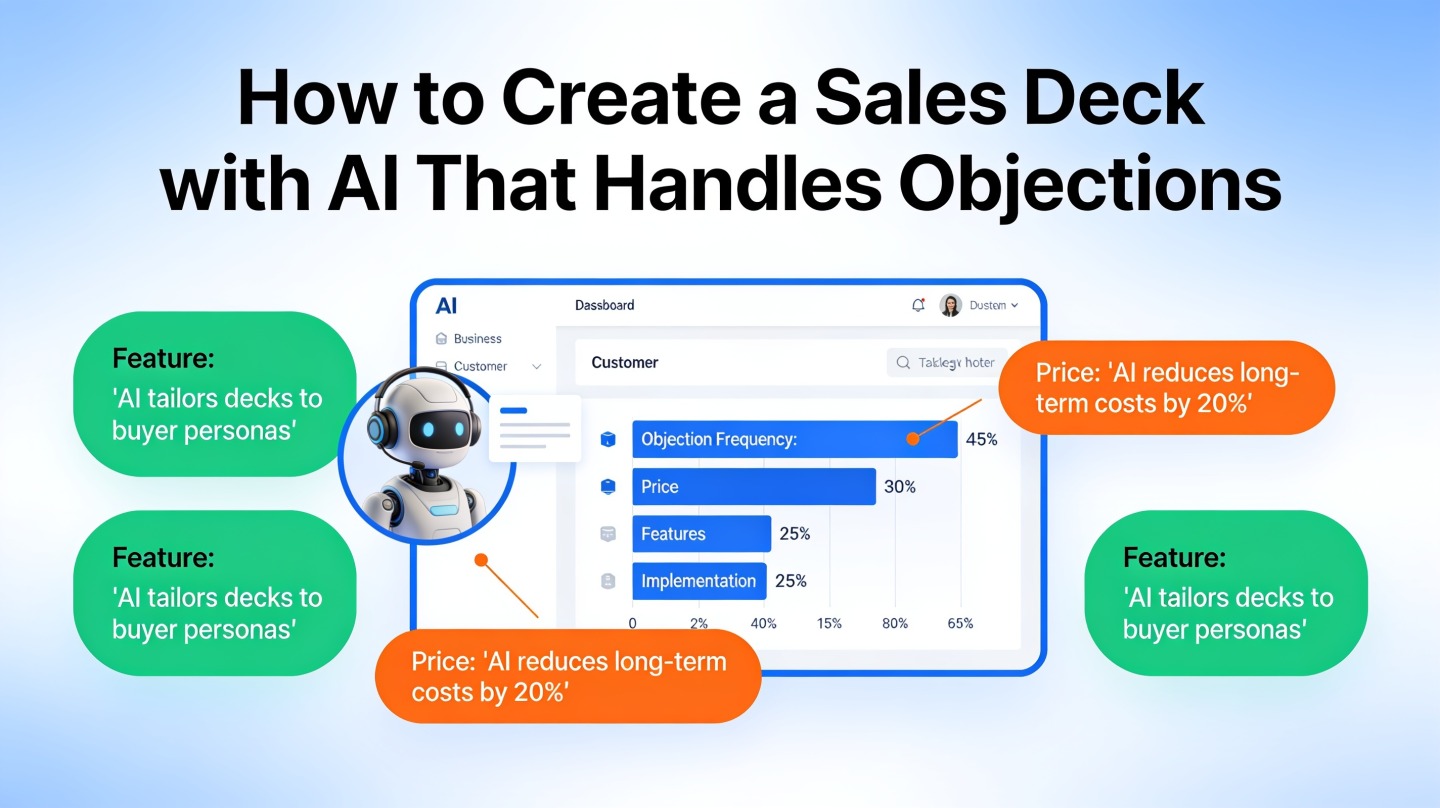
Common Mistakes When Creating Sales Slides with AI
Avoid these mistakes if you want the deck to sound like a real seller, not a generic AI output.
Mistake 1: Turning objections into defensive slides
A slide titled “Why budget should not be a concern” can sound dismissive. A better version is “How teams de-risk the investment before full rollout.” The second version respects the buyer’s financial caution and offers a path forward.
Mistake 2: Letting AI invent proof
AI may generate plausible but unsupported ROI claims if the prompt asks for persuasion without evidence boundaries. Give it approved proof only, and instruct it to label any missing evidence as a placeholder. Trust is easier to preserve than repair.
Mistake 3: Using the same deck for every stakeholder
A CFO, VP of Sales, IT lead, and frontline manager do not share the same risk model. Use AI to create stakeholder-specific variants: financial impact for finance, integration and security for IT, workflow adoption for managers, and revenue predictability for sales leadership.
Mistake 4: Ending with a vague close
“Thank you” is not a close. Use a decision slide that asks for a concrete next step: confirm success criteria, schedule a technical review, approve a pilot, or invite the economic buyer. AI can draft these options, but you should choose the one that matches the deal stage.
FAQ: Creating a Sales Deck with AI
These answers cover the practical questions sales teams ask before relying on AI for deal-facing slides.
Can AI create a sales deck that matches our real sales process?
Yes, if you feed it your buyer persona, deal stage, discovery notes, objection patterns, proof points, and preferred call-to-action. AI is strongest when it turns known sales context into a structured narrative rather than inventing a generic pitch.
Should objection-handling slides appear before or after the product demo?
Place the first objection-handling slide before the demo if the objection blocks attention, such as budget or risk. Place deeper proof after the demo, when the buyer understands the product and is comparing it against alternatives.
How many slides should an AI sales presentation include?
For a first-call or follow-up deck, aim for 8 to 12 slides. Enterprise buying committees may need an appendix with security, ROI, implementation, and procurement slides, but the live presentation should stay focused on the decision story.
What sales data should I give AI without exposing sensitive information?
Use anonymized win-loss notes, common objections, persona descriptions, product differentiators, approved case study summaries, and non-confidential pricing logic. Remove customer names, contract values, and private CRM notes unless your company policy allows them.
Create your presentation with one click now
Turn buyer context, objections, and proof points into a polished sales deck faster with PopAi’s AI presentation workflow.
Start creating with PopAi