Construction Presentation AI: Create Project Decks Faster
July 14, 2026
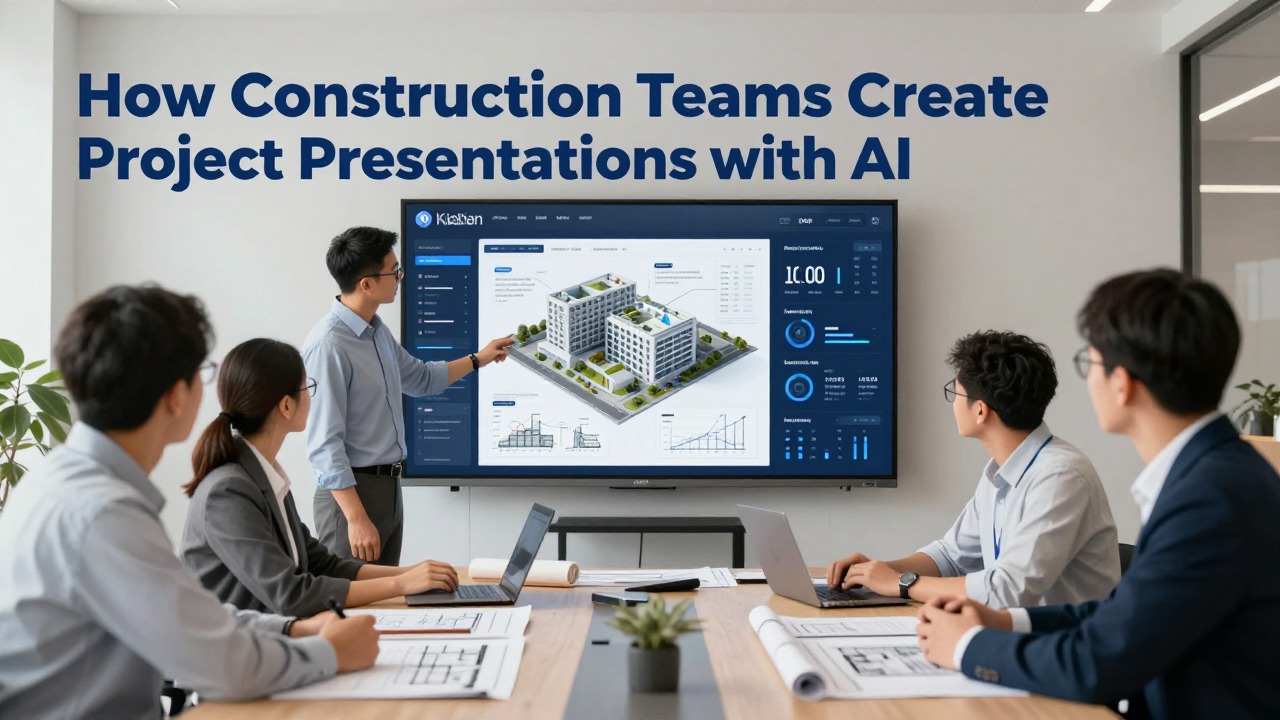
Construction teams can use AI to create clearer project presentations when the team already has reliable source material: schedules, meeting notes, site reports, photos, risk logs, bid notes, safety reminders, and closeout records. The value is not that AI knows your project better than your field staff. The value is that it can turn scattered information into a structured first draft with clearer slide titles, tighter summaries, and a more consistent storyline.
For construction project managers, coordinators, estimators, site engineers, and business development teams, the safest use of construction presentation AI is drafting and organizing. AI can help create owner updates, bid presentations, safety briefings, change order summaries, schedule recovery plans, and closeout reports. It should not validate quantities, costs, code requirements, engineering decisions, contractual claims, or safety obligations.
This guide shows practical workflows you can reuse. The examples are realistic workflows, not verified case studies, and they follow a construction-specific pattern: Context → Source Materials → AI Action → Human Review → Final Deck.
When you are ready to turn the workflow into slides, PopAi AI Presentation can help transform rough notes, documents, or prompts into an editable deck structure.
Can Construction Teams Really Use AI to Create Project Presentations?
AI is useful for turning existing construction information into structured presentations, as long as expert review remains part of the process.
Construction teams rarely start with no information. The problem is usually the opposite: the information is everywhere. A project manager may have the latest schedule in one system, meeting minutes in another folder, site photos on a phone, RFIs in email, cost notes in a spreadsheet, and risk updates scattered across weekly reports. A superintendent may understand the real field constraints, but that knowledge is not yet shaped into slides that an owner, executive, or public stakeholder can understand.
This is where construction presentation AI is genuinely useful. It can summarize long notes, group related issues, suggest a deck structure, rewrite technical language for a non-technical audience, and format the first draft into a logical sequence. It can also help standardize recurring updates so every monthly meeting does not begin with a blank slide deck.
The limit is important. AI is not the authority on the project. It cannot confirm whether a schedule update is contractually valid, whether a cost impact has been approved, whether a drawing reference is current, whether a safety requirement is complete, or whether a delay narrative is legally appropriate. Those decisions belong to qualified project professionals.
- Use AI for project kickoff decks that explain scope, roles, communication routines, major milestones, and early risks.
- Use AI for owner updates that summarize completed work, upcoming milestones, constraints, decisions needed, and visual progress.
- Use AI for bid proposal presentations that turn capability notes, team experience, method statements, and schedule approach into a client-facing story.
- Use AI for safety briefings that convert hazard notes, procedure reminders, and site-specific controls into field-friendly slides.
- Use AI for schedule recovery presentations that explain drivers, dependencies, mitigation options, and decision points without unsupported blame.
- Use AI for change order explanations that organize background, scope impact, cost narrative, schedule impact, and required approvals.
- Use AI for closeout summaries that cover completed scope, documentation status, training needs, punch list themes, warranties, and next steps.
- Use AI for internal executive reviews that condense project status, financial themes, risk exposure, and support needed.
AI can draft the presentation structure, but the construction team must own the facts, obligations, and final message.
The best results come when the team treats AI as a presentation assistant rather than a project decision-maker. Give it verified inputs, ask it to organize those inputs for a specific audience, and then review the output with the people responsible for schedule, cost, safety, quality, engineering, and contract language.
Construction Deck Templates: Owner Update, Bid, and Safety Briefing
Construction decks often affect budget, schedule, safety, claims, and stakeholder trust. AI can turn approved notes into a clearer deck, but project controls, contract language, and safety statements need human review.
| Deck type | Recommended slide sequence | Inputs to provide AI | Manual review focus |
|---|---|---|---|
| Owner update | Project status, schedule look-ahead, budget/change orders, risk register, decisions needed, next milestones. | Approved schedule snapshot, cost report, photos, RFI/submittal log, risk notes. | Cost figures, schedule commitments, change-order wording, owner-sensitive issues. |
| Bid presentation | Understanding of scope, methodology, team, schedule, risk plan, safety plan, differentiators, commercial assumptions. | RFP excerpts, approved company credentials, staffing plan, project examples, exclusions. | Contract terms, pricing, exclusions, claims, unapproved guarantees. |
| Safety briefing | Today’s work, hazards, controls, site logistics, PPE, emergency procedure, stop-work authority. | Approved safety plan, JHA/JSA notes, site photos, toolbox talk notes. | EHS accuracy, local regulation, site-specific hazards, incident wording. |
Do not upload confidential bids, contract disputes, unapproved cost data, private owner information, or safety incident details into an AI tool unless the tool and workflow are approved by your company.
Choose the Right Construction Presentation Workflow Before You Generate Slides
The right workflow depends on who will see the deck, what decision they need to make, and how much verified information is available.
Before opening an ai presentation maker, decide what kind of deck you need. Construction presentations fail when they try to serve everyone at once. An executive review is not a toolbox talk. A lender update is not a subcontractor coordination deck. A public stakeholder presentation is not the place for internal cost debate.
Audience determines structure. Owners usually want progress, risks, and decisions. Executives want exposure, margin themes, major constraints, and support needed. Subcontractors need workface readiness, dependencies, access, safety expectations, and sequencing. Field crews need practical instructions, hazards, responsibilities, and the plan for the day or week. Public stakeholders need plain-language impact, schedule windows, access changes, safety measures, and contact channels.
- Purpose: Are you informing, requesting approval, winning work, aligning teams, documenting closeout, or changing behavior?
- Audience knowledge level: Does the audience understand construction terminology, or do you need plain-language explanation?
- Deadline: Do you need a quick first draft for tomorrow’s meeting, or a polished client presentation with multiple approval rounds?
- Source materials: Do you have current notes, photos, schedules, and reports, or only partial information?
- Sensitivity: Does the deck include pricing, claims, legal issues, safety incidents, personal information, client data, or confidential bid strategy?
- Required approvals: Does the deck need review from project leadership, safety, estimating, legal, quality, engineering, or communications?
For an owner update, the deck should emphasize status, progress, risks, decisions needed, and upcoming milestones. The AI prompt should ask for a concise, factual tone and a clear separation between confirmed information and items requiring approval.
For a safety briefing, the deck should emphasize hazards, controls, responsibilities, stop-work expectations, emergency procedures, and field-level clarity. The AI output must be reviewed by a competent safety lead because vague or incomplete safety language can create real risk.
For a bid presentation, the deck should focus on capability, relevant experience, project understanding, methodology, schedule confidence, risk approach, team structure, and why the proposed approach fits the client’s priorities. AI can improve narrative flow, but estimators and operations leads must verify scope, assumptions, exclusions, and commitments.
If the deck asks the audience to approve money, time, safety actions, scope changes, or contract positions, treat AI output as a draft only and require responsible expert review before it leaves the team.
Recurring meetings are a strong use case for ai presentation templates. Monthly owner updates, internal project reviews, safety meetings, and closeout readiness reviews benefit from the same structure each time. Consistency helps the audience find what matters quickly, and it prevents every contributor from creating a different slide style.
Professional presentation quality in construction is not decorative design alone. It means clarity, traceability, visual hierarchy, verified details, and a logical sequence. A clean deck with accurate status labels, useful visuals, and clear decisions needed will outperform a beautiful deck that hides weak project logic.
How to Turn Project Documents and Notes into a Professional Construction Presentation
A repeatable workflow helps teams move from messy project inputs to a professional presentation without losing control of accuracy.
The safest workflow starts before generation. Decide what information is appropriate to use, what must be removed, and which person will verify the final deck. AI performs better when the prompt has a defined audience, a clear deck goal, and source material that is already organized enough to interpret.
- Gather source material: collect the project brief, scope summary, schedule milestones, recent meeting minutes, risk register themes, RFI or submittal summaries, safety notes, cost narratives, progress photos, quality notes, and punch list themes if relevant.
- Remove confidential or unnecessary information: exclude client-sensitive details, unapproved pricing, legal strategy, personal information, claim language, and anything your company policy does not allow in an AI tool.
- Define the audience: specify whether the deck is for an owner, client, executive team, subcontractors, field crew, regulator, lender, or public stakeholder.
- Write the prompt: tell the AI the deck type, project phase, slide count, tone, must-include sections, source material, and instruction not to invent missing facts.
- Generate an outline first: review the storyline before asking for full slide text so you can catch missing sections early.
- Review slide logic: check whether the flow moves from context to current status to risks to decisions or next steps.
- Add visuals: insert verified site photos, marked-up images, schedule snapshots, simplified diagrams, progress maps, or approved renderings where they help understanding.
- Verify details: confirm dates, quantities, costs, drawing references, specifications, compliance language, safety requirements, approvals, and contractual statements.
- Finalize speaker notes: add what the presenter should say, where they should avoid overcommitting, and which questions may need backup slides.
- Useful project inputs include project brief, owner objectives, contract scope summary, phase description, milestone schedule, lookahead plan, risk register, issue log, RFI summary, submittal status, procurement notes, meeting minutes, change order narrative, safety observations, quality inspection themes, site progress photos, cost narrative, closeout tracker, and training requirements.
- Inputs that need extra care include pricing, claims, incident details, personnel information, legal correspondence, client confidential material, proprietary means and methods, and unapproved engineering assumptions.
- Visual inputs should be used with context: explain what the photo shows, when it was taken, where it was taken, and whether it represents completed work, a constraint, a risk, or an example.
A strong prompt is specific enough to produce a useful first draft but conservative enough to prevent invented facts. For example: Create a 10-slide owner progress update for a commercial construction project in the interior build-out phase. Use a concise, factual tone for a non-technical owner audience. Include project snapshot, work completed this month, upcoming milestones, schedule status, major risks, safety and quality notes, decisions needed, next steps, and appendix suggestions. Use only the information provided. Do not invent milestone dates, quantities, cost figures, drawing references, code requirements, or approvals. Flag missing information as a question for the project team.
PopAi AI Presentation can fit naturally into this workflow when the team needs to move quickly from notes or documents to an editable draft. A project coordinator could upload or summarize weekly meeting notes, paste milestone updates and risk items, and ask PopAi to create a structured owner update. The team can then edit slide titles, add verified dates, insert approved project visuals, simplify wording for the owner, and route the deck to the project manager for technical review.
For a weekly project review, paste a cleaned summary of meeting notes, current milestones, open risks, and decisions needed into PopAi AI Presentation. Ask for an 8-slide internal status deck with one message per slide. After generation, replace generic visuals with site photos, confirm all dates against the current schedule, and have the project lead approve the risk wording.
Never present AI-generated dates, costs, quantities, compliance statements, drawing references, or contractual positions until a responsible construction professional has checked them.
Example Workflows for Common Construction Presentation Use Cases
These realistic sample workflows show how different construction teams can apply AI to common deck types without handing over professional judgment.
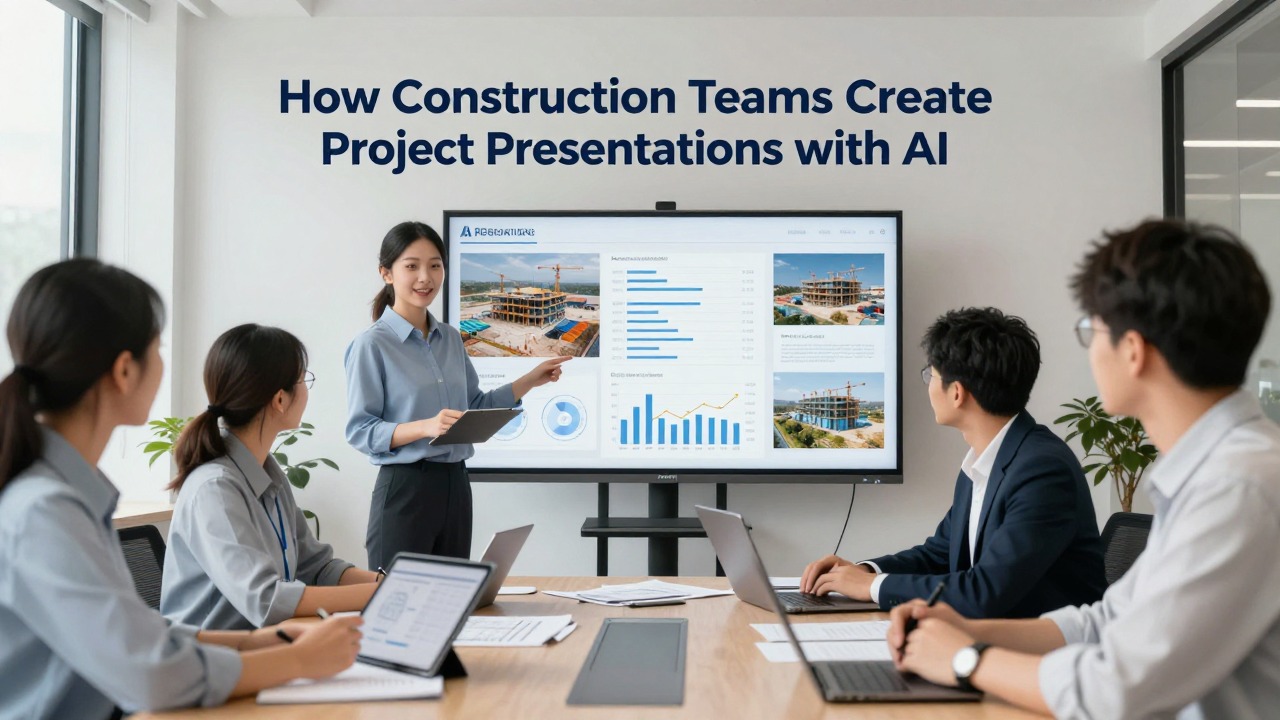
The following examples are practical scenarios, not verified project case studies. They are designed to show how a construction team can move from scattered inputs to a reusable presentation structure. Each workflow follows Context → Source Materials → AI Action → Human Review → Reusable Output.
Use case 1: monthly owner progress update. Context: A project manager needs a 15-minute monthly update for an owner’s representative and finance stakeholders. The meeting must cover what changed since the last report, whether the project remains aligned with key milestones, what risks need attention, and what decisions are required before the next update.
- Source materials: weekly meeting notes, latest milestone schedule, approved site photos, risk register items, RFI themes, submittal highlights, and a list of decisions needed.
- AI action: ask the AI to create a 10-slide owner update with a plain-language executive summary, completed work, upcoming work, schedule status, risk and issue summary, decision log, and next steps.
- Human review: the project manager verifies schedule dates, the superintendent checks field progress wording, the project controls lead reviews risk and milestone language, and the owner-facing lead removes internal-only details.
- Reusable output: a monthly progress deck structure that can be updated with new photos, current milestones, updated risk items, and decisions needed each month.
The most useful AI contribution in this scenario is not flashy design. It is the ability to turn meeting notes into a narrative that starts with status, explains the few issues that matter, and ends with clear owner decisions. This prevents the common problem of a progress deck becoming a slide dump of photos and bullet points.
Use case 2: bid or proposal presentation. Context: A business development team is preparing for a shortlisting interview. They have estimator notes, project approach comments, resumes, relevant project descriptions, and early thoughts from operations, but the content does not yet feel like a client-facing story.
- Source materials: client priorities from the RFP, capability notes, relevant project experience, proposed team roles, construction methodology, logistics approach, schedule assumptions, risk approach, and differentiators approved by leadership.
- AI action: ask the AI to organize the material into a proposal presentation with a strong opening, understanding of client goals, project approach, team credibility, schedule strategy, risk controls, and closing message.
- Human review: estimators confirm that scope statements and assumptions align with the bid; operations confirms methodology; business development checks client language; leadership approves commitments and differentiators.
- Reusable output: a bid interview deck outline that can be customized for future pursuits while preserving approved capability language and structure.
PopAi may be useful here when the team has rough notes but needs a polished structure quickly. For example, the business development lead can paste the RFP priorities, team notes, and project approach into PopAi AI Presentation and ask for a 12-slide client interview deck. The generated outline can become the starting point for a stronger story, while the estimating and operations teams still control the commitments.
Use case 3: safety toolbox or site briefing deck. Context: A safety lead needs a short briefing for field crews before a high-risk work activity, such as work at height, heavy equipment movement, confined access, hot work, lifting operations, or work near live services. The deck must be practical and easy to deliver in the field.
- Source materials: hazard notes, job hazard analysis themes, site-specific controls, procedure reminders, emergency contacts, access restrictions, PPE requirements, stop-work expectations, and photos of the work area if approved.
- AI action: ask the AI to create a concise field briefing with simple slide titles, hazard-control pairings, responsibility reminders, visual prompts, and discussion questions for the crew.
- Human review: the safety lead verifies every control, the superintendent confirms site-specific sequencing, and the presenter removes any wording that conflicts with company safety procedures or regulatory requirements.
- Reusable output: a toolbox briefing format with sections for activity overview, top hazards, required controls, crew responsibilities, emergency response, and confirmation questions.
AI can improve clarity for safety briefings by converting dense procedure language into slides that field crews can absorb quickly. But safety content must be checked carefully. A professional-looking safety deck with incomplete controls is worse than a plain deck that accurately communicates the required actions.
Use case 4: schedule delay or recovery plan presentation. Context: A project team needs to explain schedule pressure to an owner or executive group. The goal is to explain causes, current impacts, mitigation options, dependencies, and decisions needed without using unsupported blame or overconfident recovery claims.
- Source materials: schedule narrative, milestone variance notes, procurement updates, weather or access constraints if documented, RFI impacts, sequencing constraints, mitigation options, resource assumptions, and decision requests.
- AI action: ask the AI to draft a neutral recovery plan deck with current status, contributing factors, affected milestones, mitigation options, dependencies, risks to recovery, and decisions needed.
- Human review: the scheduler verifies logic and dates, the project manager checks scope and responsibility language, the commercial lead reviews cost and entitlement wording, and legal or contracts teams review sensitive claims if required.
- Reusable output: a recovery plan deck structure that separates facts, assumptions, options, and decisions so stakeholders can understand the path forward.
A good AI prompt for this deck should explicitly say not to assign blame, not to invent causes, and not to create entitlement language. The deck should distinguish confirmed schedule facts from analysis and from proposed actions. This is one of the highest-review use cases because schedule and delay language can affect commercial positions.
Use case 5: project closeout or handover presentation. Context: Near the end of construction, the team needs to brief the owner, facilities team, or internal leadership on completed scope, documentation status, open punch list themes, training requirements, warranty process, and next steps.
- Source materials: closeout tracker, punch list themes, O&M manual status, as-built documentation status, commissioning notes, training schedule, warranty process, final inspection notes, outstanding approvals, and handover responsibilities.
- AI action: ask the AI to create a closeout summary deck with a clear handover timeline, documentation status, open items, owner actions, training needs, and post-handover support process.
- Human review: the project manager verifies closeout status, quality lead checks punch list language, commissioning lead confirms testing and training status, and contract administrator reviews outstanding obligations.
- Reusable output: a closeout report presentation template that can be used across projects with consistent status categories and appendix structure.
Closeout decks benefit from AI because the source information is often administrative and fragmented. AI can group punch list themes, convert tracker items into status slides, and make the handover story easier for the owner to follow. The team still needs to verify what is complete, what is pending, and what is contractually required before handover.
What to Include in AI Presentation Templates for Construction Projects
Reusable templates help construction teams create consistent decks while preserving the flexibility needed for different audiences and project phases.
A construction presentation template should do more than provide colors and fonts. It should guide the logic of the conversation. The template should make it easy for the presenter to show where the project stands, what changed, what matters now, what decisions are needed, and what happens next.
- Title slide: project name, presentation purpose, audience, date, presenter, and confidentiality label if required.
- Project snapshot: location, phase, scope summary, current status, key milestones, and high-level health indicators.
- Objective: what the audience should understand, approve, decide, or prepare for by the end of the meeting.
- Current status: concise summary of progress, schedule position, safety and quality themes, and major constraints.
- Key progress: completed work since the last update, supported by verified photos or visuals.
- Upcoming work: near-term milestones, planned activities, dependencies, and access or coordination needs.
- Visual evidence: site photos, simplified diagrams, schedule snapshots, logistics visuals, or approved renderings.
- Risks and issues: current risks, likely impact, mitigation actions, owner or team decisions needed, and accountable parties where appropriate.
- Decisions needed: clear requests with deadline, impact if delayed, and responsible decision-maker.
- Next steps: near-term actions, meeting cadence, follow-up owners, and expected update timing.
- Appendix: detailed schedule views, logs, supporting photos, assumptions, definitions, or backup information.
Different deck types need different variations. An executive summary deck should compress details into business impact, risk exposure, decisions, and support required. A technical review should include more detail on methods, sequencing, constraints, drawings, submittals, and engineering considerations. A client proposal should emphasize understanding, approach, team credibility, schedule plan, and risk management. A safety meeting should prioritize hazards, controls, responsibilities, and field behavior. A closeout report should focus on completion status, documentation, training, open items, and handover responsibilities.
- Slide-level standard: one message per slide, stated in the title rather than buried in the body text.
- Status standard: use clear labels such as on track, at risk, delayed, pending approval, closed, or action required.
- Traceability standard: include source or date notes where the audience may need to know when the information was current.
- Visual standard: prefer simple visuals that explain progress, sequence, risk, or location over decorative images.
- Terminology standard: use consistent names for areas, phases, packages, contractors, milestones, and deliverables.
- Decision standard: every decision slide should state the request, deadline, consequence of delay, and owner of follow-up.
Reusable prompt components make ai presentation templates stronger. Instead of typing a vague request such as create a construction presentation, build a reusable prompt pattern: audience, deck purpose, project phase, tone, number of slides, source material, required sections, sensitivity limits, and verification reminders.
Use this instruction in construction prompts: Use only the supplied information. If dates, quantities, costs, code references, approvals, or contractual positions are missing, flag them as questions instead of filling them in.
Templates should reflect company standards, client requirements, and project documentation protocols. If your company uses specific status colors, confidentiality language, naming conventions, approval stamps, safety wording, or claim review processes, those rules should be built into the template and prompt. AI can help apply the structure, but it should not override approved project communication standards.
Mistakes to Avoid When Using AI for Construction Presentations
AI can speed up construction presentation work, but careless use can introduce accuracy, confidentiality, safety, and approval problems.
The biggest mistake is treating a polished AI-generated deck as if it is automatically reliable. Construction presentations often contain facts that affect decisions, money, safety, and contractual positions. A confident slide title can hide missing assumptions or unverified information.
- Do not paste confidential project, client, pricing, legal, personal, claim, or safety-sensitive information into any AI tool without checking company policy and client requirements.
- Do not allow AI to invent milestone dates, quantities, cost figures, production rates, code references, safety requirements, drawing numbers, approval status, or performance claims.
- Do not use generic AI wording for delay, claim, change order, or safety content without review from the appropriate lead.
- Do not assume a deck is professional because it looks visually consistent; professional means accurate, clear, traceable, and appropriate for the audience.
- Do not let multiple contributors paste inconsistent terminology into the deck without a final editorial pass.
- Do not present outdated photos, old schedule screenshots, superseded drawings, or unresolved assumptions as current facts.
Generic AI slides can sound polished while missing the real decision. For example, a slide titled Project Risks may list broad categories such as procurement, labor, weather, and coordination. That may be accurate but not useful. A better construction slide says which risk matters now, what it affects, what mitigation is underway, and what decision or support is needed.
Another common mistake is overloading slides because the team wants to include every detail. AI can summarize, but the project team should decide what belongs in the main deck and what belongs in the appendix. Owners and executives need the main storyline. Technical backup can sit behind it.
- Technical accuracy: Are methods, scope statements, field constraints, quantities, systems, and terminology correct?
- Schedule accuracy: Do milestone dates, sequencing claims, delay statements, and recovery assumptions match the current approved schedule or clearly state their status?
- Cost language: Are cost impacts, allowances, contingencies, exclusions, and approvals described carefully and only when verified?
- Scope alignment: Does the deck match the contract scope, approved changes, current work packages, and documented responsibilities?
- Risk wording: Are risks stated neutrally, with mitigation actions and decision needs, without unsupported blame or speculation?
- Safety and compliance: Has the safety lead reviewed hazard controls, procedural language, regulatory references, and stop-work expectations?
- Audience fit: Is the language appropriate for owners, executives, subcontractors, field crews, public stakeholders, or regulators?
- Approval status: Have the right people reviewed the content before it is presented externally or used for formal decisions?
- Visual clarity: Are photos, diagrams, schedule extracts, and charts current, legible, labeled, and relevant to the slide message?
AI can improve speed and structure, but construction professionals remain responsible for final judgment.
A practical review routine is to assign reviewers by risk area. The project manager checks overall project message. The scheduler checks milestone and recovery language. The estimator or commercial lead checks cost and scope. The safety lead checks safety content. The superintendent checks field reality. The business development or communications lead checks audience clarity. This keeps review focused instead of asking everyone to comment on everything.
When to Use PopAi AI Presentation for Construction Presentation AI Workflows
PopAi is a practical fit when a construction team has rough notes, documents, or outlines and needs an editable presentation draft quickly.
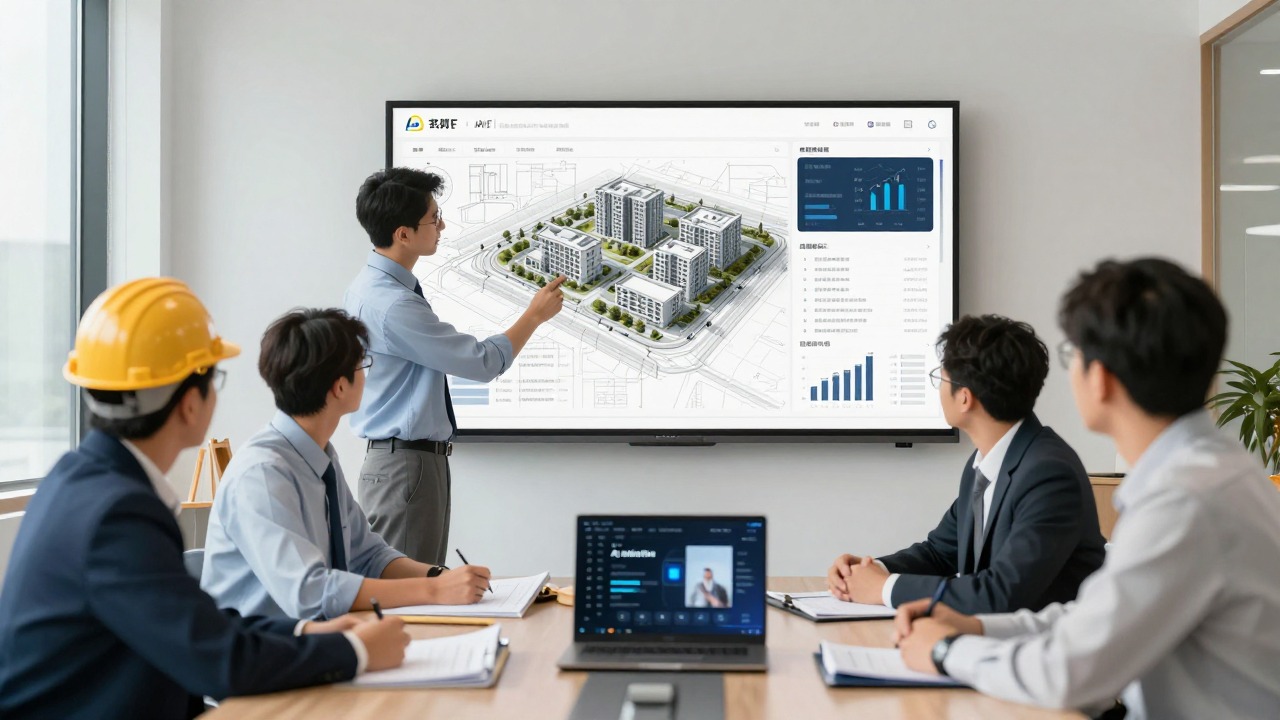
PopAi AI Presentation is useful when the hard part is moving from scattered project material to a clear slide structure. Based on the product workflow, teams can turn prompts, documents, notes, and rough ideas into structured presentation decks faster. For construction teams, that means using PopAi for first drafts, executive summaries, stakeholder-friendly explanations, and consistent deck structure.
A good PopAi workflow starts with controlled input. Instead of uploading everything from a project folder, prepare a cleaned source summary: current project phase, audience, purpose, verified milestones, completed work, upcoming work, risks, decisions needed, and any wording that must be included or avoided. Then ask PopAi AI Presentation to create an editable deck outline or draft.
- Use PopAi for first drafts of owner progress updates when you have meeting notes, milestone updates, risk items, and site photo captions.
- Use PopAi for bid outlines when you have client priorities, team capability notes, construction methodology, relevant experience, and approved differentiators.
- Use PopAi for safety briefing drafts when you have hazard notes and procedure reminders that need to become clear field-facing slides.
- Use PopAi for internal status decks when executives need a concise view of progress, risks, commercial themes, and support needed.
- Use PopAi for closeout summaries when you have tracker notes, documentation status, punch list themes, training requirements, and next steps.
For a closeout meeting, prepare a verified summary of completed scope, O&M manual status, punch list themes, training dates, warranty process, and owner actions. Ask PopAi AI Presentation for a 9-slide handover deck with a calm, factual tone. Then add approved visuals, confirm every status item against the closeout tracker, and have the project manager approve the final deck.
The concrete fit is the combination of document-to-presentation workflow, prompt-based deck creation, AI writing support, editable structure, and reduced manual formatting work. This is especially helpful for project coordinators and managers who are not presentation designers but need a professional presentation for stakeholders on a tight deadline.
PopAi should not replace tools and processes that are designed for detailed construction control. You may still need CAD or BIM tools for technical visuals, scheduling software for official schedule extracts, cost systems for approved cost reports, document control for current drawings and submittals, legal review for claims or contract positions, engineering calculations for design decisions, and compliance sign-off for regulated content.
- Choose one upcoming construction presentation, such as a monthly owner update, bid interview, safety briefing, schedule recovery discussion, or closeout meeting.
- Gather verified source notes and remove sensitive information that should not be used in an AI tool.
- Define the audience, purpose, tone, slide count, required sections, and approval path.
- Generate a draft with PopAi AI Presentation or another suitable ai presentation maker.
- Review the outline for logic before polishing the slides.
- Insert approved visuals and replace any generic wording with project-specific, verified information.
- Have the responsible project lead review technical, schedule, cost, safety, and contractual content before presenting.
The strongest next step is small and practical: take one deck you already need to create this week, prepare a clean summary of verified inputs, and generate a draft. If the draft gives you a usable structure, saved formatting effort, and clearer slide logic, you can turn that structure into a repeatable construction presentation AI workflow for the rest of the project team.
FAQ
Can AI create a complete construction presentation from project notes?
AI can create a strong first draft when the notes or documents are clear, current, and organized around a specific audience. It can structure the deck, summarize key points, rewrite technical content, and suggest slide flow. The construction team must still verify all technical, schedule, cost, safety, compliance, drawing, approval, and contractual details before using the deck.
What is the best way to prompt an AI presentation maker for a construction deck?
Include the audience, project phase, deck goal, slide count, source material, tone, required sections, and sensitivity limits. Add a clear instruction such as: use only the supplied information and flag missing dates, quantities, costs, approvals, drawing references, code requirements, or contractual positions instead of inventing them.
Can AI presentation templates work for monthly construction progress reports?
Yes. Templates are especially useful for recurring monthly updates because they keep the structure consistent. A practical template should include project snapshot, completed work, upcoming milestones, schedule status, risks and issues, safety and quality notes, decisions needed, next steps, and an appendix for supporting details.
Is it safe to upload construction project documents to an AI tool?
Check your company policy, client confidentiality rules, data sensitivity, and the tool’s privacy terms before uploading documents. Avoid uploading confidential pricing, legal strategy, claims material, personal information, proprietary methods, safety-sensitive incident details, or client-restricted documents unless your organization has approved that workflow.
How can a construction team make AI-generated slides look professional?
Focus on clear slide titles, one message per slide, consistent terminology, verified visuals, concise text, and audience-specific framing. Add source or date notes where relevant, use simple status labels, keep detailed logs in the appendix, and have the responsible project lead review the deck before presenting.
Create your presentation with one click now
Turn your verified construction notes into a structured, editable project deck faster with PopAi AI Presentation.
Try PopAi AI Presentation