AI Real Estate Presentation: Listing Walkthrough Template
Updated August 18, 2026 · PopAi Academy Editorial Team
An ai real estate presentation listing walkthrough helps an agent turn property photos, facts, floor plans, and buyer priorities into a guided viewing story.
This guide covers the audience and listing inputs, a room-by-room template, a copyable prompt, two listing examples, review checks, FAQ, and the PopAi presentation workflow.
AI Real Estate Presentation Listing Walkthrough: Lead with Buyer Intent
A virtual walkthrough should answer what the buyer sees, how the space supports their life, and what action to take next. Keep verified property facts separate from persuasive interpretation.
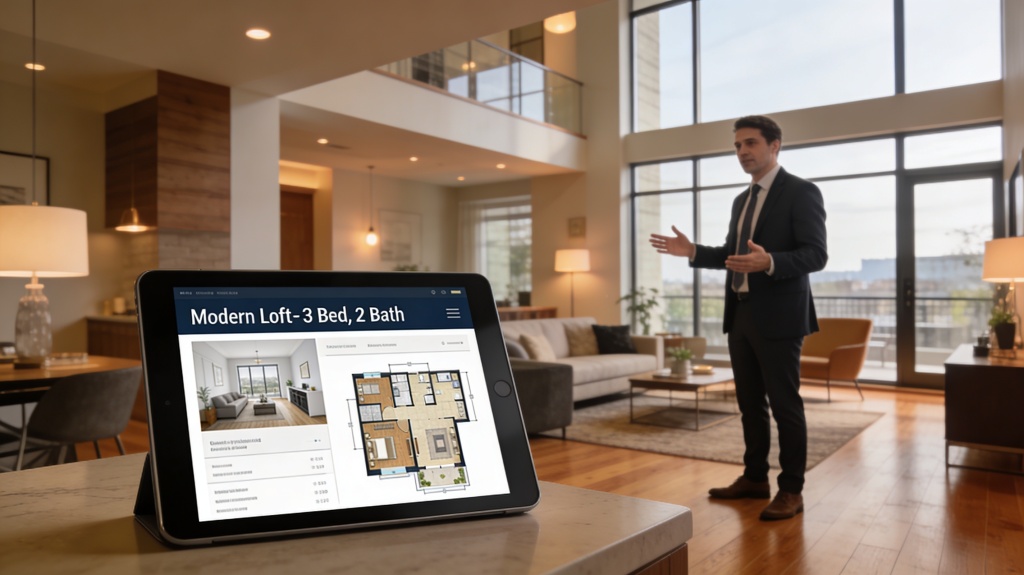
Recommended Listing Walkthrough Template
| Section | Purpose | Include |
|---|---|---|
| Opening | Set the buyer context | Property, neighborhood, ideal buyer |
| Exterior | Establish first impression | Curb appeal, access, verified dimensions |
| Living areas | Show flow | Light, layout, use case, key feature |
| Kitchen and baths | Explain function | Condition, storage, updates, disclosures |
| Bedrooms and workspaces | Match lifestyle | Privacy, flexibility, measurements |
| Location | Connect to routine | Transit, amenities, verified facts |
| Close | Make the next step clear | Viewing, question, contact, timeline |
Prompt and Real Listing Examples
Family home
Connect the entry, kitchen, living room, and outdoor area to a weekday routine, then show bedrooms and storage with verified measurements.
Investment property
Lead with location and operating assumptions, separate verified numbers from projections, and end with a clear request for a viewing or data room.
Review and Export the Property Deck
- Confirm every measurement, price, date, amenity, and disclosure.
- Use captions and alt text so viewers can follow without guessing.
- Replace generic superlatives with evidence and buyer-relevant language.
- Export and inspect image quality, links, maps, fonts, and mobile readability.
The common failure is a beautiful tour that omits the decision information buyers need. Keep the CTA specific and make assumptions visible.
Frequently Asked Questions
What is an ai real estate presentation listing walkthrough?
It is a buyer-focused property presentation that guides viewers through rooms, facts, lifestyle fit, and the next action.
What should I prepare before generating a listing deck?
Prepare approved photos, floor plans, measurements, price and timing, disclosures, neighborhood facts, and the target buyer profile.
Can AI write property descriptions?
It can draft concise descriptions from approved facts, but an agent must verify claims and comply with local advertising rules.
How do I avoid misleading buyers?
Separate facts from interpretation, label estimates, preserve disclosures, and review every generated slide before sharing.