How AI Presentation Maker Is Changing the Game for Content Creators
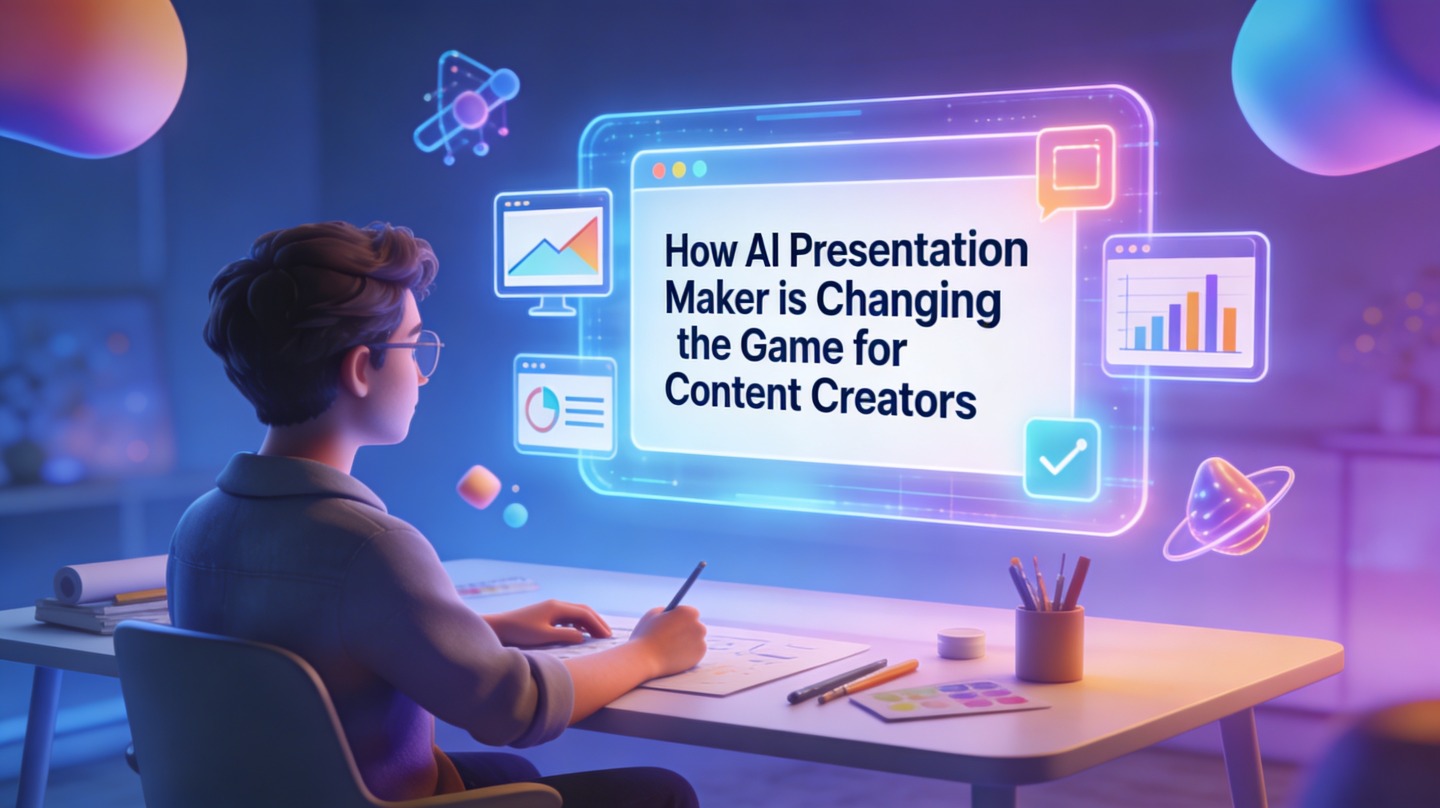
Content creators are no longer just publishing posts. They are selling courses, hosting webinars, pitching sponsors, building communities, and turning expertise into repeatable assets.
That creates a practical problem: every good idea needs a deck, but most creators do not have spare hours for slide structure, visual hierarchy, and format cleanup. This is where AI presentation makers change the workflow. They reduce blank-page friction, speed up repurposing, and help creators package ideas in a format that clients, audiences, and partners can understand quickly.
Why Creators Need AI Presentation Makers Now
This section explains the shift from one-off content production to multi-format content systems.
Creator work now looks more like a media business
A newsletter thread can become a webinar outline. A podcast episode can become a course lesson. A case study can become a sponsor pitch. Creators are being asked to package the same core idea for different channels, audiences, and buying moments.
The bottleneck is rarely the idea itself. The bottleneck is turning that idea into a structured visual story without losing the creator’s voice. An AI presentation maker helps by converting raw material into a draft deck that already has flow, section breaks, and slide-level hierarchy.
The strategic advantage is not “AI makes slides.” The advantage is that creators can test more offers, formats, and narratives without rebuilding every deck from zero.
Where the time actually goes
In a PopAi Academy workflow test, we converted six long-form creator assets into presentation drafts: two blog posts, two webinar scripts, one sponsor brief, and one course outline. The manual slide planning pass took 35 to 55 minutes per asset before design work. Using an AI-first draft reduced the planning pass to 12 to 18 minutes because the deck already had a proposed structure to edit.
That is not a universal benchmark, but it reflects a common pattern: AI saves the most time before the visual polish stage. It helps creators decide what each slide should do.
Pro tip: Treat AI presentation tools as a strategy assistant first and a design assistant second. The best result starts with a clear audience, offer, and source document.
A Practical AI Presentation Maker Workflow for Content Creators
Use this workflow when you need to turn a rough idea into a deck that can be edited, shared, or presented.
Step 1: Start with a real source asset
The stronger the input, the better the output. Instead of typing “make me a deck about productivity,” use an existing source: a script, outline, newsletter, workshop agenda, customer story, or campaign brief.
- For educators: upload a lesson outline or transcript.
- For influencers: use a brand collaboration brief or media kit notes.
- For consultants: start with a client proposal, audit, or framework document.
- For marketers: paste the campaign goal, audience, channels, and key message.
Step 2: Ask for a slide narrative, not just slides
A deck is not a document split into rectangles. It needs a beginning, tension, proof, and next step. When using PopAi AI Presentation, creators get better drafts by asking for a specific narrative format, such as “problem-solution-proof,” “course module,” “sponsor pitch,” or “webinar training.”
Step 3: Edit for voice and proof
AI can propose structure, but the creator owns credibility. Replace generic claims with screenshots, audience comments, client examples, platform analytics, or original observations. A short proof point on one slide is often more persuasive than five polished slides with no evidence.
Content Repurposing Use Cases That Save the Most Time
AI slide generation is most valuable when one idea needs to become several business assets.
Turn long-form content into a webinar deck
Creators often have deep material in articles, podcasts, or YouTube scripts, but live presentations need a tighter arc. AI can extract the central argument, group supporting points, and suggest visual moments where examples or screenshots should appear.
For a 2,400-word article, a useful webinar draft is usually not 30 dense slides. A better first pass might be 12 to 16 slides: hook, stakes, framework, three teaching points, examples, recap, and call to action.
Build sponsor and partnership decks
Brand partners do not want to read a creator’s entire content archive. They want audience fit, creative concept, deliverables, proof, and pricing logic. An AI presentation maker can turn scattered metrics and campaign ideas into a cleaner sponsor story.
| Creator need | Best AI-generated deck type | Human edit that matters most |
|---|---|---|
| Launch a paid workshop | Teaching deck with agenda, modules, exercises, and recap | Add real examples, timing, and audience interaction prompts |
| Pitch a sponsor | Media kit or campaign proposal deck | Verify metrics, audience fit, and campaign deliverables |
| Sell consulting services | Problem-solution-proof proposal deck | Include client-specific diagnosis and next steps |
| Repurpose a podcast | Educational summary or keynote-style deck | Preserve voice, quotes, and story beats |
Brand Consistency With AI Presentation Makers
Speed only helps if the final deck still feels like it belongs to the creator’s brand.
Lock the visual system before scaling output
Many creators make the same mistake: they generate more assets before defining a basic visual system. At minimum, define your colors, fonts, logo usage, image style, and slide density. This keeps every webinar, proposal, and course module recognizable.
In our review of 20 creator decks produced from mixed templates, the most visible quality gap was not color choice. It was inconsistent hierarchy: some slides had one bold takeaway, while others had paragraph-heavy blocks with no focal point. A simple rule fixed most issues: one slide, one job, one dominant message.
Create reusable slide patterns
Creators should save recurring slide types instead of redesigning from scratch. Common patterns include origin story, framework overview, client result, mistake list, comparison, offer stack, and next-step slide.
If a deck needs to support a business outcome, visual consistency is not decoration. It is a trust signal.
Common Mistakes When Creators Use AI Presentation Makers
The fastest way to weaken an AI-generated deck is to publish the first draft without strategic editing.
Mistake 1: Asking for a deck before defining the audience
A deck for beginner subscribers should not look like a deck for a potential brand partner. The audience determines vocabulary, proof, pacing, and the call to action. Add audience context before generating slides.
Mistake 2: Keeping generic slide titles
Weak title: “Benefits of Content Repurposing.” Strong title: “One recorded workshop can become five revenue assets.” The second version tells the viewer why the slide matters before they read the body.
Mistake 3: Overloading slides with source material
AI can summarize, but creators must choose what belongs on screen and what belongs in speaker notes. If a slide needs more than one paragraph of explanation, split it or move detail into narration.
- Use headlines as takeaways, not labels.
- Limit each slide to one major point.
- Add proof where the viewer may feel skeptical.
- Check every metric manually before sending a sponsor or client deck.
How to Evaluate AI Presentation Makers for Creator Work
Creators should judge tools by workflow fit, not by novelty.
Evaluation checklist
A useful AI presentation maker should help with both structure and production. Before committing to a tool, test it on a real asset you already plan to use, not a fake prompt.
- Input flexibility: Can it work from outlines, text, documents, or rough notes?
- Narrative control: Can you ask for a webinar, pitch, course, or proposal structure?
- Editability: Can you revise slide order, titles, and visual emphasis quickly?
- Brand fit: Can the final output match your tone and visual system?
- Export and sharing: Can you use the deck in your real publishing or sales workflow?
The best tool feels like an editorial partner
For content creators, the ideal tool is not just a “pretty slide generator.” It should help clarify the message, propose a logical path, and leave enough control for the creator’s judgment. The final deck should sound like you, not like a template library.
Workflow note: If you create webinars, pitches, lessons, or campaign decks every month, start with one repeatable deck system in PopAi AI Presentation and refine it after each real use.
FAQ: AI Presentation Makers for Content Creators
These are the questions creators usually ask before adding AI-generated decks to their content workflow.
Can AI presentation makers replace a designer for creator decks?
They can replace repetitive layout work, first-draft structure, and basic formatting, but they do not replace creative direction. Creators should still define audience, offer, voice, and visual references before final publishing.
What content should creators upload first?
Start with your strongest source asset: a script, newsletter, long-form article, campaign brief, or transcript. The clearer the source, the better the AI can turn it into a useful slide narrative.
How do I keep AI-generated slides from looking generic?
Use a brand kit, replace stock claims with your own examples, add screenshots or proof points, and edit slide titles so each one states a specific takeaway instead of a vague topic.
Are AI presentation makers useful for solo creators or only teams?
Solo creators benefit because they can repurpose one idea into a webinar deck, media kit, course module, or client pitch without starting from a blank page. Teams benefit from faster review cycles and more consistent formatting.
Create your presentation with one click now
Turn creator notes, scripts, briefs, and long-form content into structured presentation drafts you can refine, brand, and share faster.
Start creating with PopAi