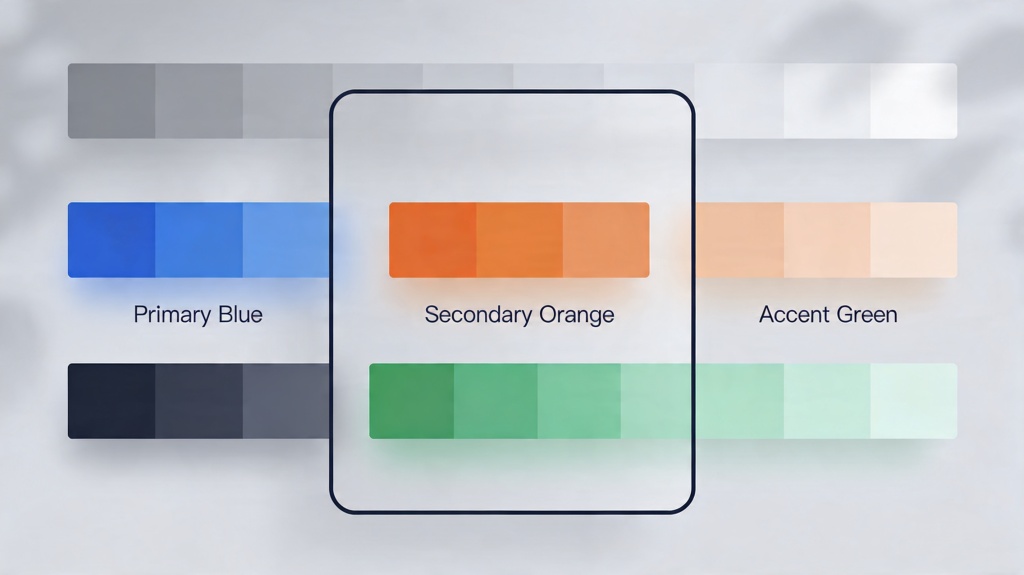

A presentation color palette is not just a set of attractive colors. It is a working system for backgrounds, headings, body text, charts, icons, callouts, and emphasis. A good palette makes slides easier to read, keeps the deck consistent, and helps the audience understand what matters first.
This guide focuses on practical slide design rather than a generic tool introduction. You will learn the core principles, common color mistakes, before-and-after fixes, a reusable checklist, where AI can help, and two realistic examples you can adapt. For the broader deck workflow, connect this long-tail guide to the AI for presentations core page before moving into the main PopAi AI Presentation workflow.
Presentation Color Palette: Design Principles to Start With
The safest palette is usually simple: one background color, one text color, one primary brand or theme color, and one accent color used only when something needs attention. This gives the audience a repeated visual language instead of a new design decision on every slide.
- Start with readability: choose text and background colors with strong contrast before choosing decorative accents.
- Use color for meaning: make one color mean action, one mean warning, and one mean neutral context.
- Limit accent colors: if everything is highlighted, nothing feels important.
- Match the room: dark rooms can handle richer backgrounds; bright rooms need stronger contrast and cleaner surfaces.
- Keep charts consistent: do not let chart colors compete with section headers, buttons, or warning labels.
A Simple Slide Palette Template
Use this table before designing a deck. It prevents the common mistake of choosing colors slide by slide, then discovering that the deck feels inconsistent at the end.
| Palette Role | Recommended Use | Practical Rule |
|---|---|---|
| Background | White, light gray, charcoal, or deep navy | Keep most content slides calm and readable. |
| Text | Near-black on light backgrounds or white on dark backgrounds | Avoid medium gray text for important points. |
| Primary color | Brand color, section labels, major shapes | Use repeatedly so the deck feels unified. |
| Accent color | CTA, key number, risk marker, selected item | Reserve it for 5% to 10% of the visual space. |
| Chart colors | 2 to 4 category colors | Use the same color for the same category across slides. |
Common Color Mistakes in Professional Slides
Mistake 1: Every slide has a different accent
Problem: One slide uses orange for priority, the next uses purple, and another uses red for a normal label. The audience cannot learn the visual language.
Fix: Pick one accent color for important takeaways and keep it consistent across the whole deck.
Mistake 2: Brand colors are used at full strength everywhere
Problem: A saturated brand color fills backgrounds, charts, icons, and blocks of text, making the deck feel loud and hard to scan.
Fix: Use the brand color for headers or key shapes, then create lighter tints for backgrounds and support areas.
Mistake 3: Chart colors fight the message
Problem: Positive and negative values use random colors, or the important category is not visually different from the rest.
Fix: Assign neutral colors to context data and the accent color to the main insight.
Before and After Fixes
Use these quick rewrites when a slide looks unprofessional but you do not want to redesign the whole deck.
- Before: white background, pale yellow text, three saturated chart colors. After: white background, near-black text, one navy chart series, one orange highlight.
- Before: dark blue background on every slide with dense paragraphs. After: light content slides, dark section divider slides, blue used for structure rather than all body content.
- Before: red used for titles, warnings, buttons, and chart values. After: red only marks risk; titles use dark neutral text and CTAs use a separate brand accent.
If the deck uses different colors for problem, solution, and proof sections, first define the storytelling presentation framework, then assign each color role to a clear narrative purpose.
Reusable Color Review Checklist
- Can every slide be read quickly from a distance?
- Does the deck use one clear accent color for important information?
- Are background colors calm enough for text-heavy slides?
- Are chart colors assigned consistently across repeated metrics?
- Do warning, success, and neutral states use different colors?
- Are brand colors supported by neutral tints instead of overused at full saturation?
- Would the slide still make sense if viewed in grayscale?
Where AI Can Help with Slide Colors
AI is useful for generating a first palette, naming color roles, checking whether a palette matches the topic, and suggesting lighter or darker variants. It is less reliable when asked to decide final contrast without review, especially for charts, small labels, or projected slides.
- Give the AI the audience, tone, brand color, and presentation purpose.
- Ask for colors by role: background, text, primary, accent, chart colors, and warning color.
- Request contrast notes for text-heavy slides and chart labels.
- Apply the palette to 3 sample slides before generating the full deck.
- Manually adjust anything that looks weak in thumbnails or projected mode.
Prompt example: Create a professional slide color system for a B2B SaaS strategy deck. Use navy as the primary color, keep body slides readable on a bright projector, reserve one accent for key metrics, and provide hex colors for background, text, primary, accent, chart context, and warning states.
Real Scenarios and Examples
Scenario 1: Investor update deck
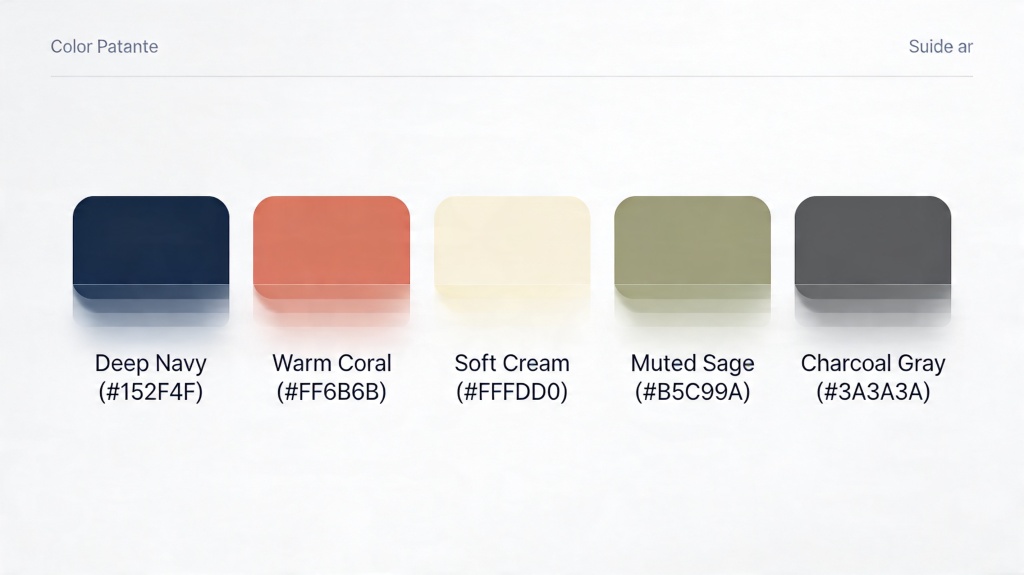
A startup wants the deck to feel confident without looking flashy. Use a white or light gray background, navy titles, charcoal body text, one green accent for growth metrics, and muted gray for context data. Avoid using green on every positive-looking number; save it for the metric that matters most.
Scenario 2: Training deck for new employees
A training deck needs clarity over drama. Use a light background, dark text, one blue primary color for section labels, and a warm accent for tips or action steps. Keep warning colors separate so policy risks do not look like normal notes.
Frequently Asked Questions
What is a presentation color palette? +
It is a small set of colors assigned to specific slide roles: background, body text, primary shapes, accents, charts, and warnings. The goal is consistency and readability, not decoration.
How many colors should I use in a professional slide deck? +
Use 3 to 5 colors for most decks. A neutral background, strong text color, one primary color, one accent color, and a small chart set are usually enough.
Can AI choose slide colors for me? +
AI can create a strong first draft and suggest role-based colors, but you should still review contrast, chart consistency, and whether the accent color is being overused.
Create a polished slide deck faster
Use PopAi to turn your topic, outline, or document into an editable presentation, then refine the color system with the checklist above.
Start Creating for Free