Storytelling Presentation Framework: Problem-Solution-Proof Slides
Published on April 21, 2026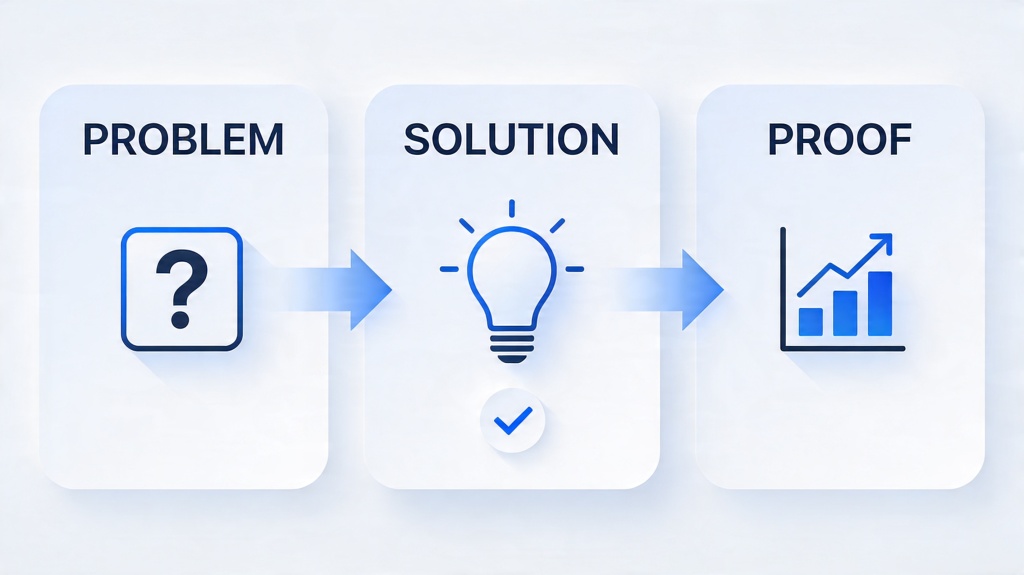
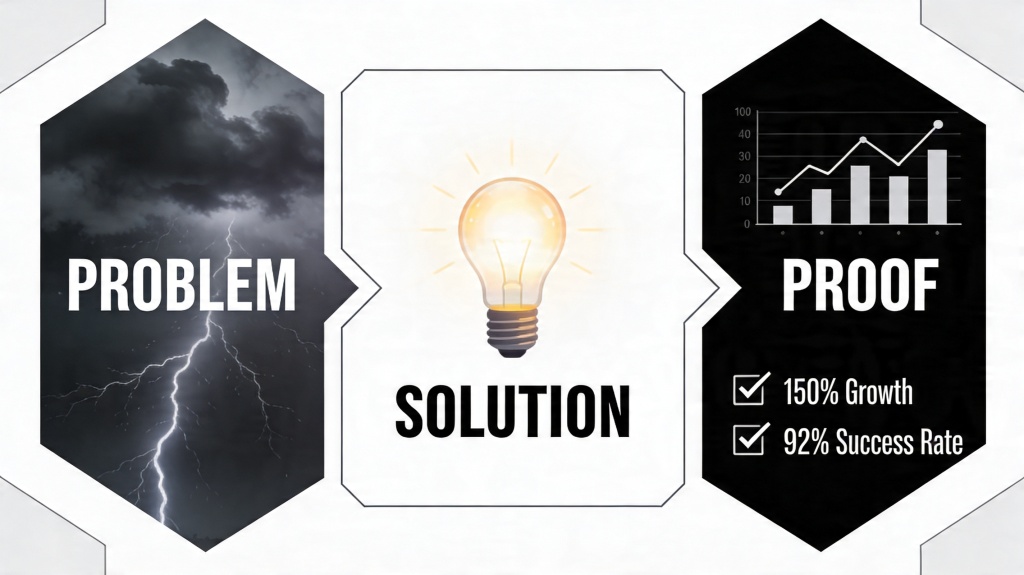
A storytelling presentation framework helps you turn a deck from a list of points into a persuasive sequence: define the problem, present the solution, then prove why the audience should believe it. This is especially useful when your slides need to win approval, explain a change, sell a service, or make a complex idea feel simple.
The original Problem-Solution-Proof structure is still the core of this page. The difference is that this version treats it as a design technique: every section should have a clear message, a visual role, and a reason to appear in that order. For the broader deck workflow, this guide links up to the AI for presentations core page and the main PopAi AI Presentation pillar page.
Storytelling Presentation Framework: Design Principles
Good story decks are designed around audience movement. Each slide should move the viewer from uncertainty to urgency, from urgency to confidence, and from confidence to action.
| Principle | What It Means | Design Move |
|---|---|---|
| One core problem | Focus on the pain that matters most to the audience. | Use one strong headline, one visual, and one supporting metric. |
| Clear section shift | The solution should feel like a real turn in the story. | Change layout, color weight, or visual style when moving from problem to solution. |
| Proof after promise | Do not ask the audience to trust a claim before you support it. | Use data, screenshots, case results, testimonials, or demos immediately after the solution. |
| Action at the end | The final slide should tell the audience what to approve, try, buy, or discuss. | Use one CTA, not several competing next steps. |
Scenario: startup pitch
A founder opens with the wasted time caused by a manual workflow, shows a product that removes that bottleneck, then proves traction with retention, usage growth, and one customer quote.
Scenario: internal strategy proposal
A manager frames reporting delays as the problem, proposes a new dashboard process, and proves it with a pilot result, required resources, and a clear decision request.
Common Storytelling Mistakes
Most weak story decks do not fail because the idea is bad. They fail because the deck jumps between ideas without giving the audience a reason to care.
- Starting with the solution: the audience has not felt the cost of the problem yet.
- Using a vague problem: phrases like "teams need efficiency" do not create urgency.
- Showing features as proof: a feature list is not proof unless it is tied to measurable results.
- Using the same visual tone throughout: the audience cannot feel the shift from tension to relief.
- Ending with no ask: the deck explains the idea but does not guide the next decision.
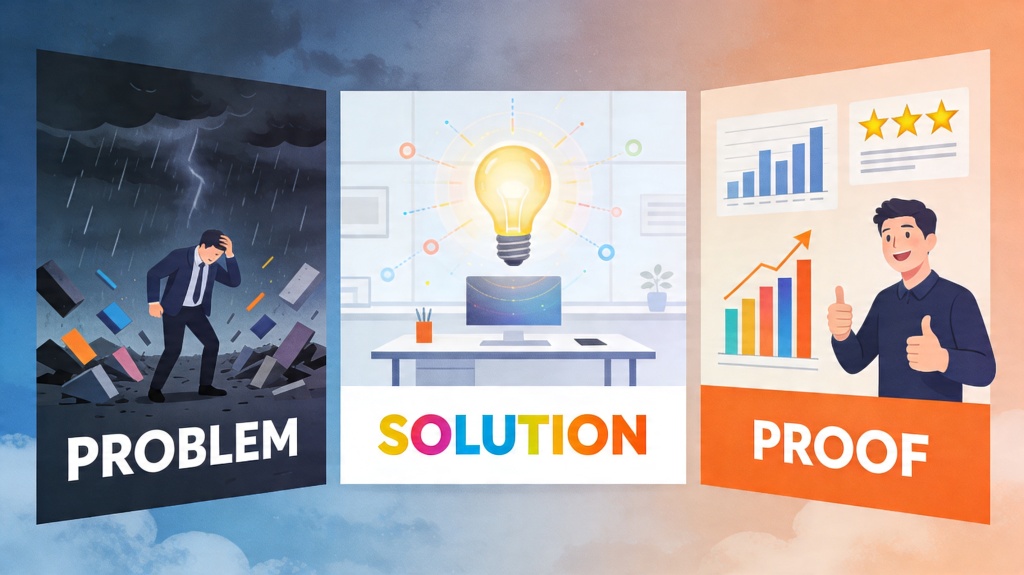
Before and After: Fixing a Flat Deck
Before: topic-based order
Company overview, product features, market trends, pricing, roadmap. This explains what exists, but it does not create urgency or a reason to act.
After: Problem-Solution-Proof order
The current workflow costs teams time. Existing options fail for two reasons. The new solution removes the bottleneck. A pilot team saved 12 hours per month. The next step is approval for rollout.
The after version works because every slide has a role: create tension, introduce relief, prove credibility, and ask for action.
Reusable Storytelling Checklist
- Can the audience name the problem after the first two slides?
- Is the problem specific to the audience's work, risk, cost, or goal?
- Does the solution directly answer the stated problem?
- Does every proof slide support one claim made earlier?
- Do section shifts use consistent titles, layout, or color cues?
- Does the final slide ask for one clear next step?
Where AI Can Help With the Framework
AI is helpful for structure, variations, and critique, but the proof still needs human judgment. Use it to test whether your story is clear before you polish the design.
Prompt template:
Turn these notes into a Problem-Solution-Proof presentation for [audience]. Identify the strongest problem, write slide titles as takeaway statements, suggest one visual per slide, list the proof needed for each claim, and flag any generic or unsupported statement.
- Ask AI for three possible problem statements, then choose the one closest to audience pain.
- Ask AI to rewrite slide titles as conclusions instead of labels.
- Ask AI to identify missing proof, objections, or weak transitions.
- Review the output manually so generic language does not replace real evidence.
Frequently Asked Questions
What is a storytelling presentation framework?
It is a reusable structure for arranging slides so the audience understands the problem, sees the solution, and trusts the proof before the final ask.
When should I use Problem-Solution-Proof?
Use it for pitch decks, proposals, strategy recommendations, sales decks, and internal change presentations where the audience must believe there is a real problem before accepting the solution.
Can AI help create this framework?
Yes. AI can draft slide titles, suggest proof gaps, and create outline options, but you still need to add audience-specific evidence and remove generic claims.
What proof works best?
Use proof that directly supports the solution: data, case studies, before-and-after results, testimonials, screenshots, demos, or credible research.
Create your presentation with one click now
Ready to turn a rough idea into a clearer story? Use PopAi to draft the outline, then refine the problem, solution, and proof before presenting.
Start Creating for Free