Best Slide Layouts for AI Presentations: Structural Examples
July 09, 2026
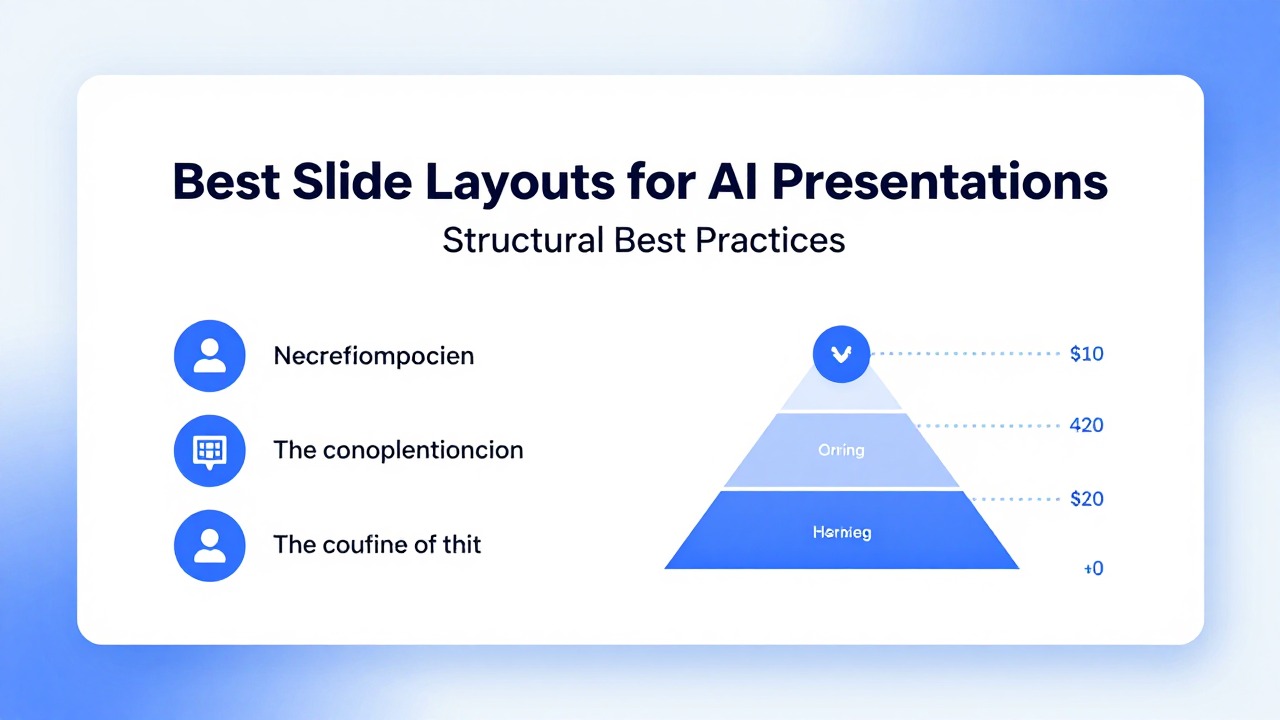
AI can write slide copy quickly, but layout determines whether the audience can understand it. The best slide layouts for AI presentations are not decorative templates; they are thinking structures.
This rewrite adds concrete layout examples so the page is not just a design theory article. Use the tables below as wireframes when editing AI-generated decks.
Quick Answer: Match Layout to Slide Job
Every slide should have one purpose and one matching structure.
| Slide job | Best layout | Use when |
|---|---|---|
| Introduce the topic | Title + subtitle + context line | The audience needs the main promise and meeting context. |
| Compare options | Two-column or three-column comparison | The audience needs to choose between alternatives. |
| Explain data | Insight title + one chart + action note | The slide contains metrics or trends. |
| Show progress | Timeline / roadmap | The message unfolds over time. |
| Explain transformation | Before / after | The value comes from contrast. |
| Show process | Numbered flow or swimlane | The audience needs to understand steps or ownership. |
| Summarize decisions | Three-takeaway grid | The deck needs a clear close or executive recap. |
Layout Examples You Can Reuse
These text wireframes help you edit AI slides without needing a designer.
| Layout | Wireframe | Best use |
|---|---|---|
| Title slide | [Big title] | Open the deck with clear positioning. |
| Comparison slide | [Insight title] | Decision meetings, vendor choices, product trade-offs. |
| Data slide | [Insight title] | Reports, QBRs, financial reviews. |
| Timeline slide | [Outcome title] | Roadmaps, launches, project plans. |
| Problem-solution slide | [Pain statement] | Pitch decks, proposals, product stories. |
| Process slide | [Process outcome] | Training, operations, onboarding. |
| Summary slide | [Decision headline] | Executive recap and final recommendation. |
How to Fix Common AI Layout Problems
Most AI decks need layout cleanup after the first draft.
| Problem | Why it hurts | Fix |
|---|---|---|
| A slide has six bullets and no visual hierarchy. | Everything looks equally important. | Group bullets into three labeled buckets. |
| A chart is paired with a vague title. | The audience sees data but not insight. | Rewrite the title as the main takeaway. |
| A timeline has too many dates. | The slide becomes a project plan screenshot. | Show phases, milestones, and decision points only. |
| A comparison slide uses paragraphs. | The audience cannot scan differences. | Use rows for criteria and columns for options. |
| A title slide uses a generic slogan. | The deck starts without positioning. | State the audience, topic, and value of the presentation. |
Prompt AI for Layout, Not Just Copy
You can ask AI to choose the structure of each slide before writing the final text.
A better prompt is: “For each slide, recommend the layout type, the headline, the visual element, and the maximum number of bullets. Do not write long paragraphs.”
- Ask for layout type per slide: comparison, timeline, data, process, or summary.
- Ask for one message per slide.
- Ask AI to move details into speaker notes instead of the slide body.
- Ask for chart suggestions only where the data supports them.
- Review whether the layout matches the audience decision.
PopAi can generate a structured draft from notes or documents. After generation, use these layout patterns to refine the deck manually.
Layout Review Checklist
Use this before you call the deck final.
- Can the audience understand the slide in five seconds?
- Does the title state the point, not just the topic?
- Is there only one primary visual or one primary structure?
- Are details moved to speaker notes or appendix slides?
- Does the layout help the audience make the intended decision?
FAQ
What is the best slide layout for AI presentations?
The best layout depends on the slide job. Use comparison layouts for decisions, timeline layouts for sequencing, data layouts for metrics, and problem-solution layouts for persuasive stories.
Why do AI-generated slides often look crowded?
AI tends to preserve too much text from the source material. You should group, cut, and move details into notes or appendix slides.
Can I ask AI to choose slide layouts?
Yes. Ask for slide purpose, layout type, visual suggestion, headline, and maximum bullet count before generating final copy.
What is a good rule for data slide layout?
Use one insight title, one chart, and one action note. Avoid multiple unrelated charts on the same slide.
Create a structured AI presentation draft
Use PopAi to generate the first deck structure, then refine each slide with the right layout pattern.
Try PopAi AI Presentation