Best Education Presentation Templates: 3 Editable AI-Ready Decks
Updated October 15, 2026 | Original editable examples and source notes
Choose a lesson template to explain, a workshop template to practice, and a student-report template to show an argument with evidence. The three education presentation templates below have different learning jobs. Each includes a complete editable file, sample pages, source fields and a place to adapt the activity to the learners.
The best education template for each classroom task
| Template | Suggested audience to adapt | Best use | Required inputs |
|---|---|---|---|
| Explain and check | Grades 6-12; adapt language and examples | A short lesson with a worked example | Learning objective, prior knowledge and answer key. |
| Interactive workshop | Secondary, college or adult learners | Individual thinking, group practice and feedback | Activity instructions, timing and participation alternatives. |
| Student project | Secondary or college learners | A claim supported by sources and limitations | Assignment rubric, references and permitted AI use. |
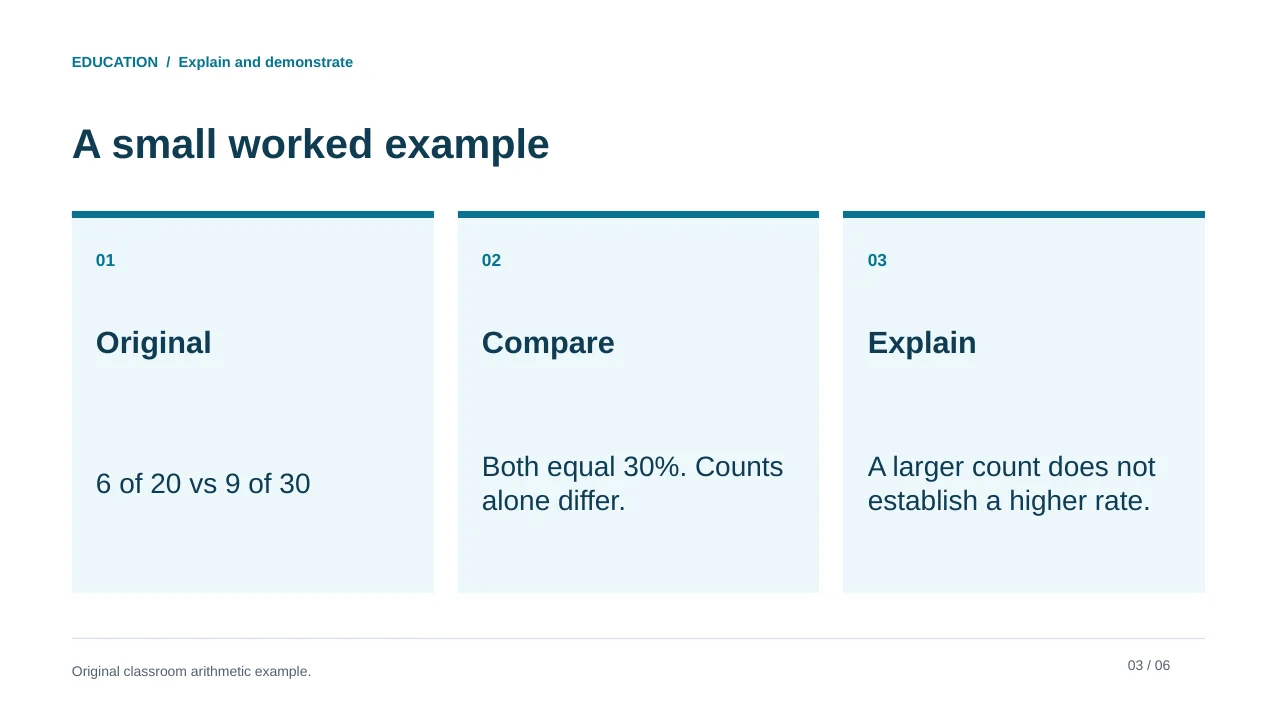
These audience bands describe the sample design, not validated curriculum alignment. A teacher should decide whether the language, arithmetic and task are suitable for their class. The lesson example compares 6 of 20 with 9 of 30: both are 30%, so a larger count is not necessarily a higher rate.
Three classroom-ready structures to adapt
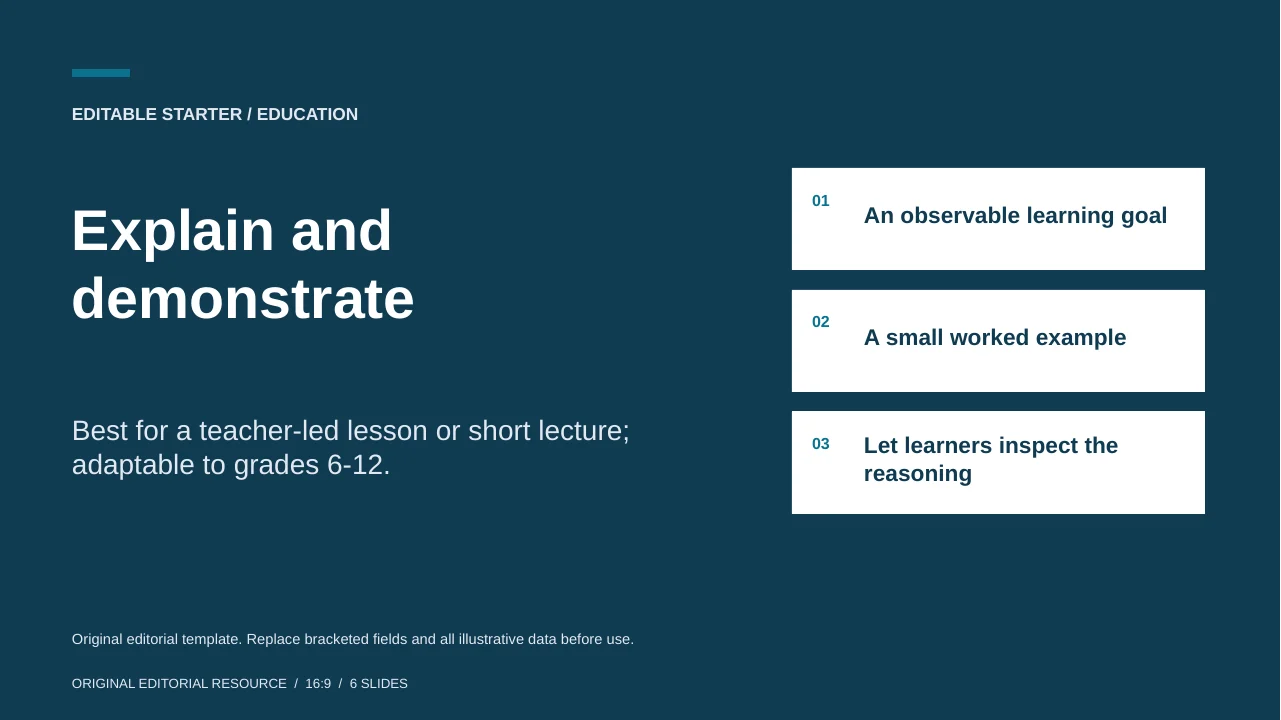
Explain and demonstrate
Best for a teacher-led lesson or short lecture; adaptable to grades 6-12.
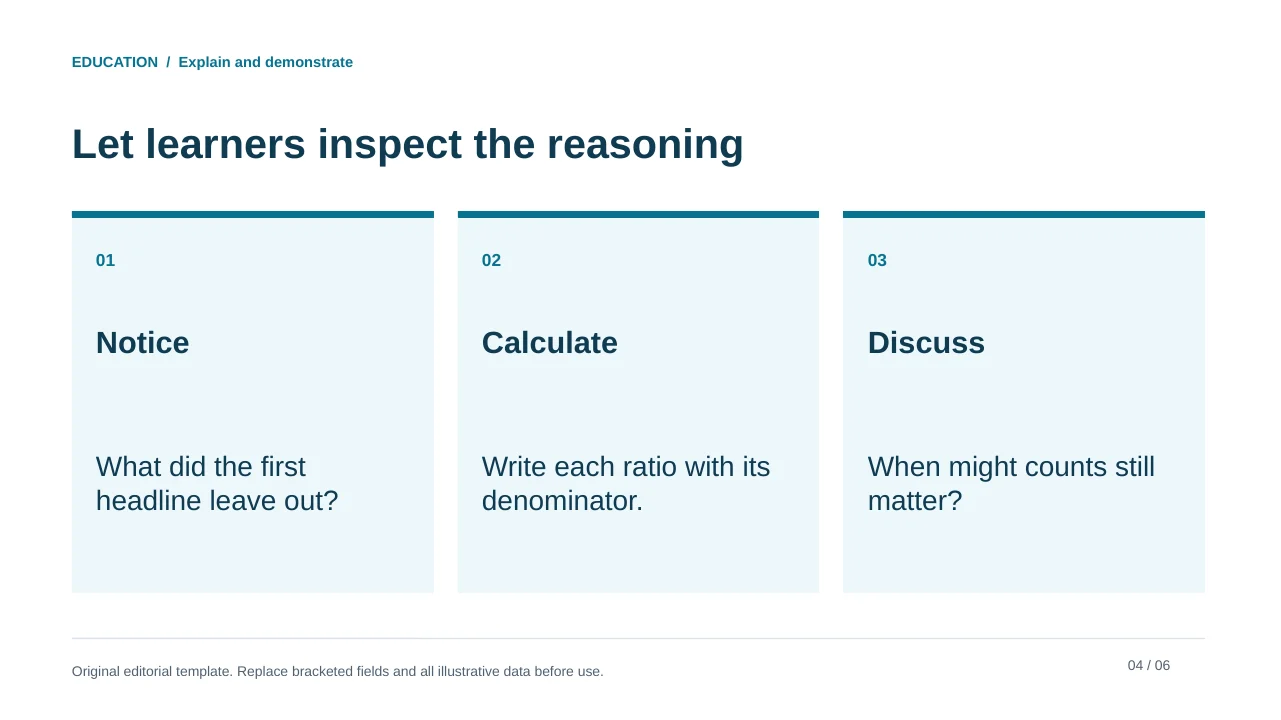
The lesson separates the learning goal, worked example, practice and exit check. Use the sample rate comparison as a model for explicit reasoning, or replace it with your subject and your own checked answer.
Original editorial template. Replace bracketed fields and all illustrative data before use.
See the complete slide sequence
- Explain and demonstrate
- An observable learning goal
- A small worked example
- Let learners inspect the reasoning
- Quick check
- Close the learning loop
Interactive practice
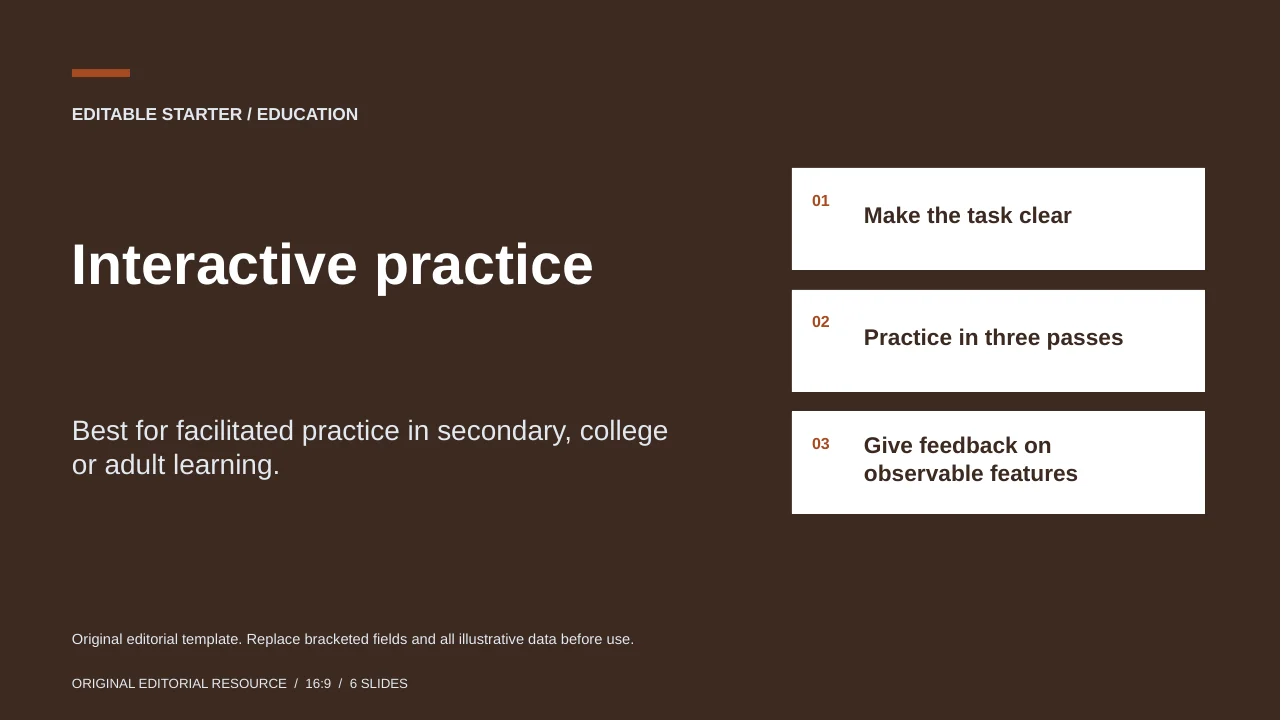
Best for facilitated practice in secondary, college or adult learning.
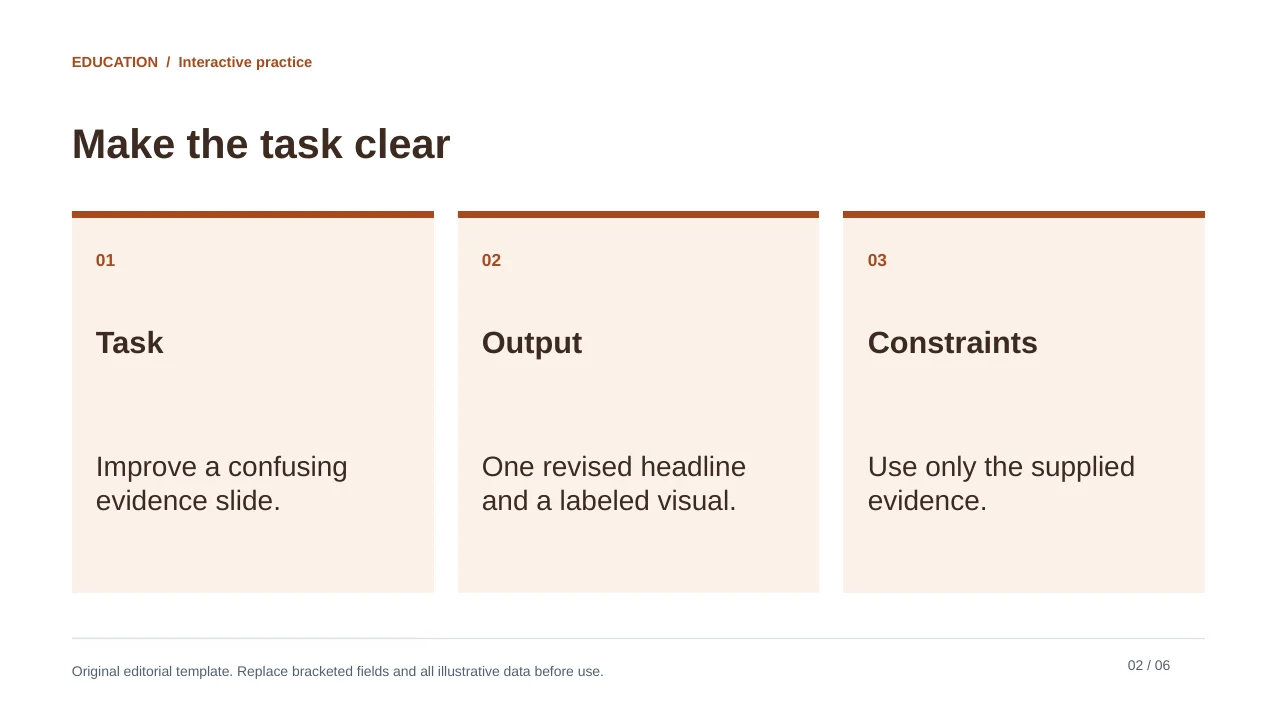
The workshop creates a participation sequence rather than a lecture with a question at the end. Keep individual thinking and group synthesis distinct. The supplied timing fields are placeholders, not universal attention-span rules.
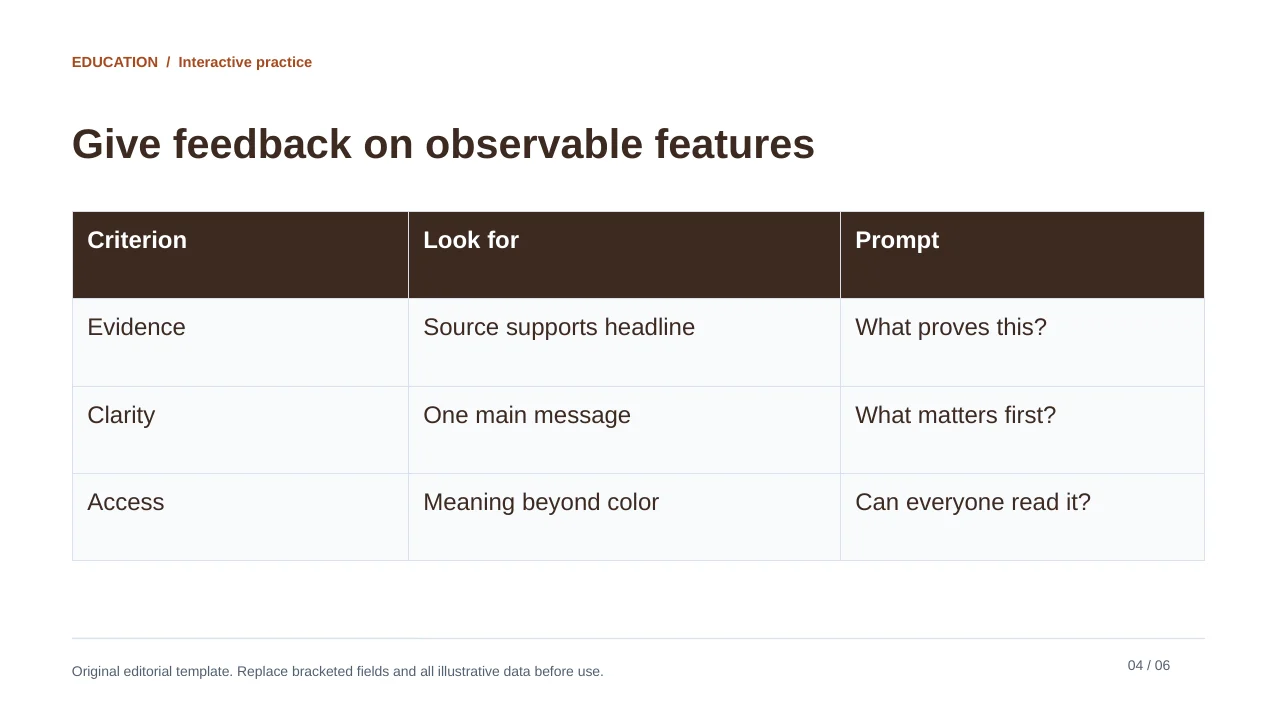
Original editorial template. Replace bracketed fields and all illustrative data before use.
See the complete slide sequence
- Interactive practice
- Make the task clear
- Practice in three passes
- Give feedback on observable features
- Debrief without rewarding confidence alone
- Facilitator preparation
Student project report
Best for a student research or design assignment; adaptable to secondary or university.
The student deck makes space for the question, evidence, interpretation, limitation and references. Replace the fields with the student's actual work; do not let AI manufacture readings, experiment results or quotations.
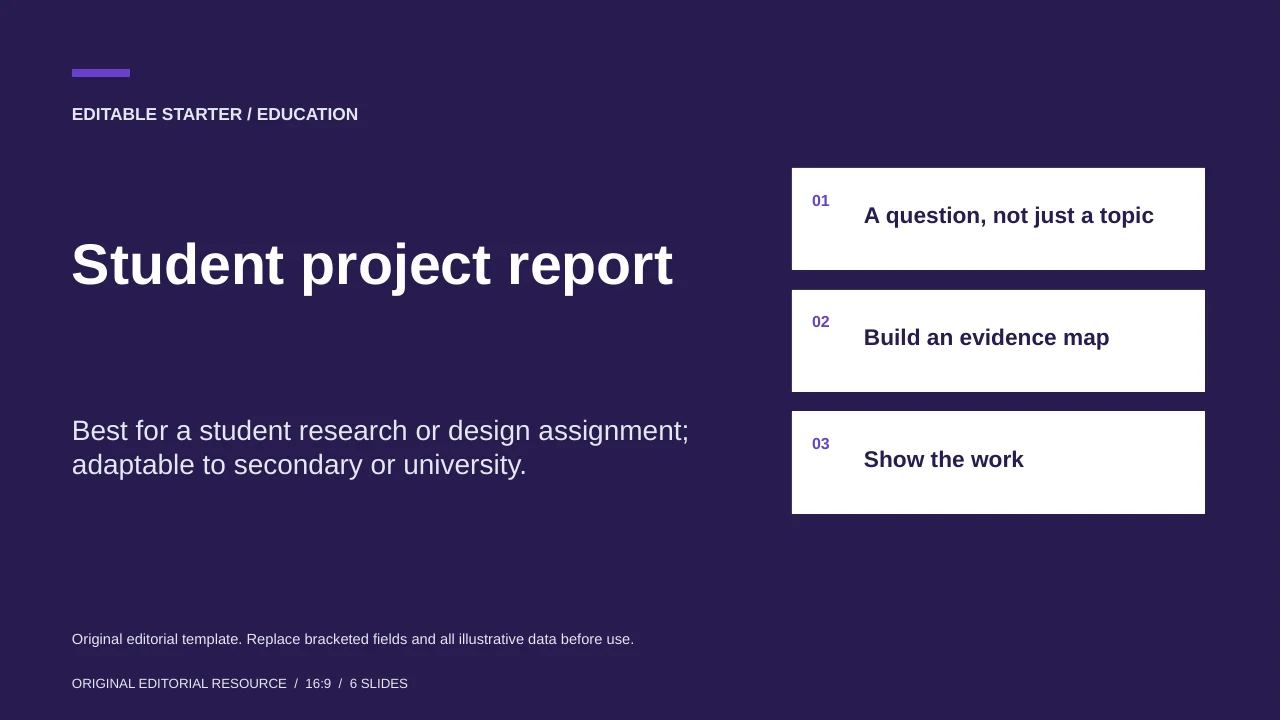
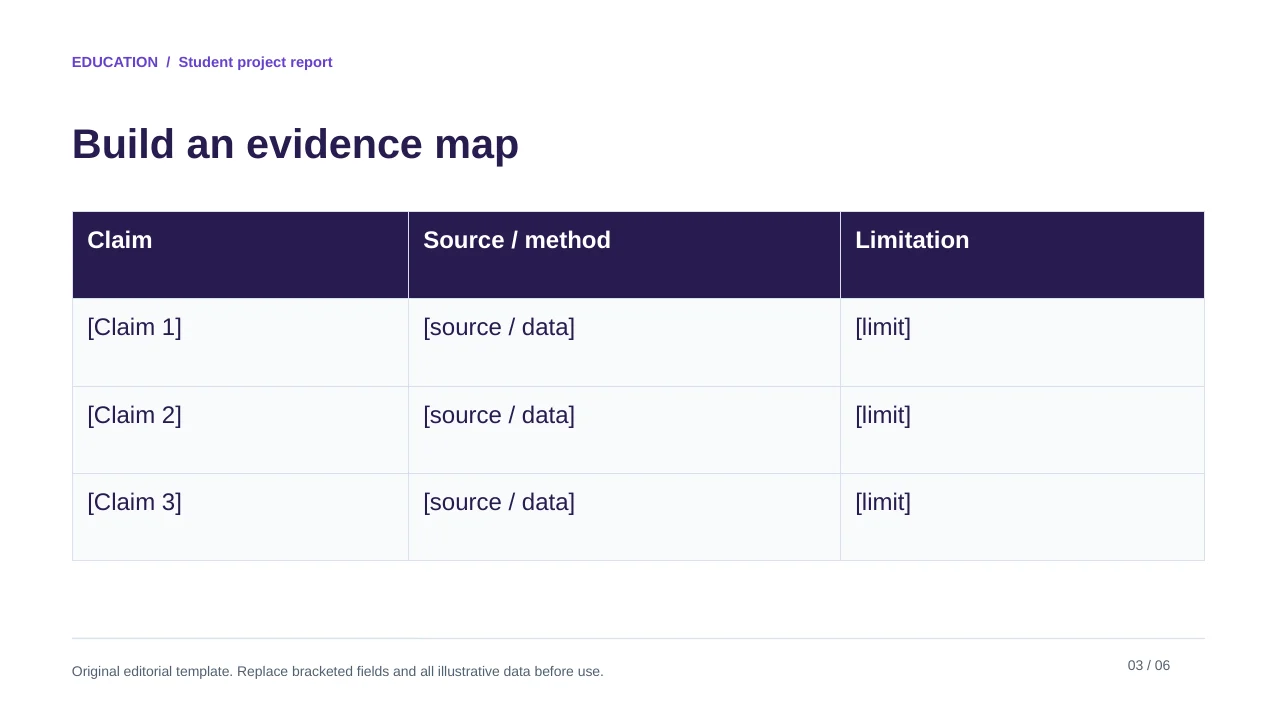
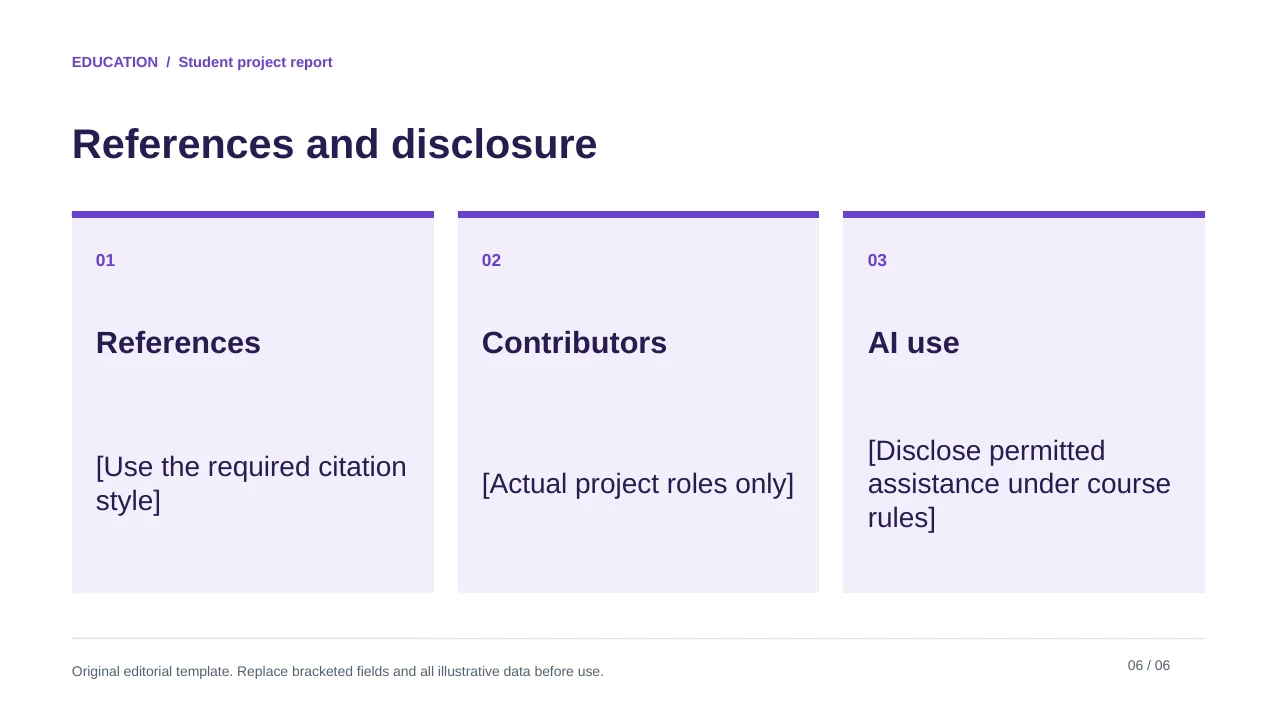
Original editorial template. Replace bracketed fields and all illustrative data before use.
See the complete slide sequence
- Student project report
- A question, not just a topic
- Build an evidence map
- Show the work
- A conclusion should answer the question
- References and disclosure
Adapt access and participation before polishing
Use CAST's Universal Design for Learning Guidelines to consider different ways learners can engage, access information and demonstrate understanding. For example, offer the practice question in text as well as spoken form, and permit an individual written response when a group discussion is not accessible to a learner.
Check text contrast with the W3C contrast guidance as a design reference, and also inspect reading order, figure descriptions, captions and the exported format. A high-contrast template by itself is not proof that a deck is accessible. A classroom accommodation plan and local requirements still apply.
| Element | Customize | Verify |
|---|---|---|
| Objective | What learners should be able to do | It is assessable in the time available. |
| Example | Use familiar, authorized material | The answer and explanation agree. |
| Practice | Keep instructions visible | The task can be completed without hidden cues. |
| Assessment | Match the stated objective | The result is interpreted fairly. |
| References | Use sources actually consulted | AI-generated citations are checked. |
Use AI for the draft, keep teaching decisions human
Populate the selected education template for [learners] using [approved source and objective]. Preserve one worked example, one independent practice task and an answer explanation. Include a reference beside each borrowed claim. Suggest an alternative way to participate. Do not invent curriculum approval, grades, sources, student data or learning outcomes. Mark uncertain content for the teacher.
Sources and example provenance
The files and preview layouts on this page were created for this editorial resource. External references support the specific guidance linked in the text; they do not endorse the templates. Source links checked on October 15, 2026.
Frequently Asked Questions
Are the files aligned to a specific curriculum?
No. They are adaptable editorial structures. A teacher must check grade, subject, local curriculum and learner needs.
Does the interactive deck include live polling software?
No. It contains editable activity and discussion pages. Live responses require a separate approved platform or classroom method.
Can students use the project template for assessed work?
Only under their course rules. They should supply their own argument and evidence, verify citations and disclose AI help where required.
Does using this template guarantee accessibility?
No. Contrast is only one design check. Reading order, alternative text, captions, delivery and learner-specific accommodations still require review.
Create your presentation with one click now
Turn a lesson idea or existing teaching material into an editable presentation draft, then refine it for your learners.
Create your presentation