Best AI Presentation Makers for HR Teams in 2026: Compared
Editorially revised October 13, 2026
For HR teams, choose Canva for visually varied onboarding and training materials, Microsoft Copilot for an approved Microsoft 365 workflow, Plus AI for existing PowerPoint or Google Slides decks, PopAi for turning approved documents into drafts, and Beautiful.ai for consistent recurring updates. The best choice depends on the material and the organization's permissions, not on a claimed universal generation speed.
Onboarding, training, and people reporting should not share a single generic evaluation. A new-hire guide needs accurate instructions; training needs examples and activities; a leadership report needs careful definitions and confidentiality. This comparison keeps those tasks separate.
Best AI presentation makers for HR teams: shortlist
| Tool | Best fit | Reason to shortlist | Important limit |
|---|---|---|---|
| Canva | Onboarding and training design | Presentation creation alongside a broad visual-design environment | A design or Brand Kit feature is not approval to upload employee records |
| Microsoft Copilot | HR teams already approved for Microsoft 365 AI | PowerPoint authoring in a familiar work environment | Confirm licensing, tenant policy, and which data the workflow may use |
| Plus AI | Updating established PowerPoint / Google Slides training decks | AI assistance in the existing slide editor | Check plan and organization approval for uploaded documents |
| PopAi | Approved policy summaries and briefing drafts | Document-to-presentation structure with further editing | Do not claim automatic policy accuracy or unverified collaboration/privacy controls |
| Beautiful.ai | Recurring HR business-review layouts | Smart Slides provide a consistent design framework | Sensitive analysis and the interpretation of metrics still need human ownership |
Canva: best for onboarding and training design
Canva's presentation tools sit within a broader design environment. That makes Canva our first visual-design shortlist choice for an onboarding pack that also needs welcome materials, event graphics, or a coordinated learning campaign. Its documented Brand Kit functionality should be checked against the plan you will use.
Choose this route when the material is approved and you need visual adaptation, not when you need software to interpret a leave law or decide a personnel issue. A role-based welcome deck can use examples and icons; a policy page should keep the exact approved wording and a link to the maintained policy.
Copilot: best for an approved Microsoft-centered HR workflow
Copilot in PowerPoint is a natural option when your organization already uses and permits that environment. It can reduce the need for a separate authoring system, but an existing Microsoft account does not prove that every Copilot feature or every HR data use is authorized.
Ask your internal owner to approve the source location, audience, and release path. Keep the authoritative policy in its maintained repository; use the deck to explain the policy, not to become an untracked replacement for it. Check regional versions separately.
Plus AI: best for existing native training decks
Plus AI supports PowerPoint and Google Slides workflows. Shortlist it when HR already has a library of approved decks and needs to shorten, reorganize, or adapt those materials without moving the master to a new presentation format.
Preserve learning objectives and compliance wording before asking for a rewrite. A friendly tone is not a reason to remove exceptions, eligibility conditions, or escalation contacts. Review document-upload and branding plan requirements separately from the simple ability to edit a slide.
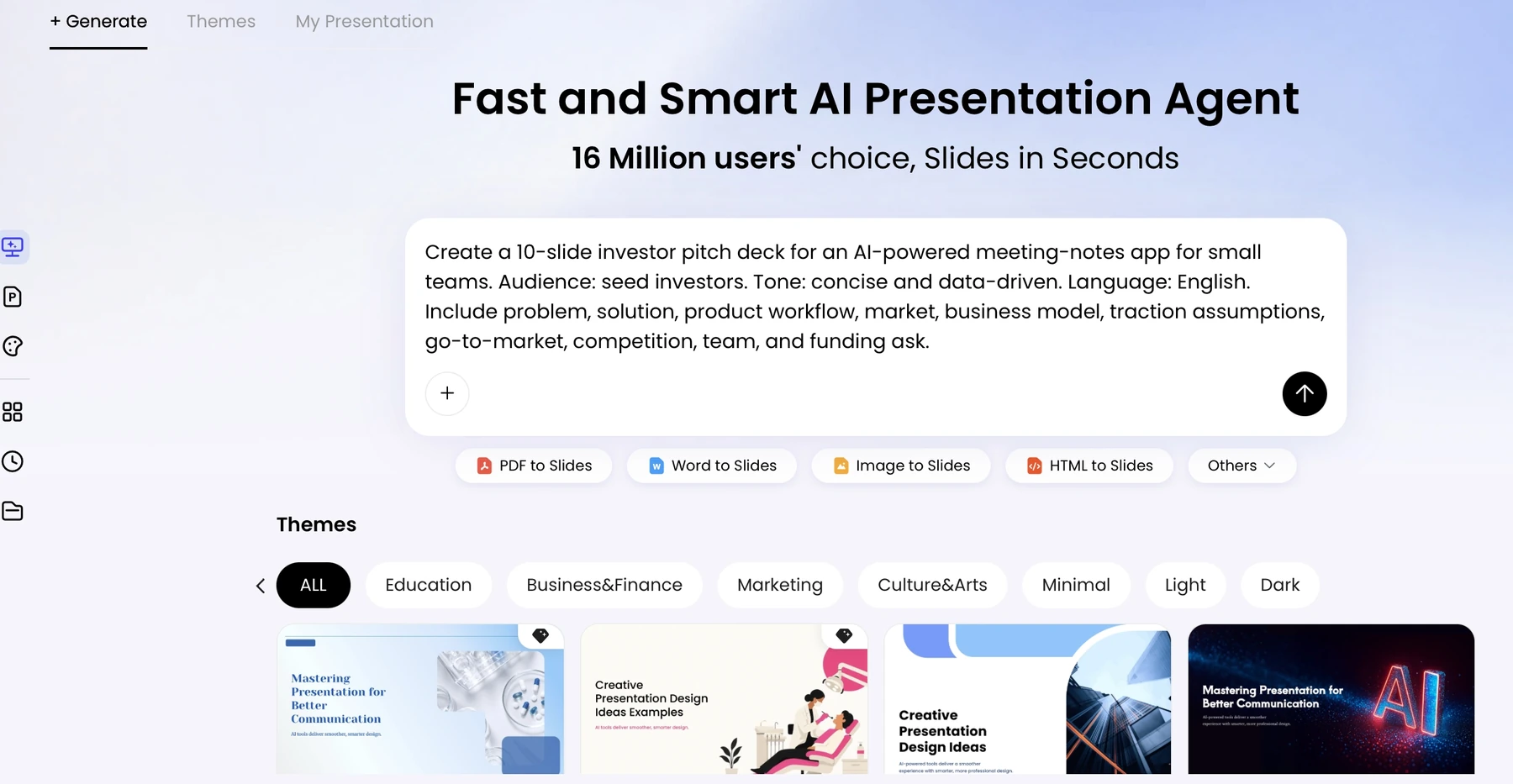
PopAi: best for approved documents that need a slide structure
PopAi fits the task of turning a reviewed handbook excerpt, training brief, or summary into an editable draft. Supply only the approved extract, plus the audience, learning purpose, and required wording. Remove employee-level records that the presentation does not need.
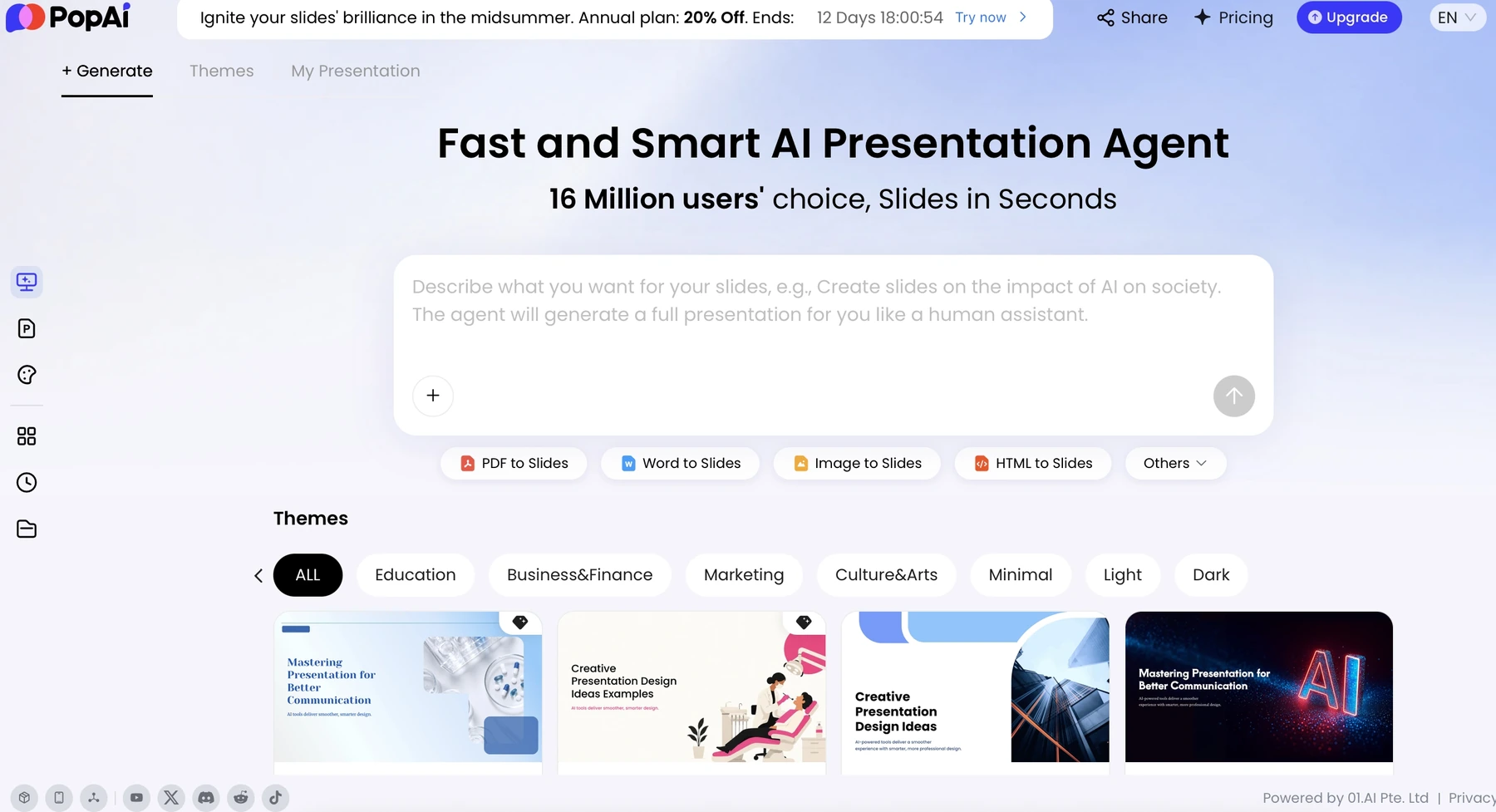
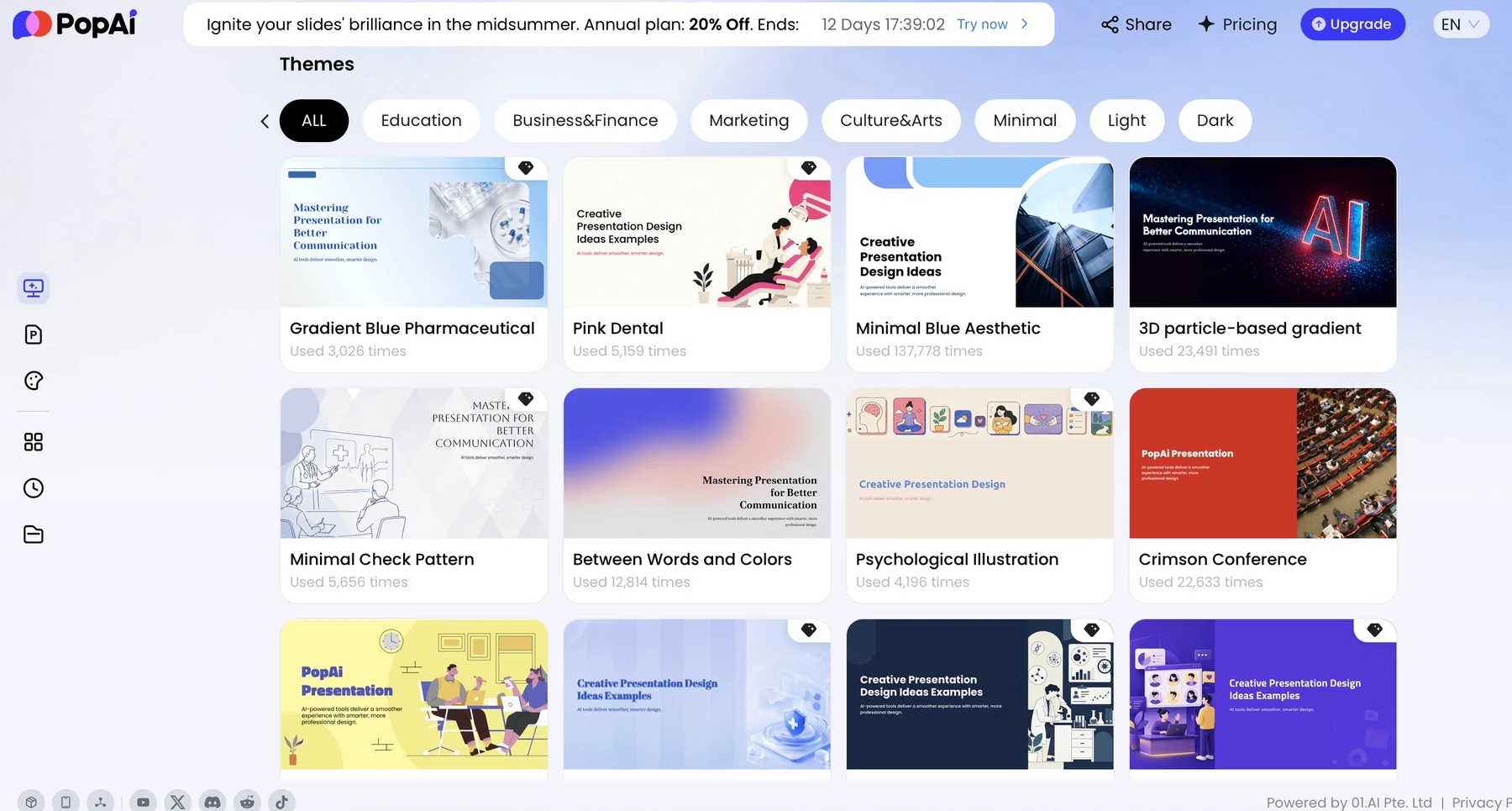
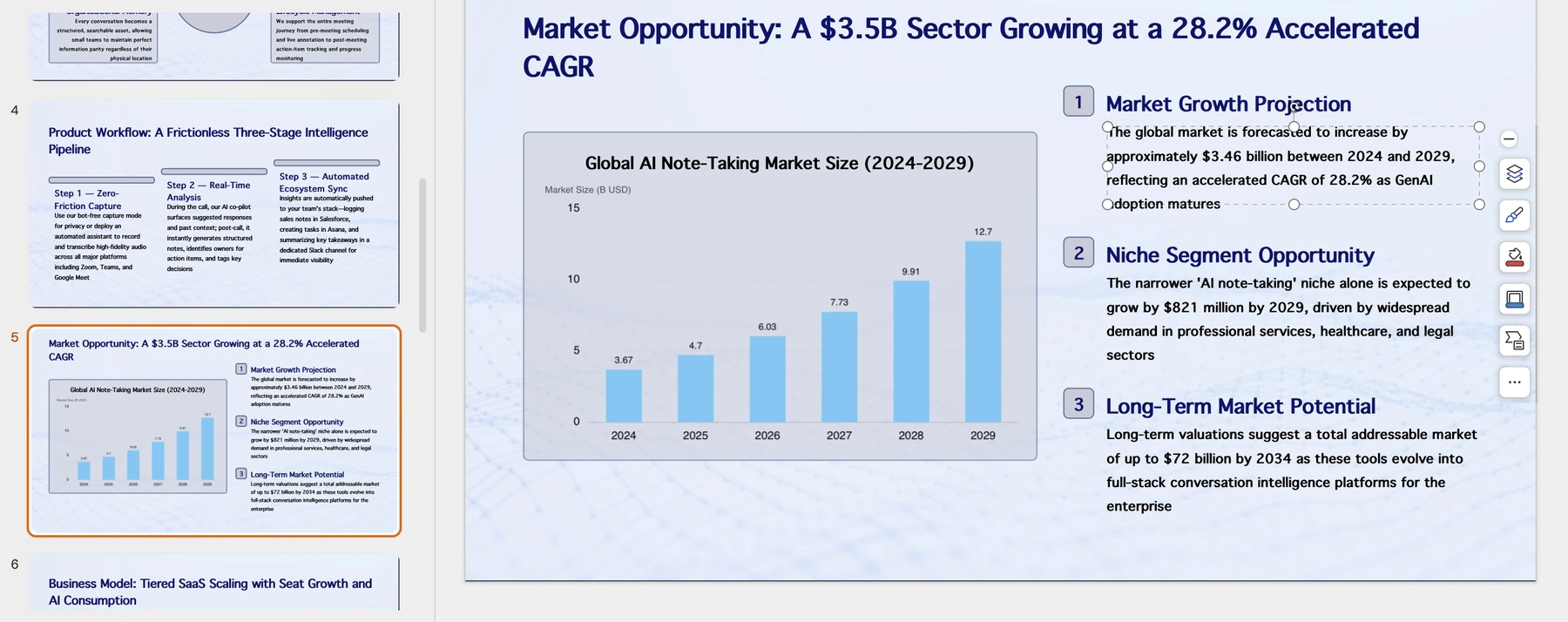
The supplied gallery and export samples show useful production steps: choose a visual starting point, edit the draft, and inspect the resulting PPTX. They do not show that a policy is current or that a tool has passed your organization's HR security assessment.
Beautiful.ai: best for consistent recurring updates
Beautiful.ai is a useful option for regular HR review decks where a consistent layout matters. Consider it for aggregated hiring-process updates, learning-program reports, or organization-wide initiatives, provided the data and service use have been approved.
Do not let a standardized layout hide uncertainty. Define the population, period, denominator, and missing data for each metric. If a small group could be identifiable, aggregate or suppress detail according to your organization's policy before the content enters any presentation generator.
Choose by the HR task, not an invented speed score
| Task | Recommended starting points | Required human decision |
|---|---|---|
| New-hire onboarding | Canva; Plus AI for an existing native deck | Approve role, location, contacts, and current process |
| Instructor-led training | Canva or Plus AI; PopAi for the initial source structure | Check objectives, scenarios, activities, and accessible alternatives |
| Leadership people report | Approved Microsoft workflow; Beautiful.ai for layout; PopAi for an approved aggregate summary | Approve definitions, disclosure thresholds, comparisons, and interpretation |
| Regional policy change | The organization's approved authoring environment | HR/legal owners approve jurisdiction-specific wording before release |
Privacy and accessibility are release gates
The UK ICO's AI data-minimisation guidance supports limiting personal information to what is necessary for a defined purpose. It is a UK regulatory reference, not a blanket certification of any product in this list. The practical editing rule here is to use anonymized or aggregated examples unless named employee information is both necessary and authorized.
For readable text, W3C's contrast guidance specifies 4.5:1 for normal text and 3:1 for large text in its web criterion. Use it as a design reference while also checking reading order, meaningful labels, caption needs, and accessible handouts in the destination format. AI cannot certify that the final deck meets all accessibility requirements.
Remove claims such as "every team gets a complete draft in 1-5 minutes" or "the first draft is 70% finished" unless you have a defined test and supporting records. For your own pilot, use the same approved source pack for onboarding, training, and reporting, then record corrections and the final acceptance decision.
These are editorial picks by workflow, based on the linked official product information and the supplied PopAi product screenshots. They are not results from a controlled cross-tool test. PopAi publishes this guide; no timing scores, paid-plan trials, or universal winner are claimed.
Sources and evidence
Product documentation checked October 13, 2026. Features, plans, and interfaces may change.
- Canva AI presentations
- Microsoft: create a presentation with Copilot
- Plus AI product documentation
- Plus AI pricing and plan features
- PopAi AI Presentation
- Beautiful.ai and Smart Slides
- UK ICO: AI and data minimisation
- W3C: understanding contrast minimum
Frequently asked questions
What is the best AI presentation maker for HR?
Canva is our design-led onboarding pick; Copilot fits approved Microsoft environments; Plus AI fits native deck updates; PopAi fits approved document-to-deck drafts; and Beautiful.ai fits recurring layouts.
Can I upload employee data to these tools?
Only when the purpose, data, tool, account settings, and organizational approval allow it. A feature list is not a privacy or regulatory compliance assessment.
Can AI decide whether a leave or employment policy is legally correct?
No. Use the approved policy and have the responsible HR and legal owners review jurisdiction-specific language.
Are these measured performance rankings?
No. They are workflow recommendations with official product sources. No controlled generation-speed or draft-completeness results are claimed.
Create a presentation draft with PopAi
Turn approved HR source material into a structured, editable presentation and refine it for the audience that matters.
Explore PopAi AI Presentation