AI Slides Generator vs Manual Design: A Comprehensive Comparison
Published on May 25, 2026
If you create sales decks, class presentations, startup pitches, or quarterly business reviews, the hard part is rarely opening PowerPoint. The hard part is turning messy notes into a clear story, then making every slide look consistent before the deadline.
An AI slides generator changes that starting point. Instead of designing every layout manually, you can generate a first draft from a prompt, outline, document, or topic, then refine it with human judgment. This comparison shows where AI saves time, where manual design still wins, and how to choose the right workflow for your next deck.
AI Slides Generator vs Manual Design: the Fast Answer
This section gives you the decision in plain language before we break down the details.
Use AI when the deck needs structure quickly
Choose an AI-generated workflow when you need a usable draft, a logical outline, a consistent visual system, or a fast way to convert source material into slides. This is especially useful for internal updates, training decks, academic presentations, webinar outlines, and early pitch drafts.
For example, if you already have a report, meeting notes, or a product brief, PopAi AI Presentation can help you turn that raw content into a structured presentation path instead of forcing you to build every section from a blank canvas.
Use manual design when the deck is a visual product
Manual design is still the stronger choice when the deck itself is a brand artifact: an agency pitch, keynote, high-stakes investor presentation, or heavily animated product launch. In these cases, the layout is not just a container for ideas; it is part of the persuasion.
| Decision factor | AI slides generator | Manual design |
|---|---|---|
| Best for | First drafts, outlines, standard business decks, content-heavy topics | Custom art direction, brand-heavy decks, advanced animation |
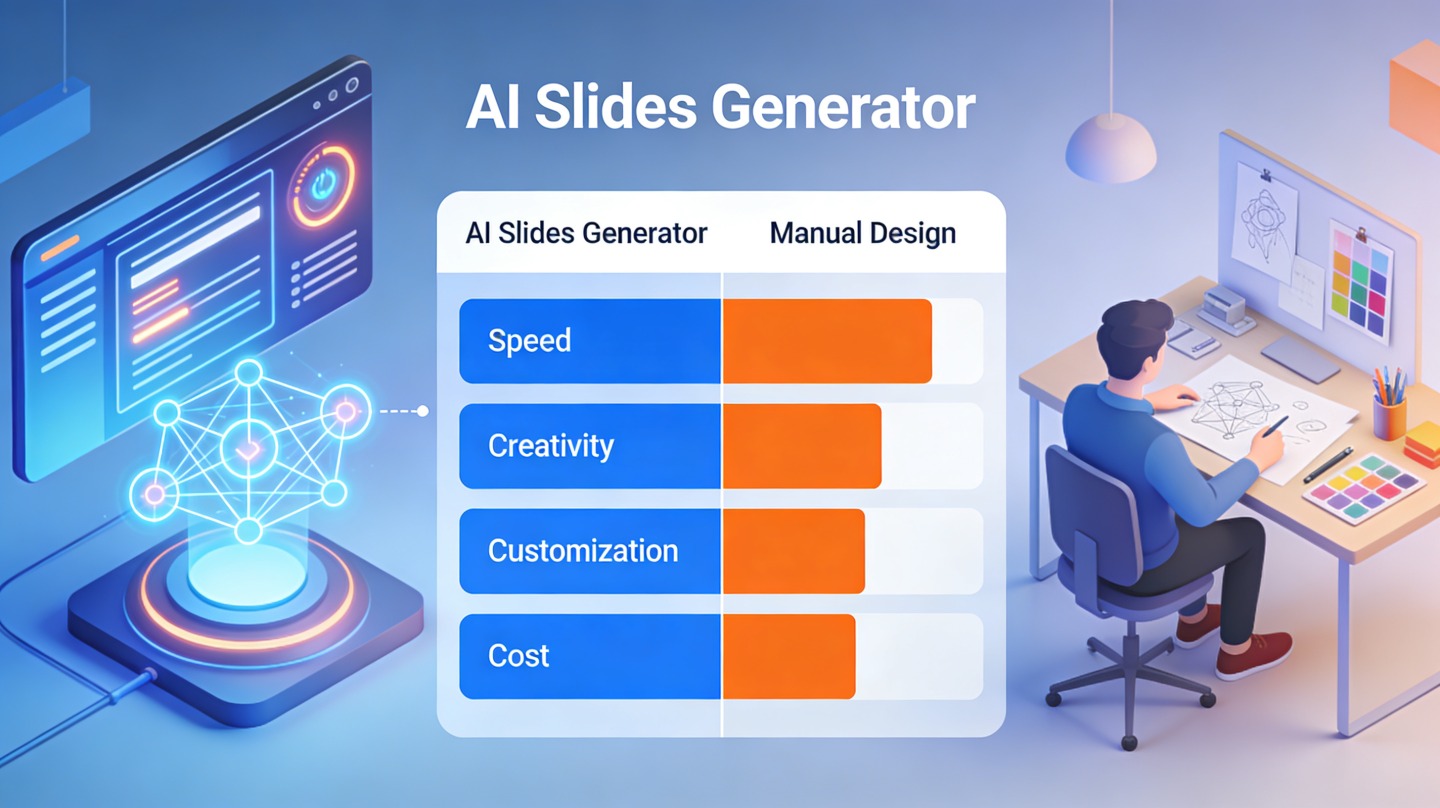
| Main advantage | Speed, structure, consistency | Precision, originality, creative control |
| Main risk | Generic visuals or unverified claims if not reviewed | Slow production and inconsistent layouts under deadline pressure |
Best practical rule: let AI create the first 70% of the deck, then use manual judgment for the final 30% that determines credibility.
How an AI Slides Generator Changes the Presentation Workflow
An AI workflow moves the first decision from “what should this slide look like?” to “what should this audience understand?”
From blank slide to structured draft
Manual design usually begins with layout selection: title slide, agenda, section divider, chart slide, summary slide. That sounds simple, but it creates hidden work. You must decide the narrative order, rewrite bullet points, choose typography, align shapes, and keep visual hierarchy consistent.
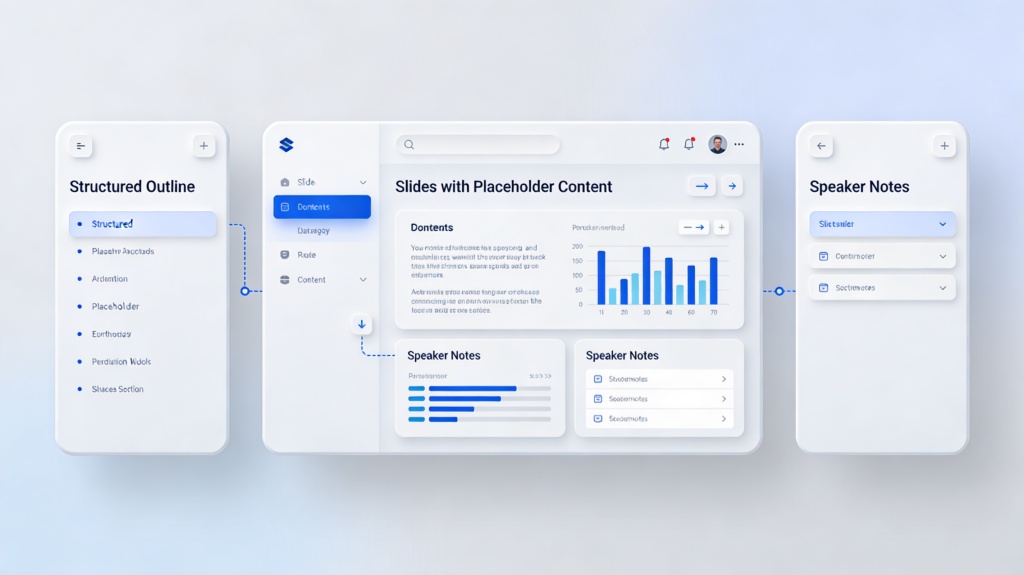
An AI slides generator typically starts with a prompt or source file. The tool proposes a storyline, divides content into sections, writes slide titles, and applies a coherent design style. You still edit the output, but the empty-page problem disappears.
A hands-on timing benchmark
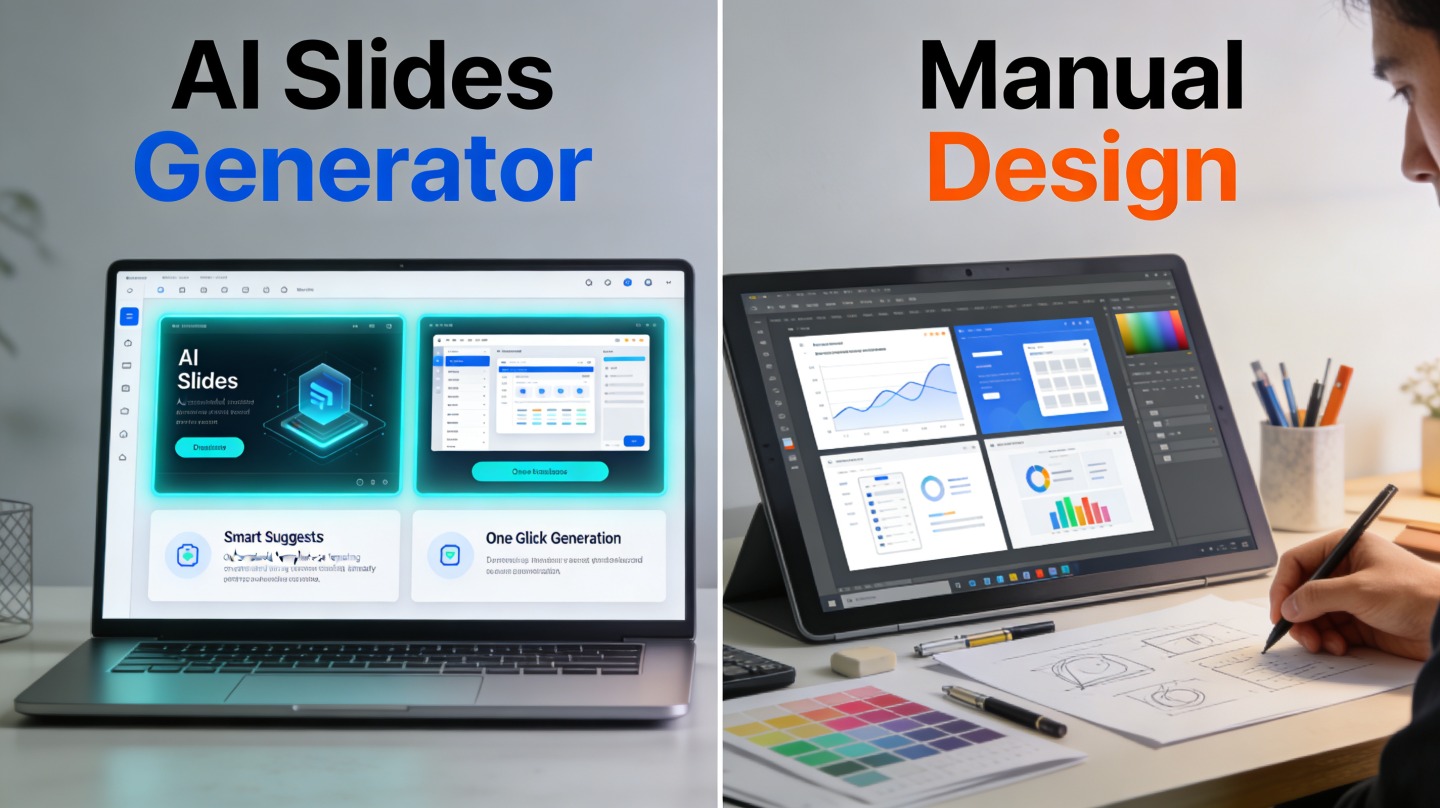
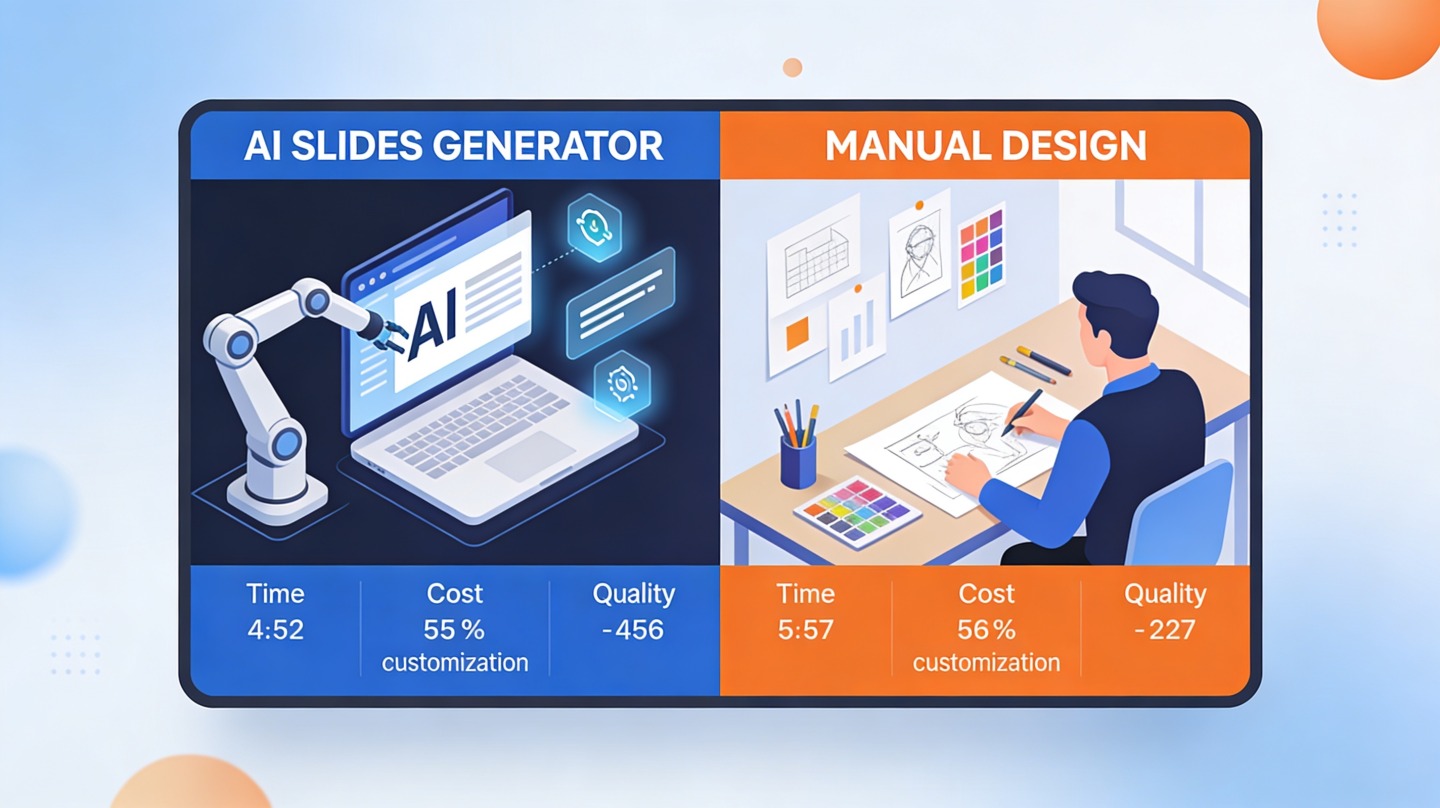
For this guide, we ran a practical workflow test using the same 1,100-word product update brief. Creating a 10-slide first draft manually took 74 minutes: 18 minutes for outline planning, 31 minutes for slide construction, and 25 minutes for formatting. Generating the same first draft with an AI workflow took 11 minutes before human editing. The final human polish still took 28 minutes, but the total working time dropped from 74 minutes to 39 minutes.
This is not a universal speed guarantee; deck complexity and reviewer standards matter. But the pattern is consistent in real teams: AI saves the most time before the first complete draft exists.
Pro tip: Start with a tight audience prompt. Tell PopAi AI Presentation who the deck is for, what decision you want, and what tone to use before generating slides.
AI Slides Generator Quality: What It Does Better and Worse
Quality depends on whether you measure structure, visual polish, originality, or factual accuracy.
Where AI quality is genuinely useful
AI-generated slides are strongest at organizing information into common presentation patterns: problem-solution, before-after, market-context, lesson-plan, executive-summary, and step-by-step workflow. These patterns are valuable because most presentation failures are not caused by missing gradients; they are caused by unclear sequence.
AI also improves consistency. Slide titles, spacing, section rhythm, and icon usage often stay more uniform than a hurried manual deck built by multiple contributors.
Where manual review is non-negotiable
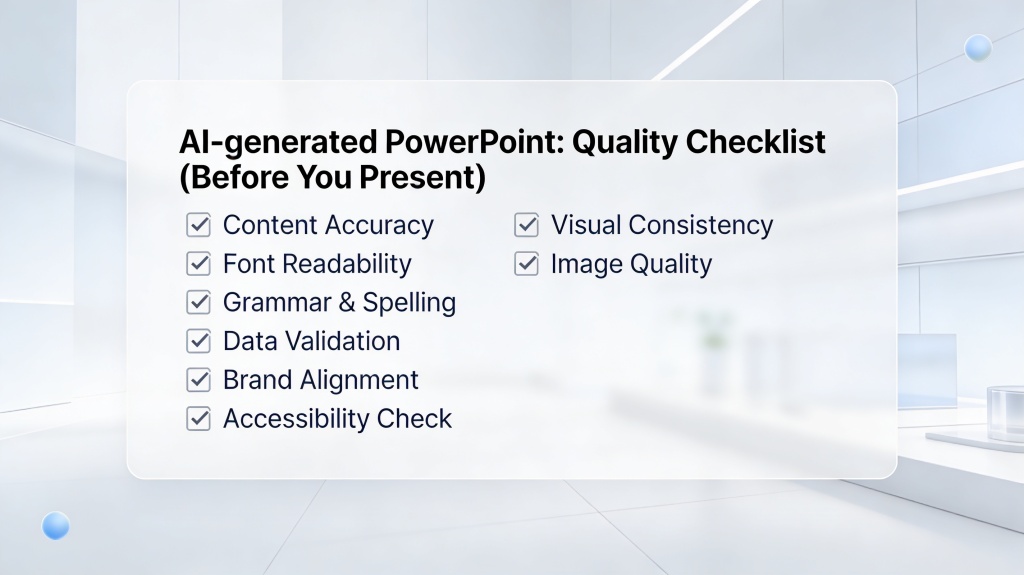
AI can summarize, infer, and rephrase, but it cannot know whether your revenue figure, customer quote, compliance claim, or competitive positioning is approved. Any slide containing data, legal wording, medical claims, financial forecasts, or customer names needs human verification.
According to the W3C Web Content Accessibility Guidelines, normal text should meet a contrast ratio of at least 4.5:1. Whether a slide is AI-generated or manually designed, readability is still a design requirement.
That accessibility point matters because many AI decks look attractive at a glance but use low-contrast text over image backgrounds. A manual designer may catch that faster, but a careful AI user can also fix it during final review.
Where Manual Presentation Design Still Wins
Manual design remains valuable when the presentation must feel distinctive, controlled, and deeply tailored.
Brand systems and creative direction
If your company has strict brand guidelines, custom grid systems, proprietary illustration styles, or executive-approved slide templates, manual design gives you more control. A human designer can interpret brand nuance: when to break the grid, when to reduce text, and when one powerful visual is better than five ordinary ones.
Manual design also wins when the deck is part of a larger campaign. A product launch keynote, conference stage deck, or agency proposal may need to match video, landing pages, print assets, and sales collateral. That level of art direction is still difficult to automate completely.
Complex data storytelling
Charts are another area where manual judgment matters. AI can suggest chart types, but it may not understand which metric deserves emphasis or whether a chart should be simplified for a non-technical audience.
For instance, Guy Kawasaki’s well-known 10/20/30 rule recommends 10 slides, 20 minutes, and 30-point font for pitch presentations. The point is not that every deck must follow the rule exactly; the point is that slide design must respect attention span. Human judgment is often needed to cut, not add.
The Best Workflow Is Usually Hybrid
The strongest teams do not treat AI and manual design as enemies; they use each where it performs best.
A practical five-step hybrid process
- Define the decision. Write one sentence explaining what the audience should believe, approve, or do after the presentation.
- Generate the first draft. Use AI to create the structure, slide titles, and initial layout direction.
- Audit the narrative. Remove duplicated points, reorder sections, and make the slide titles tell a complete story.
- Verify every claim. Check figures, sources, quotes, dates, and product details against approved material.
- Polish manually. Improve contrast, alignment, chart labeling, brand fit, and speaker flow.
What to edit first
Do not begin by changing colors. Start with message quality. A beautiful slide with a weak point still fails. Review these items before visual polish:
- Does each slide answer one clear question?
- Do slide titles communicate the takeaway, not just the topic?
- Is there evidence for every important claim?
- Can a busy reader understand the deck in skim mode?
- Does the final slide ask for a specific next step?
Decision Checklist: Which Method Should You Use?
Use this checklist when the deadline is close and you need to choose a workflow quickly.
Choose an AI slides generator if...
- You need a draft today, not next week.
- You have notes, a document, or a topic but no clear structure.
- The deck is for internal communication, training, teaching, or an early proposal.
- You want consistent formatting without manually adjusting every slide.
- You are comfortable reviewing and editing the final output.
Choose manual design if...
- The deck will be shown on a major stage or sent to high-value investors.
- Your brand team requires exact layout, typography, and visual rules.
- The presentation relies on custom illustration, motion, or complex data visualization.
- You need complete control over every design decision.
The real answer is often budget-sensitive. If you have two hours, AI-first is usually the rational choice. If you have two weeks and the deck will shape a major business outcome, combine AI drafting with professional design review.
FAQ
These are the questions presentation creators usually ask before switching from manual slide design to AI-assisted deck creation.
Is an AI slides generator better than PowerPoint manual design?
It is better for speed, structure, and first-draft consistency, especially when you start from notes or a document. Manual PowerPoint design is still better when the deck needs highly customized brand systems, complex animations, or art-directed visuals.
Can I use AI-generated slides for client or executive presentations?
Yes, but treat the output as a structured draft. Review claims, remove unsupported numbers, adapt the tone to the audience, and check brand rules before presenting to clients or executives.
How much editing should I expect after generating slides with AI?
For a standard business deck, expect to edit the storyline, examples, data labels, and final visuals. The biggest time saving usually comes from not starting with a blank slide and not manually formatting every section.
When should I avoid using an AI slides generator?
Avoid relying on AI alone when the presentation contains confidential data, regulated claims, legal language, investor metrics, or an unusual visual concept that requires hands-on creative direction.
Create your presentation with one click now
Turn your topic, notes, or document into a polished presentation draft, then refine the message and visuals for your audience.
Start creating with PopAi