A nonprofit offer can reduce software cost, but eligibility and scope matter as much as the headline discount. Start with a published program, confirm your organization qualifies, and check whether the benefit includes the AI features and presentation workflow you actually need.
Public product information checked September 17, 2026. Availability, regional pricing, and account-level limits can change. These are documentation checks, not hands-on performance measurements.
Published nonprofit programs: what is actually offered
Comparison table: scroll horizontally to see all columns.
| Program | Published benefit | Eligible organization / region | Seats and AI limits | Application / renewal | Official source |
|---|---|---|---|---|---|
| Canva for Nonprofits | Premium Pro features plus team collaboration for one team of up to 50 users; additional Enterprise seats advertised at 50% off. | Qualifying nonprofits under Canva's country and organization eligibility rules; not every public-interest group qualifies. | One team, up to 50 users. Do not interpret premium access as unlimited AI credits. | Apply through the nonprofit program with organization evidence; retain eligibility records and confirm revalidation and any paid add-on terms. | Canva for Nonprofits program terms; Canva nonprofit eligibility |
| Google Workspace for Nonprofits | No-cost nonprofit Workspace edition; discounted paid editions are separately offered. | Organizations approved through Google for Nonprofits in supported countries. | Published no-cost edition supports up to 2,000 users. Gemini app access is not the same as a verified entitlement to every in-Slides AI feature. | Obtain nonprofit approval, activate the Workspace offer through an administrator, verify domain and current eligibility; paid upgrades have separate terms. | Google Workspace for Nonprofits |
| Microsoft nonprofit plans | Microsoft 365 Business Basic grant for up to 300 users; discounted paid plans are separate. | Eligible nonprofit organizations and eligible users; region and role restrictions apply. | Basic provides web/mobile apps; do not infer desktop PowerPoint or paid Microsoft 365 Copilot from the grant. | Validate the organization through the nonprofit program; assign only eligible licenses and review renewal/usage conditions. | Microsoft nonprofit plans |
These are documented programs, not blanket promises that every NGO receives the benefit. Country eligibility, legal status, user roles and the vendor's approval decision determine access. A volunteer, beneficiary, contractor and employee may not have the same license eligibility.
Keep unverified discounts in a separate category
| Product or route | Status of nonprofit-specific benefit in reviewed sources | What to ask |
|---|---|---|
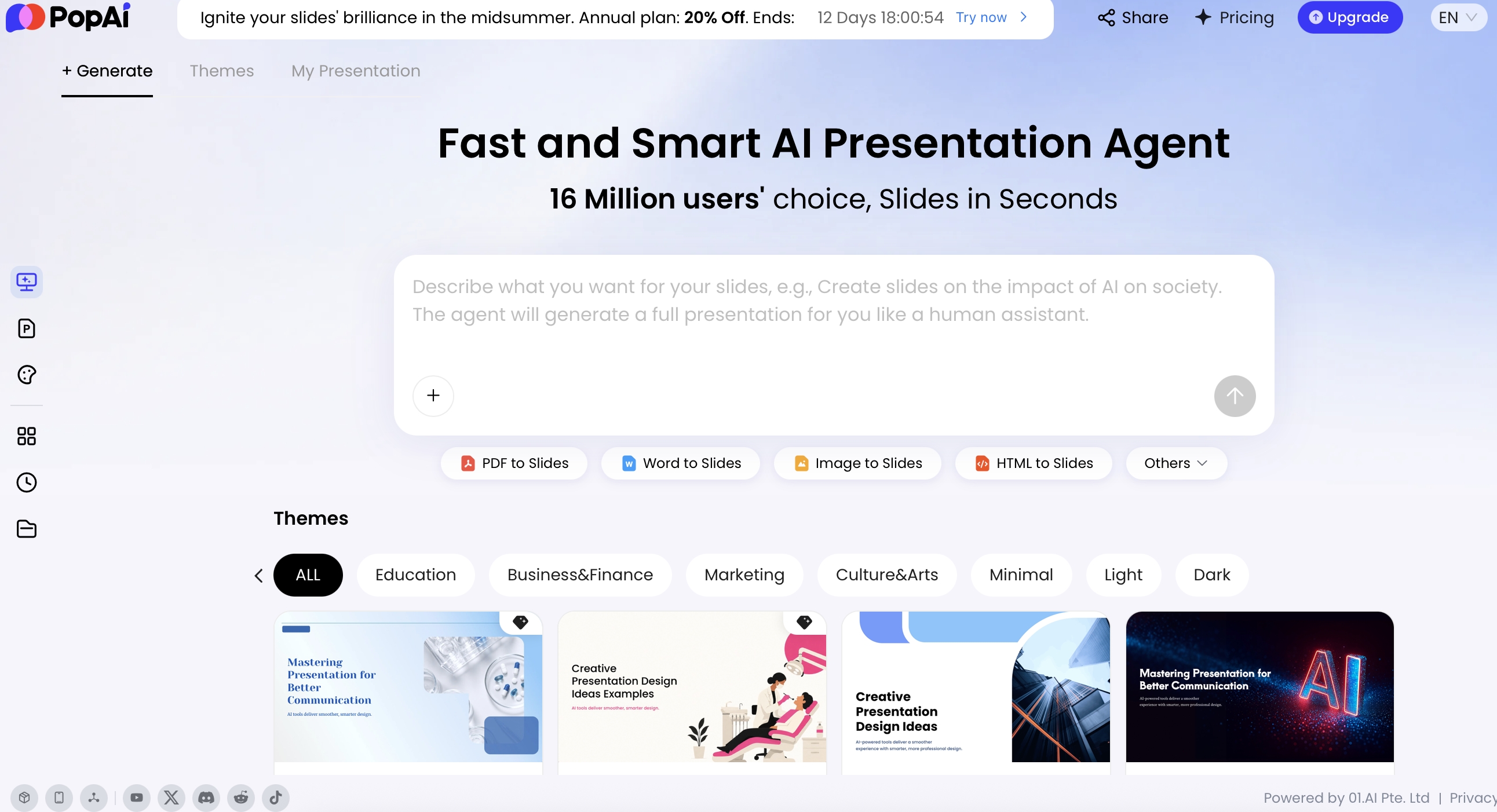
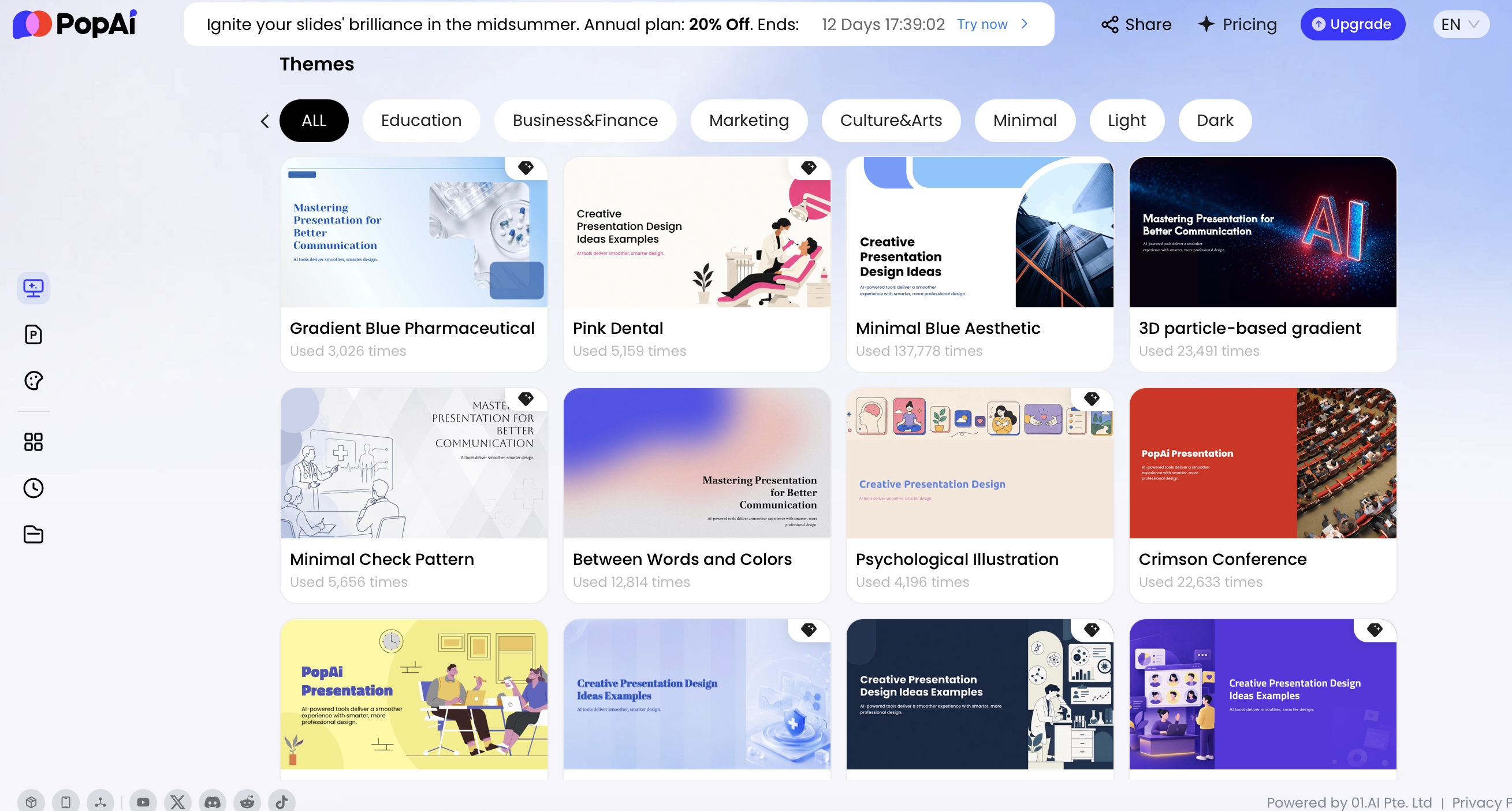
| PopAi | No public nonprofit-specific entitlement confirmed in the reviewed pricing information. | Ask sales/support for a written offer covering seats, export and AI allowance. |
| Gamma / Pitch / Plus AI / Beautiful.ai | Do not infer a nonprofit discount from a free tier, enterprise offer or education promotion. A nonprofit-specific offer was not established in this review. | Request applicable country, discount period, renewal price and who may use the seats. |
| General free plans | Available under standard product terms, not nonprofit grants. | Check ongoing credits and required export separately. |
This category means not verified in the reviewed public sources, not a claim that the vendor never negotiates discounts. Keep any private quote out of a public pricing comparison unless you have permission and clear applicable terms.
Check the benefit against a real nonprofit workload
Consider an illustrative charity team producing a quarterly donor update, volunteer briefing and board deck. Its needs might include five editors, readable PDF copies, an editable presentation for a partner, and confidential beneficiary information. A free design grant could cover visual production while the source data remains in approved systems.
| Need | Verify before activation |
|---|---|
| People | Who can edit, who only views, and whether volunteers or external partners are eligible. |
| AI | Included generation functions, age restrictions, data-use settings and credit rules. |
| Files | PPTX/PDF availability and whether the required objects remain editable. |
| Privacy | Whether beneficiary data may be uploaded under organizational policy and contract. |
| Continuity | Ownership when a staff member leaves and access after grant loss or downgrade. |
Use de-identified examples for evaluation. Never assume charitable status makes a consumer AI tool an appropriate destination for case records, health information or unpublished donor lists.
Prepare an application and renewal checklist
- Confirm the legal entity, country and activity fit the program's eligibility criteria.
- Use an organizational account and nominate a durable administrator.
- Gather registration and role-verification documents requested by the provider.
- Activate only the seats and paid options the organization has approved.
- Record the grant scope, any renewal/revalidation date, and who owns exported assets.
- Before renewal, review actual use, remaining eligibility, add-ons and the fallback plan.
Do not put a public launch date on an unapproved grant. Vendor review estimates are not guaranteed delivery commitments. Keep a standard free or paid fallback until access is confirmed.
For ordinary no-cost plans, see the free-tier comparison. For budget planning beyond the grant, use the total-cost model.
Publisher disclosure: PopAi publishes this guide and is one of the products discussed. Product descriptions come from the linked official pages. They are not independent test results or proof that PopAi outperforms another tool.