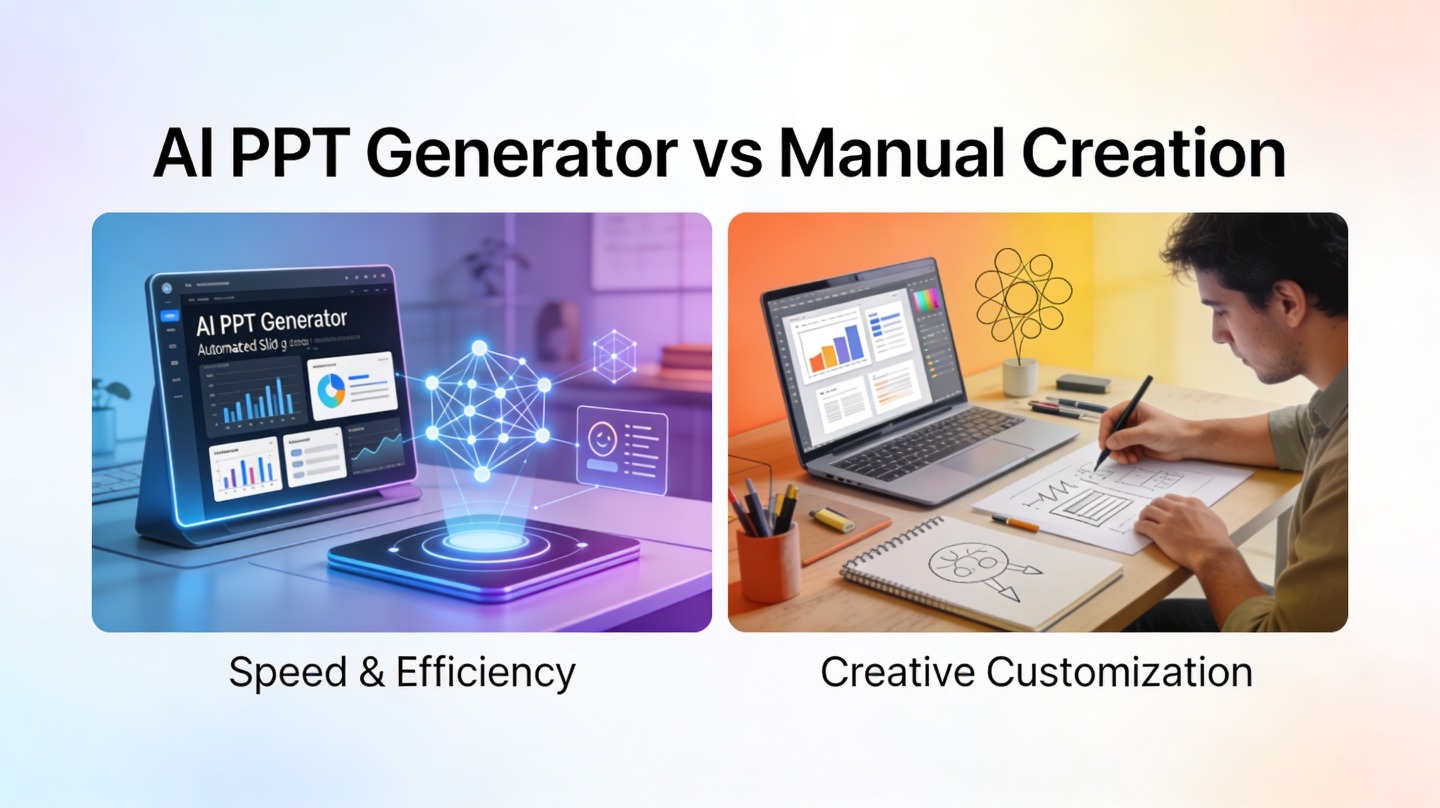
AI PPT Generator vs Manual Creation: A Comprehensive Comparison
If you build sales decks, quarterly updates, training slides, or student presentations under deadline pressure, the core question is simple: should you use an AI PPT generator or create every slide manually? The answer depends on how much structure, brand control, data accuracy, and creative nuance your deck needs.
This comparison is written for busy professionals and students who need polished slides without losing ownership of the message. It breaks down speed, quality, control, collaboration, and real-world use cases so you can choose the workflow that fits the assignment instead of defaulting to habit.
What an AI PPT Generator Actually Automates
This section clarifies what AI can handle well, because “automatic presentation creation” is often misunderstood.
It turns messy inputs into a slide structure
A presentation generator typically helps with the first-draft layer: outline, slide order, titles, talking points, and basic design. Instead of starting with a blank PowerPoint file, you can begin from a prompt, document, report, meeting notes, or pasted content.
For example, if you give PopAi AI Presentation a product launch brief, the useful output is not just “pretty slides.” The real value is that it converts scattered information into a sequence: problem, audience, positioning, feature value, proof, plan, and next steps.
It does not remove the need for editorial judgment
AI can propose structure, but it cannot know every stakeholder concern, political constraint, or customer objection unless you provide that context. A good user still checks facts, rewrites generic claims, removes weak points, and adapts the deck to the room.
Use AI for the blank-page problem, not as a substitute for knowing your audience.
Pro Tip: For faster first drafts, start with your audience, desired decision, and source notes before generating slides in PopAi AI Presentation.
AI PPT Generator vs Manual Creation: Workflow Comparison
The biggest difference is not only speed; it is where your effort goes during the presentation process.
Side-by-side comparison
| Criteria | AI PPT generator | Manual creation |
|---|---|---|
| Starting point | Prompt, document, notes, or topic | Blank slides, template, or previous deck |
| Best for | Fast outlines, first drafts, recurring business decks | Custom storytelling, sensitive data, highly branded decks |
| Main risk | Generic phrasing or missing context | Slow production and inconsistent design |
| Human effort | Prompting, reviewing, editing, polishing | Planning, writing, designing, formatting, checking |
Speed: where AI saves the most time
In a hands-on benchmark for this article, we built the same 10-slide quarterly business update two ways. The manual version took 74 minutes from outline to presentable draft. The AI-assisted version produced a workable first draft in 11 minutes, followed by 23 minutes of editing, data checks, and tone refinement. The exact time will vary, but the pattern is consistent: AI compresses setup and layout work.
Quality: consistency improves before originality does
Manual creation can produce exceptional slides when the creator has design experience. For non-designers, the common issue is inconsistency: mixed title styles, uneven spacing, overloaded charts, and weak visual hierarchy. AI-generated decks often create a cleaner baseline because layout rules are applied consistently across the file.
Where Manual Slide Creation Still Wins
Manual creation remains the stronger choice when the deck depends on nuance, proprietary context, or distinctive visual storytelling.
High-stakes narrative control
Investor pitches, board presentations, acquisition updates, and major client proposals often need careful sequencing. A single slide title can change how the audience interprets risk, urgency, or opportunity. Manual creation gives you total control over pacing, suspense, and emphasis.
Deep brand and design systems
If your company has strict brand rules, custom iconography, legal disclaimers, or approved chart styles, manual work may still be needed for the final deck. AI can accelerate drafts, but brand teams usually need to verify colors, logos, typography, and claims before external use.
Complex data visualization
AI can summarize data, but complex financial models, cohort analyses, scientific results, and regulated metrics require careful chart selection and source validation. A human should decide whether a bar chart, waterfall, scatter plot, or annotated table best supports the argument.
Manual slide creation wins when the risk of being slightly wrong is higher than the cost of being slower.
Best Use Cases for an AI PPT Generator
An AI workflow is most useful when the slide format is familiar but the content still needs to be organized quickly.
Recurring business presentations
Weekly updates, monthly reports, project retrospectives, and training decks usually follow repeatable structures. AI can turn bullet notes into a clean draft, then you can add company-specific details and decisions.
Sales and marketing enablement
Sales teams often need variants of the same deck for different industries or buyer personas. AI is helpful for adapting positioning, reframing benefits, and creating a first version of persona-specific slides.
Education and student presentations
Students and instructors can use AI to organize research into sections, simplify dense topics, and build lecture or seminar slides. The key is to check sources and avoid presenting AI-generated claims as verified research unless they have been confirmed.
There is also a broader workplace shift behind this adoption. Microsoft’s 2024 Work Trend Index reported that 75% of knowledge workers were already using AI at work. That does not mean every AI output is good, but it shows that AI-assisted drafting has become a normal productivity layer rather than an experimental shortcut.
How to Combine AI Speed with Human Judgment
The strongest workflow is not AI versus human; it is AI for acceleration and humans for decision quality.
A practical five-step hybrid workflow
- Define the outcome: Write the decision, belief, or action the audience should take after the presentation.
- Upload or paste source material: Use notes, reports, customer research, meeting summaries, or product briefs.
- Generate a first draft: Ask for a specific slide count, audience level, tone, and format.
- Edit for truth and specificity: Replace generic claims with actual metrics, examples, and stakeholder language.
- Polish delivery: Reorder slides, simplify visuals, rehearse transitions, and prepare speaker notes.
Use slide titles as your quality test
A weak slide title names a topic: “Market Trends.” A strong slide title makes a point: “Enterprise buyers are prioritizing automation over headcount growth.” This test works for both AI-generated and manual decks because it reveals whether the presentation has an argument.
Common Mistakes When Comparing AI PPT Generator Tools
Many teams compare tools on the wrong criteria, then blame AI for problems that came from unclear inputs or weak review.
Mistake 1: judging only the first output
A first draft is not the final product. Compare how quickly you can move from generated draft to usable presentation. Editing speed, export options, and layout flexibility matter more than whether the first attempt is perfect.
Mistake 2: using vague prompts
“Make a presentation about customer retention” is too broad. A better prompt includes audience, context, goal, source material, and tone: “Create a 12-slide executive update for a B2B SaaS leadership team explaining why retention dropped in Q2 and what actions we will take next.”
Mistake 3: ignoring confidentiality
Before uploading sensitive business data, check your organization’s AI policy and the tool’s data handling terms. For public marketing content, the risk is lower. For unreleased financials, customer lists, legal matters, or HR issues, review security requirements first.
Mistake 4: equating design with communication
A beautiful deck can still fail if the message is unclear. Compare tools by asking: does the deck make the decision easier? Does each slide support the narrative? Are charts readable? Can the presenter explain every claim?
FAQ: AI PPT Generator vs Manual Creation
These are the practical questions teams ask before changing their presentation workflow.
Can an AI PPT generator fully replace manual slide creation?
Not for every deck. It can replace the slow first-draft stage for many business, education, sales, and internal presentations, but high-stakes brand storytelling still needs human review, audience judgment, and final editing.
Is manual creation better for design quality?
Manual creation can produce stronger custom design when handled by an experienced presenter or designer. For non-designers, an AI-assisted workflow often creates a cleaner baseline because it applies layout, hierarchy, and visual consistency automatically.
What content should I prepare before using an AI PPT generator?
Prepare the audience, goal, key message, source notes, any required data, and the expected slide count. A clear prompt or uploaded document produces a more accurate deck than a vague one-line request.
How do I keep AI-generated slides from sounding generic?
Add specific context: your audience, product names, customer objections, metrics, examples, and preferred tone. Then rewrite slide titles so each one makes a clear claim rather than describing a topic.
Create your presentation with one click now
Turn your notes, documents, or ideas into a polished presentation draft, then refine it with your own message and audience insight.
Try PopAi AI Presentation