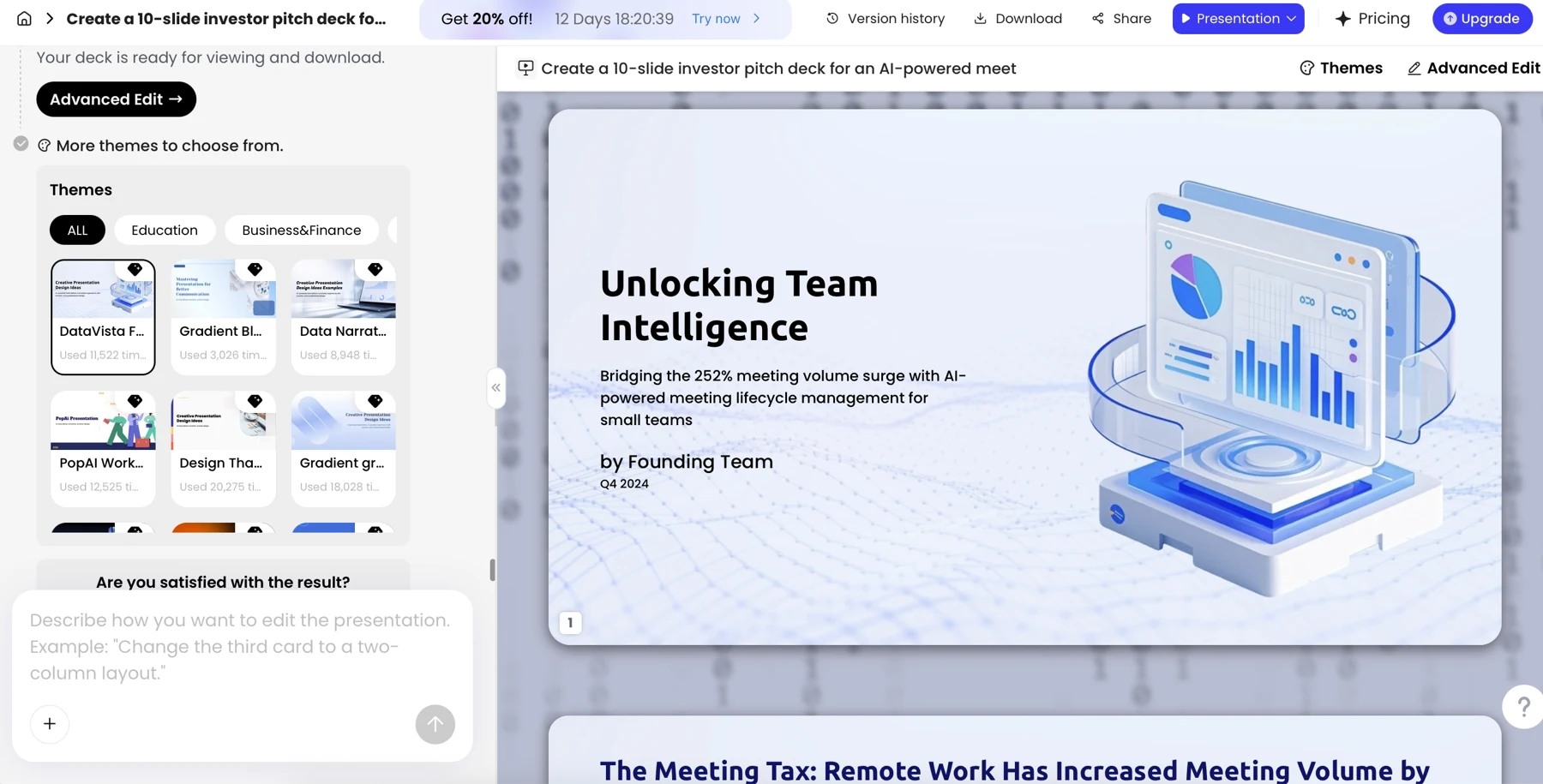
You can begin entering content or uploading a file in PopAi before signing in, but the official tool FAQ says you will be asked to sign in to generate the full slides. Downloads and advanced actions depend on account access or credits. Starting without an account is not the same as finishing and exporting without one. Read PopAi's access FAQ.
What can you do before signing in?
| Step | Documented position | What this means for your decision |
|---|---|---|
| Enter a topic or begin an upload | Available before sign-in on the tools flow | You can explore the entry point; this does not prove a finished deck is free |
| Generate the full slides | Sign-in requested | Do not choose this workflow when a no-account end-to-end process is mandatory |
| Continue editing and saving | Account-based editor workflow | Confirm the workspace and privacy settings that apply to the material |
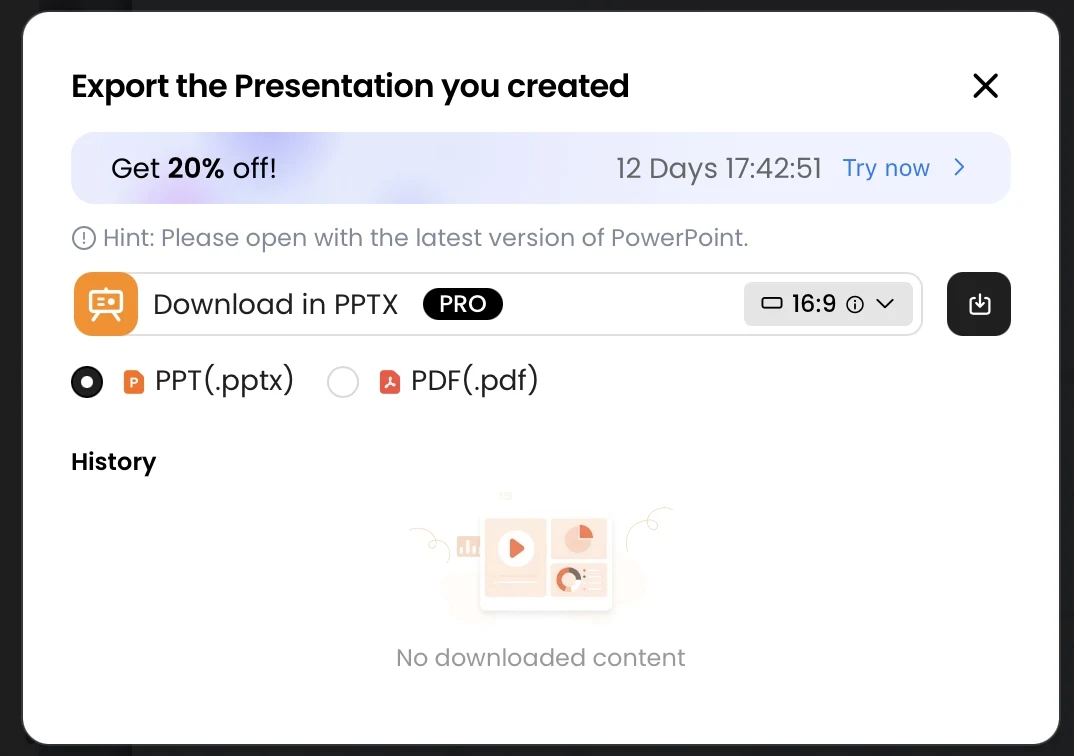
| Download PPTX or use advanced features | Account access / credits may be required | Check export entitlement before investing time in a large deck |
| Native Google Slides output | Not established by the documented PPTX/PDF menu | Use the separate PPTX-to-Slides route when appropriate |
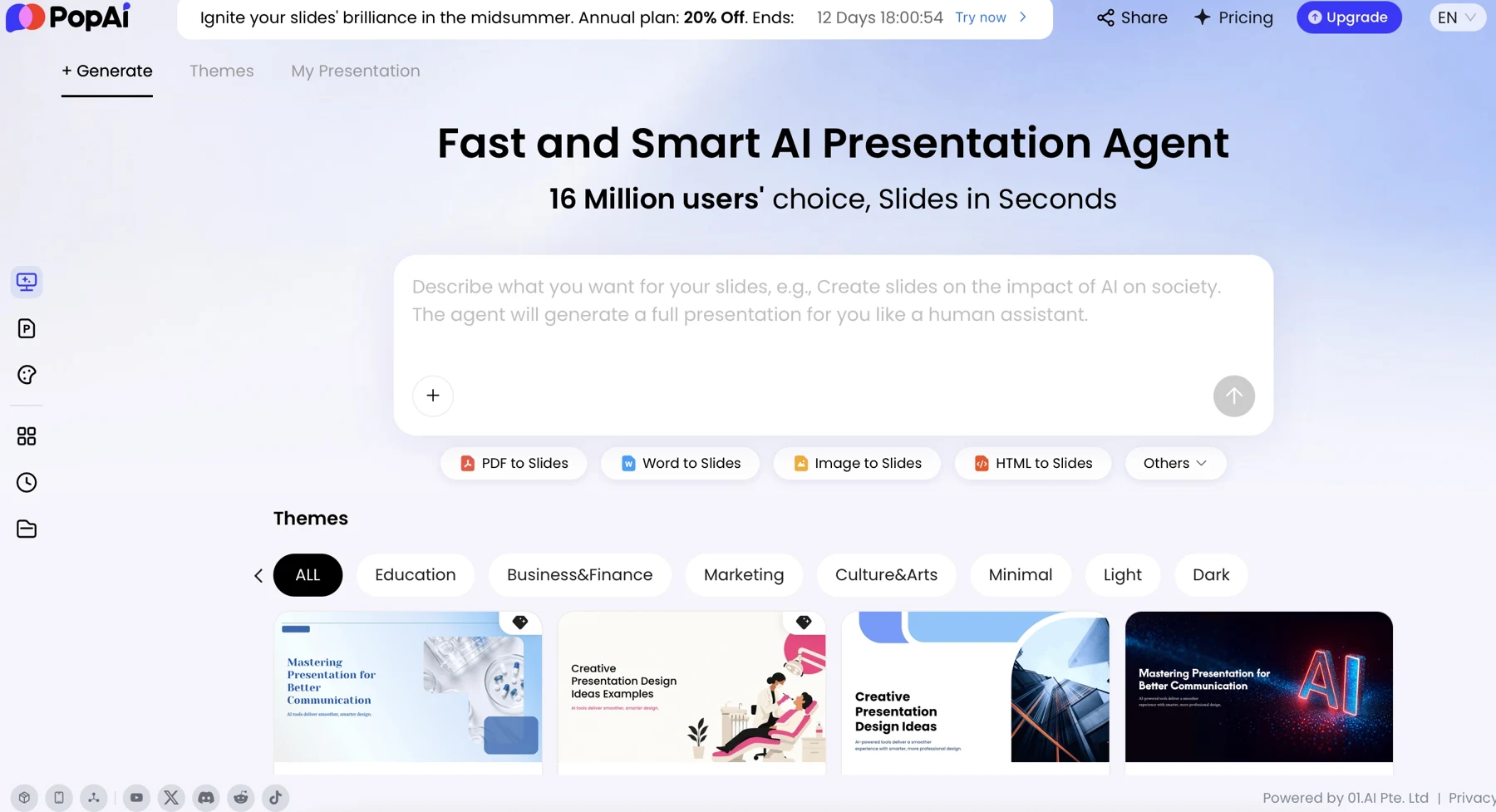
This article explains the access boundary rather than recommending an untested list of no-login products. A product can let you type a prompt while placing a sign-in or payment requirement later in the process. For a strict no-login requirement, the relevant endpoint is the usable final file, not the first screen.
Separate preview, generation and export
Preview
A visible template, sample or editor screen may help you evaluate the interface. It does not establish that your own full deck can be produced anonymously.
Generation
The point where the service creates the full presentation may have a different access rule from the input screen.
Export
A generated deck can still have a separate download entitlement, branding restriction or credit requirement.
Choose the right path for a no-account requirement
When creating a new account is simply inconvenient, an existing approved presentation application may be the easiest place to finish. When an organization prohibits a new cloud service, use its approved process rather than trying to bypass a sign-in gate. When privacy is the concern, investigate data handling and authorization; absence of login alone does not establish privacy.
| Your constraint | A practical response | What to verify |
|---|---|---|
| I do not want another account | Use an already approved account or an existing local presentation application | Whether AI features require an additional service or subscription |
| I need a free export | Check the specific output entitlement before drafting | PPTX/PDF, branding, credits and renewal terms |
| I cannot upload confidential material | Use the organization's permitted workflow and redacted or synthetic samples | Data categories, retention and approved recipients |
| I only want to inspect templates | Review the supplied template examples or public gallery first | That a preview is not being confused with a free generation promise |
Check an unfamiliar tool without exposing real information
- Use a harmless sample brief, not a client document.
- Record whether sign-in is required at input, generation, editing, saving and downloading.
- Check the actual exported format and whether branding or payment appears at the last step.
- Read the current data-handling and account terms before using organizational material.
- Repeat the critical checks when the account tier or service policy changes.
These are checks a reader can perform, not tests claimed to have been run for this article. There is no supported basis here for naming a universal best no-login generator or for promising a no-login PopAi download.
A useful PopAi workflow when signing in is acceptable
Prepare a short, approved source pack, state the audience and decision, and inspect the proposed outline before designing the full deck. After sign-in, continue through the available editor and export options. Verify the actual output rather than treating a successful generation message as proof of a ready-to-deliver presentation.
For a tool shortlist rather than an access explanation, use the 12-tool comparison. It separates free plans, trials and paid output requirements instead of treating them as equivalent.
Official sources and verification scope
Public product information checked on . Plan pages can vary by country and billing term. This article does not report a controlled hands-on comparison or guarantee conversion fidelity.
Additional supplied PopAi interface references
These historical screenshots illustrate the corresponding PopAi steps only. They are not competitor screenshots or proof of a live conversion, current plan entitlement or measured result.