Use an AI presentation maker when the difficult part is turning a brief or document into a first draft. Use manual PowerPoint when the story is already settled and precise slide control is the main task. Use PowerPoint with Copilot when you want AI assistance inside the application your team already uses. These are three workflows, not three levels of presentation quality.
This guide compares the categories. For account requirements, source inputs and file behavior of the named products, use the separate PopAi vs PowerPoint with Copilot comparison. A browser AI maker and Copilot-enabled PowerPoint can both generate content; comparing all AI tools with an empty manual slide deck would be misleading.
The three workflows, side by side
| Workflow | Where you start | What you control | Most useful when |
|---|---|---|---|
| Manual PowerPoint | An outline, a prior deck or an approved slide master | Slide sequence, object placement and editing in PowerPoint | The narrative is stable; a specific file or house template is required |
| A standalone AI presentation maker | A prompt or supported source file | Generated outline and the controls available in that editor | Source material is scattered or a first structure is missing |
| PowerPoint with Copilot | PowerPoint plus an eligible AI setup and supported sources | AI-assisted drafting alongside native slide editing | The team wants drafting help without changing its authoring environment |
Microsoft documents presentation creation from a prompt or referenced files in supported Copilot setups. That is different from the manual workflow in the first row; eligibility and organizational settings still matter. See Microsoft's creation instructions.
Choose according to the next handoff
A colleague must edit the exact file
Start in the required slide application, or use an AI generator only after checking an exported sample. The important question is whether the recipient can change the content they need.
You have a report but no presentation story
An AI draft can help propose a sequence. Review omissions and emphasis before refining visuals; a well-formatted summary can still miss the decision.
The audience will view a web link
A browser-first presentation can be a reasonable final artifact. Do not introduce a PowerPoint conversion merely because it exists as an option.
Do not confuse generation time with delivery time
A first draft is one part of the job. The relevant workload also includes preparing sources, correcting claims, applying the required visual system and getting approval. Without the same source pack, target length, account tier and completion criteria, a claim that one workflow is faster is not comparable.
For your own evaluation, record the task you need to finish rather than a synthetic universal speed score. A proposal with a mandatory slide master has a different finish line from a short internal update viewed in a browser. Use the selection framework for a reusable evaluation sheet.
Know where the editing responsibility moves
| Situation | Practical choice | Trade-off |
|---|---|---|
| You already have approved slides | Edit the existing file; consider AI for local rewriting | Generating again can create unnecessary review and design changes |
| The source is a long document | Ask an AI maker or Copilot for a reviewed outline first | The editor must check meaning, sources and omitted caveats |
| A customer requires an editable PPTX | Work in PowerPoint or inspect the exported PPTX before promising editability | Editable text does not prove editable charts, notes, media or every object |
| Brand consistency is mandatory | Use the approved master or a verified brand/template workflow | A visually similar theme is not the same as a governed company master |
Use a hybrid workflow deliberately
- Choose the final delivery format before generating anything.
- Prepare a permissioned source pack and mark approved facts separately from assumptions.
- Use manual authoring, an AI maker or Copilot to create the draft in the environment best suited to the task.
- Finish the narrative and review the actual delivery file with the person responsible for the decision.
For a research presentation, that might mean using AI to propose an outline and then placing verified figures manually. For an internal weekly update, it may mean reusing a fixed template and changing only the current evidence. For an existing executive deck, it may mean rewriting a few titles without replacing the layout at all.
Bottom line
Pick the workflow that removes your actual bottleneck. Manual PowerPoint is not automatically outdated, and an AI-generated deck is not automatically finished. Copilot makes the binary choice less useful: the real decision is where to draft, where to edit and what the recipient must receive.
Official sources and verification scope
Public product information checked on . Plan pages can vary by country and billing term. This article does not report a controlled hands-on comparison or guarantee conversion fidelity.
Additional supplied PopAi interface references
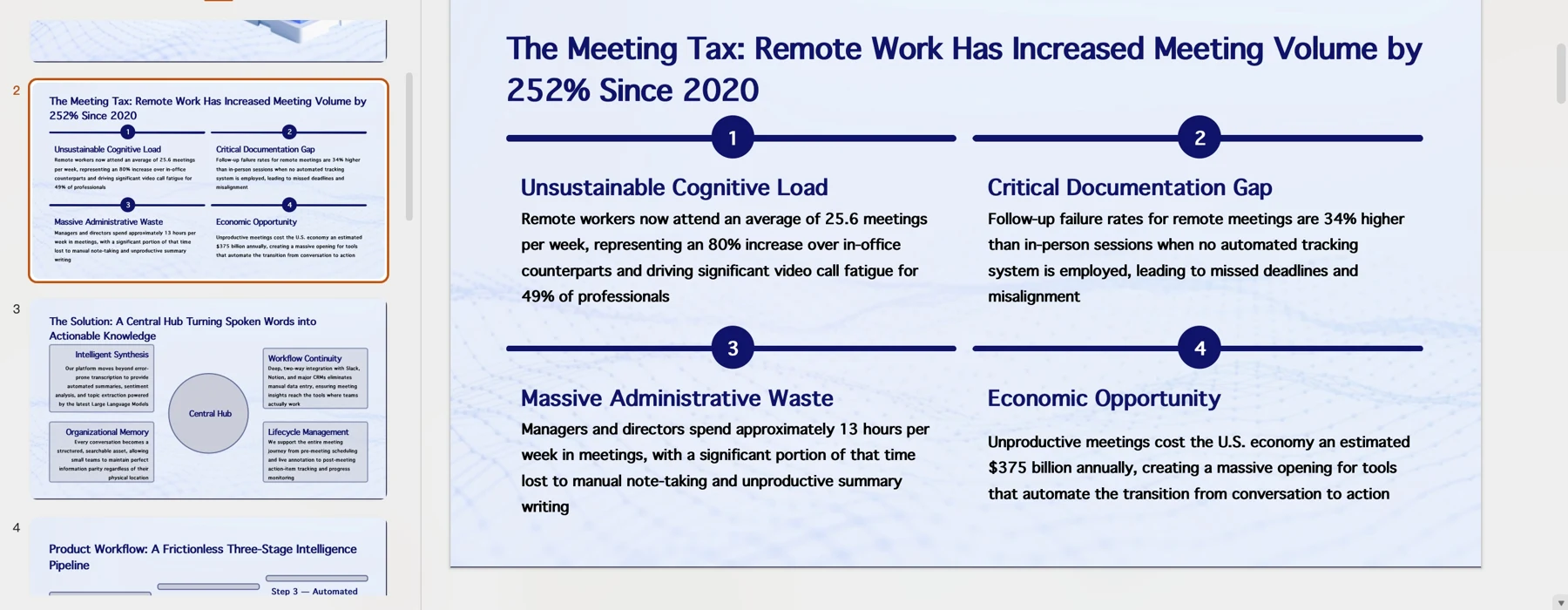
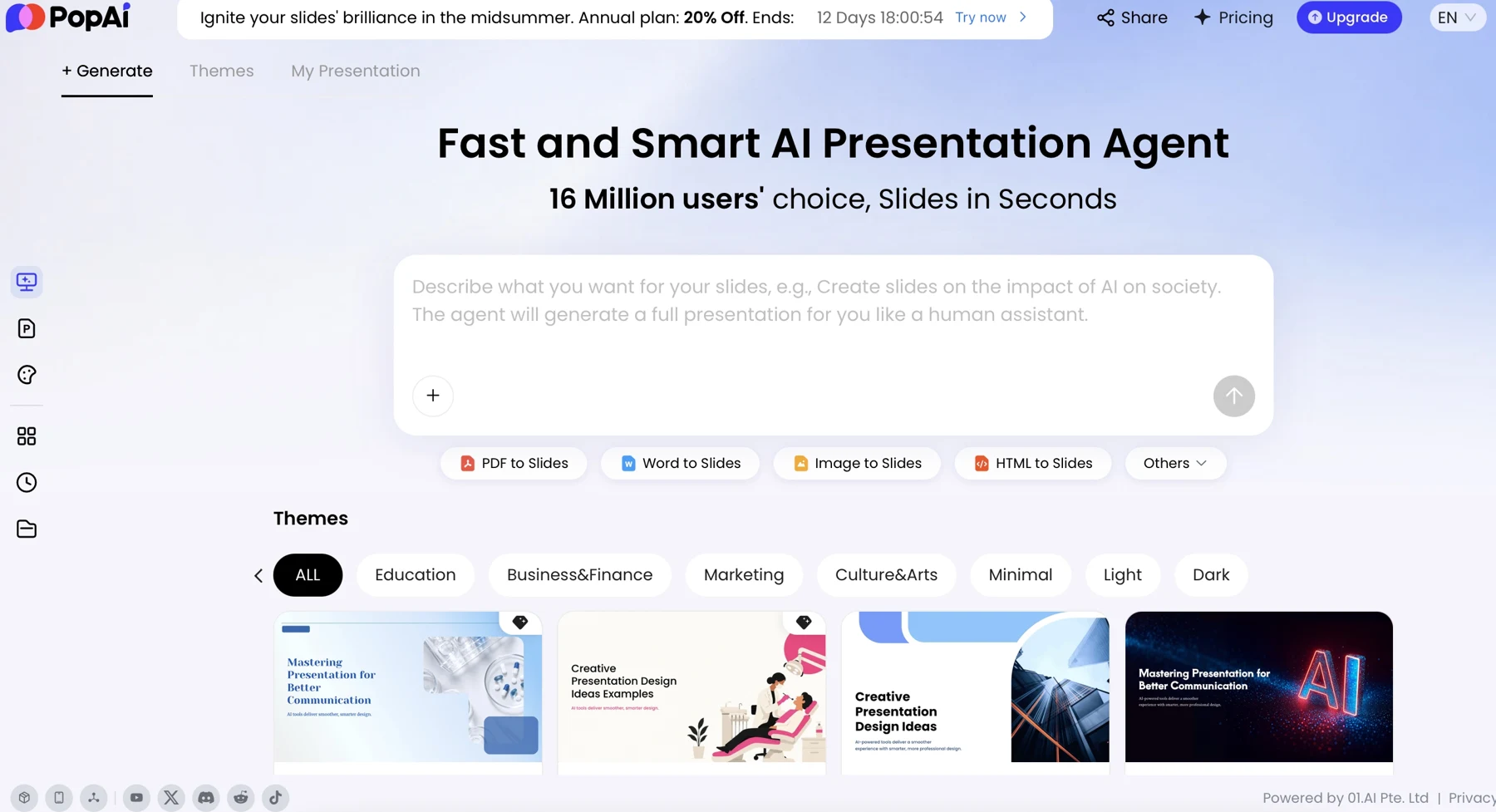
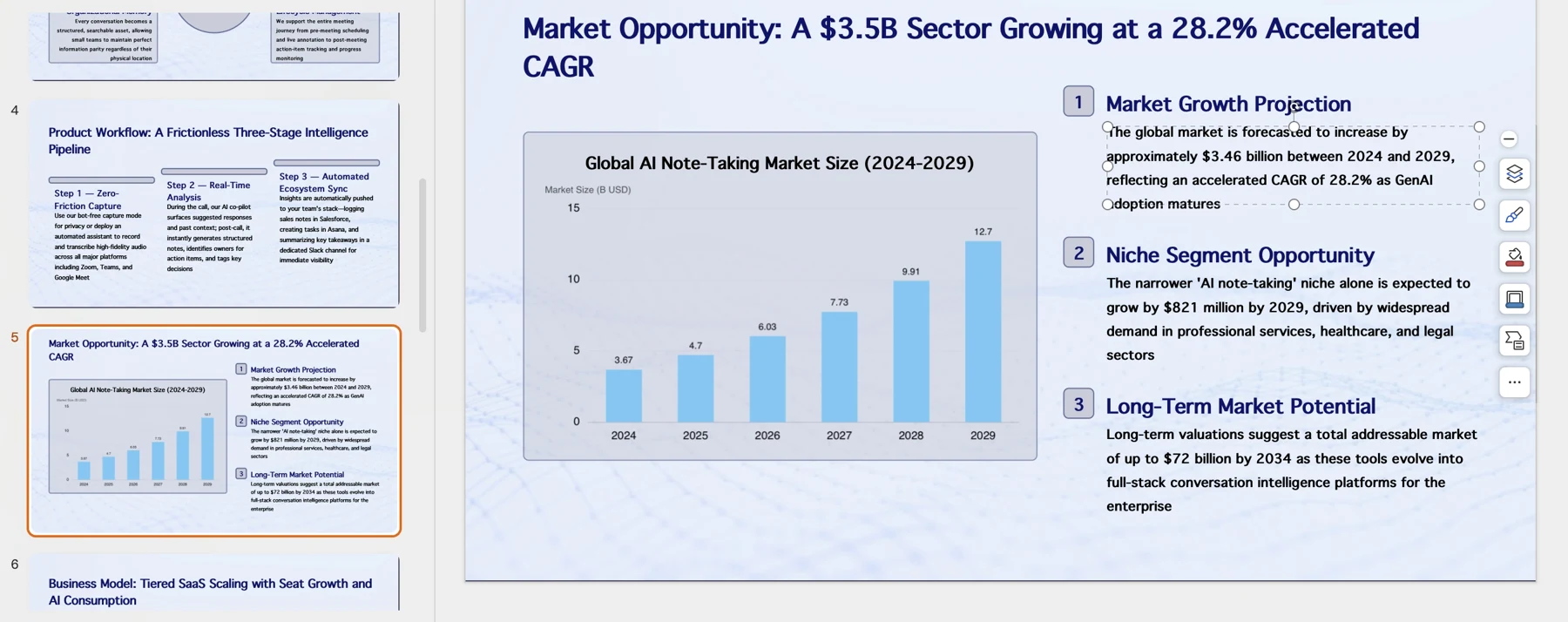
These historical screenshots illustrate the corresponding PopAi steps only. They are not competitor screenshots or proof of a live conversion, current plan entitlement or measured result.