AI Marketing Presentation: Templates, Examples & Prompts
Published October 14, 2026
Marketing managers, growth leads, agency strategists, and busy founders often know the story they need to tell but lose hours turning research, campaign data, and scattered notes into polished slides. An AI marketing presentation workflow can reduce blank-page friction, but only when the prompt, evidence, structure, and review process are specific enough to produce a useful business argument.
This guide shows how to build marketing decks for strategy proposals, campaign reviews, quarterly business reviews, product launches, and budget requests. You will find reusable prompts, slide structures, KPI visualization guidance, and a practical quality-control workflow that keeps AI-generated content credible and on-brand.
Build an AI marketing presentation from brief to final deck
A strong deck is not created by asking an AI tool to “make a marketing PPT.” It is created by progressively supplying context and checking each decision.
- Write the brief: identify the business decision, audience, deadline, and desired action.
- Collect evidence: add campaign reports, customer research, web analytics, budget information, and approved brand guidance.
- Request an outline first: ask for a logical sequence before generating finished slides.
- Design the evidence: match each KPI to a chart, conclusion-led title, and recommended action.
- Adapt for the audience: executives need commercial impact; clients need outcomes and recommendations; operators need owners and dates.
- Review and export: verify numbers, citations, visual hierarchy, speaker notes, and the final file format.
Practical principle: Treat the first AI output as a structured draft, not a finished presentation. The value comes from combining fast organization with human judgment.
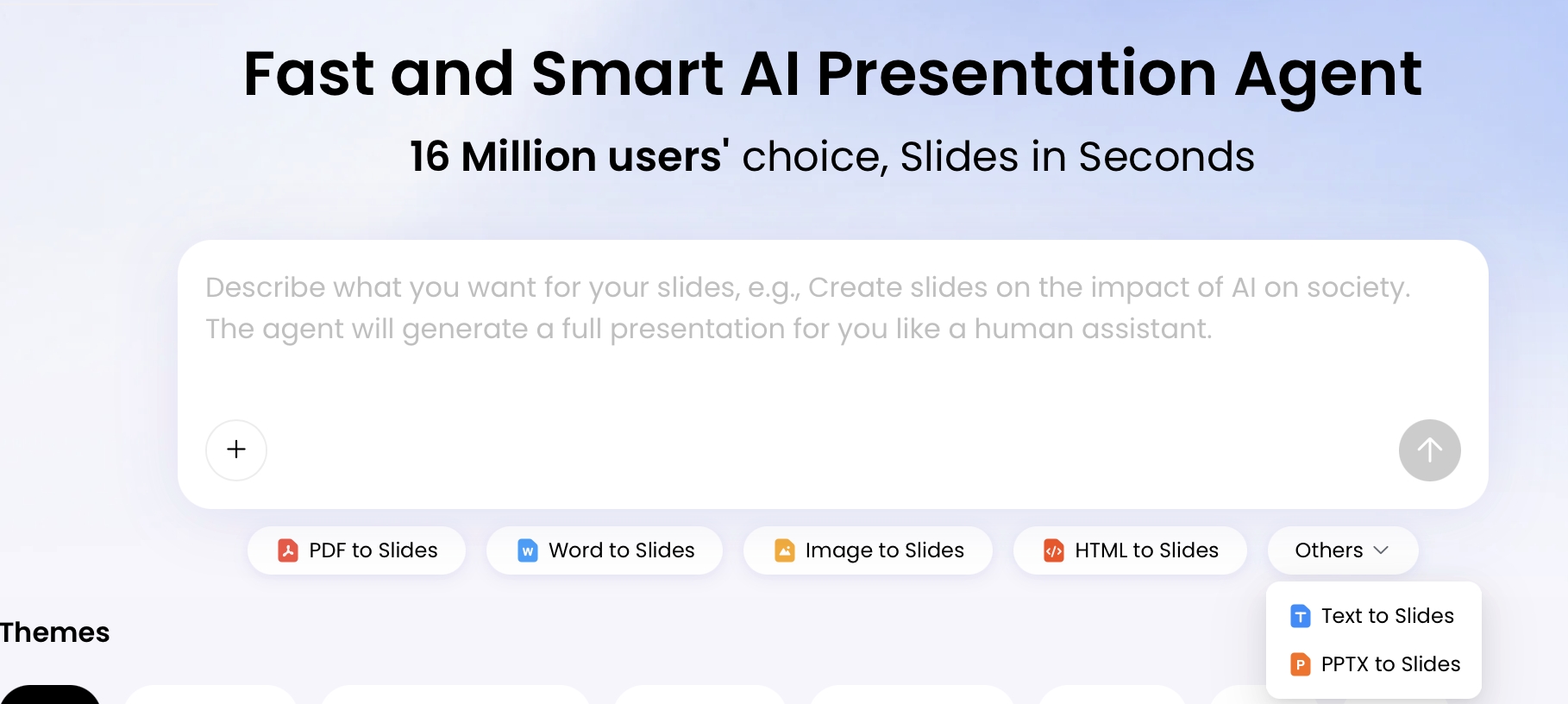
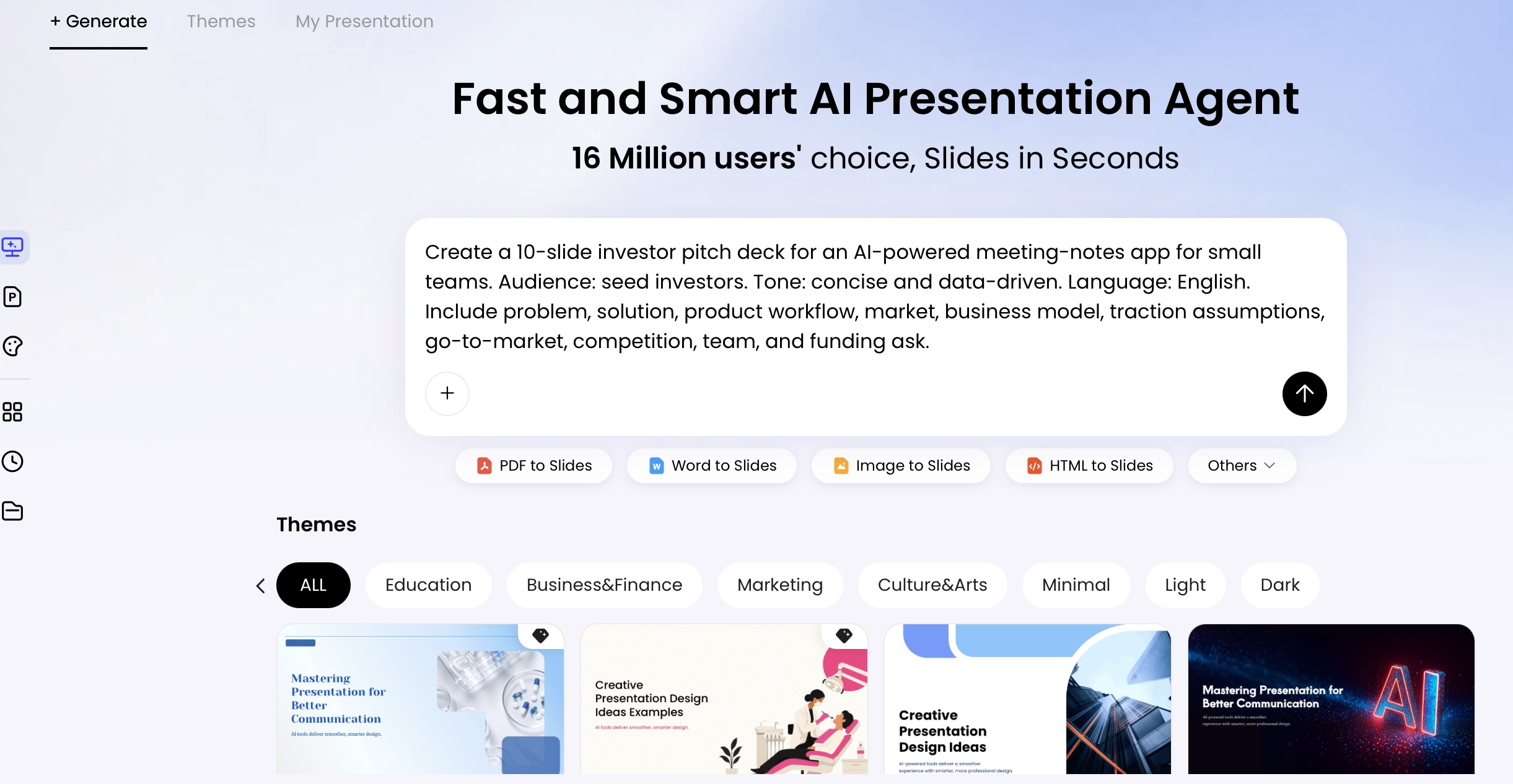
PopAi follows this type of end-to-end workflow: you can start with a prompt or upload PDF, DOCX, TXT, HTML, images, or PPTX files; the system organizes the content and outline; then you can revise text, layouts, charts, and themes before exporting PPTX or PDF. With PopAi AI Presentation, marketers can move from source material to an editable presentation without rebuilding every page manually.
“A presentation should make the next decision easier, not merely make the information look organized.”
Use a precise AI marketing presentation prompt
For a broader view of available tools, compare the latest AI presentation makers before choosing the workflow that best fits your team.
The quality of your prompt determines whether the deck feels strategic or generic. Include the role the AI should play, the business context, audience, objective, tone, slide count, source constraints, visual direction, and output format.
A reusable prompt template
Copy and customize this framework:
Role: Act as a senior B2B marketing strategist.
Context: We are launching [product] for [market] in [region] during [period].
Audience: Present to [CMO / client / sales team / board].
Objective: Secure approval for [campaign, budget, channel plan, or launch].
Evidence: Use only the attached [report, research, or KPI data]. Mark missing information as “needs validation.”
Output: Create [8] slides with one core insight per slide, conclusion-led titles, speaker notes, a [modern / minimal / dark] visual style, and a final action plan.
For example, a campaign proposal might ask for a market problem, audience insight, campaign idea, channel mix, expected funnel movement, timeline, budget scenarios, measurement plan, and approval request. A quarterly report should instead prioritize actual-versus-target performance, channel drivers, experiments, risks, and the next quarter’s decisions.
Data analysis becomes more useful when the prompt defines the decision behind each metric. If the goal is budget allocation, ask the model to compare CAC, conversion rate, pipeline contribution, and ROAS by channel. If the goal is retention, request cohort movement, churn drivers, activation behavior, and recommended interventions rather than a decorative dashboard.
Choose a marketing presentation template by use case
Templates are most effective when they reflect the decision being made. Select the narrative first, then use the visual system to make that narrative consistent.
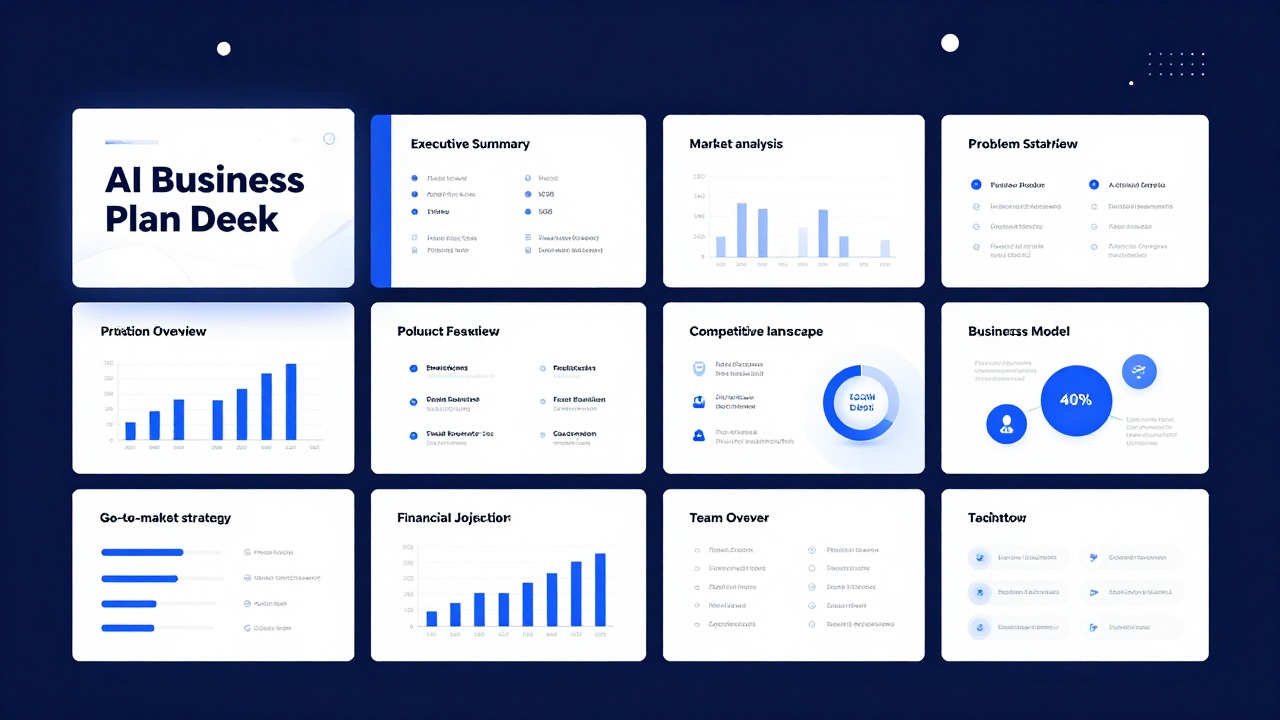
- Marketing strategy proposal: objective, market context, audience, positioning, strategic choices, channels, timeline, budget, KPIs, and approval request.
- Campaign retrospective: original hypothesis, execution, reach and engagement, funnel results, creative learnings, variance from plan, and next experiment.
- Quarterly marketing report: executive summary, target-versus-actual results, pipeline impact, channel analysis, wins, risks, and next-quarter priorities.
- Product launch deck: customer problem, product promise, segmentation, positioning, launch moments, enablement, measurement, and contingency plans.
- Budget request: business case, baseline performance, investment scenarios, expected return, assumptions, resource needs, and governance.
- Agency or client proposal: client challenge, insight, recommended idea, channel activation, deliverables, schedule, measurement, team, and CTA.
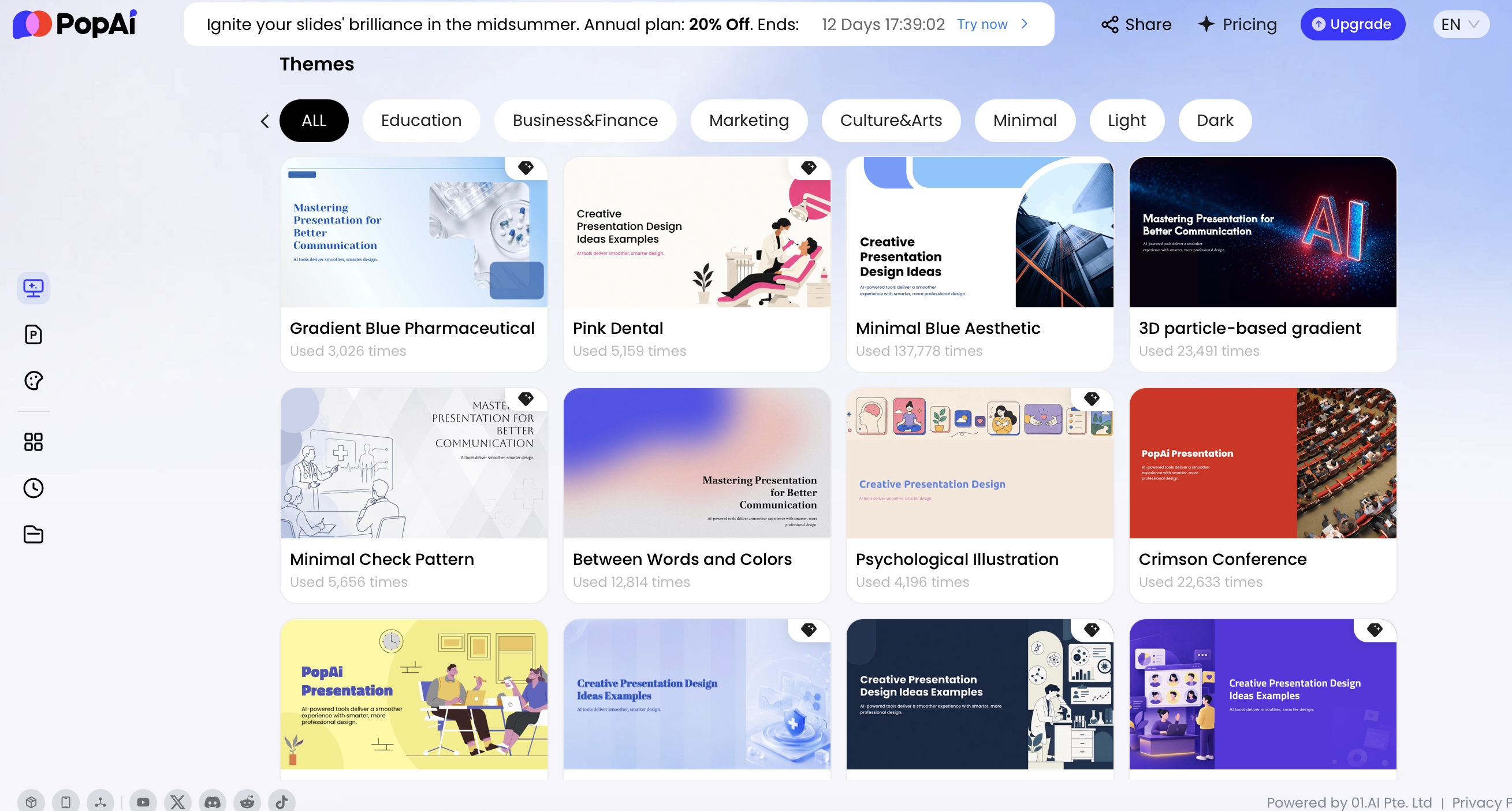
Use a consistent brand palette, readable type scale, and repeated layout logic. PopAi’s AI PowerPoint workflow can use official or personal templates, including an uploaded PPTX template, while its editing tools support theme changes, layout adjustments, cards, icons, logic frames, and charts. This is useful when the first draft has the right argument but needs to match an established brand system.
Turn marketing KPIs into decision-ready visuals
A chart earns its place when it answers a question. Start with the metric, define the comparison, write the insight as the title, and then add the action that follows.
- CAC by channel: use a ranked horizontal bar chart; title it “Search acquires customers at 24% lower CAC than paid social.”
- ROAS over time: use a line chart; annotate campaign launches, creative changes, and budget shifts.
- MQL to pipeline: use a funnel or conversion table; show where prospects drop and which owner is responsible.
- Retention: use a cohort heatmap or line chart; distinguish product, segment, and acquisition-source effects.
- Budget scenarios: use a comparison table or clustered bars; show investment, expected range, assumptions, and risk.
For example, a channel with the highest click-through rate may still underperform on pipeline if lead quality is weak. A data-led slide should therefore pair the surface metric with a downstream measure and a qualification note. Avoid unsupported precision: if attribution is incomplete, label the result as directional and state the data window.
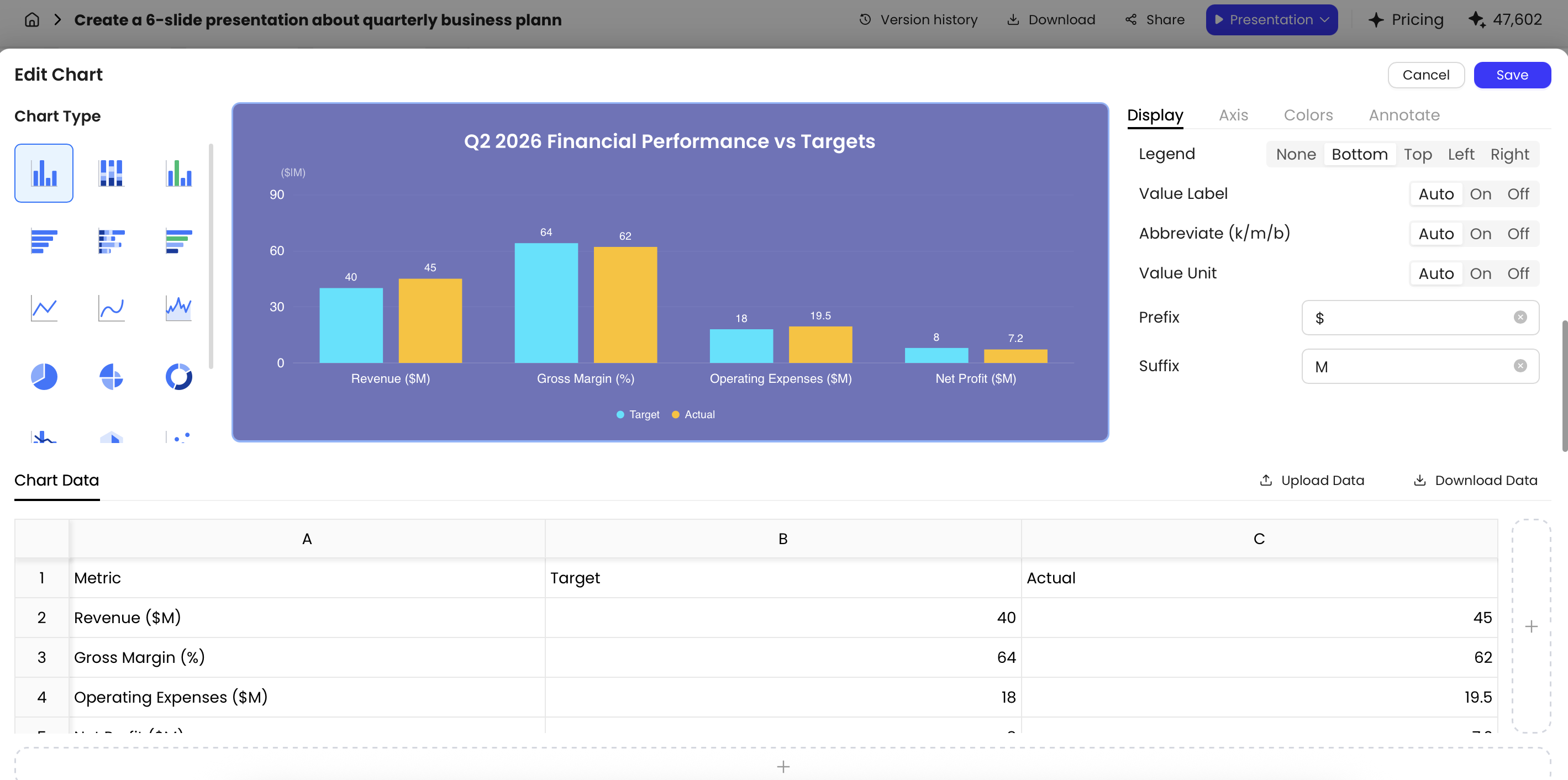
PopAi’s chart editor lets users adjust chart types such as bars, lines, areas, pies, doughnuts, dual-axis charts, radar charts, scatter plots, and bubble charts. You can edit the underlying table, change colors and axes, add reference lines, and upload or download spreadsheet data. That flexibility is valuable, but it does not replace checking definitions for CAC, ROAS, MQL, pipeline, and revenue attribution.
Adapt one marketing story for three audiences
The same dataset should change emphasis—not facts—when the audience changes.
Executive version: lead with revenue impact, investment choice, risk, and the decision required.
Client version: lead with customer outcomes, evidence, recommendations, and implementation confidence.
Team version: lead with priorities, owners, dependencies, deadlines, and operating details.
A useful editing prompt is: “Rewrite this 10-slide deck for a CFO. Keep the data and recommendations unchanged, reduce each slide to one conclusion, move operational detail to speaker notes, and add a decision summary.” PopAi can support natural-language revisions and provide original and rewritten versions, making it easier to compare a concise executive edit with the source draft.
Before presenting, use a four-part review: factual accuracy, strategic coherence, brand compliance, and presentation usability. Confirm every number against the source, record the data cut-off date, remove invented examples, anonymize customer information, and check whether claims require legal or compliance approval.
“If an AI-generated statistic cannot be traced to an approved source, it belongs in the review queue—not on the slide.”
Avoid common AI marketing presentation mistakes
Most weak decks fail because the input is vague or the review stops too early.
- Generic objective: replace “explain our marketing” with a measurable decision such as approving a budget or selecting two channels.
- Too much text: request one message, three supporting points, and optional speaker notes per slide.
- Unverified statistics: attach source material and require the AI to flag gaps rather than fill them with plausible numbers.
- Decorative charts: write the conclusion first, then choose the chart that best proves it.
- One deck for everyone: create audience-specific versions while preserving the same evidence base.
- Brand added at the end: provide palette, type, logo rules, imagery preferences, and examples at the start.
- No speaking support: request notes, transitions, likely objections, and a final CTA for the presenter.
For broader comparisons, review how different AI presentation makers handle source files, editable charts, templates, collaboration, and export. The right tool is the one that fits your existing approval and reporting workflow, not simply the one that generates the fastest first draft.
AI marketing presentation FAQ
How do I write a useful prompt for an AI marketing presentation?
Specify the audience, business context, objective, slide count, required sections, tone, visual style, data sources, and output format. Ask for one core insight per slide and require assumptions to be flagged for review.
Can AI create marketing slides from a PDF or report?
Yes. PopAi can accept PDF, Word, text, HTML, image, and PPTX sources, then organize the material into an outline and presentation. Review formatting, citations, and important facts before presenting.
Which pages belong in a marketing strategy presentation?
A practical structure includes the objective, audience insight, market context, strategy, channel plan, timeline, budget, KPI framework, risks, and a clear action plan.
How can I prevent errors in AI-generated marketing slides?
Provide source files and data cut-off dates, require citations, prohibit invented statistics, anonymize sensitive customer information, and complete a human review for facts, brand, legal, and numerical accuracy.
Create your presentation with one click now
Turn a marketing brief, report, or campaign dataset into a structured, editable deck and refine it with your team.
Create with PopAi AI Presentation