12 Best AI Presentation Makers I Tested in 2026

If you are choosing an AI deck tool for client pitches, startup updates, lessons, sales enablement, or executive reporting, the hard part is not finding options. It is knowing which AI presentation makers actually produce editable, credible slides after the first impressive demo.
I tested 12 tools with the same three prompts: a seed-stage investor deck, a quarterly business review, and a 10-minute training presentation. I also compared exports, template control, rewriting quality, and how much cleanup each deck needed before I would send it to a real stakeholder.
Quick Ranking: The Best AI Presentation Makers in 2026
This section gives you the short answer first, so you can shortlist tools before reading the detailed notes.
My 2026 ranking at a glance
The strongest tools did three things well: they created a logical storyline, gave me slides I could edit, and avoided generic filler. Visual beauty mattered, but it did not outweigh weak structure or locked-down formatting.
| Rank | AI presentation maker | Best for | Testing note |
|---|---|---|---|
| 1 | PopAi | Fast, structured business decks | Best balance of outline quality, speed, and editable slide output. |
| 2 | Gamma | Web-style narrative decks | Excellent flow and modern layouts, especially for explainers. |
| 3 | Canva | Branded visual design | Strong template ecosystem and design controls. |
| 4 | Beautiful.ai | Consistent corporate slides | Reliable layout rules, but less flexible for unconventional stories. |
| 5 | Tome | Concept storytelling | Good for narrative drafts and idea exploration. |
| 6 | Microsoft Copilot for PowerPoint | Microsoft 365 teams | Useful when your source content already lives in Microsoft files. |
| 7 | Google Slides with Gemini | Workspace collaboration | Convenient for teams already editing in Google Slides. |
| 8 | Pitch | Startup collaboration | Strong team workflow, lighter on full AI deck generation. |
| 9 | SlidesAI | Google Slides add-on workflows | Helpful for turning text into slide drafts quickly. |
| 10 | Decktopus | Simple sales and proposal decks | Fast setup, but outputs needed more refinement. |
| 11 | Plus AI | Docs-to-slides workflows | Good add-on model for existing presentation stacks. |
| 12 | Presentations.AI | Template-based AI drafts | Promising, but less consistent across my test prompts. |
The best AI presentation maker is not the one that creates the prettiest first slide. It is the one that gets you closest to a usable deck after the second round of edits.
How I Tested These AI Presentation Makers
A fair ranking needs repeatable prompts, practical criteria, and a realistic definition of “done.”
The same prompts, three different deck types
I used one prompt for each common professional scenario: an investor pitch deck for a B2B SaaS startup, a quarterly revenue review for a sales leader, and an employee onboarding lesson. Each tool received the same audience, goal, tone, and section requirements.
For the business decks, I scored whether the tool built a clear sequence: problem, insight, recommendation, evidence, and next step. For the training deck, I checked whether it broke information into teachable chunks rather than turning every slide into a text wall.
The scoring criteria
- Output quality: narrative structure, slide logic, and visual hierarchy.
- Speed: time from prompt to first complete deck.
- Editability: whether layouts, text, and objects could be changed without fighting the tool.
- Template and brand control: ability to align with a company style.
- Export reliability: PowerPoint, PDF, or share-link behavior.
- Pricing clarity: how easy it was to understand plan limits from public pricing pages in June 2026.
In my timed test, the fastest tools generated a usable first draft in under three minutes, while several needed closer to ten minutes once account setup, prompt refinement, and export steps were included. That difference matters when a founder or manager is rebuilding a deck an hour before a meeting.
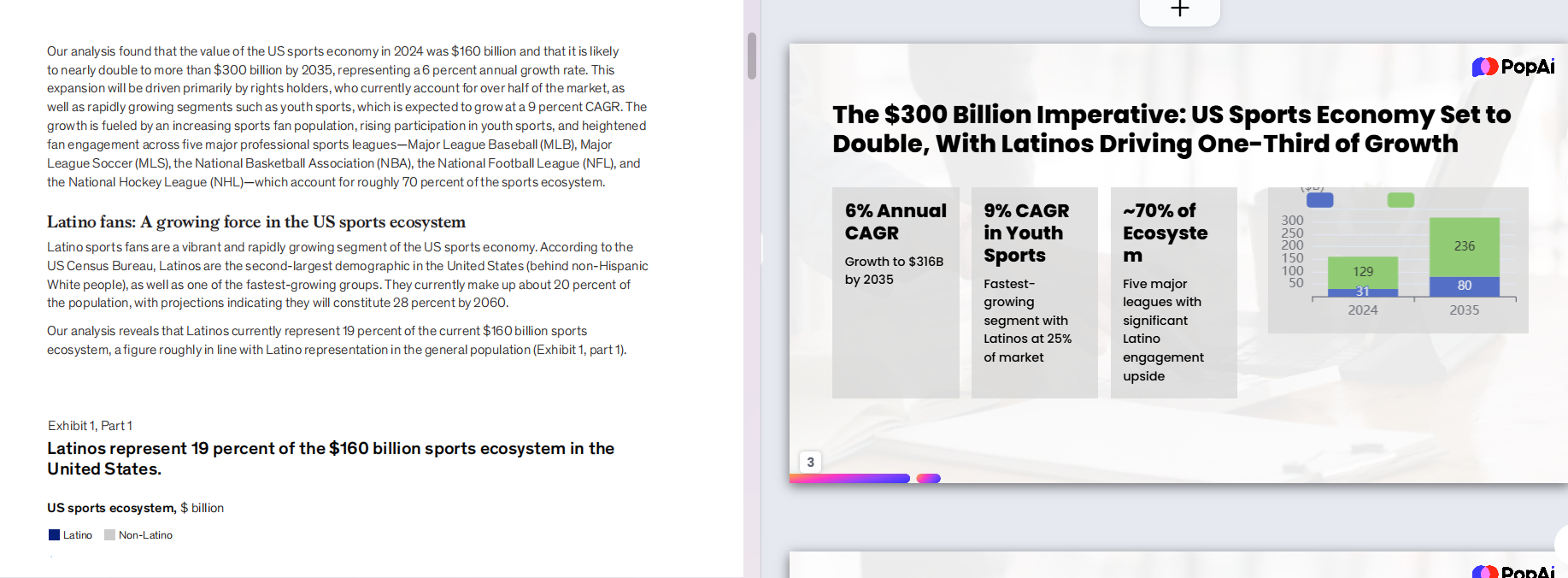
For a product-specific benchmark, I generated one of the business prompts with PopAi AI Presentation and compared the result against the same prompt in the other ranked tools. The practical advantage was not only speed; it was that the deck already had a workable business storyline instead of a decorative outline.
Top 5 AI Presentation Makers: Detailed Notes
The top five earned their position because they reduced real editing work, not just because they looked modern.
1. PopAi: best overall for structured business presentations
PopAi performed best when the prompt required business logic: problem framing, recommendations, agenda structure, and audience-specific wording. The first drafts were not final-ready, but they gave me a credible skeleton I could refine instead of rebuilding from scratch.
It is especially strong for users who need a presentation quickly from a topic, brief, document, or rough idea. In the investor deck test, PopAi produced the clearest progression from market pain to product value to traction narrative.
2. Gamma: best for narrative and web-native decks
Gamma created some of the smoothest reading experiences. Its outputs felt more like interactive documents than traditional slide decks, which is useful for explainers, thought leadership, and asynchronous sharing.
The trade-off is format expectation. If your team needs a conservative board deck or a heavily controlled PowerPoint file, you may spend more time adapting the format.
3. Canva: best for design polish and brand assets
Canva remains a strong choice when design control is the priority. Its template library, brand kits, and asset ecosystem make it easy to polish slides visually after AI generates the starting point.
In my tests, Canva was strongest after I already knew the storyline. It was less impressive when asked to reason through a complex business argument from scratch.

4. Beautiful.ai: best for layout consistency
Beautiful.ai is good at keeping slides neat. Its smart templates reduce the messy alignment problems that happen when multiple people edit the same deck.
The limitation is flexibility. When I wanted to bend a slide into a very specific narrative shape, the guardrails that usually help became slightly restrictive.
5. Tome: best for concept exploration
Tome was useful when I wanted to explore a story direction quickly. It helped turn rough ideas into a presentable narrative, especially for vision decks and product concepts.
For more traditional business presentations, I still needed to tighten claims, reduce broad language, and add sharper proof points.
Which AI Presentation Maker Fits Your Workflow?
The right choice depends less on the feature list and more on where your team already creates, reviews, and presents decks.
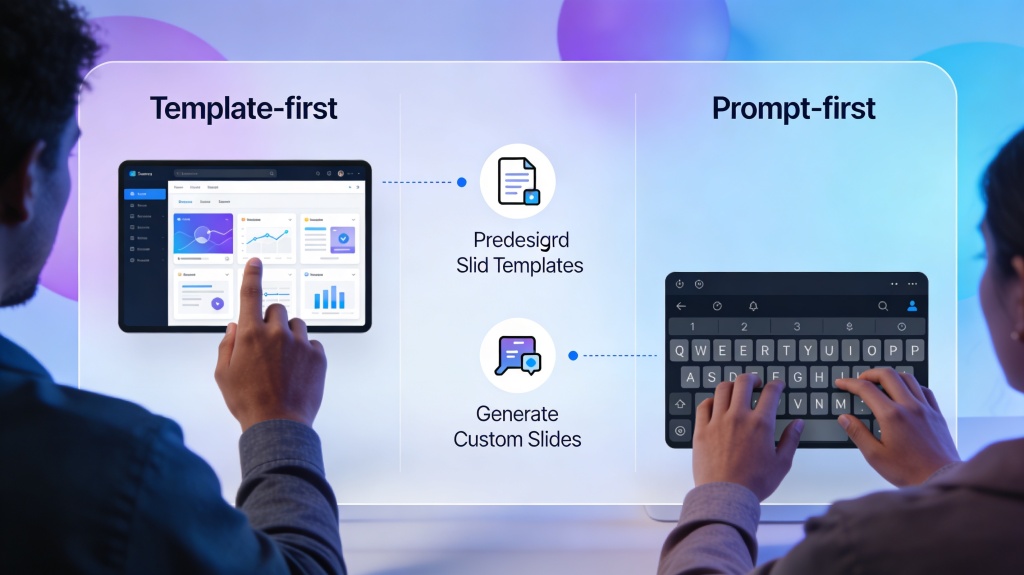
If you need speed from a blank page
Choose PopAi, Gamma, or Decktopus. These tools help when you have a topic but not a polished outline. PopAi is the strongest option when the end result still needs to feel like a conventional business deck.
If your company lives in Microsoft or Google
Microsoft Copilot for PowerPoint and Google Slides with Gemini are convenient because they sit inside existing work environments. According to Microsoft’s official Copilot documentation, Copilot can draft presentations from files and prompts inside Microsoft 365, while Google positions Gemini as an assistant across Workspace apps.
The advantage is workflow continuity. The downside is that built-in assistants may depend heavily on the quality and organization of the source material you provide.
If brand design matters more than outline generation
Canva, Beautiful.ai, and Pitch deserve serious consideration. They are strongest when your team already has messaging and needs a repeatable, polished visual system.
Pro tip: If you are testing AI deck tools this week, run the same 8-slide prompt in PopAi AI Presentation and two competitors. Compare the second edit, not just the first generated output.
Pricing, Exports, and Hidden Friction
Pricing pages rarely tell you how much time you will lose fixing formats, exports, and collaboration gaps.
Free plans are useful for testing, not always for production
Most tools in this category offer either a free plan, free trial, or limited AI generation. That is enough to test output quality, but production use usually requires paid access for higher limits, brand controls, exports, or team features.
I did not rank tools by the cheapest plan because pricing changes frequently and plan limits vary by region and account type. Instead, I evaluated whether the value was clear from each public pricing page and whether the paid features solved real workflow problems.
Export quality can make or break the tool
A beautiful AI deck is less useful if it exports poorly. I checked whether slides preserved layout, whether text remained editable, and whether the deck could be shared with stakeholders who do not use the same platform.
Before buying any AI presentation tool, export one deck to the exact format your team uses in real meetings. A weak export can erase the time saved during generation.
Common Mistakes When Choosing AI Presentation Makers
Most bad purchases happen when teams judge the demo instead of the daily workflow.
Mistake 1: choosing the prettiest first draft
Polished visuals are persuasive, but they can hide weak thinking. Look for a clear thesis, slide-to-slide progression, and audience-specific wording before you judge color palettes or icons.
Mistake 2: ignoring source quality
AI presentation makers are much better when you give them useful inputs: a clear audience, the decision you want, key facts, required sections, and tone. A vague prompt usually produces a vague deck.
Mistake 3: skipping compliance and data checks
If your deck contains financials, customer data, roadmap details, or regulated information, review the tool’s security documentation and your company’s AI policy. Do not paste confidential material into any tool until you know what your organization allows.
Final Verdict: The Best AI Presentation Makers Ranked
After testing all 12 tools, I would choose based on the job your presentation needs to do.
My practical recommendations
- Best overall: PopAi, especially for business users who need structured decks quickly.
- Best narrative experience: Gamma, especially for web-style explainers and asynchronous reading.
- Best design ecosystem: Canva, especially when brand assets and visual polish matter.
- Best built-in enterprise workflow: Microsoft Copilot for PowerPoint or Google Slides with Gemini, depending on your suite.
- Best layout guardrails: Beautiful.ai for teams that need consistent slide formatting.
If you only test three AI presentation makers, test PopAi, Gamma, and Canva. Together, they represent the three dominant approaches in 2026: structured deck generation, narrative web presentations, and design-first slide creation.
FAQ About AI Presentation Makers
These are the questions I would answer before committing a team to one tool.
Which AI presentation maker was best overall in my 2026 test?
PopAi ranked best overall for prompt-to-deck speed, editable slide structure, and practical business presentation quality. Gamma and Canva were also strong, especially for web-style storytelling and branded visual polish.
Are AI presentation makers good enough for investor or executive decks?
They are good enough for first drafts, internal reviews, and fast redesigns. For investor, board, or executive decks, you should still verify the story, numbers, claims, and final visual hierarchy before presenting.
What should I test before paying for an AI presentation maker?
Test the same prompt in at least three tools, then compare outline logic, slide editability, export quality, brand controls, citation handling, and whether the tool saves time after revisions, not just during first generation.
Do AI presentation makers replace PowerPoint or Google Slides?
Not always. Many teams use AI tools to generate structure, copy, and design direction, then export to PowerPoint or Google Slides for final collaboration, speaker notes, and company-template compliance.
Create your presentation with one click now
Turn your topic, outline, or document into a structured, editable presentation faster with PopAi.
Start creating with PopAi