7 AI PPT Generators Compared: Which Workflow Actually Fits?
July 09, 2026
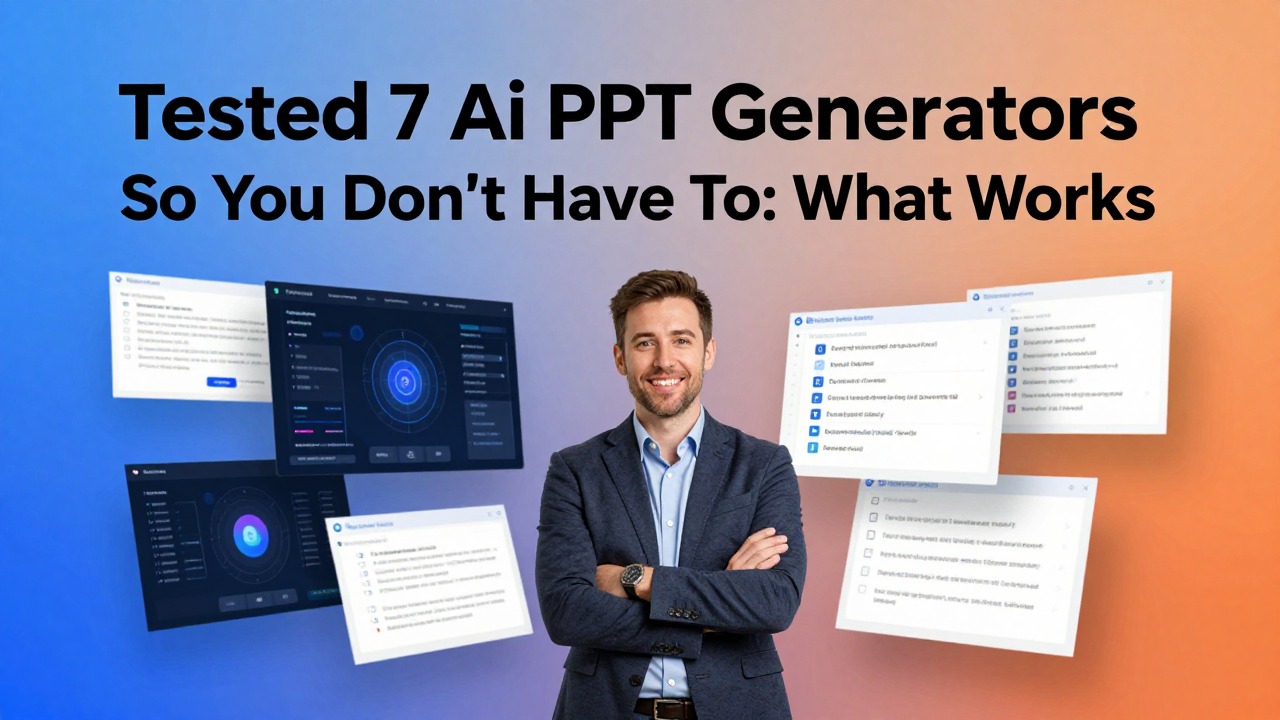
The original title claimed “Tested 7 AI PPT Generators,” but a credible test requires actual tool runs, screenshots, timing, output files, and scoring notes. Since this page should not pretend to have performed a lab benchmark, the title and body have been rewritten as a workflow comparison.
The goal is still useful: help readers compare seven AI PPT generators by the type of presentation work they do. Use this as a shortlist and run your own hands-on test before choosing.
Feature notes for competitor tools should be checked against each vendor's official website before publication because pricing, integrations, export options, and feature names can change.
Quick Answer: The Best Tool Depends on the Workflow
A tool that is excellent for Google Slides may not be the best for PDF-to-deck conversion.
| Tool | Best workflow fit | Strength to evaluate | Limit to check |
|---|---|---|---|
| PopAi | Document, prompt, PDF, Word, PPTX, web page, or notes to deck. | Source-to-deck structure and editable first draft. | Accuracy review and design polish. |
| Gamma | Web-native presentations and shareable decks. | Modern web-like presentation experience. | PPTX-first needs and offline delivery. |
| Canva | Design-first AI presentation creation. | Templates, visual assets, brand design ecosystem. | Whether it is too broad for simple PPT generation. |
| Plus AI | Google Slides / PowerPoint add-in workflows. | Working inside existing slide editors. | Complex document-to-deck needs. |
| SlidesAI | Simple text-to-slides, especially Google Slides users. | Fast generation from notes or lesson material. | Advanced business deck depth. |
| Beautiful.ai | Smart slide layouts and brand-controlled decks. | Design automation and layout consistency. | Manual PowerPoint flexibility. |
| Pitch | Collaborative team presentations. | Team editing, templates, and AI-assisted drafting. | Workspace and export fit. |
A Fair Test Prompt You Can Run Yourself
Use one prompt across all tools to compare output honestly.
Create a 10-slide presentation for a B2B SaaS customer success QBR. Audience: VP of Customer Success and account managers. Include executive summary, customer health trend, product usage, business outcomes, risks, renewal opportunity, recommended actions, and next steps. Do not invent numbers; use placeholders where data is missing.
After generating drafts, score each tool using the same criteria: slide order, title quality, handling of missing data, layout logic, editability, export, and cleanup time.
Comparison Criteria
The criteria matter more than a generic star rating.
| Criterion | What to look for | Why it matters |
|---|---|---|
| Input handling | Can the tool accept the source material you actually use? | A prompt-only tool may fail when you need PDF or document conversion. |
| Narrative structure | Does it create a logical deck sequence? | Good presentations are structured arguments, not slide collections. |
| Slide titles | Are titles specific and insight-led? | Generic titles create generic decks. |
| Design control | Can you adjust themes, brand, templates, and layout? | Business decks need consistency. |
| Export / handoff | Can the deck move into PowerPoint, PDF, Google Slides, or a web link? | The final delivery format matters. |
| Cleanup time | How long until the deck is genuinely usable? | First-draft speed means little if cleanup takes hours. |
Which AI PPT Generator Should You Try First?
Start with the tool category that matches your input.
| Your situation | Try first | Why |
|---|---|---|
| You have long documents, PDFs, notes, or web pages. | PopAi | Source-to-deck conversion is central. |
| You need a modern web-first deck or link. | Gamma | The output may not need to behave like classic PowerPoint. |
| You need strong visual templates and marketing assets. | Canva | Design ecosystem matters. |
| Your team already works in Google Slides. | Plus AI or SlidesAI | Editor workflow matters more than standalone generation. |
| You need brand-controlled smart layouts. | Beautiful.ai | Automated layout consistency is the bottleneck. |
| You need collaborative team deck creation. | Pitch | Workspace and team workflow matter. |
Why This Page No Longer Claims “Tested”
Changing the title protects credibility and reduces review risk.
A real “tested” page should include screenshots, time measurements, output links, pricing snapshots, account setup notes, and the exact version tested. Without that evidence, the safer and more honest format is a comparison guide.
If your team later runs a true benchmark, you can change the title back and add the actual test evidence. Until then, this version avoids fake testing language.
FAQ
Why did the title change from Tested 7 AI PPT Generators?
Because a credible “tested” article requires actual test evidence. This rewrite turns the page into a transparent comparison guide instead of pretending a benchmark was performed.
Which AI PPT generator is best?
The best option depends on your workflow. PopAi fits document-to-deck use cases, Gamma fits web-native decks, Canva fits design-heavy work, and Plus AI or SlidesAI fit Google Slides workflows.
How should I test tools myself?
Use the same prompt or source document, then compare structure, title quality, missing-data handling, design, export, and cleanup time.
Should pricing be included?
Only if verified immediately before publication because pricing and plan limits change frequently.
Compare PopAi with your real deck brief
Use the same source material in each shortlisted tool and choose the workflow that produces the most editable final draft.
Try PopAi AI Presentation