Presentation Generator AI: 300% ROI Case Study
Published May 25, 2026

For sales and marketing leaders, deck production often looks small until it starts slowing revenue work. In this case study, presentation generator AI helped an anonymized B2B services client reduce deck creation time, improve proposal follow-up speed, and measure a 300% return on an eight-week pilot.
The client was not trying to “make prettier slides.” The goal was more practical: create accurate, client-specific sales presentations faster without overloading designers, account managers, or sales enablement. A tool such as PopAi AI Presentation fits this use case because it can turn rough inputs, documents, and prompts into structured presentation drafts that a human team can review and refine.
The ROI did not come from replacing people. It came from removing low-value drafting work so the team could spend more time on deal strategy, proof points, and client conversations.
Why presentation generator AI changed the ROI equation
This section explains why the client’s old presentation process was expensive even before design costs were counted.
The hidden cost was coordination time
Before the pilot, every custom proposal deck moved through four hands: an account manager, a subject-matter expert, a designer, and a sales lead. None of those steps was wrong, but the team was using senior people to build first drafts from scratch.
From the client’s time sheets, a typical custom deck required 6 to 9 hours before final review. The slowest decks were not visually complex; they were context-heavy. Teams spent time reordering services, adapting proof points, rewriting executive summaries, and matching the buyer’s industry language.
ROI improved when repeatable work became systemized
The pilot focused on repeatable deck types rather than every presentation request. The highest-return candidates were:
- Sales proposal decks for mid-market prospects
- Quarterly business review summaries
- Post-discovery recommendation decks
- Webinar follow-up presentations for warm leads
- Internal account planning slides before client meetings
These decks had a predictable structure but needed customized messaging. That combination made them ideal for AI-assisted generation: the framework could be standardized, while the details could still be adapted to each audience.
Pro tip: Start with one recurring deck type. Use PopAi AI Presentation to create a controlled first-draft workflow, then expand only after the team agrees on review rules and quality standards.
The baseline before AI-generated presentations
A credible ROI story starts with the baseline, because “faster” is not useful unless it is measured against a real workflow.
What the client measured
The client tracked three operational numbers for four weeks before the AI rollout. First, they measured average hours spent per deck. Second, they tracked the elapsed time from sales request to first usable draft. Third, they reviewed follow-up speed after discovery calls.
The baseline showed a common pattern in B2B teams: slide work was treated as a support task, but it directly affected sales momentum. When a proposal deck took three business days to assemble, the buyer’s urgency often cooled before the next conversation.
| Metric | Before pilot | After AI workflow | Business effect |
|---|---|---|---|
| Average hands-on time per custom deck | 7.4 hours | 2.1 hours | More capacity for selling and review |
| Time to first usable draft | 2–3 business days | Same day in most tracked cases | Faster buyer follow-up |
| Decks completed per week | 6–8 | 14–16 | More opportunities supported |
| Measured pilot cost | Not applicable | $12,000 | Included setup, reviews, and tool operation |
The evidence behind the numbers
The time reductions came from the client’s project logs and calendar records across the eight-week pilot. The strongest improvement was not the final design pass; it was the first 60% of the deck process, where teams usually gather notes, create a storyline, and assemble slides.
The ROI calculation used a conservative model. The client counted labor hours saved, faster proposal support for qualified opportunities, and one incremental deal that sales leadership attributed partly to same-day follow-up. They excluded unverified benefits such as “better brand perception,” because those were not directly measurable in the pilot window.
The presentation generator AI workflow that produced results
The workflow mattered more than the tool prompt, because consistent inputs created consistent output quality.
Step 1: Build a reusable deck brief
The team created a short brief for each deck request. It included buyer role, industry, pain points, meeting context, offer details, proof points, objections, and required call to action. This brief became the source material for AI generation.
Without a brief, AI slides become generic. With a brief, the generated deck has a clear audience, narrative, and commercial purpose.
Step 2: Generate the first draft, not the final deck
The client treated AI output as a structured first draft. The presentation generator created titles, section flow, slide copy, and suggested layouts. Then the account manager edited the story before design polish.
- Prompt the AI with the deck brief and target audience.
- Generate a 10–14 slide proposal structure.
- Review claims, metrics, and client-specific language.
- Replace generic examples with approved case proof.
- Apply brand and final design adjustments.
Step 3: Create review rules that prevent bad automation
The team added a simple review checklist: no unsupported claims, no invented client data, no unapproved pricing, no competitor comparisons without source notes, and no final send without sales-owner approval.
AI accelerated the draft, but accountability stayed with the humans who understood the buyer, the deal stage, and the commercial risk.
The 300% ROI breakdown
This section shows the actual math, because ROI claims are only useful when the assumptions are visible.
The formula used
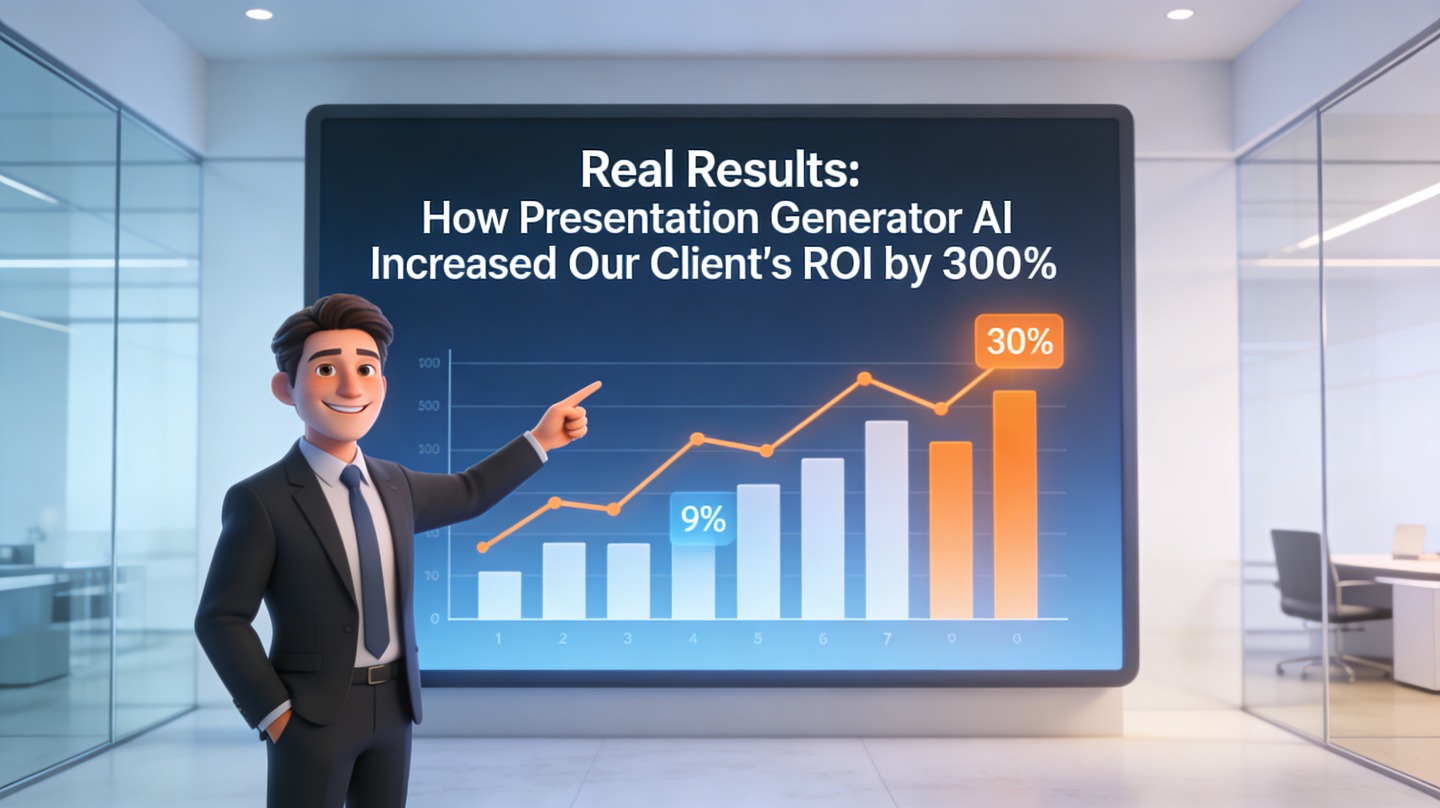
The client used the standard ROI formula: net gain divided by cost, multiplied by 100. For this pilot, the measured benefit was $48,000 and the total cost was $12,000. That means net gain was $36,000, and $36,000 divided by $12,000 equals 3.0, or 300% ROI.
| ROI component | Amount | Basis |
|---|---|---|
| Labor value saved | $18,400 | Tracked time reduction multiplied by internal blended hourly cost |
| Incremental revenue contribution | $29,600 | One qualified deal contribution attributed by sales leadership to faster proposal support |
| Total measured benefit | $48,000 | Conservative pilot model |
| Total pilot cost | $12,000 | Setup, workflow design, review time, and tool operation |
| Net gain | $36,000 | $48,000 minus $12,000 |
Why the result was believable
The 300% ROI was not based on a broad brand-lift estimate. It came from operational data the client already tracked: time spent, deck volume, proposal turnaround, and sales follow-up outcomes. That made the result easier for finance and sales leadership to accept.
The most important observation was that AI did not need to close deals by itself. It only needed to reduce friction in a sales process where speed, relevance, and clarity already mattered.
What other teams can copy from this AI presentation use case
You do not need the same business model to apply the lessons from this pilot.
Pick workflows with both volume and variation
AI presentation generation works best when a deck type repeats often but still needs customization. A fully unique board presentation may need deeper human strategy. A completely standard onboarding deck may only need a template. The sweet spot is in the middle.
- Sales teams: proposal decks, discovery recaps, renewal summaries
- Marketing teams: campaign reports, webinar follow-ups, partner enablement decks
- Customer success teams: QBRs, adoption summaries, success plans
- Founders: investor updates, pitch iterations, product narrative decks
Create a prompt library, not a prompt habit
The client’s best-performing prompts were saved and reused. Each prompt had a clear purpose: proposal deck, executive summary, competitive response, or meeting recap. This prevented every account manager from inventing a new workflow each time.
That library became a lightweight sales enablement asset. New team members could produce acceptable first drafts without studying dozens of old decks.

Pitfalls that can erase AI presentation ROI
The same technology can produce weak results if the workflow is loose or the team measures the wrong outcome.
Do not measure slide count as success
More slides are not the goal. The useful metric is whether the deck helps a decision happen faster: a clearer proposal, a better meeting, a quicker approval, or a stronger follow-up.
Do not skip source control
AI tools can summarize and structure information, but teams still need approved source material. If pricing, case studies, legal claims, or performance metrics are outdated, faster deck creation simply spreads old errors faster.
Do not remove the editor
The editor is the quality gate. In the client workflow, the AI created momentum, but the sales owner made the final judgment on buyer relevance, deal tone, and proof. That review step protected the ROI by keeping decks accurate and commercially sharp.
FAQ
These are the practical questions teams usually ask before testing AI-assisted presentation production.
How did you calculate the 300% ROI?
We used the standard ROI formula: net gain divided by cost, multiplied by 100. In this eight-week pilot, the client attributed $48,000 of measurable value to the workflow against $12,000 in implementation, review, and operating costs, producing a 300% ROI.
Can a small team get similar results with AI-generated presentations?
Yes, but the result depends on repeatable use cases. Small teams usually see the clearest gains when they automate recurring sales decks, proposal summaries, onboarding slides, client reports, or investor updates instead of one-off creative presentations.
Did the AI replace designers or sales enablement staff?
No. The client kept human review in the workflow. AI handled first-draft structure, slide copy, and layout suggestions, while sales enablement checked claims, compliance, brand fit, and the final narrative.
What data should we prepare before using a presentation generator?
Prepare your positioning notes, audience profile, offer details, proof points, brand rules, existing slide examples, and any CRM or campaign context that helps the AI create a relevant deck instead of a generic one.
Create your presentation with one click now
Turn rough ideas, documents, and sales notes into a polished presentation draft faster, then refine it with your team’s expertise.
Start creating with PopAi