PopAi vs Plus AI: Document-to-Deck or Slide-Editor Add-in?
July 09, 2026
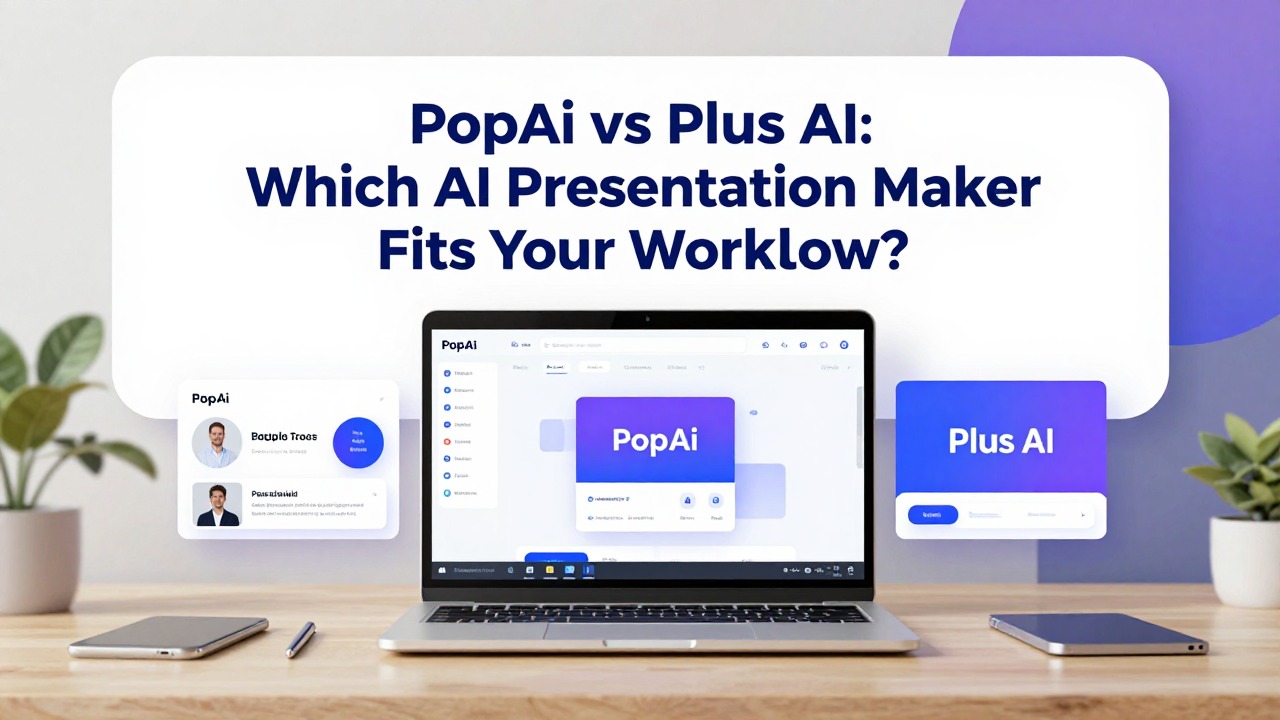
PopAi and Plus AI solve different parts of the AI presentation workflow. PopAi is strongest when the deck starts from source material such as documents, PDFs, notes, or web pages. Plus AI is strongly associated with working inside existing slide editors, especially Google Slides and PowerPoint add-in workflows.
This rewrite makes that distinction explicit so the page does not read like a generic tool battle. The right recommendation depends on whether the user wants a source-to-deck generator or an AI assistant inside their existing slide workspace.
Feature notes for competitor tools should be checked against each vendor's official website before publication because pricing, integrations, export options, and feature names can change.
Quick Answer: Existing Slides Workflow = Plus AI; Source-to-Deck Workflow = PopAi
Choose the tool based on where you do most of your slide work.
| Decision factor | PopAi | Plus AI | Recommendation |
|---|---|---|---|
| Starting content | Prompt, PDF, Word doc, PPTX, web page, rough notes. | Existing Google Slides or PowerPoint workflow, prompts, rewriting, slide edits. | Choose PopAi when source material needs to become a new deck. |
| Editing environment | PopAi workflow followed by manual refinement/export as needed. | Add-in style workflow inside slide editors. | Choose Plus AI if your team refuses to leave Google Slides/PowerPoint. |
| Best use case | Report deck, student deck, proposal, business plan, document summary. | Rewriting, generating, or improving decks inside existing editor workflows. | Depends on whether you need creation from source or in-editor assistance. |
| Team fit | Useful for users who need faster deck drafts from many input types. | Useful for teams with established slide templates and editor habits. | Match the existing team workflow. |
| Main risk | Output still needs accuracy and design review. | May be less ideal if the starting point is a long external document. | Test using your real source material. |
Choose PopAi When the Source Material Is Outside the Slide Editor
PopAi fits source-heavy workflows better.
- You need to convert a PDF report into an executive summary deck.
- You have a Word document or article that needs to become slides.
- You are working from rough notes, research, or meeting summaries.
- You need a fast first deck structure before detailed slide editing.
- You are less tied to Google Slides or PowerPoint add-in workflows.
Choose Plus AI When Your Team Lives in Slides
Plus AI fits users who want AI inside existing slide tools.
- Your team already creates, comments, and reviews in Google Slides or PowerPoint.
- You want to rewrite or improve existing slide content.
- You rely on team templates and do not want to move content across platforms.
- You want an AI assistant embedded in the slide production environment.
- Your source content is already in deck form or easy to paste into slides.
Use-Case Decision Table
This is the simplest way to avoid choosing the wrong workflow.
| Use case | Better fit | Reason |
|---|---|---|
| Turn a 20-page report into a deck. | PopAi | The starting point is a document, not an existing slide deck. |
| Rewrite an existing Google Slides sales deck. | Plus AI | The work happens inside the slide editor. |
| Create a student presentation from notes. | PopAi | Notes-to-slides structure is the key need. |
| Improve slide copy in a team template. | Plus AI | The template and editor already exist. |
| Draft a business plan presentation from a founder memo. | PopAi | The content needs summarization and slide sequencing. |
How to Test PopAi vs Plus AI
A fair test should respect each tool’s natural workflow.
- For PopAi, test with a document, PDF, or long brief.
- For Plus AI, test with an existing deck or Google Slides workflow.
- Compare how much time it takes to reach a usable final deck.
- Check export, template, collaboration, and plan requirements.
- Choose based on workflow fit, not on which tool produced the flashiest first slide.
If your content starts outside a slide editor, test PopAi first. If your work already happens inside Slides or PowerPoint, test Plus AI first.
FAQ
Is PopAi better than Plus AI?
PopAi is better for source-to-deck workflows. Plus AI may be better for teams that want AI assistance inside existing Google Slides or PowerPoint workflows.
Which should I use for Google Slides?
Plus AI is a strong candidate when your workflow is already centered on Google Slides.
Which should I use for PDFs and documents?
PopAi is a better candidate when your starting point is a PDF, Word document, web page, PPTX file, prompt, or notes.
Can I use both?
Yes. A team could use PopAi to create a first draft from source material, then use another tool inside the slide editor for rewriting and refinement.
Choose PopAi when your input is a document or rough brief
Use PopAi to turn prompts, PDFs, Word documents, PPTX files, web pages, or notes into an editable presentation draft.
Try PopAi AI Presentation