For many busy professionals, the promise of AI that creates presentations is a game-changer. Imagine cutting down hours of slide design and content drafting into just a few minutes of automated generation. However, the biggest frustration users face is "garbage in, garbage out." If you provide a vague prompt, you get a generic, uninspired deck that requires more editing than if you’d started from scratch.
To truly unlock the power of modern AI presentation tools, you must understand that the quality of your output is directly correlated to the specificity and structure of your input. Whether you are a startup founder pitching to investors or a marketing manager presenting quarterly results, knowing which input method works best for your specific goal is the first step toward presentation mastery.
The Rise of AI That Creates Presentations: Why Input Matters
We are no longer in the era of simple template-fillers. Today's AI engines can synthesize complex ideas, suggest visual metaphors, and structure logical flows. But AI is not a mind reader; it functions as a highly skilled assistant that needs clear direction. When we talk about AI that creates presentations, we are referring to a system that processes data and maps it to a visual narrative.
The input you provide acts as the "DNA" of your presentation. It dictates the tone, the depth of technical information, and the visual aesthetic. Without high-quality input, the AI defaults to "average" settings, which results in those overly corporate, buzzword-heavy slides that put audiences to sleep. By refining your input strategy, you ensure the AI works for your specific brand and message.
Text Prompts: Mastering the Art of the Narrative
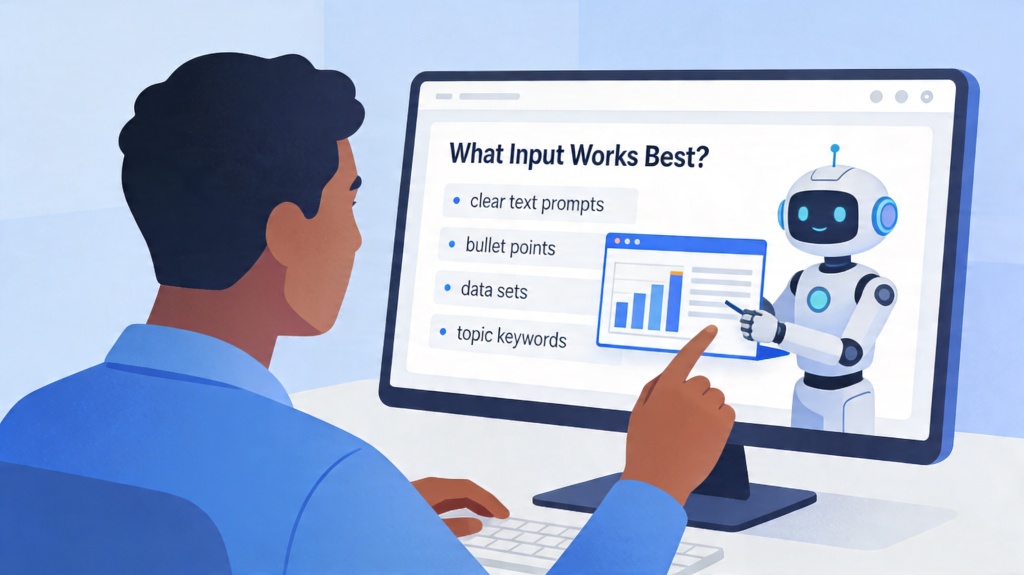
The most common way to interact with an AI presentation maker is through a text prompt. While it's tempting to type "Make a deck about renewable energy," this is the least effective way to use the tool. To get professional results, your text prompt should follow a four-part framework: Context, Objective, Audience, and Constraints.
For example, instead of a simple sentence, try: "Create a 10-slide pitch deck for a seed-stage startup specializing in solar-powered irrigation for small-scale farmers in Southeast Asia. The tone should be professional yet optimistic. Focus on the cost-saving benefits and environmental impact. Avoid using complex jargon." This level of detail gives the AI a clear roadmap to follow.
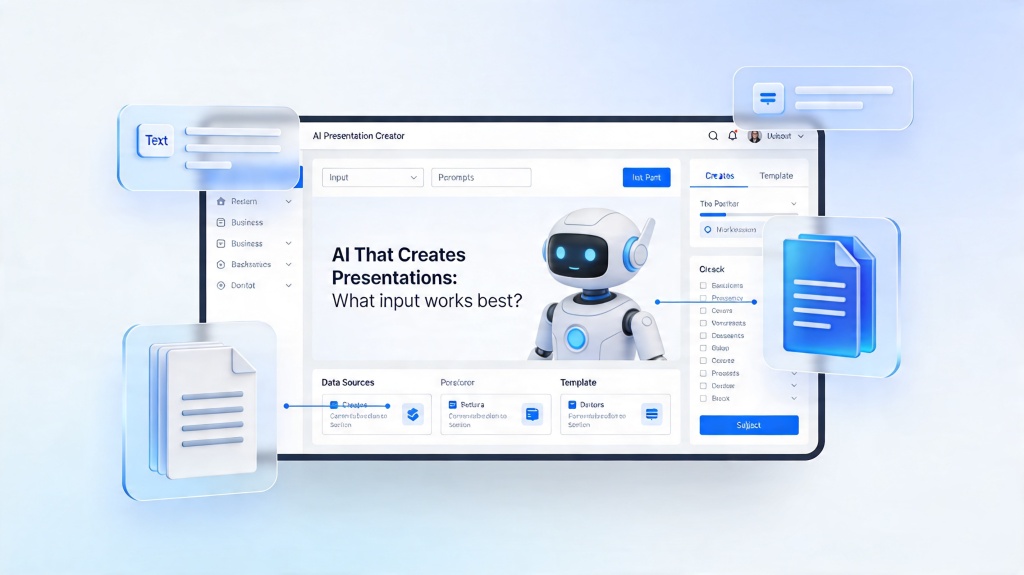
Document-to-Deck: Converting Reports into Visual Stories
One of the most powerful features of modern AI that creates presentations is the ability to upload existing documents. If you have a 20-page white paper, a detailed project proposal, or a messy set of meeting notes, the AI can act as an editor, extracting the most vital points and transforming them into bullet points and charts.
This method works best when the source document is well-organized with clear headings. The AI scans for "hierarchical importance"—it looks for titles to become slide headers and supporting sentences to become body text. If you upload a PDF, ensure it isn't just a scanned image of text; the AI needs to be able to "read" the characters (OCR) to process the logic accurately.
URL and Web-Based Inputs: Leveraging Live Data
Sometimes, the best content for your presentation already exists on your website or a recent news article. Advanced AI tools now allow you to input a URL as the primary source. This is particularly useful for company "About Us" presentations, product launches, or industry news updates.
When using a URL, the AI scrapes the web page to find key messaging, brand colors, and relevant imagery. This ensures that your presentation is perfectly aligned with your digital presence. It’s a massive time-saver for sales teams who need to create custom decks for prospects based on the prospect's own website information.
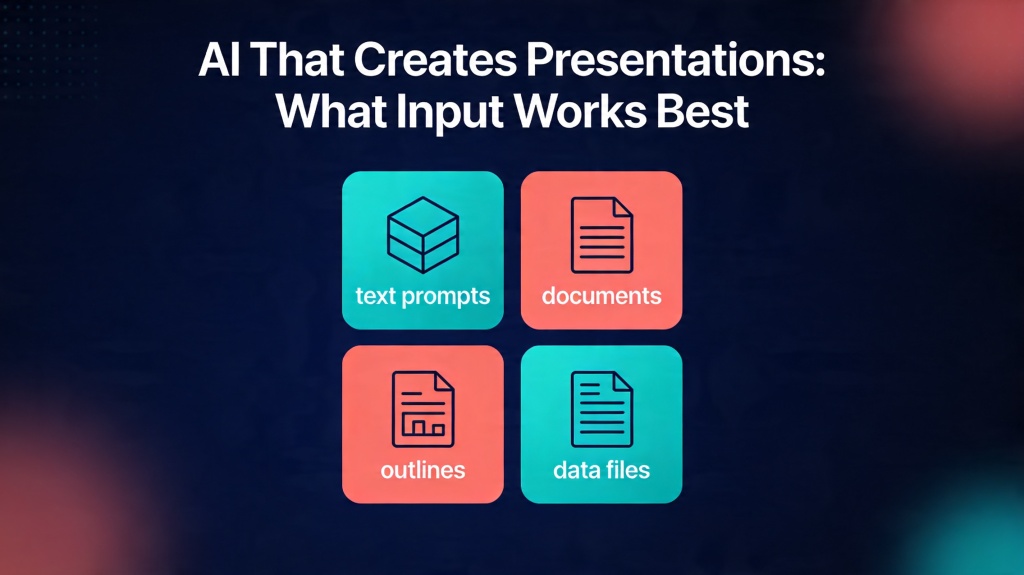
Common Pitfalls: Avoiding Generic AI Outputs
Despite the sophistication of AI, there are common traps that lead to poor presentations. The biggest pitfall is under-prompting. If you give the AI too much freedom, it will fill the gaps with generic data that might not be factually accurate for your specific business case. Always review the "facts" generated by AI, as it may "hallucinate" statistics if your input was too thin.
Another mistake is ignoring the tone setting. If you are presenting a serious safety report but the AI defaults to a "creative and playful" tone because you didn't specify otherwise, the results will be jarring. Always explicitly state the desired mood of the presentation in your initial input phase.
Best Practices for Maximizing AI Presentation Quality
To consistently get the best results from your AI presentation tool, follow these three golden rules:
- Provide a Skeleton: If you already have a rough outline, paste it into the prompt. It’s easier for AI to flesh out an existing structure than to invent one from scratch.
- Iterate, Don't Just Generate: Use the "re-generate" or "edit" features. If Slide 4 isn't quite right, ask the AI to "make Slide 4 more data-focused" rather than starting the whole deck over.
- Visual Guidance: Mention specific visual styles like "minimalist," "dark mode," or "infographic-heavy" to guide the AI's design engine.
Frequently Asked Questions
Can AI that creates presentations handle sensitive financial data?
Yes, but it depends on the tool's privacy policy. Most professional AI presentation tools use secure encryption. However, for maximum safety, it is recommended to use summarized data rather than raw sensitive spreadsheets.
What is the ideal word count for a text prompt?
A prompt between 50 and 150 words is usually the sweet spot. It provides enough context (audience, tone, key points) without overwhelming the AI with contradictory instructions.
Does the AI choose the images for me based on the input?
Yes, modern AI presentation tools analyze your text or document input to select relevant stock images or generate unique AI visuals that match the theme of each slide.
Create your presentation with one click now
Turn your ideas, documents, or URLs into stunning, professional decks in seconds with PopAi's advanced presentation engine.
Try PopAi for Free