AI Presentation Builder Workflow: SOP, Prompts, and Team Handoff
July 09, 2026
This page is rewritten as a workflow SOP, not another generic “AI saves time” article. The goal is to show how a team should actually use an AI presentation builder from brief to final deck.
The difference is important. A productivity article explains why AI saves hours. A workflow article explains who prepares inputs, what prompt to use, how the draft is reviewed, how teams collaborate, and what quality gate must be passed before publishing.
Quick Answer: Use a Brief → Draft → Review → Finalize SOP
AI presentation work should be a controlled process, not a random prompt session.
| Stage | Owner | Input | Output | Quality gate |
|---|---|---|---|---|
| 1. Brief | Requester | Audience, objective, source files, deadline, desired format. | Clear AI prompt and source packet. | The decision goal is explicit. |
| 2. Draft | AI operator | Prompt, documents, notes, examples. | First slide outline and deck draft. | Deck has logical structure. |
| 3. Review | Subject-matter owner | Draft deck and source material. | Corrected facts, stronger claims, removed filler. | No unsupported claims remain. |
| 4. Design pass | Designer or deck owner | Reviewed content and brand guidance. | Readable, on-brand, consistent slides. | Visual hierarchy is clear. |
| 5. Rehearsal / delivery | Presenter | Final deck and speaker notes. | Confident delivery plan. | Timing and flow are tested. |
Prompt Checklist for Better AI Presentation Drafts
The prompt should include the context that a human deck writer would ask for.
- Audience: Who will see the deck and what do they already know?
- Goal: What decision, action, or understanding should the deck create?
- Length: How many slides or how many minutes?
- Source material: Notes, PDF, Word doc, research, dashboard export, transcript, or web page.
- Tone: Executive, educational, persuasive, technical, friendly, or formal.
- Structure: Ask for slide titles, purpose, layout type, and key bullets.
- Constraints: No invented statistics, no unsupported claims, keep details in speaker notes.
Prompt for the deck job, not just the deck topic.
Input and Output Examples
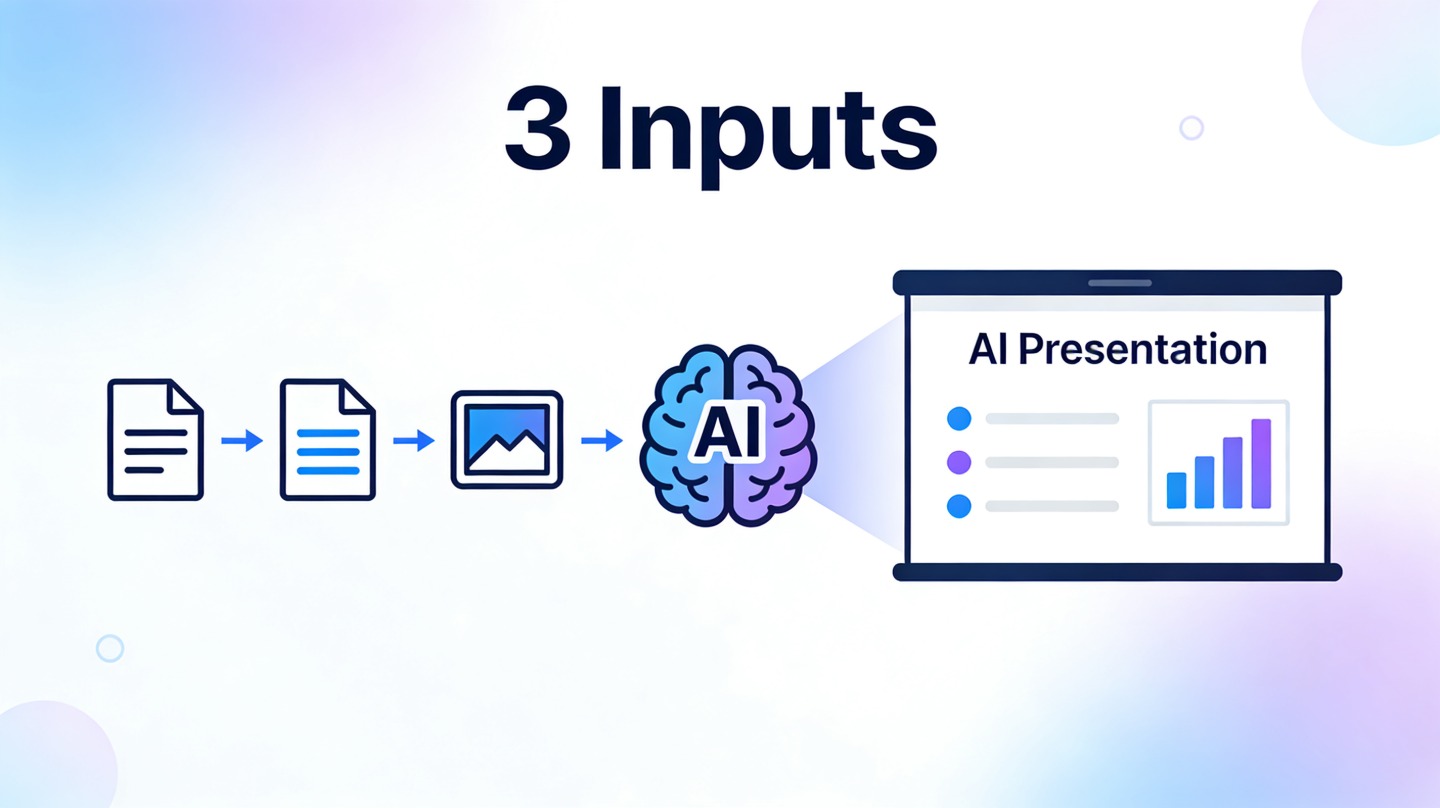
A workflow page should show what goes into the AI and what comes out.
| Use case | Input packet | Expected output |
|---|---|---|
| Internal proposal | One-page project brief, budget estimate, timeline, stakeholder concerns. | Problem, proposed solution, resource ask, risks, decision slide. |
| Marketing report | Dashboard export, campaign notes, spend data, conversion notes. | Executive summary, channel performance, insights, recommendations, next tests. |
| Training deck | Policy document, SOP, examples, quiz questions. | Lesson objective, modules, process slides, examples, knowledge check. |
| Sales deck | Customer pain points, product positioning, case proof, pricing notes. | Discovery recap, solution fit, proof, implementation path, next step. |
| Student presentation | Assignment prompt, research notes, required sections. | Intro, key arguments, evidence slides, conclusion, references cue. |
PopAi can help generate the first draft from prompts, notes, or documents. The SOP makes sure the draft becomes usable rather than just fast.
Team Collaboration Workflow
AI does not remove collaboration; it changes the handoff points.
- Requester writes a one-paragraph deck brief and attaches source material.
- AI operator generates two outputs: outline first, full deck second.
- Subject-matter owner reviews for accuracy and business meaning.
- Designer or deck owner fixes hierarchy, visuals, and brand consistency.
- Presenter rehearses and adds examples, transitions, and Q&A notes.
- Team archives the final deck and the source prompt for reuse.
Store winning prompts, final outlines, and before/after examples. The second AI deck should be faster and better than the first.
Quality Gate Before the Deck Goes Live
A good SOP prevents AI-generated filler from reaching stakeholders.
- Every slide has one purpose and one headline idea.
- All numbers, claims, customer quotes, and competitor references are verified.
- The deck has a clear audience and decision goal.
- The design is readable on a laptop screen and a meeting-room display.
- Speaker notes explain context without turning slides into documents.
- The final slide tells the audience what to do next.
FAQ
What is an AI presentation builder workflow?
It is a repeatable process for turning source material into a deck draft, reviewing it, assigning edits, polishing the design, and preparing delivery.
How is this different from using one AI prompt?
A workflow includes inputs, roles, review gates, and handoffs. A single prompt may generate slides quickly but can leave accuracy and quality unmanaged.
Who should own AI deck quality?
The AI operator can generate the draft, but the subject-matter owner and presenter should own accuracy, judgment, and final delivery.
What should I save for reuse?
Save strong prompts, approved outlines, final decks, before/after examples, and checklists for recurring presentation types.
Start your AI presentation workflow with PopAi
Turn source material into a structured deck draft, then use this SOP to review, assign, and finalize the presentation.
Try PopAi AI Presentation