If you are presenting an AI-assisted business recommendation, prepare for the question behind the question: “Can we trust this enough to act?” Build a claim register, a prioritized question map, a short appendix, and a follow-up log before the meeting. That preparation matters more than memorizing the wording on the slides.
An AI-generated presentation may start from a prompt, a document conversion, a rewritten draft, or a deck assembled from internal files. In every case, the visible slides are only the front-stage story. Your job is to be able to explain the source, scope, calculation, limitation, and decision consequence of every material claim.
Why Q&A preparation matters for AI presentations
Q&A exposes the gap between a persuasive narrative and a decision-ready recommendation. AI can summarize a report or suggest a forecast, but it cannot know whether your finance lead uses the same cost baseline, whether a pilot result applies to every region, or whether a customer has already rejected a similar proposal.
Separate the presentation from the evidence pack
Use two layers. The front-stage layer is the concise deck the audience sees. The evidence layer is the working pack behind it: original files, source links, exported tables, calculation logic, data-refresh dates, assumptions, approved wording, and named owners.
Decision-ready does not mean “more slides.” It means the presenter can retrieve the evidence, boundary, and owner behind a material claim without searching for it.
AI-related errors do not all create the same Q&A risk. Treat them differently:
- Unsupported fact: “Where did this number come from?”
- Stale but real data: “Is this still true after last quarter’s change?”
- Calculation error: “Do the totals reconcile, and what is the denominator?”
- Missing qualifier: “Does this result apply to all customers or only the pilot group?”
- Overstated inference: “Does this chart prove causation, or only show correlation?”
- Unverified internal assumption: “Who agreed that this team has capacity to deliver it?”
Hypothetical investment-review example: an AI deck headlines "15% annual savings" from a pilot while omitting the baseline and training costs. A finance reviewer could reasonably request a fully loaded estimate before approval. A qualifier and methodology slide would make that limitation visible; this scenario is not a reported customer case.
A question that could change approval, budget, timing, or risk ownership is not a “nice-to-have” answer. It needs evidence and a clear owner before the meeting.
Audit your AI-generated deck before preparing for Q&A
Audit the deck slide by slide as a skeptical decision-maker would. Flag precise numbers, comparisons, forecasts, causal statements, and phrases such as “will,” “proven,” “best,” or “significant.” These claims carry more risk than broad background statements because they can change a decision.
Build a claim register, not just a source list
Create one row for each claim that could affect approval, budget, implementation, compliance, or credibility. A source list tells you where information came from; a claim register tells you whether you can defend the statement in the room.
| Field | What to record |
|---|---|
| Slide and claim | Slide number, exact wording, and claim type: fact, forecast, comparison, or recommendation. |
| Evidence | Original source URL, file path, dataset, interview notes, or calculation workbook—not an AI summary alone. |
| Scope and date | Population, geography, period, sample size, refresh date, and relevant exclusions. |
| Assumptions and confidence | What must hold true, what could vary, and whether confidence is high, medium, or low. |
| Challenge and response | Likely question, prepared one-sentence answer, appendix slide ID, and follow-up owner. |
Illustrative worked example: “A phased rollout will reduce average handling time by 15% within six months.” The evidence is a 12-week pilot dataset; the baseline is 8.0 minutes per case; the result applies to two trained teams, not the whole operation; and the forecast assumes system access is complete before training starts. A defensible answer is: “The 15% is a pilot-based estimate against an 8.0-minute baseline, not a guaranteed enterprise result. We are proposing phase gates at weeks six and twelve, with expansion only if the reduction holds after training and implementation costs.”
Illustrative prioritization formula: Risk score = Impact × Likelihood. Rate decision impact from 1 (low) to 5 (high), and likelihood of challenge from 1 (low) to 5 (high). The product ranges from 1 to 25; for example, impact 4 × likelihood 4 = 16. In this internal example, a score of 16 or more triggers an appendix evidence slide. This is an editorial example threshold, not an industry standard; teams can change it to reflect their risk tolerance.
Any legal, safety, compliance, or known approval blocker should be escalated regardless of score. A low likelihood of being asked does not make an unsupported claim acceptable. If evidence is missing, remove or narrow the claim, label a hypothesis, or agree a data-collection action.
When using a tool such as PopAi AI Presentation, retain the original PDFs, spreadsheets, notes, and approved source documents used to create the deck. The deck may help organize those inputs; the source pack is what lets you answer scrutiny quickly and accurately.
Anticipate questions for AI presentations by audience
Prepare questions by stakeholder role, because each person evaluates the same proposal through a different decision lens. Use prior meeting notes, finance-review comments, customer objections, pilot retrospectives, risk registers, and stakeholder emails—not only AI-generated question suggestions.
Map likely questions to evidence
- Executives: “What decision do you need today, what happens if we wait, and what is the downside?” Bring the recommendation, decision threshold, and top risks.
- Finance: “What is included in the estimate, what is excluded, and how sensitive is the result?” Bring the baseline, formula, cost assumptions, and sensitivity range.
- Operations: “Who does the work, what breaks first, and who owns recovery?” Bring milestones, dependencies, capacity assumptions, and rollback criteria.
- Customers: “Why should we change now, and what proof applies to us?” Bring relevant outcomes, implementation requirements, and boundaries on the claim.
- Academic or technical reviewers: “What was the method, sample, limitation, and alternative explanation?” Bring methodology, data definitions, and limitations.
Run the “so what / why not / what if” pass
Apply three questions to every major recommendation slide: So what? tests whether the implication is clear. Why not? surfaces alternatives and political objections. What if? exposes failure conditions, contingencies, and ownership.
For example, take a slide recommending a phased process rollout. An executive may ask, “What happens if phase one misses its target?” A prepared answer could be: “Phase one has a 10% handling-time target and a quality floor of 95%. If either is missed after the twelve-week review, we stop expansion, analyze the training and workflow causes, and return with a revised business case. Operations owns the corrective plan; the steering group makes the go/no-go decision.” The appendix should show those gates, measures, owners, and the cost of stopping.
A practical question log has four columns: question, score, answer or evidence needed, and disposition. Mark each item as answer live, add appendix, revise claim, or follow up. This keeps the appendix focused on decision blockers instead of every possible detail.
Build backup slides for data, assumptions, and decisions
Backup slides are designed responses to predictable scrutiny, not a storage area for discarded content. Keep them after the closing slide or in a separate appendix, and give each slide a question-shaped title: “How was the savings estimate calculated?” is easier to retrieve than “Financial Details.”
Use five decision-ready appendix slide types
- Methodology: State the question answered, inputs, source dates, formula, exclusions, and main limitation.
- Data deep-dive: Show the segments, trend, sample, or comparison behind a headline metric, including the denominator.
- Options and trade-offs: Compare the recommended option with credible alternatives by cost, benefit, risk, and decision criterion.
- Risk and contingency: Show trigger, probability, impact, mitigation, owner, and the go/no-go condition.
- Implementation and governance: Show milestones, dependencies, resources, escalation route, and accountable decision-maker.
Design for retrieval during the meeting
Number appendix slides clearly, such as A1 Methodology, A2 Cost Model, and A3 Rollout Gates. Put the appendix IDs in presenter notes beside the relevant main slide. In a remote meeting, keep the source pack open locally and have a co-presenter monitor the question log so the speaker can stay with the audience rather than hunt through files.
Test every chart as if someone will challenge it
For each quantitative slide, confirm that you can explain the denominator, units, date range, source, calculation method, and why that chart type is appropriate. Check whether totals reconcile, categories overlap, the y-axis is truncated, figures are nominal or inflation-adjusted, and the visual implies causation when it only shows correlation.
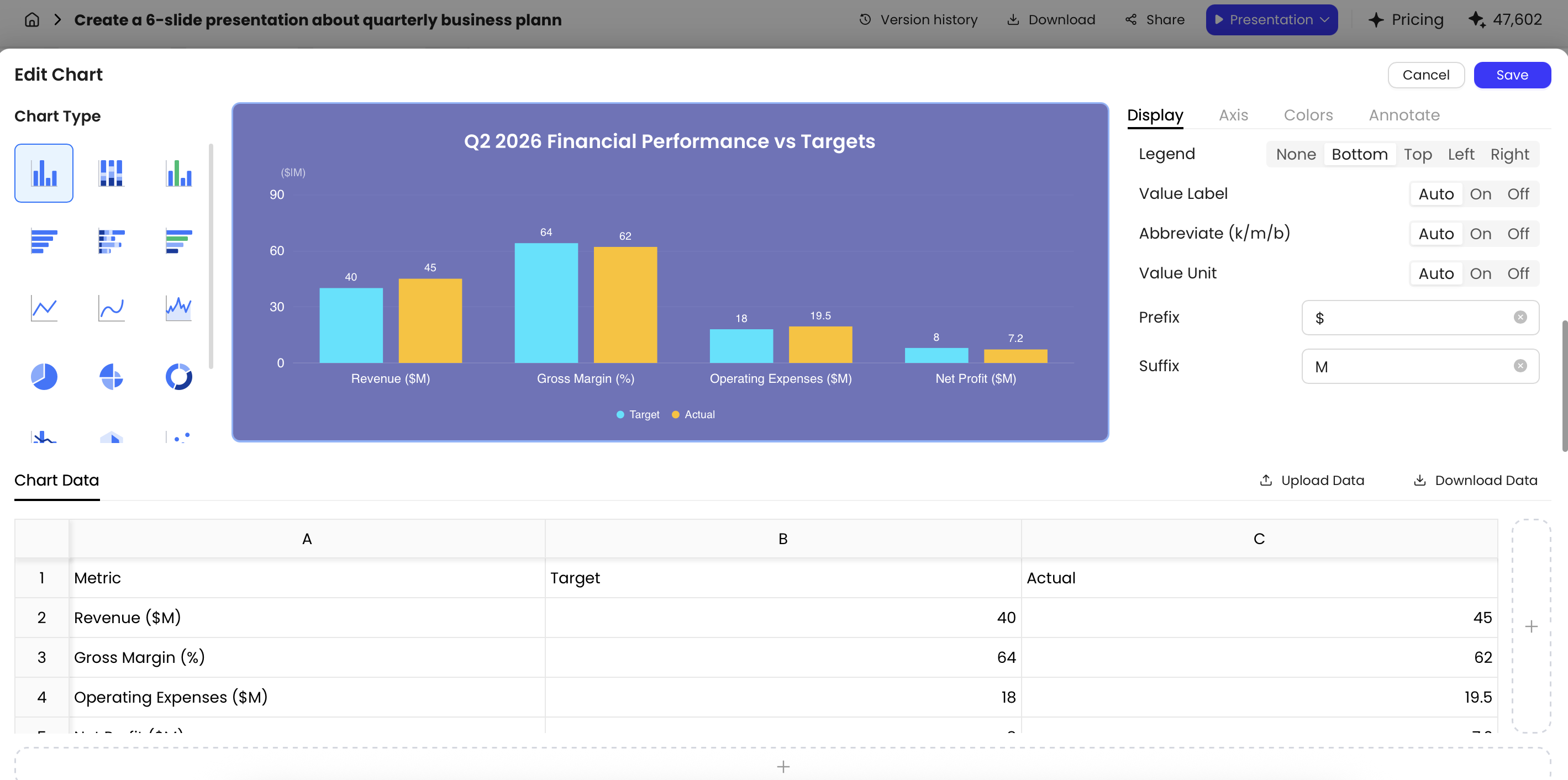
One common failure occurs when a generated chart uses a line to compare categories with different starting points, making a small percentage change appear dramatic. In that situation, keep the headline chart simple, add the underlying values in the appendix, and be ready to say what the visual does not establish. A chart should clarify the decision, not win it through scale or styling.
Rehearse answers without sounding scripted
Rehearse the highest-risk questions, your transitions to backup slides, and the point at which you will stop debating and assign follow-up. The goal is not to recite a script. It is to answer clearly under time pressure without overstating what the evidence supports.
Use the right response pattern for the question
- Direct factual challenge: Answer first, then cite the source and scope. “Yes—this is based on Q2 actuals for the two pilot teams; A2 shows the breakdown.”
- Challenge to an assumption: Name the assumption and the consequence if it changes. “The savings estimate assumes current case volume. At 20% lower volume, the payback extends by roughly two months.”
- Request for a decision: State the choice needed and the threshold. “Today’s decision is whether to authorize phase one; expansion remains conditional on the two gates shown in A3.”
- False-premise question: Correct the premise respectfully before answering. “The proposal does not assume a full rollout this quarter; it recommends a limited pilot first.”
- Question outside scope or unknown: Do not guess. State what you know, name the owner, and commit only to a realistic validation date.
For a question you cannot validate live, say: “I can confirm the current figure after checking the source with Finance. It does not change today’s phase-one decision, so I will log it, assign the owner now, and return the validated answer by [date].” If the unknown does change the decision, say so and recommend pausing that decision rather than bluffing.
Run a 20-minute red-team rehearsal
Assign one person to play finance, one to play operations or technical review, and one to play the decision-maker. Give them the deck but not your speaker notes. For 10 minutes, they ask questions without interruption. For the next 10 minutes, review the misses and classify each one: revise the main slide, add appendix evidence, narrow the claim, or create a follow-up task.
Score each response from 1–3 on directness, evidence, boundary, and decision relevance. A low score does not mean the presenter performed badly; it identifies where the deck or source pack is incomplete. Rehearse appendix navigation as well as verbal answers, especially if you will present remotely or share presenter view with a co-presenter.
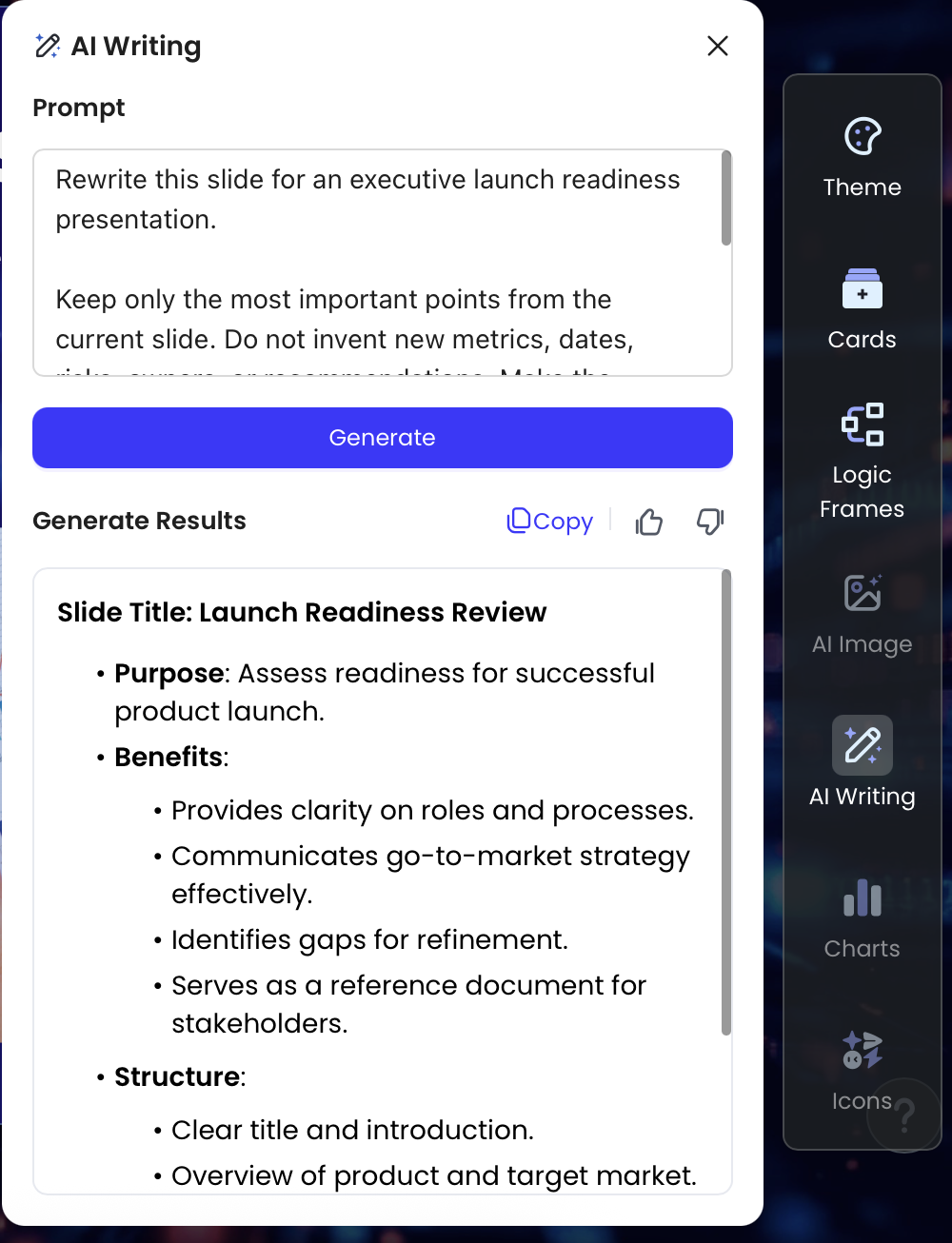
AI rewrite tools can shorten dense language, but they can also quietly change certainty or scope. Compare rewritten copy with the approved source and flag every stronger verb, missing condition, new comparison, or dropped limitation. “May reduce” and “will reduce” are not editorial variations; they are different claims.
Handle live Q&A with confidence and credibility
In live Q&A, first establish what the stakeholder is actually asking. “How confident are you in the forecast?” may be a question about source quality, sensitivity, implementation capacity, or whether the decision can wait. A short clarification avoids a polished answer to the wrong concern.
Answer, park, or follow up deliberately
- Answer live when the question is material to the current decision and you have validated evidence available.
- Use the appendix when detail will resolve a decision-critical concern; state what the slide shows before displaying it.
- Park the question when it is useful but not material to the meeting objective, or when one issue is consuming disproportionate time.
- Follow up when validation is needed. Record the question, requested output, owner, approver if needed, and realistic due date.
Use concise meeting-control language: “That is important. The direct answer is no: the current estimate does not include transition costs. A2 shows the model assumptions. If you need the detailed cost allocation, we will capture that as a Finance follow-up and return it before the approval meeting.” This acknowledges the concern, corrects the record, and keeps the group oriented to the decision.
For confidential, legal, or commercially sensitive questions, do not improvise disclosure. Say what can be discussed in the room, identify the appropriate review path, and log the request. If co-presenters disagree, avoid debating each other: “We have two interpretations of that assumption. We will reconcile them with the data owner and circulate one validated answer.”
When choosing tools and review workflows, compare how different AI presentation makers support traceable source inputs, editable content, exports, and review. The useful test is simple: can your team find, revise, and defend the claim after the deck is generated?
Final Q&A checklist before you present
Use this time-based review so major evidence work is complete before the final 24 hours. A last-minute checklist should confirm readiness, not uncover the business case for the first time.
Three to five days before
- Complete the claim register for every metric, forecast, comparison, and recommendation that could change the decision.
- Verify that a second reviewer can open the original source, calculation, or owner contact for each key claim.
- Build appendix evidence for the team's chosen risk threshold (16+ in this illustrative Impact × Likelihood model), and for all known approval blockers regardless of score.
- Confirm assumptions, cost treatment, risks, and implementation ownership with the relevant subject-matter owners.
Twenty-four hours before
- Run a timed red-team rehearsal and log unanswered questions verbatim.
- Check every chart against its underlying data, labels, date range, denominator, and intended interpretation.
- Confirm the decision requested, attendee priorities, co-presenter roles, and escalation contacts.
- Open the exported PPTX or PDF in the format and device you will use in the meeting.
Fifteen minutes before
- Open the appendix, source pack, calculation files, and question log; confirm permissions and local backups in case connectivity fails.
- Test presenter view, slide links, screen sharing, and readable chart labels.
- Agree who will capture questions, who owns follow-ups, and how you will signal a move to the appendix.
- Keep one final reminder in view: answer the question asked, state the boundary, and do not invent evidence.
A credible AI-assisted presentation is not defined by how quickly the slides were produced. It is defined by whether the team can trace the important claims, explain the trade-offs, and leave the meeting with clear decisions and owned follow-ups.