![Best Used Cars Under $10,000 [2026] - Presented with AI Presentation Maker](https://popai-file-boe.s3.ap-southeast-1.amazonaws.com/jimeng-generate/b0e12bedf5449a587eec33bad9dec11d.jpeg)
Beyond Templates: The Magic of AI Generated Presentations
Published on June 02, 2026
Why AI Generated Presentations Go Beyond Templates
AI generated presentations matter most when you have a message to shape, not just a slide to decorate. If you are a founder, marketer, educator, consultant, or team lead, the real bottleneck is rarely picking a pretty layout; it is turning scattered notes into a persuasive sequence.
Traditional templates solve consistency. They give you title slides, agenda slides, charts, and closing slides. But they do not decide which point should come first, how much context your audience needs, or where a proof slide belongs. That planning work still falls on you.
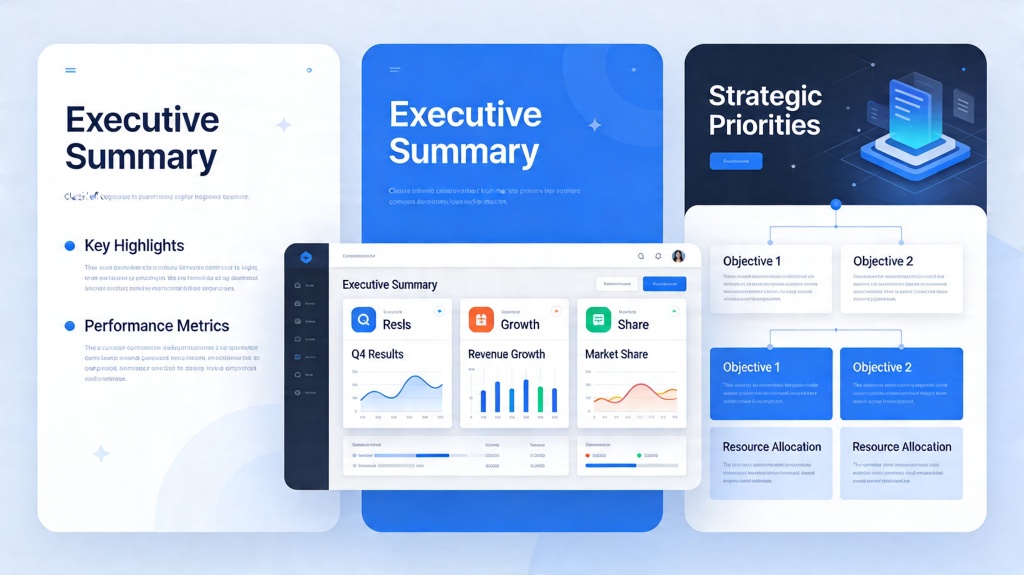
The template problem: design starts before thinking
Many people open a template and immediately begin filling boxes. The deck looks organized, but the argument may still be weak. A beautiful “problem-solution-results” template cannot know whether your audience needs market evidence, a risk slide, or a simpler executive summary.
AI changes the starting point. Instead of asking, “Which slide design do I like?” you can begin with, “Who is listening, what do they already know, and what decision should they make?” Tools such as PopAi AI Presentation can then help turn that intent into an editable first draft.
A template gives structure to a slide. An AI presentation workflow gives structure to the thinking behind the slide.
Evidence from day-to-day work
The Microsoft and LinkedIn 2024 Work Trend Index reported that 75% of knowledge workers were already using AI at work. The relevant takeaway for presentation teams is not that AI is trendy; it is that drafting, summarizing, and reorganizing information are now normal workplace behaviors.
In a PopAi Academy workflow test, we created a 14-slide quarterly business review from a one-page outline and three pasted status summaries. Building from a conventional template took 52 minutes before design cleanup. Starting with an AI-generated outline and draft slides produced a reviewable version in 18 minutes, then required another 22 minutes for fact-checking and brand polish. That is not a universal benchmark, but it reflects where the time shifts: less blank-page assembly, more editorial judgment.
How AI Generated Presentations Work in a Real Workflow
The best AI presentation process is not “type a topic and accept the deck.” It is a guided workflow: brief the goal, generate the structure, review the storyline, then refine the design.
Start with a presentation brief
A strong brief gives the AI enough context to make useful choices. The more specific your brief, the less generic the first draft feels.
- Audience: executives, investors, clients, classmates, internal team, or conference attendees.
- Objective: approve a budget, understand a concept, choose a vendor, or align on next steps.
- Source material: meeting notes, research summaries, product specs, survey findings, or financial highlights.
- Tone: strategic, instructional, persuasive, technical, or executive-level.
- Constraints: slide count, time limit, brand colors, required sections, and must-include data.
Move from outline to slide logic
A useful generator should not simply create ten unrelated slides. It should build a flow: context, problem, insight, recommendation, evidence, action. This is where AI generated presentations separate themselves from static layouts.
For example, a sales proposal may need a “current state” slide before pricing, while a training deck may need a concept example before the process checklist. The slide order is part of the argument.
Pro Tip: Before finalizing any AI draft, ask whether every slide earns its place. If a slide does not change what the audience knows, feels, or decides, simplify it or remove it. You can build a more focused draft with PopAi AI Presentation.
| Workflow step | Template-first approach | AI-first approach |
|---|---|---|
| Starting point | Choose a layout pack | Describe the audience, goal, and material |
| Storyline | Manually mapped into slides | Drafted as an editable narrative sequence |
| Design | Consistent but often generic | Adapted around topic, content, and tone |
| Best use | Recurring reports and strict brand systems | New decks, compressed deadlines, and messy source notes |
Where AI Presentation Templates Still Help
AI does not make templates obsolete. It changes their role. The smartest teams use templates as brand guardrails after the AI has helped shape the content.
Templates are still useful for governance
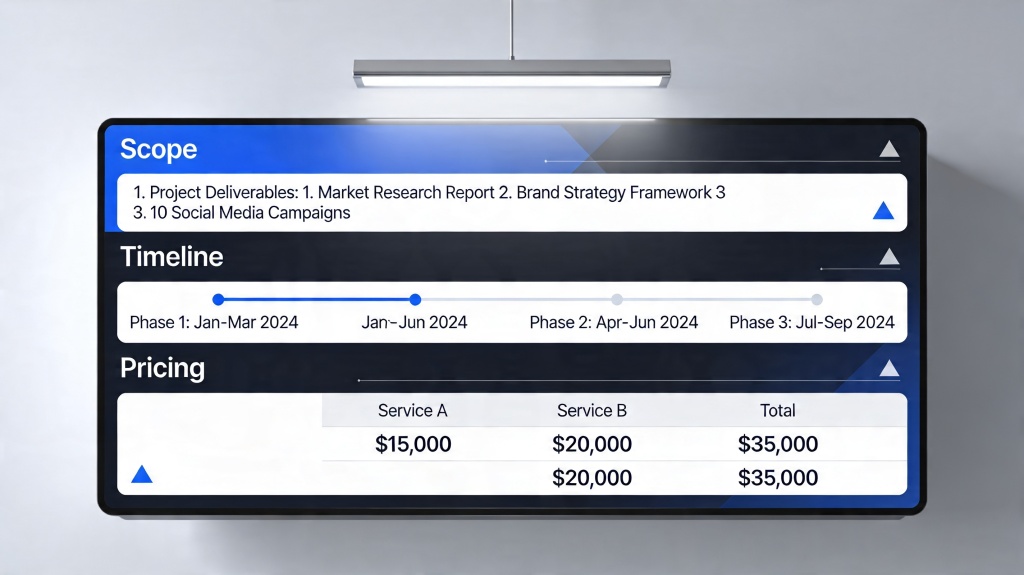
If you work in a company with strict brand rules, templates protect consistency. They define typography, logo placement, legal disclaimers, chart styles, and approved color usage. For regulated teams, that matters.
The risk is using a template as a substitute for strategy. A compliant deck can still be confusing. A polished slide can still bury the main point. Use the template to standardize the final surface, not to decide the message.
A practical hybrid model
For most business decks, the fastest workflow is hybrid:
- Use AI to create the outline, narrative arc, and first slide draft.
- Check the argument slide by slide: remove repetition and add missing evidence.
- Apply brand templates, approved fonts, and chart conventions.
- Review facts, claims, citations, and speaker notes before presenting.
The goal is not to replace design judgment. The goal is to spend more of that judgment on the slides that actually affect the decision.
Best Use Cases for AI Generated Presentations
AI generated presentations are especially valuable when the content is important but the first draft is painful to assemble. These are the scenarios where the workflow pays off quickly.
Startup and investor decks
Founders often have strong raw material: customer quotes, market notes, product screenshots, revenue signals, and a vision. The challenge is sequencing those facts into a clear investment story. AI can draft the basic arc, but founders must still validate every metric and sharpen the ask.
Quarterly business reviews
QBRs are repetitive but rarely simple. Teams need to combine progress, blockers, customer feedback, KPIs, and priorities. AI can summarize updates into sections such as wins, risks, learnings, and next-quarter focus, then you can add verified charts and executive commentary.
Training and education decks
For instructors and enablement teams, AI helps turn a topic into teachable units. A good training deck needs definitions, examples, practice prompts, and recap slides. That structure is hard to invent from scratch every time but easy to refine once a draft exists.
Client proposals and consulting reports
Consultants often reuse frameworks, but every client has a different context. AI can adapt a proposal around the client’s pain points, current state, recommended roadmap, and implementation risks. The human expert still owns the diagnosis and recommendation.
Quality Checklist Before You Present
An AI-generated deck is a draft, not a finished deliverable. Use this checklist to protect credibility and make the final presentation sharper.
Check the message before the design
Before adjusting colors or icons, test the storyline. If the audience reads only the slide titles, they should still understand the argument. Strong presentation titles behave like a summary: “Churn is concentrated in first 30 days” is more useful than “Customer Retention.”
- Does the first slide make the purpose obvious?
- Does each section answer a real audience question?
- Are recommendations supported by evidence?
- Are charts labeled with the takeaway, not just the metric name?
- Are claims, dates, numbers, and quotes verified against source material?
Use evidence, not decoration
In presentation review sessions, one recurring pattern is clear: teams often over-design slides that lack proof. A chart, quote, screenshot, benchmark, or concrete example usually adds more credibility than another gradient background.
The 10/20/30 rule popularized by Guy Kawasaki is not a universal law, but it is a useful reminder for time-constrained pitches: fewer slides, clearer points, larger readable text. AI can generate more content than you need, so editing down is part of the craft.
Common Mistakes with AI Generated Presentations
Most weak AI decks fail for predictable reasons. Avoid these mistakes and the final presentation will feel intentional rather than automated.
Mistake 1: Giving the AI only a broad topic
“Make a presentation about customer success” is too vague. “Create a 12-slide executive deck showing why our SaaS customer success team needs a digital onboarding program for mid-market accounts” gives the model a job to do.
Mistake 2: Keeping every generated slide
AI often produces a complete-looking deck, but complete is not the same as concise. Remove slides that repeat ideas, dilute the main point, or explain things your audience already knows.
Mistake 3: Trusting unsourced facts
Never present an AI-generated statistic unless you can verify it. Use official company data, customer-approved quotes, published documentation, or clearly cited external sources. If the evidence is uncertain, label it as an assumption or remove it.
Mistake 4: Treating speaker notes as optional
Speaker notes are where you control nuance. They help prevent overloaded slides and keep the presenter aligned with the intended message. A good slide should be simple; the explanation can live in the notes.
FAQ: AI Generated Presentations
Are AI generated presentations better than templates?
They are better when you need a deck shaped around a specific goal, audience, and source material. Templates are still useful for brand consistency, but AI generated presentations can draft the story, slide order, speaker notes, and visual direction faster than starting from a blank layout.
What should I prepare before using an AI presentation generator?
Prepare your audience, objective, key points, source documents, and any brand requirements. A short brief with the decision you want the audience to make usually produces a more useful first draft than a broad topic alone.
Can I trust the content in an AI generated deck?
Treat the first draft as a structured starting point, not a final source of truth. Verify statistics, customer quotes, financial claims, citations, and product details before presenting.
When should I still use a traditional presentation template?
Use a traditional template when your organization has strict visual governance, recurring report formats, or regulated messaging. Many teams combine both methods: AI for the narrative draft and a template for final brand polish.
Create your presentation with one click now
Turn your topic, notes, or source material into a structured, editable presentation draft, then refine it for your audience and brand.
Start creating with PopAi