Best Nonprofit Presentation Templates: 3 Editable AI-Ready Decks
Updated October 15, 2026 | Original editable examples and source notes
Choose a donor template to explain a proposed contribution, a grant template to answer a funder's requirements, and a board-impact template to examine results and decisions. These nonprofit presentation templates keep outputs, outcomes, budget requests and evidence separate. They are editable resources, not promises of funding or impact.
Best nonprofit template by audience
| File | Best audience | Core decision | Use with |
|---|---|---|---|
| Donor ask | Prospective individual or organizational donor | Whether to support a defined use of funds | Authorized story and a reviewed request. |
| Grant application | Named funding program | Whether the application meets the call | Current guidelines, budget rules and required evidence. |
| Board impact | Trustees / governing body | What needs oversight or action | Dated financial and program source pack. |
The AI nonprofit presentation tutorial owns the report-to-deck workflow and full six-slide worked example. This page owns the visual choice and direct file access.
Three editable nonprofit decks
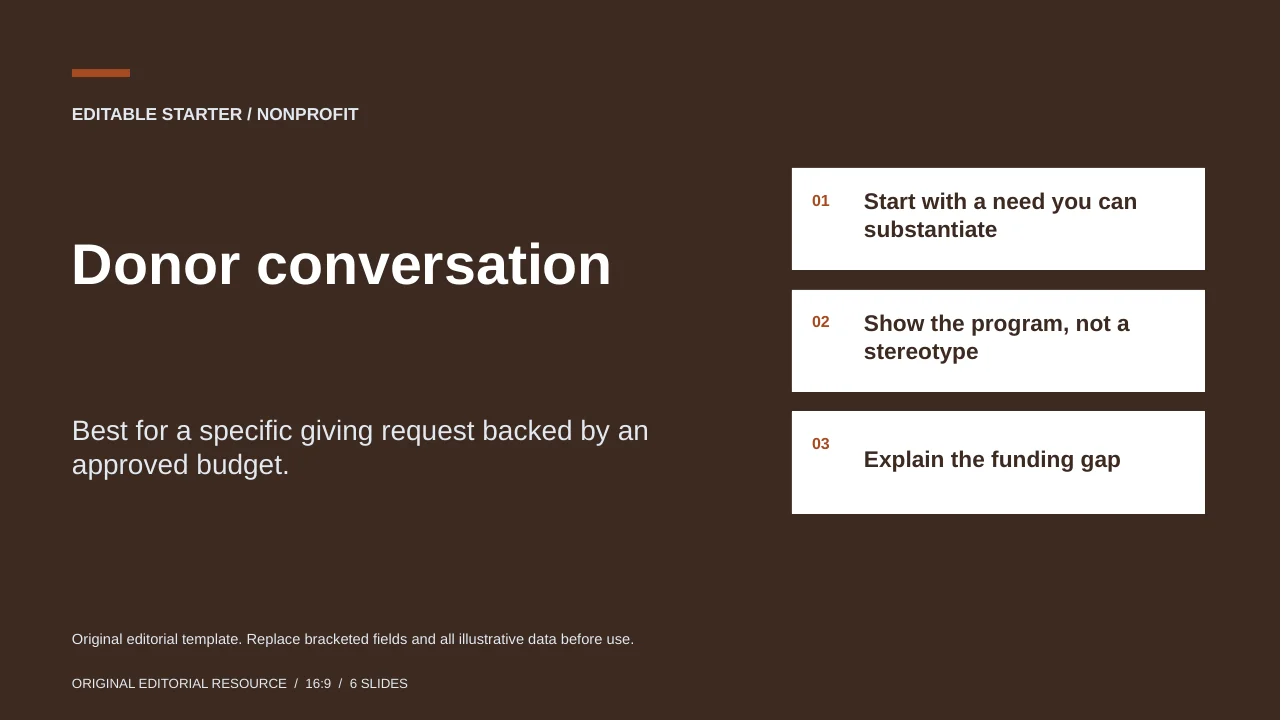
Donor conversation
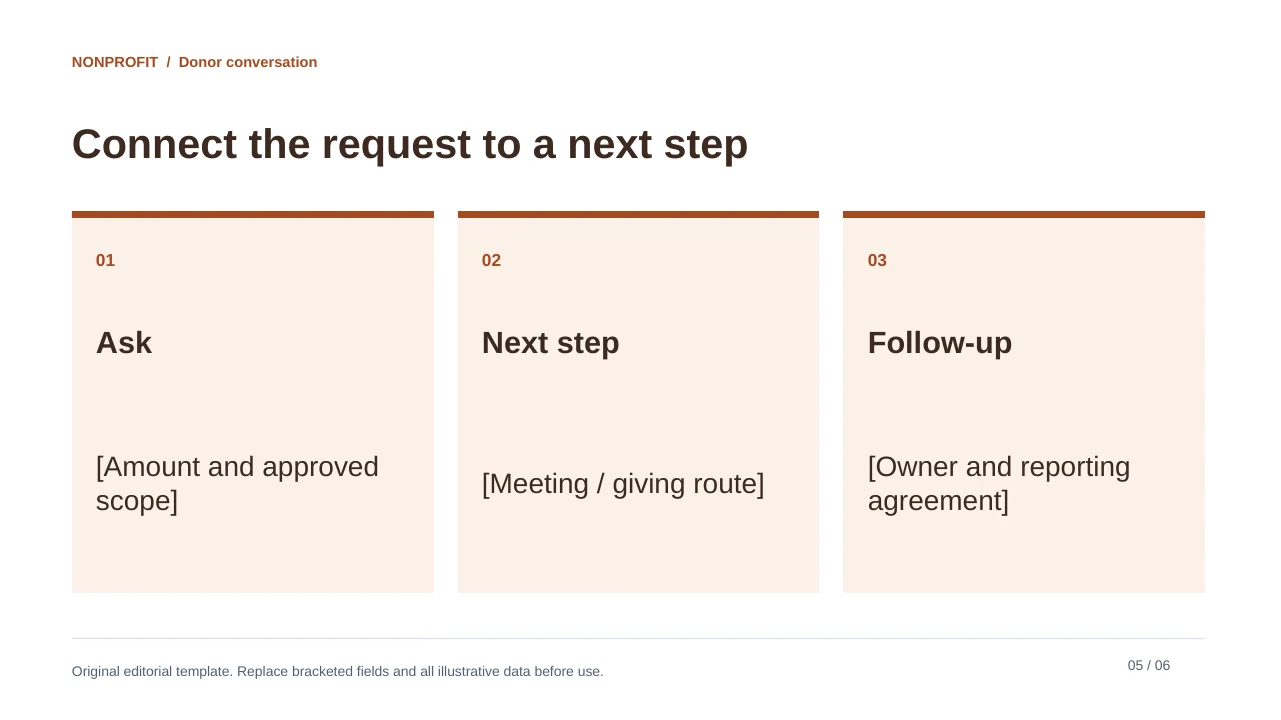
Best for a specific giving request backed by an approved budget.
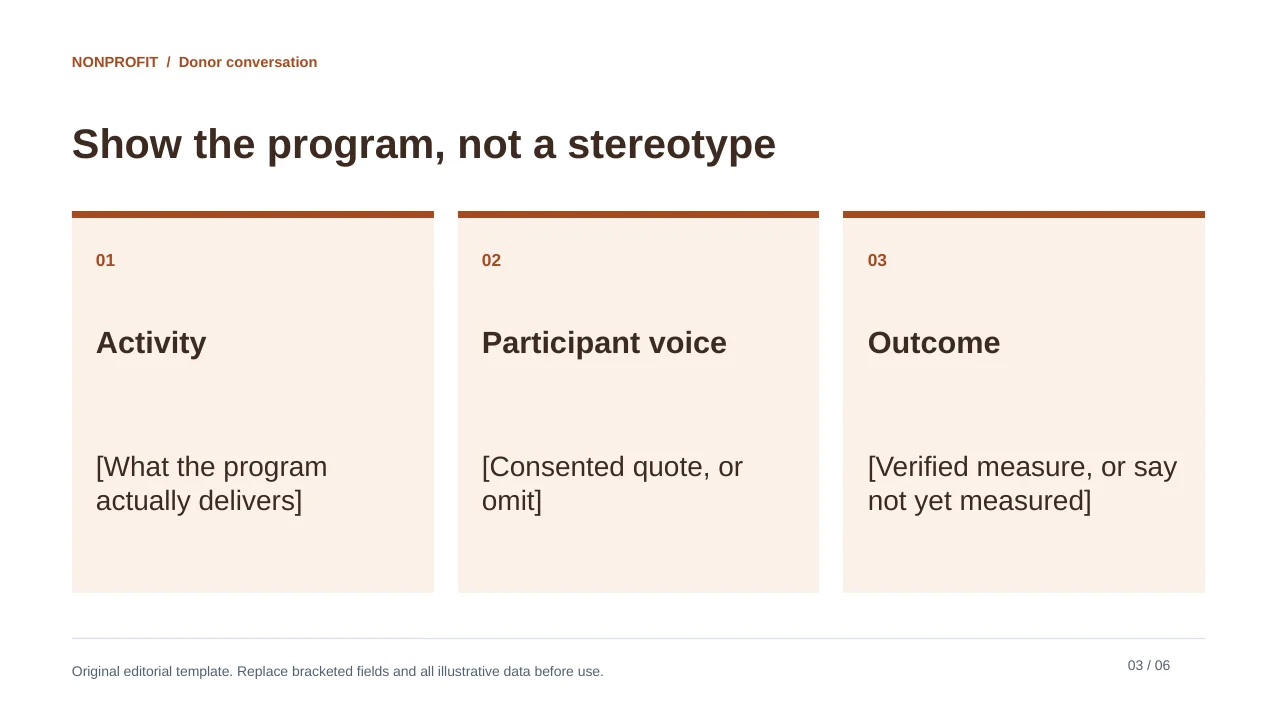
Use this when a supporter needs to understand a specific need and a defined proposed contribution. The funding request is separate from evidence of past delivery. Replace story fields only with authorized material and respect the dignity of participants.
Original editorial template. Replace bracketed fields and all illustrative data before use.
See the complete slide sequence
- Donor conversation
- Start with a need you can substantiate
- Show the program, not a stereotype
- Explain the funding gap
- Connect the request to a next step
- Source and permission record
Grant briefing
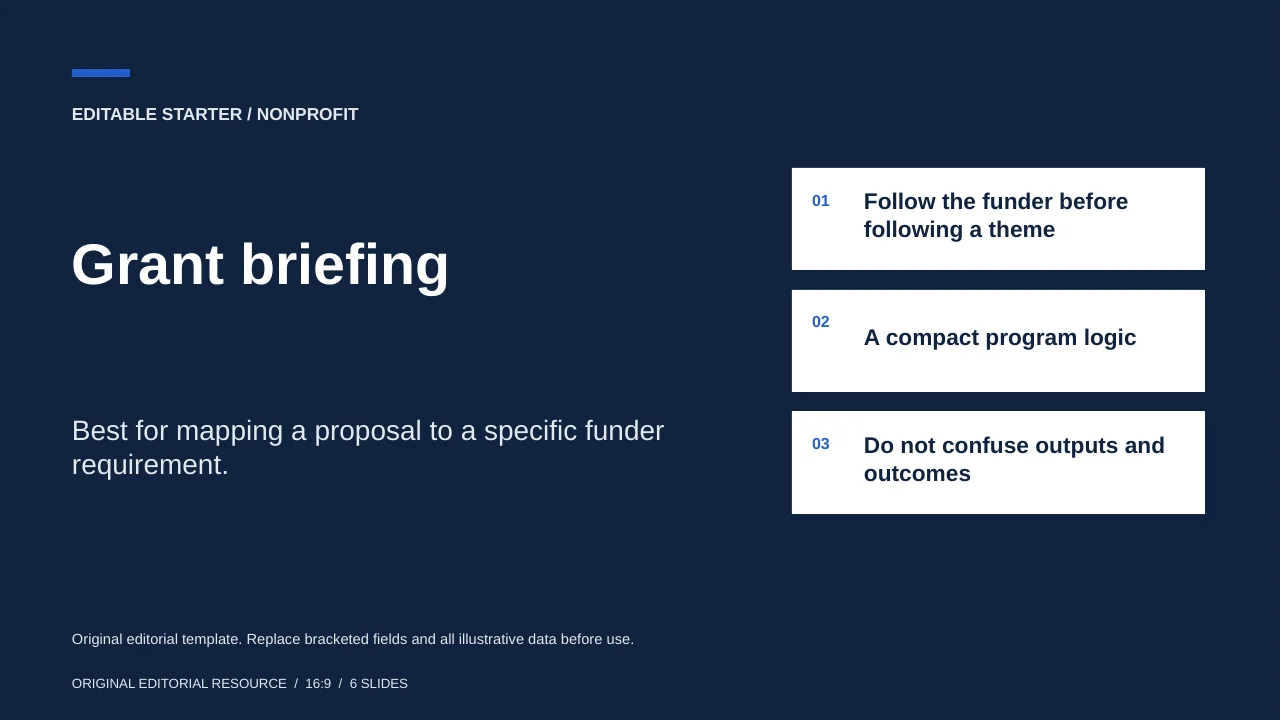
Best for mapping a proposal to a specific funder requirement.
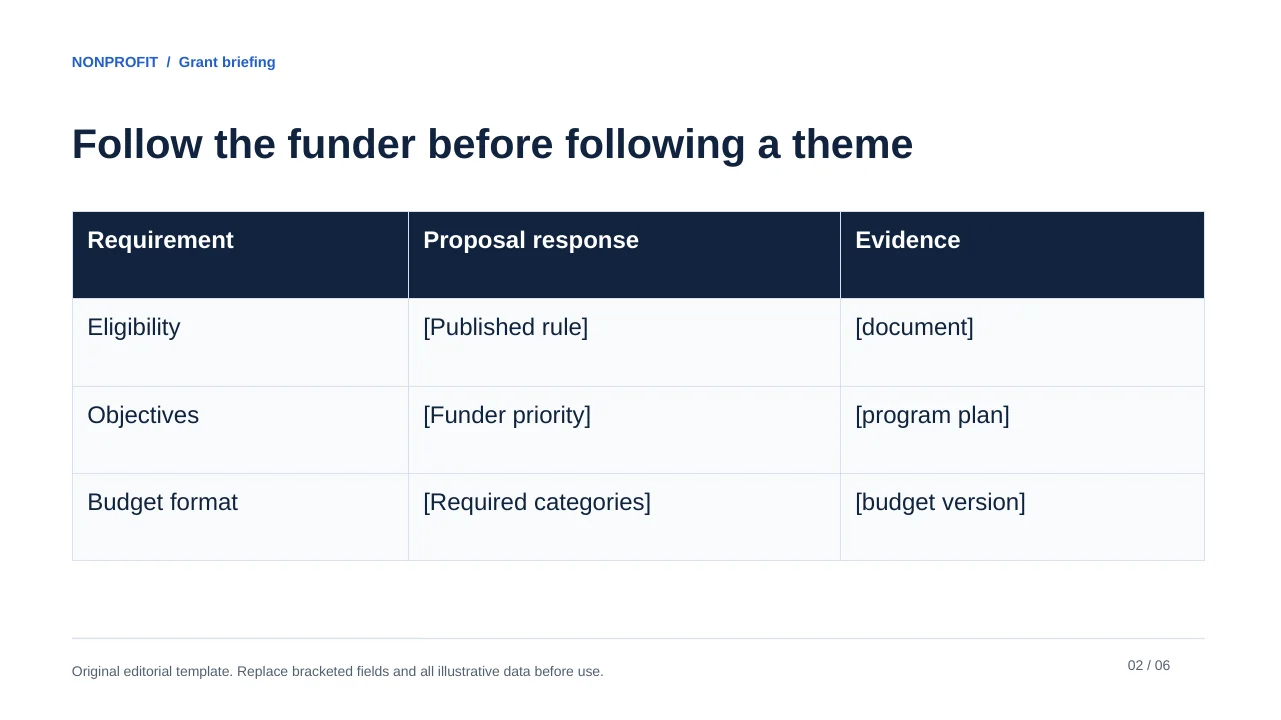
Use this as a draft structure, then reorder it against the actual funder's call. Its requirement and evidence fields are more important than the generic slide sequence. A funder's application portal or word limit may take precedence over a deck.
Original editorial template. Replace bracketed fields and all illustrative data before use.
See the complete slide sequence
- Grant briefing
- Follow the funder before following a theme
- A compact program logic
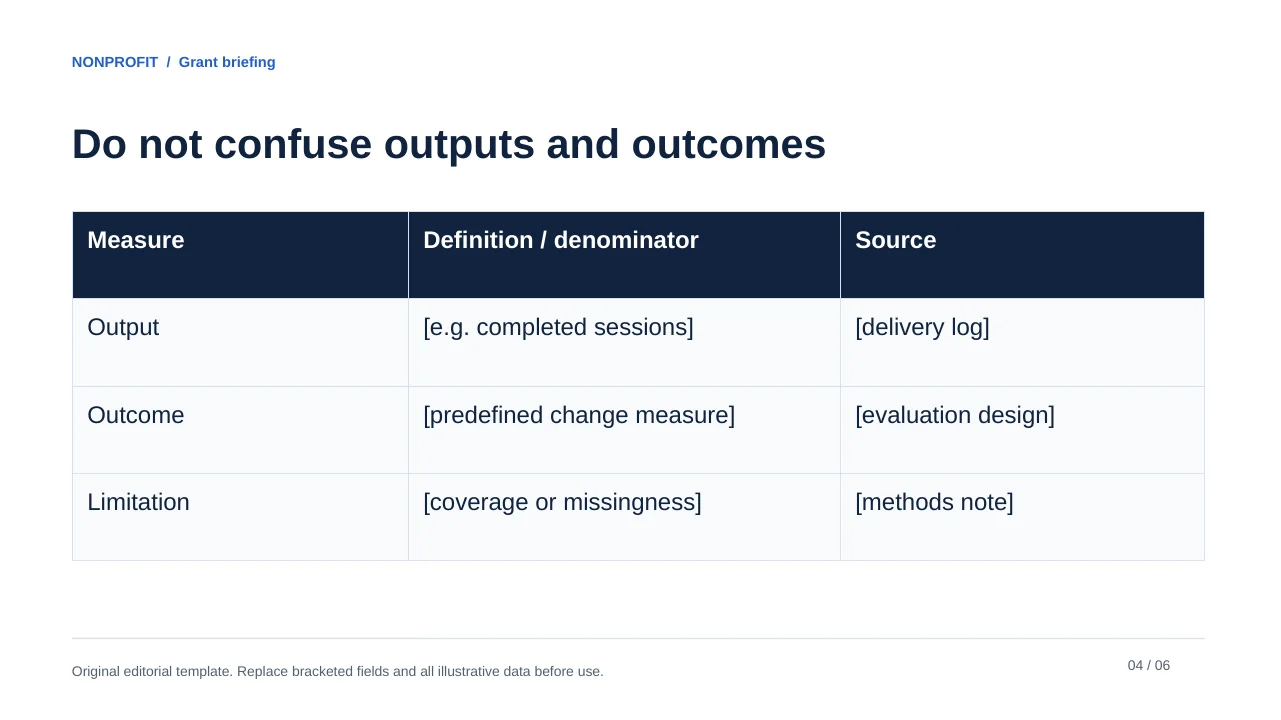
- Do not confuse outputs and outcomes
- Make costs and milestones reviewable
- Submission gate
Quarterly board impact update
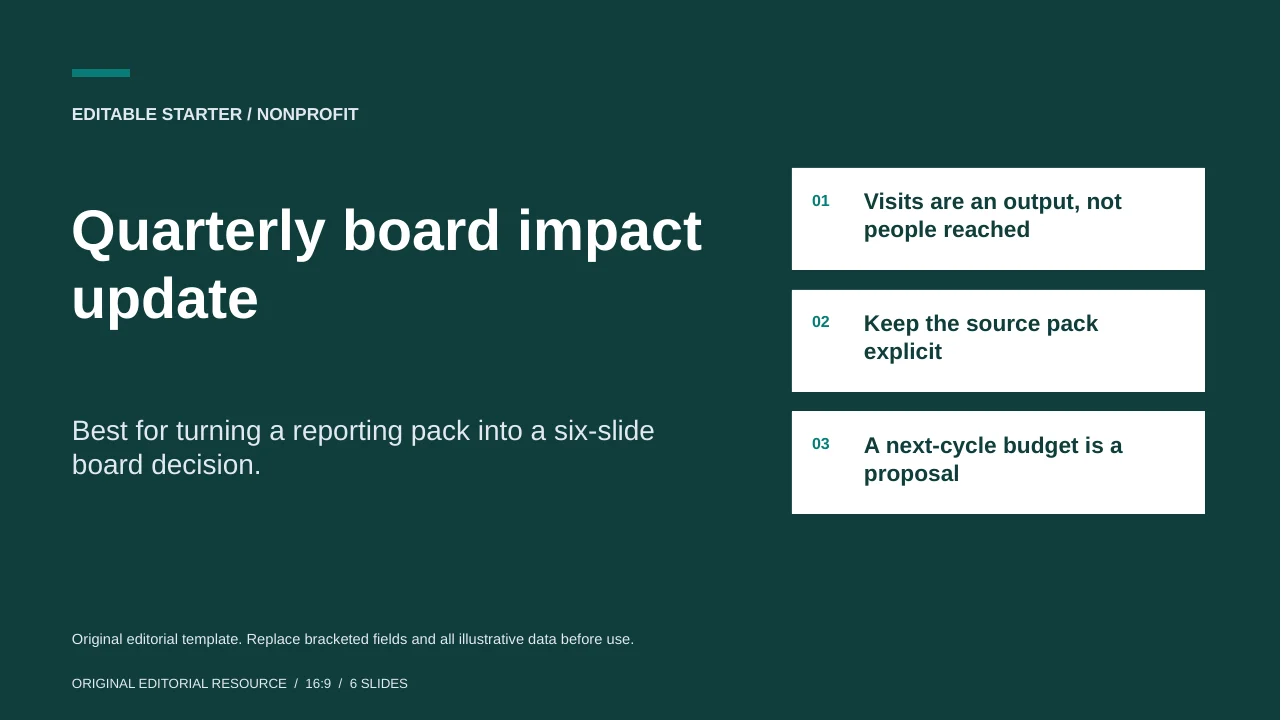
Best for turning a reporting pack into a six-slide board decision.
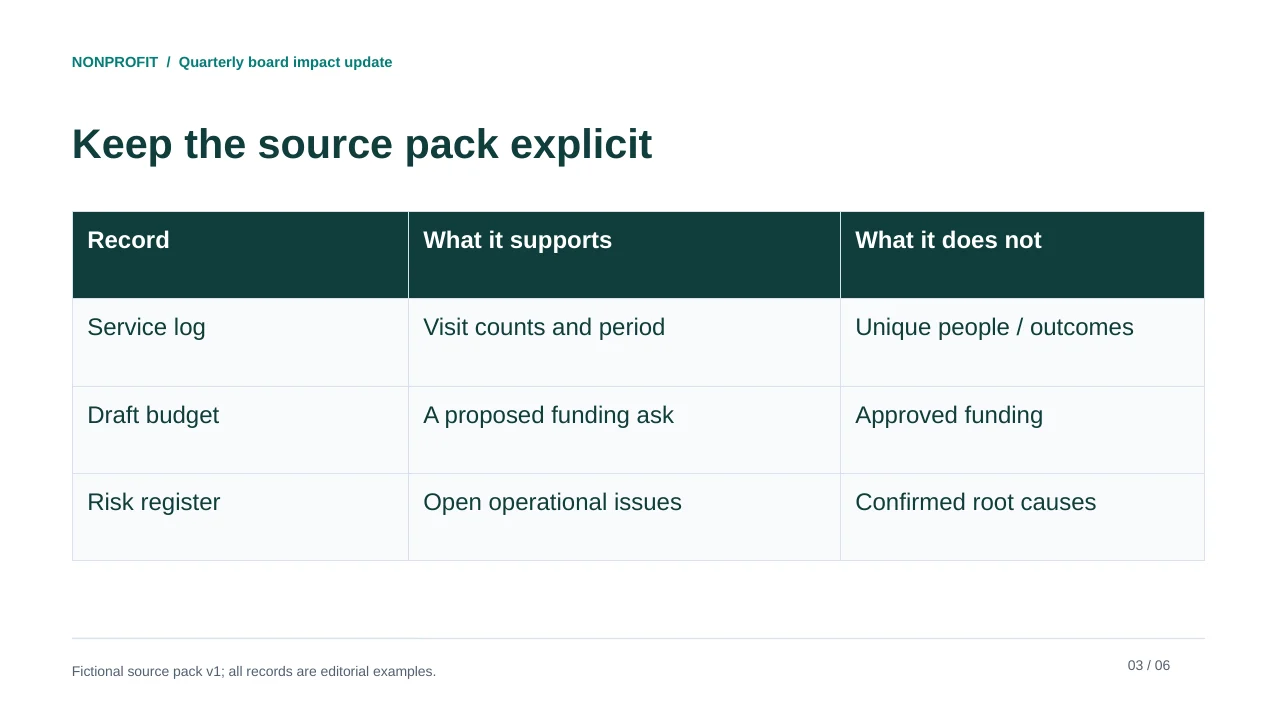
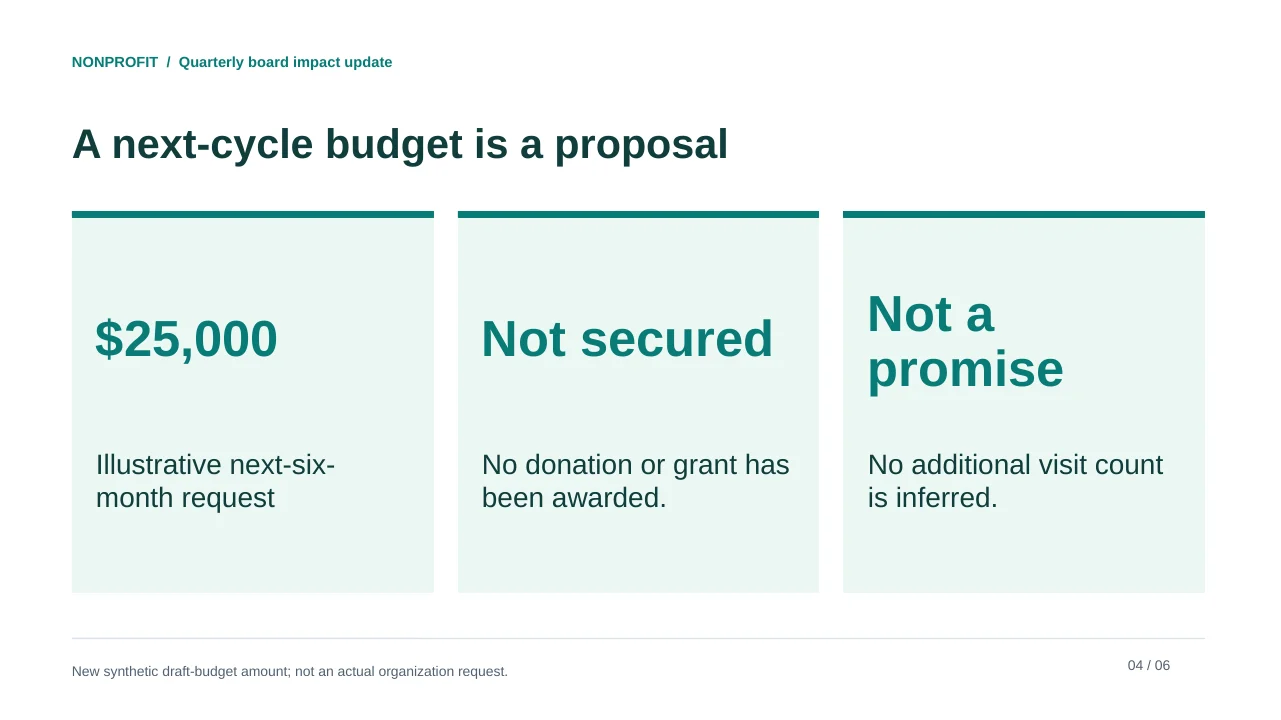
The worked file retains fictional completed visits increasing from 203 to 240, approximately 18.2%. Visits are service outputs; the source does not establish unique people served or longer-term outcomes. The proposed USD 25,000 request is not approved funding.
Original editorial template. Replace bracketed fields and all illustrative data before use.
See the complete slide sequence
- Quarterly board impact update
- Visits are an output, not people reached
- Keep the source pack explicit
- A next-cycle budget is a proposal
- Make the board question answerable
- Record the decision and next review
Match the claim to the evidence
| Claim | Evidence to retain | Safer wording when evidence is absent |
|---|---|---|
| Activity | Program logs, period and counting rule | Completed visits, not people transformed. |
| Outcome | Defined measure, method and limitations | Outcome not measured in this source. |
| Donation use | Approved budget and restrictions | Proposed allocation awaiting approval. |
| Grant compliance | Current call and each requirement | Eligibility or fit to be confirmed. |
| Participant story | Consent, exact quote and context | Use a clearly labeled fictional example instead. |
The grant file includes a place for the funder name, call version, deadline, allowable-cost rules and reporting obligations. Those are inputs, not universal nonprofit requirements. The board file should make unresolved limitations visible rather than replacing them with a general claim of social return.
Prepare a readable and responsible version
Use plain labels, explain the reporting period and keep the source beside each important figure. Consider the W3C contrast guidance for screen readability, then check reading order and accessible delivery separately. A template does not establish accessibility or financial compliance.
Sources and example provenance
The files and preview layouts on this page were created for this editorial resource. External references support the specific guidance linked in the text; they do not endorse the templates. Source links checked on October 15, 2026.
Frequently Asked Questions
Which nonprofit template should I send to a grant funder?
Start with the grant structure only when a deck is allowed, then follow the named funder's current requirements. The template does not determine eligibility.
Does more service activity prove greater impact?
No. A higher visit count is an output measure. Distinct people and outcomes require their own definitions and evidence.
Can the donor template use an AI-created beneficiary quote?
Do not present an invented quote or story as real. Use authorized source material, or clearly identify a fictional teaching example.
Where is the full report-to-deck example?
The linked AI nonprofit presentation tutorial contains the source packet, prompt, six-slide result and review checks.
Create your presentation with one click now
Start with a focused prompt or source material, shape the draft around your audience, and review every claim before sharing.
Create a presentation