Free AI PPT No Watermark: Best PowerPoint Generators With Clean Export
July 14, 2026
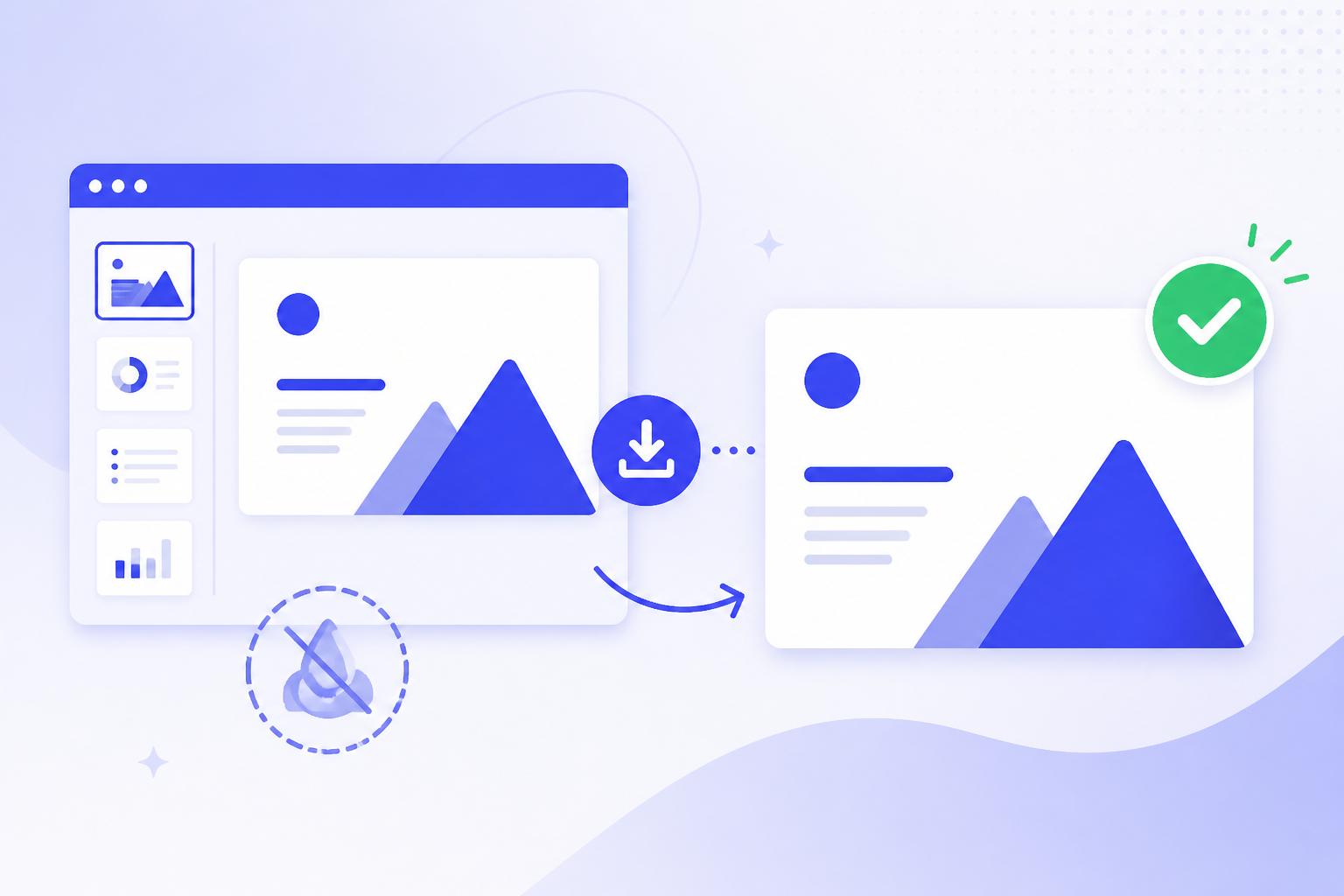
If you need a free AI PowerPoint generator without a watermark, do not start by building a full deck. Start by creating one test slide, exporting it in the exact format you need, and opening the file in PowerPoint, Google Slides, or your final presentation app. A clean preview does not always mean a clean PPTX download.
In practice, free can mean several different things: a free online preview, a trial with limited clean exports, a PDF export without a watermark, or a PPTX export that requires an upgrade. The real goal is not just a free file. It is a clean, editable presentation you can submit, teach from, pitch with, or send to a client without visible branding or locked elements.
This guide explains how to evaluate AI PPT tools before you commit your time, which export formats matter, where PopAi AI Presentation fits into a prompt-to-deck or document-to-deck workflow, and when a free plan is good enough versus when paying is the safer choice.
When you are ready to turn the workflow into slides, PopAi AI Presentation can help transform rough notes, documents, or prompts into an editable deck structure.
Quick Answer: How to Find a Free AI PPT Generator With Clean Export
Use this fast checklist to verify whether a free AI PPT tool can produce a clean, usable export before you build the whole presentation.
The phrase free ai ppt no watermark sounds simple, but it hides several different product behaviors. One tool may show a watermark-free preview in the browser but add branding when you download. Another may allow a clean PDF but not a clean PPTX. A third may offer clean exports only during a trial, only for a few slides, or only after account creation.
That is why the safest workflow is to test export behavior immediately. Create a one-slide deck with a title, a short bullet list, and one image or shape. Export it in the format you actually need. Then open the exported file outside the AI tool and inspect it as your teacher, client, manager, or investor would see it.
- Export format: Confirm whether the tool exports PPTX, PDF, Google Slides-compatible files, images, or only an online share link.
- Watermark behavior: Check every slide, the title slide, ending slide, footer area, image area, and speaker notes for branding or forced attribution.
- Editability: Open the deck and test whether text boxes, icons, charts, images, and layouts can be edited rather than appearing as one flat image.
- Slide limit: Look for restrictions on the number of slides you can generate or export on a free plan or trial.
- Credit limit: Check whether each prompt, regeneration, design change, image generation, or export consumes credits.
- Template restrictions: Verify whether clean export depends on using only certain free templates or themes.
- Account requirement: Confirm whether you need to sign up, verify email, start a trial, or add payment details before export.
Never spend an hour refining a 20-slide deck before checking export. A one-slide export test tells you whether the tool is suitable for your final deadline.
Free-plan details change often, so avoid relying on old listicles, screenshots, or social posts. Check the official product page and the export screen inside the app before you decide. If your final deliverable is for a formal class, a client proposal, an internal executive update, or an investor meeting, the export standard should be higher than a casual online draft.
Free AI PPT Tool Comparison: Export and Watermark Check
A “free AI PowerPoint generator without watermark” should be judged by the final exported file, not by the preview screen. Before building the whole deck, create one test slide and export it in the exact format you need.
| Tool / workflow | Free or trial access to verify | PPTX / PDF export path | Watermark or branding check | Editable after export? | Main limit to verify | Last checked |
|---|---|---|---|---|---|---|
| PopAi AI Presentation | Prompt or document-to-presentation workflow available on PopAi; check your current account limits before a deadline. | Use PopAi to generate a draft deck, then check the available export options in your workspace. | Inspect the exported file for visible branding, locked slides, or required end cards. | Designed for editable presentation drafts, but always test the file you will submit. | Credits, file upload size, export availability, and template access can vary by plan or region. | July 14, 2026 |
| Canva Presentations | Canva Free is available; some premium assets and AI features may require Pro or Business plans. | Canva presentation projects can be downloaded in presentation-friendly formats, but always test your chosen format. | Free users should check whether premium photos, icons, fonts, or templates create watermarks or payment prompts. | Usually editable inside Canva; PPTX editability should be tested after download. | Premium assets, brand-kit controls, Magic Studio access, and team features. | July 14, 2026 |
| Gamma | Gamma offers AI-native presentation creation with plan-based limits. | Gamma states that content can be exported as PowerPoint or PDF; verify on the current plan page. | Check whether the export adds branding, limits pages, or changes layout after download. | PPTX export should be opened in PowerPoint to test text boxes, images, and formatting. | AI credits, export access, analytics, and team controls. | July 14, 2026 |
| SlidesAI | SlidesAI has a free/basic tier with annual presentation and character limits shown on its pricing page. | Because it works inside Google Slides and PowerPoint workflows, export is typically handled through the host app. | Check whether the add-on, host app, or plan creates any export restriction for your account. | Strong for Google Slides/PowerPoint editing after generation. | Character limits, number of presentations, document upload, and language needs. | July 14, 2026 |
| Plus AI | Plus AI is free to try and focuses on Google Slides and PowerPoint add-on workflows. | Create or edit inside the host presentation app, then export through Google Slides or PowerPoint. | Trial decks should be exported before committing to a paid plan. | Strong when you want AI assistance inside existing slides. | Trial rules, credits, theme controls, and team/admin features. | July 14, 2026 |
| Decktopus | Decktopus offers AI presentation creation; check current trial/free terms before relying on it. | Verify whether the plan supports your required downloadable file type. | Export a one-slide test to check branding, locked layouts, or download limits. | Depends on export format and plan; test the file in PowerPoint. | Export gates, template limits, AI credits, and lead-capture features. | July 14, 2026 |
| Beautiful.ai | Beautiful.ai is presentation-focused and plan-based; check current trial and plan terms. | Pricing pages list PDF and editable PowerPoint export in plan comparisons. | Check whether branding, workspace settings, or plan restrictions affect export. | Good for structured smart slides, but inspect editability after PPTX export. | Plan level, team seats, brand guardrails, and workspace controls. | July 14, 2026 |
Do not publish a static claim such as “always free, no watermark” unless your team has verified it with a fresh export test. A safer SEO promise is: “how to find and test free AI PPT tools for clean export.”
Source links for manual verification
Official pages to recheck before publishing: PopAi AI Presentation, Canva pricing, Gamma pricing, SlidesAI pricing, Plus AI pricing, Decktopus pricing, and Beautiful.ai pricing.
What Counts as a Clean AI PowerPoint Export?
A clean export is not only about removing a logo; it is about getting a file that looks professional and remains usable after download.
A clean AI PowerPoint export has no visible watermark, no forced brand slide, no locked design layer that prevents editing, and no obvious export artifact that distracts from the message. It should look intentional when opened in PowerPoint or presented on a projector, not like a screenshot copied from a web app.
The difference matters because many decks look acceptable in a browser preview. Problems appear later: text shifts after download, fonts substitute poorly, images become flattened, speaker notes disappear, or a small brand mark appears in the corner. If you need to revise the deck after export, those details can cost more time than the AI tool saved.
- PPTX: Best when you need to edit slide text, rearrange objects, adjust layouts, add company branding, or collaborate with people who use Microsoft PowerPoint.
- PDF: Best when you need to submit, share, or print a fixed version and do not want layout changes after export.
- Google Slides-compatible export: Useful when your team edits in Google Workspace, but you still need to check fonts, spacing, and object positioning after import.
- Images: Acceptable for static use cases such as a quick social graphic or a single background, but weak for formal decks because text and objects are usually not editable.
- Online presentation link: Convenient for sharing, but risky if the recipient needs an offline file, a downloadable archive, or a version without tool branding.
Editability is often more important than the first impression. A beautiful preview is not enough if the exported deck behaves like a single flat image per slide. For school and work, you typically need editable text boxes, movable images, consistent layouts, and slide masters or theme elements that do not break when you change content.
Also check small transfer details if they matter to your presentation. Speaker notes may not carry over. Image credits may appear in unexpected places. Animations may be simplified. Fonts may be replaced by system defaults. If you will present live, open the final deck on the actual device or presentation environment before the meeting.
A clean deck is not the one that looks best inside the generator; it is the one that still works after export, editing, sharing, and presenting.
Feature Checklist for Choosing an AI PPT Free Tool
The best free workflow depends on how much help you need with structure, writing, design, editing, and export.
Watermark-free export is the minimum requirement, not the whole decision. A tool that exports clean slides but produces weak structure may still leave you doing most of the work. A tool that writes a strong outline but blocks PPTX export may be useful for drafting but not for final delivery. Evaluate the complete workflow before you commit.
- Prompt-to-presentation generation: Useful when you start with a rough idea, such as Create a 10-slide pitch deck for a campus food delivery app or Build a lesson on renewable energy for ninth grade.
- Document-to-presentation conversion: Useful when your source is a PDF, report, class notes, meeting transcript, research summary, business plan, or product brief.
- AI writing support: Look for help with titles, section headers, slide summaries, concise bullets, agenda slides, transitions, and speaker notes.
- Design assistance: Check whether the tool suggests layouts, keeps theme consistency, matches images to topics, and offers templates appropriate for academic, business, marketing, or training decks.
- Editing control: You should be able to rewrite slide text, rearrange sections, change tone, replace visuals, remove weak slides, and export for final manual edits.
- Workflow limits: Review slide count, AI credits, file upload limits, collaboration access, export formats, regeneration limits, and whether clean download is included.
- Official plan details: Pricing, trials, watermark behavior, and export rules should be checked on the current official product page before you rely on any tool.
For many users, the most valuable AI feature is not visual decoration. It is the ability to turn messy input into a coherent presentation story. A student may paste class notes and ask for a clear five-part structure. A founder may upload a business idea and ask for problem, solution, market, traction, and next-step slides. A sales team may turn a call summary into a proposal deck.
PopAi AI Presentation fits this workflow when you need to move from a prompt, document, notes, or rough idea into a structured deck draft. Based on the product positioning, it is especially relevant when the hard part is getting from blank page to organized slides. Before using it for a final deadline, check PopAi’s current official plan and export details so you know which formats and export conditions apply.
If your final deliverable must be an editable PPTX, a tool that only offers a clean PDF is not enough. If your final deliverable is a fixed class submission, a clean PDF may be perfectly acceptable.
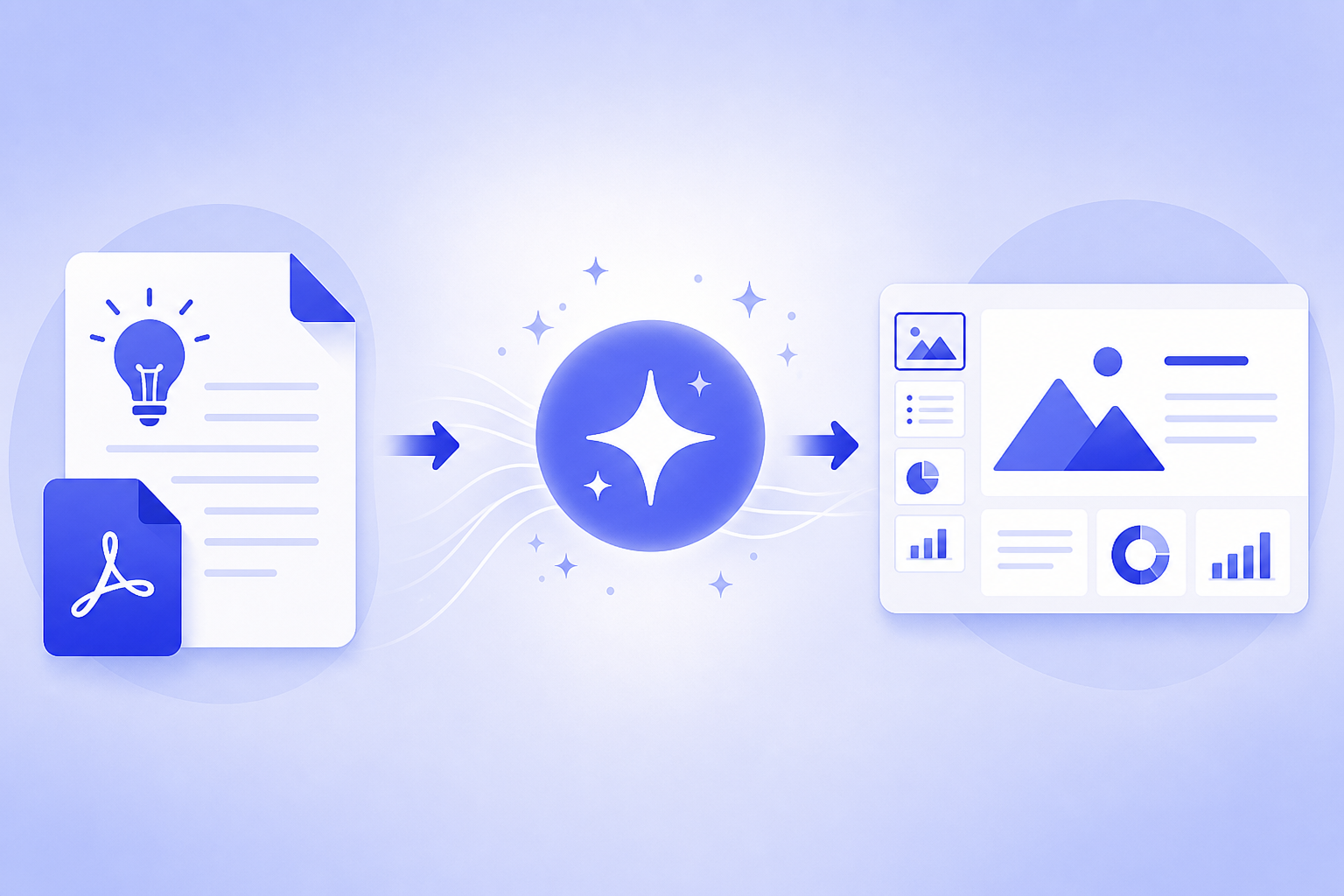
Practical Workflow: From Idea or Document to Watermark-Free Presentation
This workflow helps you use AI speed without discovering export restrictions after the deck is already finished.
- Choose the input source. Decide whether you are starting from a prompt, an outline, a document, notes, pasted content, or a rough collection of ideas.
- Generate a short test deck or one-slide sample. Use the same type of content, template, and export format you plan to use for the final version.
- Review the AI-generated outline before full design. Fix the story first: audience, goal, sections, evidence, examples, and final takeaway.
- Edit the claims manually. Check facts, numbers, citations, product claims, names, dates, and assumptions before you trust them on a slide.
- Apply or adjust the theme. Match the audience: academic, sales, investor, training, internal update, marketing, or executive summary.
- Export and inspect the file. Open the exported deck in PowerPoint, Google Slides, or the actual presentation environment and inspect every slide.
A strong AI PPT workflow separates drafting from delivery. Use AI to create the first 60 to 80 percent: outline, slide sequence, draft copy, layout ideas, visual suggestions, and speaker notes. Then use human judgment for accuracy, emphasis, brand fit, and final polish.
Workflow example 1: A founder has a rough idea for a local logistics startup and needs a pitch draft by tomorrow. They can use PopAi AI Presentation to turn a short prompt into a deck structure covering problem, audience, solution, business model, go-to-market plan, risks, and next steps. After generating the draft, they should rewrite weak claims, add real numbers they can support, remove any overstatement, and test the current export options before sending the file to an advisor or investor.
Workflow example 2: A teacher has a 12-page PDF about climate adaptation and needs a lesson deck. A document-to-presentation workflow can summarize the source into lesson objectives, key concepts, examples, discussion prompts, and a recap slide. PopAi is positioned around turning documents and notes into structured presentation drafts, so it can help reduce the blank-page step. The teacher should still check whether the generated summary preserves the source accurately, whether any citations or references need to be added manually, and whether the exported file is clean in the format required by the classroom system.
Do not assume a clean preview guarantees a clean downloaded PPTX. Preview screens often run inside the tool’s own renderer, where fonts, objects, and layouts are controlled. Downloaded files must survive a different environment. That is where hidden branding, font substitution, locked objects, or alignment issues can appear.
- For a prompt-based deck, test whether the tool creates a logical outline instead of a set of disconnected slides.
- For a document-based deck, test whether the tool summarizes accurately and keeps the most important points.
- For a notes-based deck, test whether it can group messy ideas into sections with clear slide titles.
- For a client or investor deck, test whether the export remains editable enough for brand, legal, or stakeholder feedback.
- For a class or training deck, test whether notes, examples, and slide order can be revised quickly.
If a tool passes the one-slide export test, you can continue building with confidence. If it fails, you have lost minutes instead of rebuilding an entire presentation.
Best-Fit Scenarios: Which Free AI PPT Workflow Should You Use?
Different users need different types of AI help, so choose the workflow that matches your deadline, audience, and final file requirement.
The right AI PPT free workflow depends on your source material and the risk of the final presentation. A class discussion deck, a client proposal, and an investor pitch should not be evaluated by the same standard. The stricter the context, the more you should prioritize clean export, editability, and message control.
- Students: Prioritize clean PDF or PPTX export, easy editing, clear section structure, and simple source tracking if your instructor expects references or citations.
- Teachers: Prioritize lesson structure, readable layouts, speaker notes, reusable themes, and the ability to turn notes or documents into repeatable classroom decks.
- Founders and sales teams: Prioritize pitch structure, concise messaging, brand consistency, editable slides, and the ability to revise after stakeholder feedback.
- Marketers and content creators: Prioritize visual variety, image matching, story flow, and easy repurposing from blog posts, campaign briefs, webinar outlines, or social content.
- Time-sensitive business users: Prioritize document-to-deck conversion, fast outline generation, minimal manual formatting, and reliable export into the tool your organization uses.
For students, a free AI PPT tool is often good enough when the presentation is short, the grading rubric emphasizes clarity over custom branding, and a clean PDF is accepted. If the assignment requires PowerPoint editing, animations, or group collaboration, test PPTX export carefully before writing the whole deck.
For teachers, AI can save time by converting lesson notes into a slide sequence, but the teacher still needs to decide what belongs on slides and what belongs in spoken explanation. A generated deck should not overload students with dense text. Check readability, pacing, examples, and whether speaker notes transfer if you rely on them.
For founders and sales teams, the main risk is not only watermarking. It is weak narrative. A clean deck with vague claims still fails. Use AI to draft the structure, then sharpen the problem statement, proof points, objections, and call to action. PopAi AI Presentation is a strong-fit workflow option for people starting from documents, notes, or rough ideas who need a structured draft quickly, but users should verify current export and plan details before relying on it for a final meeting.
For marketers and content creators, the best workflow often starts with existing material. A campaign brief, blog post, product page, or webinar outline already contains useful structure. AI can turn that into a slide outline and suggest more visual framing. The human task is to keep the story on brand and remove anything that feels generic.
Choose the AI workflow by the material you already have: prompts need structure, documents need summarization, notes need organization, and formal decks need polish.
Common Mistakes When Searching for AI PPT Free Tools Without Watermarks
Most wasted time comes from checking the wrong thing too late, especially export rules and editability.
The most common mistake is assuming that free means unlimited clean PPTX downloads. In many software categories, free may mean preview access, limited credits, trial access, reduced output quality, restricted templates, or exports that require an upgrade. The word free is not enough; the export screen is where the real answer appears.
- Assuming free means unlimited clean PPTX downloads instead of checking slide, credit, template, and export limits.
- Checking only the web preview instead of downloading the file and opening it in the final presentation app.
- Ignoring whether the exported deck is editable, then discovering that text and images are flattened into non-editable slide screenshots.
- Choosing the prettiest template while leaving weak content structure, unclear sections, or unsupported claims untouched.
- Relying on AI-generated facts, numbers, citations, market claims, or product statements without manual verification.
- Waiting until the deadline to discover slide limits, credit limits, file format restrictions, or watermark removal rules.
- Using a branded or watermarked deck in a formal context where it looks unfinished or unprofessional.
Another common issue is over-designing before the story is clear. AI tools can make a weak outline look polished. That can be dangerous because the deck feels finished before the logic is sound. Before changing colors and images, read only the slide titles from beginning to end. If the title sequence does not tell a clear story, the design is not the problem.
A third mistake is ignoring ownership and attribution details. If a deck includes generated images, stock imagery, icons, or templates, check what the tool says about use rights and credits. Do not remove required attribution unless the tool’s current terms allow it. For client work, investor pitches, or public teaching materials, this review is part of professional polish.
If the presentation is due today, choose the tool with the clearest export path, not the tool with the most interesting design effects.
Final Recommendation: How to Pick the Right Free AI PowerPoint Generator
Pick the tool by your final deliverable first, then use AI to accelerate drafting without giving up control over accuracy and polish.
The right free ai ppt no watermark choice starts with the file you must deliver. If your teacher or manager needs an editable PowerPoint file, prioritize clean PPTX export. If your audience only needs a final fixed version, a clean PDF may be enough. If your team will collaborate in Google Slides, test import quality before you commit. If you only need an internal draft, an online deck may work temporarily.
- Define the final deliverable: editable PPTX, clean PDF, online presentation, Google Slides workflow, or internal draft.
- Create a one-slide test with realistic content, not placeholder text only.
- Export in the exact format required for the final presentation.
- Open the file outside the generator and inspect watermarks, branding, editability, fonts, images, notes, and layout.
- Build the full deck only if the export passes your clean-file requirement.
- Use AI for structure, draft copy, layout ideas, and notes, then apply human judgment for facts, tone, brand fit, and final polish.
PopAi AI Presentation is worth considering when your main challenge is turning prompts, documents, notes, or rough ideas into structured slides faster. It fits use cases such as pitch deck outlines, class and research decks, marketing presentations, sales materials, product updates, and document summarization. Before relying on it for a formal deadline, check PopAi’s current official plan, export formats, and watermark-related details directly on the product page or inside the app.
A free AI PPT generator is good enough when it passes your export test, creates a structure you can edit, and does not introduce distracting branding or locked content. A paid plan becomes worth considering when you need repeated clean exports, larger slide counts, team collaboration, brand controls, advanced templates, stronger file conversion, or predictable access for client and business work.
Create one slide, export it, inspect it carefully, and only then build the full presentation. That single test prevents most watermark, download, and editability surprises.
FAQ
Is there a completely free AI PowerPoint generator with no watermark?
Some tools may offer free or trial-based clean exports, but terms can change. Verify the current export rules, slide limits, credit limits, file formats, and watermark behavior on the official site before relying on any tool for a deadline.
How do I check whether an AI PPT tool adds a watermark?
Create a small test deck, export it in the exact format you need, open it in PowerPoint or your final presentation app, and inspect every slide for watermarks, forced branding, locked elements, brand end slides, or export artifacts.
What is better for clean export: PPTX or PDF?
PPTX is better when you need editing control after export. PDF is better when you need to submit or share a fixed version that will not shift. Choose based on whether the deck must be revised after download.
Can AI turn a PDF or document into a presentation?
Yes, many AI presentation workflows can summarize source documents into slide drafts. PopAi AI Presentation is positioned around turning documents, prompts, notes, and rough ideas into structured decks, but you should still review accuracy, structure, and formatting.
Why do some free AI PPT tools look free but block download?
Free plans may limit credits, allow preview-only generation, require payment for export, restrict PPTX downloads, reserve watermark removal for paid plans, or allow only certain file formats. Always test export before building the full deck.
Create your presentation with one click now
Turn your prompt, document, or rough notes into a structured presentation draft, then review export options and polish with confidence.
Try PopAi AI Presentation