AI Video Presentations vs Traditional Slides: Which Is Better?
July 09, 2026
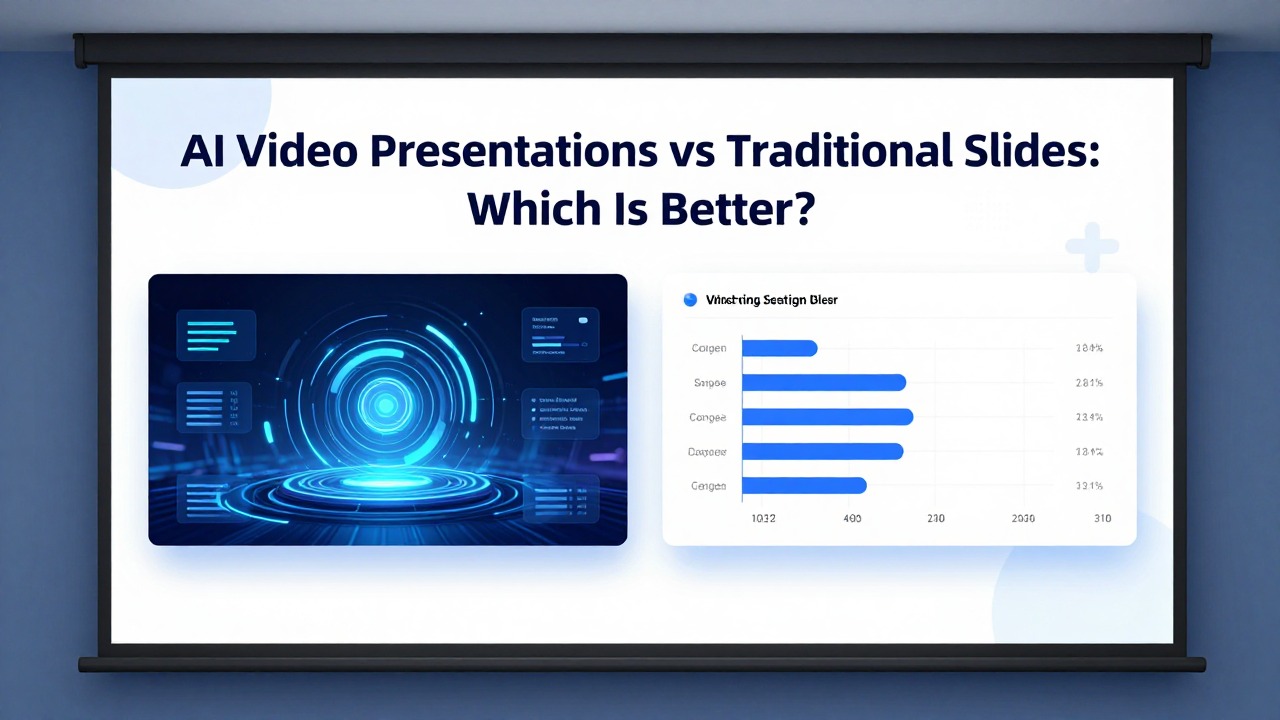
AI video presentations and traditional slides solve different communication problems. Video is useful when the audience watches asynchronously and needs narration, motion, or a more media-like experience. Slides are better when the presenter needs control, live discussion, quick editing, and decision-room flexibility.
This rewrite adds the missing comparison matrix and clarifies how PopAi fits the workflow. PopAi is not primarily a video production tool; it is best used to structure the presentation story first. Once the narrative is clear, you can decide whether to present it as slides, record it as a video, or repurpose the slides into a narrated asset.
Quick Answer: Choose the Format Based on Delivery Context
The question is not which format is modern; it is how the audience will consume the message.
| Factor | AI video presentation | Traditional slide deck | Best choice |
|---|---|---|---|
| Best use case | Training clips, product explainers, social distribution, asynchronous updates. | Live meetings, investor pitches, internal reviews, classes, sales calls. | Use video when the presenter will not be in the room; use slides when discussion matters. |
| Production cost | Higher if you need voiceover, timing, captions, motion, and revisions. | Lower for most business decks; easier to draft and edit quickly. | Slides usually win for speed and iteration. |
| Modification difficulty | Changing one sentence may require re-rendering voice, timing, or animation. | Changing text, order, or charts is usually straightforward. | Slides win when information changes often. |
| Interaction | Mostly passive unless embedded in a learning platform. | Supports live Q&A, skipping slides, whiteboarding, and discussion. | Slides win for meetings. |
| Distribution | Easy to share on social, LMS, landing pages, and onboarding flows. | Easy to send as PPTX/PDF or present live. | Video wins for asynchronous reach. |
| Measurement | Video completion rate, watch time, click-through. | Meeting outcome, decision, feedback, follow-up actions. | Depends on goal. |
When AI Video Presentations Work Better
Use video when consistency and asynchronous explanation matter more than live control.
- Employee onboarding modules where every viewer needs the same explanation.
- Product walkthroughs that benefit from motion and screen recording.
- Marketing explainers for landing pages, social channels, or email campaigns.
- Course content where narration and pacing help students understand the topic.
- Executive updates for distributed teams when the presenter cannot attend every meeting.
AI can help write the script, storyboard the sequence, suggest visuals, and create narration prompts. But the final quality depends on pacing, voice, visual clarity, and whether the video answers the audience question quickly.
When Traditional Slides Work Better
Slides still dominate high-stakes communication because they are flexible in the room.
- Investor pitches where questions interrupt the planned order.
- Sales calls where the presenter needs to adapt to the prospect.
- Board or leadership meetings where decisions, risks, and trade-offs matter.
- Classes, workshops, and webinars with live discussion.
- Reports that change weekly or monthly and require fast edits.
Slides are not outdated. They are an interface for conversation. A well-structured deck lets the presenter move faster, slow down, skip sections, expand a chart, or turn a slide into a decision discussion.
Where PopAi Fits: Slide-First Narrative, Then Optional Video
The practical workflow is to use AI for structure first, then choose the output format.
- Use PopAi to turn notes, a PDF, a Word document, or a rough prompt into a slide draft.
- Review the story: audience, main message, slide order, evidence, and call to action.
- If the deck is for a live meeting, refine it as a traditional slide deck.
- If the deck is for asynchronous viewing, convert the slide story into a video script and storyboard.
- Add captions, voiceover, timing, and motion only after the slide narrative is stable.
Do not create a polished video before the story is approved. It is much cheaper to revise a slide outline than to revise a finished video.
Decision Matrix: Which Should You Use?
Use this simple rule before starting production.
| Your situation | Recommended format | Reason |
|---|---|---|
| You need stakeholder approval in a meeting. | Traditional slides | The audience will ask questions and may need to jump between sections. |
| You need a repeatable training asset. | AI video presentation | The same explanation can be watched anytime. |
| You need a monthly report that changes often. | Traditional slides | Data and commentary need frequent updates. |
| You need a product explainer for a landing page. | AI video presentation | Motion and narration can increase clarity for self-serve viewers. |
| You are not sure yet. | Start with slides | A slide narrative is easier to revise and can later become a video script. |
FAQ
Are AI video presentations better than slides?
Not always. Video is better for asynchronous explanation and distribution. Slides are better for live discussion, quick editing, and decision-making meetings.
Can PopAi create AI videos?
This article positions PopAi primarily as a slide-first presentation tool. Use it to create the narrative and slide draft before deciding whether to record or animate the content as video.
Should I make a video for investor pitches?
Usually no. A live slide deck is normally more flexible because investors will interrupt, ask questions, and challenge assumptions.
What should I create first if I need both slides and video?
Create the slide narrative first. Once the story is approved, turn it into a video script or storyboard.
Create a slide-first draft before video production
Use PopAi to turn notes or documents into a clear slide narrative, then decide whether the final format should stay as slides or become a video.
Try PopAi AI Presentation